A recruiter has about ninety seconds for your work. If the file is too heavy, the pages are cropped on their phone, or the best project hides on page nine, you lose the slot to someone with a tidier setup. An online portfolio for graphic designers is less about owning a fancy domain and more about delivering a clean, fast, well paced experience. A well built PDF, published as a page turning flipbook through Flipbooks AI, does that job better than most custom websites, and it takes an afternoon instead of a month.
This article walks through the formats, sizes, templates, and real examples that work in practice. You will also get a step by step tutorial for publishing your PDF as a shareable online portfolio.
Why PDF Portfolios Still Win
Websites come and go. Hosting lapses, plugins break, and a template that looked sharp in 2022 feels dated now. A PDF is different. It is a fixed canvas, which means you control every margin, every typeface, and every image crop. What the client sees is exactly what you designed.
What Recruiters Actually Open
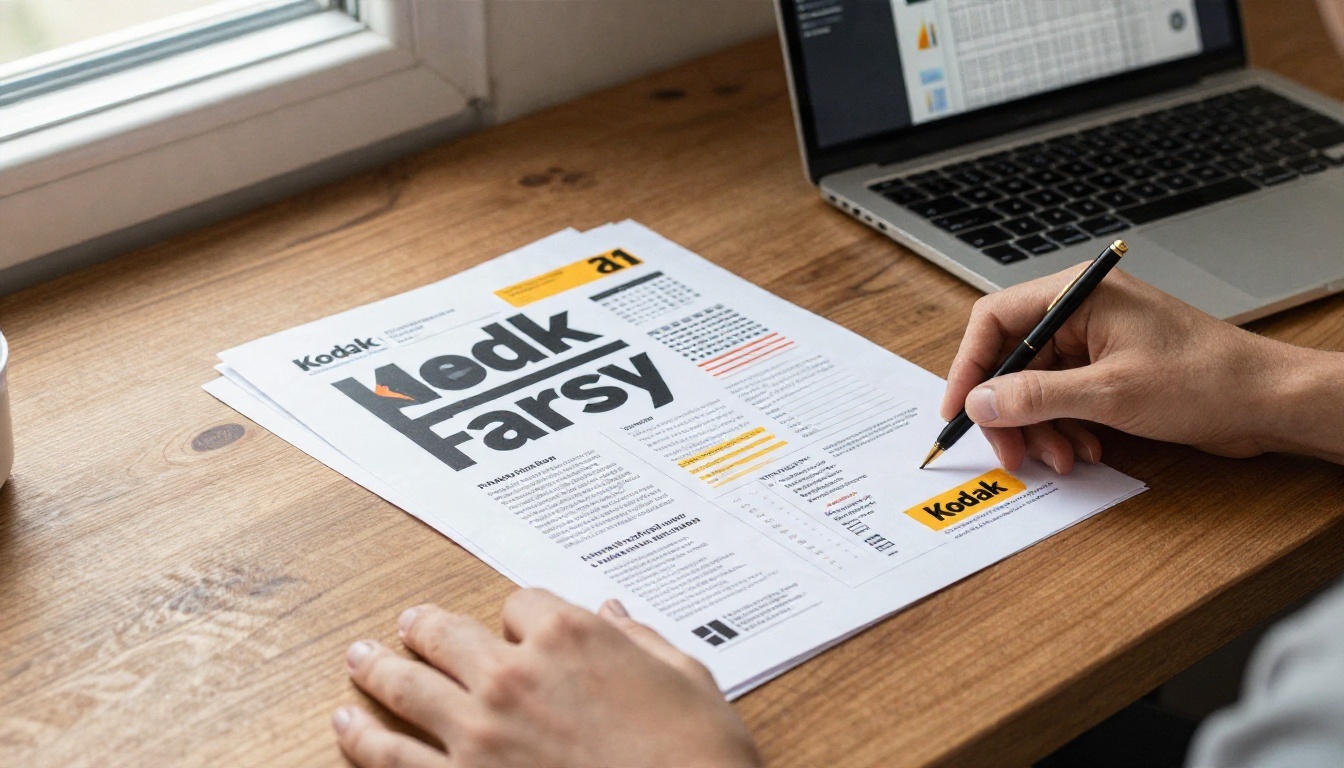
Hiring managers at studios and agencies tend to ask for the same thing: a link or an attachment they can open in seconds, on any device, without a login. Here is what usually gets a file closed early:
- Slow loading pages with oversized images
- Tiny text that needs pinch zooming on a phone
- Projects shown without context, goals, or results
- Inconsistent layouts that suggest rushed work
- A file named
final_v7_REAL.pdf
💡 Pro tip: Name your file with your name and role, such as Maya-Ortiz-Brand-Designer-Portfolio.pdf. It looks professional in an inbox and is easy to find later.
PDF vs Website vs Flipbook
Each format has a place. The table below compares them on the things design leads care about most.
| Format | Setup Time | Design Control | Mobile Friendly | Easy to Update | Best For |
|---|
| Static PDF attachment | 1 to 2 days | Total | Medium | Re-send every time | Job applications by email |
| Custom website | 2 to 6 weeks | High | High | Medium | Freelancers with steady traffic |
| Template site builder | 2 to 5 days | Limited by template | High | Easy | Quick launch with standard layouts |
| PDF as online flipbook | 1 to 2 hours | Total | High | Replace the PDF, keep the link | Interviews, pitches, and social bios |
The flipbook route keeps the control of a PDF and adds the convenience of a link. You can also use the Digital Portfolio Creator if you want a tool built specifically for this.
Best PDF Portfolio Sizes
Size decisions affect how your work reads on a laptop, a phone, and a printed page. Choose once, and keep every page consistent.
Page Dimensions That Work
Landscape formats suit screens because monitors and tablets are wider than they are tall. Portrait works if you expect printing. Square is popular for brand and social designers.
| Format | Dimensions (px at 72 ppi) | Dimensions (in) | Ratio | Best Use |
|---|
| 16:9 landscape | 1920 x 1080 | 26.7 x 15 | 16:9 | Screen first portfolios, presentations |
| A4 landscape | 3508 x 2480 at 300 ppi | 11.7 x 8.3 | 1.41:1 | Email attachments, print on demand |
| US Letter landscape | 3300 x 2550 at 300 ppi | 11 x 8.5 | 1.29:1 | North American studios |
| Square | 2000 x 2000 | 27.8 x 27.8 | 1:1 | Brand identity, social minded work |
| A4 portrait | 2480 x 3508 at 300 ppi | 8.3 x 11.7 | 1:1.41 | Editorial and print heavy work |
✅ Best practice: If most viewers will be on screens, use 16:9 or A4 landscape and export at 150 ppi. You keep sharp detail without a bloated file.
File Size and Resolution Limits
A portfolio that takes ten seconds to open is a portfolio nobody sees. Use these targets:
- Email attachment: stay under 10 MB so it passes most mail filters.
- Online flipbook: up to 25 MB is comfortable, and pages still load quickly.
- Print version: export a separate file at 300 ppi with bleed.
- Images inside the PDF: export at roughly 1.5 times display size, not 4 times.
Compress photography as JPEG at quality 80 to 85. Keep vector logos and type as vectors, because they stay sharp and add almost no weight.
⚠️ Warning: Do not embed a 40 MB photo to show a thumbnail. Resize first, then place.
Template Structures That Work
You do not need a clever concept for the portfolio itself. You need a repeatable system so the work, not the layout, gets the attention.
The 12 Page Starter Layout
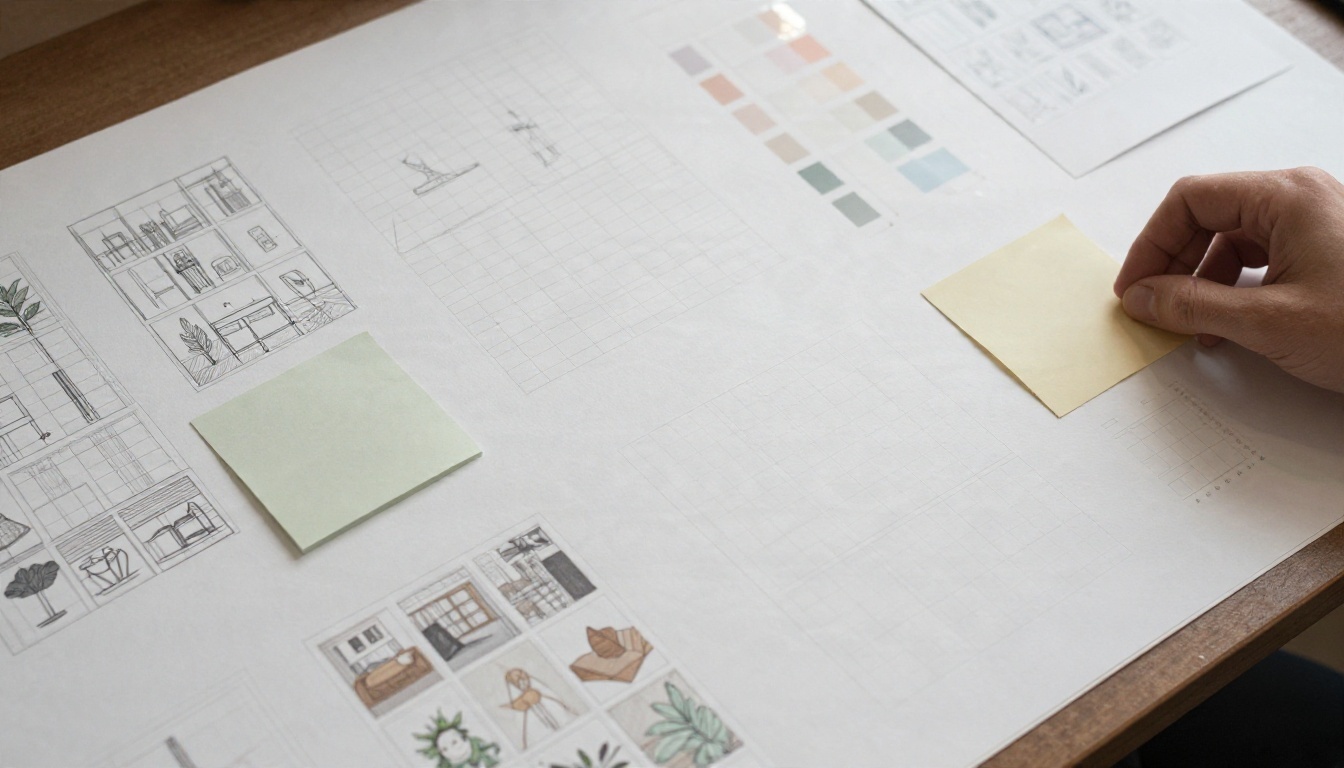
Twelve to twenty pages is the sweet spot for most designers. Here is a layout you can copy and adapt.
| Page | Content | Purpose |
|---|
| 1 | Title page with name, role, and one bold image | Set the tone |
| 2 | Short intro, three sentences and a portrait | Show who you are |
| 3 | Services or specialties as a short list | Help scanners decide fast |
| 4 to 5 | Strongest project, full spread | Lead with your best |
| 6 to 7 | Second project with process sketches | Show how you think |
| 8 to 9 | Third project, different discipline | Show range |
| 10 | Quick gallery grid of smaller pieces | Add variety without bloat |
| 11 | Client names or testimonials | Build trust |
| 12 | Contact details and link | Make the next step obvious |
The order matters. Put your strongest case first, not chronologically. A recruiter who only sees pages 4 and 5 should still understand your level.
Case Study Page Anatomy
Each project needs more than a pretty mockup. Use a simple formula across all case studies:
- The brief: one or two sentences on the client and the problem
- Your role: what you personally did, not what the team did
- The process: two or three sketches, drafts, or rejected routes
- The result: the final design, in context, with a number if you have one
- The outcome: a quote, metric, or print run, such as "sales grew 18% after the rebrand"
Numbers beat adjectives. "Increased newsletter sign ups by 22%" tells a hiring manager more than "beautiful and modern design."
Examples by Design Specialty
Different disciplines call for different pacing. Here is how three common specialties tend to structure their online portfolios.
Brand Identity Designers
Brand designers should show systems, not logos in isolation. A strong example opens with the finished identity in use: signage, packaging, stationery. Then it steps back to show the logo construction, color palette, and typography. A freelance identity designer might use six pages per client: context, mark, system, applications, results, and a closing spread with a single hero image.
Editorial and Layout Designers
For magazine and book work, show full spreads, not cropped details. Layout is about rhythm, and rhythm only shows across a page turn. This is where a flipbook shines, because the viewer experiences the spread the way a reader would. If your work lives in print, consider the Magazine Flipbook Creator for publications and the Interactive Lookbook Designer for fashion and styling projects.
Motion and UI Designers
Motion work needs more than static frames. Use a still with a clear label, then embed a short clip in the online version. Flipbooks AI lets you add video and audio inside pages, so a motion reel sits right next to its storyboard.
| Specialty | Ideal Page Count | Must Include | Common Weak Spot |
|---|
| Brand identity | 14 to 20 | Logo system, applications | Logos shown with no context |
| Editorial | 12 to 18 | Full spreads, grid samples | Cropped details only |
| Packaging | 10 to 16 | Mockups, dielines | Flat artwork with no 3D view |
| UI and UX | 14 to 22 | Flows, before and after | No process or research |
| Illustration | 10 to 14 | Series, sketches | Random pieces, no theme |
How to Create a Portfolio with Flipbooks AI
If you already have your PDF, you are most of the way there. The PDF to Flipbook Converter turns it into a page turning online portfolio with a shareable link. You can also use the Portfolio Flipbook Builder for a creative focused setup.
Upload and Convert
- Go to Flipbooks AI and create an account.
- Click to create a new flipbook and upload your PDF.
- Wait a few moments while the pages convert. Each page becomes a crisp, zoomable view.
- Preview the result. Check that spreads pair correctly, so the left and right pages sit together.
💡 If your PDF was built as single pages and you want spreads, set the first page as a cover page alone so the following pages pair up properly.
Customize the Look
Your flipbook should look like part of your brand, not a generic viewer. Adjust these settings:
- Branding: add your logo and choose a background color that complements your work. Neutral gray or off white lets color heavy pieces stand out.
- Page effects: pick a realistic page turn or a simple slide, depending on how polished you want the feel.
- Multimedia: embed motion clips, audio, or links to live projects on relevant pages.
- Mobile layout: the viewer adapts to phones automatically, so test it on your own device.
- No watermarks: flipbooks published on the platform never carry a third party stamp over your work.
Share, Protect, and Track
Once published, you have several ways to put the portfolio in front of people:
| Sharing Option | How It Works | Best For |
|---|
| Direct link | Copy the URL into emails, resumes, and bios | Fast applications |
| Embed code | Paste into your site with the Embed Flipbook on Website tool | Existing personal sites |
| Password protection | Require a password to view | Client work under NDA |
| Offline download | Let viewers save a copy | Recruiters who archive files |
| QR code | Print on business cards or posters | Events and portfolio reviews |
Password protection is especially useful for unreleased client work. Send the link to the hiring manager with the password in a separate message, and you keep control.
If you apply to many studios, the Professional plan adds analytics and lead generation, so you can see which pages hold attention and who opened your portfolio. Check the pricing plans to see which tier fits your search.

Real World Scenarios
Here are three situations where an online PDF portfolio changes the outcome.
- The fresh graduate: A recent graduate has eight student projects and no clients. She builds a 14 page A4 landscape portfolio, places her best branding project first, and sends one link in every application. When a studio asks for edits, she replaces the PDF and the link stays the same.
- The freelance packaging designer: He pitches a new beverage brand. He uploads a 10 page deck with dielines and mockups, password protects it, and shares it before the call. The client browses it on a phone in a taxi and arrives already sold.
- The agency creative: She needs a press and awards pack for a design conference. She uses the Press Kit Designer to publish a clean page turning file with project highlights and contact details.
Mistakes That Cost You Interviews
Most portfolios fail in predictable ways. Check yours against this list.
Showing Too Much Work
Twenty projects dilute your best three. Cut anything you would not be proud to discuss in an interview. A short portfolio signals confidence.
Skipping the Story
Images alone make viewers guess. Add a short caption to each project explaining the brief, your role, and the result. Keep it under 60 words per page.
Ignoring Mobile Reading
Many first looks happen on a phone, between meetings. Use body text of at least 14 pt in a 1920 px wide layout, and avoid tiny captions in light gray.
Forgetting to Update
An outdated portfolio hurts. Set a quarterly reminder to swap in newer work and retire weaker pieces. With a flipbook link, the update takes minutes, because you replace the file and share the same URL.
| Mistake | Fix | Time to Repair |
|---|
| Heavy file size | Compress images to 150 ppi | 15 minutes |
| No project context | Add brief, role, and result | 1 hour |
| Weak first pages | Reorder with strongest work first | 20 minutes |
| Broken or old links | Use one permanent flipbook link | 10 minutes |
| Tiny text | Raise body size to 14 pt or more | 30 minutes |
Publish Your Portfolio Today
A strong portfolio is not about flashy tricks. It is about a sensible size, a clear structure, honest case studies, and a link that opens fast on any screen. Pick your format, build a twelve page starter layout, and publish it.
Ready to put your work online? Get started for free on Flipbooks AI and convert your PDF into a flipbook in minutes. Browse all flipbook tools to find the one that fits your specialty, or compare pricing plans to choose the level of analytics and protection you need.



