You have a PDF price list, a folder of product photos, and a customer on WhatsApp asking "can you send me everything you sell?" Attaching a 40 MB file and hoping it opens is not a plan. An online product catalogue fixes that: your products live behind a single web address, pages turn like a real catalogue, and the buyer opens it on any phone without downloading anything. This article shows how to build one for free with Flipbooks AI, what good ones look like, and the fastest ways to share the finished catalogue by link.
What an Online Catalogue Really Is
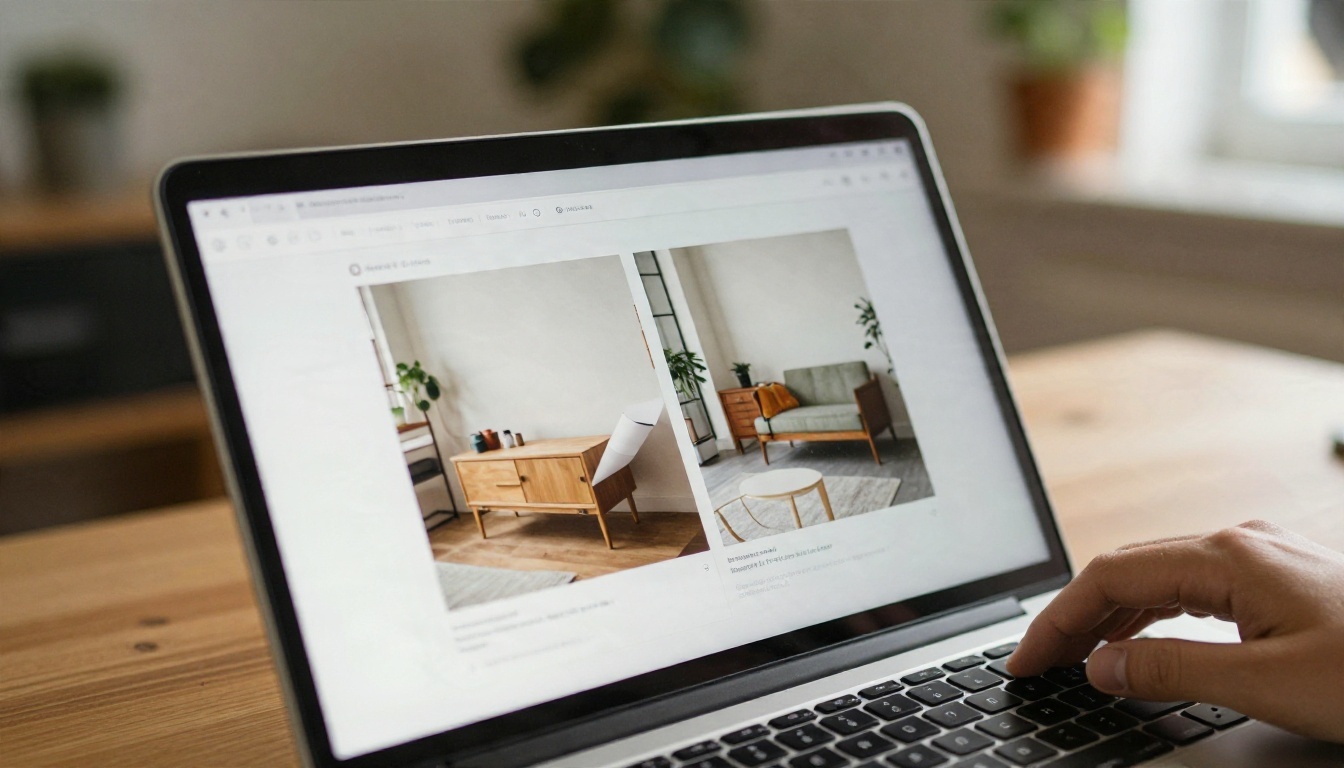
An online product catalogue is a digital version of your product range that opens in a browser. Instead of a loose file, the customer sees a page-turning publication with sharp images, clickable links and sometimes video or audio. You publish it once, and everyone who has the link sees the latest version.
Online Catalogue vs PDF Attachment
A PDF is a document. A flipbook catalogue is an experience built from that same document. The difference shows up the moment a customer opens it on a phone.
| Feature | PDF attachment | Online flipbook catalogue |
|---|
| Opens without download | No, usually downloads first | Yes, opens in the browser |
| Phone experience | Pinch and zoom, tiny text | Mobile-responsive pages |
| Page-turn feel | None | Realistic page effects |
| Update after sending | Resend a new file | Same link, new content |
| Clickable product links | Sometimes broken | Works on every page |
| Video and audio | No | Yes, embedded |
| Visit tracking | No | Yes, on Professional plans |
| Password protection | Needs extra software | Built in |
Who Benefits Most
Anyone who sells more than five or six products and talks to buyers one by one. That includes:
- Wholesale suppliers sending line sheets to shop owners
- Boutiques and makers who sell through Instagram and need something more organised than a story highlight
- Furniture and home brands with large product ranges and many variants
- Distributors and sales reps who share a catalogue dozens of times a week
- Seasonal sellers such as florists and gift shops who change their range every few months
💡 Pro tip: If you already send a PDF to customers, you are 90% done. The only thing left is converting it into a link people actually enjoy opening.
Free Maker Options Compared
"Free" means very different things depending on the tool. Some are free for one page. Some are free until you try to share. Before you spend an afternoon building, check what the free route really gives you.
What Free Should Include
A genuinely useful free catalogue maker lets you do these things without a credit card:
- Upload a PDF or build pages from images
- Preview the catalogue exactly as a customer would see it
- Get a public link you can paste anywhere
- View it on desktop, tablet and phone without layout breaks
- Keep your own branding on the front page
If a tool hides any of these behind a paywall, you are looking at a trial, not a free maker.
Watermarks and Hidden Limits
The biggest trap is the watermark. A logo from the tool stamped across your pages looks careless in front of a buyer. Flipbooks AI never adds one. Other limits worth checking before you commit:
| Type of limit | What to look for | Why it matters |
|---|
| Watermark | Logo on every page | Looks unprofessional to buyers |
| Page cap | 10 or 20 pages only | Large ranges do not fit |
| Link expiry | Link stops working after days | Customers get a dead page |
| Ads | Third-party banners | Sends your visitors elsewhere |
| Download lock | No offline copy | Reps cannot use it at trade shows |
⚠️ Warning: Always open your shared link in a private browser window before sending it to a customer. If you see anything you did not put there, change tools.
For most small businesses, the quickest route is a PDF to Flipbook Converter, because your existing PDF becomes the catalogue with no redesign. You can start free and upgrade only when you need unlimited flipbooks or lead capture.
Real Examples by Business Type
A good catalogue looks different depending on what you sell. These are common layouts that work, and the reasoning behind each one.

| Business | Page layout | Best content to add | Suggested tool |
|---|
| Ceramics and homeware | 2 products per spread, large photos | Size and care notes | Product Catalog |
| Fashion boutique | Full-page lookbook shots, grid at the back | Size chart, new arrivals | Fashion Catalog |
| Furniture showroom | Room scenes plus product detail pages | Dimensions, finishes, lead times | Furniture Catalog |
| Wholesale supplier | Dense grid, SKU and pack size | Price list, minimum order | Digital Price List Generator |
| Florist or seasonal shop | Seasonal sections with short intro | Order deadlines, delivery zones | Digital Catalog Maker |
Ceramics and Home Goods
A potter selling bowls, mugs and vases does best with generous white space. One hero photo per product, a short line about glaze and capacity, and a price. Add a final page with shipping times and a contact link. Buyers are scanning on a phone during a lunch break, so every page should make sense in three seconds.
Fashion Boutiques
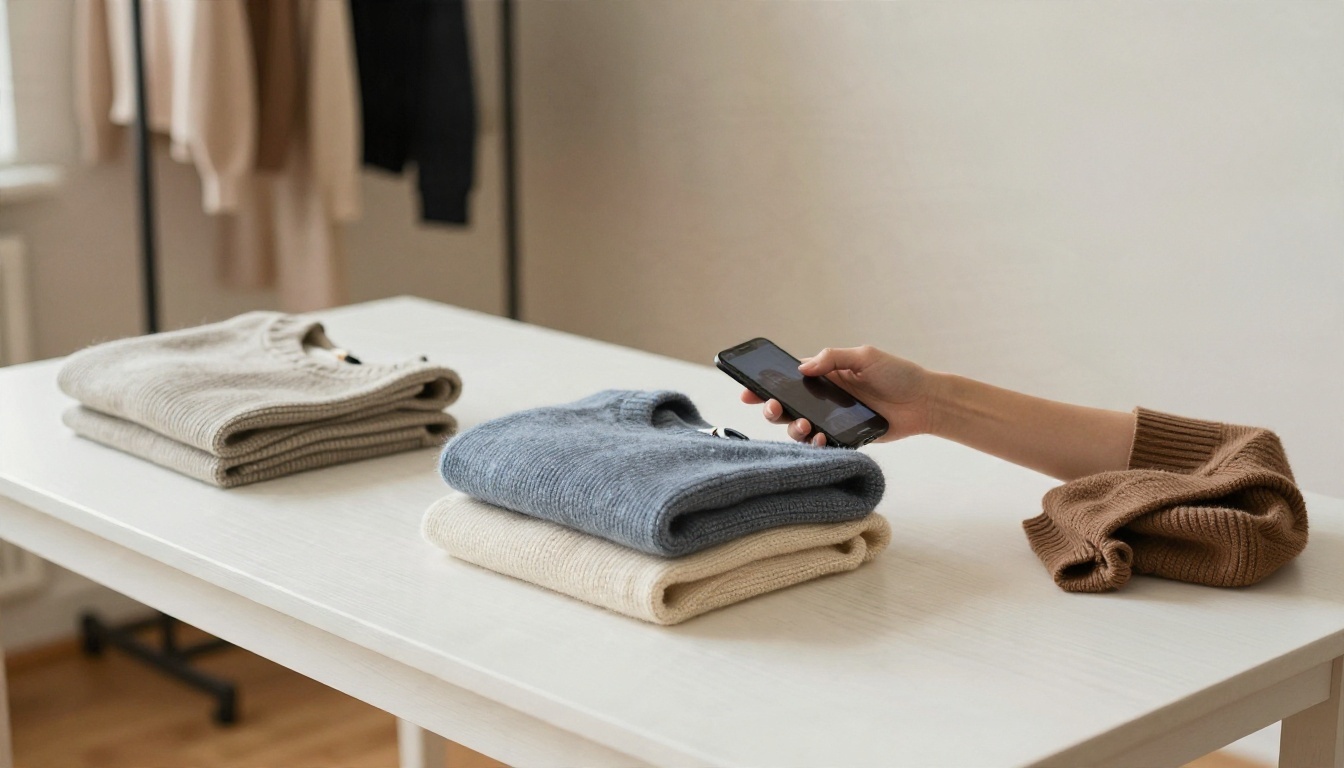
Lead with mood. Open with two or three full-bleed lookbook pages, then move to a tidy grid with sizes and colours. The Interactive Lookbook Designer suits seasonal drops, and you can reuse the same PDF layout every season.
Furniture Showrooms
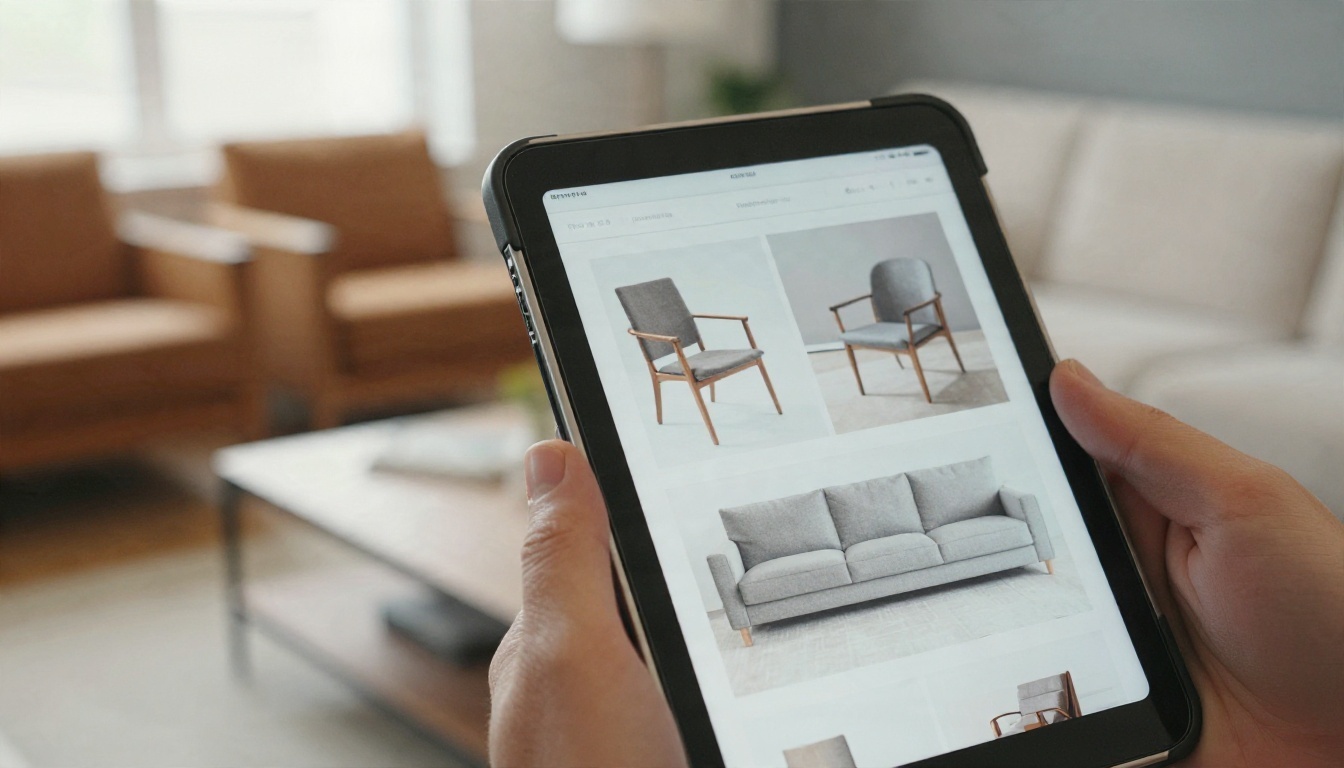
Furniture is a considered purchase, so the catalogue has to answer practical questions. Show each piece in a room, then on a plain background, then list dimensions and finishes. A showroom can send the link to a customer who browsed in store, so they keep comparing from the sofa at home.
✅ Best practice: Put your best seller on page two, not page one. Page one is your front page and sets the tone. Page two is where buyers start deciding.
How to Create One with Flipbooks AI
The whole process takes about ten minutes if your PDF is ready. Here is the full route from file to shareable link.

Prepare Your Source PDF
Export your catalogue from whatever you use today: Canva, Word, InDesign, Google Slides or a spreadsheet printed to PDF. A few habits make the result sharper:
- Export at screen quality with images at 150 DPI or higher
- Use landscape or portrait consistently, never mix both
- Keep one product idea per page where you can
- Put the price and the product name close to the photo
- Add your logo and contact details on the last page
Upload and Convert
- Go to Flipbooks AI and create an account.
- Choose to create a new flipbook and upload your PDF.
- Wait a few moments while the pages are converted into a page-turning publication.
- Open the preview and flip through every page on desktop and on a phone view.
💡 Screenshot description: After upload you will see your front page centred on a neutral background, with page thumbnails along the bottom and a settings panel on the side. This is where you choose colours, background and page effects.
Brand It
Open the customisation settings and match the catalogue to your shop:
- Set a background colour that complements your products, such as warm cream for homeware or soft grey for tech
- Add your logo and a custom link back to your website
- Pick a page-turn effect and sound if you like the tactile feel
- Choose a clean toolbar so nothing distracts from the products
Because there are no watermarks, the catalogue looks like yours from the first page to the last.
Add Links, Video and Audio
This is where an online catalogue beats a printed one. On any product page you can add:
- A Buy now link to your shop page
- A short product video showing the item in use
- An audio note from the maker for craft products
- A link to your WhatsApp or email for quick orders
For larger ranges, the Catalog Flipbook Creator helps you structure sections so customers jump straight to the category they want.
How to Share It by Link
Once the catalogue is published, you get a direct URL. That one link can travel almost anywhere.
| Sharing method | Best for | Setup time |
|---|
| Direct link | Messages, email, DMs | Seconds |
| QR code | Packaging, stalls, shop windows, flyers | A minute |
| Website embed | Product pages, landing pages | Five minutes |
| Social bio link | Instagram, TikTok, Facebook | One minute |
| Offline download | Trade shows, poor signal | Seconds |
| Password link | Wholesale and private price lists | One minute |
Direct Link
Copy the URL and paste it into WhatsApp, email, Messenger or a text message. Customers tap, the catalogue opens, and they start flipping. There is no app to install and nothing to download.
Two small habits help. First, name the link something readable when you can, so people trust it. Second, send a short line with it, such as "Here is our full range, page 12 has the new autumn pieces."
QR Code and Social Links
Paste your catalogue link into any free QR code generator and print the code on packaging, receipts, market stall signs or the shop window. A customer scans it and lands in the catalogue instantly. Add the same link to your Instagram or TikTok bio so every profile visit can end in a catalogue view.

Embed on Your Website
If you have a website, embed the catalogue directly on a page so visitors can flip through without leaving. The Embed Flipbook on Website tool gives you a snippet to paste into WordPress, Shopify pages, Wix, Squarespace or plain HTML. The embedded version is responsive, so it fits phone screens as well as desktops.
Password Protection for Private Lists
Wholesale prices are not for everyone. Add a password to the flipbook and share it only with approved buyers. You can change the password whenever a partnership ends, and the public link will stop opening for people who no longer have access.
⚠️ Warning: Never send trade prices in a public catalogue, even if you think nobody will find the link. Use password protection every time.
Track What Customers Do
Sending a catalogue is only half the job. Knowing what happens next lets you improve the range.

Analytics on Professional Plans
On the Professional plan you get analytics showing how many people opened the catalogue, which pages they spent time on, and where they stopped. Here is how to use those numbers:
| What you see | What it usually means | What to do |
|---|
| Many opens, few reach page 5 | Front pages do not hook | Move best sellers forward |
| One page gets long views | Strong interest | Add a clear buy link there |
| Drop-off on the price page | Prices feel unexpected | Add context or bundles |
| Visits from mobile are high | Customers browse on phones | Keep text larger |
Lead Capture
The Professional plan also includes lead generation. Place a short form before the catalogue opens, asking for a name and email. Every wholesale enquiry then arrives with contact details attached. Review the pricing plans to see which tier suits your range and team size. Standard plans and above include unlimited flipbooks, which helps if you keep separate catalogues for retail, wholesale and seasonal ranges.
3 Common Mistakes
Even a beautiful catalogue loses sales if it falls into one of these traps.
- Too many products per page. Crowded pages are hard to read on a phone. Stick to two to six products per page, depending on size.
- No call to action. If a buyer likes something, what do they do? Add a buy link, an order form or a WhatsApp button to every page.
- Never updating. Out-of-stock items and old prices damage trust. Edit your source PDF, re-upload, and keep the same link.
✅ Best practice: Set a reminder to review the catalogue on the first day of every month. Five minutes of checking prices and stock beats an apology email later.
Start Your Catalogue Today
You already have the hardest part: products customers want. Turning them into a catalogue that opens in a browser, looks sharp on a phone and goes out with one link takes less than an afternoon.
Here are your next steps:
Your next customer is probably one message away. Send them a link they will enjoy opening.



