Printing 500 brochures and leaving them in a drawer is the most expensive way to say nothing. The better route is online publisher software for brochures: a tool that lets you design a layout, publish it as a clean digital page, and send it to anyone with a single link. Platforms like Flipbooks AI turn a finished PDF into a page-turning brochure that opens on any phone, with no watermark and no app to install.
This article breaks down what is available for free, how to pick a template that fits your business, and how to share the finished brochure so people actually open it. You will also find a step-by-step tutorial, three comparison tables, and real scenarios you can copy.
What Publisher Software Actually Does
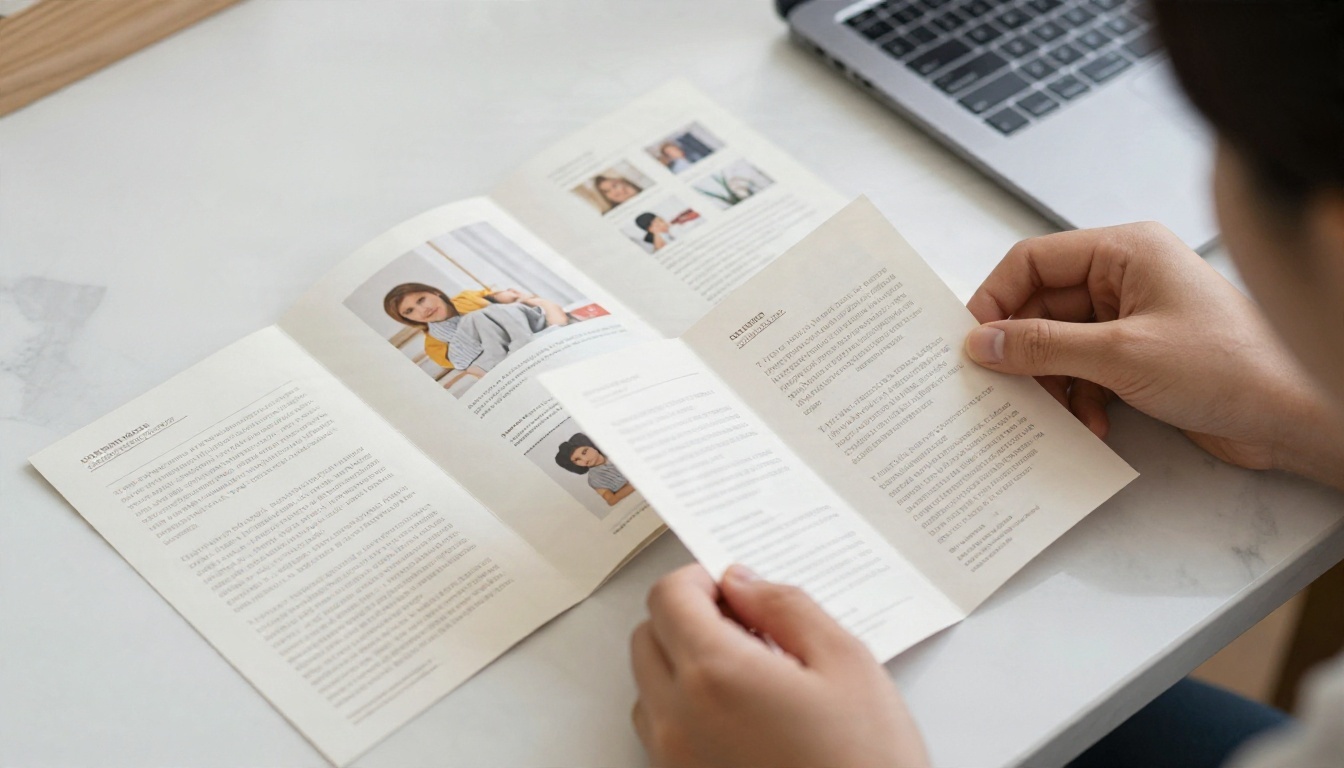
Most people lump everything into one bucket, but brochure tools solve two different problems. One group helps you design the pages. The other helps you publish them online. A few tools do both, and many do only one well.
Design Tools vs Publishing Tools
A design tool gives you a canvas, fonts, shapes, and stock photos. You drag things around until the layout looks right, then export a PDF. A publishing tool takes that PDF and turns it into an interactive page with a link, an embed code, and analytics.
If you only use a design tool, you end up emailing a heavy attachment. If you only use a publishing tool, you still need a finished layout. The smooth workflow is design first, publish second.
Who Needs a Digital Brochure
Almost anyone who hands out printed brochures today can benefit:
- Hotels and resorts that want guests to preview rooms before booking
- Real estate agents sending property details to buyers who are not local
- Clinics, spas, and gyms that update prices and services often
- Manufacturers and dealers sharing product specs with distributors
- Nonprofits that need donors to read the story on a phone
💡 Pro tip: A digital brochure never goes out of date the way a stack of printed copies does. Fix a typo or swap a price once, and every link shows the new version.
Free Options Worth Using
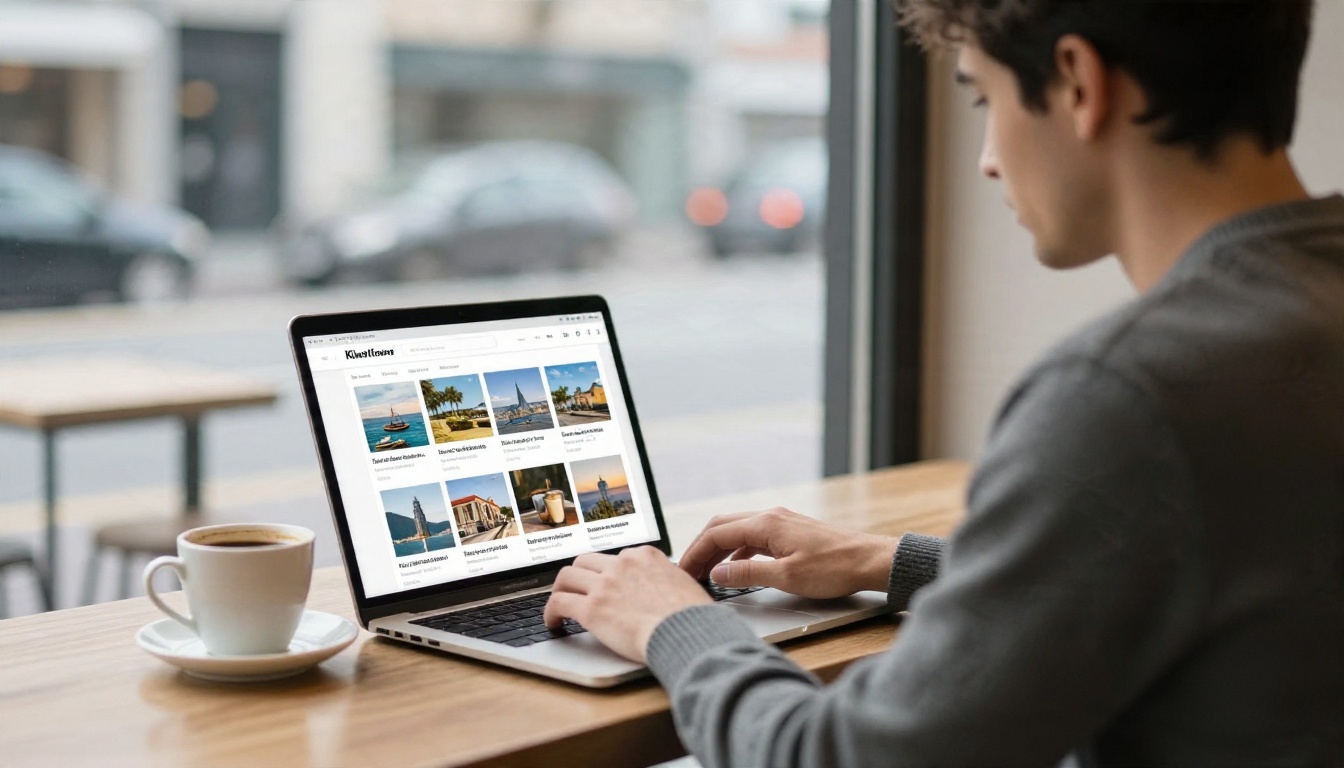
Free is a real option here, but each free route has a catch. Knowing the catch before you start saves hours of rework.
Free Design Editors
Browser-based editors offer hundreds of brochure templates in bifold, trifold, and single sheet sizes. They are great for layout and photo placement. The trade-offs are usually limited export quality on free plans, brand logos on some downloads, and no built-in way to publish as an interactive page.
Desktop Publishing Apps
Desktop apps give you precise control over margins, bleed, and print color. They suit designers who plan to print. The downside is a steeper learning curve, files tied to one computer, and no easy online sharing. You still need to export a PDF and host it somewhere.
PDF to Flipbook Converters
This is where a brochure becomes a web experience. A converter like the PDF to Flipbook Converter reads your PDF and builds a page-turning version with smooth animation, zoom, and a shareable link. Check the pricing page for current free and paid limits before you commit.
Free vs Paid at a Glance
| Option | Best For | Typical Free Limit | Main Catch |
|---|
| Browser design editor | Fast layouts from templates | Basic exports, some locked templates | No interactive publishing |
| Desktop publishing app | Print-ready precision | Trial period or limited features | Hard to share online |
| PDF to flipbook converter | Online sharing and embedding | Limited flipbooks or features | Needs a finished PDF |
| Flipbooks AI | Branded, watermark-free brochures | See current plans | Upgrade for analytics |
⚠️ Watch out: Some free publishing tools add their own logo to your brochure. That looks fine on a test, but not when a client opens it. Always preview the shared link before sending.
Templates That Save Hours
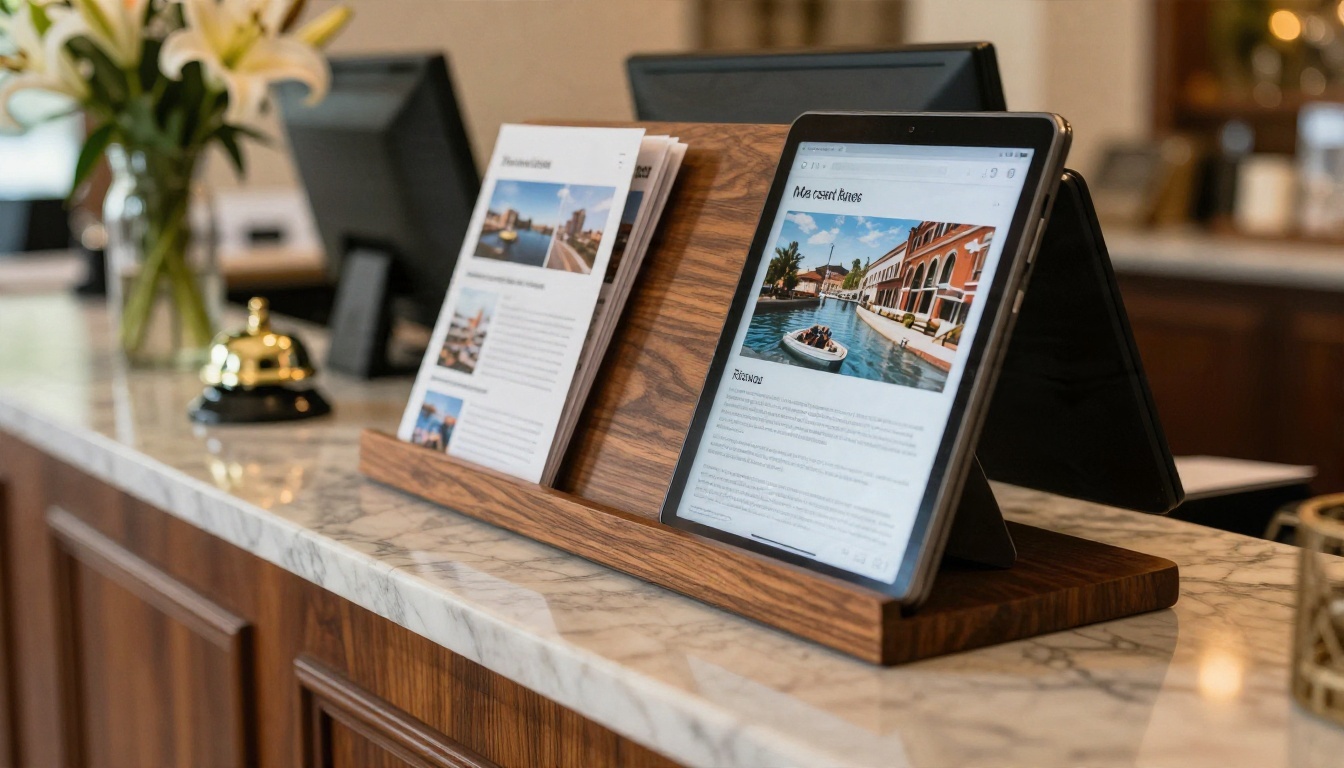
A good template removes the blank-page problem. You are not designing from zero, you are replacing placeholders with your own photos and words.
Match the Template to the Job
Different brochures have different jobs, and the layout should support that job. A hotel needs large photography. A manufacturer needs space for specs. A clinic needs short, scannable service lists.
A Quick Template Checklist
Before you commit to a template, run through these points:
- Does it fit your content? Count your photos and headings, then compare with the template slots.
- Is the text readable on a phone? Small body text looks fine in print but tiny on a screen.
- Can you match your brand colors? Swapping three or four colors should take minutes.
- Does it work as a PDF page by page? Digital brochures read best in a consistent page size.
- Is there room for a clear call to action? Every brochure needs one next step.
Write Short, Scan-Friendly Copy
Online readers skim. Use a headline, two or three lines of supporting text, and one image per section. Cut every sentence that does not help someone decide. If a paragraph needs three reads, it needs a rewrite.
How to Create a Brochure with Flipbooks AI
Here is the full workflow from finished layout to live link. It takes most people under ten minutes.
Step 1: Start Your Account
Go to Flipbooks AI and create an account. You land in a dashboard where every flipbook you build is stored and editable.
Step 2: Upload Your PDF
- Click the button to create a new flipbook.
- Drag in your brochure PDF, or pick it from your computer.
- Wait a few moments while the page conversion runs. Each PDF page becomes a flipbook page with a natural page-turn effect.
Export your PDF at a sensible resolution. Sharp photos matter, but a huge file slows loading on mobile.
Step 3: Customize the Look
This is where the brochure starts to feel like yours.
- Branding: add your logo and choose background colors that match your identity.
- Page effects: set the flip animation and sound to suit your tone.
- Multimedia: embed a video tour or audio message directly on a page.
- Links: make phone numbers, emails, and buttons clickable.
✅ Best practice: Keep the background neutral so your brochure photos stand out. Save bold colors for buttons and headings.
Step 4: Choose Sharing Settings
Pick how people will reach the brochure: a direct link, an embed on your site, or a QR code. If the brochure is for specific clients only, add password protection so the link is not open to everyone.
Step 5: Publish and Track
Hit publish and copy the link. With the Professional plan, you can also turn on analytics and lead generation, see which pages get read, and capture contact details before a visitor opens the brochure. Compare options on the pricing page. You can also allow offline downloads for readers who want a copy.
| Feature | What It Does | Who Benefits Most |
|---|
| No watermarks | Keeps your brand clean | Agencies and client-facing teams |
| Unlimited flipbooks (Standard and above) | Publish as many brochures as you need | Multi-location businesses |
| Password protection | Limits access to chosen readers | Private offers, partner packs |
| Analytics and lead capture (Professional) | Shows reading behavior and collects contacts | Sales and marketing teams |
| Offline downloads | Lets readers save a copy | Field teams, event attendees |
| Mobile-responsive design | Reads well on any screen | Everyone |
Sharing Your Brochure Online
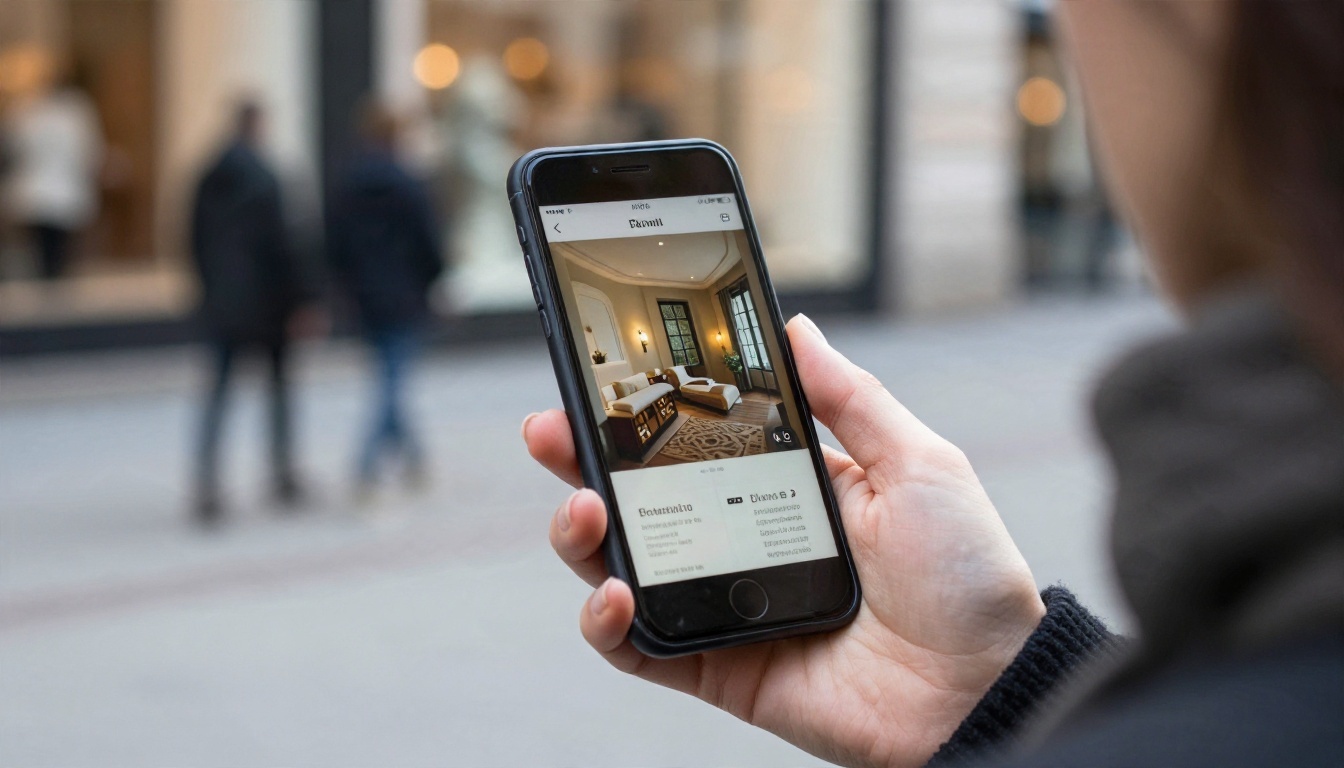
A great brochure that nobody opens is wasted effort. Sharing is where the results come from, so spend as much time here as on design.
Direct Links and Email
The simplest option is a link. Paste it into an email, a text message, or a social post. Because the brochure loads in the browser, recipients do not download a heavy attachment. In an email, write one line of context above the link, like "Here is our spring menu of services, with prices on page 4."
Embed on Your Website
Embedding places the brochure right on a page of your site, so visitors read without leaving. Use the Embed Flipbook on Website tool to copy a small code snippet and paste it into your site builder. Good spots include a landing page, a services page, or a product page.
QR Codes for Print and Events
A QR code bridges the physical and digital worlds. Put it on a poster, business card, shop window, or the back of a printed flyer. People scan it and land straight on your brochure.
Choosing the Right Channel
| Channel | Best For | Effort | Tracking Possible |
|---|
| Direct link | Personal outreach, quick sends | Very low | Yes, with Professional |
| Email | Client follow-ups, newsletters | Low | Yes |
| Website embed | Ongoing visibility, SEO traffic | Medium | Yes |
| QR code | Events, storefronts, print | Low | Yes |
| Social media | Awareness and promotions | Low | Partial |
💡 Pro tip: Use a separate link or QR code for each campaign. That way you can see which channel brings readers, instead of guessing.
Real-World Examples
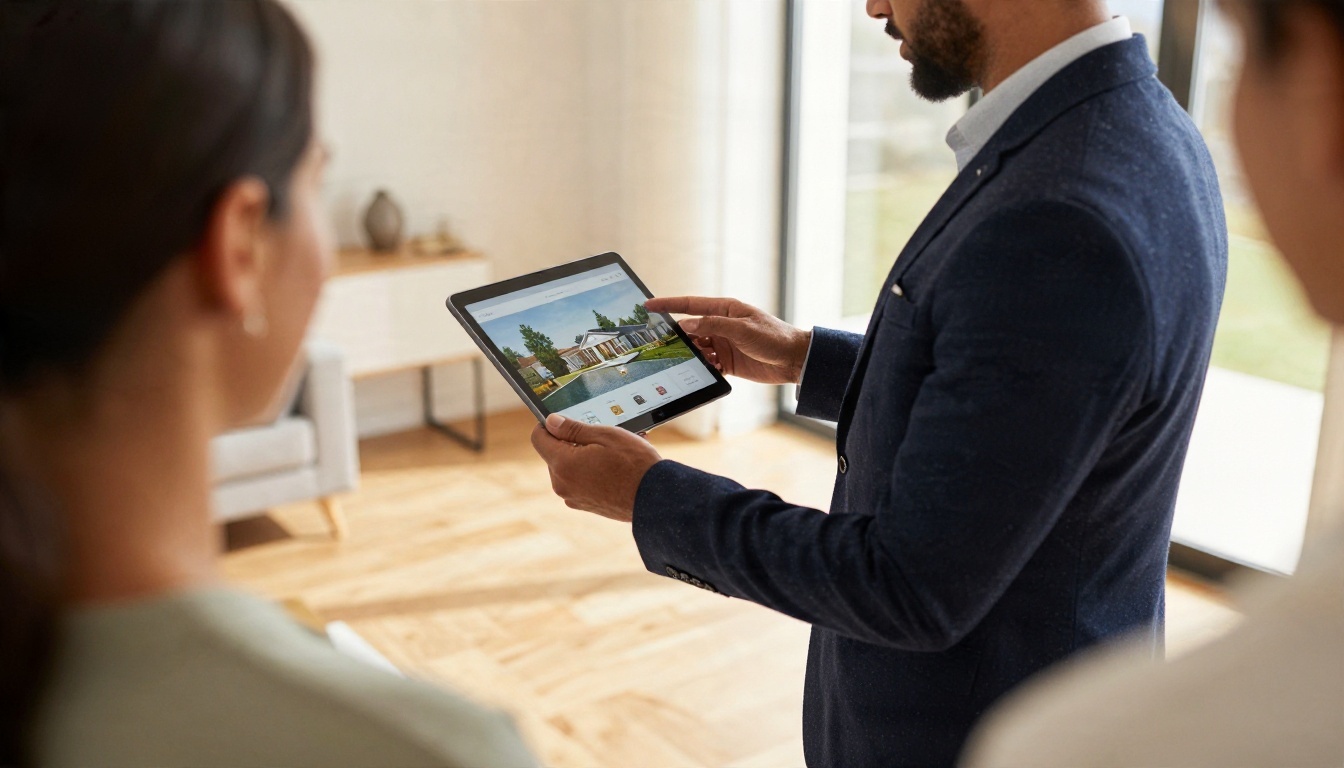
Theory is fine, but these scenarios show how the pieces fit together.
A Real Estate Agent Sending Listings
An agent builds a six-page property brochure with a gallery, floor plan, and neighborhood notes. Instead of attaching a 25 MB file, the agent sends a link. The buyer flips through on a phone, and the agent adds a clickable phone number on the final page. When a price changes, the agent edits one file and every shared link updates. Try the Real Estate Brochure Creator for this setup.
A Hotel Replacing the Lobby Rack

A boutique hotel keeps a few printed trifolds at reception, but the main brochure lives online. The link goes into booking confirmation emails, and a QR code sits at the front desk. The marketing team reviews which pages get read most, then moves the spa offer closer to the front. This is a clear case for the Hotel Brochure Designer paired with analytics.
A Trade Show Booth Going Digital
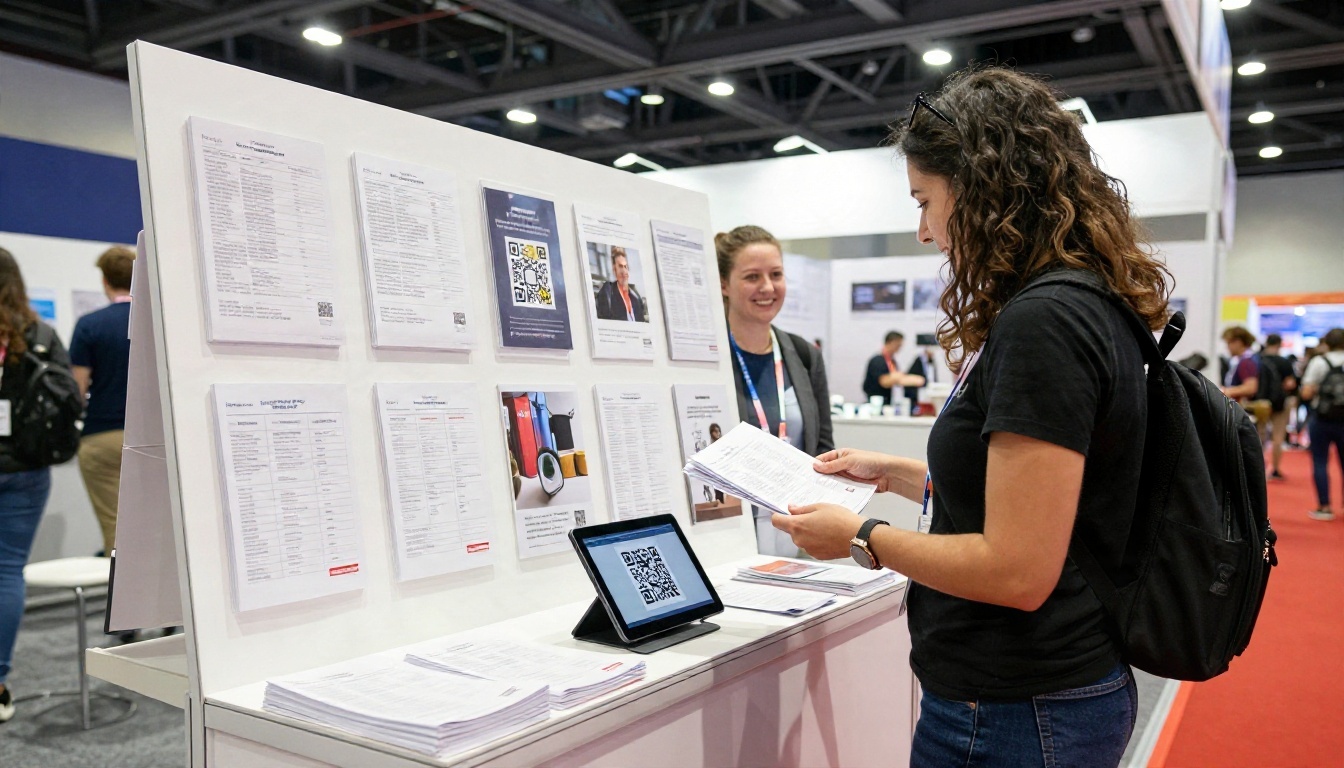
A manufacturer prints a small batch for the booth and adds a QR code on a stand. Visitors scan and receive the full catalog and spec sheets on their phones. With lead capture turned on, the team collects emails before the brochure opens and follows up the following week. For catalog-heavy brands, the Product Catalog Generator is a natural next step.
Common Mistakes to Avoid
Most brochure problems come from a handful of repeated habits.
Mistake 1: Too Much Text
Dense paragraphs work in print because readers hold the paper close. On a phone, they feel like homework. Break copy into short blocks and let photos carry the mood.
Mistake 2: Low-Quality Photos
A blurry hero image hurts trust immediately. Use sharp, well-lit photos, and compress them sensibly so the PDF stays light.
Mistake 3: No Clear Next Step
Every brochure should end with an action: call, book, visit, or request a quote. Add a clickable button or link on the last page, and repeat it on the first.
Mistake 4: Skipping the Mobile Check
Open your published link on a phone before sharing it widely. Check that text is readable, links work, and pages load quickly.
Print vs Digital: A Fair Comparison
| Factor | Printed Brochure | Online Brochure |
|---|
| Cost per copy | Adds up with each print run | Near zero after publishing |
| Updates | Reprint needed | Edit once, live instantly |
| Reach | Limited to who receives a copy | Anyone with a link |
| Tracking | Almost none | Page views and leads (Professional) |
| Interactivity | None | Video, audio, clickable links |
⚠️ Warning: Do not delete your printable PDF once you go digital. Keep both versions, since some clients still prefer paper at meetings.
Ready to Publish Yours?
You do not need a design team or a big budget to put a polished brochure online. Start with a template, finish the layout in any editor you like, then publish it as a flipbook people can open in one tap.
Here is a simple plan for this week:
- Pick one brochure you already have, or build one from a template.
- Get started for free on Flipbooks AI and upload the PDF.
- Add your branding, then share the link and a QR code.
- Browse all flipbook tools to find a layout built for your industry.
- Compare pricing plans when you are ready for analytics, lead capture, and unlimited flipbooks.
When you are set to go live, create your account and choose a plan to publish your first brochure today.



