You have 3,000 photos on your phone, a stack of ticket stubs in a drawer, and no energy for glue sticks. An online scrapbook app fixes that problem: you drag photos onto a page, add a few embellishments, and end up with something worth keeping. The trickiest part comes afterward, when you want family to actually see the pages. Sending twelve loose image files is a poor way to share a memory. Turning the pages into a flipbook with Flipbooks AI solves it, because relatives get one link and a page-turning experience that feels like a real album.
This article compares free scrapbook options, shows where to find templates that look good, and explains how to share the finished pages as a flipbook.
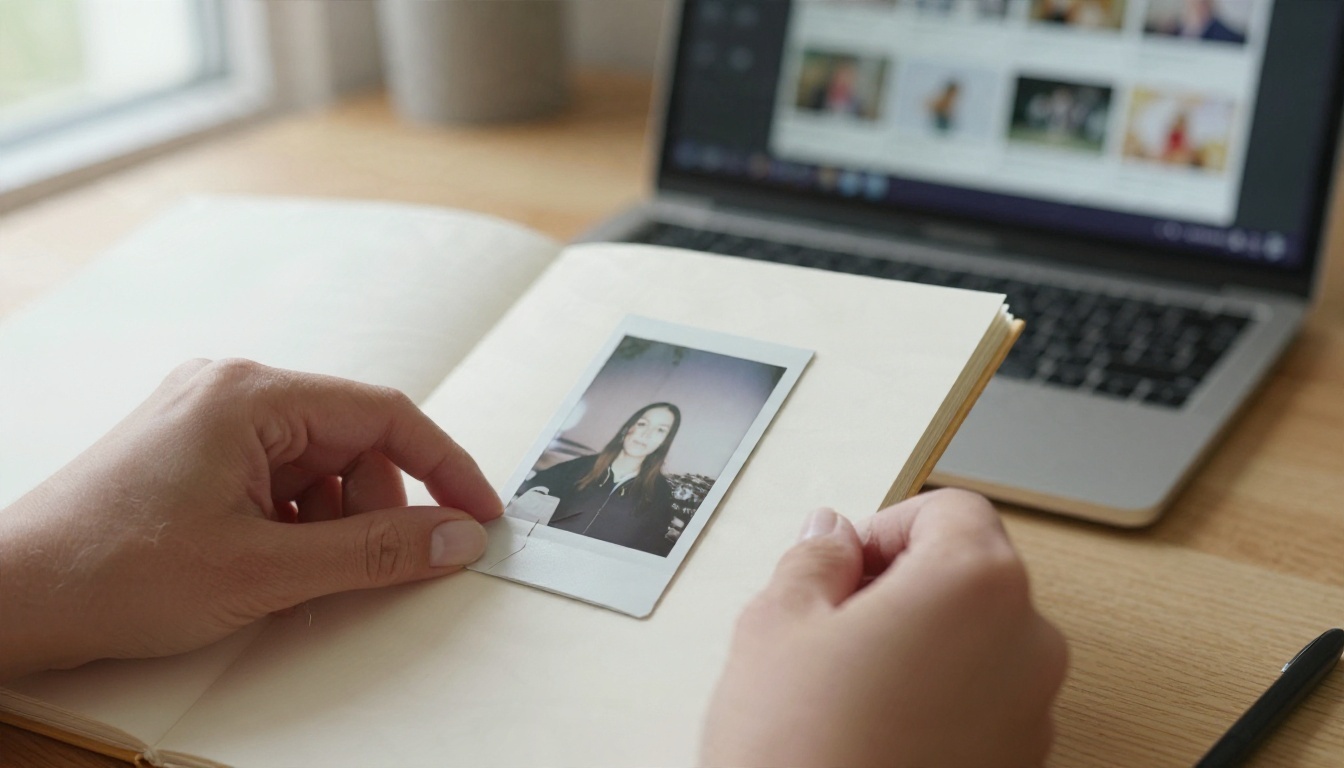
What an Online Scrapbook App Does
At its simplest, a digital scrapbook tool gives you a blank page, a library of backgrounds and stickers, and a way to place photos and text wherever you like. Some are built for scrapbooking only. Others are general design tools that happen to work well for it.
Digital vs Paper Scrapbooking
Paper has a charm that screens cannot copy, but digital wins on almost everything practical.
| Feature | Paper Scrapbook | Digital Scrapbook | Digital Scrapbook as Flipbook |
|---|
| Upfront cost | Paper, glue, tape, printing | Often free | Often free to start |
| Undo a mistake | Hard | One click | One click |
| Copies for family | Reprint or rebuild | Send files | Send one link |
| Risk of loss or damage | High | Low with backups | Low |
| Add video or audio | Not possible | Limited | Yes |
| Works on a phone | Not applicable | Depends on the app | Yes, mobile responsive |
Who Uses These Apps
- Parents building baby's first year pages
- Couples collecting wedding and honeymoon photos
- Travelers who want a trip recap sooner than six months later
- Students and teens making friendship books and class memory pages
- Grandparents who want a simple way to view family albums on a tablet
💡 Pro tip: Decide who will view your scrapbook before you pick an app. A book for grandma's tablet needs larger text and fewer small details than one you plan to post online.
Free Options Worth Trying
Most people never need to pay for the design step. Free tiers cover the basics well. Limits change often, so check each tool's current terms before you commit a whole project to it.
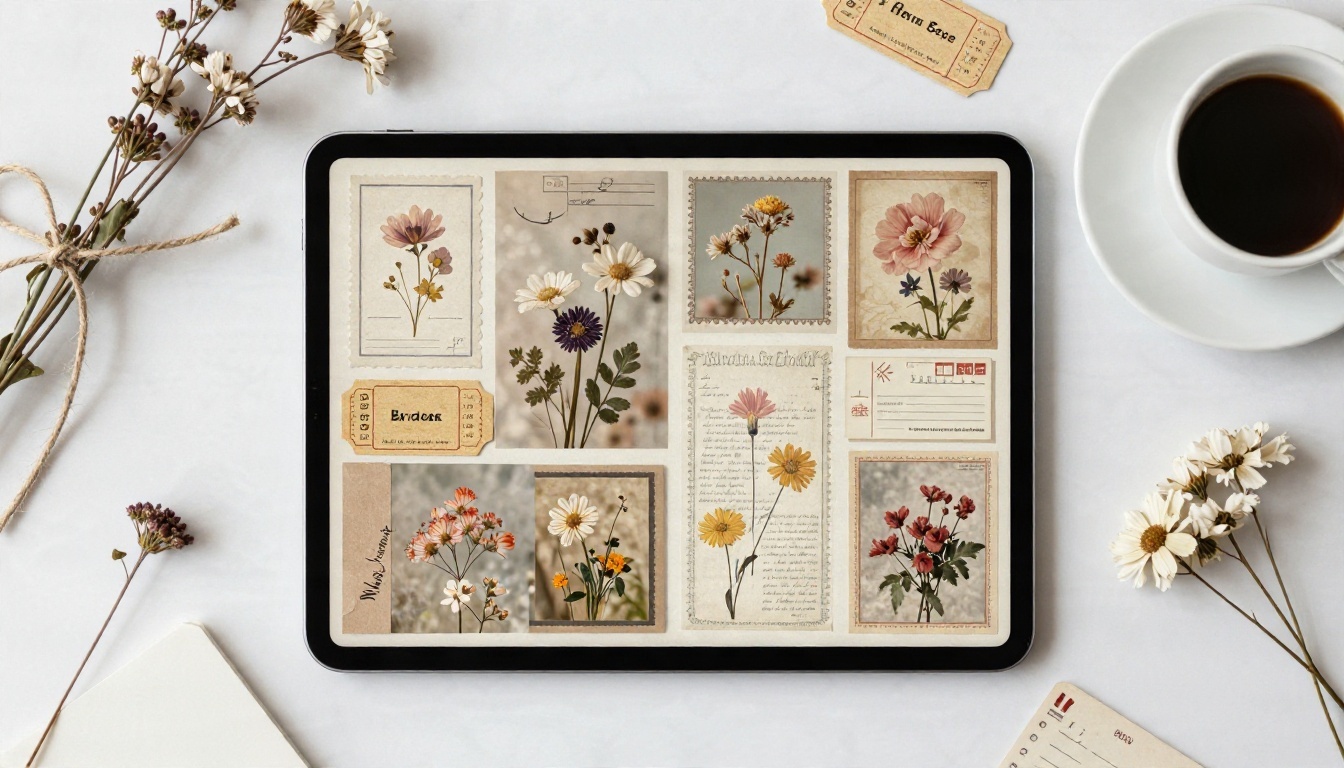
Design Tools With Free Tiers
General design platforms such as Canva and Adobe Express offer free plans with large template libraries, drag and drop editing, and PDF export. They suit people who want polished results fast. Paid tiers usually add premium stickers, background removal, and larger asset libraries, but plenty of free elements remain.
Slides and Photo Apps
Do not overlook tools you already have. Google Slides and PowerPoint work as surprisingly capable scrapbook editors. You can set the page size, drop in photos, layer shapes, and export to PDF. Google Photos and the photo apps built into phones can also create simple albums with captions, though layout control is limited.
Quick Comparison
| Option | Best For | Template Library | Typical Free Export | Learning Curve |
|---|
| Canva (free plan) | Fast, polished pages | Very large | PDF and image files | Low |
| Adobe Express (free plan) | Social style layouts | Large | PDF and image files | Low |
| Google Slides | Custom layouts, shared editing | Small | PDF | Medium |
| PowerPoint | Offline work | Medium | PDF | Medium |
| Phone photo albums | Quick, simple albums | Minimal | In app sharing only | Very low |
⚠️ Watch out: Some free plans add a watermark to downloads or lock certain exports. Open a test page and export it before you build twenty pages.
Where to Find Scrapbook Templates
A good template saves hours. It handles spacing, margins, and color pairing so you only supply photos and a few words.
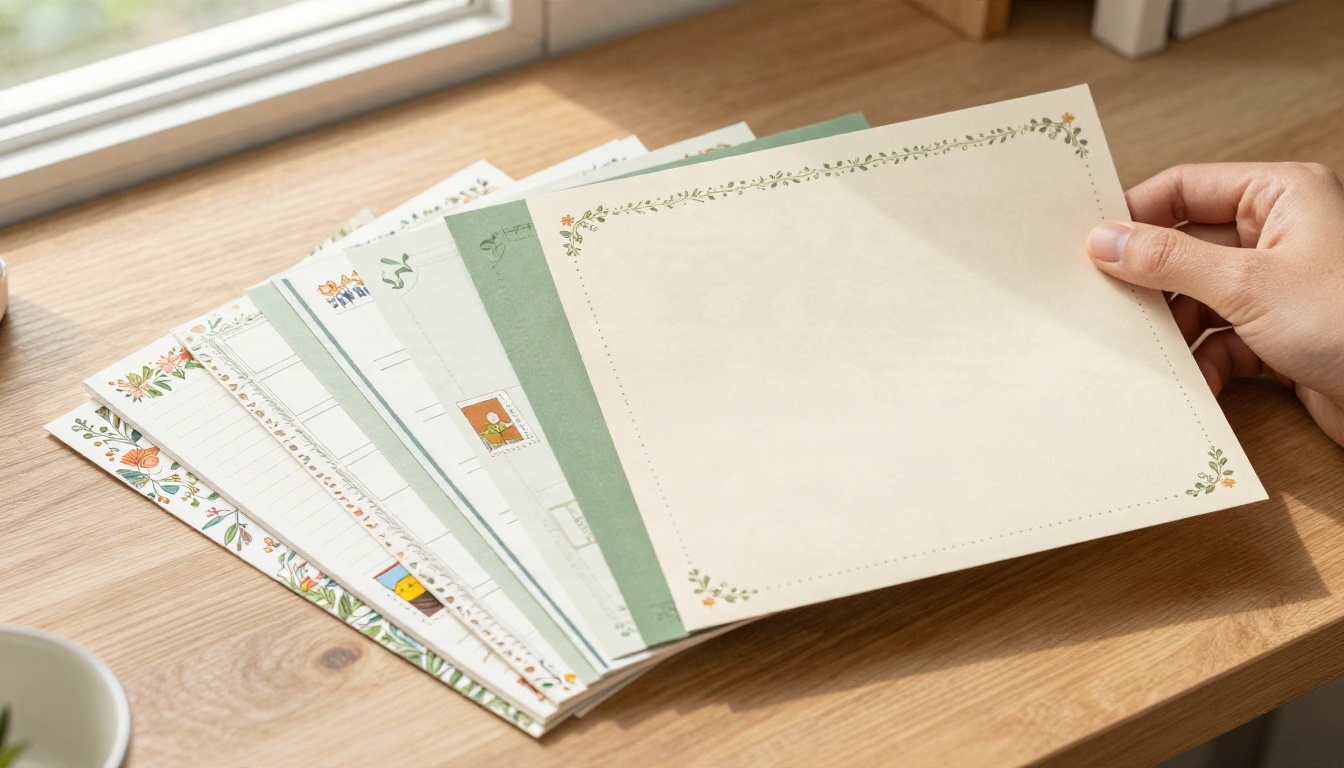
Templates by Occasion
Search inside your chosen app for the occasion first, then filter by style. These pairings tend to work well:
| Occasion | Layout Style | Suggested Palette | Pages to Plan |
|---|
| Wedding | Clean grids, lace and floral borders | Ivory, blush, sage | 20 to 30 |
| Baby's first year | One month per page | Soft pastels | 12 to 14 |
| Vacation | Collage with maps and tickets | Sand, teal, coral | 10 to 20 |
| Graduation | Bold frames, timeline | School colors | 8 to 12 |
| Family recipes | Photo plus text cards | Warm neutrals | 15 to 25 |
| Pet memories | Large hero photos | Earth tones | 6 to 10 |
How to Pick a Layout
- Count your photos for that event. Choose a template with similar frame counts.
- Pick one font pair and stay with it throughout the book.
- Choose three colors at most. Pull them from your best photo.
- Leave white space. Crowded pages look messy once they are shrunk onto a phone.
✅ Best practice: Build one master page you love, then duplicate it for the rest of the book. Consistency makes a scrapbook feel designed rather than assembled.
Build Your First Page, Step by Step
You can finish a decent page in under twenty minutes once your photos are ready.

- Gather and sort photos. Make a folder for the event. Delete blurry shots and near duplicates. Aim for your best 10 to 30.
- Set the page size. Square or landscape works well on screens. If you ever plan to print, ask the printer for its preferred size first.
- Choose a background. Pale textures such as paper, linen, or watercolor keep attention on the photos.
- Place the hero photo first. Make it the largest element, then add smaller supporting images around it.
- Add captions. One short sentence per page is plenty: who, where, and a detail only you would remember.
- Layer embellishments sparingly. A strip of tape, a pressed flower, a ticket stub. Two or three per page is the sweet spot.
- Export as PDF. This is the format a flipbook tool reads best, and it preserves your fonts and layout.
💡 Pro tip: Scan real ticket stubs, handwritten notes, and children's drawings with your phone camera in good light. Mixing them with digital elements gives pages a tactile feel.
Turn Your Pages Into a Flipbook
A PDF is fine for storage, but it scrolls like a document. A flipbook turns pages with a realistic motion, loads quickly on phones, and gives you one link to share. Here is how to build one with Flipbooks AI.

Create Your Account
Head to Flipbooks AI and create an account. You can start without a card, and when you are ready to publish more books, the pricing page lays out each plan.
Upload and Convert
- Log in and choose to create a new flipbook.
- Upload the PDF you exported from your scrapbook app. The PDF to Flipbook Converter turns each page into a flippable spread.
- Wait a few moments while the pages convert. Large photo heavy files take a little longer.
- Check the preview and flip through every page. Look for cropped text and blurry images.
Customize the Look
- Branding and colors: Choose a background that matches your scrapbook palette, or add a custom logo or family name.
- Page effects: Pick a page turn style and sound if you want that paper rustle.
- Multimedia: Add a video clip of the kids or a short audio message to a specific page. This is something no paper album can do.
- Cover page: Make page one your best photo with a short title.
Share It Safely
| Sharing Method | Best For | Notes |
|---|
| Direct link | Texts and family chats | Fastest option |
| Embed code | Blogs and personal sites | Use the embed flipbook on website tool |
| Password protection | Private family albums | Share the password separately |
| Offline download | Relatives with poor internet | Handy for holidays and flights |
⚠️ Privacy note: Baby photos and wedding pictures deserve protection. Turn on password protection before you send the link to a group chat.
Extra Features for Bigger Projects
Planning a yearbook, a club memory book, or a family history project with many contributors? The Professional plan adds analytics so you can see how many people opened the book, plus lead generation tools. Most personal scrapbooks do not need those, but they are worth a look if your project is turning into something bigger. Plans with unlimited flipbooks make sense if you plan to publish a new book every year. There are no watermarks on your pages, ever.
Real Examples That Work
A Wedding Memory Book
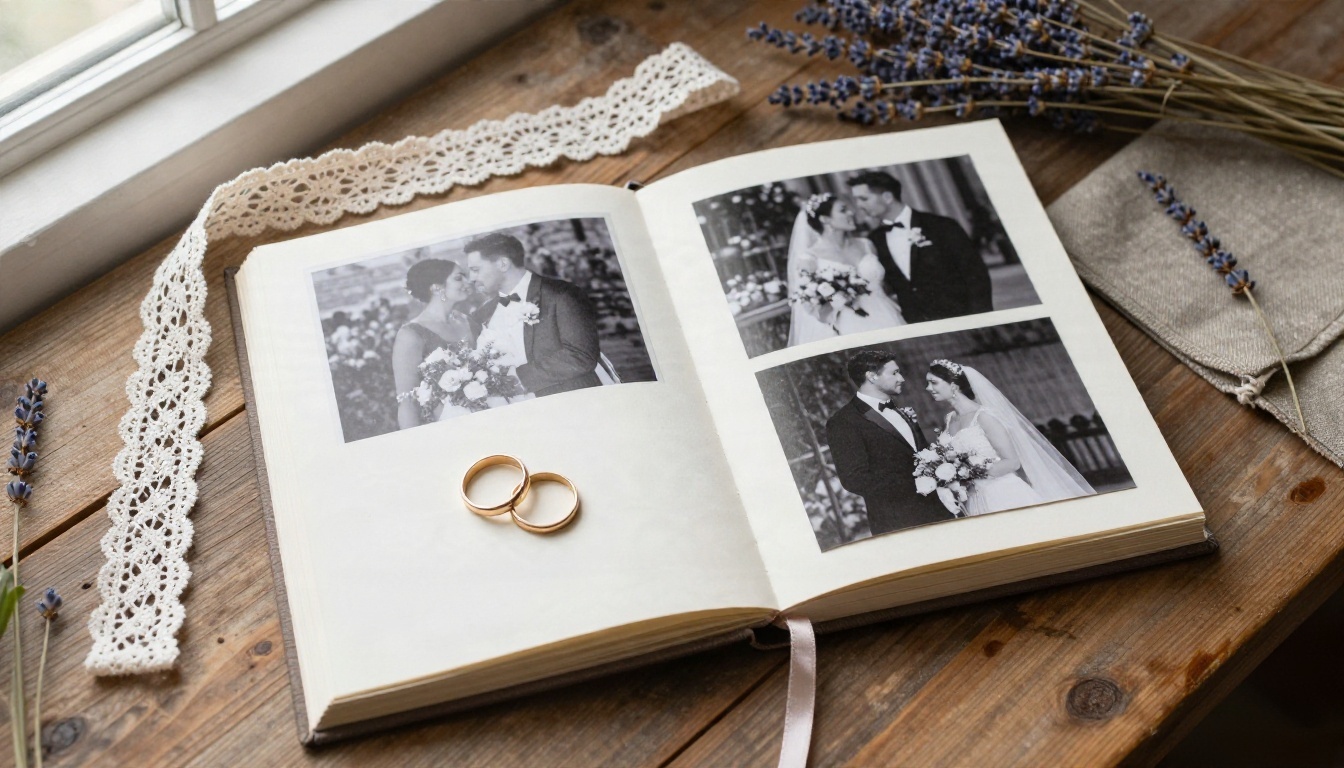
A couple designs 24 pages from their photographer's gallery, adds a lace border template, and exports a PDF. The flipbook goes to 60 guests by link, and the couple turns on password protection so only invited people can view it. For a polished version, the Wedding Album Flipbook tool is built for this style of project.
A Teen's Friendship Book
A teenager builds a school year scrapbook in a free design tool with sticker packs and handwritten style fonts. She shares the flipbook link with six friends instead of printing six copies. Each friend can open it on a phone during the bus ride.

A Family Recipe Collection
Grandparents scan handwritten recipe cards, pair each with a photo of the finished dish, and compile 20 pages. The Recipe Book Flipbook tool gives the same content a cookbook feel that cousins can open in their own kitchens.
More Ideas
Common Mistakes to Avoid
- Low resolution photos. Pictures that look fine on a phone can turn soft on a large screen. Use the original files, not compressed copies from a messaging app.
- Too many fonts. Two is the limit. More than that and the book looks chaotic.
- Tiny text. Phone viewers will not zoom in on a caption set at 8 points. Keep captions at a readable size.
- Skipping the test export. Always export one page early to check for watermarks and font changes.
- No backup. Keep the original design file and the PDF in two places, such as a cloud drive and an external drive.
- Sharing publicly by accident. Check privacy settings on both the design tool and the flipbook before you post a link.
✅ Best practice: Finish in small sessions. One event per week beats a single marathon night that you never repeat.
Share Your First Scrapbook Today
Pick one event, choose a free design tool, and build five pages this weekend. Then create your Flipbooks AI account, upload the PDF, and send the link to someone who will smile when it opens. Browse all flipbook tools to find a format that suits your project, or compare pricing plans if your scrapbook is growing into a bigger collection. Ready to move beyond loose files? Try it free and see how your pages look when they turn.



