Every spring, a yearbook advisor somewhere opens a vendor quote, sees a number that doesn't match the budget, and wonders if there is a cheaper way to do this. There is. The market for online yearbook platforms now ranges from full-service printing companies to free design tools and digital-only flipbooks, and the right pick depends on your school size, your staff time and whether you still want a printed copy. This article breaks down each option, the real cost behind each one, and where Flipbooks AI fits for schools that want a polished digital edition without a per-book price tag.

At the simplest level, a yearbook platform lets a team of students and teachers collect photos, arrange pages, and produce a finished book. Everything beyond that is packaging. Some platforms bundle printing and shipping. Others only give you a design editor. A third group skips paper altogether and publishes a digital edition people can read on a phone.
Most school yearbook software includes a mix of these building blocks:
- Page templates and drag-and-drop layout editors
- Photo collection tools, so students and parents can upload pictures
- Portrait imports from school photographers
- Proofing and approval workflows for advisors and administrators
- Printing and delivery, either bundled or sold separately
- Digital editions for sharing online or archiving
💡 Pro tip: Write down which of these six items you truly need before you request a single quote. Many schools pay for printing bundles and ordering portals they never use.
Three platform types
Full-service print vendors handle design, printing, shipping and sometimes sales. They are convenient and priced per book, so the bill scales with enrollment.
Design-only editors give you a layout tool and an export file. You print elsewhere, which means more control but more coordination.
Digital-first publishers turn a finished PDF into a page-turning online edition. Costs are flat and the book can be shared instantly.
Yearbook Software Comparison at a Glance
Before diving into pricing, here is how the three categories stack up for a typical school.
| Feature | Full-service print vendor | Design-only editor | Digital flipbook publisher |
|---|
| Layout editor | Built in, template driven | Built in, flexible | Bring your own PDF |
| Printing included | Yes | No | Not needed |
| Cost model | Per book plus setup | Subscription or free tier | Flat monthly or yearly plan |
| Photo collection portal | Usually yes | Rarely | No |
| Instant sharing | Limited | Export only | Link, embed, QR code |
| Best for | Schools that want a turnkey printed book | Teams with design confidence | Budget-conscious schools and digital archives |
No single category wins every time. Plenty of schools mix them: design in an editor, print a small run locally, and publish a digital copy for everyone else.
The Real Cost of Yearbook Software
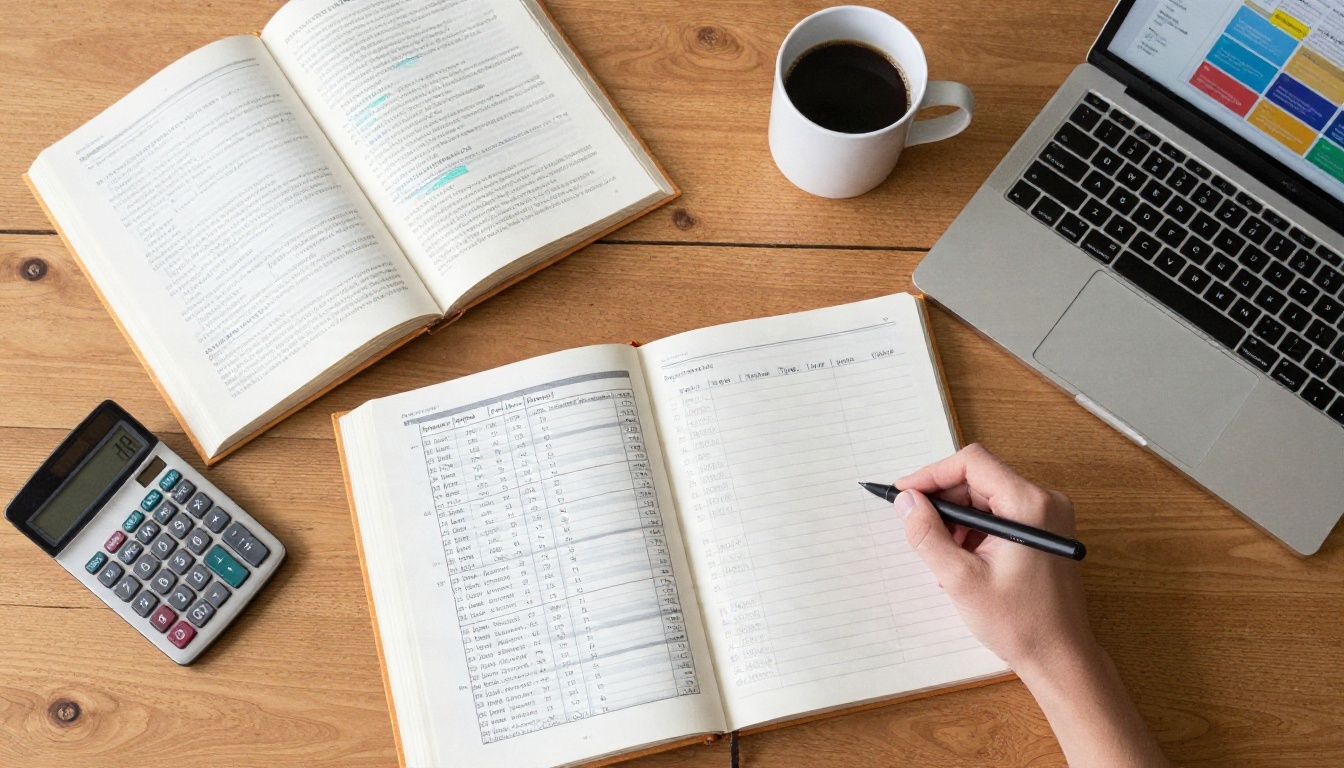
Sticker prices hide a lot. A vendor may advertise a low price per book, then add charges for extra pages, color, hardback binding, shipping, late deadlines or a personalized cover. When you compare quotes, build a worksheet that lists every line item.
Typical cost ranges
Exact figures change by vendor, order size and year, so treat the ranges below as rough planning numbers, not quotes.
| Cost item | Typical range | What drives it |
|---|
| Printed book, per copy | Roughly $15 to $60 | Page count, binding, color, quantity |
| Setup or design fees | $0 to a few hundred dollars | Vendor policy, template access |
| Shipping | Often bundled, sometimes $3 to $10 per box or book | Distance, delivery method |
| Extra pages or special finishes | Added per page or per feature | Foil, spot gloss, custom endpapers |
| Design software subscription | Free to roughly $15 per month | Team seats, storage |
| Digital flipbook plan | Flat monthly or annual fee | Number of flipbooks, analytics, branding |
⚠️ Watch out: A low per-book price can balloon if your order count drops after you sign. Ask whether prices lock in at a minimum quantity and what happens if you fall below it.
A budget scenario
Picture a school with 400 students. If a printed book costs $35 and half the school buys one, that's 200 books and $7,000 in production. A digital edition using a flat plan might cost a small fraction of that and reach all 400 students plus parents and alumni. Neither approach is wrong. The point is to compare cost per reader, not cost per copy.
Free Options That Are Actually Usable
You do not need a budget to produce a respectable yearbook. These free paths work if you accept their tradeoffs.
Free design tools
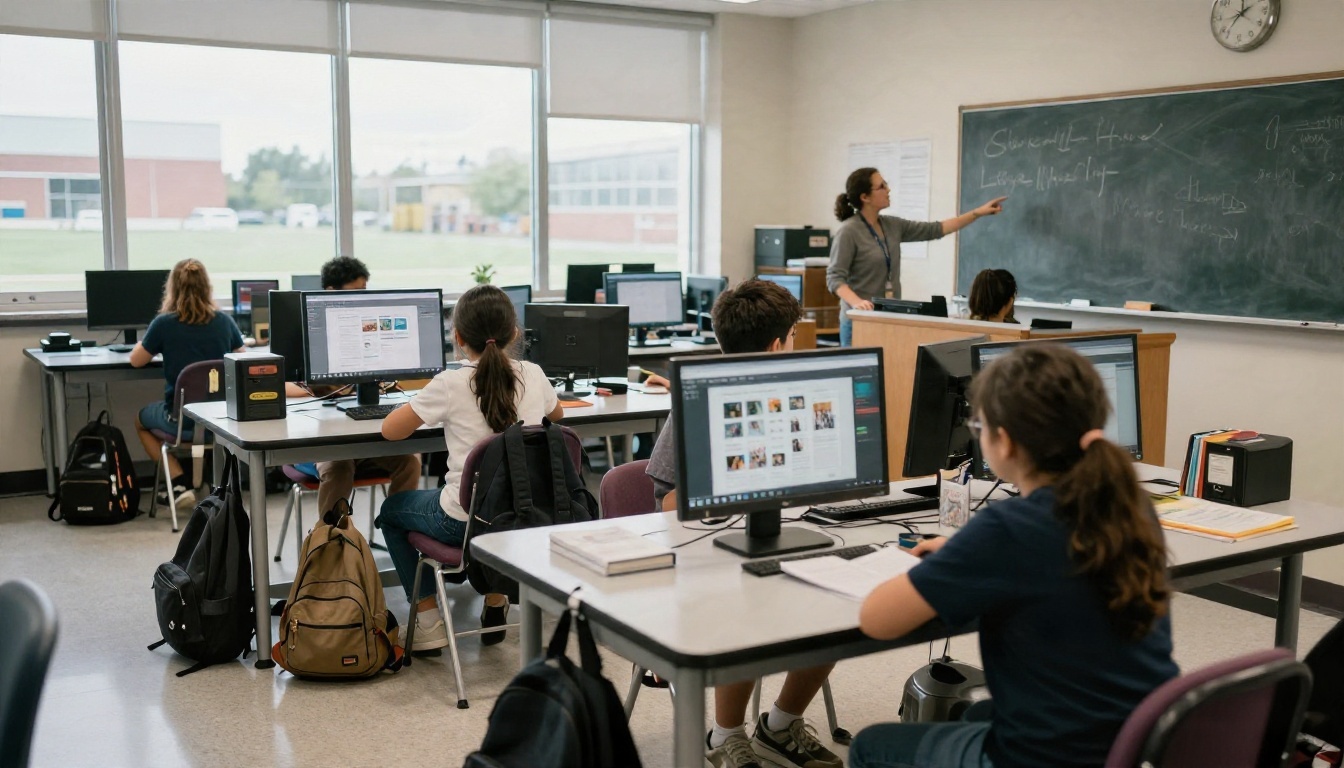
General design apps and slide software come with free tiers, templates and shared editing. Students already know how to use them, which keeps training time near zero. The tradeoffs:
- Page sizes and bleed settings may need manual setup
- Large photo libraries can slow shared files
- Export quality depends on how carefully you set resolution
- No built-in photo collection or approval workflow
Free trials from print vendors
Many print vendors let you design for free and only charge when you order. That is a fair deal if you are sure you will print, but it locks your layout into their system. Export options are often limited, so check whether you can download a PDF before you commit.
Free digital publishing tiers
Some flipbook tools offer a free tier, but they often add watermarks, cap page counts or limit sharing. A watermark across a senior portrait is not a great look, so read the fine print before you upload a year of work.
✅ Best practice: Always export a high resolution PDF of your finished yearbook and store it in two places. A PDF keeps you free to move to any platform later.
Picking software is partly about features and partly about people. A tool that looks perfect on a demo can fail if your student staff turns over every semester.
Five questions to ask first
- How many students will work on it? Shared editing matters when ten people touch the same spread.
- Do we need print? If yes, price a small run separately from the design tool.
- Who owns the files? Confirm you can export your layouts and photos.
- What is our deadline margin? Rush fees add up fast.
- How will families see it? A link on the school website reaches more people than a book on a shelf.
Matching platform to school type
| School type | Common challenge | Sensible approach |
|---|
| Small elementary school | Tiny budget, volunteer staff | Free design tool plus a digital flipbook |
| Mid-size middle school | Limited advisor time | Template-based editor with a short print run |
| Large high school | Many contributors, tight deadline | Full-service vendor or design-only editor with approvals |
| Alternative or online school | Students scattered across locations | Digital-first edition with link sharing |
| Homeschool co-op | Low volume, high sentiment | Free design tool and a handful of printed copies |
Alternatives to Traditional Yearbooks
Print is not the only way to preserve a school year. A growing number of schools publish digital yearbooks, either instead of print or alongside it.
The digital flipbook route
A flipbook takes your finished PDF and turns it into an online edition with realistic page turns. Readers open it on a phone, tablet or laptop, no app required. It works well for schools that:
- Want every family to see the book, not only the ones who pay
- Need a searchable, shareable archive
- Want to add video clips, audio messages and links that paper can't hold
- Have a small design team and a modest budget
The Yearbook Flipbook Maker on Flipbooks AI is built for exactly this workflow. If your team already designs in another tool, the PDF to Flipbook Converter handles the final step.
Hybrid approach
Many schools do both. They print a limited number of copies for people who want a keepsake, then publish the digital edition for everyone. This lowers print volume, which lowers risk, and it ensures nobody is left out of the memory.
💡 Pro tip: Use a digital edition as your early-bird teaser. Share a handful of sample spreads with a link and let families see what they are buying before pre-orders close.
How to Create a Yearbook Flipbook with Flipbooks AI
If a digital edition suits your school, here is the full workflow, step by step. Plan on an afternoon once your PDF is ready.
Step 1: Prepare your PDF
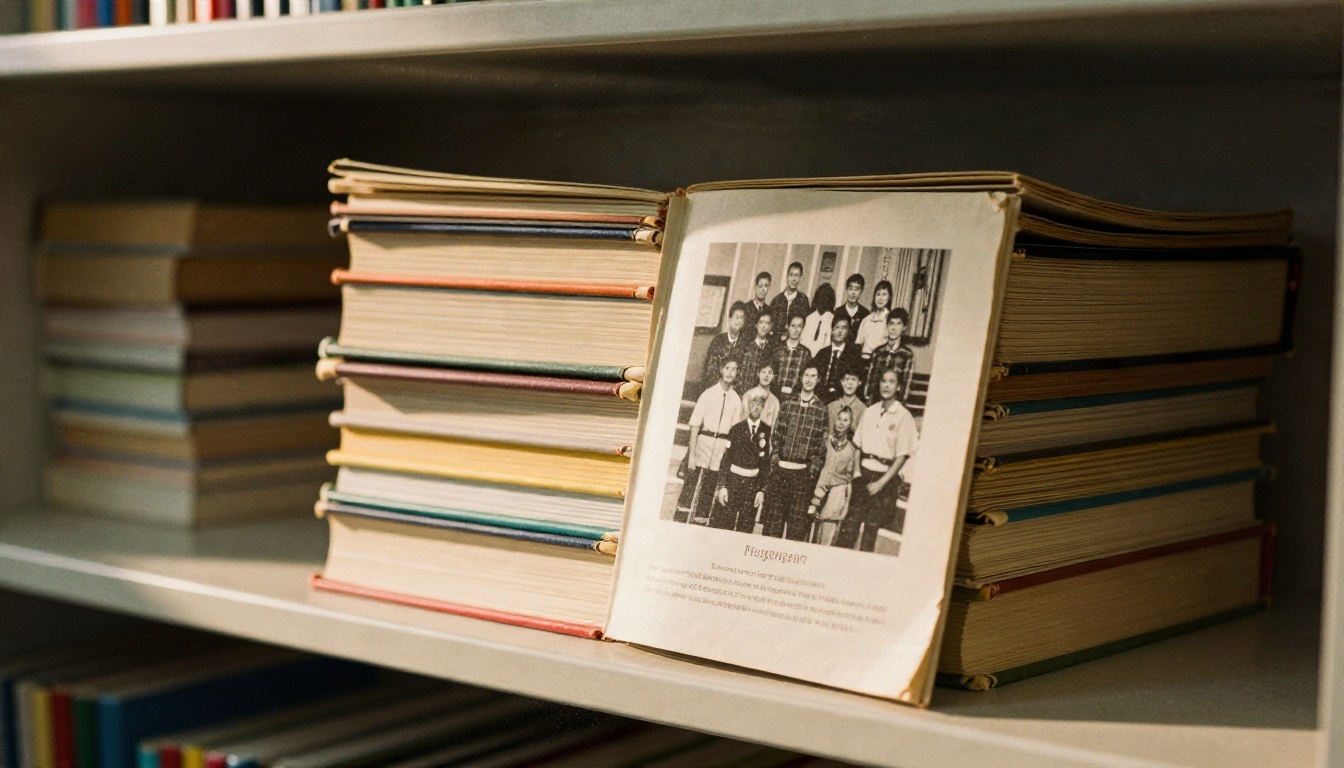
Finish your layout in any design tool, then export a PDF at 150 to 300 dpi. Check that spreads are in the right order and that fonts are embedded. If your yearbook includes a cover page, keep it as page one so the opening view looks like a real book.
Step 2: Create an account and upload
Create an account, choose to add a new flipbook, and upload your PDF. Conversion happens automatically and page images are generated for you. Large files take a little longer, so give it a minute.
Step 3: Customize the look
In the editor, you can:
- Add your school logo and brand colors
- Pick a background that matches your school identity, such as team colors or a campus photo
- Choose page-turn effects and sound
- Add links, video and audio on specific pages, for example a principal message or a sports highlight reel
Step 4: Set sharing rules
Decide who sees the book:
- Direct link for emailing to families
- Embed code to place the book on your school website using the Embed Flipbook on Website tool
- Password protection to keep student photos limited to your school community
- QR code printed on posters or the back of a class program
⚠️ Privacy note: Student images deserve care. Use password protection, check your district's photo release rules, and avoid publishing names with images when families have opted out.
Step 5: Track and download
On the Professional plan, analytics show how many people opened the book and which pages they spent time on. You can also offer offline downloads for families with limited connectivity, and lead generation features are handy when a school foundation wants to collect alumni contact details.
Flipbooks AI never adds watermarks, and the Standard plan and above allow unlimited flipbooks, so your yearbook, newsletter and sports program can all live in one account.
Not every feature deserves equal weight. Here is how to rank what you see in demos.
| Feature | Why it matters | Priority |
|---|
| Easy PDF export | Keeps you free to switch platforms | High |
| Mobile-friendly reading | Most families open links on a phone | High |
| Password protection | Protects student privacy | High |
| No watermarks | Keeps the finished book clean | High |
| Multimedia embeds | Adds video and audio memories | Medium |
| Analytics | Shows reach for administrators | Medium |
| Photo collection portal | Saves advisor time on big teams | Depends on team size |
| Printing and shipping | Needed only if you want paper | Depends on budget |
Real-world use cases
- A rural elementary school has no budget for printing. The advisor designs in a free tool, exports a PDF and publishes a flipbook that grandparents in other states can open.
- A large high school prints 600 copies through a print vendor, then publishes the same book as a password-protected flipbook for alumni and graduating seniors.
- A school club produces a mid-year edition focusing on one sport. A digital flipbook makes it cheap to release more than once a year. You can pair it with the School Newsletter Creator for regular updates.
Mistakes to Avoid
Most yearbook problems come from process, not software. Watch for these three.
- Picking a platform late. Compare options in the fall, not in March.
- Skipping photo organization. Create a shared folder structure by event on day one. Sorting 5,000 unlabeled photos in May is miserable.
- Ignoring accessibility. Add short text descriptions to important images where possible, and keep font sizes readable on a phone.
✅ Best practice: Assign a student photo editor and a student copy editor early. Roles reduce last-minute chaos and give students real portfolio work.
Which Option Fits Your School?
Start with your budget and your reach. If you need a printed book and have a team that wants a turnkey process, a full-service vendor is a safe choice. If you have design skills and a tight budget, use a free design tool and print a short run. If you want everyone to see the book and prefer predictable costs, publish a digital edition.
A simple rule of thumb: design where your team is comfortable, print only what people will actually buy, and publish digitally so nobody misses out.
Ready to try the digital route? Get started for free on Flipbooks AI, browse all flipbook tools built for schools, or compare pricing plans to see which one matches your yearbook budget. Your seniors will thank you, and so will your spreadsheet.