A good pamphlet used to take an afternoon of fighting with margins, fonts and fold lines. Now a pamphlet creator AI can draft the layout, write the headings and suggest a color palette in about two minutes. The part most people still get wrong is what happens after the design is done: a PDF stuck in an email thread helps nobody. In this article you will see which free options are worth your time, the prompts that produce usable results, real examples you can copy, and how to publish the final file as a shareable page-turning flipbook with Flipbooks AI.
💡 Quick answer: Use a free AI design tool to draft the pamphlet, export it as a PDF, then convert it to an online flipbook so people can open it with a single link on any phone.
What an AI Pamphlet Creator Does
An AI pamphlet creator takes a short description of your topic and returns a folded-leaflet layout: cover panel, inner panels, back panel with contact details. Some tools also write the copy. Others only arrange the blocks you give them. Knowing which kind you are using saves a lot of frustration.
Pamphlet vs Brochure vs Flyer
People use these words loosely, and search results mix them together. Here is the practical difference.
| Format | Typical size | Panels | Best for |
|---|
| Flyer | A5 or A4, one sheet | 1 side or 2 sides | Events, quick offers |
| Pamphlet | A4 folded to thirds or halves | 4 to 6 panels | Information, services, health notes |
| Brochure | A4 folded, often glossy | 6 to 8 panels | Sales, hotels, real estate |
| Booklet | Stapled pages | 8+ pages | Programs, manuals, longer stories |
A pamphlet leans informational. It explains something, usually in short blocks with a clear next step. If you need a sales-heavy version, the Online Brochure Designer page is a better match.
Where AI Helps and Where It Stalls
AI is fast at the boring parts. It is weaker at facts that only you know.
- ✅ Strong: first-draft headlines, panel order, tone of voice, color pairing, alt text for images
- ✅ Strong: turning a rough bullet list into tidy paragraphs
- ⚠️ Weak: opening hours, prices, legal wording, medical claims, anything with a date
- ⚠️ Weak: matching your exact brand fonts unless you upload them
Treat the output as a talented intern's first draft. You still check every number before anything goes live.
Free Pamphlet Creator AI Options
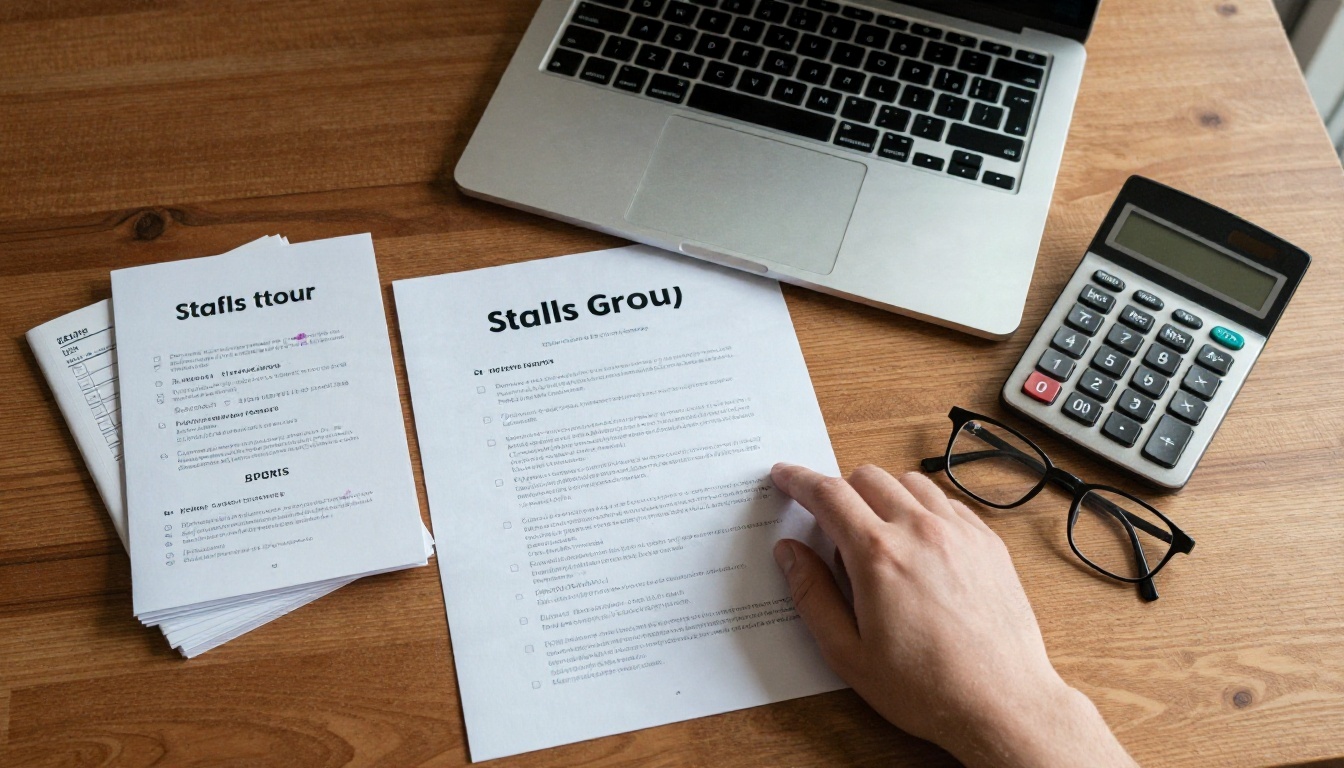
Plenty of tools now offer a free tier with an AI assistant built in. The limits change often, so confirm the current terms on each site before you commit a project to one.
Free Tools Compared
| Option | Free tier offers | Typical catch | Good for |
|---|
| Canva (Magic Design and Magic Write) | Pamphlet templates, limited AI credits | Some templates and assets are paid | Fast visual drafts |
| Adobe Express | Brochure and flyer templates, basic AI features | Premium fonts and some generative features are limited | Brand-aware layouts |
| Microsoft Designer | AI layout suggestions from a prompt | Needs a Microsoft account, daily limits | Quick concepts |
| Google Docs or Slides templates | Brochure templates, Gemini help in some accounts | Manual layout, fewer design extras | Plain text-first pamphlets |
| A chat assistant plus a template | Unlimited copy drafts on most free plans | You assemble the layout yourself | Writing the words |
| Flipbooks AI | Turns your finished PDF into an online flipbook | Not a layout designer, it handles publishing | Sharing and tracking |
A sensible free workflow combines two of these: one tool to design, and Flipbooks AI to publish.
What "Free" Usually Costs You
Free is rarely free in the same way twice. Watch for these trade-offs before you start.
- Watermarks. Some exports carry a logo on every page. A watermark on a client pamphlet looks careless.
- Export limits. High-resolution or print-ready PDF export is often locked.
- Credit caps. AI generations run out, usually mid-project.
- Locked assets. That perfect photo or icon turns out to be a paid item.
- No sharing layer. You get a file, not a link people can open and flip through.
⚠️ Check before you design: open the export menu first. If PDF download is locked, pick another tool before you spend an hour on the layout.
Prompts That Produce Usable Pamphlets
Vague prompts give vague pamphlets. "Make a pamphlet for my dentist" returns generic stock phrases. Specifics do the work.
A Prompt Formula That Works
Use this five-part structure and fill every slot:
- Format: tri-fold, A4, six panels
- Audience: who reads it and what they already know
- Goal: the single action you want them to take
- Content: the real facts, services, prices, dates
- Style: tone, colors, photo type, fonts

A filled-in version looks like this:
"Create a six-panel tri-fold pamphlet for a family dental clinic. Audience: parents of children aged 3 to 10 who are nervous about the first visit. Goal: book a free first check-up by phone. Include: what happens at the first visit, three tips to calm a child, opening hours Mon to Sat 9 to 6, phone number placeholder. Tone: warm, calm, plain English. Colors: soft teal and white. Photos: smiling children, no scary equipment."
That single prompt gives the AI an audience, a job and boundaries. The output needs far fewer rewrites.
6 Prompts to Copy
Swap the brackets for your own details.
| Use case | Prompt to paste |
|---|
| Cafe or restaurant | "Design a bifold pamphlet for [cafe name]: breakfast and lunch highlights, three signature drinks, loyalty card offer, opening hours. Warm, friendly tone. Earth tones." |
| School open day | "Write a six-panel pamphlet for [school] open day: welcome note, tour schedule, clubs, how to apply, contact panel. Reassuring tone for parents." |
| Nonprofit appeal | "Create a tri-fold pamphlet for [charity]: one real story on the front, what a donation covers, three ways to help, donation link placeholder. Honest, not guilt-driven." |
| Real estate | "Draft a four-panel pamphlet for a [2-bedroom apartment] in [area]: highlights, floor plan placeholder, neighborhood map notes, viewing contact. Confident, clean tone." |
| Health clinic | "Write a plain-language pamphlet on [topic] for patients: what it is, common signs, when to call, where to get help. Reading level: age 12. Calm tone." |
| Local event | "Build a pamphlet for [event name] on [date]: schedule by hour, map notes, parking, accessibility info, sponsors panel. Energetic but readable." |
💡 Pro tip: after the first draft, follow up with one change at a time. "Shorten panel two to 40 words" works better than "make it better."
Pamphlet Examples by Use Case
Seeing finished structures helps more than any theory. Here are layouts that consistently work.
Local Business and Cafes
A cafe tri-fold usually follows this order:
- Front panel: name, one photo, a short line such as "Fresh daily since 2019"
- Inside left: breakfast items
- Inside center: signature drinks and a small offer
- Inside right: lunch plates and dietary icons
- Back panel: hours, address, social handles, QR code
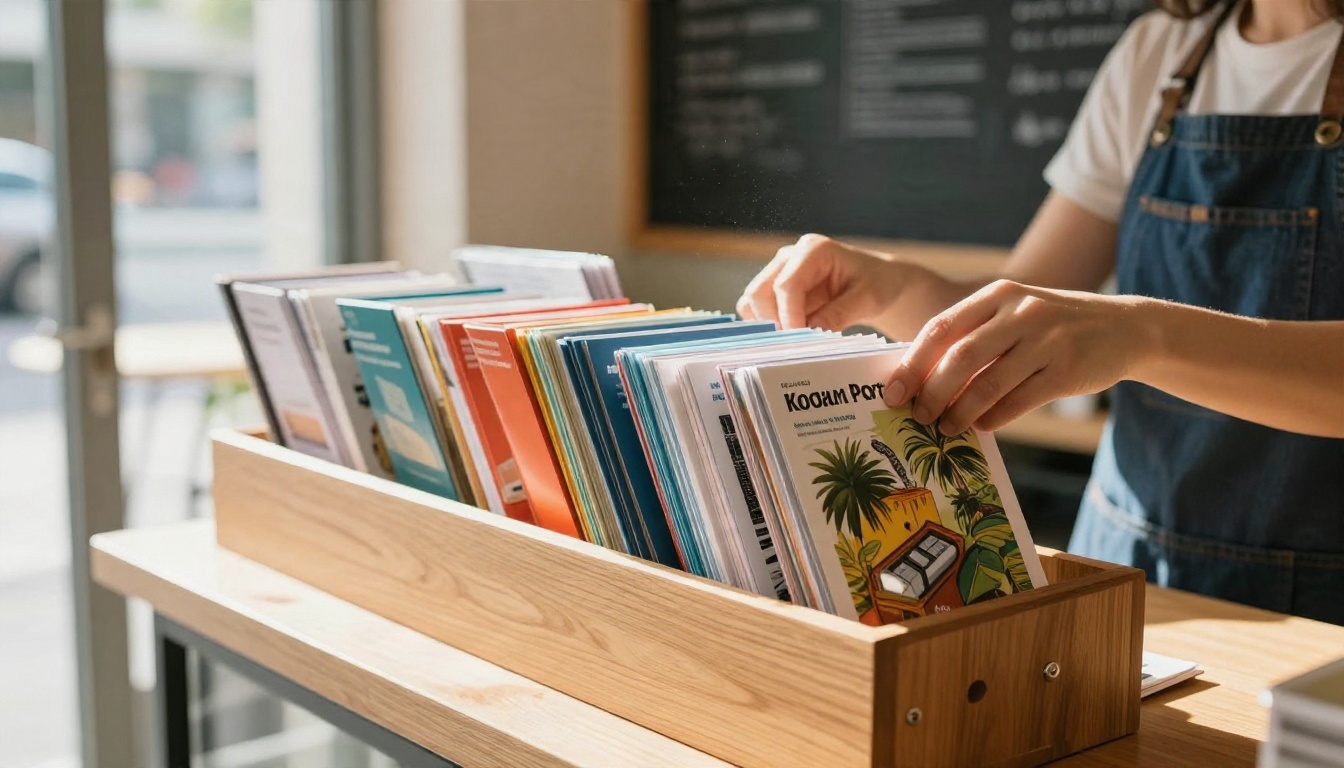
A cafe owner can print 100 copies for the counter and publish the same file online. The online version never runs out and can be updated when the menu changes. For menu-heavy projects, try the Restaurant Menu Creator.
Nonprofits and Schools
Trust is the product here. Use real names, real numbers and a clear action.
- Nonprofit: one story, one impact figure, three ways to help, one donation link
- School: welcome note, a day-in-the-life panel, staff photos, application dates, contact
- Training team: quick reference steps, safety reminders, who to call
Schools can also turn longer handbooks into flipbooks using the School Newsletter Creator, while charities often pair a pamphlet with a full report built in the Non-Profit Annual Report tool.
Real Estate and Travel
| Sector | Panel plan | Best add-on |
|---|
| Real estate | Hero photo, highlights, floor plan, neighborhood, agent contact | Embedded video tour |
| Hotel | Rooms, dining, spa, local sights, booking panel | Seasonal offer page |
| Travel agency | Destination hook, three-day route, costs, booking steps | Map and QR code |
| Tourism board | Top five places, transport tips, events calendar | Audio greeting |
Agents who want a sharper sales tone can look at the Real Estate Brochure and Hotel Brochure tools, and travel teams can build on the Travel Guide Flipbook.
Build a Pamphlet with Flipbooks AI
Flipbooks AI is where the finished design becomes something people actually open. You design in your favorite free tool, export the PDF, and publish it here. No watermarks, ever.
Step-by-Step Setup
- Create your account. Go to Flipbooks AI and sign up.
- Export your pamphlet as a PDF. Keep pages in reading order. For a tri-fold, export the outside spread and inside spread as separate pages.
- Upload the PDF. Drag the file into the PDF to Flipbook Converter. Conversion takes moments, and your pages become flippable spreads.
- Check the preview. Flip through on desktop and on your phone. Look for cut-off text near the edges.
- Customize the look. Add your logo, pick background colors and set the page-turn effect.
- Add media. Drop in a video, a short audio greeting or clickable links.
- Publish and share. Copy the link, grab the embed code, or print a QR code.
✅ Best practice: name the file clearly before you upload, for example "dental-first-visit-pamphlet." It makes the link and your dashboard far easier to manage.
Branding and Page Effects
Custom branding is what makes a flipbook feel like yours rather than a template.
- Logo and colors: match your pamphlet palette so the viewer feels continuity
- Page effects: a soft page curl works well for leaflets, quick slides suit presentations
- Multimedia: embed videos and audio, such as a 30-second welcome from the owner
- Mobile-responsive display: the flipbook adapts to phone screens without extra work
For catalog-style pamphlets, the Digital Catalog Maker offers a similar flow with product-focused options.
Pro Features: Analytics and Lead Capture
On the Professional plan you get extra tools for tracking what happens after you share.
| Feature | What it tells or does | Who benefits |
|---|
| Analytics | Views, time on page, which panels people reach | Marketers testing two versions |
| Lead generation | Collects a name or email before reading | Agents, consultants, clinics |
| Offline downloads | Lets readers save a copy | Field teams, event visitors |
| Password protection | Locks private pamphlets | Internal staff, client-only offers |
Unlimited flipbooks come with the Standard plan and above. See the current pricing plans to match features to your needs.
Online Sharing Options
A pamphlet that lives only on paper reaches the people who walk past it. Online, it reaches everyone you can send a link to.

Link, Embed, QR and Password
| Method | How it works | Best moment to use it |
|---|
| Direct link | One URL you paste anywhere | Email, chat, social bios |
| Embed code | Flipbook sits inside your page | Website service pages, blog posts |
| QR code | Scan from a printed copy | Shop windows, posters, tables |
| Password protection | Viewer enters a code | Private clients, internal staff |
| Offline download | Saved copy for no-signal places | Trade shows, travel |
To place the pamphlet inside your own site, follow the steps on the Embed Flipbook on Website page. It works with most site builders by pasting a short snippet.
Three sharing habits pay off quickly:
- Print the QR on the paper copy. Readers who already hold the pamphlet can open the live version with updated prices.
- Share a link, not an attachment. Large PDFs bounce, and links stay current.
- Test on a cheap phone. If it reads well there, it reads well anywhere.
Common Mistakes to Avoid
Every pamphlet that falls flat tends to share the same handful of problems.
5 Mistakes to Skip
- Too much text. Pamphlet panels are small. Aim for around 60 words per panel, with headings people can skim.
- No single action. Choose one: call, book, scan, donate. Three competing buttons mean none get pressed.
- Trusting the AI blindly. Check every price, date and phone number by hand.
- Ignoring the fold. Text that crosses a fold line gets lost when the sheet is folded.
- Forgetting the online version. A print-only pamphlet cannot be forwarded, updated or measured.
⚠️ Print note: if you plan to send the file to a printer, leave a 3 mm bleed and keep text at least 5 mm inside the trim edge.
A quick pre-publish checklist:
- Spelling and names read aloud once
- Contact details tested (call the number, click the link)
- Image rights confirmed for every photo
- Alt text added for key visuals so screen readers can follow along
- Preview checked on phone and desktop
Ready to Publish Yours?
You now have the full path: draft with a free pamphlet creator AI, sharpen it with a prompt that names your audience and goal, export a clean PDF, then publish it so anyone can open it in seconds.
Your pamphlet took two minutes to draft. Give it a link people can actually open.


