A technician with a broken pump, a dealer on the phone and a buyer with a purchase order all share one question: which exact part do I need? If your parts catalog cannot answer in under a minute, you lose sales, warranty goodwill and a lot of support hours. This article breaks down the capabilities that matter most in a manufacturer parts catalog: search, part numbers, exploded views and the software that delivers them. We will also show how a tool like Flipbooks AI fits into the picture when you need to publish a clean, shareable catalog fast.

What a Parts Catalog Must Do
A parts catalog is not a brochure. It is a lookup system. People open it with a problem, and the job is to connect that problem to a correct, orderable part number with as few clicks or page turns as possible.
Three groups depend on it every day:
- Service technicians who need the right seal kit while a machine sits idle.
- Dealers and distributors who quote and order dozens of parts per week.
- Internal teams in sales, support and warranty who answer the same questions repeatedly.
The Four Core Capabilities
Every strong catalog, whether printed, PDF, flipbook or full database, depends on the same four pillars:
- Search that matches how people actually look for parts.
- Part numbers that are consistent, unique and traceable.
- Exploded views that show how parts fit together.
- Delivery software that keeps the right version in the right hands.
Why Errors Cost So Much
A wrong part means a return, a second shipment, extra downtime and an annoyed customer. Industry teams often estimate that a single mis-ordered part costs several times its own price once freight and labor are counted. That is why catalog accuracy is a revenue topic, not a design topic.
💡 Pro tip: Track "wrong part" returns for one quarter. The pattern usually points straight at the catalog pages causing the confusion.
Search That Finds the Part

Search is where most catalogs win or fail. People rarely arrive with a perfect part number. They arrive with a model name, a photo, a broken description or a symptom.
Search by Number, Name or Symptom
A good catalog supports several entry points at once:
- Exact part number, including old numbers and supplier numbers.
- Model or serial range, so only compatible parts appear.
- Plain-language names, such as "drive belt" or "water seal".
- Assembly browsing, for people who know the machine but not the part.
If your catalog only supports one of these, you are forcing customers to guess. Add synonyms too. One person's "gasket" is another person's "seal ring".
Filters That Narrow Fast
Filters matter more as the catalog grows. A 40-page catalog can survive without them. A 4,000-part catalog cannot.
| Filter Type | Example | Problem It Solves |
|---|
| Machine model | Series 400 | Removes incompatible parts |
| Serial range | SN 22000 to 24999 | Handles mid-year design changes |
| Assembly group | Hydraulics | Speeds up browsing |
| Part status | Active, superseded | Avoids obsolete orders |
| Kit or single | Seal kit vs. single seal | Prevents duplicate buying |
⚠️ Warning: Search results that show obsolete parts without a clear status label are one of the most common causes of wrong orders.
Part Numbers Done Right
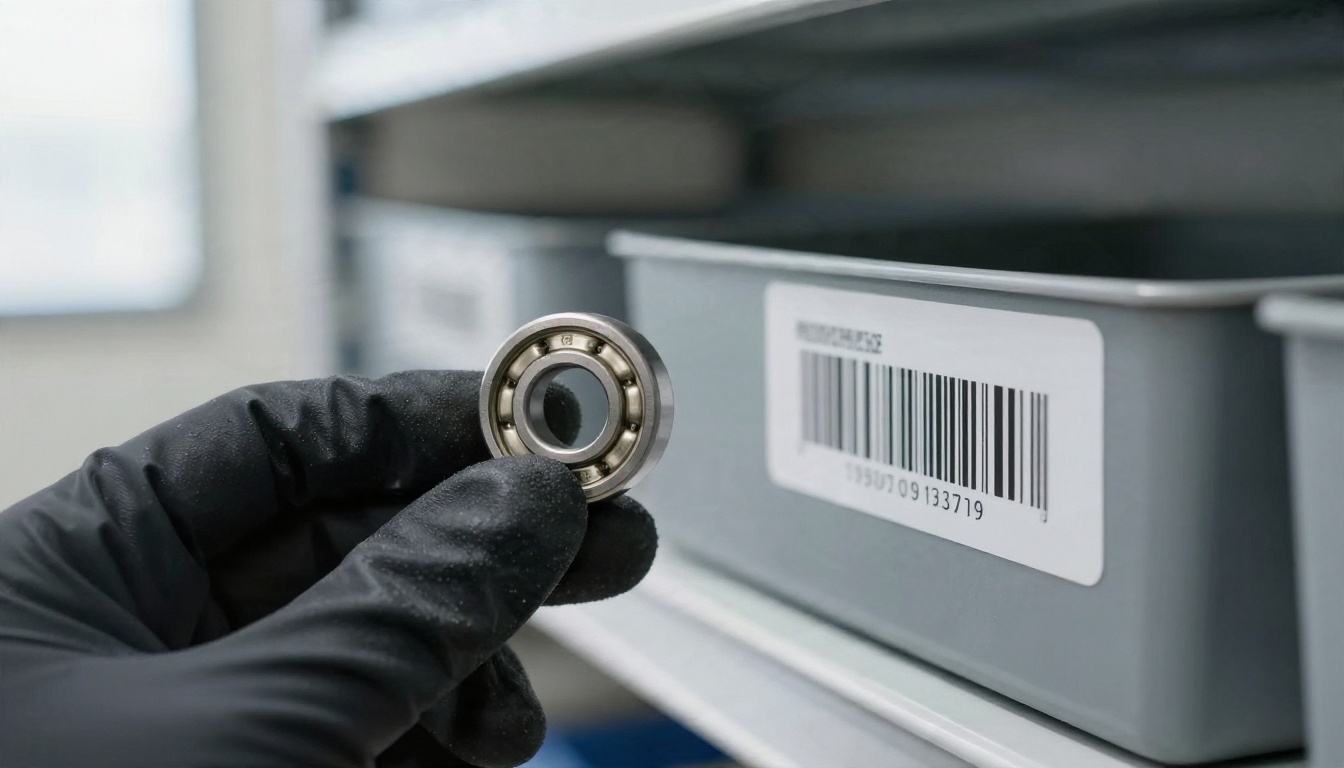
The part number is the single source of truth. Names change, translations differ and photos can mislead. The number is what ends up on the purchase order, the shelf label and the warranty claim.
Numbering Rules That Last
Good numbering schemes are boring and predictable. A few habits that save years of pain:
- One number, one part. Never reuse a number for a different component.
- Avoid hidden meaning that expires. Codes that embed a model year or supplier break when those change.
- Keep formatting uniform. Decide on dashes, spaces and leading zeros once, then enforce it everywhere.
- Store cross-references. Link old, supplier and competitor numbers to your own.
Supersessions and Substitutes
Parts evolve. A supersession tells the reader that part A is now replaced by part B. Your catalog should show that clearly, including whether the new part is a direct fit or needs extra hardware.
| Situation | What the Catalog Should Show |
|---|
| Direct replacement | Old number, new number, "fits as is" |
| Replacement needs adapter | New number plus adapter number |
| Discontinued, no substitute | Clear "no longer available" label |
| Kit replaces loose parts | Kit number and list of included items |
Quantities and Units
Always state the quantity per assembly and the unit of sale. "4 per unit, sold in packs of 10" prevents the classic mistake of ordering one pack when the machine needs eight seals.
Exploded Views That Work
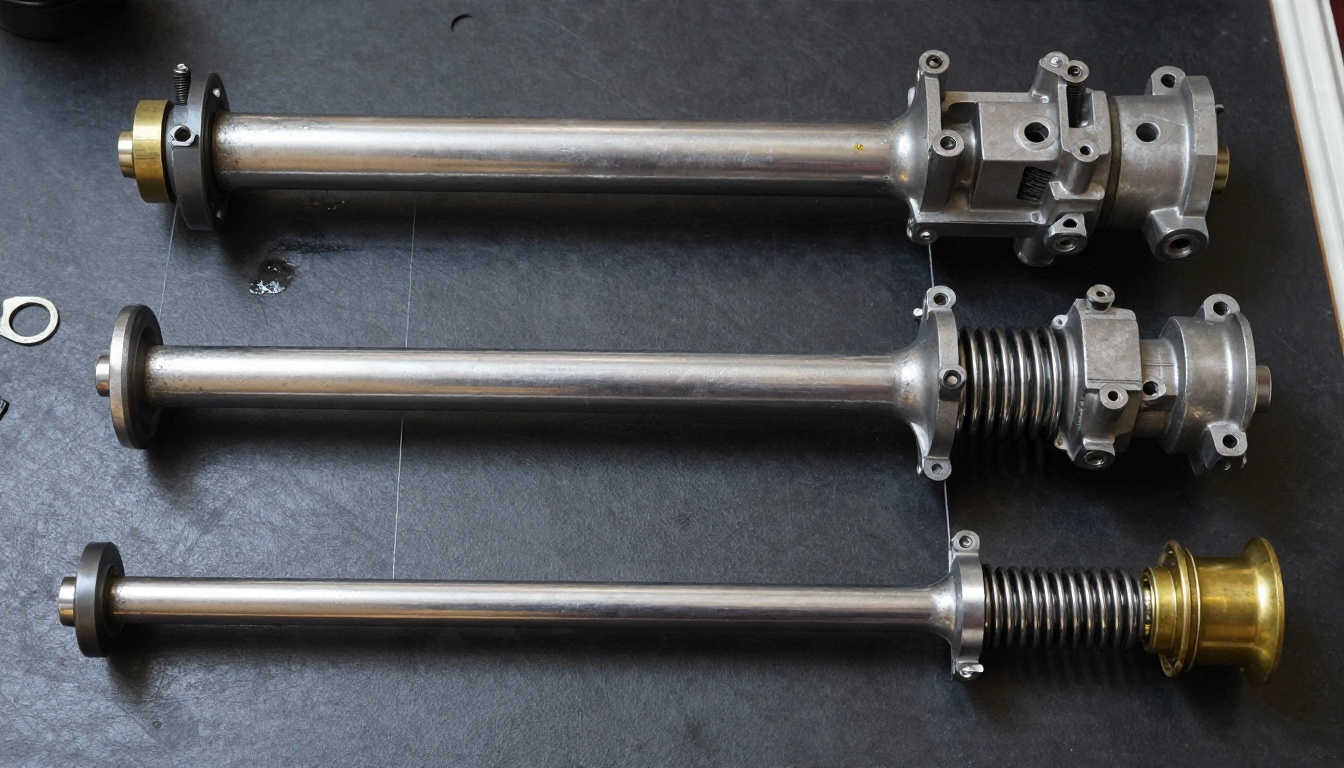
An exploded view separates an assembly into its parts along an axis, so each component is visible and numbered. It is the closest thing a catalog has to a conversation with the person who built the machine.
Anatomy of a Useful Diagram
A diagram helps only if it is readable. The best ones share these traits:
- Clean line art with consistent line weights.
- Numbered callouts that never overlap.
- Alignment lines that show how each part slides into place.
- One assembly per page, not five crammed together.
Callout Tables Beside the Drawing
The numbers in the drawing only help when a table sits next to them. A typical parts list includes item number, part number, description, quantity and notes.
| Item | Part Number | Description | Qty | Notes |
|---|
| 1 | 40-1182 | Housing cover plate | 1 | Aluminum |
| 2 | 40-1190 | O-ring, 32 mm | 2 | Replace on service |
| 3 | 40-1204 | Hex bolt M6 x 20 | 6 | Torque spec in manual |
| 4 | 40-1215 | Shaft bearing | 1 | Sealed type |

Where Drawings Come From
Most manufacturers already have the source material in their CAD system. The practical step is exporting simplified, labeled views for catalog use, rather than dropping full engineering drawings into a customer document. Engineering drawings carry tolerances and details that clutter a parts page.
✅ Best practice: Have engineering and catalog staff agree on one naming rule for assemblies, so the drawing title, the table heading and the search label always match.
Software Options Compared

There is no single right tool. The right choice depends on catalog size, how often data changes and who needs access. Here is a realistic comparison.
| Approach | Best For | Strengths | Limits |
|---|
| Spreadsheet or static PDF | Very small catalogs | Cheap, familiar | Hard to search, easy to go out of date |
| Digital flipbook from PDF | Small to mid catalogs, dealer distribution | Fast to publish, readable on any device, trackable | Not a live database |
| ERP or PIM module | Large catalogs with live pricing | Real-time stock and data | Costly, slow to set up |
| Dedicated parts catalog platform | Complex products, many variants | Serial-range filtering, CAD integration | High cost, training needed |
Where Flipbooks Fit
A flipbook is the fastest route from a finished PDF to something customers actually open. It works well when your catalog is mostly curated pages: assembly drawings, parts lists and service kits. It is not a replacement for a live inventory system, and it is smart to say so. Many manufacturers use both: a database for internal ordering, and a polished flipbook for dealers, trade shows and email campaigns.
Where Full Platforms Win
If you have thousands of variants, live pricing by customer and serial-specific compatibility, a dedicated platform or PIM is the better home. The honest approach is to start with the simplest tool that solves today's problem, then add complexity only when the data demands it.
Real-World Examples

An Agricultural Equipment Maker
A mid-size maker of tractors and implements sends a seasonal parts catalog to roughly 120 dealers. Before, they mailed PDFs that dealers saved locally and never updated. After moving to a hosted flipbook with one link per product line, dealers always opened the latest revision, and phone calls asking "is this part still current?" dropped noticeably.
A Pump Manufacturer
A pump company created one catalog per series, each with exploded views and a callout table per assembly. Support staff now reply to many emails with a single link to the exact page, instead of describing the part in text.
A Machine Shop With Spare Parts
A small shop that builds custom conveyors published a spare-parts flipbook for its customers. It lists wear parts such as rollers, belts and bearings with part numbers and photos. Customers reorder without calling.
| Use Case | Catalog Content | Main Benefit |
|---|
| Dealer network | Full series catalog | Single current version |
| Field service | Assembly views and kits | Faster repairs |
| Trade show | Highlights and new parts | Easy sharing by link or QR code |
| End customers | Wear and service parts | Fewer support calls |

How to Publish Your Parts Catalog
If your catalog already exists as a PDF, publishing it as an interactive flipbook takes minutes. Here is the workflow on Flipbooks AI.

Step 1: Prepare the PDF
Before you upload, check the source file:
- Export at a resolution that keeps small callout numbers sharp.
- Keep one assembly per page where possible.
- Make sure text stays as real text rather than a flattened image of text.
- Place the parts list on the same page as the exploded view, or on the facing page.
Step 2: Upload and Convert
Create an account, then upload your file with the PDF to Flipbook Converter. The platform converts each PDF page into a page-turning flipbook that works on desktop and mobile. For a parts-focused layout, the Product Catalog and Digital Catalog Maker tools are good starting points.
Step 3: Customize the Look
Open the editor and set up your brand:
- Add your logo and brand colors.
- Pick the page-turn effect and background.
- Add videos or audio for assembly tips or installation clips.
- Check that everything reads well on a phone, since technicians often use one in the field.
Step 4: Share With Dealers and Customers
Publish and choose how people reach it:
- Direct link for emails and support replies.
- Embed code to place the catalog on your site. See the Embed Flipbook on Website tool.
- Password protection for dealer-only price lists or internal service manuals.
- No watermarks, so the catalog looks like your own brand.
Step 5: Use Professional Plan Features
On the Professional plan you can see which pages get read, which helps you spot the parts people look at most. You can also capture leads before someone opens a gated catalog, and allow offline downloads for technicians working where signal is weak. Compare tiers on the pricing page. Unlimited flipbooks are available on the Standard plan and above.
💡 Pro tip: When a part is superseded, upload the updated PDF and keep sharing the same link, instead of sending a new file to every dealer.
Related Tools Worth Knowing
If your product line includes machines, a Digital Price List Generator and a Training Manual Flipbook pair naturally with a parts catalog. Browse the full set of flipbook tools to see what else fits your workflow.
Common Mistakes to Avoid
Even well-funded catalog projects stumble on the same issues. Check yours against this list.
- Mixing revisions. Two versions floating around inboxes guarantee wrong orders. Use one hosted link.
- Overloaded pages. Five assemblies on one page makes callouts unreadable.
- Missing quantities. A part number without a per-assembly quantity invites under-ordering.
- No change log. Dealers need to see what changed since the last release.
- Ignoring mobile. If the page cannot be zoomed on a phone, technicians will not use it.
- Treating the catalog as finished. Plan a regular update schedule, tied to engineering changes.
A Quick Self-Check
| Question | If the Answer Is No |
|---|
| Can a user find a part by number in under 30 seconds? | Improve search or add an index page |
| Does every drawing have a matching parts list? | Add callout tables |
| Are superseded parts clearly marked? | Add status labels |
| Is there one official version online? | Move to a hosted link |
| Does it work on a phone? | Re-check layout and zoom |
Ready to Publish Yours?
A good parts catalog does four things well: it lets people search the way they think, it keeps part numbers clean, it shows assemblies in readable exploded views, and it reaches the right person in the right version. Start with the simplest software that does those jobs, and grow from there.
If you already have a PDF, you can turn it into a shareable flipbook today. Create your free account on Flipbooks AI, browse the catalog tools, and compare pricing plans to pick the one that fits your dealer network. When you are ready to go further, you can upgrade through your account and switch on analytics, lead capture and offline downloads.



