A parts list is a simple document that causes expensive problems when it is wrong. One outdated part number, one missing quantity, one PDF that lives only on a single laptop, and a technician orders the wrong gasket while a customer waits three extra days. The good news: you do not need an enterprise system to fix this. Free tools handle the data side well, and a platform like Flipbooks AI handles the part most teams forget, which is getting the list in front of the right people in a clean, searchable, shareable format.
This article walks through the free parts list software worth your time, the templates that save hours, real examples from different industries, and the best ways to share a parts list online without emailing messy attachments.
What Parts List Software Actually Does
Parts list software stores, organizes and outputs a list of components needed to build, repair or maintain something. At its simplest it is a table. At its most capable it connects to inventory counts, supplier prices and revision history.
Parts List vs Bill of Materials
People mix these up constantly, so here is the short version.
| Feature | Parts List | Bill of Materials (BOM) |
|---|
| Main purpose | Identify and order parts | Define how a product is built |
| Structure | Usually flat | Often multi-level, nested assemblies |
| Typical reader | Technicians, buyers, customers | Engineers, production planners |
| Contains pricing | Often yes | Sometimes |
| Contains assembly order | Rarely | Frequently |
A spare parts list for a pump, for instance, is flat: part number, description, quantity, price. A BOM for the same pump might nest the seal kit inside the housing assembly inside the full unit. Many small businesses only need the first one, and that is perfectly fine.
Who Needs One
- Repair shops that quote jobs from standard kits
- Equipment manufacturers who ship a spare parts list with every machine
- Distributors who publish part numbers and cross references
- Maintenance teams who track consumables for planned service
- Hobbyists and builders documenting a custom project, from a motorcycle restoration to a drone build
💡 Pro tip: If your list has more than about 40 rows and more than one person reads it, treat it as a product, not a scratch pad. Give it a version number and an owner.
Free Parts List Software Options
Free does not have to mean weak. Here is how the most common no-cost options compare for parts work.
| Tool | Cost | Best For | Strength | Limitation |
|---|
| Google Sheets | Free | Small teams, shared editing | Real-time collaboration | Gets slow with huge lists |
| Microsoft Excel (web version) | Free tier | Familiar formulas | Strong filtering and pivots | Free web version is limited |
| LibreOffice Calc | Free | Offline work | No account needed | Sharing is manual |
| Airtable (free plan) | Free tier | Linked records | Relational views and forms | Record limits on the free plan |
| InvenTree | Free, open source | Inventory plus parts | Built for parts and stock | Needs hosting and setup |
| Flipbooks AI | See pricing | Publishing and sharing | Turns a list into a browsable flipbook | Not an inventory database |
Spreadsheets First
Nine out of ten small businesses should start in a spreadsheet. It costs nothing, everyone already knows it, and you can export to PDF in seconds. Use data validation for the category column, freeze the header row, and lock the part number column so nobody types over it by accident.
Open Source Inventory Tools
If your parts list needs to track stock levels, suppliers and revisions together, open source projects such as InvenTree are worth a weekend. You get parametric parts, supplier links and BOM support without a license fee. The tradeoff is time: somebody has to install it, back it up and keep it updated.
Where Free Stops Working
Free tools hit a wall in three places:
- Presentation. A raw spreadsheet looks like a spreadsheet. Customers do not want to scroll a grid on a phone.
- Access control. Sharing a Google Sheet publicly can expose cost columns you meant to hide.
- Version confusion. Once a PDF is emailed, you cannot pull it back or update it.
That is exactly where publishing the finished list as a flipbook closes the gap. Keep the database free, and publish the output professionally.

Parts List Templates That Save Time
Starting from a blank sheet invites inconsistency. A good template forces the same fields every time, which makes searching, sorting and ordering far easier.
Core Columns Every Template Needs
| Column | Example | Why It Matters |
|---|
| Item No. | 001 | Quick reference in drawings and photos |
| Part Number | HX-M8-35-SS | The unique identifier suppliers use |
| Description | Hex bolt M8 x 35 mm, stainless | Plain language for non-specialists |
| Quantity | 4 | Prevents under-ordering |
| Unit | pcs | Avoids confusion with boxes or packs |
| Supplier | Acme Fasteners | Speeds up reordering |
| Unit Price | 0.42 | Enables instant quotes |
| Notes | Use thread locker | Captures installation details |
Add an optional Image column if photos are available. Visual identification cuts ordering errors noticeably, especially for look-alike fasteners and fittings.
Template for Maintenance Kits
Group parts by service interval rather than by assembly. A 500-hour kit, a 1,000-hour kit and an annual kit each get their own section. The technician grabs one block and knows everything required for the visit. Include a Replace / Inspect column so the list also works as a checklist.
Template for Spare Parts Catalogs
For customer-facing lists, add exploded-diagram reference numbers, compatible model ranges and a short availability note. Keep internal cost and margin columns in a separate hidden sheet, so the published version shows only what buyers need. If you sell the parts, a Digital Price List Generator turns the sheet into a polished, shareable price list.
⚠️ Warning: Never publish a parts list with supplier cost columns still visible. Export a clean copy and check every page before sharing.
Real Examples of Parts Lists
Seeing how others structure a list makes your own decisions easier. These three scenarios show different levels of detail.
Example 1: Independent Bicycle Shop
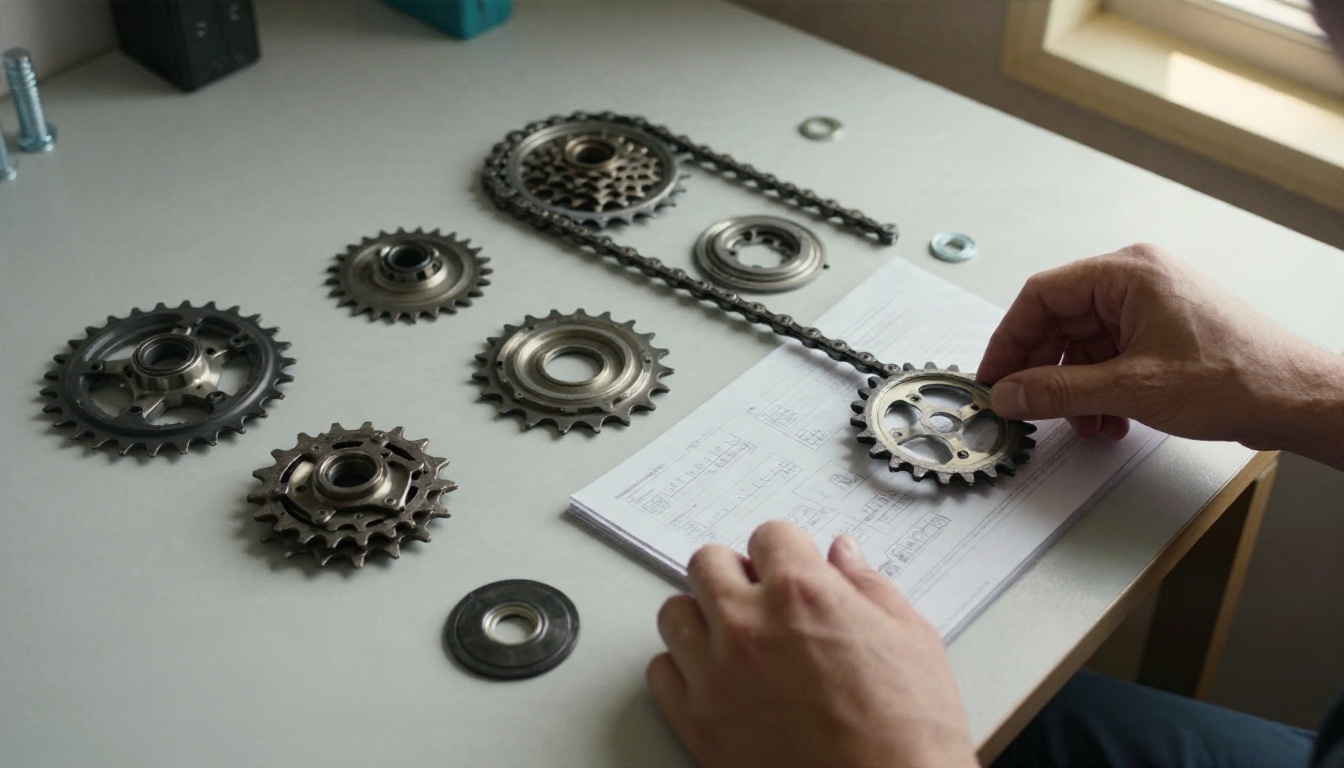
A shop keeps a standard drivetrain service list: chain, cassette, two cables, housing, bar tape and a bottle of lubricant. Each item has a part number, a retail price and a bin location. Customers get the list as a quote, and mechanics use the same list to pull stock. One document, two uses.
Example 2: Machine Manufacturer
A small packaging machine builder ships a spare parts book with every unit. Sections follow the machine: feed system, sealing jaws, drive, electrics. Every part has a number matching an exploded drawing. Because the book is published online, the manufacturer updates a revised heater element once and every customer sees the change immediately. Compare that with reprinting and mailing 200 binders.
Example 3: HVAC Service Fleet
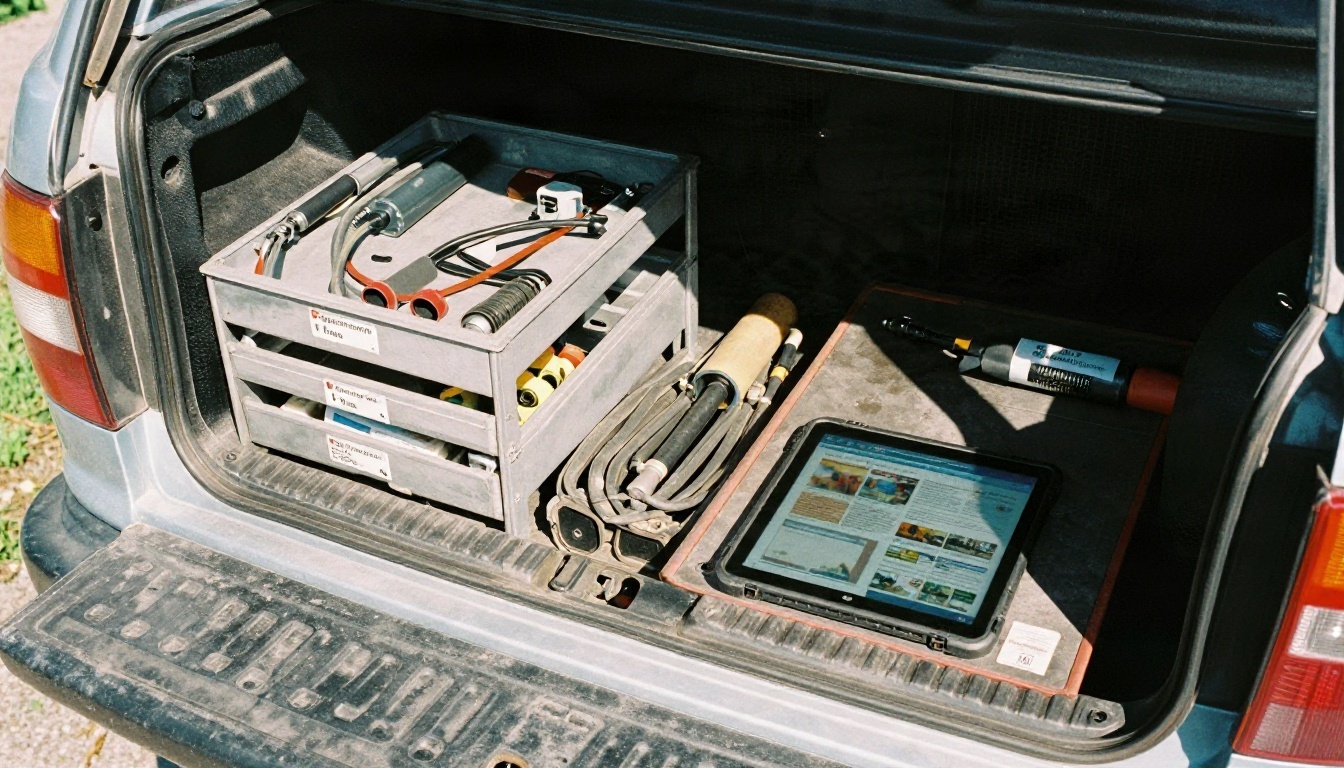
A heating and cooling company equips each van with a stocked parts list sorted by frequency of use: capacitors, contactors, filters, thermostats. Technicians open it on a tablet in the field, check what is on the truck and flag shortages before the next job.
| Example | List Length | Format | Updated | Main Reader |
|---|
| Bicycle shop | 30 to 80 rows | Quote sheet | Monthly | Customers and mechanics |
| Machine builder | 500 to 2,000 rows | Illustrated spare parts book | Per revision | Maintenance engineers |
| HVAC fleet | 100 to 250 rows | Tablet list | Weekly | Field technicians |
✅ Best practice: Sort by how often a part is used, not alphabetically. The fast movers should appear first, because that is what people look for 80 percent of the time.
Share Your Parts List Online
Creating the list is half the job. People can only use it if they can find it, open it and trust that it is current.
Why PDF Attachments Fall Short
Emailing a PDF feels easy until it is not. Files get renamed, saved in random folders and forwarded long after they expire. Large files bounce. On a phone, a wide table shrinks to unreadable text.
Sharing Methods Compared
| Method | Searchable | Mobile Friendly | Easy to Update | Access Control |
|---|
| Email attachment | Partly | Poor | No | None |
| Public spreadsheet link | Yes | Poor | Yes | Weak |
| PDF on website | Partly | Fair | Manual re-upload | None |
| Flipbook | Yes | Excellent | Yes | Password options |
The Flipbook Approach
A flipbook displays your parts list as pages that turn like a printed catalog, but it works on every screen size, loads from a single link and supports search. You can embed it directly on your support page or send the link to a customer. When you revise the source, you publish the update and the same link shows the newest version. Use the Embed Flipbook on Website tool to place it where buyers already look.
For manufacturers and equipment dealers, the Automotive Brochure Generator and the Digital Catalog Maker are good starting points, since both suit parts-heavy layouts.

How to Create a Parts List Flipbook with Flipbooks AI
Here is the full workflow, from spreadsheet to shareable link. Expect it to take around ten minutes for a first attempt.
Step 1: Export Your Parts List to PDF
In Google Sheets, Excel or LibreOffice, set the page to landscape, repeat the header row on each page and export as PDF. Check that column widths do not cut off long descriptions. If you use illustrations, place them in a layout tool first and export the whole document.
Step 2: Create Your Account and Upload
Go to Flipbooks AI and create an account. Upload the PDF, and the platform converts it automatically. The PDF to Flipbook Converter handles the conversion, and your pages come out crisp, with text that stays selectable and searchable. Picture a clean dashboard with a large upload area in the center and a progress bar underneath.
Step 3: Customize the Look
- Branding: Add your logo and pick brand colors so the list looks like it belongs to your company.
- Page effects: Choose the page-turn style and background that suit your audience. A subtle, quiet look works best for technical content.
- Multimedia: Embed a short installation video or audio note next to a tricky part. Mobile-responsive design means it plays on phones and tablets too.
- Links: Turn part numbers into clickable links to your shop or supplier page.
All of this is done without watermarks, ever, so the finished flipbook is entirely yours.
Step 4: Choose Your Sharing Options
| Option | When to Use It |
|---|
| Direct link | Quick sharing by email or chat |
| Embed code | Support pages and product pages |
| Password protection | Dealer-only lists or internal service parts |
| Offline download | Technicians working without a connection |
Password protection is the ideal answer to the cost-column problem described earlier. Publish one flipbook for the public and another, locked one, for dealers with wholesale pricing.
Step 5: Track and Improve
On the Professional plan you get analytics and lead generation. See which pages are opened most, which parts customers look up and where readers leave. If page 14 gets triple the views, move those parts to the front. Capture contact details before a dealer opens the full list and you have a sales channel as well as a reference document. Compare plans on the pricing page. Unlimited flipbooks are included from the Standard plan upward, which suits teams with a separate list for every product line.
💡 Pro tip: Pair the parts list with a Training Manual Flipbook so new technicians get procedures and parts in the same place.
Mistakes to Avoid
Small errors in a parts list multiply quickly. Watch for these.
- Mixed units. One row in millimeters and another in inches will cause an ordering error sooner or later.
- No revision date. Readers cannot tell whether the list is current. Put a date and a version number on the first page.
- Duplicate part numbers. Sort the column and scan for repeats before publishing.
- Vague descriptions. "Seal" tells nobody anything. "Shaft seal 25 x 40 x 7 mm, NBR" does.
- Forgetting supersessions. When a supplier replaces a part, note the old number next to the new one so searches still succeed.
- Hiding the contact route. Every page should make it obvious how to reach someone for a part that is not listed.
A Quick Pre-Publish Checklist
- Part numbers unique and verified
- Units consistent across the list
- Internal costs removed from the public copy
- Version and date on page one
- Links and embedded media tested on a phone
- Access settings confirmed
Ready to Publish Your Parts List?
Free spreadsheet or open source software keeps your data in order. A flipbook makes that data easy to read, easy to search and easy to share with anyone who needs it. Start with the template columns above, build one clean list and publish it.
Your customers and technicians are searching for a part right now. Give them a list they can actually find.



