You built a beautiful digital publication, and now a stranger in another country wants to buy it. Who charges them VAT? Who sends the tax return? Who answers when their card is disputed? That is the whole point of a merchant of record, and it is the reason so many creators look at Payhip before they look at anything else. If you publish interactive books with Flipbooks AI, the question of where and how you sell them matters just as much as the design itself.
This article breaks down what Payhip's merchant of record model means, what it costs, how taxes are split between you and the platform, which alternatives are worth a look, and how selling digital flipbooks fits into the picture.
⚠️ Pricing and tax rules change often. The figures below reflect what was publicly listed at the time of writing, so confirm them on the official Payhip pricing page before you commit.

What Merchant of Record Means
A merchant of record (MoR) is the legal entity that sells the product to the customer. On paper, the buyer purchases from the MoR, not from you. The MoR collects the payment, calculates and remits the tax, issues the invoice, and deals with chargebacks. You then receive a payout of the net amount.
Seller of record versus payment processor
Most people mix these two up, so here is the difference in plain terms.
- Payment processor (Stripe, PayPal): moves the money. You remain the seller, so you are legally responsible for taxes.
- Merchant of record (Payhip in its MoR setup, Gumroad, Lemon Squeezy, Paddle): becomes the seller on the transaction and takes on the compliance burden.
Think of it as hiring a shop to sell under its own name. You supply the product, they handle the paperwork at the till.
Why tax handling matters
Digital goods are taxed where the buyer lives, not where you live. A flipbook sold from Madrid to a customer in Texas and another in Sweden triggers three different tax situations in one afternoon. Selling directly, you would need to track thresholds, register in the right places, and file returns. A merchant of record absorbs most of that, which is why solo creators love it.
💡 Pro tip: If you sell fewer than a few hundred copies a month, the time you save on tax admin is usually worth more than the extra percentage points you pay in fees.
Payhip Fees Broken Down
Payhip's pricing has historically revolved around a simple idea: pay a monthly fee to lower your per-sale cut, or pay nothing monthly and give up a bigger slice of each sale.
Plan fees at a glance
| Plan | Monthly cost | Transaction fee | Best for |
|---|
| Free | $0 | Around 5% per sale | Testing a first product |
| Plus | Around $29 | Around 2% per sale | Steady sellers with a small catalog |
| Pro | Around $99 | 0% per sale | Higher volume and larger catalogs |
These numbers are approximate. Payhip adjusts plans from time to time and sometimes offers discounts on annual billing, so treat the table as a comparison frame, not a quote.
Processing fees and payouts
The plan fee is not the whole story. Card and wallet payments carry a processing fee on top, typically in the range of 2.9% plus a fixed amount per transaction for cards, with PayPal charging its own rate. Payouts can go to PayPal or a Stripe account depending on your setup, and each has its own timing.
Here is a worked example for a $25 flipbook sold on the Free plan:
- Sale price: $25.00
- Payhip transaction fee (about 5%): $1.25
- Processing fee (about 2.9% plus a small fixed fee): roughly $1.05
- You keep roughly $22.70, before any tax portion collected on the buyer's behalf.
✅ Best practice: Run the same math at three price points ($9, $25, $60). Fixed fees punish low prices far more than percentage fees do, so bundling flipbooks into a higher-priced package often improves your margin.

How Taxes Work for Digital Sales
Tax is where the merchant of record model earns its fee. It is also where most misunderstandings live.
VAT and sales tax in practice
For European and UK buyers, VAT applies to digital products from the first sale in most situations. For US buyers, sales tax on digital goods varies by state, and many states apply economic nexus thresholds. A platform acting as merchant of record typically does three things:
- Calculates the correct rate at checkout based on the buyer's location.
- Collects it on top of, or inside, the displayed price.
- Files and remits it to the relevant authority under its own registrations.
Payhip has offered VAT handling for EU and UK sales for years, and its merchant of record setup extends that responsibility. Which regions and products are covered depends on your account type and settings, so check the tax section inside your dashboard.
What stays on your plate
A merchant of record does not erase every obligation. You still owe tax on your own income. Here is how the responsibility usually splits.
| Task | Platform (MoR) | You |
|---|
| Collect buyer VAT or sales tax | ✅ | |
| File and remit consumer tax | ✅ | |
| Issue buyer invoices | ✅ | |
| Report your payouts as income | | ✅ |
| Pay income tax or corporate tax | | ✅ |
| Keep records for your accountant | | ✅ |
| Refund policy decisions | Shared | Shared |
⚠️ Warning: Do not assume "merchant of record" means "tax free." Your payouts are still income. Keep payout statements and talk to a local accountant, especially if you run a company rather than a sole proprietorship.

Payhip Alternatives Worth Comparing
Payhip is not the only platform that takes the tax burden off a small seller. Several others work on a similar model, each with a different trade-off between fee, features, and control.

Gumroad
Gumroad moved to a merchant of record model for all sales, with a flat percentage plus a small fixed fee per transaction. It is very simple, has a built-in discovery element, and suits creators who want zero setup friction. The cost is a higher effective rate on low-priced items.
Lemon Squeezy and Paddle
Lemon Squeezy targets software and digital product sellers, with a per-transaction fee plus a fixed amount, subscription tools, and license keys. Paddle leans toward SaaS companies and typically suits larger volumes. Both act as merchant of record and both can feel heavy for someone selling a handful of flipbooks.
Selling direct with Stripe
If you want full control and the lowest fees, you can sell directly through Stripe or a similar processor. You keep more per sale, but you are the seller, so tax registration, filing, and invoices fall on you. It is a reasonable path once revenue is steady and you have an accountant.
Side-by-side comparison
| Platform | MoR model | Fee style | Strength | Trade-off |
|---|
| Payhip | Yes, for eligible sales | Plan tiers plus processing | Flexible plans, 0% tier available | Monthly fee for lower rates |
| Gumroad | Yes | Flat percentage plus fixed fee | Very simple setup | Costly on cheap products |
| Lemon Squeezy | Yes | Percentage plus fixed fee | Licenses and subscriptions | Built more for software |
| Paddle | Yes | Custom or percentage | Scale and compliance depth | Heavy for tiny catalogs |
| Stripe direct | No | Processing only | Lowest fees, full control | You handle all tax |
💡 Pro tip: Sign up for a free account on two platforms and publish the same product on both for a month. Real checkout data beats any comparison chart, including this one.
How Selling Digital Flipbooks Works
A flipbook is an interactive, page-turning version of a PDF. It loads in the browser, works on phones, and feels closer to a physical book or magazine than a flat download. That makes it a strong product for recipe collections, lookbooks, training manuals, catalogs, and ebooks.

Why flipbooks beat plain PDFs
- Better reading experience: page-turn effects and responsive layouts on mobile.
- More perceived value: buyers associate an interactive publication with a premium product.
- Embedded media: video and audio can live inside the pages.
- Brand control: custom colors and your logo instead of a generic PDF viewer.
- Trackable access: with the right plan, you can see how people interact with your content.
Three delivery models
Payhip and similar platforms are built to deliver files, links, and access. For flipbooks, you have three practical options.
| Model | How the buyer receives it | Best for | Watch out for |
|---|
| Link delivery | A private flipbook URL in the receipt or download page | Ebooks, lookbooks, catalogs | Link sharing, unless protected |
| Password protected | Link plus a password provided after purchase | Paid courses, premium reports | Remember to rotate passwords |
| Offline file plus link | PDF download alongside the online flipbook | Buyers who want both | Piracy risk on the PDF |
A cooking creator, for example, can sell a 60-page recipe flipbook for $19. The buyer pays on Payhip, receives the password-protected link, reads it on a tablet in the kitchen, and the merchant of record deals with the tax on the sale. The creator never touches a VAT form.

✅ Best practice: Protect the flipbook with a password and put the password in the product's post-purchase message. It is the simplest gate between a paid reader and a casual link-sharer.
Build a Sellable Flipbook Step by Step
Here is how to turn a finished PDF into a product you can list on Payhip or any similar marketplace. The creation side takes minutes with Flipbooks AI.
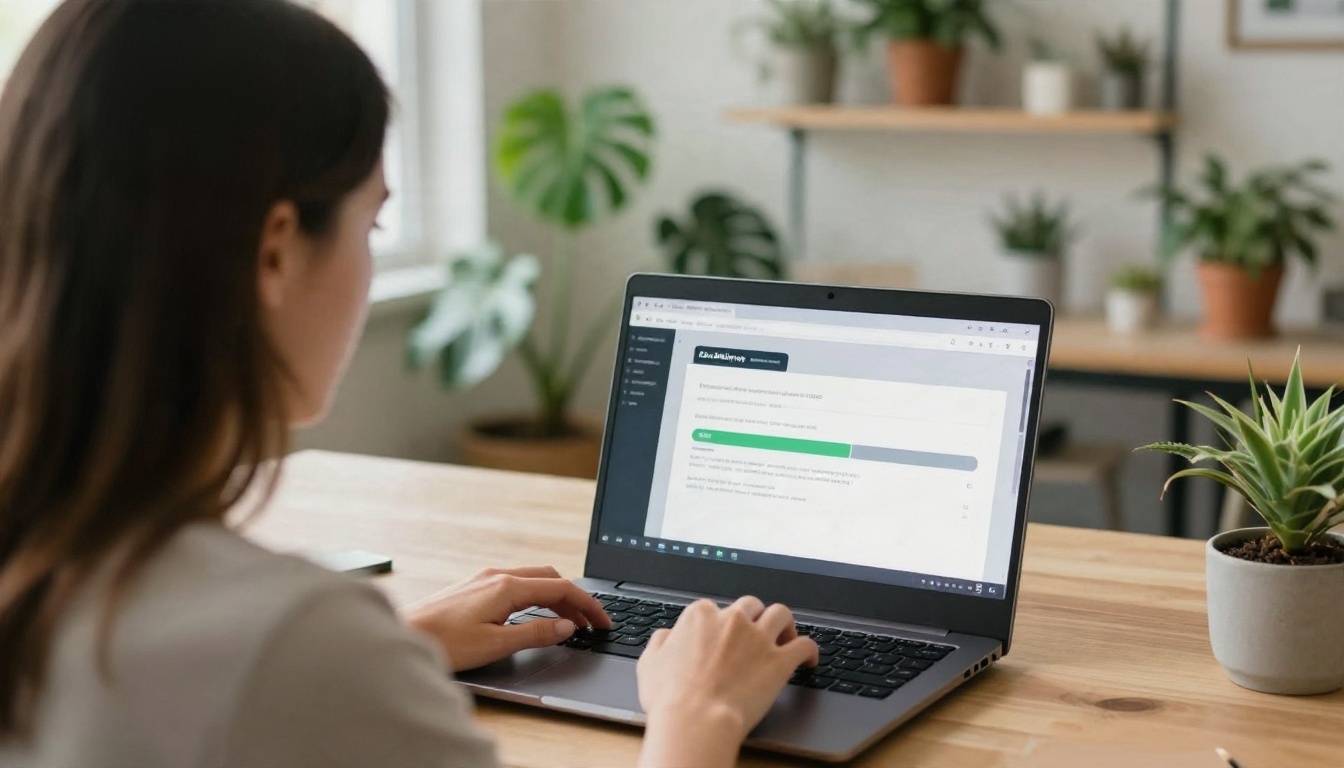
How to create the flipbook
- Open your account. Create a free account on Flipbooks AI and start a new project.
- Upload your PDF. Drag in your file, and the PDF to Flipbook Converter turns each page into an interactive spread. For book-style content, the Interactive E-Book Publisher is a natural fit.
- Customize the look. Add your logo, choose brand colors, pick a page-turn effect, and place video or audio where it helps the reader. There are no watermarks, so the result looks like your own product.
- Set protection. Turn on password protection for paid content. This is the layer that makes a flipbook sellable.
- Choose how to share. Copy the direct link, or use an embed code on your own site with the Embed Flipbook on Website tool.
- Publish and test. Open it on your phone and your laptop, then enter the password to check the buyer experience.
How to list it on Payhip
- Create a new product and choose the digital product type.
- Upload a short PDF or text file that contains the flipbook link and password. You can also add a cover preview image and a clear description.
- Set a price and decide whether to allow coupons or pay-what-you-want.
- Add a short post-purchase message with reading instructions.
- Publish and share your product link on social media, your newsletter, or your own site.
Add analytics and lead capture
With the Professional plan, you can access analytics and lead generation, which shows how readers move through your flipbook and lets you capture contact details from interested visitors. Compare options on the pricing page. If you offer a free sample chapter as a flipbook, lead capture turns it into a list-building tool that feeds your paid product.
💡 Pro tip: Offer offline downloads to buyers who read on planes or trains. Pair that with the online version so people can choose how they read.
Which products sell well
Common Mistakes to Avoid
Most creators trip over the same handful of issues. Fixing them early saves money and refunds.
- Ignoring the fixed fee. A $5 product loses a large share to per-transaction fixed charges. Bundle or raise your price.
- Skipping the password. An open link will circulate. Gate it.
- Assuming the platform handles your income tax. It handles consumer tax, not yours.
- Choosing a plan too early. Start free, then move up only when monthly sales justify the plan fee. A simple rule: if the monthly plan costs less than the fee savings, upgrade.
- Forgetting a refund policy. Digital goods still get refund requests. A clear policy reduces disputes.
- No preview. Buyers want to see inside. Offer a free flipbook sample of the first pages.

Pick a Setup and Start Selling
Here is the shortest path from idea to a first sale, based on where you are today.
| Your situation | Suggested route |
|---|
| No sales yet, no tax knowledge | Payhip Free plan as merchant of record, password-protected flipbook |
| Steady monthly sales, small catalog | Payhip Plus or Pro, whichever gives the lower total cost |
| Software or license-based products | Lemon Squeezy or Paddle |
| High volume, accountant on board | Stripe direct with your own tax setup |

The pattern is simple. Use a merchant of record while you are small, because tax paperwork should not be the reason a good product never ships. Present the product as an interactive flipbook so it stands apart from the usual PDF download. Then reassess once your numbers justify a different structure.
Ready to build your first sellable publication? Create your account on Flipbooks AI, browse all flipbook tools for a template that fits your niche, and compare pricing plans to pick the features you need, from password protection to analytics. When you are ready to publish, upgrade through your account and list your product wherever your buyers are.



