You finished the design. The photography is sharp, the layout is tight, and now comes the question that quietly decides how many people will actually read it: do you send a PDF, ship a print run, or publish an interactive version? Each format has fans, and each one fails in predictable ways. This article puts PDF, print and interactive flipbooks side by side for three document types, catalogs, brochures and magazines, so you can pick with numbers instead of habit. If you already have a finished file, you can turn it into a page-turning version in minutes with Flipbooks AI.
💡 Short answer: print wins on touch and trust, PDF wins on simplicity, and interactive wins on reach, updates and measurable results. Most teams end up using two of the three.
Before comparing anything, it helps to be precise about what each format really is. People often say "digital" when they mean three very different things.

What PDF Does Well
A PDF is a fixed digital copy of your layout. It keeps fonts, images and page order intact on any device, which is why it became the default for sending documents around. It is free to produce, easy to attach to an email, and works offline once downloaded.
The weak spots are just as clear. A PDF opens in a viewer built for office paperwork, not for browsing. On a phone you pinch, zoom and scroll sideways. Links work, but there is no tracking, no embedded video, and no way to know whether anyone got past page two. File sizes also balloon with photography, and many inboxes block attachments above 10 to 20 MB.
Where Print Still Wins
Paper has real advantages that no screen replicates. A well-printed catalog on heavy coated stock signals quality before a single word is read. People keep it on a desk, flip through it during a coffee break, and hand it to a colleague. For luxury goods, furniture, fashion and hospitality, that physical presence changes how a buyer feels about the product.
Print also needs no battery, no connection and no login. Trade shows, waiting rooms, hotel lobbies and showrooms still rely on it for good reason.
The trade-off is permanence. Once a thousand copies are on a pallet, a wrong price or an outdated product stays wrong until the next run.
What Interactive Adds
An interactive flipbook takes the same PDF and wraps it in a reading experience: realistic page turns, mobile-responsive layout, clickable products, embedded video and audio, and a single shareable link. You can edit and republish without reprinting anything, and on paid plans you can see which pages people actually read.
| Feature | PDF | Print | Interactive flipbook |
|---|
| Cost per additional reader | Near zero | Printing and postage | Near zero |
| Update after publishing | Resend a new file | Reprint | Replace the file, same link |
| Works on mobile | Poor (zoom and pan) | Not applicable | Responsive |
| Video and audio | No | No | Yes |
| Tracking and analytics | Download count at best | None | Page views, time spent, leads |
| Premium feel | Low | High | Medium to high |
| Offline use | Yes | Yes | Offline download option |
| Shareable by link | Needs hosting | No | Yes, with embed code |
Catalogs are the hardest document to judge because buyers use them in two very different ways: inspiration and ordering.

Print Catalogs for Tactile Sales
If you sell furniture, textiles, tableware or anything where finish and colour matter, a printed catalog still earns its cost. A showroom visitor leaves with something they can leaf through at home and compare with a partner. A mailed catalog also reaches people who never searched for you.
Print works best when:
- Your audience is local or already in your showroom
- The average order value is high enough to justify the per-copy cost
- Your range changes slowly, once or twice a year
- The catalog is a brand statement, not just a price list
Interactive Catalogs for Fast Updates
Wholesalers, distributors and fast-moving retail have the opposite problem. Prices shift, stock runs out, new SKUs arrive monthly. A printed catalog is outdated by the time it is delivered. An interactive version fixes this because you swap the underlying file and every link, QR code and embed stays the same.
For product ranges, the Product Catalog Generator and the Digital Catalog Maker are built for this workflow. If your range is visual, fashion or interiors, try the Fashion Catalog Creator or the Furniture Catalog Maker.
| Catalog situation | Best format | Why |
|---|
| Luxury showroom, 300 clients | Print | Tactile quality supports the price point |
| Wholesale price list, monthly changes | Interactive | Instant updates, one link for every buyer |
| Email to existing customers | Interactive | Opens on a phone without zooming |
| Internal sales team reference | PDF or interactive | Fast, no print cost |
| Trade show handout | Print plus QR code to interactive | Paper in hand, full range on the phone |
⚠️ Common mistake: sending a 60 MB catalog PDF by email. Many servers reject it, and those that accept it often send it to spam. Share a link instead.
Brochures: Short Life, Fast Reach
Brochures are shorter, more promotional and usually time-sensitive. That changes the math.
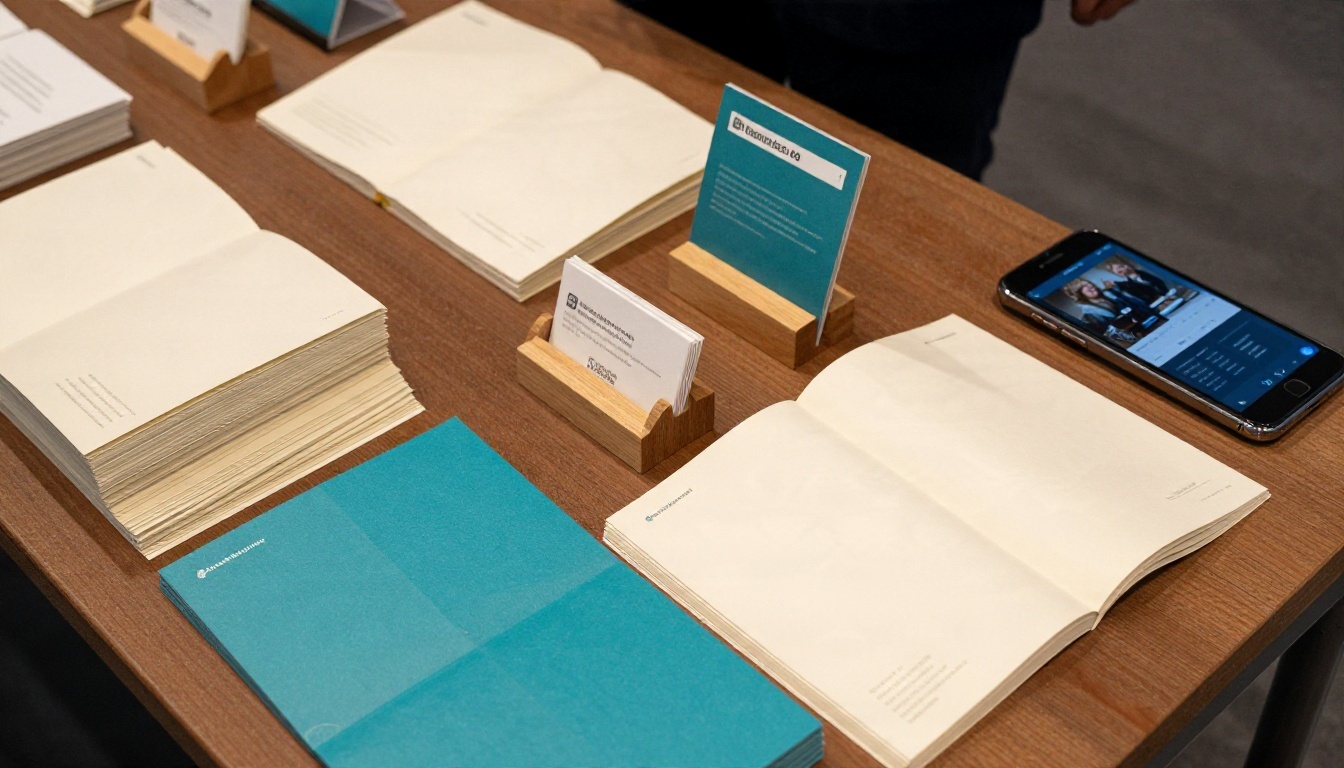
When Paper Brochures Pay Off
A trifold at a reception desk, a leaflet in a welcome pack, a folded sheet at a trade show booth: these are cheap per unit and fast to scan. They work well when the reader is physically present and has a moment to spare. Print is also the right call for anything that needs to sit in a rack for weeks without anyone needing to remember a URL.
Why Interactive Brochures Spread Further
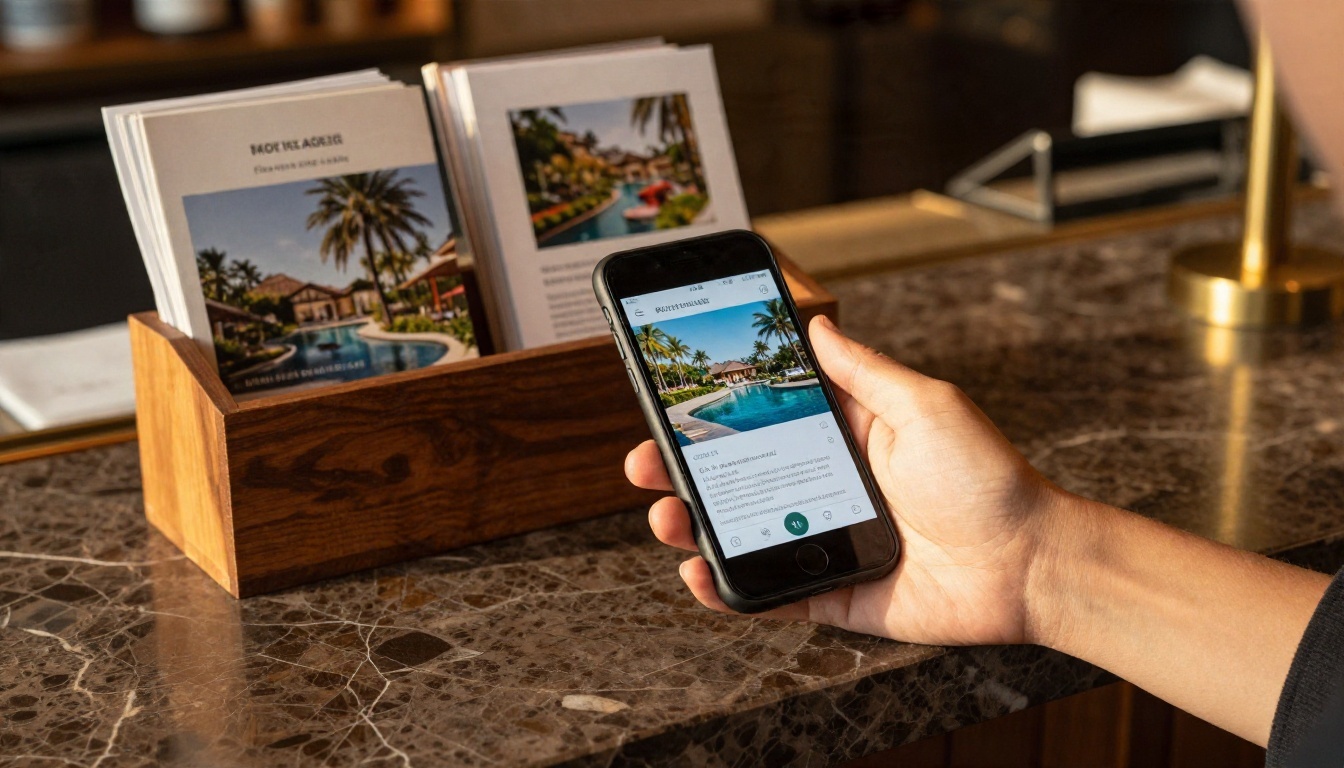
The weakness of paper is that it cannot travel. A hotel can only hand a brochure to people standing in the lobby. An interactive version can be sent to a travel agent in another country, pinned in a social profile, or linked from a booking confirmation. The Hotel Brochure Designer and Real Estate Brochure Creator show how this works for property and hospitality, while the Brochure Flipbook Maker handles everything else.
A realistic scenario: an estate agent prints 200 brochures for an open house, then sends the interactive version to 1,500 registered buyers the same afternoon, with embedded video walkthroughs. The paper copies serve the people on site. The flipbook serves everyone else, and the agent can see which listings were opened most.
Magazines: Reading Habits Decide
Magazines sit between catalogs and brochures. They are long, editorial and read for pleasure, so format preference depends heavily on who is reading and where.
The Case for Printed Magazines
Print magazines have longer shelf life than most people assume. They sit on coffee tables, in waiting rooms and on flights, and readers return to them. Advertising in a printed title also tends to feel more trusted. If your readers are older, non-technical, or simply enjoy slow reading, print remains a strong choice.
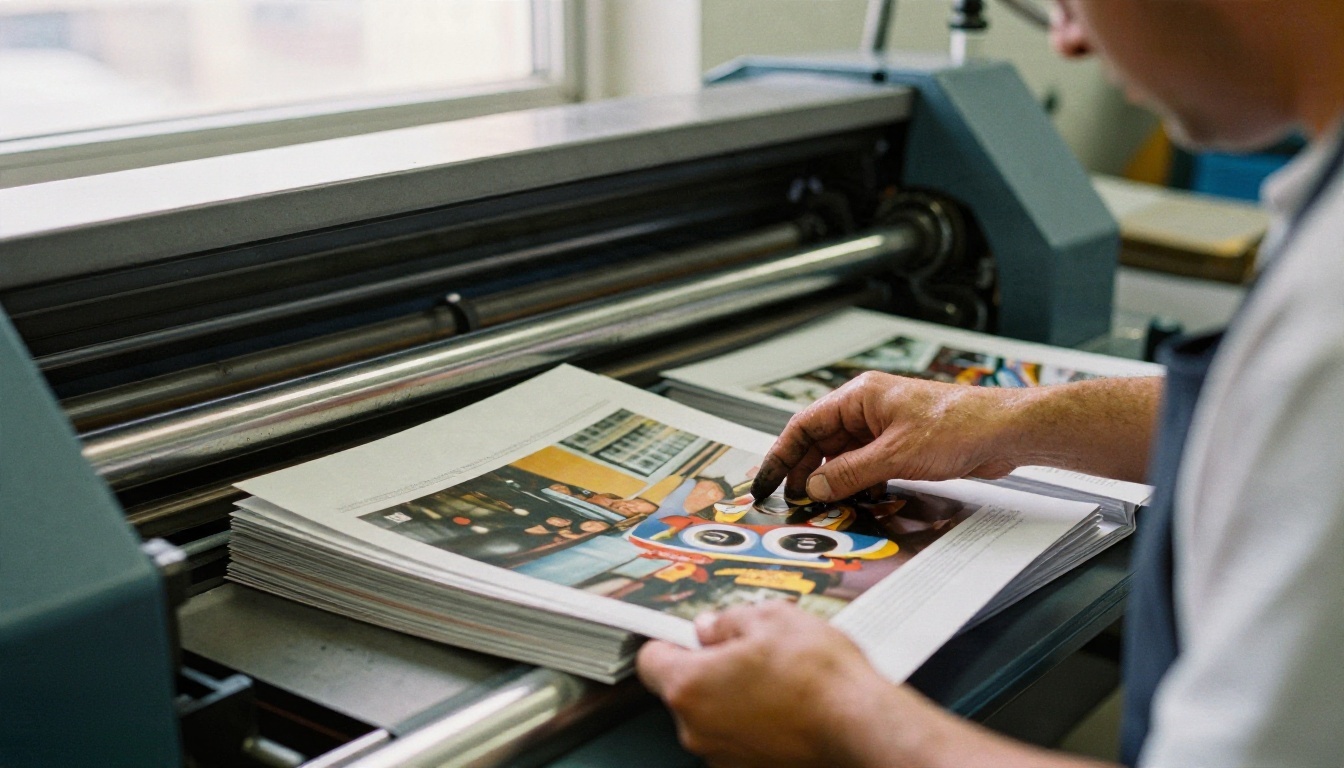
The cost side is steep, though. Print runs need design lead time, proofing, press slots and distribution. A small publisher can easily spend weeks on production for a single issue.
Digital Magazines Reach New Readers
An interactive magazine removes the distribution problem. Subscribers get a link, the issue opens instantly, and archives stay available forever. Video interviews, audio clips and live links can sit right next to the article they belong to. The E-Magazine Publishing Tool and the Magazine Flipbook Creator are designed for exactly this, and the Newsletter Flipbook Publisher suits shorter, more frequent issues.

| Magazine factor | Print | Interactive |
|---|
| Production time per issue | Weeks | Hours to days |
| Distribution | Mail, newsstand, courier | Link, email, embed |
| Back issues | Storage and reprint | Permanent archive |
| Advertiser reporting | Circulation estimates | Real page-level data |
| Reader experience | Tactile, slow | Searchable, media-rich |
Cost comparisons usually forget something. Print has a visible unit cost, PDF looks free but hides wasted effort, and interactive has a subscription rather than a per-copy price.
Print Costs Add Up Quietly
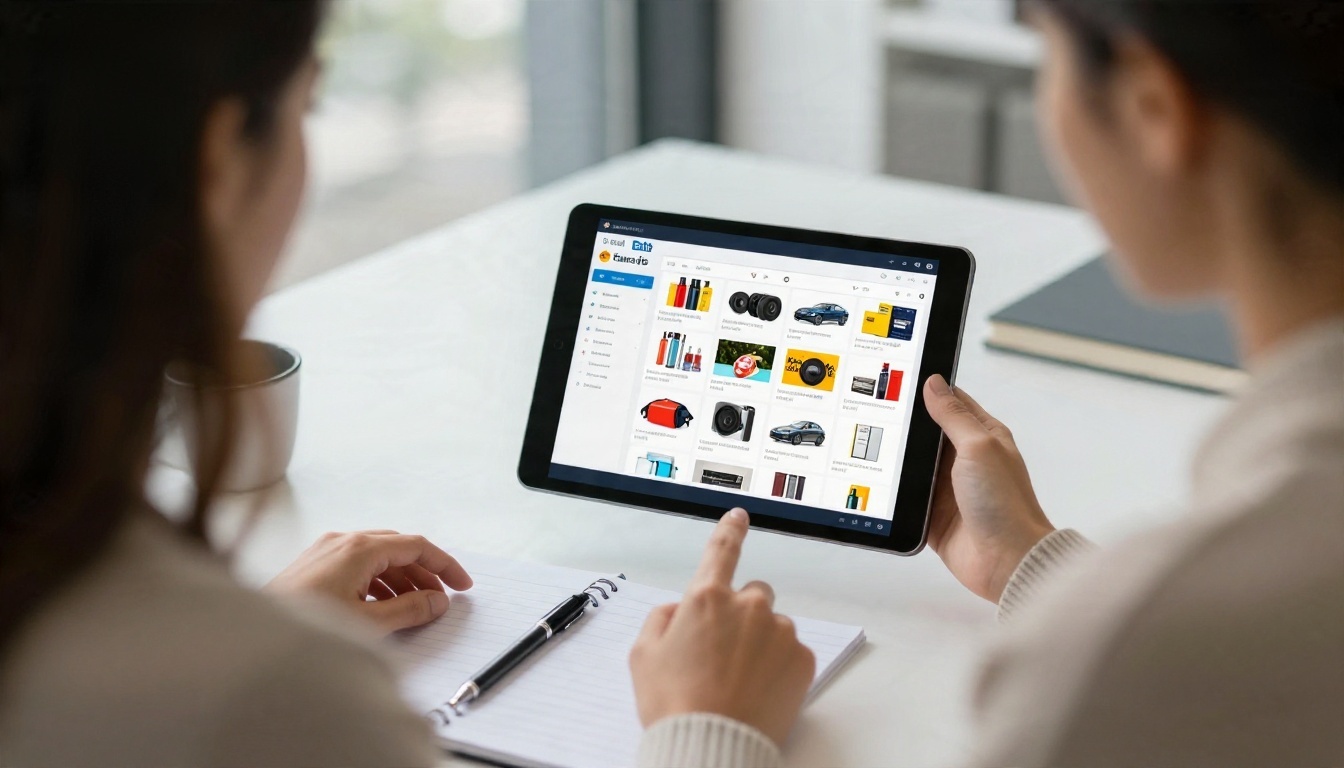
A 48-page catalog printed on good stock can cost several dollars per copy at small volumes, before shipping. Add design revisions, proofs, storage and the cost of throwing away outdated stock. A single typo in a price column can wipe out the savings from a bulk discount.
PDF Is Cheap, Until It Isn't
A PDF costs nothing to export, but it costs attention. Large files bounce, recipients forget where they saved them, and old versions circulate for months. Sales teams end up answering questions that a clear, current document would have avoided.
Interactive Is a Flat Rate
A flipbook platform charges a monthly or yearly plan, and the cost per reader drops as your audience grows. With Flipbooks AI, the Standard plan and above allow unlimited flipbooks, with no watermarks. The Professional plan adds analytics and lead generation.
| Scenario | Print (1,000 copies) | PDF only | Interactive flipbook |
|---|
| Upfront cost | High | None | Low subscription |
| Cost to add 5,000 readers | Very high | None | None |
| Cost to fix a mistake | Reprint | Resend file | Replace file |
| Measurable results | None | Minimal | Page views, time, leads |
| Risk of outdated copies | High | High | Low |
How to Build an Interactive Version
If your catalog, brochure or magazine already exists as a PDF, the interactive version takes about five minutes. Here is the process on Flipbooks AI.

Step 1: Upload Your PDF
- Create an account or sign in.
- Open the PDF to Flipbook Converter and drop in your file.
- Wait a few seconds while pages are converted into a flipbook with realistic page turns.
💡 Export your PDF at 150 to 200 dpi for screen use. Higher resolutions only slow loading without improving how the pages look on a phone.
Step 2: Customize the Look
Next, set the details that make it yours:
- Add your logo and brand colors to the viewer
- Choose the page effect and background
- Insert video, audio and clickable links over products or headlines
- Turn on the mobile-responsive layout so it fits any screen
- Keep it clean: no watermarks, ever
Step 3: Share and Protect
Once published, you have several ways to send it out:
- Direct link for email, messaging apps and social profiles
- Embed code to place it on your site, see the Embed Flipbook on Website tool
- QR code printed on paper brochures or catalog inserts
- Password protection for private price lists, investor decks or members-only issues
Step 4: Track What Works
On the Professional plan, you get analytics showing which pages are read, how long readers stay, and where they drop off. Lead generation forms let you collect an email before someone opens a gated catalog. You can also allow offline downloads for buyers who need the file on a plane or in a warehouse.

A Hybrid Plan That Works
The best answer is rarely one format. The strongest publishing plans split the job by audience and moment.
Print for the Physical Moment
Use paper where people are present: showrooms, events, lobbies, direct mail to your best customers. Keep the run small and the design excellent. Add a QR code on the final page so the reader can jump to the live version.
Interactive for Everything Else
Put the same content online for email campaigns, social posts, sales follow-ups, partner portals and your website. Update it as often as you like. The link never changes, so older emails and QR codes always point to the current version.
Keep PDF for Internal Files
PDF still has a job: contracts, spec sheets and archives that people will download and file. Treat it as a storage format, not a marketing channel.
✅ Best practice: design once, export a print-ready PDF for the press, then upload the same file to a flipbook platform. You maintain one source file and publish in two places.
| Document type | Primary format | Supporting format |
|---|
| Seasonal product catalog | Interactive | Short print run for showrooms |
| Event brochure | Print | Interactive with QR code |
| Monthly magazine | Interactive | Quarterly print edition |
| Annual report | Interactive | Print for board members |
| Price list | Interactive with password | PDF for internal archive |
If your documents are changing often, traveling far, or need proof that someone read them, interactive is the stronger default. If the physical object is part of the product experience, keep print in the mix. And if you only need a quick attachment for a colleague, a PDF is fine.
The easiest next step is to test it with a file you already have. Create a free account on Flipbooks AI, upload a PDF, and share the link with one colleague to see how it feels on a phone. Browse all flipbook tools and templates to find one tailored to catalogs, brochures, magazines or reports, and compare pricing plans when you are ready to publish without limits.



