You print 500 table cards, each with a QR code that opens your PDF menu. Three weeks later, a customer scans one and lands on a "this code has expired, upgrade to continue" page. It happens more often than anyone admits, and it is the exact problem a PDF QR code generator free no expiration search is trying to solve. This article shows which codes can really last forever, which "free" plans are trials in disguise, and how to host the PDF itself so the link never breaks. If you want a permanent, watermark-free home for your document, Flipbooks AI is one option we will return to below.
Why QR Codes for PDFs Expire
A QR code is just a picture of text. In most cases that text is a web address. When you scan it, your phone reads the address and opens it. Nothing in the picture itself has an expiry date.
So why do some codes die? Because of what sits behind them. There are three separate things that can fail:
- The code itself: a redirect service that switches off your short link.
- The destination: the PDF file or page was deleted, moved or renamed.
- The host: the free storage plan lapsed, or the account was closed.
Most "expired QR code" stories come from the first point. A tool gives you a code that points to its server, and that server forwards visitors to your PDF. When the free trial ends, the forwarding stops. Your PDF is fine. The path to it is gone.
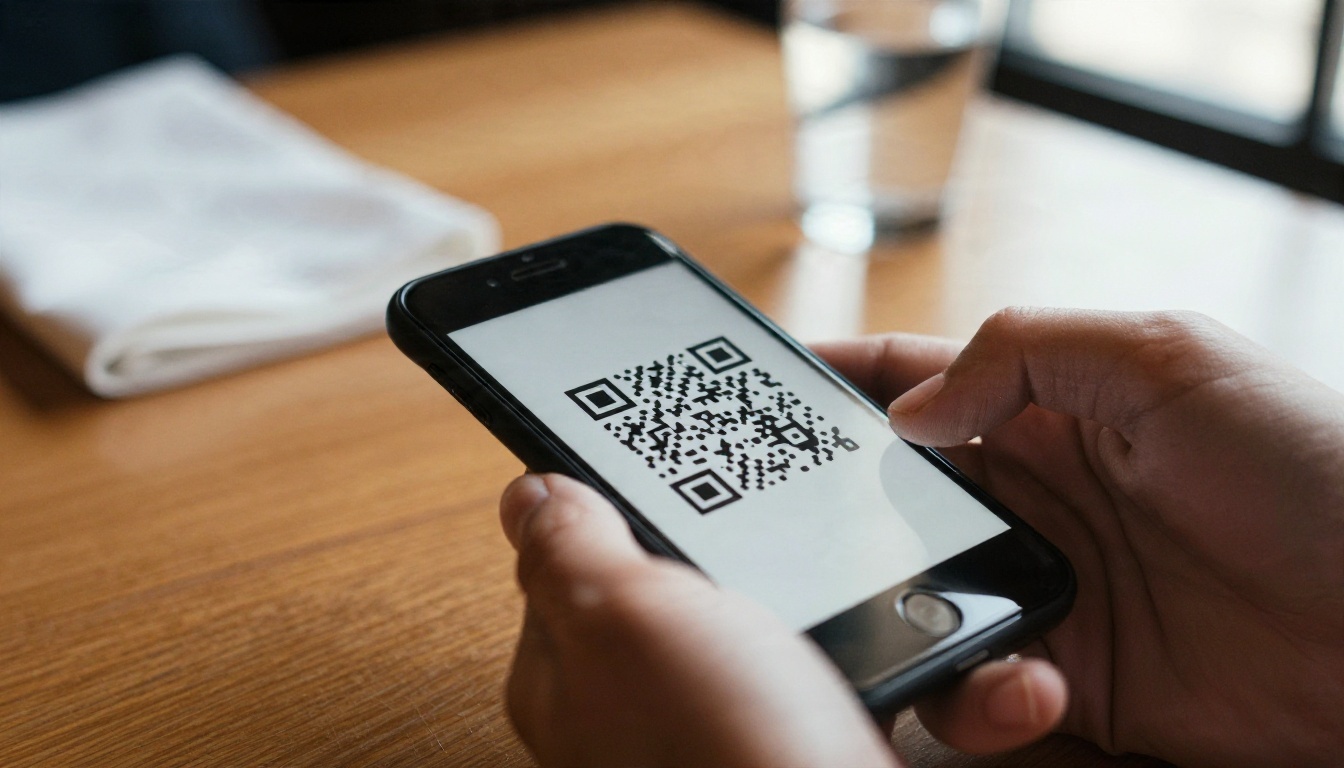
💡 Quick test: scan your own code and look at the address bar before the page loads. If you see a short domain you do not own, you are using a redirect. If you see the final PDF address directly, you are using a static code.
Static vs Dynamic QR Codes
This is the single most important distinction, and the one marketing pages like to blur.
How a static code works
A static code stores the final address inside the pattern. Scanning it opens that address immediately. There is no middleman, no account and no server to switch off. As long as the address works, the code works.
The trade-off: you cannot edit it. If the PDF moves to a new address, you must print a new code.
How a dynamic code works
A dynamic code stores a short redirect address owned by the generator. The service then sends the visitor to your real destination. That gives you three extras: you can change the destination later, you can track scans, and the pattern is often simpler to scan because it holds less data.
The trade-off: you depend on the provider. If the plan ends, so does the redirect.
| Feature | Static QR Code | Dynamic QR Code |
|---|
| Expires on its own | Never | Yes, if the plan lapses |
| Destination editable | No | Yes |
| Scan tracking | No | Usually yes |
| Needs an account | No | Yes |
| Depends on a third party | No | Yes |
| Best for | Print that must last | Campaigns you will adjust |
| Typical free limit | Almost none | Trial days or scan caps |
⚠️ Watch the wording: "free forever" on a dynamic code usually means the creation is free. Scanning, editing or analytics may stop after a trial or a scan quota.
What "Free" Really Costs
Free QR tools generally fall into four groups. Knowing which one you are in saves a lot of reprinting.
- Truly free static generators. They create a code that encodes your link and nothing else. No account, no expiry. The code is yours.
- Free trial dynamic generators. The code works for a fixed period, often a couple of weeks, then redirects to an upgrade page.
- Freemium with scan caps. The code stays active but stops after a set number of scans per month, or after a lifetime total.
- Free with branding. The code works, but visitors see an ad, a splash page or a watermark before reaching your PDF.

Limits to check before you print
Before you commit to any generator, open its pricing page and look for these lines:
- Active period: how many days does the dynamic code stay live on the free tier?
- Scan allowance: is there a monthly or lifetime cap?
- Editable destinations: how many codes can you keep?
- Interstitial pages: does the visitor see an ad first?
- Export formats: can you download SVG or high-resolution PNG, or only a low-resolution image?
- Commercial use: is printing on products or packaging allowed?
Print quality matters too
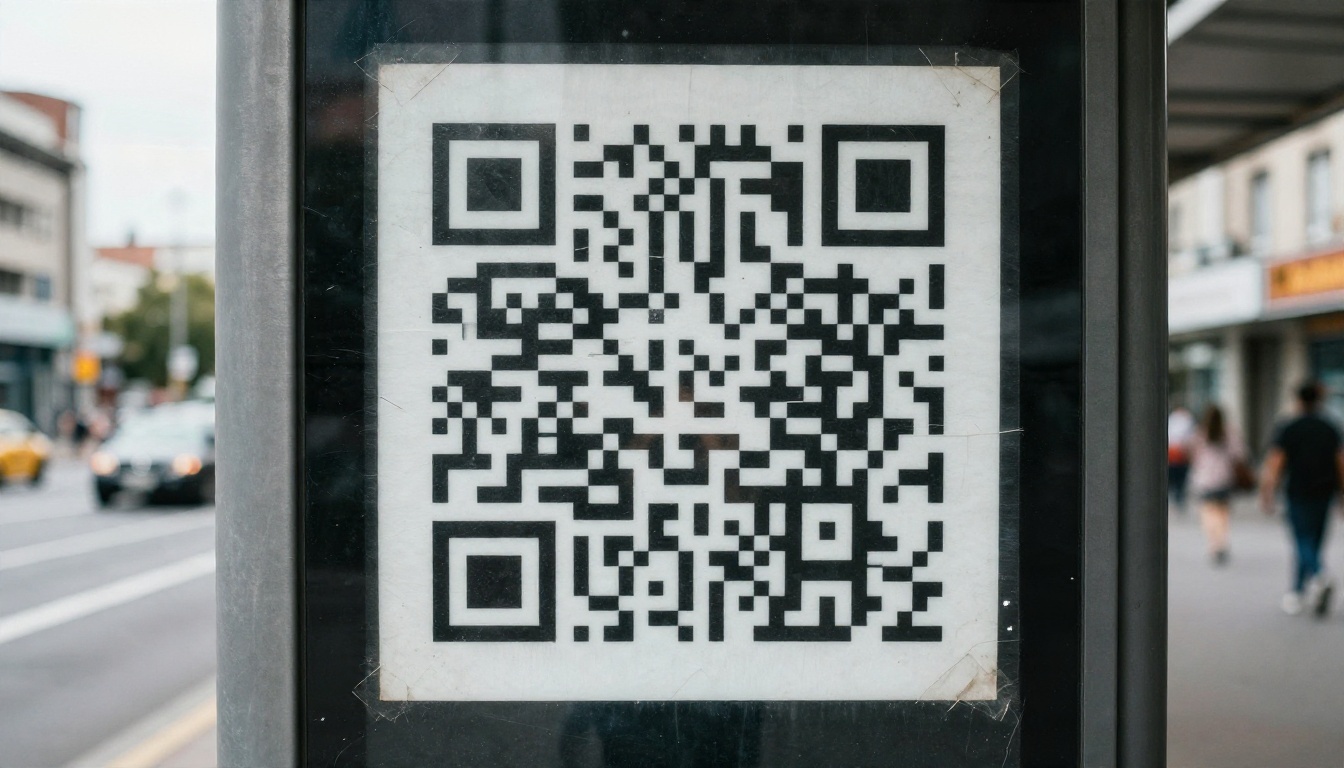
Low-resolution exports blur when enlarged to a poster or a bus shelter ad. Always export a vector (SVG) or a large PNG. Keep a quiet margin of white around the pattern, use dark modules on a light background, and test the printed result on at least two phones before a big run.
The Safest Setup for Permanent Links
If your goal is "never expires", the approach is simple. Make the thing the code points to permanent, and make the code static.
| Layer | What to choose | Why |
|---|
| Document host | A service that keeps your PDF online without a trial clock | The file must stay reachable |
| Address | A clean, stable link you control or that the host guarantees | Prevents broken paths |
| QR code | Static, generated from that address | No redirect to switch off |
| Backup | Save the SVG and the address in your own storage | You can reprint any time |
A plain PDF link sitting on a random file host is fragile. Files get renamed, folders get reorganized, and sharing permissions silently change. A flipbook link is sturdier because the document lives on a dedicated page with its own address, and you can replace the content without breaking the link.
✅ Best practice: generate the QR from the final address, test it, then store the address and the vector file together in a folder named after the print job.

How to Share a PDF with Flipbooks AI
Here is a practical workflow that pairs a stable document page with a static QR code. Flipbooks AI turns a PDF into a page-turning flipbook with its own shareable link, which you can then feed to any static QR generator.
Step by step
- Create your account. Go to Flipbooks AI and sign up. You can try the PDF to Flipbook Converter right away.
- Upload the PDF. Drag your file in. Pages are converted automatically, and text stays sharp on phones, tablets and desktops.
- Customize the look. Add your logo, pick colors, choose page-turn effects and, if useful, embed videos or audio. Nothing is stamped on your pages: no watermarks, ever.
- Set access. Keep the flipbook public, or add password protection for private material such as price lists or internal handbooks.
- Copy the share link. Use the direct link, or place the flipbook inside a web page with the Embed Flipbook on Website option.
- Make a static QR. Paste that link into any static QR generator and download the SVG.
- Test and print. Scan with two different phones, then send it to print.

What you get beyond the link
| Capability | Why it helps a QR workflow |
|---|
| Replace the PDF, keep the link | Fix a typo or update prices without reprinting |
| Mobile-responsive reading | Scanners are on phones, so pages must fit small screens |
| Password protection | Share private catalogs with a printed code safely |
| Offline downloads | Visitors can save the document for later |
| Analytics and lead capture | Available on the Professional plan, see pricing |
| Unlimited flipbooks | Standard plan and above, handy for many printed codes |
💡 Pro tip: because you can swap the PDF behind a flipbook link, you get most of the editing benefit of a dynamic QR code while keeping the simplicity of a static one.
Real-World Examples
A restaurant menu
A cafe prints table cards linked to a menu. Prices change every season. With a static code pointing to a flipbook, the owner uploads the new menu once and every card on every table updates instantly. The Restaurant Menu Creator is built for this scenario.
A product catalog at a trade show
An exhibitor hands out brochures and stands a large sign at the booth. Visitors scan, flip through the catalog on their phones and download it for later. See the Product Catalog tool for a ready starting point.

A real estate listing
An agent puts a code on a yard sign. Passersby open the brochure, see floor plans and photos, and the agent replaces the document when the price changes. The Real Estate Brochure tool fits well.
Packaging and small shops
A florist adds a care-instruction code to every box. The PDF can be updated as new flower varieties arrive, and the printed label stays valid for years.

| Use case | Print format | Recommended code type | Why |
|---|
| Restaurant tables | Laminated cards | Static to a flipbook link | Menu changes without reprinting |
| Trade show signage | Banner and flyers | Static to a flipbook link | Large, reliable scan target |
| Yard signs | Weatherproof board | Static to a flipbook link | Lasts through changing listings |
| Product packaging | Labels | Static to a flipbook link | Cannot be reprinted cheaply |
| Short ad campaign | Posters | Dynamic is fine | Temporary, tracking matters |
Tracking Scans Without a Dynamic Code
The main reason people buy dynamic codes is analytics. You want to know how many people scanned and what they did next. There are two ways to get that without paying for a redirect service.
- Track at the destination. If the PDF lives in a flipbook, view counts and reader behavior come from the document page itself. On the Professional plan, you also get lead generation, so readers can leave contact details.
- Use separate links per placement. Create one flipbook link per channel, for example one for the window sign and one for the flyer, then compare views.

⚠️ Privacy note: if you collect emails or track visits, mention it on the page and follow the rules that apply in your region.
Alternatives to a Standalone Generator
Not every case needs a QR generator. Sometimes another option fits better.
| Option | Expiry risk | Editable | Tracking | Best for |
|---|
| Static QR to a raw PDF link | Low, but the link can break | No | None | Quick, one-off sharing |
| Static QR to a flipbook link | Low | Yes, swap the file | At destination | Long-term print |
| Free dynamic QR service | High after trial | Yes | Basic | Short campaigns |
| Paid dynamic QR plan | Low while paying | Yes | Detailed | Large marketing teams |
| Short link you own on your domain | Low | Yes | Depends | Brands with a website |
Own your short link
If you have a website, create a short path such as yourbrand.com/menu and redirect it to the document. Then encode that in a static code. You get editing power and no third-party dependency, because the redirect lives on your domain.
Skip the code entirely
For email and social posts, a direct link or an embedded flipbook is easier than a QR code. Reserve the code for physical surfaces.

Mistakes That Break Codes
- Printing before testing. Always scan the proof on several phones and in different lighting.
- Encoding a temporary link. Preview, staging and share-by-email links often expire. Use a permanent address.
- Low contrast designs. Light patterns on photos fail in dim rooms.
- Too small. Aim for at least 2 cm (about 0.8 inch) square for close scanning, and larger for distance.
- No fallback. Add a short readable address beneath the code for anyone whose camera does not scan.
- Forgetting the backup. Keep the SVG and the destination in a shared drive so a colleague can reprint it.
✅ Checklist before printing: static code, permanent address, SVG saved, two-phone test, short URL printed beneath.
Quick Answers
Is there a truly free QR code for a PDF that never expires?
Yes, if it is static and the PDF stays online. The code has no expiry. Your hosting is the weak point.
Can I edit a static code later?
No, but you can change what is behind the link if the host allows replacing the file.
Do dynamic codes always expire?
Not always, but free tiers often limit days or scans. Read the plan details before printing.
Should I upload a PDF directly to a free file host?
That works for a quick share, yet links can change. A dedicated flipbook page is steadier for print.
Make Your PDF Link Last
A QR code that never expires needs two ingredients: a static pattern and a destination you can trust. Upload your document to Flipbooks AI, copy the share link and generate a static code from it. Browse the full set of flipbook tools to find a template for menus, catalogs, brochures or reports, and compare pricing plans if you want analytics, lead capture and unlimited flipbooks. When you are ready, get started for free and print with confidence.



