The format you choose for sharing digital content directly affects how many people read it, engage with it, and convert. PDFs have dominated business communication for decades. eBooks became the standard for long-form content. And interactive flipbooks are quickly becoming the format of choice for marketers and businesses that need results. But which one actually converts better?
Flipbooks AI has helped thousands of businesses make this shift. This article gives you a side-by-side breakdown so you can stop guessing and start choosing.
Before comparing conversion rates, it helps to understand what each format actually is and what it was designed to do.
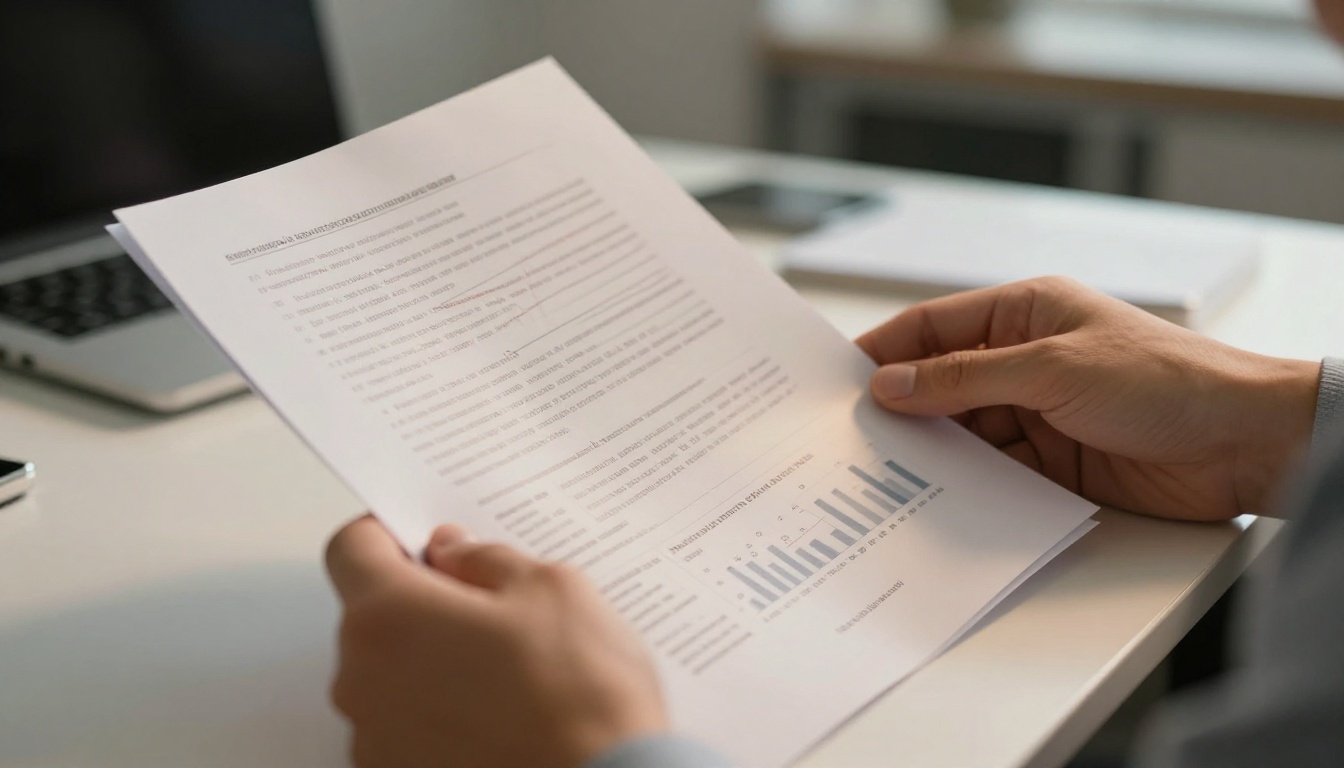
What a PDF Actually Does
PDF (Portable Document Format) was created in the early 1990s by Adobe. Its core promise is consistency — a PDF looks identical regardless of the device, operating system, or software used to open it. That's valuable for legal documents, invoices, and anything where layout precision matters.
But PDFs are passive. They display content. They don't respond to the reader, track behavior, or adapt to mobile screens. You send a PDF and hope the recipient opens it.
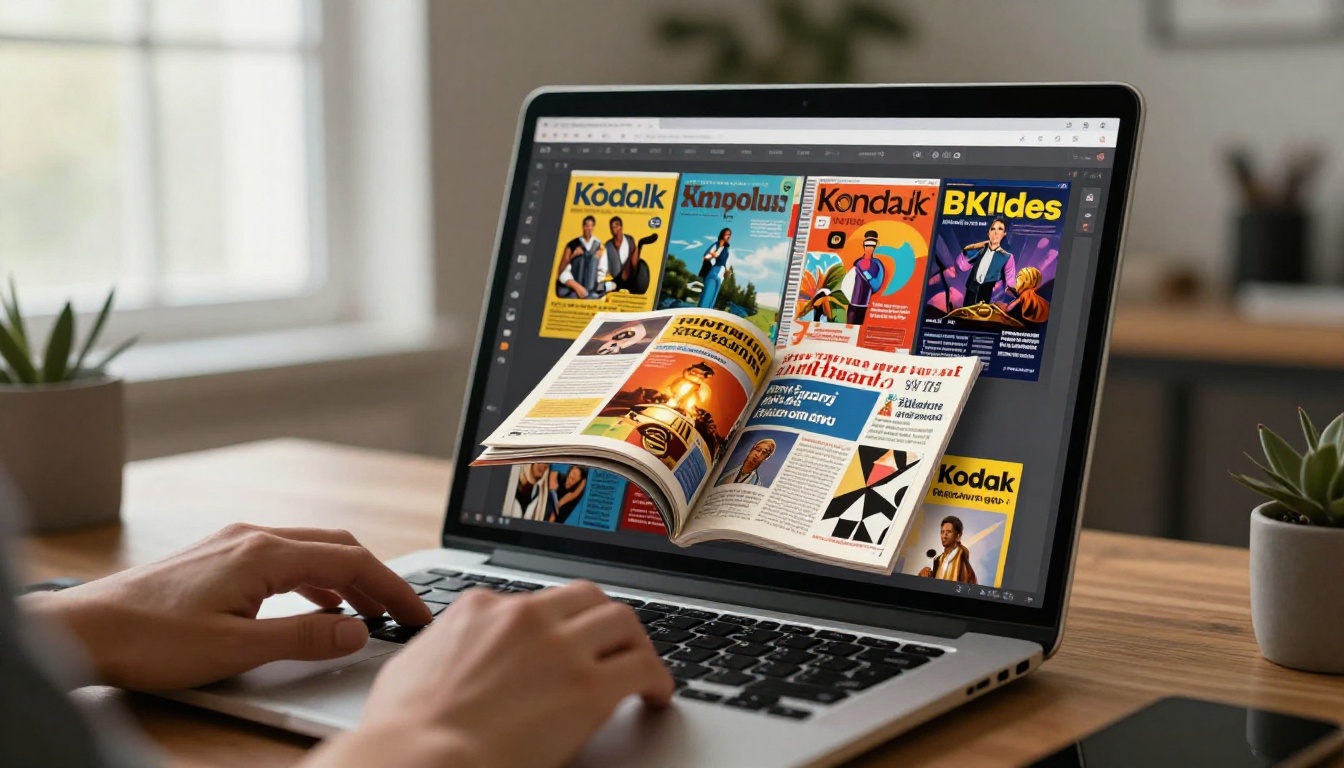
How Flipbooks Work
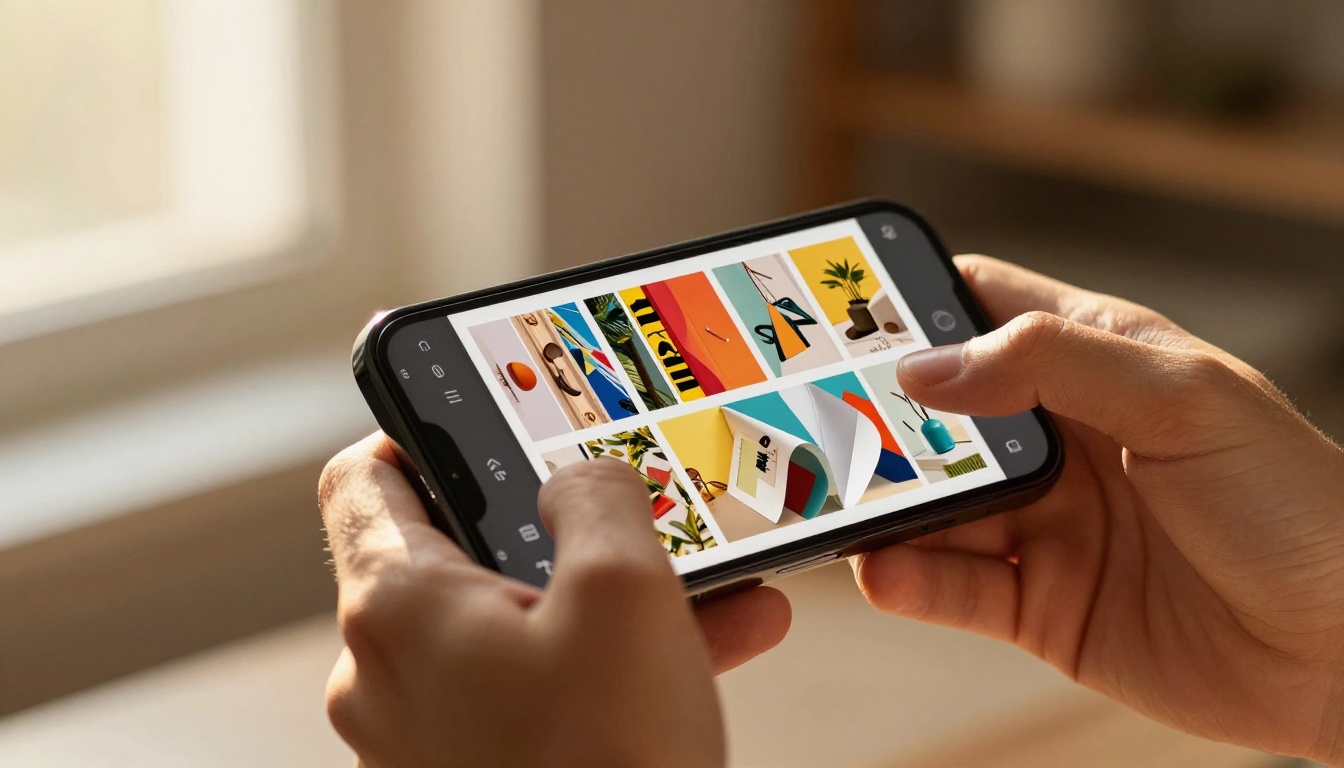
A digital flipbook converts a PDF (or other document) into an interactive, page-turning experience that mimics the feel of a real magazine or catalog. Pages curl and turn with animation. Readers can zoom, click embedded links, watch videos, and interact with content directly.
Unlike a PDF, a flipbook is hosted online and loads in a browser. This means every visit is trackable, every interaction is measurable, and the experience is consistent across all devices without requiring any downloads.
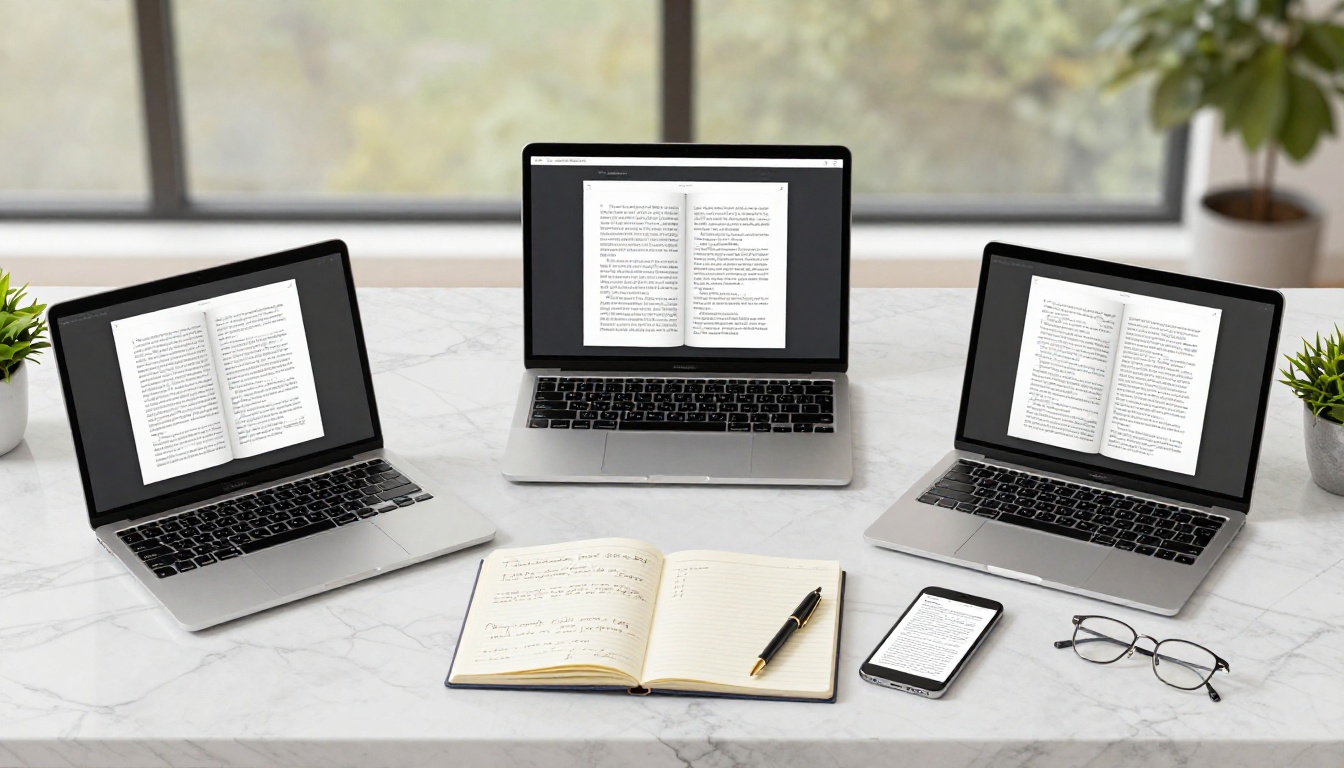
What Makes an eBook Different
An eBook is typically a long-form document formatted for reading apps like Kindle, Apple Books, or Adobe Digital Editions. They use formats like EPUB or MOBI, which allow text to reflow based on the reader's font size and screen size.
eBooks prioritize reading comfort over visual design. They're built for focus and depth, not quick scanning or visual impact. That's great for novels and educational content, but not ideal for catalogs, presentations, or marketing materials.
Here's where the real differences become clear:
| Feature | PDF | Flipbook | eBook |
|---|
| Mobile-responsive | No (requires zoom) | Yes, fully adaptive | Yes (text reflow) |
| Interactive elements | No | Yes (links, video, audio) | Limited |
| Page-turning animation | No | Yes | No |
| Analytics/tracking | No | Yes (Professional plan) | No |
| Requires download | Often | No (browser-based) | Usually |
| Sharing (URL/embed) | File link only | Direct URL + embed code | Varies |
| Branding/customization | Limited | Full control | Limited |
| Password protection | Basic | Yes | Varies |
| Best for | Formal docs | Marketing, catalogs | Long-form reading |
💡 Pro Tip: If your audience is primarily on mobile, PDFs lose between 40-60% of readability compared to a flipbook or eBook format. Mobile optimization is no longer optional.
Format choice affects not just aesthetics. It directly impacts open rates, time-on-page, and conversion actions.
PDF Engagement Stats Worth Knowing
PDFs have a well-known problem: they get downloaded and never opened. Studies on email marketing show that PDF attachments average an open rate of around 20-25%, which sounds acceptable until you compare it to alternatives.
Once opened, a PDF has no embedded tracking. You have no idea whether the reader made it past page 2, what sections held attention, or whether they clicked any links. This is a major blind spot for any marketing or sales use case.
Additionally, PDFs don't render well on mobile without specific apps. On a phone, reading a PDF typically requires pinching and zooming, a frustrating experience that drives readers away quickly.
Flipbook Interaction Rates
Flipbooks generate measurably higher engagement than static PDFs. Because they're browser-based, they load instantly via a URL or embedded widget. There's no download step, no app required, and the reading experience is smooth and intuitive.
The page-turning animation naturally encourages readers to continue. Interactive elements like clickable links, embedded videos, and call-to-action buttons create multiple conversion touchpoints within a single document.
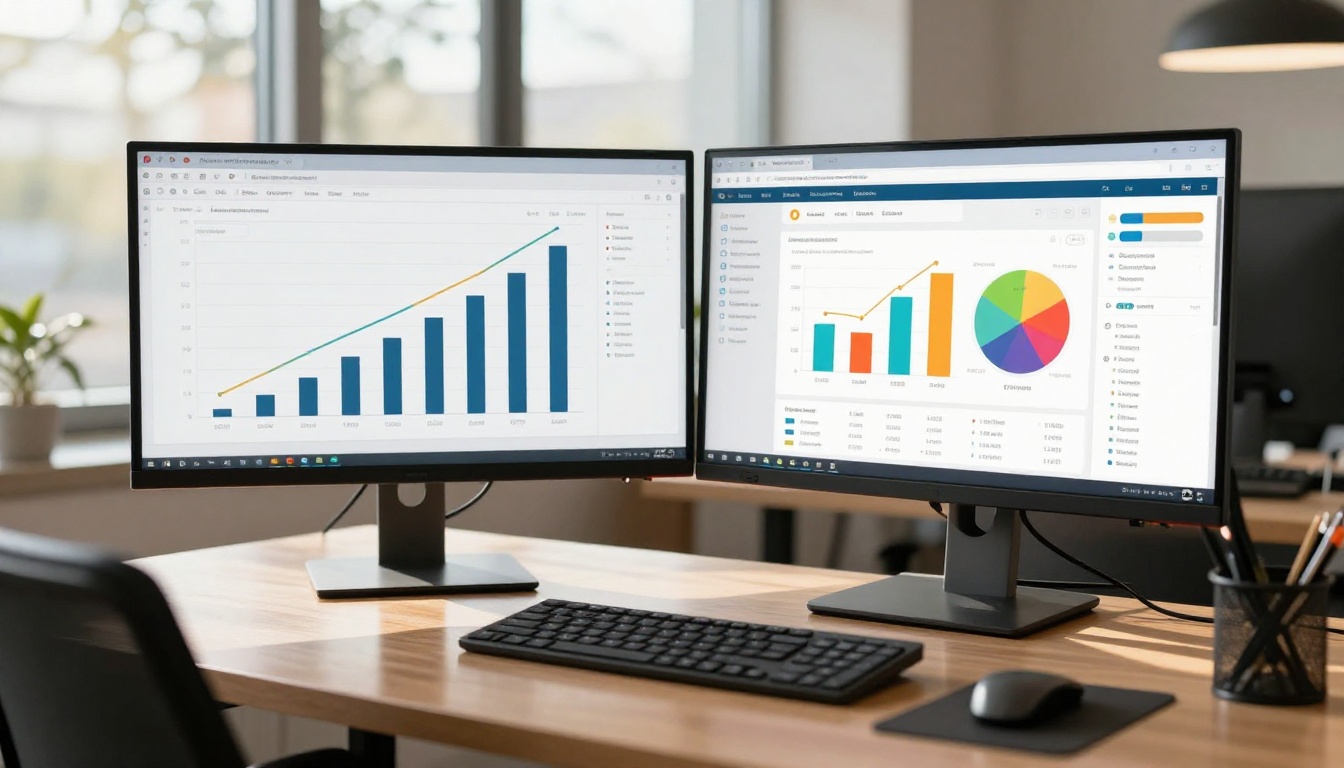
With Flipbooks AI's Professional plan, you get full analytics: page views, time per page, reader drop-off points, and lead capture forms. This data lets you optimize your content for conversions in real time.

eBook Completion Numbers
eBooks have strong completion rates for readers who intentionally choose to read them, but the acquisition hurdle is high. Getting someone to download a file, open it in the right app, and commit to reading a long document takes multiple steps.
For marketing materials, this friction kills conversions before the content even loads. eBooks work best in educational contexts, lead magnets, and deep-dive content that readers specifically seek out.
Each format has a context where it genuinely outperforms the others.
When PDF is the Right Choice
PDFs still have legitimate, important use cases:
- Legal documents: Contracts, agreements, and compliance documents need a consistent, signed, immutable format. PDF is the legal standard.
- Technical manuals: Dense technical documentation with precise formatting requirements fits PDF well.
- Print-ready files: If the document needs to be printed exactly as designed, PDF remains the standard.
- Internal records: HR forms, invoices, receipts. Anything that needs to be archived and doesn't require interactivity.
⚠️ Warning: Don't use PDF for marketing materials, product catalogs, or anything where engagement and conversion matter. The format works against you in these contexts.
Best Scenarios for Flipbooks
Flipbooks win decisively when the goal is engagement, brand experience, and conversion:
- Product catalogs: A Digital Catalog Maker turns a static PDF into a browsable, clickable experience. Customers can click on products and go directly to purchase pages.
- Marketing brochures: An Online Brochure Designer creates materials that feel premium and can be shared via a simple URL.
- Restaurant menus: A Restaurant Menu Creator delivers menus that work perfectly on mobile, can be embedded on a website, and updated instantly.
- Real estate presentations: The Real Estate Brochure Creator enables agents to share property listings with photo galleries and embedded maps.
- Annual reports: A Corporate Report Maker elevates dry financial documents into visually compelling, shareable publications.
- eBooks and publications: The Interactive E-Book Publisher bridges the gap between static eBooks and dynamic flipbooks.
✅ Best Practice: Use flipbooks anywhere you want a reader to take action, visit a product page, fill out a form, book a call, or share the content with others.
Where eBooks Dominate
eBooks perform best in specific contexts:
- Lead magnets: A well-designed eBook in exchange for an email address works as a top-of-funnel offer, particularly for B2B and educational niches.
- In-depth guides: Long-form content that readers will spend 30 or more minutes with benefits from the focused, distraction-free eBook reading experience.
- Educational courses: The Course Material Publisher blends the structure of eBooks with the interactivity of flipbooks for the best of both.
How to Convert Your PDF into a Flipbook
If you already have PDFs, converting them to flipbooks is simple. Here's how to do it with Flipbooks AI.
Step 1: Create Your Account
Go to Flipbooks AI and create a free account. No credit card required to start. The platform supports all plan levels with different feature sets. You can compare pricing before committing to a paid plan.
Step 2: Upload Your PDF
Once inside the dashboard, click New Flipbook and upload your PDF file. The PDF to Flipbook Converter processes your file automatically, converting each page into a responsive, animated flipbook page within seconds.
Step 3: Customize Your Flipbook
This is where flipbooks separate from PDFs entirely. In the editor, you can:
- Add your brand colors, logo, and custom fonts
- Set a background color or image for every spread
- Embed videos, audio, or external links on any page
- Add a clickable table of contents for easy navigation
- Configure page-flip animation speed and style
Step 4: Set Sharing Options
Flipbooks AI gives you multiple ways to share:
- Direct link: Share a clean, trackable URL with anyone
- Embed code: Drop it on any website with one line of code using the Embed Flipbook on Website tool
- Password protection: Lock the flipbook for private distributions
- Domain whitelisting: Control which websites can embed your flipbook
Step 5: Track Performance
On the Professional plan, access analytics for every flipbook. See exactly how many people opened it, which pages got the most attention, where readers dropped off, and capture leads directly within the flipbook itself. This is the data that makes flipbooks genuinely better for conversions than any static format.
💡 Pro Tip: Check your analytics after 48 hours and look at the drop-off page. If readers consistently leave at page 4, that page needs better content or a stronger call to action.
Conversion Rate Breakdown by Industry
Different industries see different results when switching formats. Based on common performance patterns:
| Industry | PDF Avg. Engagement | Flipbook Avg. Engagement | Improvement |
|---|
| Retail/eCommerce | 18-22% read rate | 55-70% read rate | ~3x |
| Real Estate | 20-30% open rate | 60-75% open rate | ~2.5x |
| Hospitality | 15-25% engagement | 50-65% engagement | ~2-3x |
| Education | 35-45% completion | 55-75% completion | ~1.5x |
| B2B / Corporate | 25-35% engagement | 45-60% engagement | ~1.8x |
⚠️ Note: These figures represent typical observed ranges across the industry. Actual results depend on content quality, audience, and distribution channel. The pattern is consistent: interactive formats outperform static ones.
The key driver is frictionless access. A flipbook lives at a URL. Clicking a link and reading it takes 3 seconds. Downloading a PDF, opening an app, and loading the file can take 30 or more seconds. In mobile-first environments, that gap kills conversions.

Pricing and Accessibility Compared
Cost matters. Here's how the three formats stack up from a production and distribution standpoint:
| Factor | PDF | Flipbook | eBook |
|---|
| Creation cost | Low (any word processor) | Low (convert existing PDFs) | Medium (formatting required) |
| Distribution cost | Free (email/link) | Free (URL/embed) | Platform fees apply |
| Updates | Must re-send file | Update once, changes everywhere | Must re-publish |
| Analytics | None | Built-in (paid plans) | None (unless custom) |
| Accessibility | File management needed | Browser-based, always available | App required |
The update advantage for flipbooks is significant for businesses. A PDF catalog distributed to 1,000 people is static the moment it's sent. If a price changes or a product is discontinued, you have no way to update what they already have.
A flipbook hosted on Flipbooks AI can be updated at any time. Everyone who visits the URL sees the current version. For catalogs, menus, and marketing materials, this alone justifies the switch.
Key features available on Flipbooks AI:
- No watermarks, ever
- Unlimited flipbooks on Standard plan and above
- Password protection for private content
- Analytics and lead generation on Professional plan
- Offline download capability
- Embedded video and audio support
- Full mobile-responsive design
- Custom branding throughout
Format Matching by Content Type
Not every document needs the same treatment. This table maps content types to the format most likely to drive results:
| Content Type | Best Format | Why |
|---|
| Product catalog | Flipbook | Clickable items, mobile-friendly, trackable |
| Legal contract | PDF | Immutable, signable, archived |
| Marketing brochure | Flipbook | Shareable URL, embedded CTAs, analytics |
| Novel or long-form guide | eBook | Reading-focused, text reflow |
| Annual report | Flipbook | Visual impact, shareable, branded |
| Recipe book | Flipbook | Recipe Book Flipbook for visual browsing |
| Technical manual | PDF | Print-ready precision required |
| School newsletter | Flipbook | School Newsletter Creator for community sharing |
| Portfolio | Flipbook | Digital Portfolio Creator for visual impact |
| Course materials | Flipbook | Course Material Publisher for interactive learning |
Make the Switch That Matters
The data points in one direction. For any content where engagement and conversion are the goal, flipbooks outperform both PDFs and traditional eBooks consistently across industries and use cases. PDFs still have a place for formal, legal, and print-ready documents. eBooks still win for deep, focus-required reading. But for marketing, sales, education distribution, and anywhere you want your audience to act, the flipbook format is the clear choice.
The best part: if you already have PDFs, the switch takes minutes.
Ready to see the difference for yourself? Get started for free on Flipbooks AI and convert your first document today.
Want to see what's possible before committing? Browse all available tools and templates to find the right fit for your content type.
Looking at plans? Compare pricing options to choose the level that fits your needs.



