Most PDFs get skimmed for eight seconds and closed. A PDF with audio gets listened to, because someone is talking you through it. If you have ever wanted to see a working PDF with audio example before building one, this article shows where narrated documents earn their place, which formats hold up, and how to publish and share one without sending a 200 MB attachment. Tools like Flipbooks AI make the whole process a matter of minutes, but the ideas below apply whatever software you pick.

What a Narrated PDF Really Is
A narrated PDF is a document where spoken audio is tied to the pages. The reader can read, listen, or do both at once. Think of a product catalog where the founder explains each collection, or a training manual where a supervisor talks through every safety step.
Static PDF vs. Audio PDF
A normal PDF is silent and linear. Readers scroll, lose their place, and rarely reach page twelve. An audio PDF adds a second channel. That matters because people absorb information differently: some retain more by hearing, others by reading, and many by doing both.
Four Ways Audio Gets Attached
Not every method behaves the same on a phone, in a browser, or inside an email client. Here is how the common options compare.
| Method | Works in a browser | Works on mobile | Page-by-page audio | Setup effort |
|---|
| Audio embedded inside the PDF file | Sometimes | Rarely | Yes | High |
| Text-to-speech reader on the device | Yes | Yes | No | Low |
| Separate MP3 linked from the PDF | Yes | Yes | Manual | Medium |
| Flipbook with audio on each page | Yes | Yes | Yes | Low |
The first option looks attractive, but audio embedded in the file itself is poorly supported outside desktop Acrobat. Most phones ignore it. That is why a web-based flipbook has become the practical choice for anyone who wants listeners on every device.
💡 Pro tip: Before you commit to a format, open your sample on a phone, a laptop, and a tablet. If the audio only plays on one of them, your readers will hit the same wall.
Five PDF with Audio Examples That Work
Abstract advice only goes so far. These are the situations where a narrated document consistently outperforms a silent one.
Classroom Reading Packs
A teacher records a two-minute explanation for each page of a worksheet booklet. Students who struggle with dense text can listen while they follow along, and parents can replay the explanation at home. The same pack works for language classes, where hearing pronunciation next to the written word is the entire point.

For schools, a Course Material Publisher setup keeps every lesson in one shareable link, and a School Newsletter Creator lets the principal read the headline stories aloud.
Property and Hotel Brochures
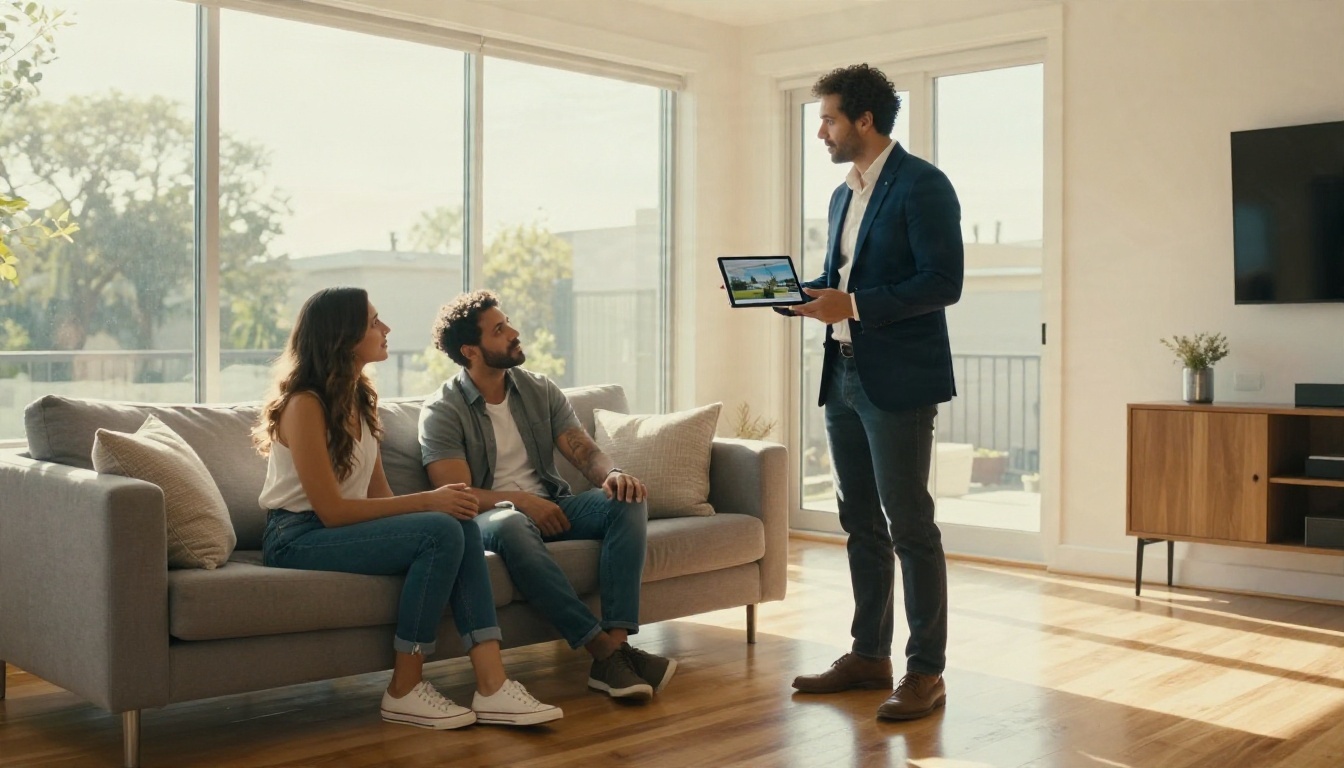
A real estate agent can attach a short voice note to each room in a brochure: ceiling height, renovation year, why the kitchen faces east. Buyers who cannot visit in person still get the agent's voice and context. The Real Estate Brochure Creator is built for exactly this kind of document.
Hotels do the same with welcome booklets. A concierge voice greeting, a short audio note about the breakfast hours, and a recommendation for the best nearby restaurant make a printed folder feel personal. The Hotel Brochure Designer handles the layout side.
Onboarding and Training Manuals
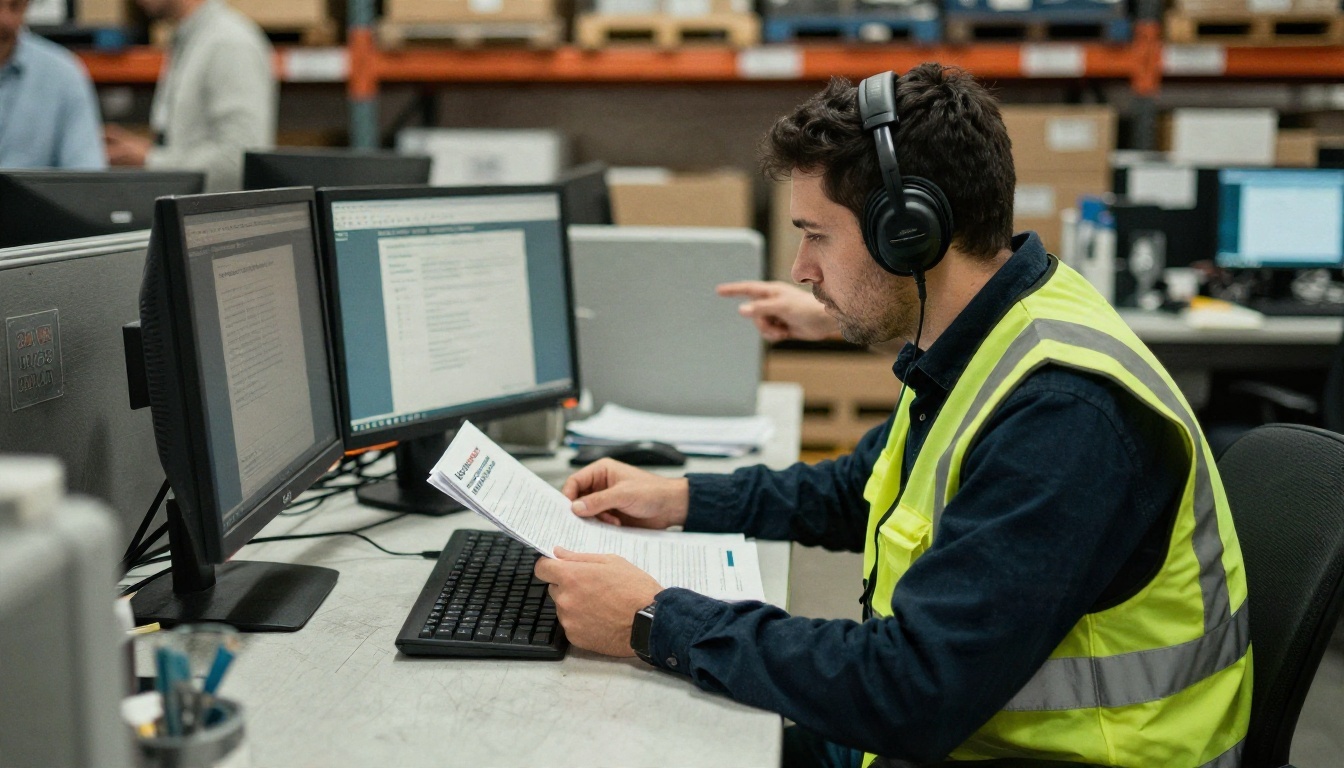
New employees rarely read a 60 page manual front to back. A narrated version lets a supervisor explain the tricky parts: lockout procedures, expense rules, how to escalate a problem. Staff can listen during a shift handover or while setting up their workstation.
The Training Manual Flipbook tool suits this well, especially when you add password protection for internal procedures.
Author Previews and Samples
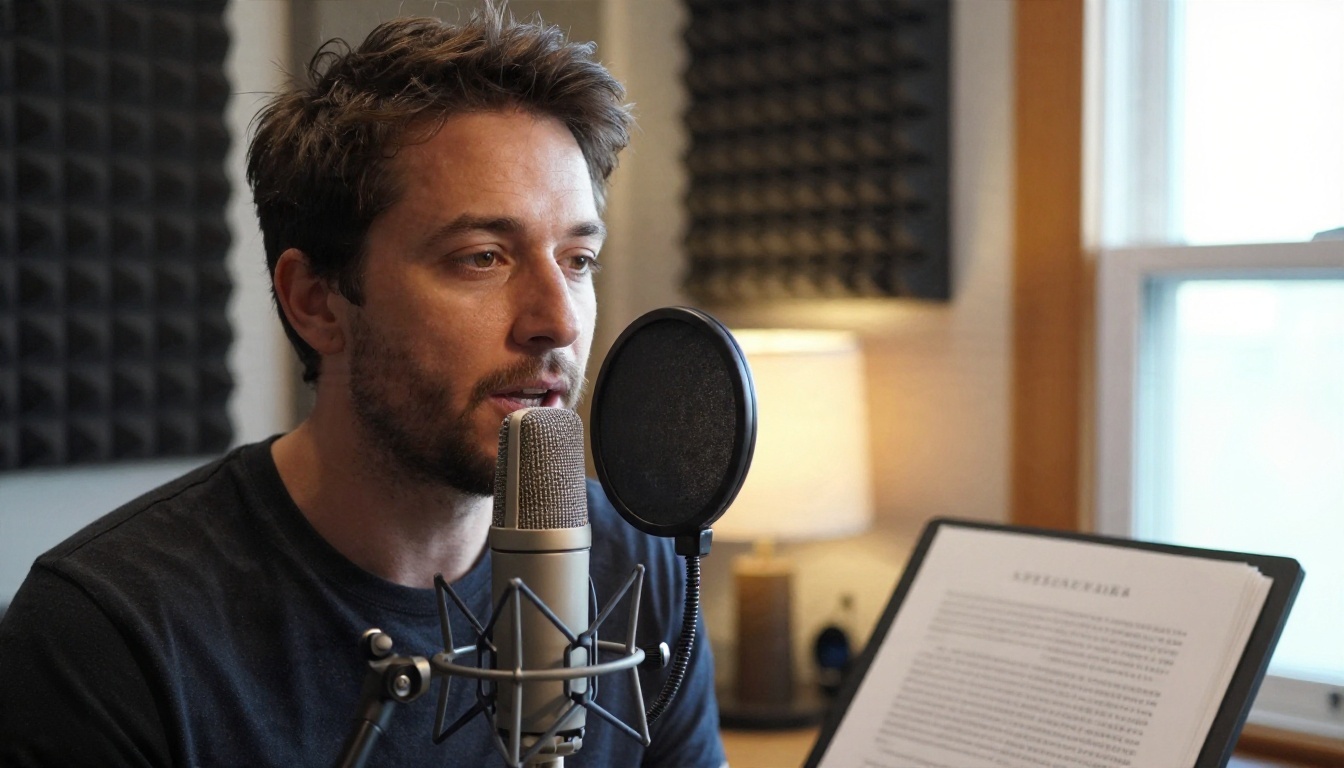
Writers and publishers record the first chapter, or a short note introducing each section, and attach it to a sample PDF. Readers get a feel for the voice of the book before buying. It also works for poetry collections, children's stories, and travel writing where tone is half the experience.
Accessible Documents
Audio is not a gimmick for readers with low vision, dyslexia, or tired eyes at the end of a long day. A narrated document gives them a way in that a silent page does not.
✅ Best practice: Narration helps accessibility, but it does not replace proper document structure. Keep readable text, clear headings, and descriptive alt text alongside the audio.
Where Narrated Documents Work Best
The pattern across all five examples is the same: the document is something people need to act on, and a human voice reduces the effort of doing so.
| Use case | Typical audio per page | Listener context | Main benefit |
|---|
| Lesson booklets | 1 to 3 minutes | Home or classroom | Clearer explanations |
| Property brochures | 20 to 60 seconds | Browsing at leisure | Personal tone, fewer calls |
| Training manuals | 1 to 2 minutes | Workstation or break room | Faster onboarding |
| Book samples | 3 to 5 minutes | Evening reading | Voice and style preview |
| Product catalogs | 15 to 30 seconds | Buyer comparing options | Context behind each item |
| Annual reports | 30 to 90 seconds | Investors and members | Plain-language summaries |
The Commute Test
One reliable way to judge whether your document needs audio: can someone consume it on a train with one hand free? If the answer is no, narration might be the missing piece. People who would never open a PDF on a phone will happily press play and listen.
Where Audio Falls Flat
Narration is not always the right call. Skip it for:
- Legal contracts where precision matters and nobody wants to hear them read aloud.
- Dense spreadsheets and data tables, which are nearly impossible to follow by ear.
- Documents that change weekly, since re-recording becomes a chore.
- Very short documents, where a voice adds length without adding value.
How to Record Good Narration
You do not need a studio. You do need a quiet room and a bit of preparation.
Script, Gear, and Room
- Write a short script per page. Do not read the page text word for word. Summarize, add context, and point to the one thing that matters.
- Use a decent microphone. A USB condenser or even a modern headset beats a laptop mic by a wide margin.
- Pick a soft room. Curtains, rugs, and a bookshelf absorb echo. A wardrobe full of clothes works surprisingly well.
- Record each page as its own file. Mistakes are easier to fix when you only redo thirty seconds.
Keep Each Clip Short
Aim for under two minutes per page. Listeners drift after that. If a page needs more, split the content across two pages or trim the script.
💡 Pro tip: Read your script aloud once without recording. Anything that makes you stumble will make your listener stumble too. Rewrite it in simpler words.
How to Create One with Flipbooks AI
Here is the practical route from a silent PDF to a shareable narrated document using Flipbooks AI. The platform supports embedded video and audio, adds no watermarks, and works on mobile screens.
Step by Step
- Open your account. Create an account or sign in.
- Upload your PDF. The PDF to Flipbook Converter turns your file into a page-turning flipbook in moments. Text stays sharp and links keep working.
- Add audio to each page. Attach your recorded clips to the pages they belong to, so listeners hear the right explanation at the right time.
- Customize the look. Add your logo, pick brand colors, and choose page effects that suit the document. A calm turn effect suits a training manual, while a livelier one suits a lookbook.
- Preview on a phone. Check that play buttons are easy to tap and that nothing overlaps the text.
- Publish and share. Copy the link, grab the embed code, or restrict access with a password.
Customization Choices
| Setting | What it changes | Good for |
|---|
| Custom branding | Logo, colors, background | Client-facing documents |
| Page effects | How pages turn | Catalogs and lookbooks |
| Multimedia | Audio and video on pages | Narrated and demo content |
| Password protection | Who can open the document | Internal or paid content |
| Offline downloads | Saving a copy to read later | Field staff and travellers |
Features on Higher Plans
If you need to know who is actually listening, the Professional plan adds analytics and lead generation, so you can see which pages get opened and capture contact details from interested readers. Check the pricing plans to see which tier fits your volume. Standard plans and above include unlimited flipbooks, which helps when you publish a narrated pack for every course or every property.
How to Share Narrated PDFs
Producing the document is half the job. Getting it to the right people, in a format they can open, is the other half.
Direct Links
The simplest method is a link in an email, a text message, or a chat. No attachment limits, no download required, and the audio plays right away. This is the best choice for one-to-one sales conversations and student handouts.
Embedding on Your Website
If the document belongs on a page, embed it. The Embed Flipbook on Website tool gives you code to paste into a blog post, a product page, or a course portal. Readers never leave your site.
Password Protection
For internal manuals, paid content, or pre-launch material, add a password. Share it separately from the link, and change it when a project ends.
Sharing Options Compared
| Option | Best for | Access control | Audio plays inline |
|---|
| Direct link | Quick sharing, one reader | Anyone with the link | Yes |
| Embed on website | Public pages, courses | Depends on the page | Yes |
| Password protected link | Internal or paid content | Password required | Yes |
| Offline download | Travel, poor connectivity | Copy saved to device | Depends on the file |
| Email attachment | Rarely recommended | None | Often no |
⚠️ Warning: Do not attach large audio files to an email. Many inboxes reject them, and mobile readers will not wait for a download. Send a link instead.
Common Mistakes to Avoid
Even good ideas fall apart through small errors. Watch for these.
- Reading the page word for word. Listeners already see the text. Add context instead.
- Inconsistent volume. Record all clips in one session with the same microphone distance.
- No visible audio cue. If readers cannot spot the play button, they will never press it.
- Forgetting mobile. Most narrated documents get opened on phones first.
- Skipping a test listener. Ask a colleague to listen to the first three pages and tell you where they got bored.
- Ignoring file size. Compress audio to a sensible bitrate. Speech does not need studio-grade files.
A Simple Quality Checklist
Before publishing, run through this list:
- Every page with audio has a clear play control.
- Clips are under two minutes each.
- Volume is even from page to page.
- The document opens fast on a mobile connection.
- Access settings match who should see it.
- The link works in an incognito window.
Ready to Publish Yours?
You now have a clear picture of what a strong PDF with audio example looks like: short clips, tied to the right pages, shared by link instead of attachment. Start small. Pick one document your readers tend to ignore, record three pages of narration, and see how it feels.
When you are ready, get started for free on Flipbooks AI, browse all flipbook tools and templates, or compare pricing plans to find the one that fits your workload. If you already know you want analytics and lead capture, go straight to the account and pricing page and choose your plan.



