Your phone holds thousands of photos, and almost none of them will ever be printed. That gap is exactly why Chatbooks became popular, and why so many people now search for photo books like Chatbooks that cost less, look better, or skip paper entirely. If you want a fast route from camera roll to something you can hold or share, this article compares the main phone photo apps, breaks down real pricing, lists free options, and shows a digital alternative built with Flipbooks AI.
💡 Quick answer: If you want automatic, subscription style books, Chatbooks is still the simplest. If you want better design control, look at Mixbook or Shutterfly. If you want zero printing cost and instant sharing, a digital flipbook wins.
What Chatbooks Actually Does
Chatbooks built its name on one idea: you should not have to design a book. You connect your phone library, Instagram, or Facebook, and the app turns your pictures into small, softcover books on a schedule.
The Auto-Book Idea
The core promise is automation. Pick a source, choose a book size, and the app gathers photos into a series. Many parents use it for monthly baby books, a pet album, or a summer trip. The appeal is that you approve a draft instead of laying out each page.
Typical strengths people mention:
- Fast setup from a phone, often in a few minutes
- Small, affordable books that are easy to give as gifts
- Subscription style series that keep producing books without extra effort
- Simple editing for captions, covers and page order
Where It Falls Short
Automation has a trade-off. Auto-generated layouts can feel repetitive, and the little books are not meant to be heirloom albums. Shoppers also report that photo selection can include near duplicates or screenshots if you do not check the draft.
Common complaints that send people looking elsewhere:
- Limited layout freedom compared with design-first tools
- Recurring charges when a series is left on autopilot
- Smaller print sizes that do not suit big wedding or travel albums
- Shipping costs that raise the real price of a "cheap" book
Phone Photo Apps That Compete
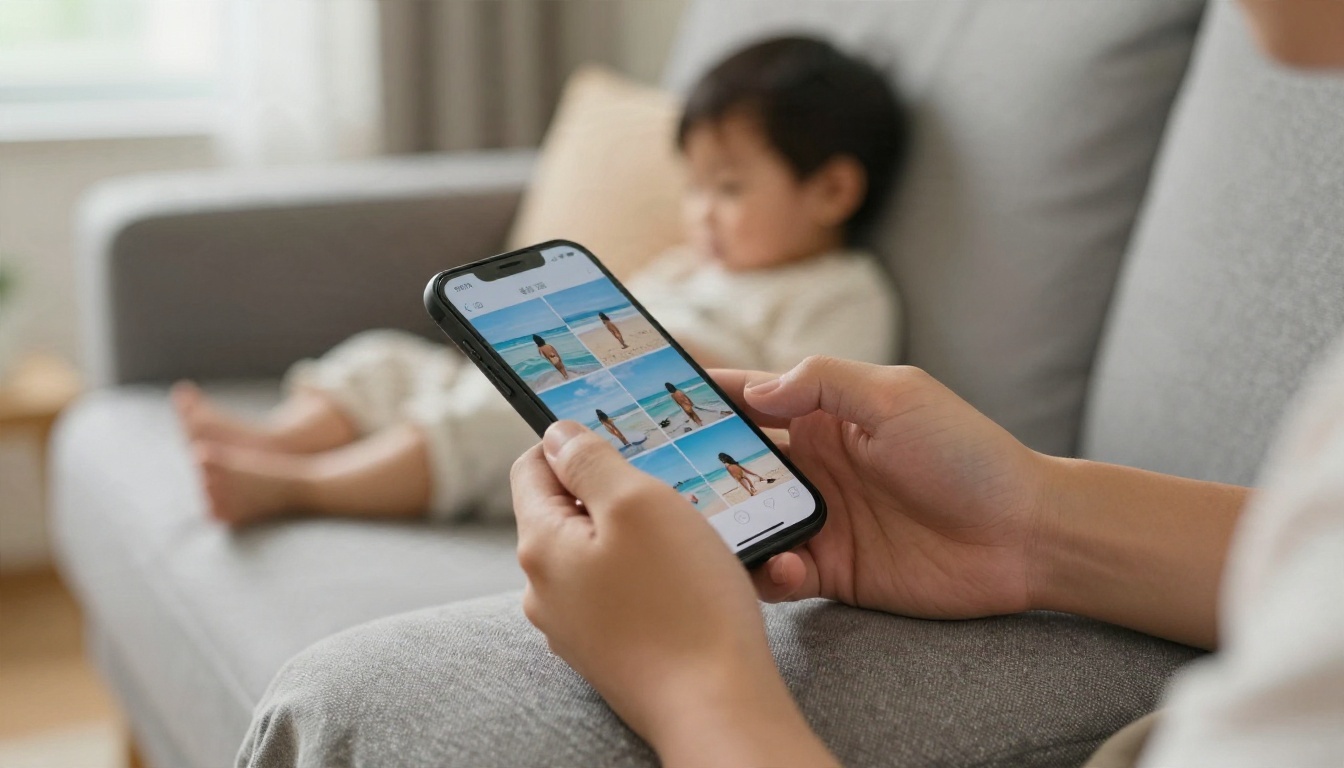
Most alternatives follow the same pattern: import photos from your phone, drop them into a template, order a print. The differences show up in design control, paper quality and how often discounts appear.
Shutterfly and Mixbook
Shutterfly and Mixbook are the two names that come up most often. Both offer mobile apps, many templates, and a wide range of sizes from small squares to large hardcover albums.
- Shutterfly runs frequent promotions, so the final price often lands well below the list price if you wait for a sale.
- Mixbook leans toward creative control, with layout tweaks, stickers and collaborative editing so relatives can add pictures to the same book.
Budget and Minimalist Picks
If your goal is to spend as little as possible, apps tied to your existing photo storage are worth checking. Google Photos offers print books in some regions directly from your library, and several discount print services such as Snapfish and Cheerz (availability depends on country) focus on low base prices and simple templates.
⚠️ Availability changes by country. Some phone photo book services only ship to certain regions, so check the shipping page before you spend an hour arranging pages.
Premium Picks for Gifts
For wedding albums or milestone gifts, higher end services such as Artifact Uprising, Printique and Blurb offer thicker paper, layflat binding and linen covers. They cost more, but the finish matches the occasion.
Quick Comparison Table
| App | Best For | Design Control | Typical Price Level | Phone Workflow |
|---|
| Chatbooks | Automatic small books | Low to medium | Low | Excellent |
| Shutterfly | Sales and variety | Medium | Low to medium | Good |
| Mixbook | Creative layouts | High | Medium | Good |
| Google Photos | Simple albums from your library | Low | Low | Excellent |
| Snapfish / Cheerz style apps | Cheap prints and minis | Low | Low | Good |
| Artifact Uprising | Premium gifts | Medium | High | Good |
| Blurb | Layflat and large books | High | Medium to high | Moderate |
What Photo Books Really Cost
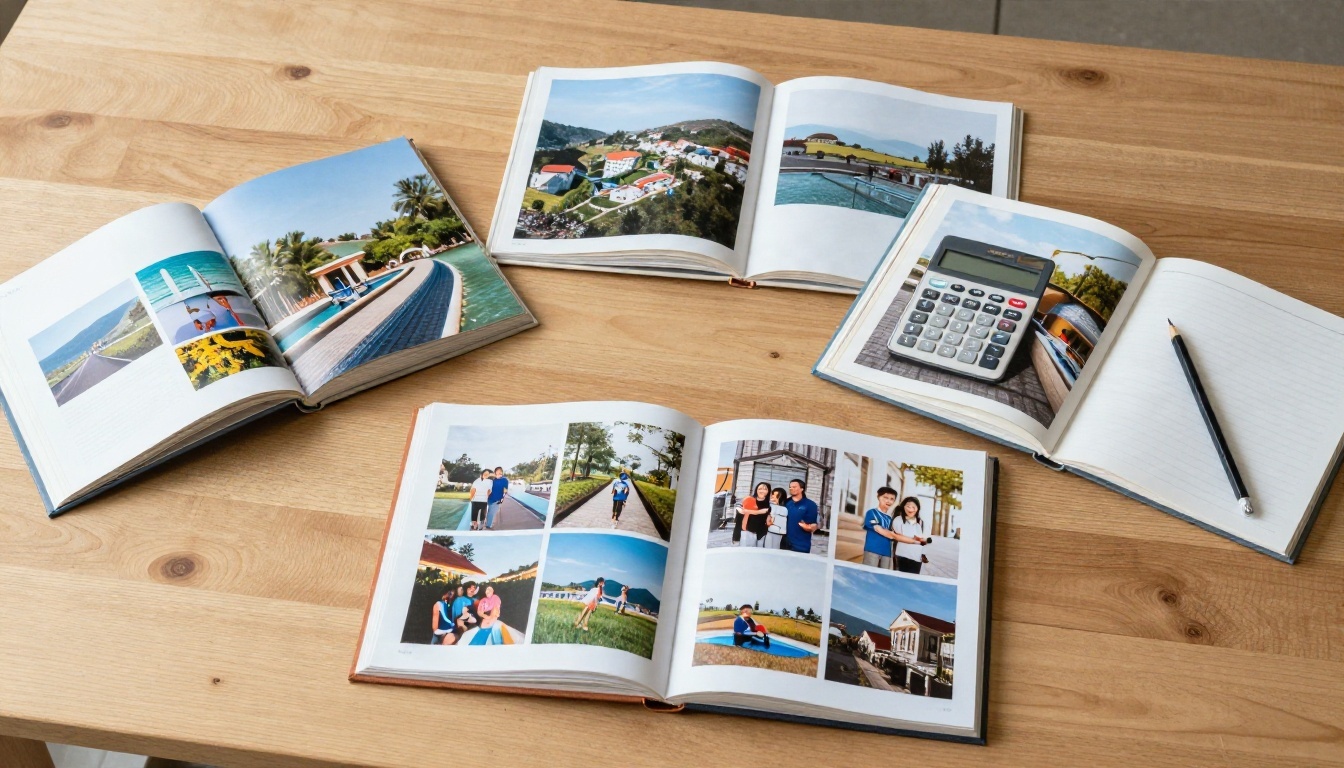
The sticker price is rarely the final price. A small softcover can start under ten dollars on many apps, while a large hardcover album can pass fifty once you add pages, upgraded paper and shipping. Treat any number you read as a ballpark and confirm it in the app at checkout, because prices and promotions change often.
Cost Per Page Math
The fairest way to compare is price per page. Divide the final total, including shipping and tax, by the number of pages.
- Choose the same size on each app, for example 6x6 or 8x8.
- Pick the same page count, for example 40 pages.
- Add the cheapest shipping option.
- Subtract any valid promo code.
- Divide the total by pages.
A book that looks cheap at 20 pages can become expensive when you need 60 pages to fit a whole trip.
Hidden Fees to Watch
- Extra page charges after a base page count
- Shipping that can equal half the book price on small orders
- Upgrades such as thicker paper or layflat binding
- Auto-renewing subscriptions that keep ordering books
- Reprint costs if you spot a typo after ordering
✅ Best practice: Preview every page at full size before checking out. Blurry photos and cropped faces are the number one reason people regret a print order.
Sample Cost Scenarios
| Scenario | Likely Choice | Why |
|---|
| Monthly baby updates for grandparents | Chatbooks style subscription | Low effort, repeat books |
| One large vacation album | Mixbook or Shutterfly | More pages and layout control |
| Wedding or anniversary gift | Premium hardcover service | Paper quality and binding |
| Photos for many relatives at once | Digital flipbook | One file, no per-copy cost |
| Tight budget, one-off book | Sale-priced mini book | Lowest total spend |
Free Options Worth Trying
Truly free printed books do not exist, since someone has to pay for paper, ink and postage. But you can design for free and pay only if you decide to print, or skip printing altogether.
Free Layout Tools
Several tools let you build pages at no cost:
- Canva has free photo book style templates that you can export as a PDF.
- Google Slides works surprisingly well with a square page size and simple grids.
- Your phone's own album and memory features can create slideshows and shared albums at no charge.
The export is the useful part. A PDF can be sent to a print shop later, or turned into an online page-turning book right away.
Free Digital Albums
Shared albums in Google Photos, iCloud and similar services let relatives view pictures without buying anything. They work, but they behave like a scrolling gallery, not a book. There is no page order, no cover, and no sense of a story.
💡 If the book is mostly for relatives who live far away, a digital version arrives instantly and costs nothing per copy. You can always print one copy later for the shelf.
Free Options Compared
| Option | Cost to Build | Looks Like a Book | Easy to Share |
|---|
| Canva PDF | Free tier | Yes | Needs a file or link |
| Google Slides PDF | Free | Basic | Needs a file or link |
| Shared phone album | Free | No | Very easy |
| Photo flipbook | Free to start on many tools | Yes, with page turns | Link or embed |
Digital Flipbooks as an Alternative

A flipbook keeps the feel of turning pages while removing printing, shipping and delivery waiting. You upload a PDF of your photo layout and get an online book that opens on a phone, tablet or laptop.
Why Flip Instead of Print
Think about who actually looks at your photo book. Often it is grandparents, cousins and friends in different cities. Printing five copies means five orders and five shipping fees. A single link reaches everyone at once.
- Instant delivery with no waiting for a printer
- No per-copy cost, so sharing with fifty people costs the same as sharing with one
- Mobile-responsive reading, so it works on any screen
- Easy fixes, since you can replace a page and republish
- Video and audio can sit next to photos, something paper cannot do
Print vs Digital Flipbook
| Factor | Printed Photo Book | Digital Flipbook |
|---|
| Cost per copy | Several dollars and up | None after creation |
| Delivery time | Days to weeks | Seconds |
| Sharing with many people | Costly | Link, embed or QR |
| Page count limits | Often capped | Depends on your PDF |
| Holds on a shelf | Yes | No |
| Add video or audio | No | Yes |
| Fix a typo later | Reorder | Update the file |
Many families combine both: a digital flipbook for everyone, and a single printed copy for the coffee table.
How to Make a Photo Flipbook
If you like the phone-first spirit of Chatbooks but want a shareable, no-print result, here is a simple workflow with Flipbooks AI.
Step by Step Tutorial
- Pick your photos. Choose 30 to 60 favorites from your phone and sort them by date or event.
- Lay out pages. Use Canva, Google Slides or any layout app. Set a square or landscape page size and export the result as a PDF.
- Create an account. Head to the Flipbooks AI account page and sign up.
- Upload the PDF. The PDF to Flipbook Converter turns each PDF page into a flipbook page with realistic page-turn effects.
- Customize the look. Adjust the background color, add your own branding and choose how pages animate. There are no watermarks, so the book looks like yours.
- Add multimedia. Drop in a short video clip or audio note, such as a birthday song or a baby's first laugh.
- Share it. Copy the direct link, or use the Embed Flipbook on Website option to place it on a family blog.
- Protect private memories. Turn on password protection if the pictures should only go to close family.
💡 Before exporting, check that photos are at least 1500 pixels on the long edge. Crisp images matter even more on large tablet screens than in small printed books.
Tools Made for Photo Projects
If your project is closer to a portfolio or a wedding, these pages are a better starting point:
You can also browse all flipbook tools to see which template matches your idea.
Extra Features on Paid Plans
For photographers, wedding vendors and small studios, the pricing plans add more than family sharing needs:
| Feature | Why It Matters for Photo Projects |
|---|
| Unlimited flipbooks (Standard and above) | One book per trip, child or event |
| Offline downloads | Share a copy for places without signal |
| Analytics (Professional) | See who opened the album and how long they stayed |
| Lead generation (Professional) | Collect client emails before showing a gallery |
| Custom branding | Studio logo and colors on every album |
Which Option Fits You
Different households need different tools. Use these quick scenarios to decide.
A Busy Parent With Little Time
Pick a Chatbooks style service for automatic baby or toddler books. The low effort is the whole point, and the small format suits gifts. Turn off auto-renewal if you do not want surprise orders.
A Traveler With a Big Trip
Choose Mixbook, Shutterfly or Blurb for more pages, map style layouts and better paper. Then create a flipbook from the same PDF so friends can browse right away while the print copy ships.
A Photographer or Small Studio
You need branding and proofing. A flipbook with a password and analytics is a cleaner way to deliver a gallery, and you can still offer a printed album as an upsell.
Someone on a Tight Budget
Design for free in Canva or Slides, publish it as a flipbook, and only print one copy when a sale appears. That route keeps the total cost close to zero.
Decision Table
| Your Priority | Best Match |
|---|
| Least effort | Chatbooks style auto-books |
| Most design freedom | Mixbook or Blurb |
| Lowest total cost | Free layout plus digital flipbook |
| Premium gift quality | Artifact Uprising or Printique |
| Sharing with many relatives | Digital flipbook |
| Client delivery | Password-protected flipbook with analytics |
Pick Your Next Step
Photo books are easier than they have ever been, and you do not need to pick only one format. Start by choosing the story you want to tell, then match it to a price and a delivery style.
Whether you print one small book or share a digital album with the whole family, the best photo book is the one that actually gets made and opened.



