Your phone holds thousands of photos, and almost none of them will ever be looked at again. That is exactly the problem Groovebook set out to fix, and it is why people still type its name into search bars years later. If you want the same easy, low-cost photo book habit, or you would rather skip printing and share a digital version through a tool like Flipbooks AI, you have more choices today than you did back then.
This article compares the printed alternatives, the free digital options and the flipbook route. You will see real pricing patterns, hidden costs, a step-by-step tutorial and a clear way to decide what fits your photos and your family.
What Made Groovebook Work
The Cheap Monthly Habit
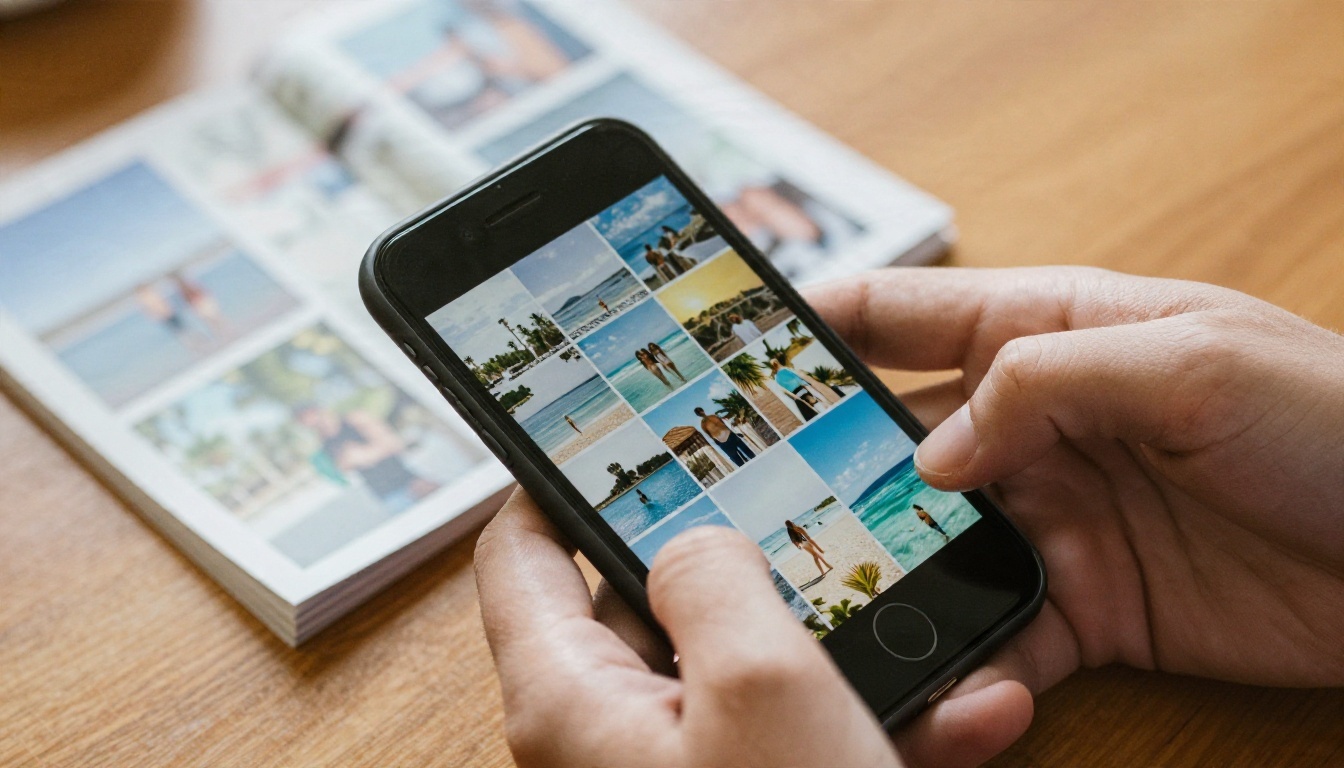
Groovebook was a mobile app that turned a month of phone pictures into a small softcover book, with a flat low price that included shipping. You did not design anything. You picked up to around 100 photos, the app laid them out, and a book arrived in the mail.
The genius was the habit, not the paper. A small book every month meant your photos never piled up. The cost was so low that nobody agonized over whether a trip or a birthday deserved a book.
💡 Pro tip: The lesson from Groovebook is that people print photos when it takes under five minutes and costs less than a coffee. Any alternative you choose should pass that same test.
Why People Still Search for It
The original service is no longer what it was, yet the search volume remains. People are not really looking for a brand. They are looking for three things:
- Zero design effort, with automatic layouts
- A tiny price, ideally a few dollars per book
- Something they can hold or hand to a relative
Those three needs map neatly onto the options below. Some solve all three with ink and paper. Others solve them with a link you can text to grandma.
Printed Alternatives Worth Checking
Subscription Style Apps
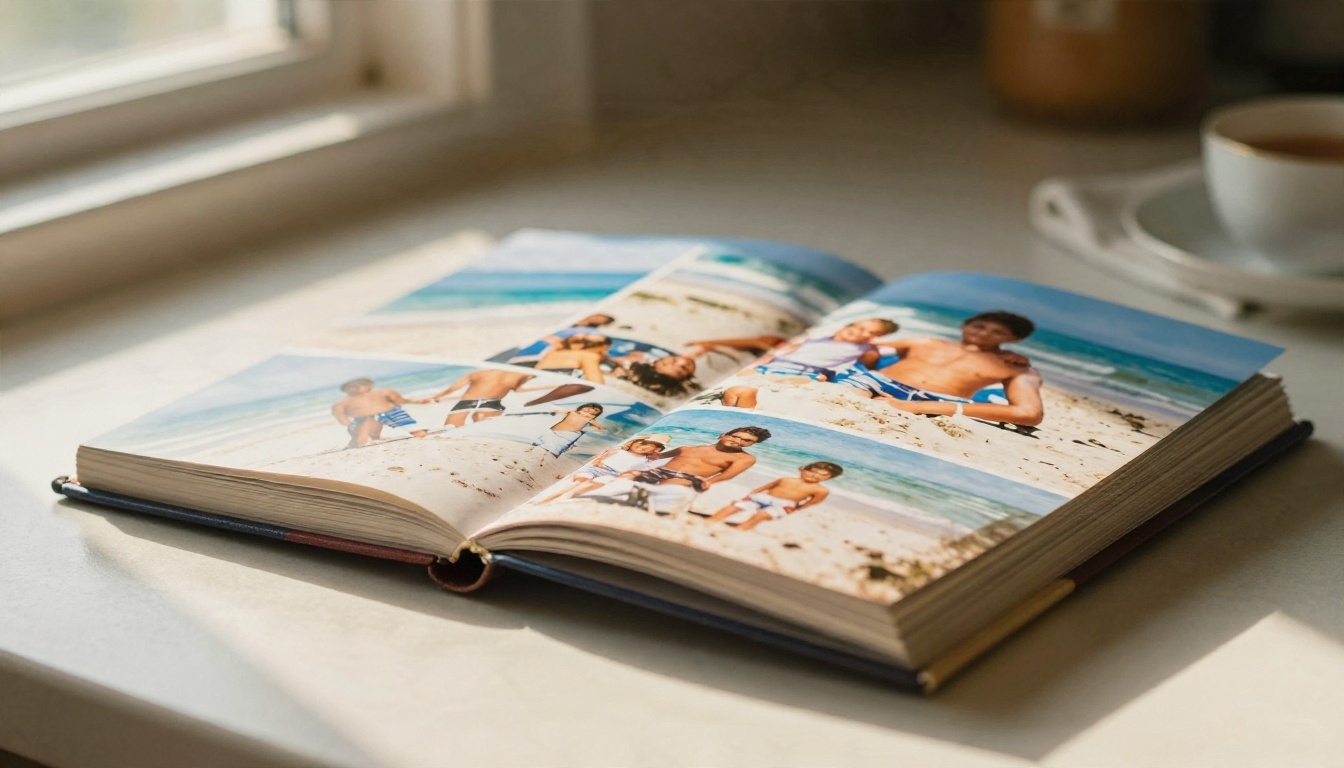
A few apps copy the monthly model. They connect to your phone gallery or social accounts, pick photos on a schedule, and print a small book once you hit a page threshold. Chatbooks is the best-known example of this style. Pricing typically sits in the low single digits per small book plus shipping, though it changes often, so always check the current checkout total.
Best for: parents, pet owners and anyone who wants a shelf of small monthly books without thinking about it.
Pay Per Book Services
Services such as Shutterfly, Mixbook, Snapfish and Artifact Uprising let you design one book at a time. You get more control over layout, paper and size. You also pay more, and the sticker price is rarely the final price.
Here is a rough comparison of the styles. Figures are typical ranges, not quotes, so verify before you order.
| Option Type | Typical Starting Cost | Design Effort | Best For |
|---|
| Subscription small book | Low single digits per book | Very low, automatic | Monthly family memories |
| Pay per book (softcover) | Roughly 10 to 30 dollars | Medium, template based | Trips, birthdays |
| Premium hardcover or layflat | Roughly 40 to 120 dollars and up | Medium to high | Weddings, gifts |
| Free digital album | 0 dollars | Low | Sharing instantly |
| Digital flipbook | Free tier or low monthly plan | Low, upload a PDF | Sharing, embedding, archiving |
⚠️ Watch out: Many printers advertise a low base price and then charge extra per additional page, for shipping, and for upgrades such as thicker paper. Sales are frequent, so a full price you saw last month may not be what you pay today.
The Real Cost of Printing
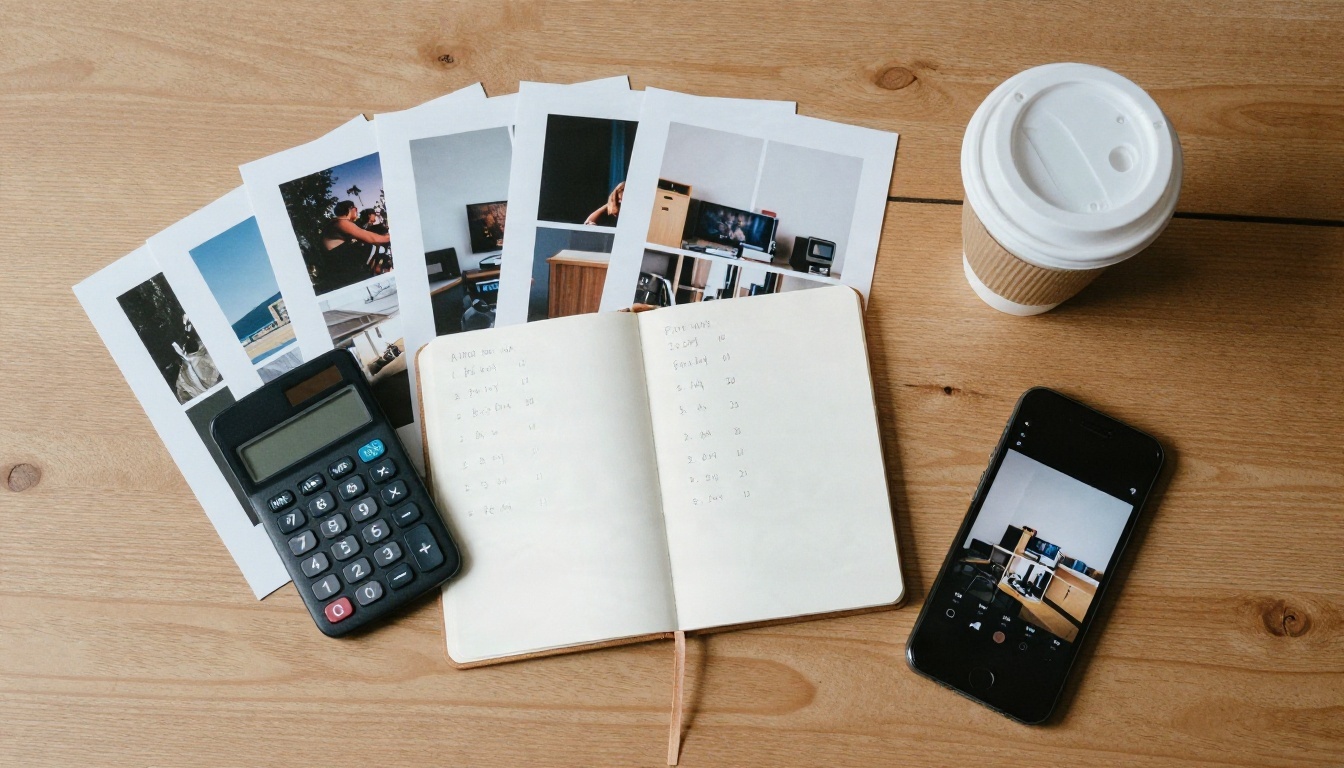
A printed book looks inexpensive until you add up the pieces. Before you click order, check each of these:
- Base price for the smallest size
- Extra pages, usually charged in blocks
- Shipping and handling, which can match the price of the book itself
- Upgrades, such as lay-flat binding, premium paper or a custom title
- Taxes added at checkout
- Duplicates, because every copy for a relative costs the full amount again
That last point matters most. If five relatives want the same book, you pay five times. A digital version costs the same whether one person or fifty open it.
The comparison below shows how the cost scales when you share one set of photos.
| Scenario | Printed Book | Digital Flipbook |
|---|
| Keep one copy at home | One print cost | One upload |
| Send to 5 relatives | Five prints plus shipping | Same link, five messages |
| Fix a typo after publishing | Reprint at full price | Replace the file |
| Share abroad | International shipping fees | No extra cost |
| Store for 10 years | Needs shelf space | Needs an account or a backup |
✅ Best practice: Print one copy of the photos you treasure most, and share a digital version for everyone else. It gives you the shelf piece and the easy sharing, without paying for duplicates.
Free Digital Photo Book Options
If the printing step is what keeps you from finishing a book, skip it. Digital options cost nothing or very little, and they arrive instantly.
Phone Gallery Albums
Both iPhone and Android galleries let you group pictures into albums, add captions and build slideshows. It is the fastest route, and it takes about two minutes. The downside is that the result lives inside one app and one ecosystem. A relative on a different device may struggle to open it.
Cloud Shared Albums
Google Photos, iCloud Shared Albums and similar services let you invite people to view or contribute. They are great for gathering photos from a whole group after an event. They are less great for presenting a finished story. Viewers scroll a grid. They do not turn pages, and you cannot easily set a beginning and an end.
Flipbooks from PDFs
A flipbook turns a PDF into a page-turning book that opens in any browser, with a realistic paper-flip effect. You design the layout in any tool you like, such as Canva, Google Slides or Word, export a PDF, and upload it. The result feels like a real photo book, and it can be shared by link, embedded on a website or protected with a password.
Here is how the three digital routes compare:
| Feature | Phone Album | Cloud Shared Album | Flipbook |
|---|
| Cost | Free | Free (storage limits apply) | Free tier or paid plan |
| Page-turning feel | No | No | Yes |
| Custom layout and captions | Limited | Limited | Full, from your PDF |
| Works on any device | Mostly | Mostly | Yes, in a browser |
| Password protection | No | Invite only | Yes |
| Embed on a website | No | No | Yes |
| Contributors can add photos | No | Yes | No, you control the file |
How to Create a Photo Flipbook with Flipbooks AI
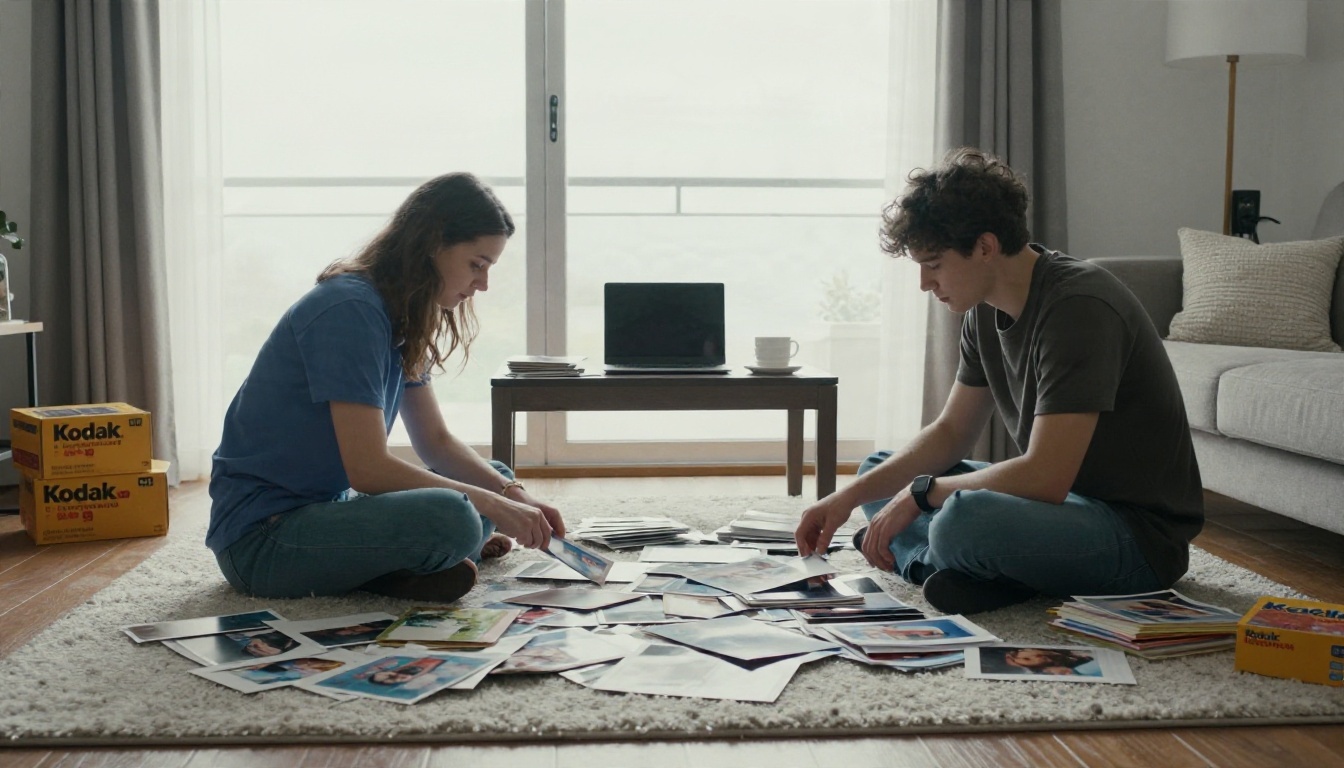
This is the closest digital match to the Groovebook experience: pick photos, get a book, share it. The extra step is making the PDF, and it is easy. If your photos are on paper, scan them first. Sorting them into piles by event or year makes the layout much faster.
Step 1: Build the PDF
Choose your best 20 to 60 photos. Place them in a design tool with one to three photos per page. Leave white space and add short captions such as the place and the date. Export as PDF at high quality.
Step 2: Upload and Convert
Go to Flipbooks AI and create an account. Upload your PDF with the PDF to Flipbook Converter. The platform converts each PDF page into a flip page in a few moments. No watermarks are added to your pages, which matters when the photos are personal.
Step 3: Customize the Look
Once the conversion finishes, you can adjust the details that make it feel like your book:
- Colors and background that match the mood of the photos
- Page effects, such as the speed and style of the page turn
- Branding, if you are making a book for a business or a wedding studio
- Multimedia, such as a short video clip or a background audio track on a page
For wedding or event photos, the Wedding Album Flipbook tool is a ready-made starting point. Photographers can look at the Photography Portfolio option instead.
Step 4: Share It
Pick the sharing method that fits your audience:
- Direct link: paste it into a message or an email
- Embed code: place the book on a family blog or website using the Embed Flipbook on Website tool
- Password protection: keep private photos limited to people you trust
- Offline download: let a relative save the book for places with poor internet
Pro features worth knowing: On the Professional plan you get analytics and lead generation, which are useful for photographers and small businesses who want to know who opened the album. Check the pricing plans to see what each level includes, since plans can change.
💡 Pro tip: Keep the PDF under a sensible size by compressing images to around 150 to 200 DPI. Photos stay sharp on screen, and the book loads faster on a phone.
Sharing Options Compared
Groovebook's real magic was the moment a package showed up and someone flipped through it. Sharing digitally can recreate that moment, if you choose the right method.
Link, Embed or Download
A link is the lowest effort option and works for nearly everyone. An embed puts the album on a page you control, which suits a family site or a studio. A download is the safest backup because the file lives on the recipient's device.
| Method | Effort | Best For | Watch Out For |
|---|
| Direct link | Very low | Family group chats | Anyone with the link can open it, unless protected |
| Embed on a website | Medium | Studios, blogs, event pages | Needs access to a site editor |
| Password protected link | Low | Private family albums | You must share the password separately |
| Offline download | Low | Travelers, older relatives | Version drift if you update the book |
| Physical print | High | Gifts, shelf display | Cost multiplies with copies |
Keeping Family Photos Private
Photos of children deserve extra care. Follow these habits:
- Use password protection for anything involving kids or home interiors
- Share the password in a different message from the link
- Avoid embedding private albums on public pages
- Replace the file if you spot a photo you no longer want visible
- Review who still has access every few months
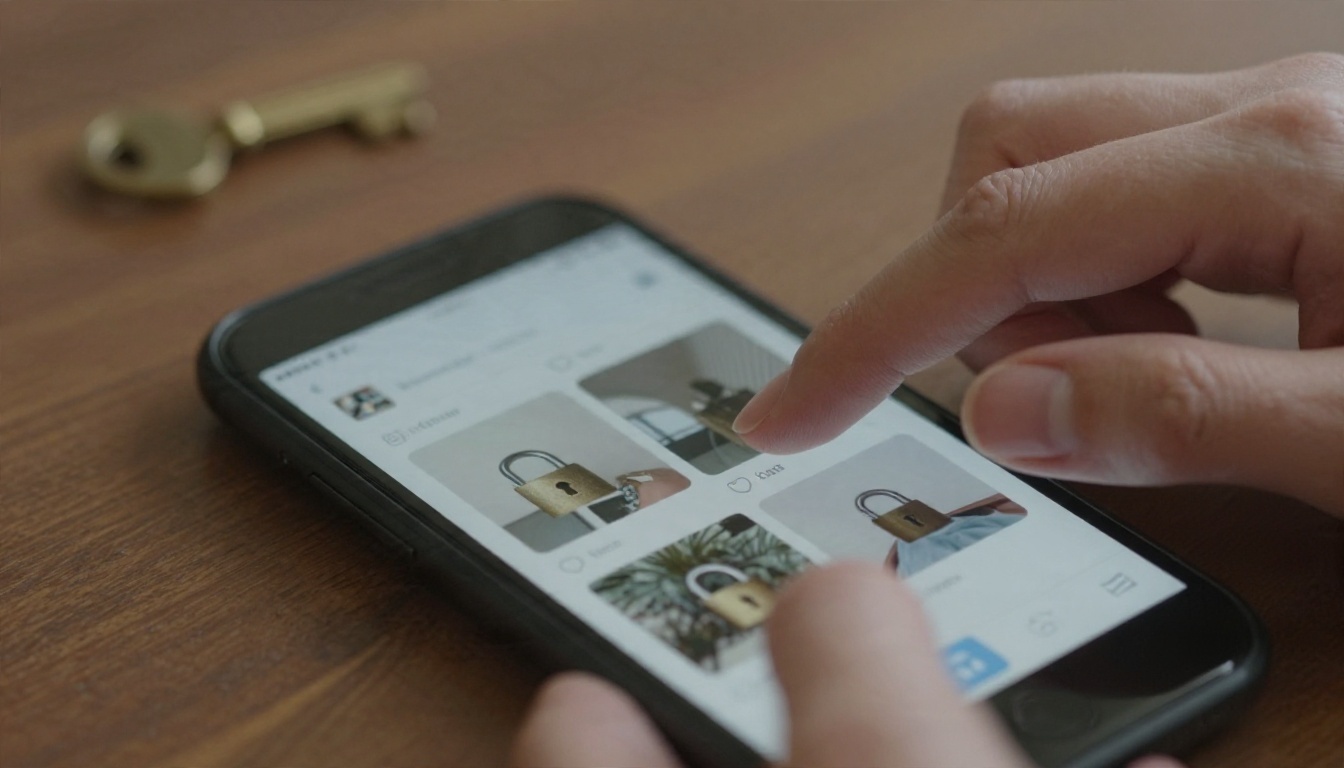
⚠️ Warning: A public link is exactly that: public. If a photo would make you uncomfortable on a notice board, protect the book or leave that photo out.
Which Option Fits You

Three Real Scenarios
A new parent wants a monthly record of the baby's first year. A subscription style print app fits the Groovebook habit best. Add a digital flipbook at the end of the year so distant grandparents can flip through the whole story, and use the same file for a single hardcover print.
A traveler returns from three weeks abroad with 900 photos. Printing a book for every friend would be costly. Build one PDF of the best 40 photos, upload it, and send a link. The Travel Guide Flipbook format also works nicely if you want to add notes on routes and places.

A photographer or wedding planner needs something clients can open on any device without installing an app. A branded flipbook with a password gives the polish of a printed proof and the convenience of a link.
Use this quick decision table:
| If You Want | Choose |
|---|
| A tiny book every month with no design work | Subscription print app |
| One special hardcover gift | Pay per book printer |
| To share within seconds, at no cost | Phone or cloud album |
| A page-turning book with privacy and embeds | Digital flipbook |
| The best of both | Print one copy, share the flipbook |
✅ Best practice: Whatever you choose, keep the original photos backed up in two places. A printed book or a flipbook is a presentation, not a backup.
Pick Your Next Step
The Groovebook idea still works: turn scattered photos into something people actually look at. Printing gives you a shelf piece. A digital flipbook gives you instant sharing, easy fixes and zero shipping.
Ready to try the digital route? Get started for free on Flipbooks AI and convert your first photo PDF in minutes. Browse all flipbook tools for albums, portfolios and recipe books, or compare pricing plans when you are ready to share with a wider audience. If you already know you want a paid plan, you can go straight to the account page with pricing.



