You have 800 vacation photos, a birthday coming up, and two tabs open: Photobook in one, Mixbook in the other. Both promise a beautiful printed album. Both bury the final price until the last checkout screen. And neither makes it obvious what to do when your cousin in another country wants to see the pages tomorrow, not in three weeks. This comparison puts the two services side by side on price, design tools and online sharing, then looks at a third route: turning the same photos into a digital page-turning album with Flipbooks AI for little or nothing.
💡 Quick answer: Mixbook usually wins on design flexibility and frequent sales. Photobook often wins on simple templates and regional print options. A digital flipbook wins when speed, sharing and cost matter more than paper.
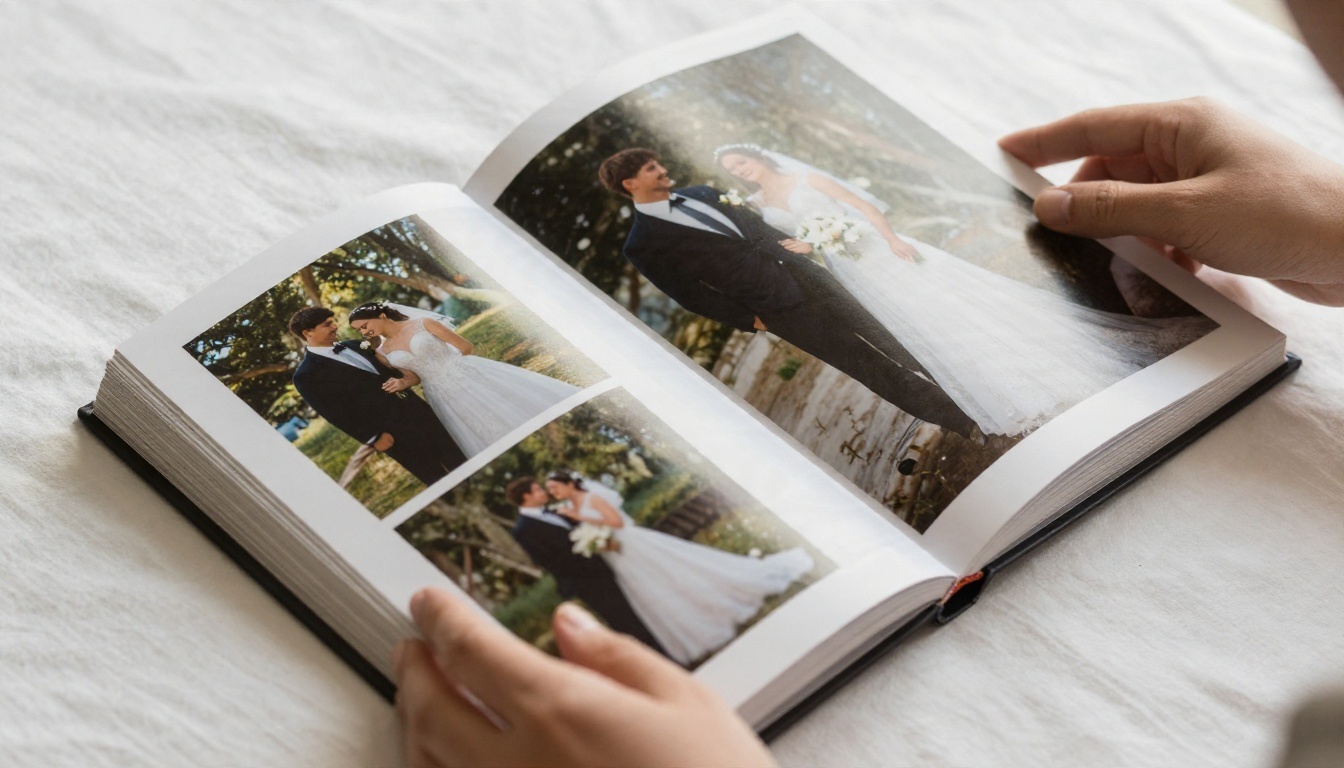
Photobook vs Mixbook at a Glance
Before we get into dollars, here is the broad picture. Prices and features change often, so treat this as a map of how each service behaves, then confirm current numbers on their sites.
| Feature | Photobook | Mixbook |
|---|
| Design editor | Guided, template-first | Flexible, drag-and-drop with many themes |
| Free to design | Yes, pay when you order | Yes, pay when you order |
| Binding choices | Softbound, hardbound, lay-flat (varies by region) | Softbound, hardbound, lay-flat |
| Online sharing | Share a preview link in most cases | Share link plus collaborative editing |
| Discount pattern | Seasonal promotions | Very frequent percentage-off sales |
| Best for | Simple, quick albums | Detailed, customized layouts |
Who Each One Suits
Photobook tends to suit people who want a finished album without fiddling. You pick a template, drop in photos, auto-fill the pages and order. If you have 40 minutes and a deadline, that matters.
Mixbook suits people who enjoy design. Layouts, stickers, text boxes, backgrounds and shared editing give you room to build something personal, like a wedding album the whole family contributes to.
And then there is the person who just wants everyone to see the photos. For that reader, neither print service is the fastest path, which we will get to shortly.
The Real Cost of Printing
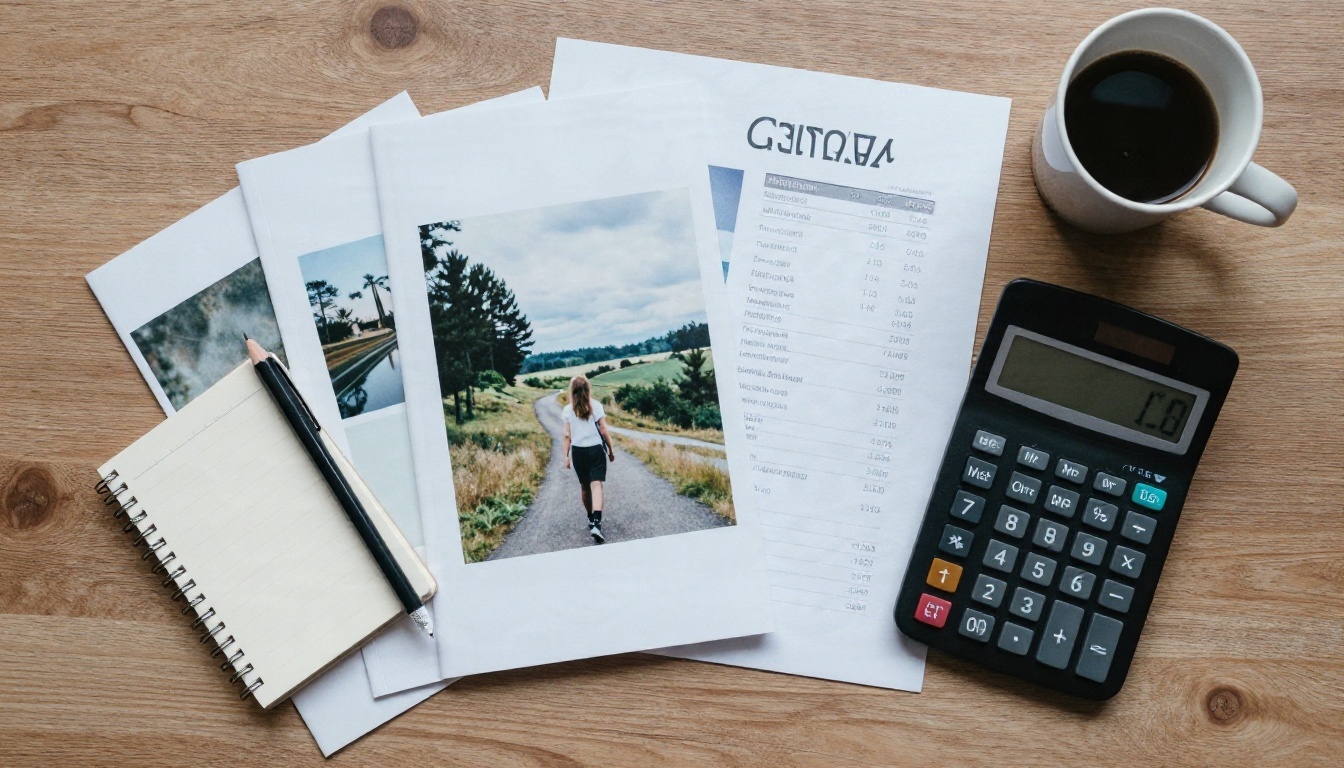
The sticker price is never the real price. Here is where the money actually goes.
Base Prices and Page Counts
Both services start with a low entry price for a small softbound album, then climb as you add size, pages and premium paper. The table below shows the typical shape of the cost, not exact quotes.
| Album type | Typical price range | What pushes it higher |
|---|
| Small softbound (about 20 pages) | Low | Glossy paper, extra copies |
| Medium hardbound (about 40 pages) | Mid | Linen binding, foil title |
| Large lay-flat (about 60 pages) | High | Thick pages, padded jacket |
| Extra pages beyond the base count | Per-page fee | Every added spread |
If your trip photos need 80 pages, you will pay noticeably more than the advertised starting price. Count your spreads before you fall for a headline number.
Hidden Extras That Add Up
- Shipping: often the biggest surprise, especially for heavy lay-flat books.
- Taxes: added at the final step in many regions.
- Premium layers: metallic accents, upgraded paper and protective jackets.
- Duplicate copies: grandparents want one too, and so do both sets of in-laws.
- Rush production: a holiday deadline can double your delivery fee.
⚠️ Watch out: Ordering five copies for a family reunion can cost several times what a single copy costs, even with a discount code applied.
Sale Cycles and Coupons
Mixbook is known for running sales almost constantly, so paying full price there is rarely necessary. Photobook promotions follow seasons more closely, with peaks around holidays. The practical move for both: finish your design, save it, and wait for a promotion before ordering. Your project stays in your account, so waiting costs nothing but time.
Sharing Memories Online
Printing is one half of the story. The other half is whether people can look at your album without waiting for a courier.
Share Links and Collaboration
Both services let you send a preview of your project. Mixbook goes further with collaborative projects, where several people add photos and captions to the same book. That is great for a wedding or a group trip, and a little chaotic if three people fight over the layout.
What Relatives Actually See
A preview link is built to sell you a print. Viewers may see a basic page viewer, a prompt to order, or a layout that is awkward on a phone. It works, but it is not designed as a lasting digital album.
Here is how the sharing experience compares across the three routes:
| Sharing need | Photobook | Mixbook | Digital flipbook |
|---|
| Send a link instantly | Preview link | Preview link | Public link in minutes |
| Phone-friendly viewing | Limited | Decent | Built for mobile |
| Password protection | Varies | Varies | Yes |
| Embed on a website | Rarely | Rarely | Yes, with embed code |
| Works after you order print | Tied to the project | Tied to the project | Independent of any print order |
Free Options Worth Using
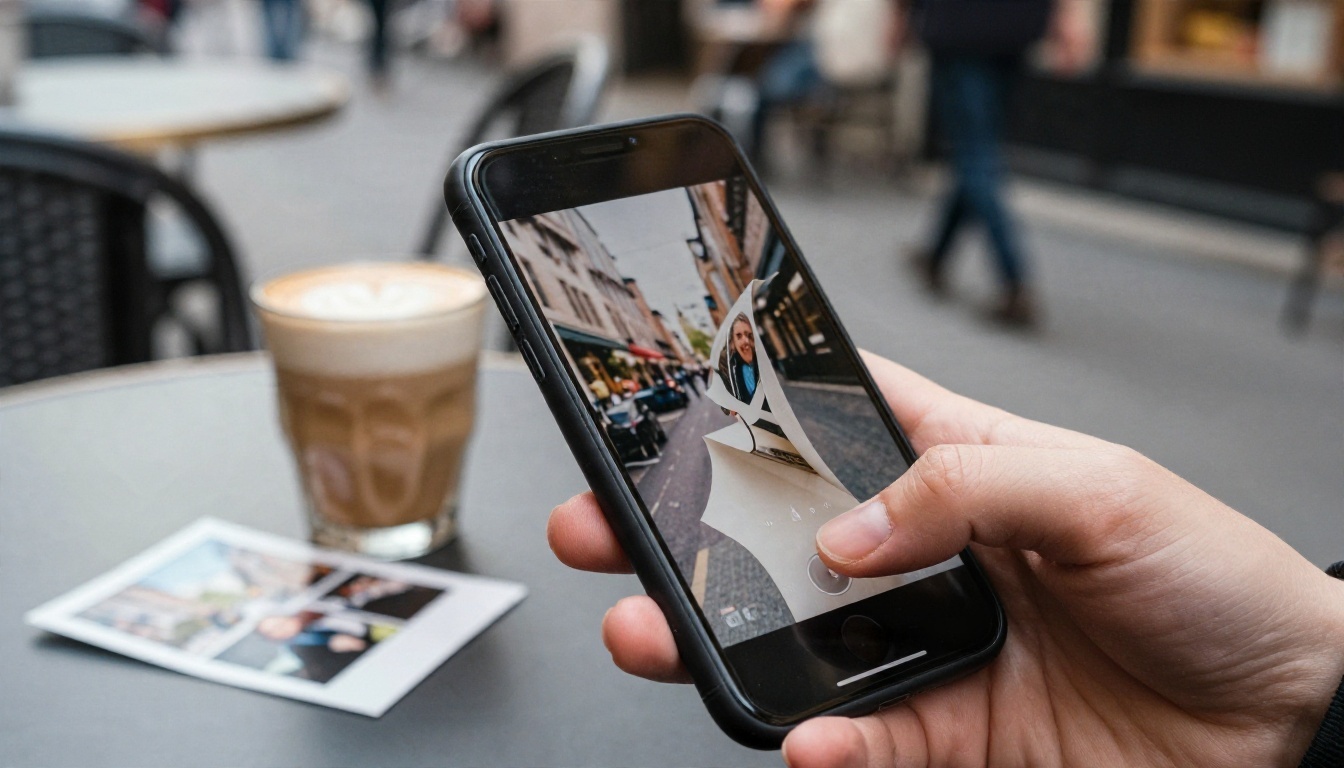
You can spend nothing and still end up with something good. The trick is knowing what "free" means at each step.
What Free Really Means
Designing is free on both platforms. Printing is not. Here is where the free line sits:
| Step | Free? | Notes |
|---|
| Creating an account | Yes | Required to save projects |
| Designing the album | Yes | Unlimited editing until you order |
| Previewing online | Usually | Preview link, not a downloadable file |
| Downloading a PDF | Often no | May require a paid product |
| Printing and shipping | No | Paid per copy |
So if you want a file you can keep, share and send anywhere, you often have to buy something first. That gap is exactly where a digital flipbook fits.
💡 Free workflow: Build your layout in any design tool you like, export it as a PDF, and turn that PDF into a shareable online album. You pay only if you later decide to print.
Digital Flipbook as an Alternative
A flipbook is a web-based album with realistic page turns. You upload a PDF or a set of pages, and the result opens in a browser on any phone, tablet or laptop. No app to install, no shipping label.
When a Flipbook Beats Print
- Speed: you can share an album the same afternoon the photos are edited.
- Cost: no per-copy printing, no shipping, no rush fees.
- Reach: one link goes to 5 people or 500.
- Updates: fix a typo or add a page without reordering a book.
- Privacy: password protection keeps family photos away from strangers.
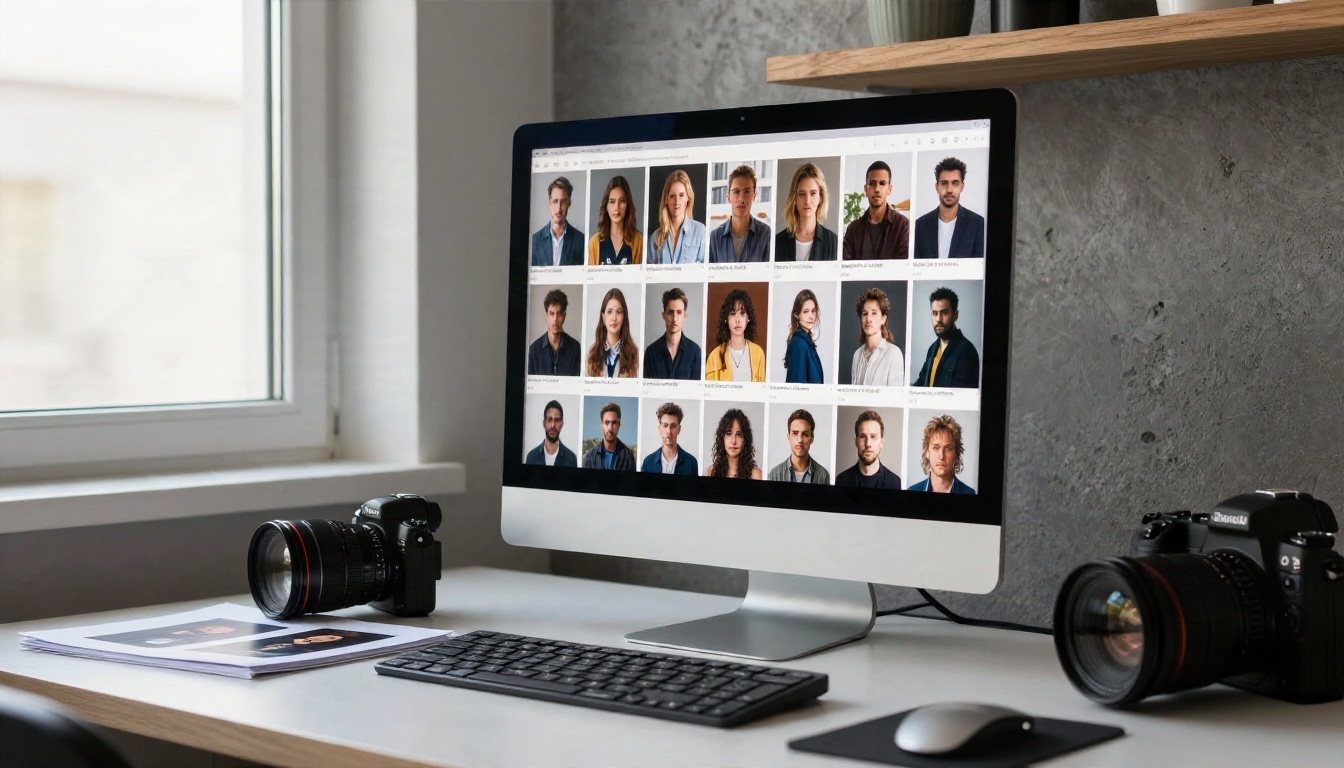
- Professional use: photographers can present client galleries with a photography portfolio flipbook or build a digital portfolio without printing proofs.
A few real-world examples:
- A wedding photographer sends couples a wedding album flipbook for review before any print order.
- A family on a long trip publishes a travel flipbook for relatives back home.
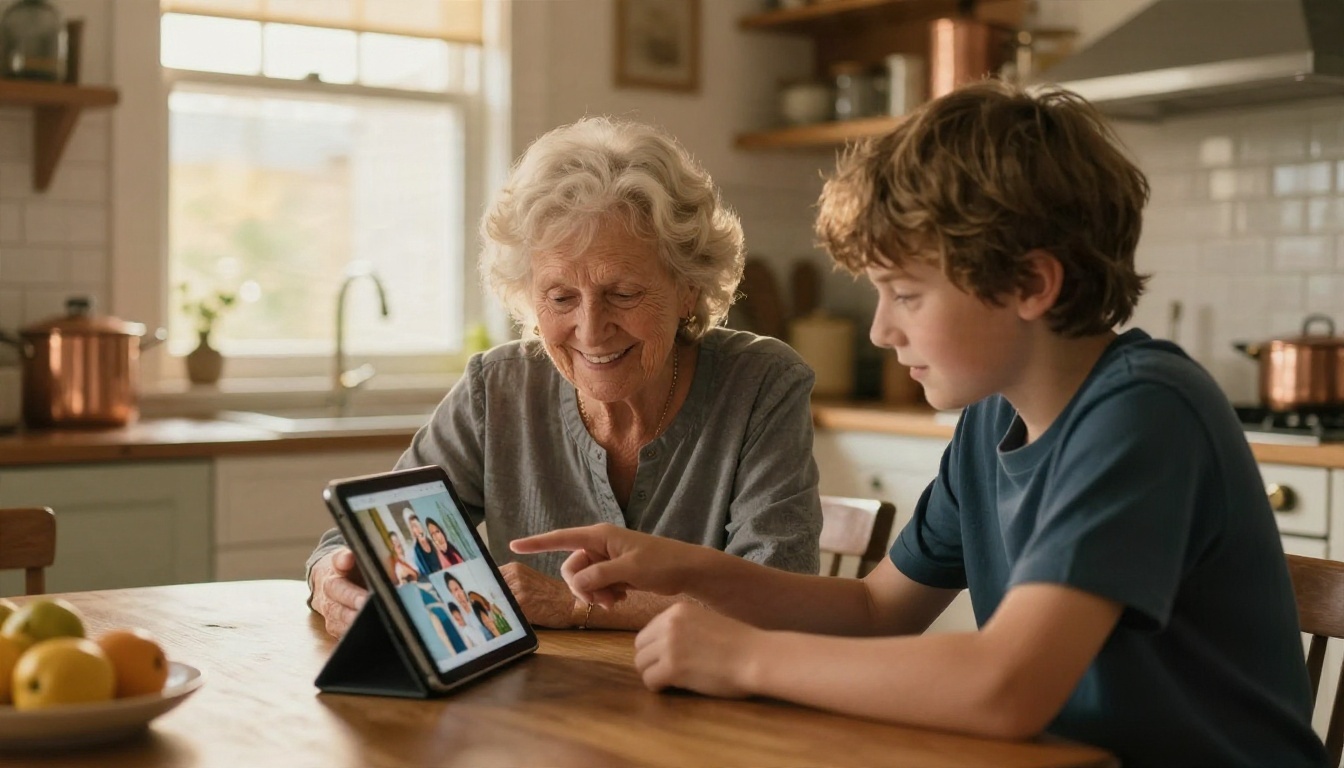
- A grandparent receives one link and opens it on a tablet with large pages.
Print and Digital Together
You do not have to choose. Many people design once, export a PDF, publish a flipbook for sharing, and then order a single printed copy of the best version for the shelf. That way the expensive item is one book, not ten.
How to Create a Photo Flipbook with Flipbooks AI
Here is the full workflow, from PDF to shared link. You can create an account on Flipbooks AI and follow along.
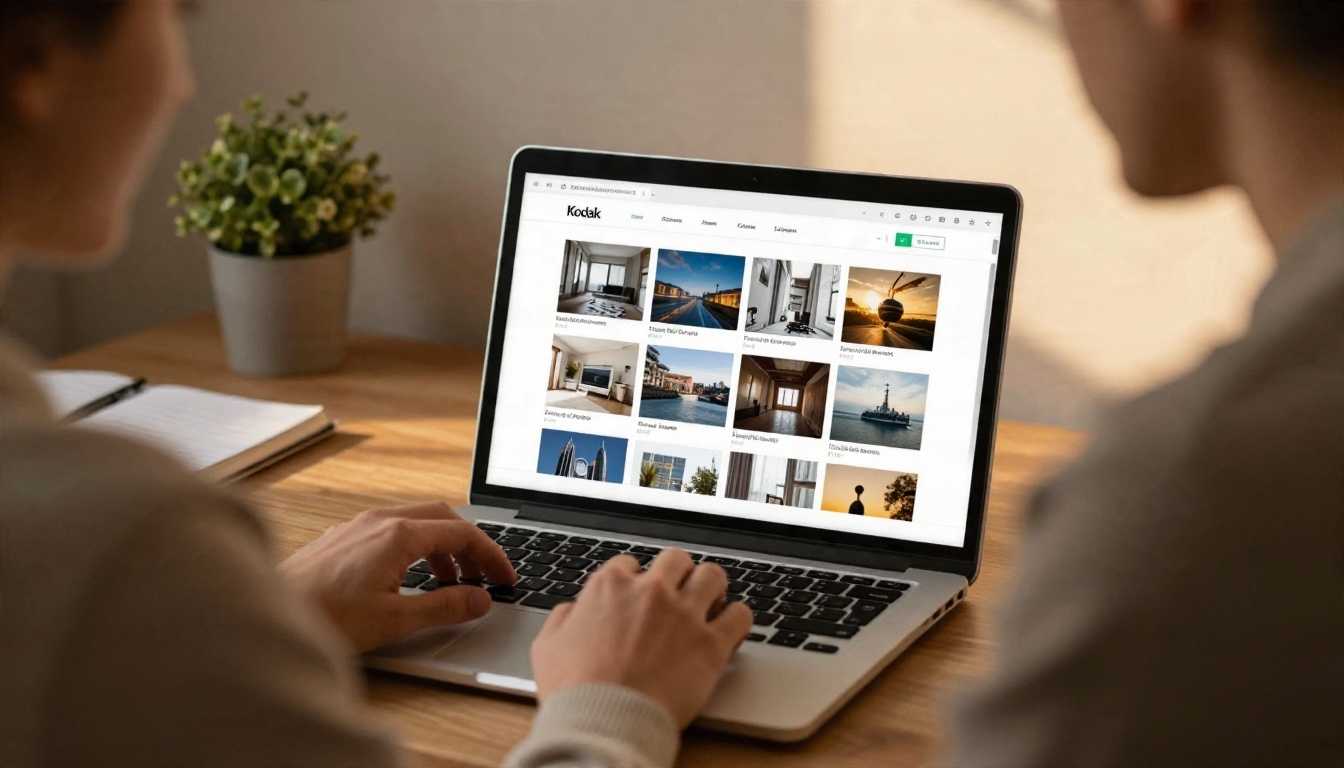
Upload and Convert
- Export your finished album as a PDF from your design tool (or from your print service if it allows).
- Open the PDF to Flipbook Converter and upload the file.
- Wait a few moments while the pages are converted into a page-turning flipbook.
- Check the preview: spreads should line up, and photos should look sharp when zoomed.
✅ Best practice: Export at a resolution that keeps photos crisp but keeps the file reasonable in size. Very heavy PDFs load slowly on mobile.
Customize the Look
- Branding and colors: set a background that matches your photos, such as soft cream for weddings or deep gray for black-and-white work.
- Page effects: choose the page-turn style and sound if you want that tactile feel.
- Multimedia: add video clips or audio, like a toast from the reception or ambient beach sounds from the trip.
- No watermarks: Flipbooks AI does not stamp its logo across your pages.
- Mobile-responsive layout: your album adapts to phones and tablets automatically.
Share and Protect
- Copy the direct link and send it by message or email.
- Use the embed code to place the album on a family blog or portfolio. The Embed Flipbook on Website tool shows how.
- Add password protection for private family content.
- Allow offline downloads if relatives with poor internet want a copy.
Pro Features
If you share albums professionally, the Professional plan adds analytics to see who opened the flipbook and lead generation forms to collect emails before viewing. Unlimited flipbooks come with the Standard plan and above. Check the pricing page for current limits and to try the platform for free.
Which One Should You Pick
Match the tool to the moment, not to the brand.
| Your situation | Best choice | Why |
|---|
| Quick single gift, minimal fuss | Photobook | Template-driven, fast to finish |
| Detailed design with many contributors | Mixbook | Flexible editor, shared projects |
| Relatives abroad want to see it today | Digital flipbook | Instant link, no shipping |
| Tight budget, many viewers | Digital flipbook | No per-copy cost |
| Heirloom for the shelf | Print (either) | Physical keepsake with lay-flat pages |
| Photographer sending client proofs | Digital flipbook | Embed, password, analytics |
Three Mistakes to Avoid
- Ordering before checking shipping. The final total can be far from the starting price.
- Skipping a proof. Always preview every spread, especially text near page edges.
- Printing everything. Ten copies is costly. One print plus a shared link covers most families.
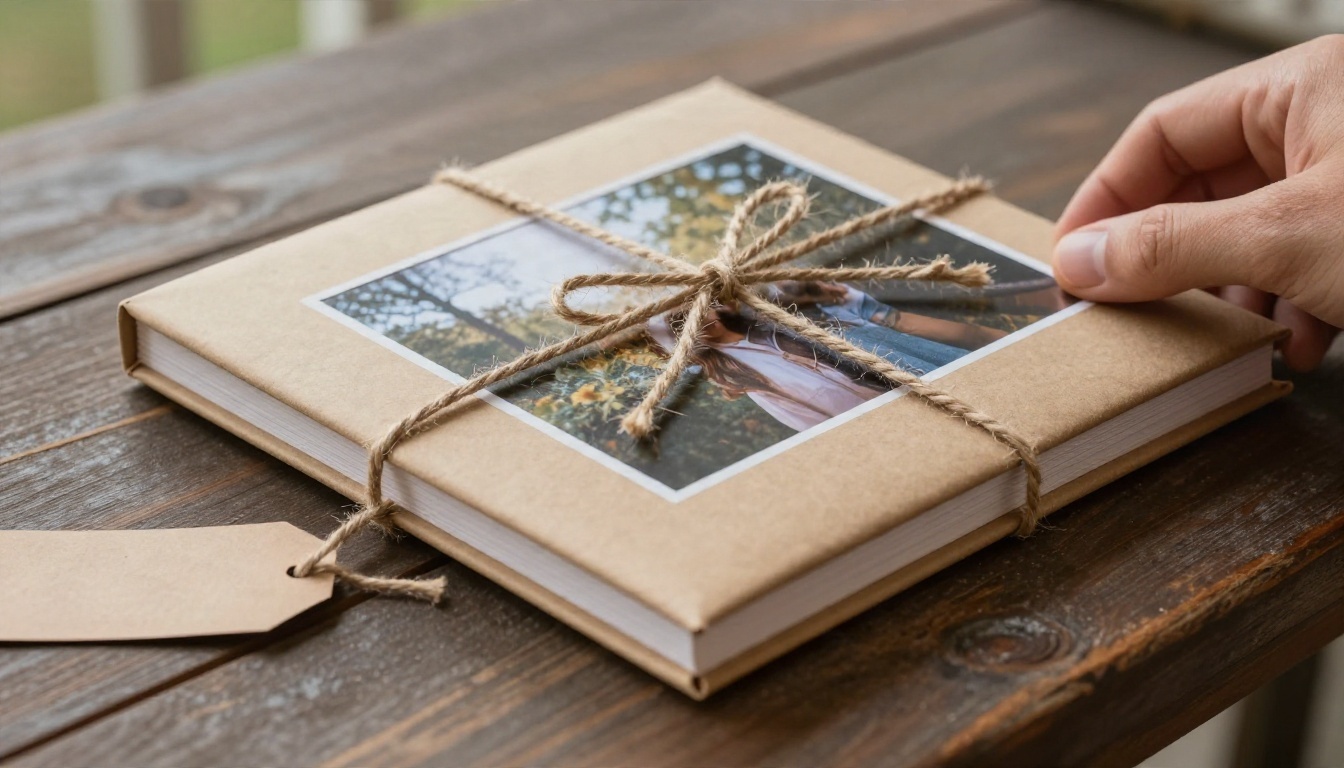
A printed album still makes a lovely gift. Wrap one, hand it over, and send the link to everyone else.
Ready to Share Your Photos?
You do not need to pick a winner between Photobook and Mixbook to get your memories in front of people. Design in whichever editor you prefer, then publish the same pages online.
Your photos deserve to be seen this week, not after the next sale cycle.



