You finished sorting the holiday photos, picked your favourites and opened a printed photo book service, only to see a price tag, a shipping estimate and a delivery window of two weeks. If that sounds familiar, you are probably searching for Photobook Worldwide alternatives that let you share a beautiful album today, not next month. Online photo flipbooks do exactly that. You turn a PDF of your pictures into a page-turning book that opens in any browser, and platforms like Flipbooks AI make the whole process take minutes.
This article compares the main routes open to you: printed photo books, free flipbook makers and paid hosted platforms. You will see real pricing logic, sharing options for family and friends, a five step tutorial and a few scenarios to help you pick the right tool.
Why People Look Beyond Photobook Worldwide
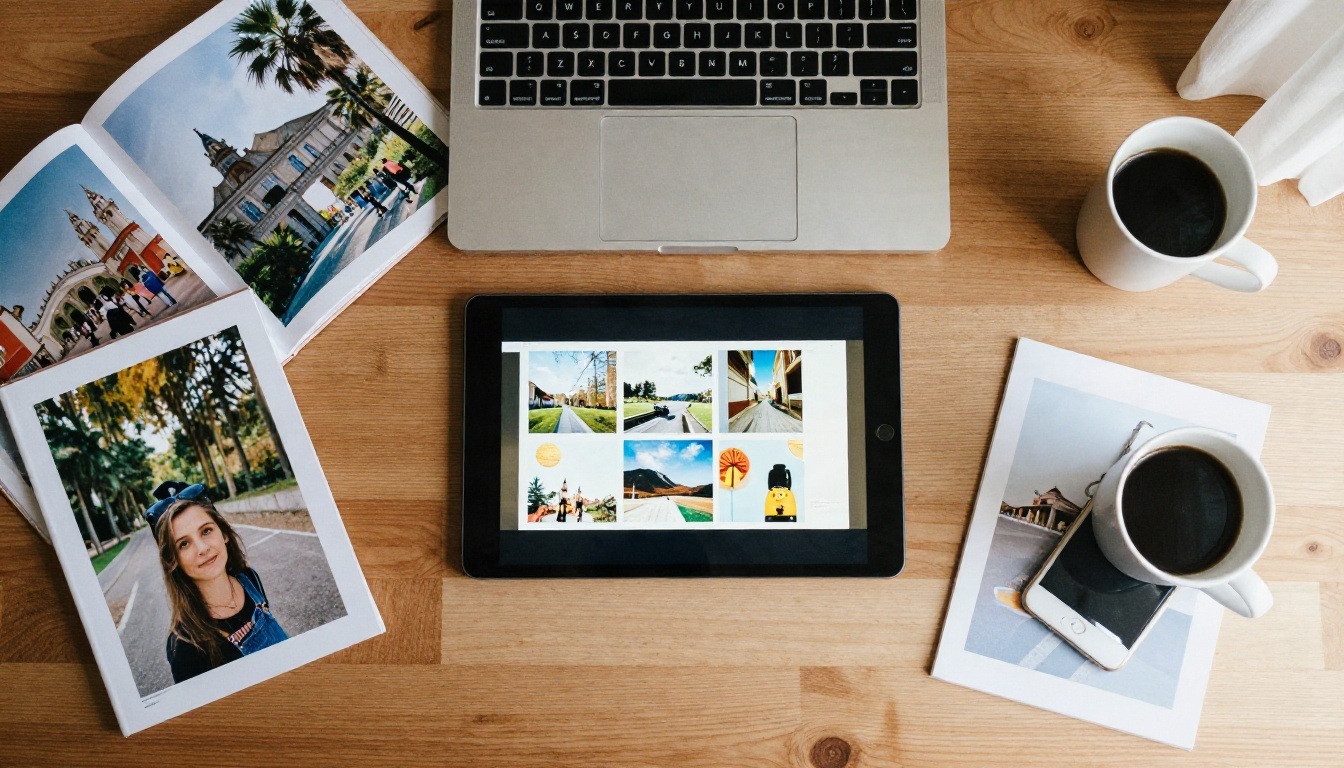
Photobook Worldwide is known for printed photo books ordered online and shipped to your door. Printed books are wonderful objects, and nothing replaces the weight of thick paper in your hands. But searches for alternatives keep growing, and the reasons are surprisingly consistent.
- Speed: Printing and shipping take days or weeks, which hurts when a birthday, wedding or trip reunion is close.
- Cost per copy: Every extra copy for a grandparent or a cousin means another print charge plus delivery.
- Reach: A printed book sits in one house. A link sits in everyone's phone.
- Editing: Spotted a typo or a blurry photo after ordering? A printed book cannot be fixed. A digital flipbook can be re-uploaded in a minute.
- Global families: When relatives live in different countries, international delivery can be slow and expensive.
💡 Pro tip: Check the current prices and shipping rates on any print service before you design anything. Costs change with page count, paper type and destination, so a quick quote saves frustration later.
What a Photo Flipbook Actually Is
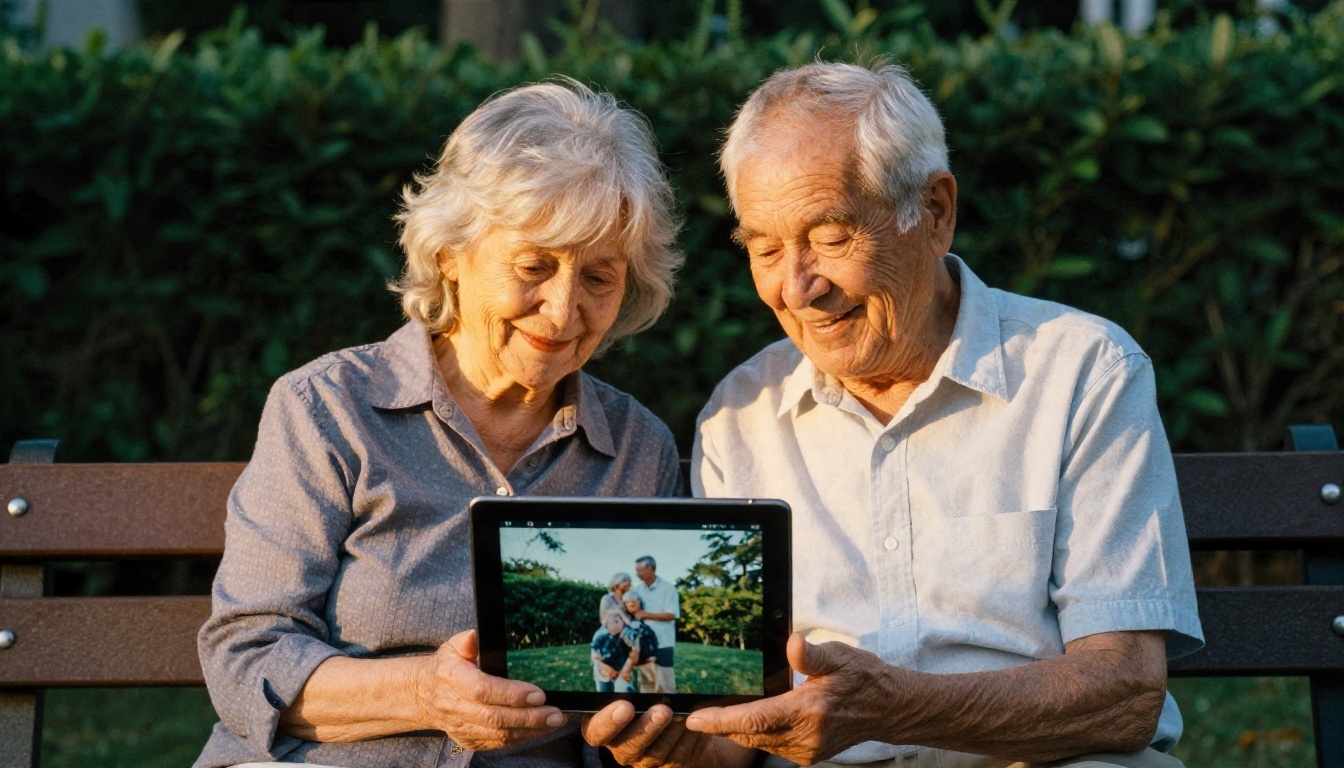
A photo flipbook is a digital album that behaves like a real book. Pages turn with a realistic curl, readers can zoom into details and the whole thing opens from a simple web link. There is nothing to install and nothing to print.
Under the hood, you usually start with a PDF. Export your photo layout from a design app, a word processor or even your phone's album tool, upload it, and the flipbook platform converts each page into an interactive spread. The PDF to Flipbook Converter is built for exactly this job.
Print Versus Digital at a Glance
| Factor | Printed Photo Book | Online Photo Flipbook |
|---|
| Time to share | Days to weeks | Minutes |
| Cost per extra viewer | Extra copy plus shipping | None |
| Fixing mistakes | Reorder the whole book | Re-upload the PDF |
| Works on phones | No | Yes, mobile responsive |
| Audio and video | Not possible | Supported on many platforms |
| Keepsake feel | Excellent | Good, can be paired with print |
| Privacy controls | Physical only | Links, passwords, expiry |
The honest takeaway: digital wins on speed, reach and flexibility, print wins on the tactile keepsake. Many families do both. They share a flipbook first and order one printed copy of the final version for the shelf.
Free Online Photo Flipbook Makers Compared
The word "free" is slippery in this market. Some tools are free forever with limits, some are free trials and some are free only until you try to export. Here are the categories you will meet.
Flipbooks AI for Personal Albums
Flipbooks AI turns uploaded PDFs into page-turning flipbooks that are clean, mobile friendly and free of watermarks, ever. That last point matters for personal albums. Nobody wants a stranger's logo stamped across a wedding photo.
What you get on the platform:
- Realistic page-flip effects and zoom
- Custom colours, backgrounds and branding
- Embedded video and audio, handy for a toast or a baby's first words
- Password protection for private family content
- Offline downloads so relatives with weak signal can still browse
- Unlimited flipbooks from the Standard plan upward
- Analytics and lead generation on the Professional plan
You can try it by creating an account and checking plan details before you commit.
Other Free Routes and Their Trade-Offs
Most alternatives fall into three groups:
- Template-based photo book editors. These give you drag and drop layouts, but the free version often pushes you toward printing, which is where they earn money.
- Generic PDF flipbook hosts. Quick to use, yet the free tier commonly adds a watermark, limits page counts or deletes flipbooks after a trial.
- Cloud photo albums. Great for dumping hundreds of pictures, but they are galleries, not books. There is no page-turn feel and no designed storytelling.
| Option Type | Typical Free Limits | Watermark Risk | Best For |
|---|
| Template photo book editor | Free design, paid export or print | Low to medium | People who want to print eventually |
| Generic PDF flipbook host | Page, storage or time limits | Often yes | One quick test |
| Cloud photo album | Storage caps | Low | Sharing raw photo dumps |
| Flipbooks AI | See current plans | No watermarks | Polished shareable albums |
⚠️ Warning: Always open a sample flipbook produced by the free tier before you upload your real photos. If you see a logo on the pages, it will be on yours too.
Pricing Without the Surprises
Pricing pages rarely tell the whole story, so compare these elements instead of the headline number.
Hidden Costs to Watch For
- Watermark removal fees: Free to create, paid to remove the logo.
- Export charges: You can design for free but pay to download or share.
- Page limits: A 24 page free cap sounds fine until your 40 page honeymoon album arrives.
- Auto-expiry: Some free flipbooks vanish after a few weeks.
- Per-copy printing: Each copy of a printed book carries a fresh charge.
- Shipping and tax: Often revealed only at checkout.
Sample Yearly Scenarios
The table below is illustrative. It shows how cost behaves, not exact prices, so check each provider for current rates.
| Scenario | Print Only | Free Flipbook Tool | Paid Flipbook Plan |
|---|
| One album for 5 relatives | Five prints plus shipping | Free if no watermark or cap | Low monthly cost |
| Four albums a year | Four print runs | Often hits limits | Unlimited on Standard plan |
| A wedding with 60 guests | Costly to print for all | Risky with watermark | Single link, optional password |
| Family history project | One careful print run | Page limits likely | Edit and re-upload freely |
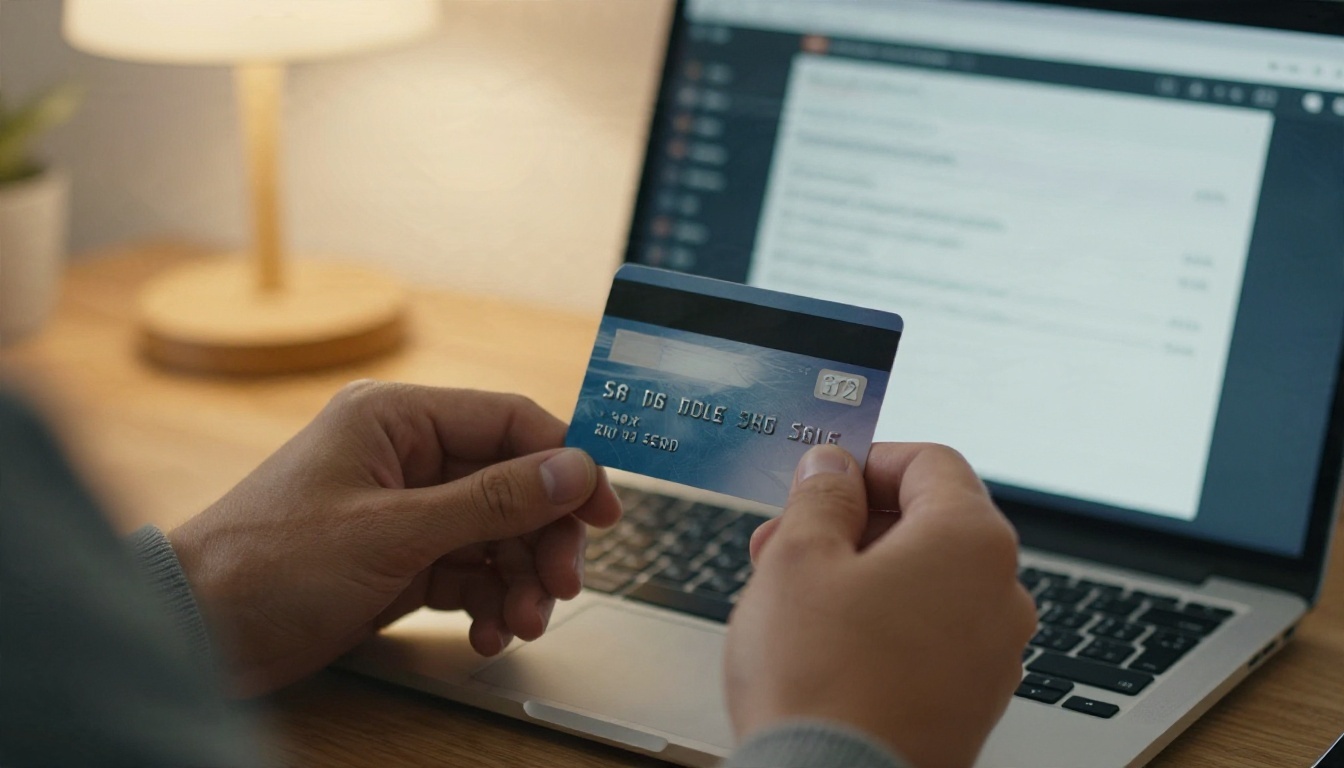
The pattern is simple. If you make one album and want one physical copy, print is fine. If you share often, or with many people, a flipbook plan becomes cheaper per viewer very quickly. Browse the current pricing plans to see which tier fits.
Make a Photo Flipbook in Five Steps
Here is how to build a photo flipbook with Flipbooks AI, from a folder of pictures to a shareable link.
Step 1: Build Your PDF
Arrange your photos in any tool you like. A design app, a presentation program or a word processor all export to PDF. Tips that make the final flipbook look better:
- Use landscape pages for travel photos, or portrait for portraits and weddings.
- Keep one idea per spread, for example "arrival", "the beach", "dinner".
- Export at a good resolution, but keep the file size reasonable so it loads quickly.
- Add short captions. Readers love context.
Step 2: Upload and Convert
Open Flipbooks AI, sign in and upload your PDF. The platform converts each page into a flip-ready spread. Large files take a moment, and you will see your album appear with the page curl animation as soon as processing ends. If you want a photo-focused layout, the Photography Portfolio tool is a natural starting point.
Step 3: Style the Pages
Customize the look to suit the mood of your album:
- Colours and backgrounds: A warm cream suits family history, a deep charcoal makes sunset shots glow.
- Branding: Add a logo or a name if you are sharing professionally.
- Page effects: Choose how pages flip and how fast.
- Multimedia: Embed a short video clip or a soundtrack so your album feels alive.
💡 Pro tip: Pick a calm background colour that matches the dominant tone of your photos. Strong contrast pulls attention away from the pictures.
Step 4: Pick Your Sharing Options
You can share the finished flipbook in three ways:
- Direct link: Paste it into a message or email.
- Embed code: Place the book on a family blog or wedding site, see the guide for embedding a flipbook on a website.
- Password protection: Keep private moments private, which matters for baby pictures and personal events.
Step 5: Add the Pro Extras
If you share widely, the Professional plan adds analytics and lead generation. Analytics show how many people opened your album and which pages held their attention. Lead capture suits photographers who want to collect an email before a client downloads a gallery. Offline downloads let relatives read the book on a plane or in a place with weak signal.

Sharing Options That Work for Families
How you share matters as much as how you design. Families have different devices, different comfort levels with technology and different privacy needs.
Links for Quick Sharing
A link is the fastest route. Drop it into a group chat and everybody has the album in seconds. There is no download, no account, no app. For a friend group that just returned from a trip, this is the easiest path.
Embeds for a Permanent Home
If you keep a family site or a wedding page, an embed code puts the flipbook right there. Guests can flip through the album without leaving the page. The embed also updates if you replace the PDF, so a corrected version appears everywhere at once.
Passwords for Private Moments
Not every album is meant for the open web. A password adds a simple barrier. Share the link in one message and the password in another, and your family album stays within the circle.
| Sharing Method | Setup Time | Privacy Level | Best Use |
|---|
| Direct link | Seconds | Medium | Group chats and email |
| Embed code | A few minutes | Medium | Family or wedding websites |
| Password protected link | A few minutes | High | Baby photos, private events |
| Offline download | Seconds | High | Travel and low signal areas |
| Printed copy | Days | Physical only | Gifts and shelf keepsakes |

Real Scenarios, Real Picks
Abstract comparisons only go so far. Here is how it plays out for three common situations.
A Wedding Album for 80 Guests
A couple receives 400 photos from their photographer. Printing 80 copies is unrealistic, and a watermarked free flipbook would spoil the look. They pick a platform with no watermarks, upload a 50 page PDF, add a password and send one link to everyone. The Wedding Album Flipbook tool suits exactly this use. They still order one printed copy for their living room shelf.
A Travel Album With Friends
Four friends return from a road trip with hundreds of pictures across four phones. One person collects the best into a PDF with short captions. A travel flipbook goes out in the group chat the same evening, complete with a video clip of the best sunset. Nobody waits for a delivery driver, and the trip feels fresh while the stories are still being told.
A Family History Project for Grandparents
A teenager scans old pictures and writes captions based on stories from their grandparents. They upload the PDF, add an audio clip of a grandparent telling a favourite story and share a password protected link. Relatives in three countries can open it on a phone or tablet. When someone remembers a missing name, the PDF is updated and uploaded again.

✅ Best practice: Treat the flipbook as the living version of your album and print only the finished edition. You save money and avoid reprints.
Pick Your Next Move
Printed photo books from services like Photobook Worldwide are still a lovely way to hold your memories. The alternatives above simply make sure you do not have to wait, overspend or limit your audience to one living room. Choose a flipbook when speed, sharing and flexibility matter. Choose print when you want an heirloom. Better still, combine both.
Here is a simple decision path:
- Need to share today with many people? Choose a digital flipbook with no watermarks.
- Making albums regularly? Look at an unlimited plan instead of paying per project.
- Want privacy? Use password protection and share the link separately.
- Want an heirloom as well? Finalise the flipbook, then print one copy.
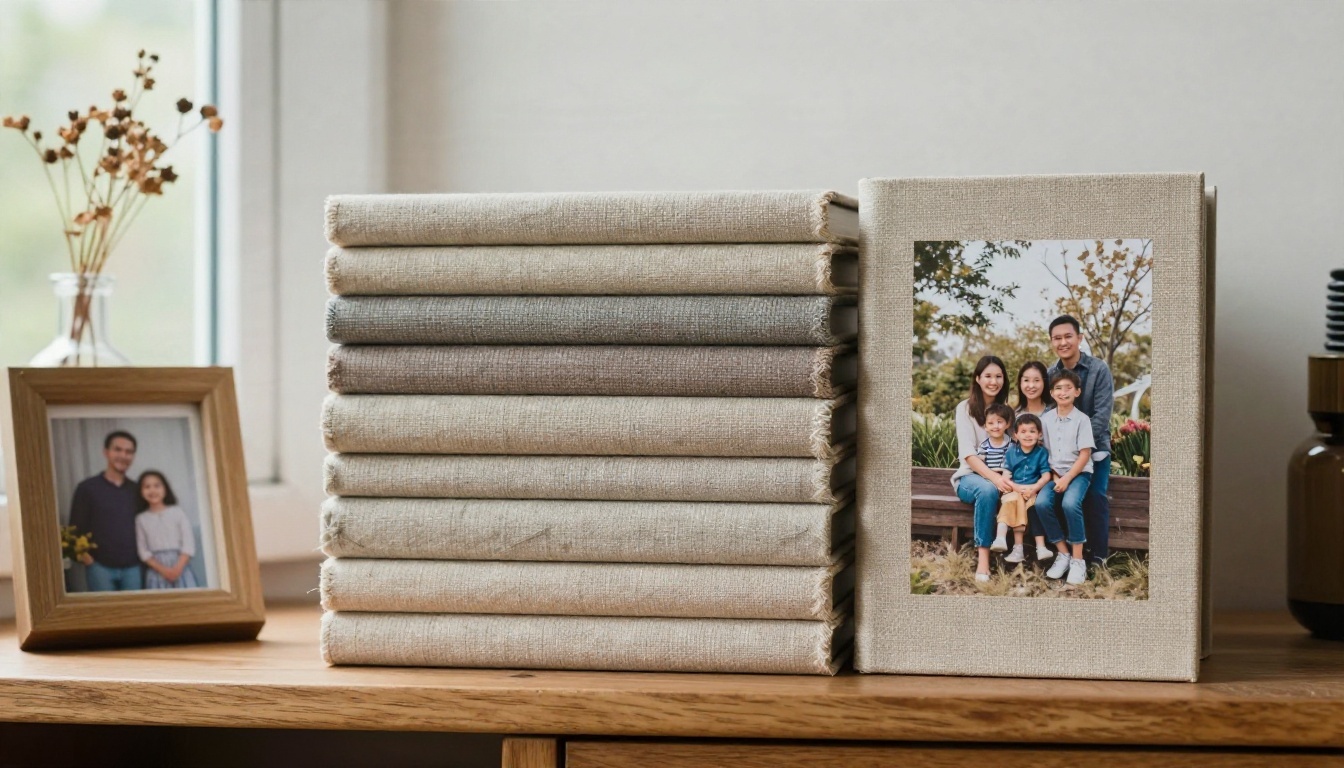
Ready to build your first album? Get started for free on Flipbooks AI, browse every flipbook tool and template to find the right layout, or compare pricing plans to choose what works for you. Your photos have been waiting long enough, so give them a page to turn.



