Most photographers don't lose clients because their pictures are weak. They lose them because the portfolio is cluttered, slow to load, or impossible to read on a phone. A strong set of photography portfolio examples shows you the opposite: fewer images, better order, and a layout that lets each frame breathe. This article walks through real-world patterns by genre, sample layouts you can copy, template options, and free online ways to publish. If you want to skip ahead and build something, Flipbooks AI turns a simple PDF into a page-turning portfolio in minutes.
What Makes a Portfolio Work
A portfolio is a sales tool wearing the clothes of an art book. The viewer, usually a busy art director, couple, or editor, decides within seconds whether to keep looking. Everything below is built around that reality.
Show Fewer, Stronger Images
Twelve to twenty images is the sweet spot for most genres. Beyond that, viewers start skimming, and your weakest frame becomes the one they remember.
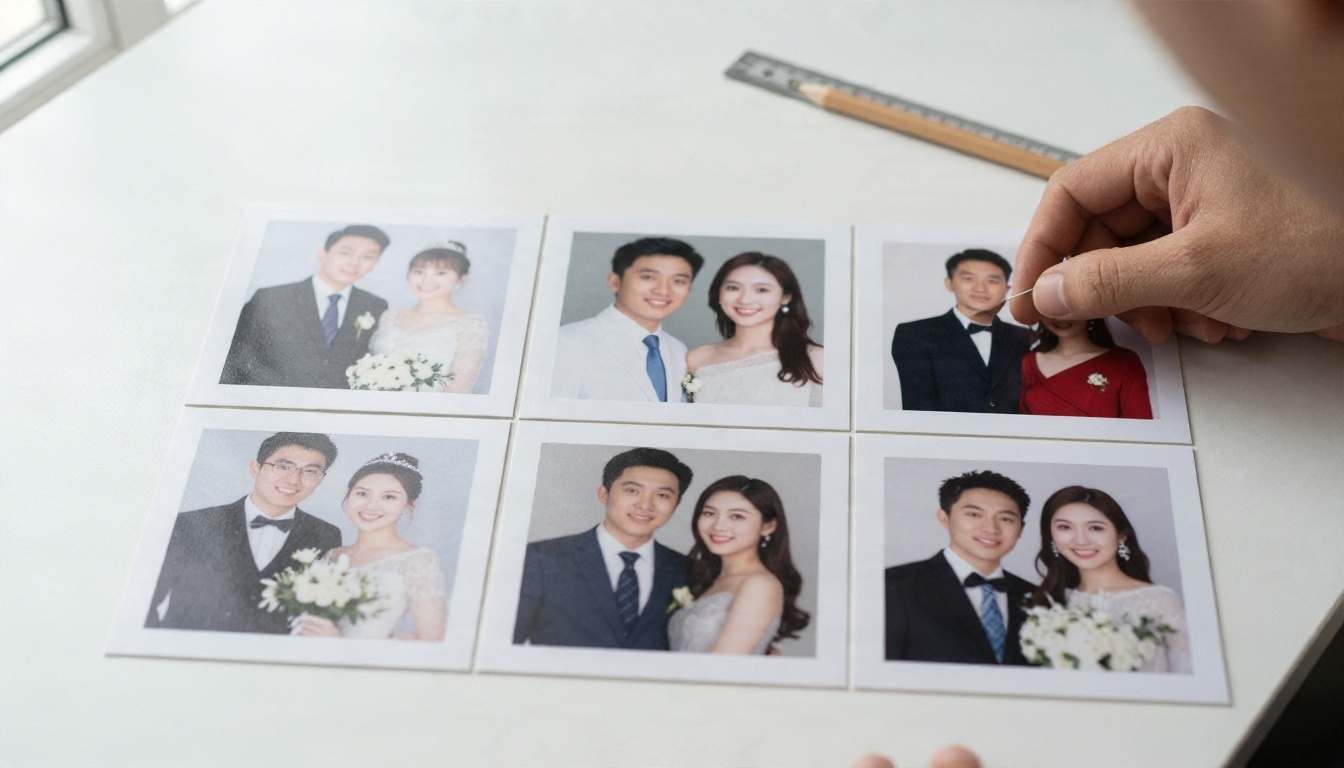
Print your candidates and lay them on a table, as in the photo above. Remove anything that repeats another frame's idea. If two shots say the same thing, keep the sharper one.
💡 Pro tip: Ask a friend who isn't a photographer to pick their five favorites without explanation. Photos that get chosen by strangers belong at the start and end of your portfolio.
Pick a Story Structure
Sequencing matters as much as selection. Three structures work again and again:
- Opener, build, closer: Start with your strongest image, put supporting work in the middle, and finish with a memorable frame.
- Chapter based: Group images into short chapters such as "Portraits," "Places," and "Details," each with a title page.
- Single narrative: One project, one location, one visual voice. Ideal for documentary and editorial work.
Photography Portfolio Examples by Genre
Different clients look for different signals. Here is what the best portfolios in each field tend to do.
Wedding and Portrait Examples
Wedding portfolios succeed by showing emotion across a full day: the quiet preparation, the ceremony, the wild dance floor. A common sample structure is 3 images of getting ready, 4 of the ceremony, 4 of couple portraits, 3 of details, and 4 of the party. Portrait photographers usually go simpler, with consistent lighting and a repeated crop ratio so the set feels like one voice.
A wedding photographer can send a private flipbook to each prospective couple, and a Wedding Album Flipbook works well for delivering finished galleries after the event.
Fashion and Editorial Examples
Fashion portfolios lean on big spreads, strong color control, and visible styling credits. Think full-bleed opener, then facing pages that pair a wide shot with a tight detail.
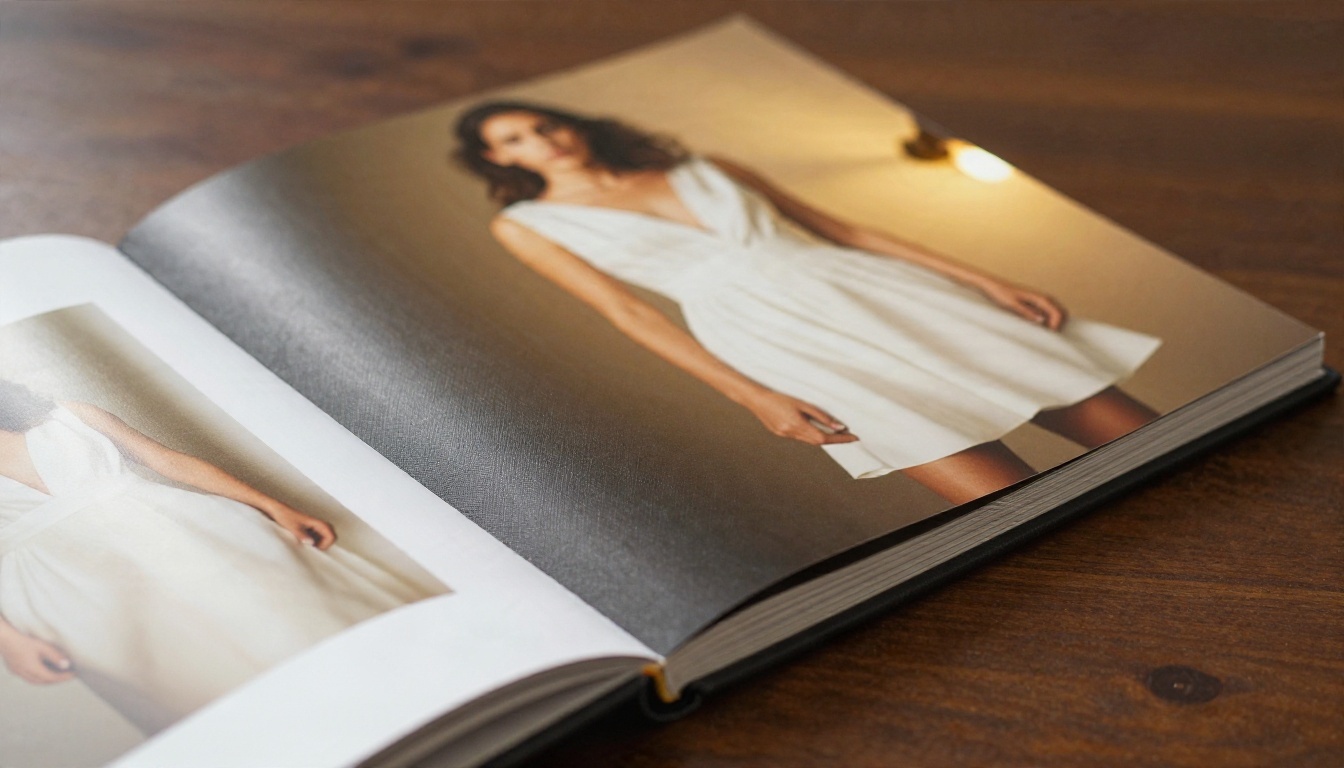
If you shoot lookbooks, the Interactive Lookbook Designer and Lookbook Flipbook Builder suit this format naturally.
Landscape and Travel Examples
Landscape portfolios work when they vary scale and light. Alternate sweeping vistas with intimate details like moss, frost, or a single tree. Add a short caption with location and season; it makes the work feel lived in.
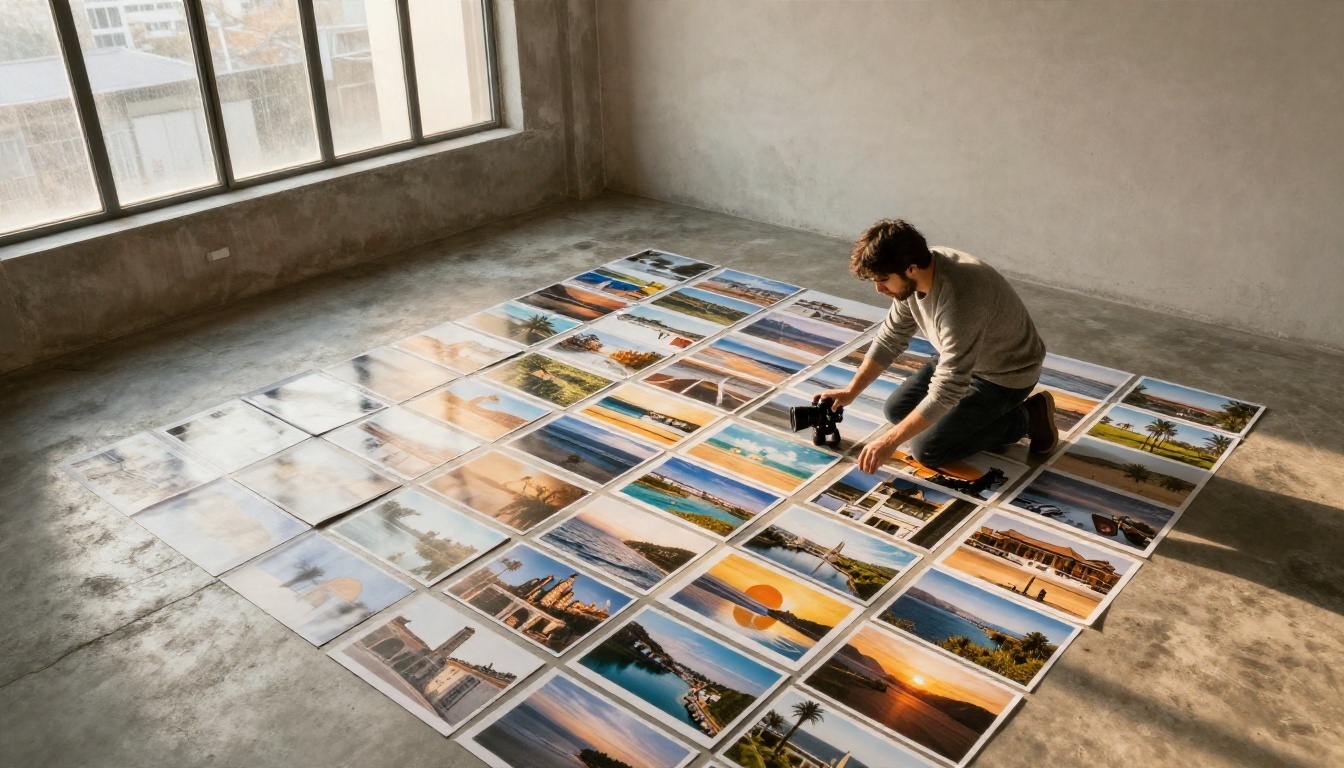
Travel photographers often benefit from a Travel Guide Flipbook format, where each destination gets its own mini chapter.
Street and Documentary Examples
Street portfolios are about consistency of eye. Black and white sets are common because they hide color clutter, but color works if the palette is controlled. Include a short written statement of two or three sentences about the project; documentary editors want context.
Sample Layouts That Always Work
Layout is where many photographers overthink. You only need a handful of proven page types, repeated with discipline.
The Full Bleed Opener
One image fills the entire page, with no border and no text. It signals confidence. Use it as page one and again as the last page.
The Clean Grid
Two or three equal images with consistent margins. This layout is perfect for sets, such as three frames from one session.
| Layout | Best For | Images Per Page | Mood |
|---|
| Full bleed | Openers, hero shots | 1 | Bold, cinematic |
| Diptych spread | Contrast, before and after | 2 | Editorial, calm |
| Three column grid | Sessions, series | 3 | Orderly, professional |
| Hero plus details | Weddings, products | 3 to 4 | Narrative, rich |
| Contact sheet | Street, process | 6 to 12 | Raw, authentic |
The Diptych Spread
Two images on facing pages, chosen to echo or contrast each other by color, shape, or subject. This is the layout flipbooks do best, because the page-turn itself becomes part of the pairing.
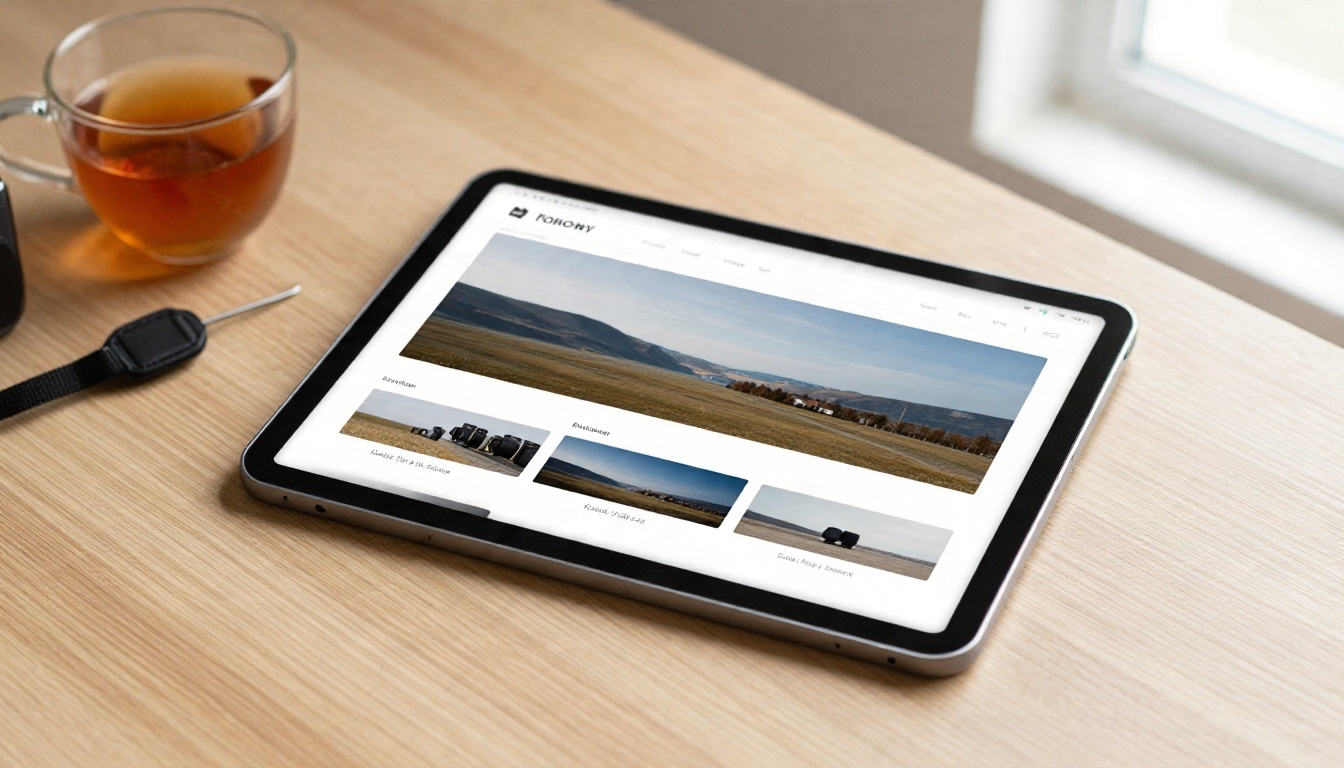
✅ Best practice: Keep margins identical on every page. Inconsistent whitespace is the fastest way to make a good portfolio look amateur.
Templates: What to Look For
Templates save hours, but a bad one forces your photos into awkward boxes. Before you commit, check these points:
- Image first design: The template should let photos take at least 80 percent of the page.
- Neutral typography: One simple font family, two weights at most.
- Flexible page sizes: Landscape, portrait, and square options.
- Easy export: You should be able to export to PDF and reuse the file anywhere.
- Mobile behavior: Pages must scale cleanly on small screens.
| Template Type | Strength | Weakness | Good For |
|---|
| Website builder theme | Built-in hosting, SEO | Slower, can feel generic | Full online presence |
| Presentation template | Fast, flexible | Looks like a slide deck | Quick pitches |
| Layout design file | Total control | Needs design skill | Print portfolios |
| Flipbook from PDF | Page-turn feel, easy sharing | Fewer pure web tools | Client pitches and sharing |
If you already have a PDF from any design app, the PDF to Flipbook Converter is the quickest route from file to shareable portfolio.
Free Online Options Compared
Free is a great place to start, as long as you know the tradeoffs. Terms change often, so check each provider's current limits before building around one.

| Option Type | Typical Cost | Customization | Watch Out For |
|---|
| Social photo platforms | Free | Very low | Algorithms decide who sees you |
| Free website builders | Free tier | Medium | Branding badges, limited storage |
| Creative community sites | Free tier | Low to medium | Your work sits beside everyone else's |
| Cloud document sharing | Free | Low | Looks like a folder, not a portfolio |
| Flipbooks AI | See plans | High | Needs a PDF as source |
What Free Plans Usually Limit
- Storage and image count: Fine for twenty images, tight for a full archive.
- Custom domains: Often locked to paid tiers.
- Visible branding: A small badge can undercut a premium pitch.
- Analytics: Rarely included, so you never learn who opened your work.
When a Flipbook Beats a Website
A website is best for being found. A flipbook is best for being sent. When you email a pitch, a flipbook gives the recipient a single link, a designed reading order, and a premium feel, with no navigation menus to wander through. Many photographers keep both: a simple site for search traffic and a flipbook for direct outreach.
How to Create a Portfolio with Flipbooks AI
The Photography Portfolio tool is built for exactly this job. You can also try the Digital Portfolio Creator or Portfolio Flipbook Builder depending on your style. Here is the process from start to finish.
Prepare Your PDF
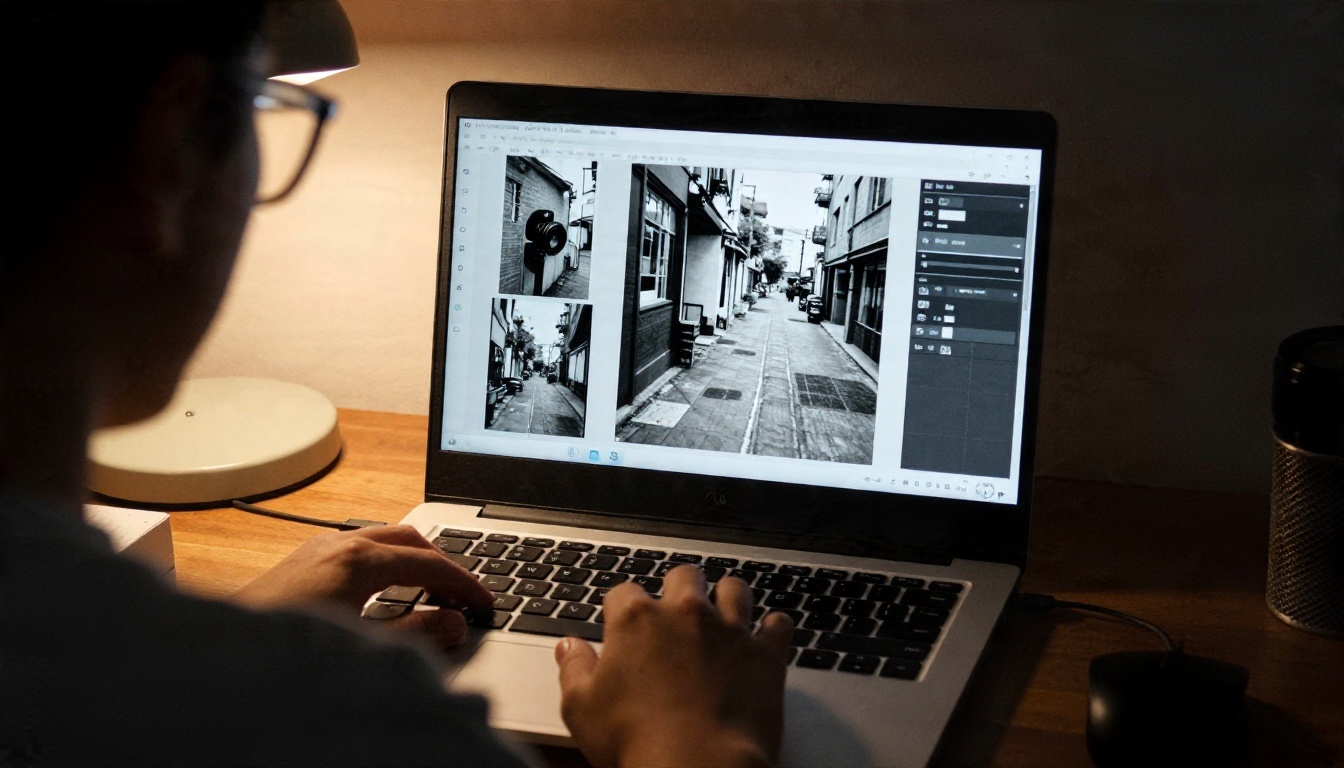
Build your layouts in any design or layout app, using the sample patterns above, and export to PDF at high quality. Use consistent page sizes and keep file size reasonable so pages load quickly.
Upload and Convert
- Go to Flipbooks AI and create an account.
- Click to start a new flipbook and upload your PDF.
- Wait a few moments while the pages are converted into a realistic page-turning book.
- Preview it on desktop and phone to confirm that images look sharp.
💡 Pro tip: Name your file clearly, such as "Firstname Lastname Portfolio 2026." The title often shows up in the viewer and in shared links.
Brand It and Share It
Customization is where the portfolio starts to feel like yours:
- Branding and colors: Match the background to your style. Dark for cinematic work, soft grey or white for fine art.
- Page effects: Choose the page-turn style and sound that suit your tone.
- Multimedia: Embed short videos or audio, such as a behind the scenes clip or a client voice note.
- No watermarks: Your portfolio stays clean, with no third-party stamp on it.
Then pick how to share it:
| Sharing Method | When To Use It |
|---|
| Direct link | Email pitches, social bios |
| Embed code | Your own website; see Embed Flipbook on Website |
| Password protection | Private client galleries, unreleased work |
| Offline download | Clients who need a copy on a flight or in a meeting |
Track Who Opens It
With the Professional plan on the pricing page, you get analytics and lead generation. You can see how many people open your portfolio, which pages hold attention, and capture contact details before a viewer sees your full work. Standard plans and above also support unlimited flipbooks, so you can build a separate portfolio for every genre or client.
✅ Best practice: Keep one general portfolio and several targeted ones, such as "Weddings," "Commercial," and "Travel." Send the one that matches the inquiry.
Common Mistakes to Avoid
Even excellent photographers repeat these errors. A quick audit saves lost jobs.
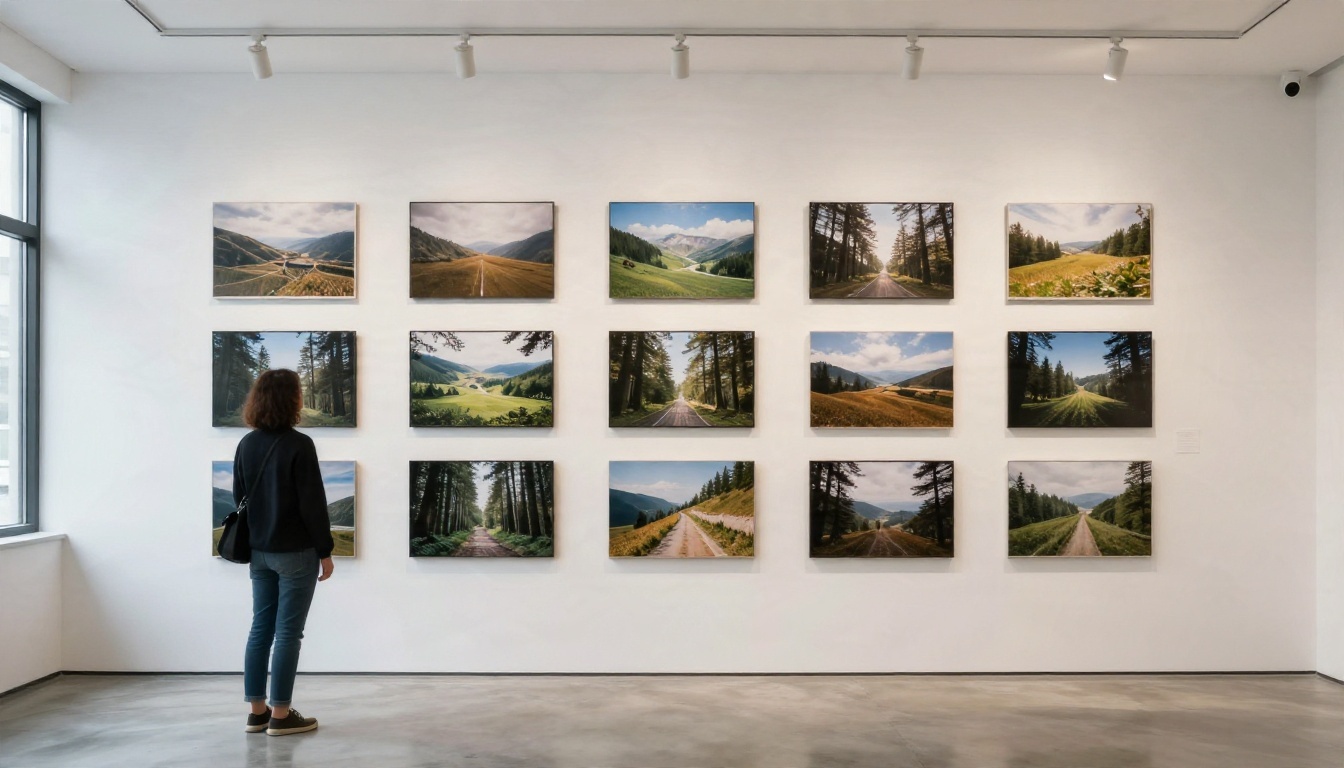
- Showing everything. Curate hard. A portfolio is not an archive.
- Mixing styles without reason. If you shoot weddings and product work, separate them.
- Ignoring phones. Most viewers will open your link on a handheld screen first.
- Weak first and last pages. These two get the most attention.
- No contact details. Put your email and a short bio on the final page.
- Heavy files. Slow loading loses viewers before they see a single picture.
⚠️ Warning: Never upload private client images without permission. If a shoot was confidential, use password protection or leave it out.
A Quick Real-World Scenario
A freelance wedding photographer sends the same 40 page PDF to every inquiry. Replies are slow. She trims it to 18 pages, adds a full-bleed opener, groups images by the part of the day, and shares it as a flipbook with a direct link. Inquiries now arrive with phrases like "I loved the album feel," and she can see in her analytics that most viewers reach page twelve. The pictures didn't change. The presentation did.
Build Yours Today
You don't need a big budget or a design degree to publish a portfolio that looks expensive. Pick twelve to twenty of your strongest frames, use two or three of the sample layouts above, and keep the margins consistent.
Ready to put it online? Create your account on Flipbooks AI and upload your first PDF. Browse all flipbook tools to find the format that suits your genre, and compare pricing plans when you're ready for analytics, lead generation, and unlimited flipbooks.



