You have a shelf full of printed catalogs, a warehouse of products nobody outside your city has seen, or a personal collection that deserves more than a dusty box. Meanwhile, the people who would buy from you, borrow from you or simply admire your work are scrolling on their phones. The fix is simple: turn the paper into a digital catalog that flips like a real book and opens with one link. With a platform like Flipbooks AI, you can go from a scanned PDF to a shareable online catalog in an afternoon.
This article walks through real digital catalog examples, an honest look at free tools and their limits, a prep workflow for scanning physical items, and a step by step tutorial for publishing and sharing. Every section is built around one idea: your collection should be easy to find, easy to browse and easy to send.
Why Paper Collections Need a Digital Twin
Paper has charm. Nobody argues with that. But a printed catalog only reaches the people who physically hold it, and every reprint costs money you will not get back when the prices change next quarter.
The Cost of Staying Print-Only
Print-only catalogs carry hidden costs that rarely show up on a single invoice:
- Reprint cycles: one price change or new product means a new print run.
- Shipping and storage: boxes of outdated catalogs take up room and postage.
- Zero visibility: you never know who opened the catalog, which page they stopped on, or whether it went straight into the recycling bin.
- Limited reach: a buyer in another country cannot flip through a book sitting in your showroom.
💡 Pro tip: Keep your print run small and targeted. Use the digital version as the main catalog and the printed copy as a premium leave-behind for your best clients.
What Readers Expect Now
Most people first meet a brand on a phone. They expect a catalog to load fast, zoom cleanly, and work without downloading an app. A mobile-responsive flipbook meets all three expectations. A raw PDF often fails on at least one: it loads slowly, it forces pinching and panning, and it gives you no analytics.
Digital Catalog Examples That Work
Examples beat theory, so here are the formats that consistently perform well when a physical collection goes online.

Fashion and Lookbooks
A boutique with a seasonal collection can publish a digital lookbook with full-bleed photography, linked product pages and a page-turn effect that feels like a magazine. Seasonal updates happen in minutes: swap the PDF, keep the same link. If this is your world, try the Fashion Catalog Creator or the Interactive Lookbook Designer.
Furniture and Home Goods
Furniture buyers want dimensions, finishes and room photos in one place. A digital catalog lets you embed videos of a sofa being assembled, add fabric swatch pages, and link each item to a quote form. The Furniture Catalog Maker is built for exactly this kind of layout.
Collectors and Antique Dealers
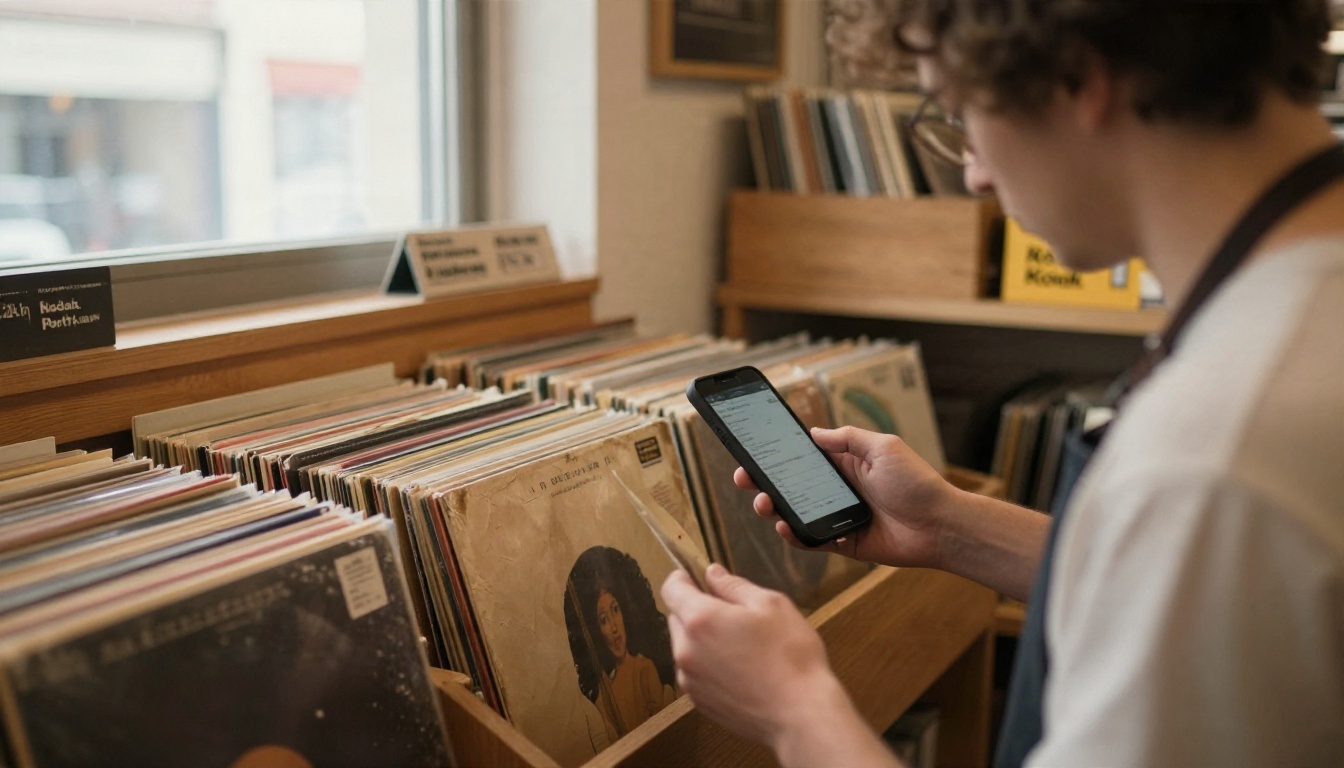
Collections are not only about selling. A vinyl dealer, a coin collector or a small museum can document each piece with photos, provenance notes and condition grades. Share it with insurers, auction houses or fellow enthusiasts without ever handing over the original items.
Quick Comparison of Catalog Types
| Catalog Type | Best For | Typical Page Count | Useful Extras |
|---|
| Product catalog | Wholesalers, manufacturers | 20 to 120 | Price list, order form link |
| Fashion lookbook | Boutiques, designers | 12 to 40 | Video, shoppable links |
| Furniture catalog | Showrooms, makers | 30 to 80 | Swatch pages, dimensions |
| Collection archive | Collectors, museums | 10 to 200 | Provenance notes, password lock |
| Digital price list | Distributors, service shops | 4 to 20 | Frequent updates |
If you want a ready layout to start from, the Product Catalog Generator and the Digital Catalog Maker are the most flexible options.
Everyone starts by searching for something free, and that is reasonable. Free tools can work well for a one-off project. The trouble starts when the free option adds friction you did not expect.
What Free Plans Usually Limit
Before you commit, check these common limits:
- Watermarks stamped across your pages or a banner linking to the tool's own site.
- Page caps that force you to cut your catalog in half.
- No password protection, which matters for wholesale pricing or private collections.
- No analytics, so you cannot tell which products attract attention.
- Expiring links that quietly break after a trial period.
⚠️ Warning: A catalog with a competitor's branding on every page does your brand no favors. Always preview the final output before sending it to clients.
Free Tools Compared
| Option | Cost | Watermark Risk | Interactivity | Best Use |
|---|
| Plain PDF in cloud storage | Free | None | Low, no page flip | Internal sharing |
| Social media albums | Free | None | Low | Casual browsing |
| Free tier of a flipbook maker | Free | Often present | Medium | Quick tests |
| Paid flipbook platform | Subscription | None | High | Client-facing catalogs |
Flipbooks AI sits in the last row: no watermarks, ever, unlimited flipbooks on the Standard plan and above, and extra features such as analytics and lead capture on the Professional plan. Check the pricing page for the current plan details.
Prepare Your Physical Collection
The quality of your digital catalog depends mostly on what you feed into it. A blurry scan gives you a blurry flipbook, no matter which tool you use.
Scan or Photograph Smartly
Choose the method that fits what you own:
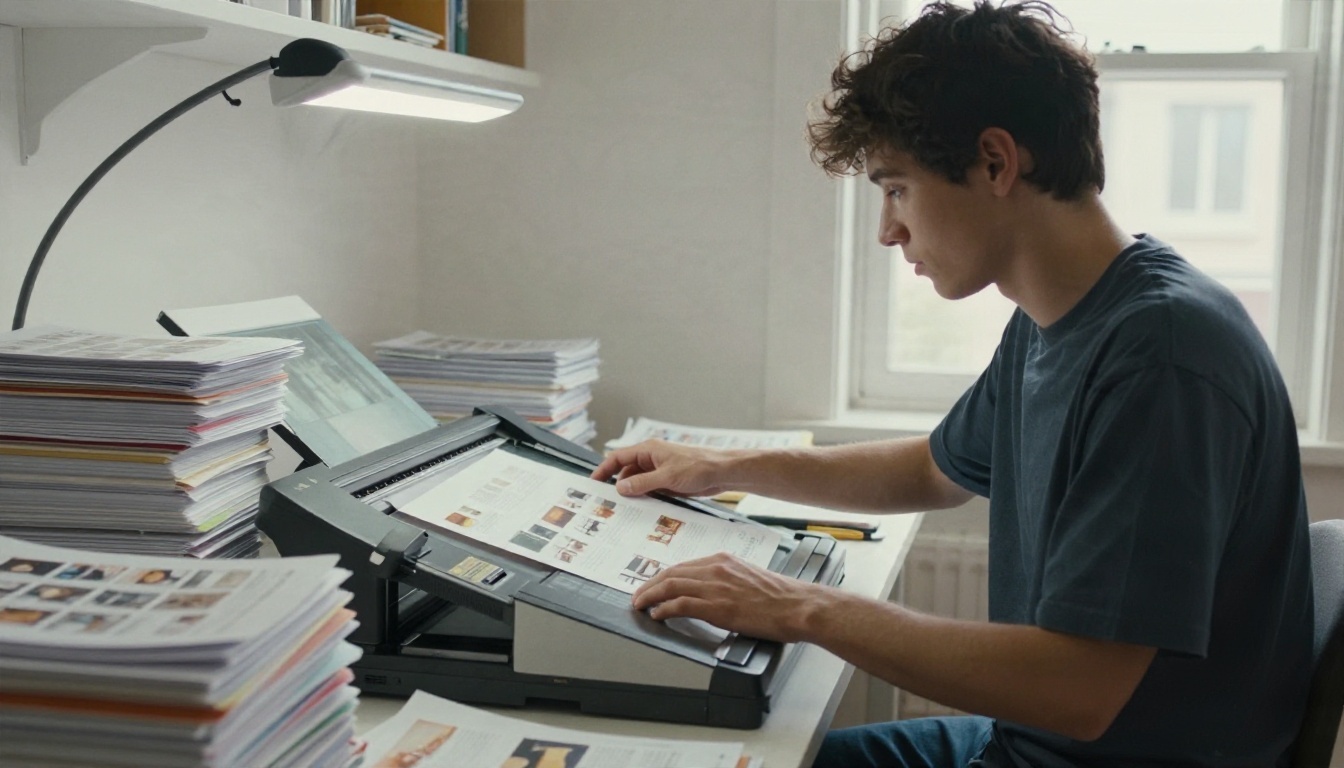
- Printed catalogs and brochures: use a flatbed scanner at 300 DPI. Scan each page in color, even if the content looks black and white.
- Large posters or oversized pages: photograph them under even daylight, camera parallel to the page, to avoid skewed corners.
- Three-dimensional items: shoot each piece against a plain background with soft window light from one side. Take at least three angles per item.
- Old documents: scan at 400 DPI and keep the original paper tone. Heavy cleanup can erase character.
✅ Best practice: Name every file in order, such as page-01.jpg, page-02.jpg. It saves a surprising amount of time when you assemble the PDF.
Organize Pages Before Export
Think of the order as a story. Open with your strongest items, group similar products, and close with contact details or an order page. Then combine everything into one PDF, keeping the file size reasonable (under about 50 MB is a good target for fast loading). Already have a finished file? The PDF to Flipbook Converter takes it from there.
How to Create a Catalog with Flipbooks AI
Here is the full workflow from PDF to published flipbook. It takes most people under 20 minutes for a first catalog.
Step 1: Create Your Account
Head to Flipbooks AI and create an account. You can browse the full list of flipbook tools first if you want to pick a catalog-specific template, such as the Catalog Flipbook Creator.
Step 2: Upload and Convert Your PDF
- Click the option to create a new flipbook.
- Drag your PDF into the upload area.
- Wait while the platform converts each page into a high-resolution flipbook page. Multi-page catalogs usually finish within a minute or two.
- Check the page order in the preview. Reorder or replace pages if something is off.
Screenshot description: the upload screen shows a large drop area in the center, a progress bar beneath it, and a thumbnail strip appearing at the bottom as each page finishes.
Step 3: Customize the Look
This is where a plain scan starts to feel like a branded product.
- Branding: add your logo, brand colors and a custom background.
- Page effects: choose a realistic page-turn animation and adjust the flip speed.
- Multimedia: embed videos and audio directly on a page, such as a product demo or a short voice note from the maker.
- Navigation: add a clickable table of contents so buyers jump straight to the section they want.
- Links: turn product names and photos into links to your shop, order form or booking page.
Step 4: Choose Sharing Settings
Pick how people will reach your catalog:
| Sharing Option | How It Works | Best When |
|---|
| Direct link | One short URL to send by email or chat | Quick outreach |
| Embed code | Paste a snippet into your website | Product pages, landing pages |
| Password protection | Readers enter a code to open | Wholesale prices, private collections |
| Offline download | Readers save a copy | Trade shows, poor connectivity |
For website placement, the Embed Flipbook on Website page explains the snippet in detail.
Step 5: Add Analytics and Lead Capture
On the Professional plan, you can see which pages get the most attention, how long readers stay, and where they came from. You can also gate your catalog behind a short form so each reader leaves an email address. That turns a static document into a small lead generation engine.
💡 Pro tip: Put your lead form after page three. Readers see enough value to share their details without feeling blocked at the door.
Share Your Catalog Online
A beautiful catalog that nobody opens is just a nicer drawer. Plan how you will put it in front of the right people.
Links, Embeds and Passwords
Use each channel for what it does best:
- Email signature: add a short link labeled "View our catalog". It works every day without extra effort.
- Website: embed the flipbook on a dedicated catalog page and on relevant product pages.
- Messaging apps: paste the link into chats with buyers who ask for prices.
- QR code: print one on packaging, business cards or shop windows so physical visitors reach the digital version in seconds.
- Password lock: use it for wholesale price lists and private collections, then share the code only with approved contacts.
Track What Readers Actually Do
Numbers tell you what to fix. Pay attention to three signals:
- Drop-off page: if most readers leave on page six, something there is slowing them down.
- Time per page: long reads on a product page suggest strong interest, so feature that item more.
- Traffic source: if the QR code brings more readers than email, print more of them.
Real-World Scenarios
| Scenario | What They Did | Result to Aim For |
|---|
| A boutique owner | Scanned last season's lookbook and embedded it on the homepage | Fewer reprints, easy seasonal swaps |
| A furniture maker | Added video clips and swatch pages, then sent a password-locked link to designers | Faster quote requests |
| A record dealer | Photographed rare albums with condition notes and shared the archive | Wider reach among collectors |
| A wholesale distributor | Replaced a PDF price list with a digital price list | One link, always current |
For the last scenario, the Digital Price List Generator keeps updates painless.
Mistakes That Hurt Your Catalog
Most problems come from rushing the prep work. Avoid these five:
- Low-resolution scans. Text turns fuzzy and photos lose detail when zoomed.
- Giant file sizes. A 200 MB PDF makes mobile readers wait, and many will not.
- No clear call to action. Every few pages should point to a next step: buy, book, call or request a quote.
- Forgetting mobile. Preview the flipbook on a phone before you share it. Small text that looks fine on a desktop can be unreadable on a screen.
- Never updating. An old digital catalog is worse than a fresh printed one. Set a calendar reminder to review prices and stock every quarter.
⚠️ Warning: If your collection includes valuable or sensitive items, use password protection and share only the pages people need to see.
A Simple Weekly Routine
Once the catalog is live, a ten-minute routine keeps it useful: check your analytics on Monday, update any changed prices on Wednesday, and send the link to two new contacts on Friday. Small, regular habits outperform one big launch.
Ready to Publish Yours?
Your physical collection already has the hard part done: the products, the photography and the story. What remains is putting it where people can reach it. Here is a quick way to move forward:
- Pick your format from the tools directory, whether that is a product catalog, a lookbook or a price list.
- Upload your PDF with the PDF to Flipbook Converter and preview it on your phone.
- Compare plans on the pricing page to choose the features you need, from unlimited flipbooks to analytics and lead generation.
- Share it everywhere: links, embeds, QR codes and email signatures.
Ready to create your first catalog? Get started for free on Flipbooks AI, or view the plans and pick the one that fits your collection.



