An open house gives your physical therapy clinic one afternoon to turn curious neighbors into booked evaluations, and the brochure in their hand is what goes home with them. Below you will find a physical therapy clinic open house brochure template you can copy panel by panel, the print sizes printers actually expect, real examples by clinic type, and a simple way to publish the same design as a page-turning digital version with Flipbooks AI.
Why Open House Brochures Work
People walk through your door at an open house relaxed and curious, but they forget details fast. A good brochure does the remembering for them. It carries your phone number, your specialties and your first-visit offer into their kitchen, their glovebox and their group chats.
What Visitors Actually Want
Most guests are not comparing clinical credentials. They want quick answers to four questions:
- Can you fix my problem? (shoulder pain, back pain, post-surgery stiffness, balance)
- Will I need a referral? (direct access rules vary by state, so say what applies to you)
- Does my insurance work here? (list accepted plans or say "ask us")
- How do I book? (one phone number, one web address, one QR code)
If your brochure answers those in under thirty seconds, it has done its job.
Who Picks One Up
An open house crowd is mixed. Plan your copy for each group:
| Visitor type | What they look for | Brochure element that helps |
|---|
| Active adults and athletes | Return to sport, injury prevention | Sports rehab panel with real outcomes |
| Older adults and caregivers | Balance, fall prevention, joint pain | Large type, simple service list |
| Referring doctors and trainers | Specialties, response time, contact | Clear credentials and referral line |
| Local employers | Workplace injury and ergonomic help | Corporate wellness mention |
| Parents | Pediatric and youth sports care | Friendly photos, age ranges |
💡 Pro tip: Print a few extra copies with a referral line on the back panel and hand them to the doctors, trainers and chiropractors who attend. They will use them long after the event ends.
Free Layout You Can Copy
The most reliable format for an open house is the letter-size tri-fold: six panels, easy to skim, easy to fit in a display stand. Use the blueprint below as your own free template. Copy it into any design tool, a word processor or a slide deck, then swap in your clinic details.
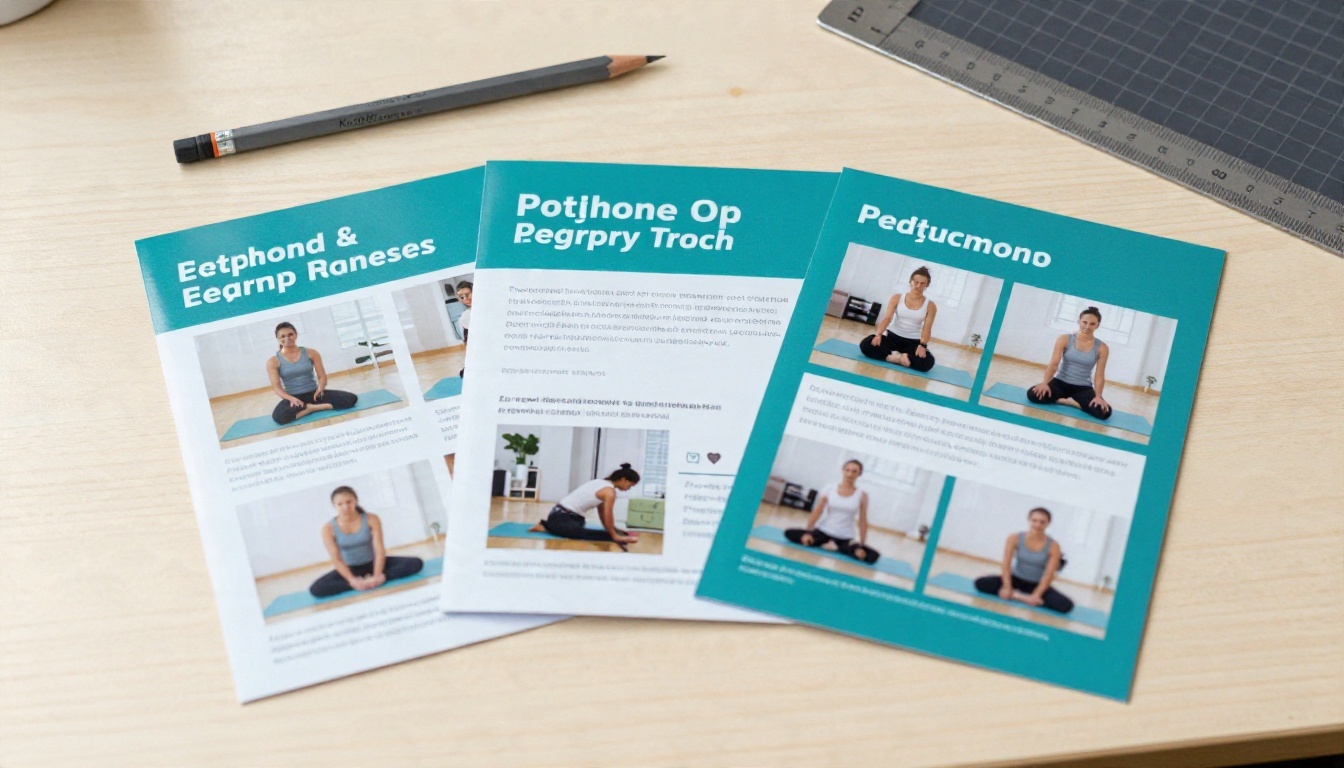
Front Panel
The front panel has one job: make someone pick it up. Keep it clean.
- One strong photo: a real therapist working with a real patient, not a stock image of a smiling model.
- One headline: "Move better. Hurt less." works better than your clinic history.
- Clinic name and logo in the top third.
- Event line (optional): "Open House, Saturday, 10 am to 2 pm" in a small band at the bottom.
Inside Spread
When the brochure opens, three panels appear side by side. Treat them as a short story: problem, solution, proof.
- Left panel, the problem: list the conditions you treat in plain words, such as neck pain, sciatica, rotator cuff injuries, ACL recovery, vertigo and pelvic floor care.
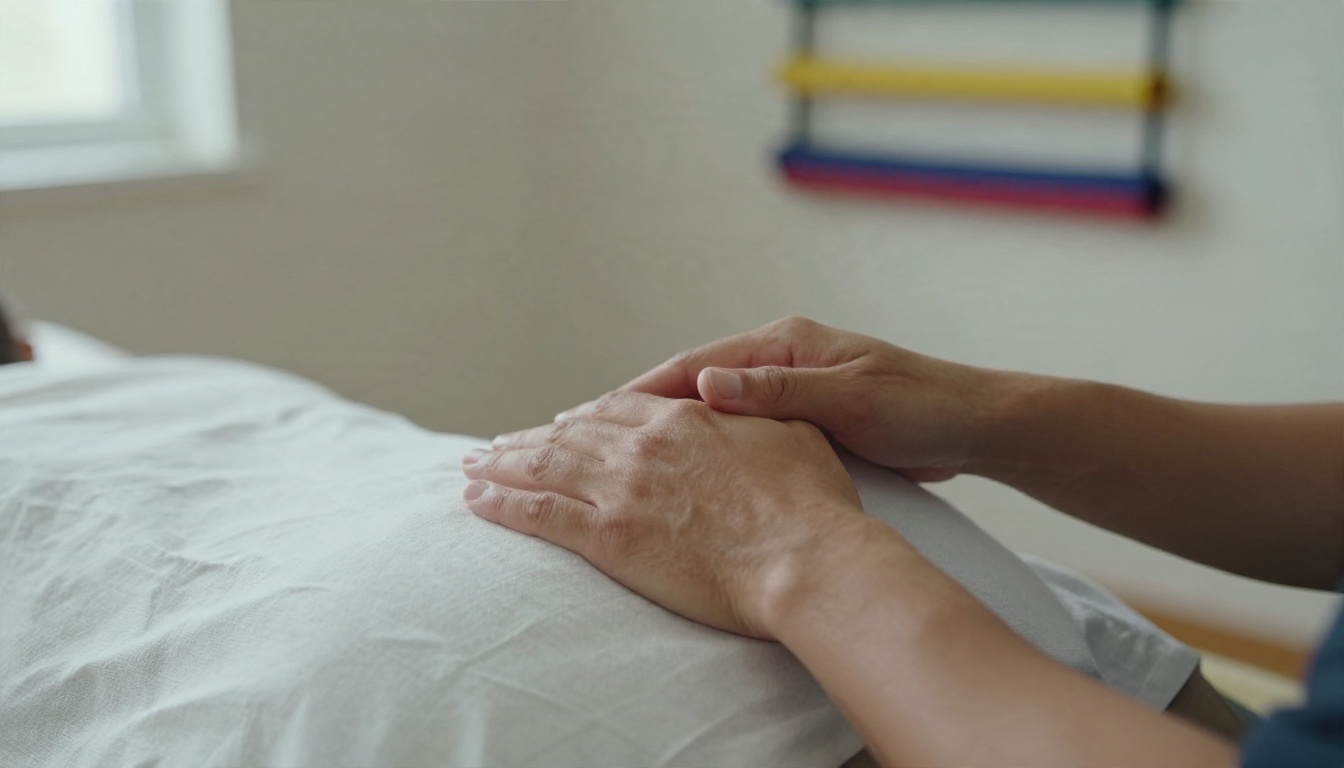
- Center panel, the solution: describe your approach in three short steps (evaluate, build a plan, track progress). Add one photo of hands-on care.
- Right panel, the proof: a patient quote, a simple statistic (for example "average of 8 visits to reach discharge goals," only if it is true for your clinic), and your therapists' headshots.
Back Panel
The back panel is where the booking happens.
- Address, phone, email and hours
- QR code linking to your online booking page or a digital version of the brochure
- Open house offer, such as a free 20 minute movement screen for anyone who books within seven days
- Insurance and referral note
Here is the full panel map in one place:
| Panel | Content | Word count target | Image |
|---|
| Front cover panel | Headline, logo, event line | 8 to 15 | Large action photo |
| Inner flap (folds in) | Welcome note from the lead therapist | 40 to 60 | Small headshot |
| Inside left | Conditions treated | 60 to 80 | Icon list or none |
| Inside center | Three step care plan | 60 to 80 | Treatment photo |
| Inside right | Patient proof and team | 50 to 70 | Two or three headshots |
| Back panel | Contact, QR code, offer | 30 to 50 | Map or exterior photo |
✅ Best practice: Keep total copy under 350 words. White space is not wasted space in a clinic brochure. It signals calm, and calm is what people in pain want.
Print Size and Fold Options
Choosing the wrong size is the most common reason a brochure looks off when it comes back from the printer. Decide on size before you design anything.
Standard Sizes Compared
| Format | Flat size (inches) | Flat size (mm) | Folded size | Best for |
|---|
| Letter tri-fold (C-fold) | 8.5 x 11 | 216 x 279 | 3.67 x 8.5 in | Open house table, display racks |
| A4 tri-fold | 8.27 x 11.69 | 210 x 297 | 99 x 210 mm | Clinics outside North America |
| DL (three panel) | 8.27 x 11.69 | 210 x 297 | 99 x 210 mm | Mailing in a standard envelope |
| Half-fold | 8.5 x 11 | 216 x 279 | 5.5 x 8.5 in | Short, photo-led handouts |
| Bi-fold tabloid | 11 x 17 | 279 x 432 | 8.5 x 11 in | Detailed service menus |
| Rack card | 4 x 9 | 102 x 229 | No fold | Front desk and local business racks |
For most clinics, letter tri-fold on 100 lb (about 150 gsm) gloss text paper is the sweet spot between look, feel and price. Choose a matte or satin finish if you want patients to be able to write on it.
Bleed, Margins and Resolution
Printers cut large sheets down to size, and the blade is never perfectly exact. These settings protect your design:
| Setting | Recommended value | Why it matters |
|---|
| Bleed | 0.125 in (3 mm) on all sides | Prevents white slivers at the edge |
| Safe margin | 0.25 in (6 mm) inside the trim | Keeps text from being cut off |
| Fold safety zone | 0.125 in (3 mm) either side of each fold | Stops text from running into the crease |
| Image resolution | 300 DPI at final size | Sharp photos, no pixelation |
| Color mode | CMYK for print | Colors match what you see on proof |
| File format | PDF, fonts embedded | Layout stays exactly as designed |
A typical letter C-fold uses panels of about 3.69 in, 3.69 in and 3.63 in, with the narrower panel folding inward. Ask your printer for their own template, because folds vary a little between shops.
⚠️ Warning: Never design on a screen at 72 DPI and enlarge later. A photo that looks fine on your monitor can turn soft and grainy on paper.
Real Examples by Clinic Type
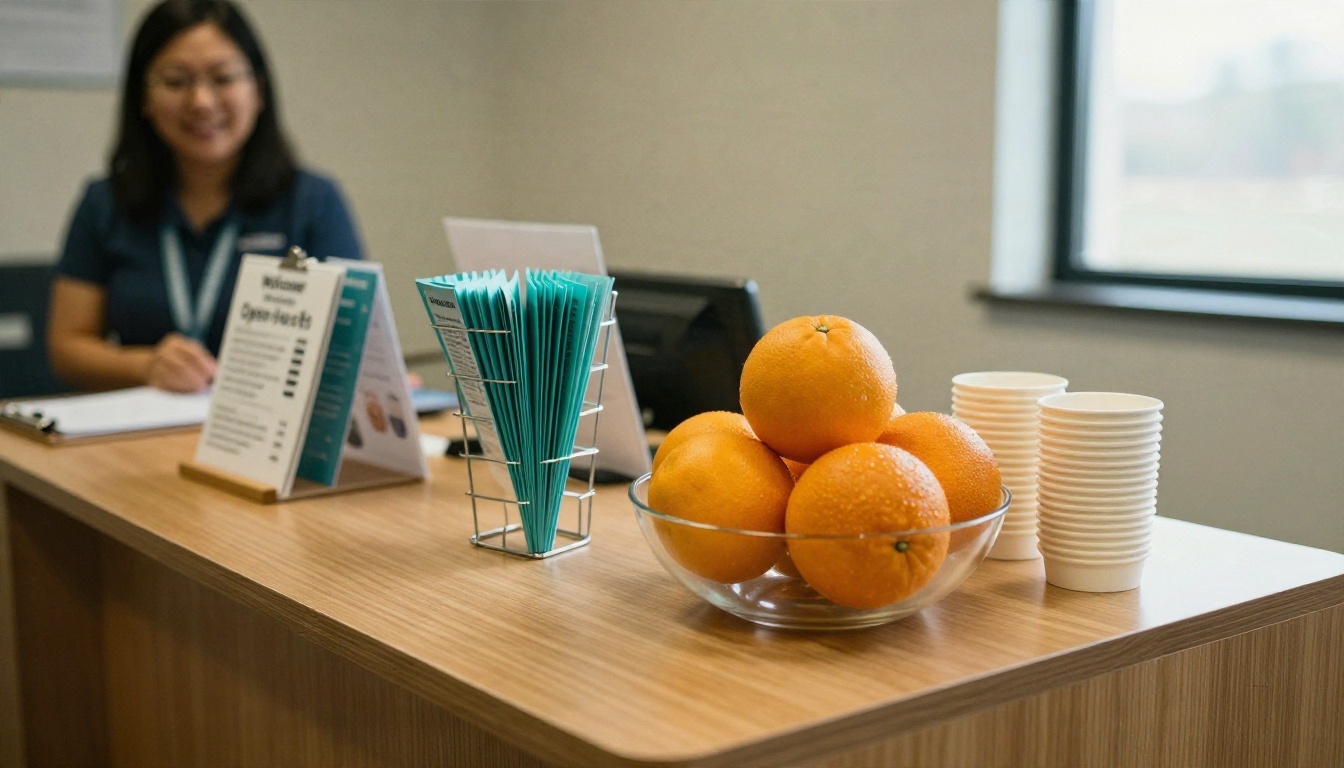
The template stays the same. The tone, photos and offer change with your specialty. Here are four scenarios you can adapt.
Sports Rehab Clinic
A clinic near a high school and two gyms leads with a sprinting athlete on the front panel. The inside left panel lists ankle sprains, hamstring strains, ACL recovery and return to sport testing. The back panel offers a free 20 minute running or lifting screen at the open house itself. The brochure is handed to coaches with a note: "Send us your athletes, we will send you a report."
Pediatric and Pelvic Health Practices
These specialties need a gentler approach. A pediatric practice shows a child laughing during play-based therapy and lists developmental milestones in friendly words. A pelvic health practice uses calm, neutral photos of the clinic space and a short, direct list of conditions, since privacy matters most to this audience. Both benefit from a line such as "Private treatment rooms."
Compare how the brochures differ:
| Clinic type | Front panel image | Tone | Best open house offer |
|---|
| Sports rehab | Athlete mid-movement | Energetic, direct | Free movement screen |
| Orthopedic and spine | Therapist assessing posture | Reassuring, expert | Free 15 minute consult |
| Geriatric and balance | Smiling older adult walking | Warm, large type | Free balance test |
| Pediatric | Child in play therapy | Friendly, bright | Free developmental check |
| Pelvic health | Calm clinic interior | Discreet, respectful | Private tour and Q and A |
💡 Pro tip: Match the brochure to the event. If your open house includes live demos, add a small "Today only" band with the demo schedule, then replace it after the event with your standing offer.
Copy That Gets Clinic Visits
Design catches the eye, but words get the phone to ring. Keep your copy short, specific and warm.
Headlines Worth Using
Swap in your own details, but keep the structure:
- "Back pain should not run your weekend."
- "Walk into our open house. Walk out with a plan."
- "Healing starts with a conversation."
- "Your neighborhood movement experts."
- "Strong knees. Steady steps. Real results."
Avoid medical jargon in headlines. Save terms like "myofascial release" or "vestibular rehabilitation" for the body text, and explain them in one short phrase.
Open House Offer Ideas
A concrete reason to act within a week doubles the value of every brochure. Options that work for clinics of any size:
- Free movement screen, booked at the event and done within 14 days.
- Raffle entry for a foam roller, resistance band set or gift card, tied to a filled-in contact card.
- Referral bonus: bring a friend, both get a discounted first visit (check your local regulations on incentives first).
- Free workshop invitation, such as "Desk Posture in 30 Minutes."
- Waived intake fee for new patients who book before the end of the month.
Make a Digital Version Too
Paper is great at the event. A digital version keeps working afterward. It can be texted to a neighbor, emailed to a referring doctor, linked from your Google Business profile and embedded on your website. Turning your print PDF into a page-turning flipbook takes only a few minutes.
How to Create It with Flipbooks AI
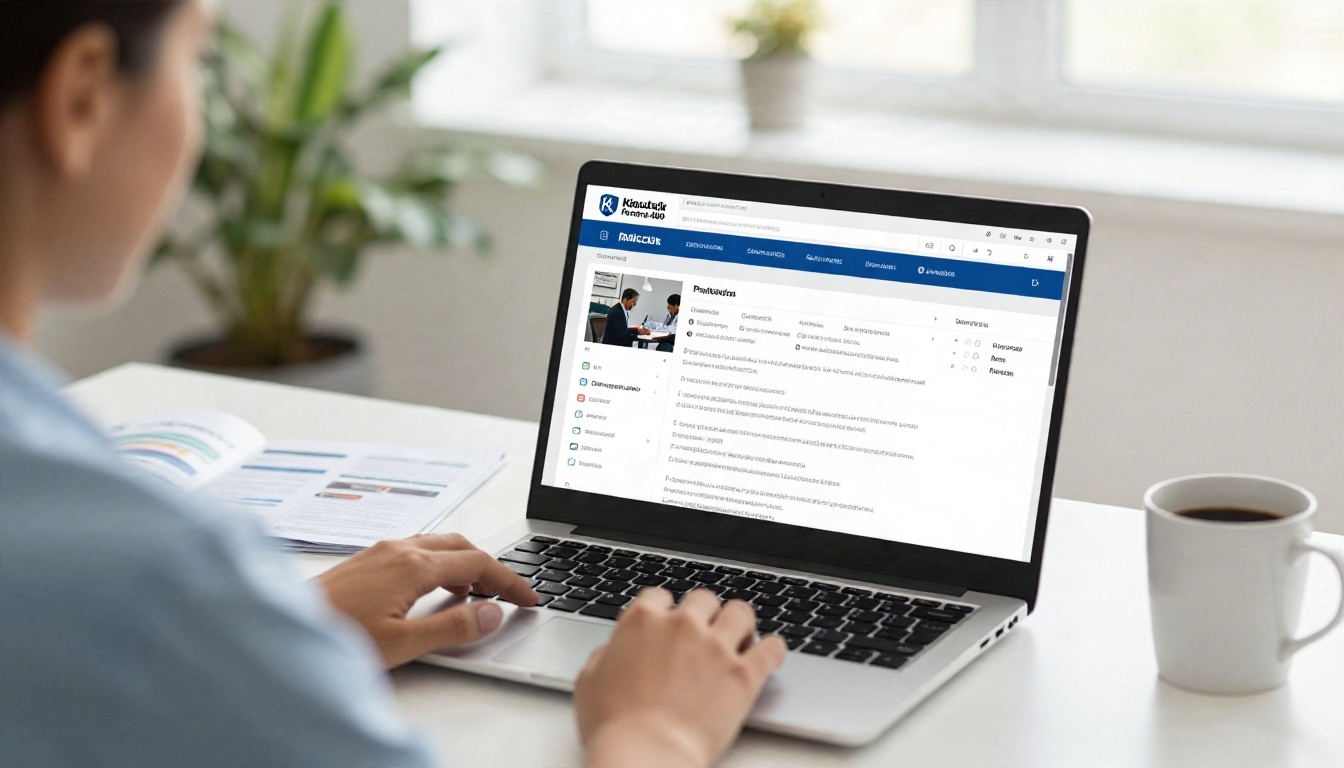
Follow these steps to publish your brochure with the Brochure Flipbook Maker or the Online Brochure Designer:
- Create an account. Go to Flipbooks AI and sign up.
- Export your design as a PDF. Use the spread view so the inside three panels appear as one page. Save a second, single-page version of the outside if you want separate pages.
- Upload and convert. Drop the file into the PDF to Flipbook Converter. Your pages become a flipbook with realistic page turns, and there are no watermarks, ever.
- Add your branding. Pick your clinic colors, add your logo and choose a background that matches your front panel.
- Add multimedia. Embed a short welcome video from your lead therapist or a 30 second audio note about the open house. Visitors see it right inside the pages.
- Share it. Copy the direct link, grab the embed code for your website using the Embed Flipbook on Website tool, or generate a QR code to print on your back panel.
💡 Pro tip: Print the flipbook link on a small sign at the welcome table. Guests who skip the paper copy can scan it and keep your clinic in their phone.
Pro Features Worth Knowing
Some options on the Professional plan fit clinics well:
- Password protection for private content, such as an employer wellness packet shared with one company only.
- Analytics to see how many people opened the brochure and which pages they read.
- Lead generation forms to capture a name and email before the brochure opens.
- Offline downloads for patients who want the file on their phone without a connection.
- Mobile-responsive design, so the pages look right on any screen.
- Unlimited flipbooks on the Standard plan and above, so you can make a separate version for each service line.
Here is how the print and digital versions compare:
| Feature | Printed tri-fold | Digital flipbook |
|---|
| Cost per copy | Rises with every reprint | Same for 5 or 5,000 views |
| Edit after publishing | Needs a new print run | Update the PDF and re-upload |
| Tracking | None | Views and page level analytics |
| Reach | Event guests only | Anyone with the link |
| Video and audio | Not possible | Embedded inside pages |
| Best moment to use | Face to face at the event | Follow up emails and website |
Want a specialty twist? The Spa and Wellness Menu Creator works well for clinics that sell packages or memberships, and the Event Program Maker is a handy fit for open house schedules with demo times and speaker names.
Mistakes to Avoid
Most weak clinic brochures fail in the same few ways. Check yours against this list before you send it to the printer.
- Too much text. If a panel looks like a medical chart, cut it in half.
- Stock photos only. Patients can spot them instantly. Use photos of your own space and team, with written permission from anyone who appears.
- No call to action. Every panel should point toward one next step: call, scan or book.
- Outdated details. Check hours, phone number and therapist names the day before you print.
- Health claims you cannot support. Avoid promising cures or guaranteed results. Stick to what you offer and how you work.
- Skipping a proof. Always ask your printer for a physical or digital proof before approving a full run.
- Forgetting accessibility. Use at least 10 pt type for body text, and 12 pt or larger for older audiences. High contrast between text and background matters more than a fancy font.
Here is a short pre-print checklist:
| Check | Done? |
|---|
| Spelling of every name, street and phone number | ☐ |
| Bleed and safe margins set | ☐ |
| Fonts embedded in the PDF | ☐ |
| Photos at 300 DPI | ☐ |
| QR code tested from a phone, at final printed size | ☐ |
| Patient photos and quotes cleared for use | ☐ |
| Proof approved by a second person | ☐ |
⚠️ Warning: Test your QR code on printed paper, not only on screen. A code printed smaller than about 0.8 in (2 cm) square can fail to scan in dim clinic lighting.
Ready to Print and Share
You now have a layout for every panel, the paper sizes and bleed settings your printer will ask for, and examples for each kind of practice. The remaining work is small: add your photos, write three honest sentences about how you treat patients, and pick one open house offer.
When your PDF is ready, get started for free on Flipbooks AI and turn it into a flipbook you can share by link, QR code or website embed. Browse the full set of flipbook tools to find formats for newsletters, price lists and training handouts, or compare pricing plans to see which tier fits your clinic. Print a stack for the front desk, send the link to every referral partner, and let the same brochure keep working long after the last guest leaves.



