You have a story in your head, a stack of drawings on the fridge, and no idea how to turn them into pages that look like a real children's book. A picture book template free to use solves most of that in one afternoon: the page size is already set, the margins are safe, and the text boxes sit exactly where small eyes expect them. Pair the template with an online editor and a clean PDF export, and you can go from blank page to shareable book without a printer, a designer, or a budget. Below you will find the layouts that work, a side by side look at free template sources, editing habits that keep text readable, and a step by step way to publish the finished book as a page turning flipbook with Flipbooks AI.
What a Good Template Includes
Not every free download deserves your time. A template built for kids' stories is more than a blank rectangle. It makes decisions for you so you can spend your energy on the story itself.
Page Count and Trim Size
Most picture books run 32 pages, and that number is not random. Printers fold sheets in multiples of eight, so 24, 32, and 40 pages are the practical choices. Even if you only plan to share a PDF, sticking to 32 keeps the pacing familiar: one page for the title, a few for the setup, a middle that builds, and a closing spread that feels satisfying.
Common formats include:
- Square (8 x 8 inches): friendly, easy to hold, great for toddlers and simple concepts.
- Portrait (8.5 x 11 inches): room for longer text and detailed illustrations.
- Landscape (11 x 8.5 inches): perfect for wide scenes like forests, beaches, and city streets.
Text and Image Balance
A solid template reserves space for both. Early readers need short text blocks, usually one to three sentences per page, with a clear gap between words and the picture. If the template lets text float on top of busy artwork with no backing shape, expect readability problems later.
Safe Margins and the Gutter
The gutter is the inner edge where pages meet at the spine. Words placed too close to it vanish when the book is held open on a lap. A good template marks the safe zone with guides so you never have to eyeball it. Keep important faces, hands, and words at least half an inch inside every edge.
💡 Pro tip: Turn on the template's margin overlay while you edit, then hide it before exporting. It takes two seconds and saves you from clipped sentences.
Kids Story Layouts That Work
Variety keeps a child turning pages. If every spread looks identical, the rhythm goes flat by page six. Mix these four layouts and you will get natural pacing without any design training.
| Layout | How It Looks | Best For | Text Per Page |
|---|
| Full bleed spread | Art fills both pages edge to edge | Big reveals, landscapes, emotional peaks | 0 to 1 sentence |
| Vignette with text below | A framed picture with white space and words under it | Quiet moments, bedtime stories | 2 to 3 sentences |
| Split page | Image on the left, text on the right | Early readers who need clear separation | 1 to 3 sentences |
| Panel sequence | Three or four small images in a row | Showing steps, time passing, or action | 1 short caption each |
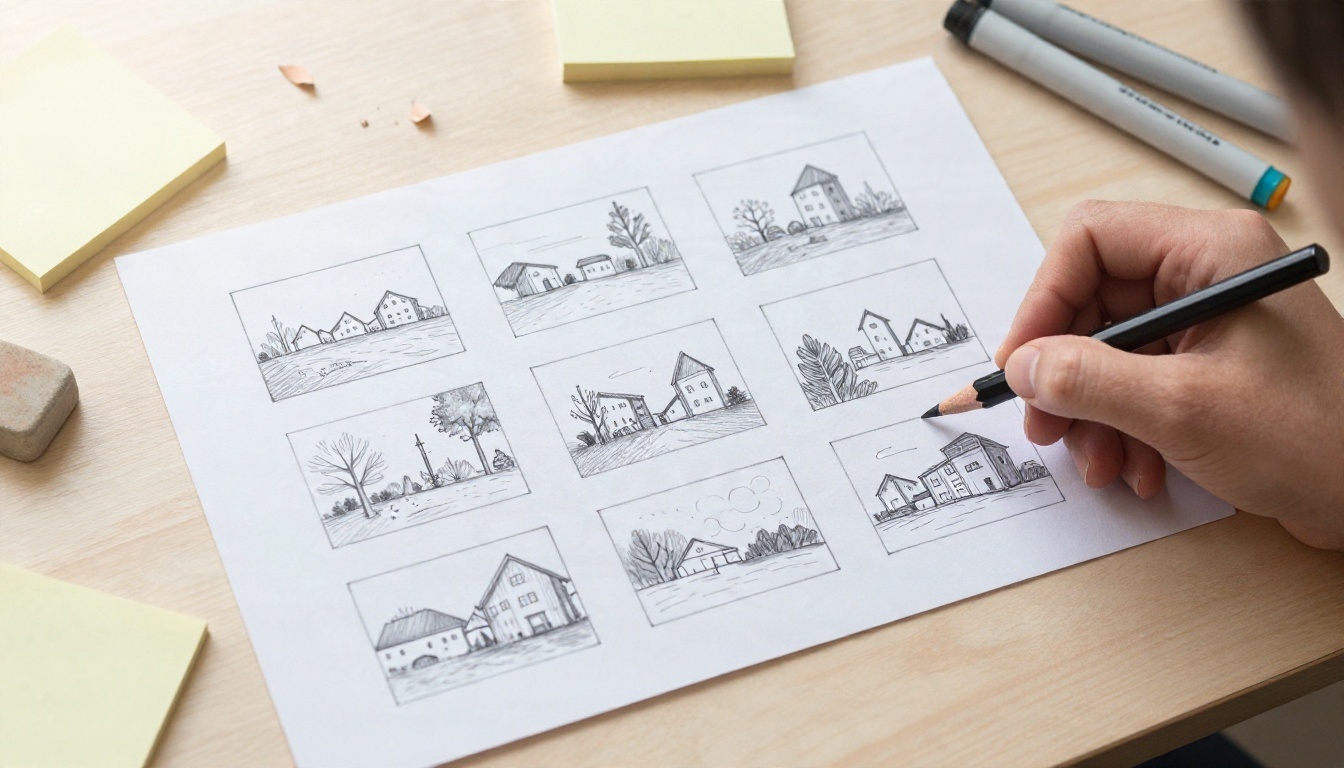
Before you touch any software, sketch twelve tiny boxes on paper, two pages per box, and label each with a layout from the table. This storyboard takes ten minutes and prevents the most common mistake: realizing on page 20 that the ending has no room to breathe.
A Simple Pacing Pattern
Here is a rhythm that has worked for countless first time authors:
- Pages 1 to 4: introduce the character and the small problem.
- Pages 5 to 14: repeat a pattern, such as three attempts to solve the problem.
- Pages 15 to 24: raise the stakes, then place a full bleed spread at the peak.
- Pages 25 to 32: resolve the problem and finish with a calm, quiet image.
✅ Best practice: Read your text aloud while flipping through the storyboard. If you run out of breath on a page, the sentence is too long for a read aloud book.
Free Template Sources Compared
You have more options than you might expect. Each has trade offs, so pick based on how you plan to finish and share the book.
| Source | Cost | Online Editing | PDF Export | Flipbook Output |
|---|
| Word processor templates | Free with many accounts | Limited, layout can shift | Yes | No |
| Slide deck templates | Free | Good for drag and drop | Yes | No |
| Browser design apps | Free tier available | Excellent | Yes | Usually no |
| Printable PDF templates | Free | None, print and draw | Already a PDF | Convert it |
| Flipbooks AI after PDF upload | Start free | Branding and page effects | Accepts any PDF | Yes, page turning |
The pattern is clear. Design tools are great for making the pages, but they stop at a flat PDF. That is where the PDF to Flipbook Converter earns its place: it takes your finished file and gives readers a real book feeling, with page turning animation and a link they can open on any phone.
Which One Should You Pick?
- Drawing by hand? Use a printable template, scan the pages, and drop them into a PDF.
- Making art on a tablet? A browser design app or slide deck gives you the fastest results.
- Writing and illustrating together? A word processor template keeps text editing simple.
- Sharing with many people? Whatever you choose, plan to convert the PDF into a flipbook.
Online Editing Without the Headache
Editing a children's book in a browser is easy to start and easy to get wrong. Three habits make the difference between a book that looks homemade in a good way and one that looks messy.
Choose Fonts Kids Can Read
Young readers recognize certain letter shapes faster than others. Look for fonts with a single story "a" and "g", wide spacing, and open letterforms. Avoid thin script fonts for body text. Save decorative styles for the title page only.
A practical size range:
- Ages 2 to 4: 28 to 36 point text
- Ages 5 to 7: 22 to 28 point text
- Ages 8 and up: 16 to 22 point text
Keep Images Sharp
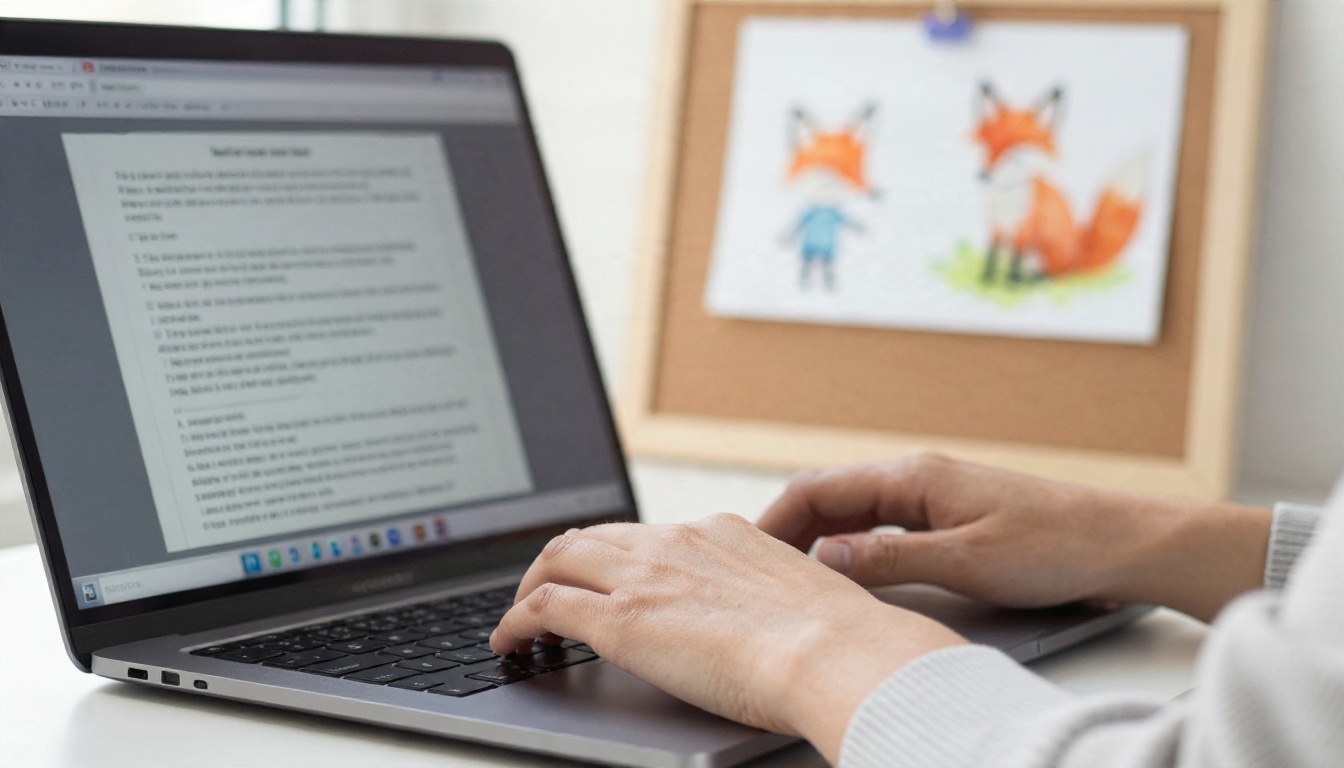
Low resolution pictures turn soft and blurry once a page is enlarged on a tablet. Export or scan artwork at 300 DPI at the final page size. If your drawings came from a phone camera, shoot in daylight, hold the phone directly above the page, and avoid shadows from your own hands.
Respect Contrast and Color
Dark text on a pale background is always the safest choice. When you must place words over a picture, add a soft semi transparent panel behind them. Check the page in grayscale too: if the words disappear, readers with low vision will struggle as well.
⚠️ Warning: Do not stretch an image to fill a frame. Crop it instead. Stretched characters look strange, and children notice.
How to Build It with Flipbooks AI
Once your pages are ready as a PDF, the publishing step takes only a few minutes. Here is how to build a picture book flipbook from your finished template. If you want a tool built for exactly this format, the Interactive E-Book Publisher and the E-Book Flipbook Generator are good starting points.
Upload and Convert
- Go to Flipbooks AI and create an account.
- Click the button to start a new flipbook and choose Upload PDF.
- Select your exported story file. Spreads and single pages are both supported, so pick whichever you exported.
- Wait a few moments while each page converts into a flippable sheet. Open the preview and click through every page to check that no text was clipped.
Screenshot description: the preview window shows your book centered on a soft background, with arrows on both sides and a page counter at the bottom.
Customize the Look
This is where a plain PDF starts to feel like a real book.
- Branding: add your name, pen name, or classroom logo to the toolbar and link area.
- Colors: pick a background that matches the story. Warm cream suits bedtime tales, bright teal suits adventure.
- Page effects: choose a page curl style and sound that fits the mood.
- Multimedia: add audio narration, a background song, or a short video clip to specific pages. A parent reading aloud on page one is a lovely touch.
- Mobile layout: check the phone preview, since most families open links on a mobile device.
There are no watermarks on your finished book, which matters when you want a gift or a classroom set to look polished.
Share It the Right Way
Open the sharing panel and choose the option that suits your audience:
- Direct link: paste it into a message, email, or class group chat.
- Embed code: place the book on a blog, school page, or author site with the Embed Flipbook on Website tool.
- Password protection: keep a family story private by requiring a password before the pages open.
- Offline download: let readers save a copy for car rides and flights with no signal.
💡 Pro tip: On the Professional plan, analytics show you how many people opened the book and which pages they reached, and lead generation lets you collect email addresses before a reader gets to the story. Authors building a mailing list will find that useful.
The Standard plan and above allow unlimited flipbooks, so you can publish a whole series without counting. Compare options on the pricing page.
PDF Sharing Done Right
A PDF is the most portable format for a picture book, but a careless export can ruin all your editing work. Treat the export as a final design step.
Export Settings That Matter
| Setting | Screen Sharing | Home Printing | Why |
|---|
| Resolution | 150 DPI | 300 DPI | Balances sharpness and file size |
| Page layout | Single pages | Single pages | Easier to reorder and print |
| Fonts | Embedded | Embedded | Prevents font swaps on other devices |
| Color profile | RGB | CMYK if offered | Screens and printers read color differently |
| Typical file size | 5 to 20 MB | 30 to 80 MB | Large files bounce from email |
Keep File Size Friendly
Email providers often reject attachments over 20 MB. If your book is bigger, compress the images slightly or share a link instead of a file. A flipbook link avoids the problem altogether, because the reader opens the pages in a browser and nothing gets attached.
Add Protection When Needed
Personal stories often include children's names, photos, or family jokes. Use a password on the shared link, and send the password in a separate message. It is a small step that keeps private books private.
Real Examples From Real Situations
Templates matter most when you can picture them in use. These three scenarios show how the same workflow adapts to different people.
The Classroom Storybook
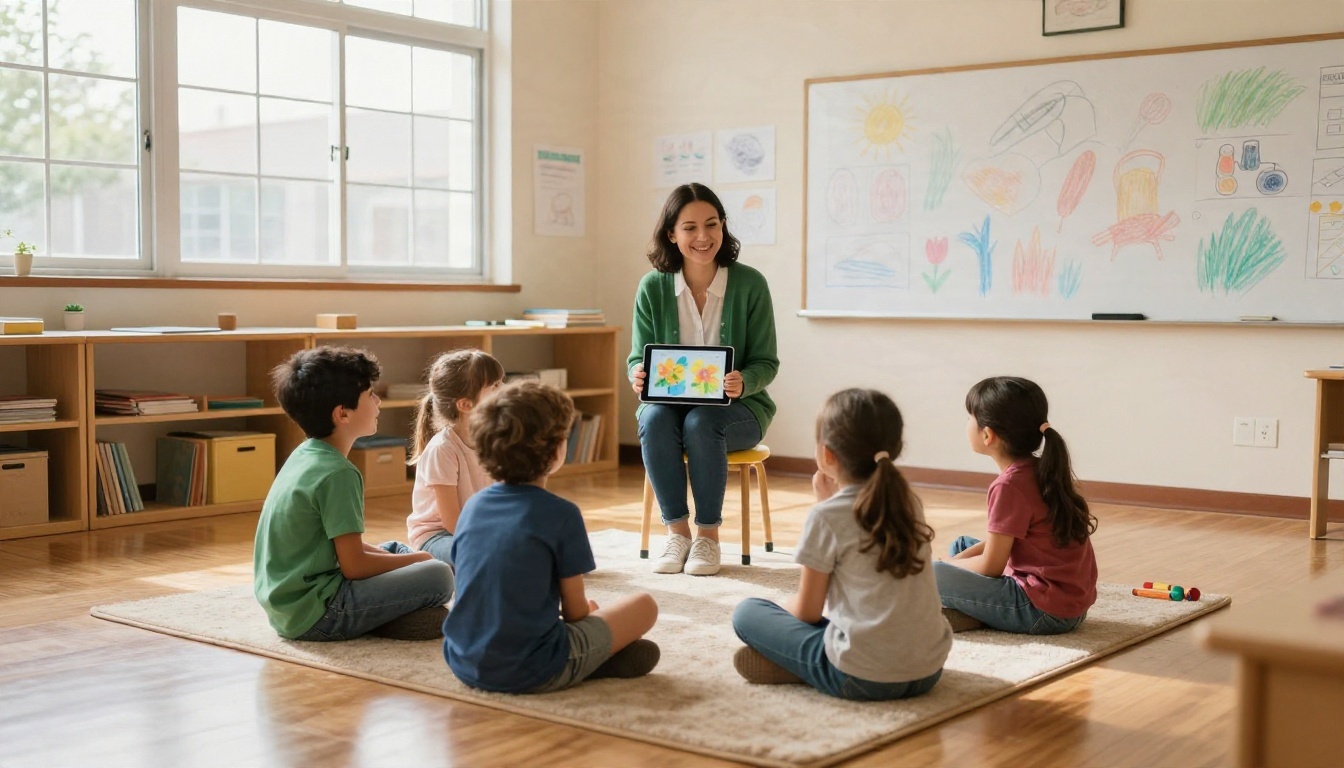
A second grade teacher asks every student to draw one page about a class trip. She scans the drawings into a free square template, adds a title page, and exports a PDF. She uploads it to Flipbooks AI and shares one link with all parents. Families read it on their phones that night, and the school can add it to a newsletter built with the School Newsletter Creator. For longer units, the Course Material Publisher keeps related books in one place.
The Grandparent's Bedtime Story
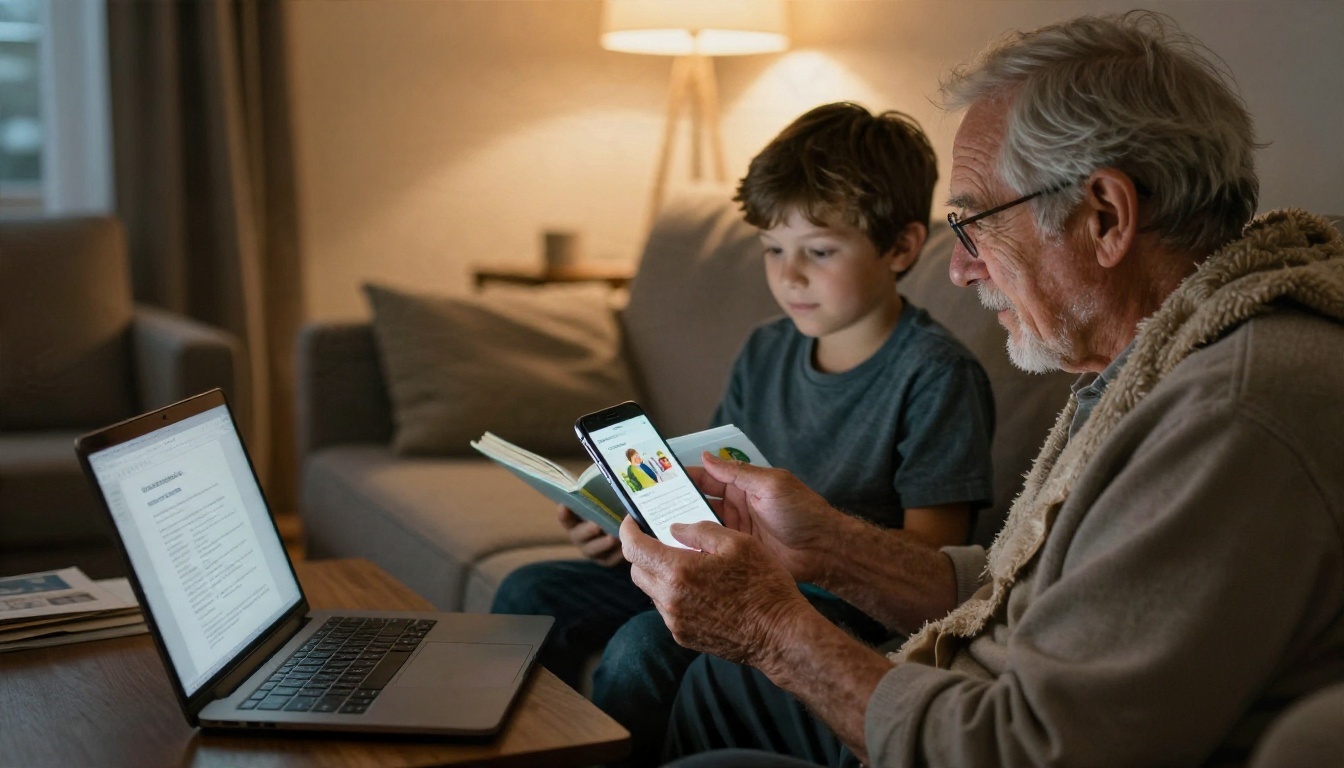
A grandfather in another country records himself reading a story he invented about a sleepy turtle. He drops the audio onto each page of his flipbook, protects it with a password, and sends the link to his grandson. Every night the boy hears his voice turn the pages. No printing, no postage.
The First Time Author
A new writer builds a 32 page book in a browser design app, publishes it as a flipbook, and embeds it on a personal site. The analytics reveal that most readers reach page 20 but few finish, so the writer tightens the middle and republishes. That feedback loop is almost impossible with a printed copy.
| Scenario | Template Format | Sharing Method | Extra Feature Used |
|---|
| Classroom | Square, 24 pages | Single link to parents | Newsletter embed |
| Grandparent | Landscape, 16 pages | Password protected link | Audio narration |
| Author | Portrait, 32 pages | Website embed | Analytics |
Common Mistakes to Avoid
Even a great template cannot rescue a few classic errors. Check this list before you publish.
- Too much text: if a page has more than four lines, split it.
- Ignoring the page turn: place a small surprise just after the turn, so the child wants to see what happens next.
- Inconsistent characters: draw your hero in the same colors on every page.
- No test reader: hand the book to a real child, or an adult who will be honest, before sharing it widely.
- Skipping a proofread: read the book backward, one sentence at a time, to catch typos.
✅ Best practice: Save a numbered copy of your PDF each time you finish a round of edits. Names like story_v1, story_v2, and story_final_checked will save you from sending the wrong file.
Start Your Story Today
A picture book is a small project with a big payoff, and a free template removes the intimidating part. Pick a layout, sketch your storyboard, edit your pages online, and export a clean PDF. Then give it the reading experience it deserves.
Your story is waiting. Open a template, draw the first page, and let the rest follow.



