You have 2,400 photos on your phone, and almost nobody will ever scroll back far enough to see them. A picture flip book app fixes that by turning a messy camera roll into a tidy, page-turning book that opens in a browser or on a phone screen. Tools like Flipbooks AI let you build one in minutes, share it with a link, and skip the printing bill entirely.
This article compares online makers with phone apps, shows what "free" really means, and walks through a tutorial you can follow today. If you only want the short answer: build on a browser maker, view on your phone, and check the watermark policy before you invest an hour of work.
What a Picture Flip Book App Does
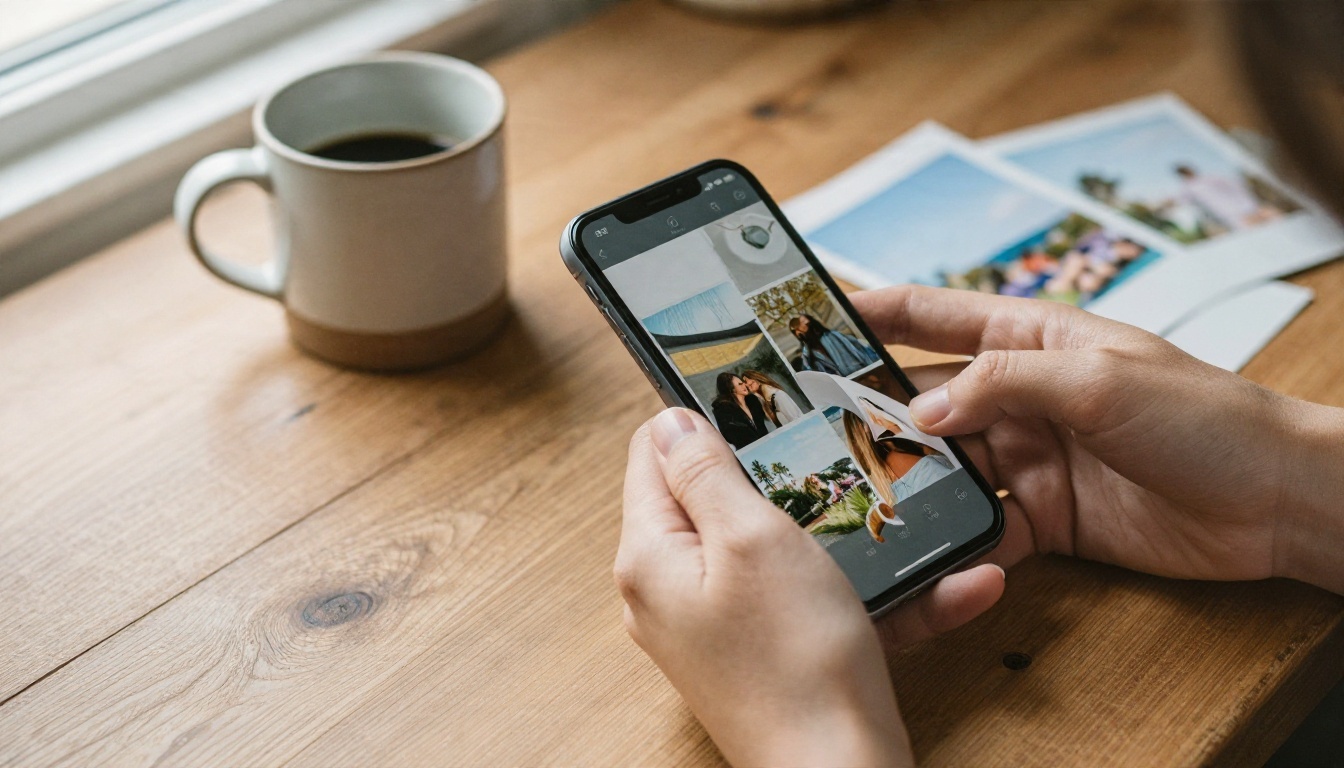
A picture flip book app takes images, or a PDF full of images, and arranges them as pages that curl, slide, or flip like paper. The reader taps or swipes, and the page turns with a soft animation. That small detail is why people finish flip books far more often than they finish scrolling a plain gallery.
Digital Versus Printed Flip Books
Do not confuse this with the thumb-animation flip books you made as a kid, where a stack of drawings creates motion. A digital picture flip book is closer to a photo album or magazine. Some tools support both ideas, but most people searching for this topic want an album, a portfolio, or a lookbook that feels tactile on a screen.
| Feature | Printed Photo Book | Digital Picture Flip Book |
|---|
| Cost per copy | Moderate to high | Near zero after creation |
| Delivery time | Days to weeks | Instant link |
| Editing after publishing | Not possible | Update anytime |
| Sharing with 50 people | Expensive | One link or QR code |
| Video and audio | No | Yes, embedded |
| Works offline | Always | With offline download |
Who Actually Uses Them
The audience is wider than you might expect. Families assemble holiday albums. Photographers send proofs to clients. Small shops publish product galleries. Teachers put together class memory books. Anyone with a folder of images and a reason to show them benefits.
💡 Pro tip: Think about the reader before you pick a tool. A grandmother opening a link on a tablet needs big pages and zero login screens. A client reviewing a portfolio wants fast loading and clean branding.
Online Maker or Phone App?
This is the first real decision. Both routes produce a flip book, but they suit different moments.

Why Browser Makers Win for Building
An online maker runs in your browser, so there is nothing to install and nothing eating your storage. You get a large screen, a mouse, and drag-and-drop file handling. When you are arranging 40 pages, that matters. Online tools also tend to include better customization: colors, page effects, branding, and embedding options.
The usual workflow is simple. Export your photos into a PDF, or upload a PDF you already have, and the maker converts it into a flip book. The PDF to Flipbook Converter is built for exactly that step.
Where Phone Apps Shine
Phones are brilliant for capture and viewing. Your photos already live there, you can pick favorites on a bus, and you can show the finished book to someone across the table. A phone app or a mobile-friendly web tool means you never have to move files between devices.
The trade-off is the small screen. Precise layout work, text editing, and reordering many pages feel cramped on a 6-inch display.
| Factor | Online Maker (Browser) | Phone App |
|---|
| Screen space for layout | Large | Small |
| Install required | No | Yes |
| Access to camera roll | Upload step needed | Direct |
| Customization depth | Usually higher | Usually lighter |
| Best moment to use | Planning and building | Capturing and showing |
| Sharing | Link, embed, QR code | Link, message, social |
✅ Best practice: Build on a laptop, then open the published link on your phone to check how it behaves. A flip book that looks great on desktop can feel cramped on mobile if the text is small.
Free Options Worth Trying
Everybody searches for free first, and that is reasonable. A free plan lets you test the flow before you commit. The trick is knowing what free usually leaves out.

What "Free" Usually Means
Most free tiers put limits in one or more of these places:
- Watermarks stamped across pages or added to the footer
- Page caps, often 10 to 30 pages per book
- Expiring links that die after a few weeks
- Locked features such as password protection, analytics, and custom domains
- Ads shown to your readers
Any one of these can ruin a gift album or a client presentation. A watermark on a wedding book is a deal breaker for most people.
Free Versus Paid at a Glance
| Feature | Typical Free Tier | Typical Paid Plan |
|---|
| Watermark | Often present | Removed |
| Number of flipbooks | 1 to 3 | Many or unlimited |
| Password protection | Rarely | Included |
| Offline download | Rarely | Included |
| Custom branding | No | Yes |
| Analytics | No | Higher tiers |
Flipbooks AI takes a clear stance here: no watermarks, ever. You can see how plans differ on the pricing page, including which tier unlocks unlimited flipbooks (Standard and above) and which includes analytics and lead generation (Professional).
⚠️ Warning: Read the export and sharing terms before you build anything big. Moving 60 pages of work to another service because of a surprise paywall is miserable.
How to Create a Picture Flip Book with Flipbooks AI
Here is the full workflow from raw photos to a shareable book. It takes about 15 minutes for a 20-page album.
Prepare and Upload Photos
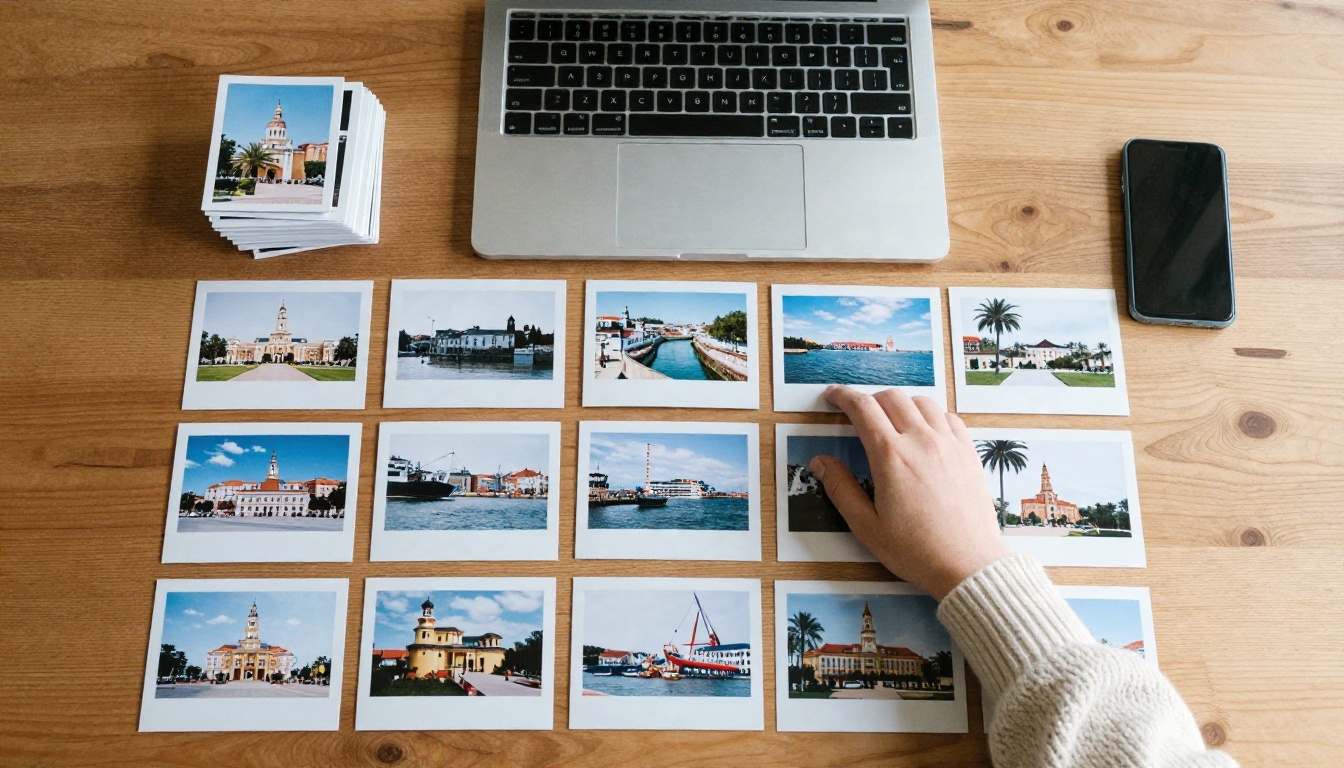
- Pick your best images. Aim for 15 to 40. Fewer, stronger photos beat a bloated gallery every time.
- Group them by story. Trip days, event moments, or product categories work well.
- Assemble a PDF. Use any layout tool, a slideshow export, or your phone's print-to-PDF option. One photo per page is fine, and so are collages.
- Create an account on Flipbooks AI.
- Upload the PDF. The platform converts each page into a flip book page automatically.
💡 Pro tip: Export photos at 150 to 200 DPI for screen viewing. Higher is wasted on screens and slows down loading on mobile data.
Customize the Look
Once the PDF converts, open the editor and adjust:
- Branding: add a logo, a title, and your preferred background color
- Page effects: choose how pages curl or slide, and adjust the sound if you like
- Multimedia: embed a short video clip or a background audio track on the right page
- Navigation: add a table of contents so readers can jump to a section
Keep it simple. A neutral background lets photographs do the talking, and a soft page turn looks more elegant than a flashy one.
Share and Protect
Sharing options are where digital beats print:
- Direct link: paste it into a message or email
- QR code: put it on a printed card, a wedding program, or a shop counter
- Embed code: place the flip book on a site with the Embed Flipbook on Website tool
- Password protection: limit access for private family photos or client previews
- Offline download: let readers keep a copy for trips with no signal
Track Results
If you share a portfolio or catalog professionally, the Professional plan adds analytics and lead generation. You can see how many people opened your book and which pages held attention. Compare options on the pricing page before you decide.
Using Your Phone Day to Day
You do not need a dedicated app for everything. Flipbooks AI is mobile-responsive, which means a published book adapts to any screen size. Readers open the link in Safari or Chrome and swipe through pages like they would in a native app.

Here is how to make the phone part smooth:
- Add a home screen shortcut. Open the link, then use "Add to Home Screen" for one-tap access.
- Shoot with pages in mind. Landscape photos fill wide spreads, and portrait shots suit single pages.
- Check text size. If readers must pinch to zoom, the text is too small.
- Test on mobile data. A large file may crawl on a weak signal, so compress images before you export.
- Use offline download for flights, road trips, and events with bad reception.
| Phone Task | Best Tool | Why |
|---|
| Picking favorite photos | Phone gallery | Direct access |
| Building the PDF | Laptop or phone layout app | More control on larger screens |
| Converting to flip book | Online maker | Fast, no install |
| Viewing and sharing | Phone browser | Always in your pocket |
| Reading without signal | Offline download | No data needed |
Real-World Use Cases
The same tool serves very different goals. Here are the ones that come up most.

Family Albums and Gifts
A couple can build a wedding album and send one link to 80 guests, rather than paying for 80 prints. The Wedding Album Flipbook tool suits this well. Parents do the same with first-year baby books, and grandparents open them on a tablet without any account.
✅ Best practice: Add a password to private family albums, and send it in a separate message from the link.
Photographers and Creatives
A photographer can send a flip book portfolio to a prospective client within minutes of a shoot. It looks more polished than a shared folder, and links stay current when you replace a page. Try the Photography Portfolio or the Digital Portfolio Creator.
Small Businesses and Shops
A boutique owner can publish a product gallery and show it to customers on a tablet at the counter. The same link goes on social media and in email signatures. For catalogs with prices, the Digital Catalog Maker is a better starting point, and the Digital Price List Generator handles simple lists.

Three Common Mistakes
1. Uploading huge, unoptimized photos. A 60-page book of 8 MB images loads slowly and frustrates readers on mobile data. Resize and compress first.
2. Skipping the mobile check. Most people open links on a phone. Always preview your finished book on one before you share it.
3. Overstuffing the book. Fifty near-identical beach shots tire the reader. Cut ruthlessly. A tight 25-page album gets finished, while a 120-page dump gets abandoned on page nine.
⚠️ Warning: Do not assume a free plan keeps your link alive forever. If the book matters, save a copy or choose a plan with stable hosting.
Start Your Picture Flip Book Today
You already have the photos. What you need is a clean way to show them, and a browser maker plus your phone covers every step. Build on a larger screen, test on mobile, and share by link or QR code.
Ready to make your first one? Create your account on Flipbooks AI and upload a PDF of your best photos. Browse all flipbook tools to find a template that fits your project, or compare pricing plans to choose the level of features you need, from unlimited flipbooks to analytics and lead generation.
Your camera roll deserves better than a scroll bar. Turn it into a book people open.



