A private equity partner may open your deck between two calls, with a coffee in one hand and forty other decks waiting in the inbox. You get a few minutes, sometimes fewer. That is why the slide order, the file format and the way you send the document matter almost as much as the numbers inside it. This article walks through a pitch deck for private equity from the first slide to the follow-up email, with examples, tables you can copy, and a simple way to turn your PDF into a trackable, branded flipbook with Flipbooks AI.
Whether you are a founder pitching a growth equity firm, a sponsor raising a fund, or an advisor preparing a sell-side teaser, the same rules apply: be short, be specific, and make the next step obvious.
What Investors Expect to See
Private equity is not venture capital. A VC deck sells a vision and a market. A PE deck sells cash flow, control and a believable path to a return. Investors read with a calculator in their head: EBITDA, margins, leverage capacity, add-on potential, exit multiple.
Who Reads the Deck
Different people open the same file for different reasons. Design for all of them.
- Principal or partner: wants the thesis in one page and a sense of whether it fits the fund mandate.
- Associate or analyst: hunts for the numbers, then rebuilds your model in a spreadsheet.
- Investment committee member: sees the deck second hand, often forwarded without your email attached.
- Limited partner: in a fund raise, checks track record, team stability and fee terms.
💡 Pro tip: assume your deck will be forwarded with no context. Every slide should make sense on its own, with a clear headline that states the conclusion of the slide, not just a topic label.
Ten Minutes, Not Thirty
A realistic reading window is 8 to 12 minutes. That usually means 12 to 18 slides for the main body, plus an appendix for anything an analyst might want to check. If you cannot explain the deal in two sentences on slide two, the rest will not rescue it.
| Audience | Typical length | Main focus |
|---|
| Teaser to first-round buyers | 3 to 6 pages | Anonymous snapshot, headline financials |
| Management presentation | 15 to 25 slides | Business model, growth plan, financials |
| Fund raise deck for LPs | 20 to 30 slides | Track record, strategy, team, terms |
| Growth equity pitch | 12 to 18 slides | Traction, unit economics, use of funds |
Slide Order That Works
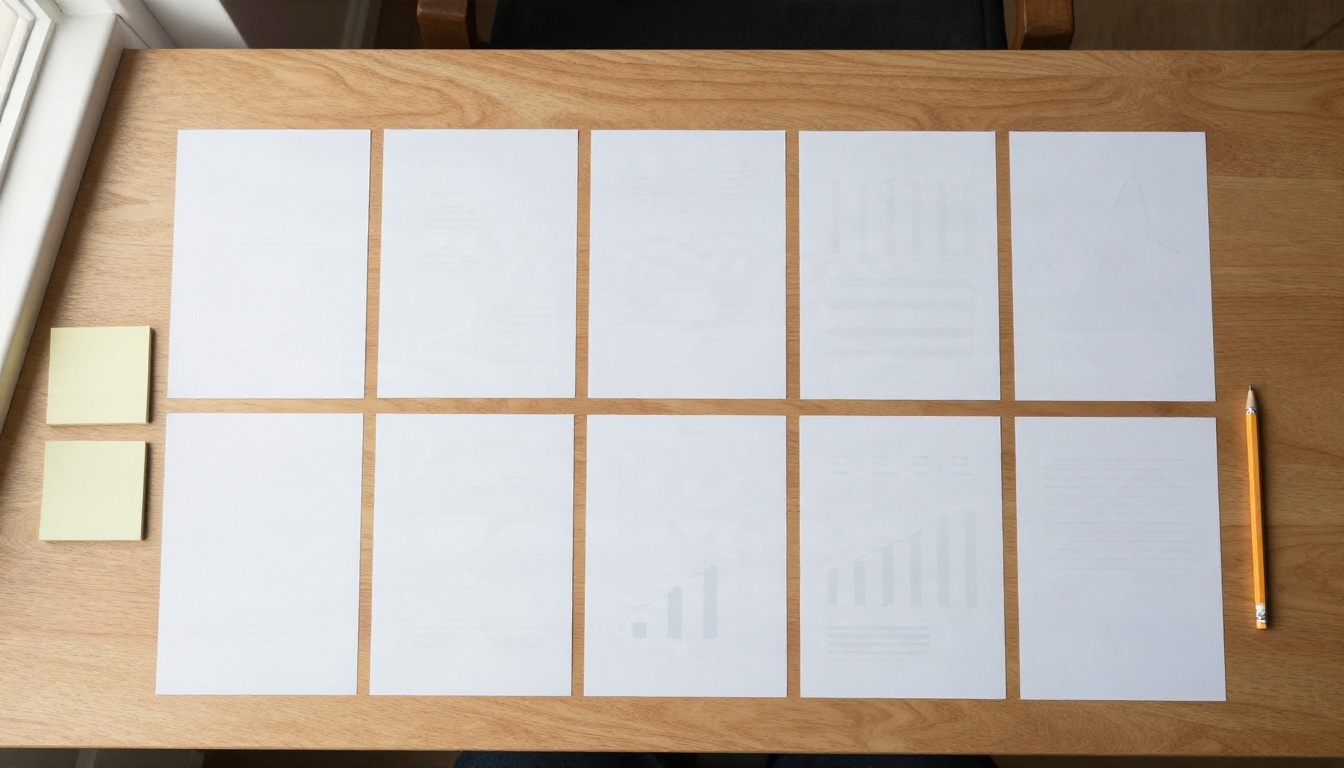
There is no single legal template, but the decks that get replies follow a recognizable arc. Think of it as a short argument: here is the opportunity, here is why we win, here is the proof, here is what we need.
| # | Slide | What it must answer |
|---|
| 1 | Title slide | Company name, one-line description, date, contact |
| 2 | Investment highlights | Why this deal, in four or five bullets |
| 3 | Company snapshot | Founded, headcount, locations, revenue, customers |
| 4 | Market and positioning | Size, growth rate, where you sit among competitors |
| 5 | Business model | How you make money, pricing, contract length |
| 6 | Customers and retention | Top accounts, churn, net revenue retention |
| 7 | Growth levers | Organic plan, new products, geographic expansion |
| 8 | Historical financials | Three to five years of revenue, EBITDA, cash conversion |
| 9 | Projections | Base case, with assumptions written next to the numbers |
| 10 | Management team | Who stays, who rolls equity, who is hired |
| 11 | Add-on pipeline | Acquisition targets or partnership options |
| 12 | Transaction overview | What you are asking for, structure, use of proceeds |
| 13 | Risks and mitigants | Honest list, short answers |
| 14 | Appendix | Detailed tables, org chart, contracts summary |
Opening Slides
Lead with investment highlights right after the title slide. Investors decide fast whether a deal fits their size, sector and geography. Give them the facts they screen on: revenue, EBITDA, growth rate, and the type of transaction. A strong opening line might read: "B2B maintenance software, 94% recurring revenue, 22% EBITDA margin, seeking a majority partner to fund three acquisitions."
The Middle: Proof
This is where most decks go soft. Replace adjectives with data. Instead of "loyal customers," show net revenue retention of 112% over three years. Instead of "large market," show the serviceable segment you can actually reach, with the source named in a footnote.
⚠️ Warning: projections without stated assumptions are the fastest way to lose an associate's trust. Put growth rate, pricing change and headcount assumptions in a small box beside the chart.

Closing Slides
End with the ask. State the transaction type (majority buyout, minority growth round, recapitalization, fund close), the amount, and what the money will do. Add a short risk slide. Investors respect founders who name the three things that could go wrong before they are asked.
Examples by Deal Type
The same skeleton bends differently depending on who is pitching whom. Here are three patterns that work.
Founder Pitching a PE Firm
A founder-led software company with 8 million in revenue approaches a growth equity firm. The deck spends more space on unit economics (customer acquisition cost, payback period, gross margin) and on the use of funds. Slide 12 might read: "Raising 15 million: 60% sales team expansion, 25% product, 15% working capital. Projected ARR 20 million in 36 months."
Sponsor Pitching Limited Partners
A mid-market fund raising Fund III leads with track record: gross and net IRR, multiple on invested capital, realized versus unrealized deals, and loss ratio. The team slide is long, because LPs back people. Terms (fund size, fee structure, hold period, target sectors) come near the end.
Sell-Side Teaser
An advisor circulating an anonymous teaser keeps it to three to five pages. It describes the business without naming it, shows headline financials, and lists the process timeline. The goal is not to persuade, it is to get a signed non-disclosure agreement.
| Deal type | Opening emphasis | Biggest proof slide | Typical ask |
|---|
| Buyout pitch | Cash flow and margins | Historical EBITDA and cash conversion | Majority stake, management rollover |
| Growth equity | Traction and retention | Unit economics | Minority capital for expansion |
| Fund raise | Team and strategy | Track record by vintage | Commitment size and timing |
| Sell-side teaser | Anonymous snapshot | Headline financials | Signed NDA to receive the memo |
If you already produce yearly reports for lenders or shareholders, you can reuse their structure. The Corporate Report Maker and the Annual Report Creator are handy for turning those financial pages into a clean, readable section of your deck.
Most investors still ask for PDF, and for good reason. It opens on every device, it keeps fonts and layouts intact, and it is hard to alter by accident. A native PowerPoint file can shift fonts, break charts and expose speaker notes you forgot were there.

| Format | Strengths | Weak points | Best use |
|---|
| PowerPoint or Keynote file | Editable, familiar | Layout shifts, hidden notes, large file | Internal drafts |
| Plain PDF | Universal, stable | No tracking, easy to forward | Email attachment on request |
| Flipbook from PDF | Page turning, link tracking, branding | Needs a hosting tool | First outreach, data room front page |
| Printed deck | Memorable, tactile | Cost, no analytics | Management meetings in person |
Size and Resolution
- Page size: use 16:9 landscape for screen reading. Use A4 or US Letter landscape only if the deck will be printed.
- File weight: aim for under 10 MB. Many corporate inboxes block or bounce anything above 20 MB.
- Image quality: export at 150 dpi for photos and keep charts as vector shapes so numbers stay sharp when zoomed.
- Fonts: embed them. A missing font can turn a tidy table into a mess of overlapping text.
- Links: test every link and every internal bookmark after export.
File Naming and Metadata
Name the file so it still makes sense six months later in a shared folder: CompanyName_Investor_Presentation_2026-11.pdf. Avoid "final_v7_REAL.pdf." Before exporting, strip the document properties, remove comments and hidden layers, and check that author fields show your company, not a former employee or an old client.
✅ Best practice: keep two versions. A teaser PDF of five to ten pages for first contact, and a full deck that you send after a signed NDA.
How to Create a Flipbook Deck with Flipbooks AI
A static PDF works, but it tells you nothing after you hit send. A flipbook keeps the reading experience smooth, gives you a link you can control, and shows what happens next. Here is the process on Flipbooks AI.

Upload and Convert
- Export your final deck as a PDF following the size rules above.
- Create an account on Flipbooks AI.
- Open the PDF to Flipbook Converter and drop in your file.
- Wait a few moments while the pages are converted. You will see a page-turning preview that works on desktop and mobile, since the viewer is responsive.
For a deck designed specifically around slides, the Presentation Flipbook Designer and the Sales Presentation tool are good starting points.
Brand and Customize
- Add your logo and set the background color to match your brand.
- Choose page effects. For a financial audience, keep animations subtle.
- Embed a short video from the CEO on the management slide, or an audio note on the market slide, if it adds something a chart cannot.
- Check the preview on a phone, because many partners first open a link while traveling.
Flipbooks have no watermarks, so the final result carries only your branding.
Lock It Down
- Turn on password protection for the full deck. Share the password in a separate message.
- Decide whether to allow offline downloads. For a teaser, yes. For a full model with sensitive customer data, probably not.
- If you maintain several decks, the Standard plan and above allow unlimited flipbooks, so you can create one version per investor group. See the pricing plans for details.
- On the Professional plan, switch on analytics and lead generation to see opens, time spent and which pages get attention.
💡 Pro tip: use lead capture on the teaser version only. Ask for name, firm and email before the first page. It filters casual browsers from serious readers and builds your investor list at the same time.
Sharing Without Losing Control
Sending an attachment is like handing out a printed copy: you cannot take it back. A link gives you options.
| Method | Control level | Tracking | When to use |
|---|
| Email attachment | Low | None | Investor explicitly asks for a file |
| Public flipbook link | Medium | Basic | Teasers and website visitors |
| Password protected link | High | Yes | Full deck after NDA |
| Embedded on your site | Medium | Yes | Investor relations page, see Embed Flipbook on Website |
| Data room link | Highest | Yes | Late stage, confidential documents |
A practical sequence looks like this: send the public teaser link in the first email, move to a password protected full deck after the NDA, and place financial models and contracts in a data room only once the process is serious.
Tracking Who Reads
Analytics change how you follow up. If an associate opens the deck four times and spends three minutes on the projections slide, a short email offering a walk through the assumptions is welcome. If a partner opened it once and left on slide two, your highlights slide may need work.
Look at three signals:
- Time per page: long dwell on financials is a buying signal.
- Drop-off page: if many readers stop at the same slide, rewrite it.
- Forward patterns: new viewers from the same firm often mean the deck reached an investment committee.
Follow-Up Timing
Wait two business days after the first open before you write. Reference something specific: "I noticed the retention slide is the one investors ask about most, happy to share the cohort data behind it." Keep it to three sentences and attach nothing new unless asked.
Mistakes That Kill Deals
Even strong businesses lose attention because of avoidable errors in the document itself.
- Too many slides. Thirty slides without an appendix signals that you cannot prioritize.
- No headline numbers on slide two. Investors should not have to hunt for revenue and EBITDA.
- Inconsistent figures. If revenue on slide 3 differs from slide 8, the analyst will assume the model is sloppy.
- Hidden assumptions. Projections need written drivers.
- Heavy design, thin content. Stock photos and gradients do not replace unit economics.
- Ignoring the fund mandate. Check the firm's stated size, sector and geography before sending.
- Unprotected sharing. Customer names and margins in an open link can leak to competitors.
- No clear ask. End with the amount, structure and timeline.
| Mistake | Quick fix |
|---|
| Oversized file | Compress images, export at 150 dpi |
| Weak opening | Add an investment highlights slide at position two |
| Unclear numbers | Add a one-line source under every chart |
| No follow-up data | Use tracked links and read the page analytics |
| Outdated deck in circulation | Update one link instead of resending files |
⚠️ Warning: never send different numbers to different investors in the same process. Keep one source of truth and update the linked version so everyone sees the same data.
Send Your Deck Today
A good private equity deck is short, specific and easy to share safely. Put the highlights up front, back every claim with a number, keep the PDF light, and send it as a tracked link instead of a loose attachment.
Ready to turn your PDF into a branded, trackable flipbook? Get started for free on Flipbooks AI, browse all flipbook tools and templates, or compare pricing plans to see which tier adds analytics and lead generation. If you are ready to pick a plan right away, create your account and go straight to pricing.



