Most portfolios die in an inbox. You attach a heavy PDF, the client's email app chokes on it, and the one person who needed to see your best work gives up after the first page. A portfolio flip book fixes that. It keeps the feel of turning real pages, loads in a browser, and travels as a single link. With Flipbooks AI, you can build one from a PDF in a few minutes, and you can start without paying.
This article walks through what a portfolio flip book is, which templates suit which profession, what good examples look like, how the free maker works, and how to share the finished piece online without losing control of it.
Why a Portfolio Flip Book Works
A portfolio has one job: make a stranger trust your taste within about thirty seconds. Format matters more than most creatives admit. A flat PDF feels like a document. A website feels like a product. A flip book feels like a body of work you can hold.
Print Feel, Digital Reach
Page-turn animation sounds like a gimmick until you watch someone use it. Viewers move through your work in the order you planned. They see spreads, not scrolling fragments. Your pacing, the quiet page after a loud one, survives the trip to the screen.
At the same time, nothing needs downloading. The portfolio opens on a phone, a tablet, or a laptop, and the layout adapts to each. Mobile-responsive design matters because a large share of first looks happen on a phone, usually in a hallway between meetings.
Who Benefits Most
Not every profession needs the same thing. Here is how different people tend to use the format:
- Photographers want large images and minimal chrome.
- Graphic designers need case studies with process pages.
- Architects and interior designers rely on plans, sections and photography side by side.
- Models and stylists need a polished comp card plus a few editorial spreads.
- Students need something fast, cheap and good enough to attach to an application.
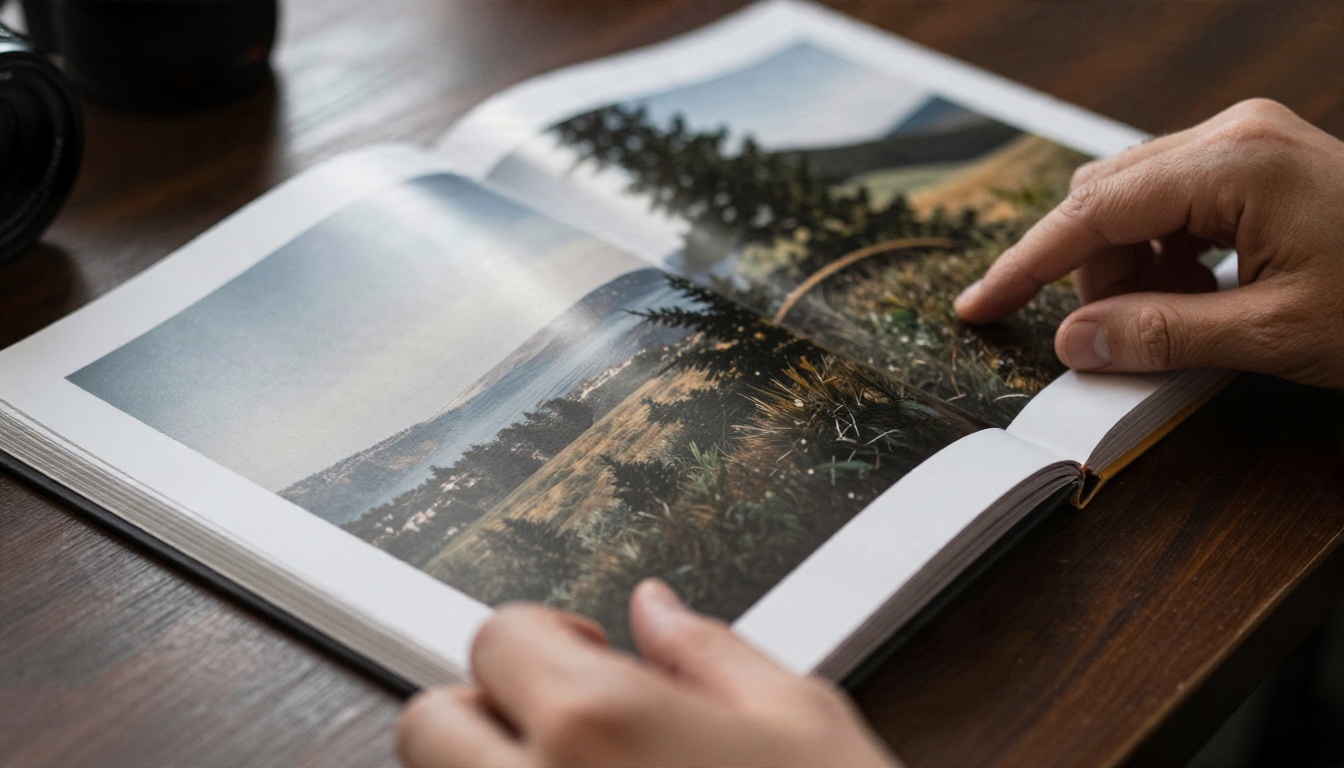
Portfolio Flip Book Templates That Work
A template is not a shortcut to sameness. It is a set of decisions you no longer have to make at midnight: margins, type pairing, image grid, page rhythm. The best approach is to pick a structure, then bend it toward your own voice.
You can lay out the PDF in any design app, then drop it into the Portfolio Flipbook Builder or the Digital Portfolio Creator. The flip book layer handles the page-turn effect, branding and sharing.
Photography Layouts
Photographers do best with restraint. Think full-bleed images, generous white space, and captions set small. A strong structure is:
- Opening image with your name only
- A short artist statement, under 80 words
- Three to five series, each opening with a hero shot
- Contact page with one clear action
The Photography Portfolio Flipbook tool is built around this kind of image-first rhythm.
Design and Illustration Layouts
Designers need to show thinking, not just results. A case study spread usually works like this: problem on the left page, final work on the right, then a process spread with sketches, rejected versions and notes. Clients hiring a designer want to see how you decide.
Architecture and Interiors Layouts
Mix hero photography with plans and annotated sections. Keep one project per spread, and put the floor plan next to the finished room so the viewer connects intention and result.
Fashion and Lookbook Layouts
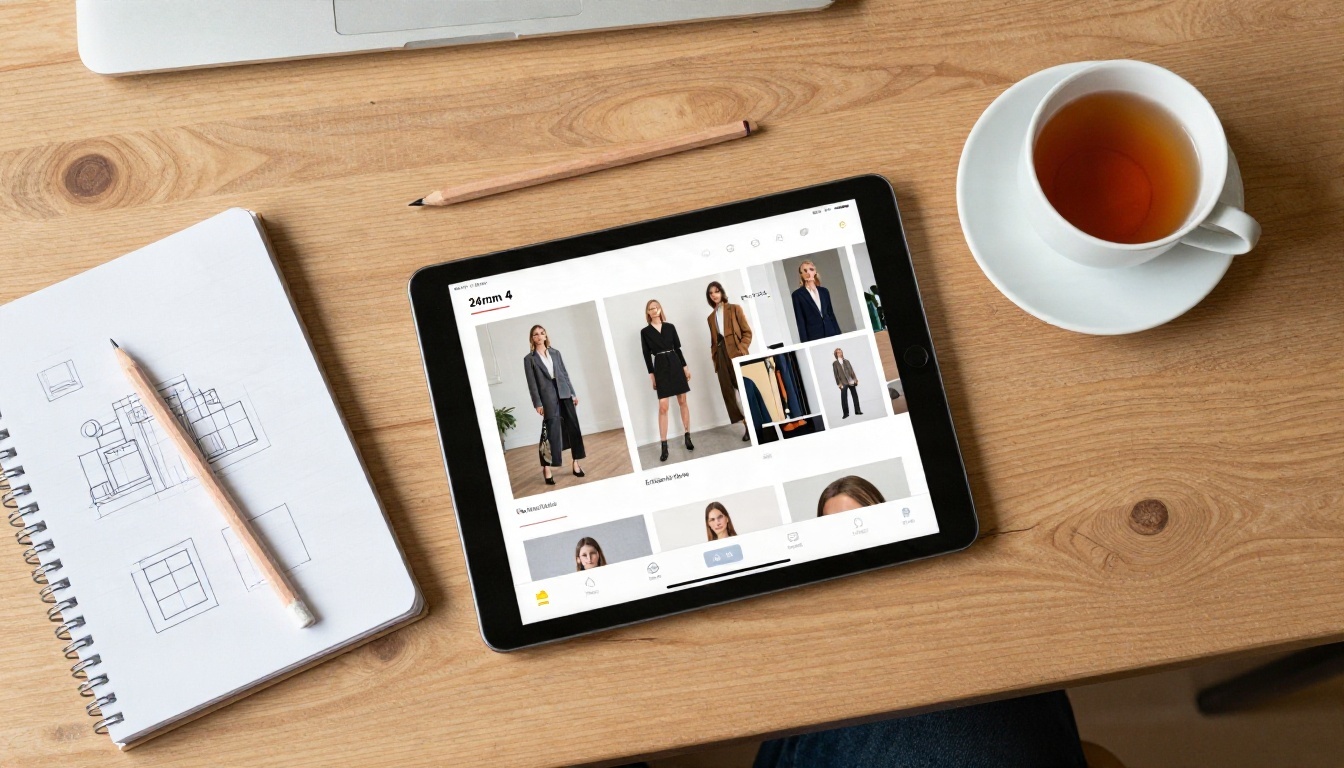
For stylists, models and fashion brands, a lookbook structure works better than a classic portfolio. The Interactive Lookbook Designer and Lookbook Flipbook Builder suit tall images, quick credits and a final page with agency or booking contacts.
Template Comparison at a Glance
💡 Pro tip: Aim for the lower end of each page range. A sharp 16-page portfolio beats a baggy 40-page one every time. Reviewers remember the first five pages and the last one.
Real Portfolio Flip Book Examples
Theory only goes so far. Here are three scenarios that show how the format earns its place.
The Wedding Photographer
Marta shoots weddings. Her old process was emailing a 60 MB PDF to every couple who inquired, and half of them never opened it. She rebuilt it as a 20-page flip book: opening portrait, a short note about her style, three full weddings shown as spreads, a page of pricing tiers, and a booking link. She now sends one link in her first reply. Couples open it on their phones the same evening, and she can see which ones did.
The Freelance Brand Designer
Daniel designs identities for small food businesses. His flip book opens with a single logo mark, then moves into four case studies. Each follows the same rhythm: the brief, the rough sketches, the final system, the shopfront photographs. Because the case studies share a structure, a client can compare them quickly. He embeds the flip book on his own site so visitors never leave it.
The Architecture Student
Priya needed a portfolio for a master's application. She had three studio projects, a stack of hand drawings and very little time. She photographed her models, exported a 14-page PDF, and converted it the same afternoon. The admissions office received a link rather than an attachment, and the link worked on every device they tried.
What These Examples Share
| Trait | Wedding Photographer | Brand Designer | Architecture Student |
|---|
| Page count | 20 | 28 | 14 |
| Main goal | Book consultations | Win project briefs | Pass admissions review |
| Sharing method | Direct link | Website embed | Direct link in application |
| Extra feature used | Pricing page | Case study video | Password on the link |
How to Build One with Flipbooks AI
If you already have a PDF, you are about five minutes away from a live portfolio. If you do not, build the layout first in whatever design app you like. Then follow these steps.
- Open your account. Go to Flipbooks AI and create an account. You can begin on the free tier and move up later if you need more.
- Upload your PDF. Drag the file into the uploader. The PDF to Flipbook Converter splits each page, keeps your fonts and image quality, and builds the page-turn effect automatically.
- Check the page order. Flip through the preview. Fix any awkward spreads before you touch design settings.
- Add your branding. Set your logo, background color and toolbar style so the viewer feels your identity from the first screen.
- Choose a page effect. Pick a realistic curl, a soft slide, or a minimal fade. For photography, a gentle curl tends to feel most natural.
- Add media. Embed a short video or audio clip where it helps, such as a designer's voiceover on a case study.
- Set sharing options. Copy the link, grab the embed code, or turn on password protection.
- Publish and test. Open the link on your phone before you send it to anyone.

Customizing the Look
Branding is where a flip book stops looking like every other flip book. Keep the toolbar quiet, match the background to your page margins, and use your own logo on the loading screen. Custom branding applies to your work, and there are no watermarks, ever, so the portfolio looks like yours and only yours.
Adding Video and Audio
A 20-second motion clip on a project page can say more than three paragraphs. Photographers can drop in behind-the-scenes footage. Musicians and sound designers can embed audio. Keep every clip short, and never make a clip the only way to understand a page.
⚠️ Warning: Do not place essential information inside a video. Some viewers browse with sound off, and some never press play. Treat media as a bonus layer.
Free Maker: What You Actually Get
"Free" is only useful if the result is usable. The real test is whether the free version leaves a mark on your work or hides the features you need most. On Flipbooks AI, finished flip books carry no watermark, and you can try the platform before choosing a plan. Check the pricing page for the current limits on each tier.
Free vs Paid at a Glance
| Feature | Starting Out | Standard and Above | Professional |
|---|
| Watermark on your work | None | None | None |
| Number of flipbooks | Limited | Unlimited | Unlimited |
| Custom branding | Yes | Yes | Yes |
| Password protection | Check plan | Yes | Yes |
| Embed on your website | Yes | Yes | Yes |
| Offline downloads | Check plan | Yes | Yes |
| Analytics | No | Basic | Full |
| Lead generation forms | No | No | Yes |
💡 Pro tip: If you only need one portfolio for one application, the free route is plenty. If you pitch clients every week and want to know who opened your work, the Professional plan pays for itself after one project.
When Free Is Enough
- You are a student with a single portfolio to send.
- You are testing a new direction before committing.
- You update your work twice a year, not twice a week.
When to Upgrade
- You keep several portfolios, for example one per client type.
- You want to see which pages viewers spend time on.
- You want visitors to leave their email before they view your work.
Share Your Portfolio Online
A portfolio nobody can find is a private diary. Sharing is where the format really beats the PDF, because one flip book gives you several delivery routes.

Send a Direct Link
The simplest route. Paste the URL into an email, a proposal, a message or the bio of a social profile. Nothing to download, nothing to attach, and the viewer lands on page one every time.
Embed It on Your Website
Use the Embed Flipbook on Website option to place the portfolio inside your own page. This suits designers and photographers who already have a site and want the flip book to sit next to their bio and contact form. Paste the embed code into a page builder, and it resizes with the layout.
Protect Private Work
Some projects are under NDA. Others are simply not ready for the public. Password protection lets you share a single link with a client while keeping the work off search results. A smart habit is to keep two versions: a public highlights edition and a private full edition with a password.
Track Who Opens It
On the Professional plan, analytics show you how many people opened your portfolio and how far they went. Lead generation adds a form before the first page, so a hiring manager leaves an email address in exchange for access. That is useful when you are courting agencies and need to know who is paying attention.
Sharing Methods Compared
| Method | Best For | Setup Time | Control Level |
|---|
| Direct link | Quick proposals, applications | Under a minute | Medium |
| Website embed | Personal sites, landing pages | Five minutes | High |
| Password link | NDA projects, private reviews | Two minutes | Very high |
| Offline download | Trade shows, poor connections | One minute | Medium |
| Lead form gate | Agency outreach, freelancers | Five minutes | Very high |
Mistakes That Weaken a Portfolio
Even with a great maker, a few habits quietly sink portfolios. Watch for these.
- Too many projects. Show your best eight, not your best forty. A viewer who sees weak work assumes it is typical.
- Tiny images on big pages. A flip book is a visual medium. Let pictures breathe and keep captions short.
- No contact page. Always end on a page with your email, a booking link and your location.
- Unoptimized PDFs. Oversized files load slowly on mobile. Compress images to a sensible size before uploading.
- Zero context. A project without a one-line brief is only decoration. Say what the problem was and what you did.
- Skipping the phone test. Open the finished link on a real phone, on mobile data, before you send it.
✅ Best practice: Ask one friend outside your field to open the link and tell you what they remember. If they cannot name one project, your opening is too busy.
A Simple Pre-Send Checklist
- Page one shows your name and your strongest image
- Every project has a title, a year and a short note
- The contact page includes at least two ways to reach you
- The link works on mobile and desktop
- Password and embed settings are what you intended
If your portfolio belongs to a larger set of materials, such as a brochure for your studio or a rate sheet, you can build them the same way. The Online Brochure Designer and Digital Price List Generator share the same flip book engine, so your whole kit looks consistent.
Ready to Publish Yours
You do not need a developer, a design agency or a monthly budget to put a polished portfolio in front of clients. You need a PDF, ten minutes and a clear sense of what you want people to remember.
Your best work deserves better than an email attachment. Turn the pages, send the link, and let the portfolio do its job.



