A postcard is the smallest story you can tell: one picture, a few lines, a name at the bottom. Now imagine twelve of them bound together, each one turning with a soft page curl on a phone screen. That is a postcard flip book, and with Flipbooks AI you can build one from a simple PDF in a few minutes. No printing run, no stamps, no waiting for the mail.
This article walks through what a postcard flip book actually is, which sizes hold up on screen, which digital postcard ideas are worth your time, and how to use a free online maker without ending up with a watermark across your photos. There are tables, templates and a full step-by-step build further down.
What Is a Postcard Flip Book?
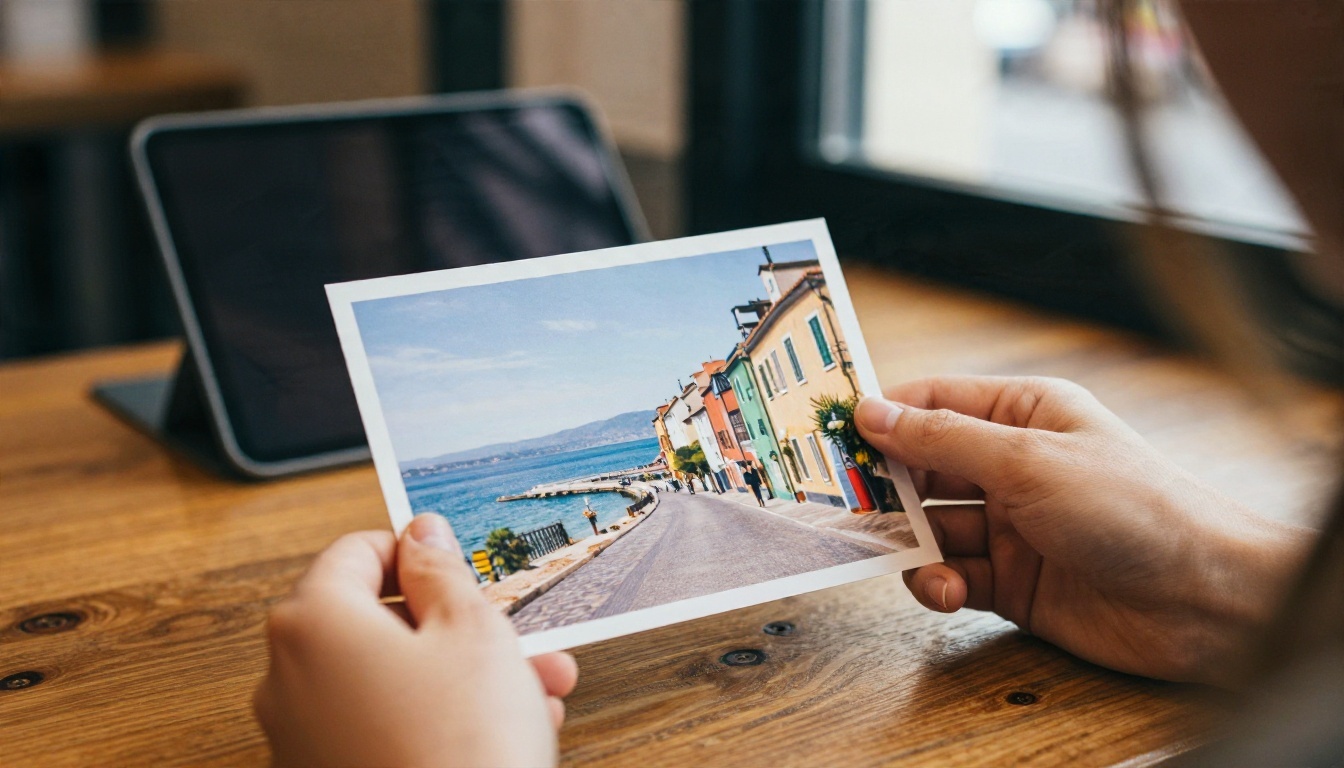
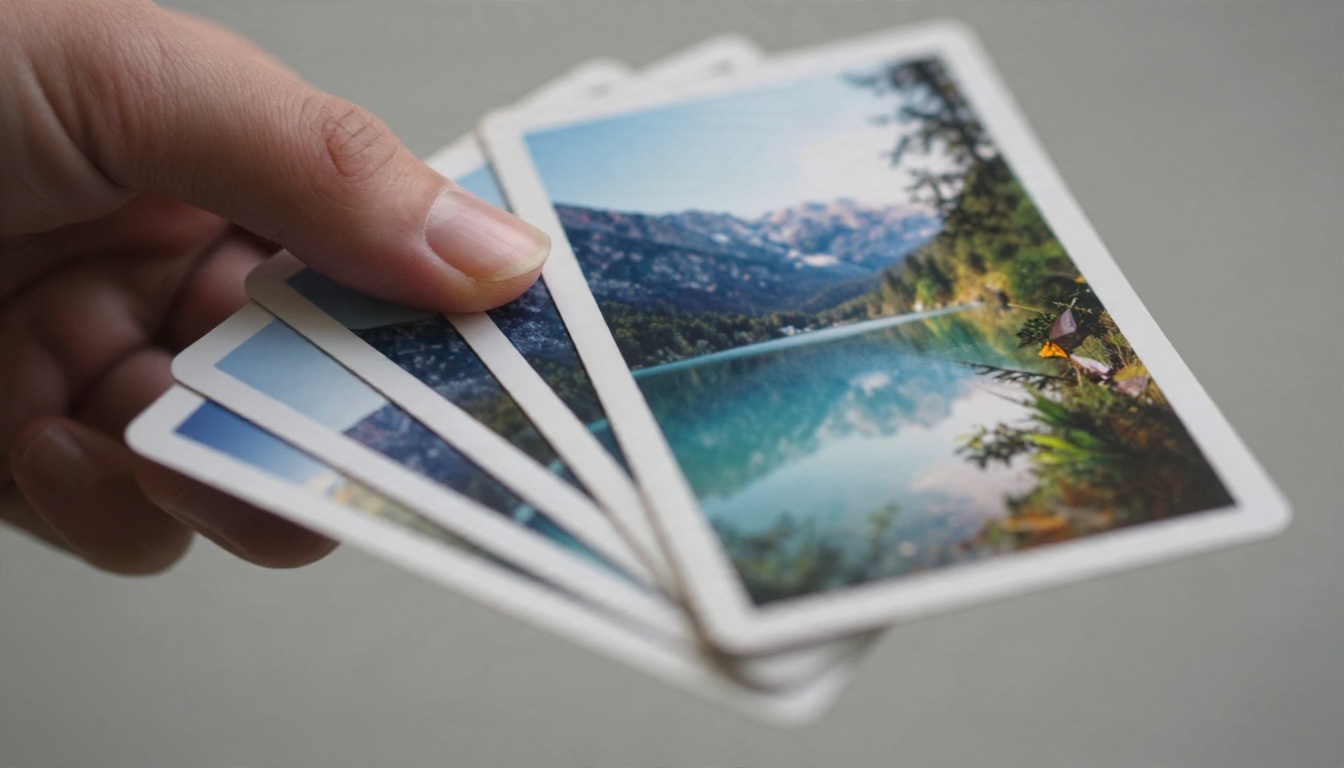
A postcard flip book is a digital publication where every page is a postcard. The front shows an image, the back shows the message, and the reader flips from one to the next like a real stack. It works on phones, tablets and desktops, and it lives behind one link or one embed code.
Print Postcards vs Digital Flip Books
Printed postcards are charming, but they have limits. They cost money per piece, they arrive late, and you cannot see who opened them. A flip book version keeps the charm and removes most of those limits.
| Feature | Printed Postcard | Postcard Flip Book |
|---|
| Cost per recipient | Printing plus postage | Close to zero |
| Delivery time | Days to weeks | Instant |
| Number of designs | Usually 1 to 3 | Unlimited pages |
| Links and video | Not possible | Clickable links, audio, video |
| Tracking | None | Views and clicks (Professional plan) |
| Updates after sending | Impossible | Replace the PDF, same link |
Why People Keep Choosing Them
Three reasons come up again and again. First, the format is familiar, so nobody needs instructions. Second, a series of postcards feels personal in a way a long PDF never does. Third, one link works for a hundred guests or ten thousand customers.
💡 Pro tip: A postcard flip book does not replace the printed card. Many hotels and shops send both: a physical card with a QR code that opens the full digital stack.
Postcard Sizes That Work Online
Size is the first decision, and it quietly affects everything else: file weight, text readability and how the page looks on a phone held upright.
Standard Print Sizes
If you plan to print the same design later, start from a real postcard format. These are the ones printers recognize everywhere.
| Format | Inches | Millimeters | Pixels at 300 DPI |
|---|
| Classic US postcard | 4 x 6 | 102 x 152 | 1200 x 1800 |
| Medium | 5 x 7 | 127 x 178 | 1500 x 2100 |
| Large | 6 x 9 | 152 x 229 | 1800 x 2700 |
| Jumbo | 6 x 11 | 152 x 279 | 1800 x 3300 |
| A6 (Europe) | 4.1 x 5.8 | 105 x 148 | 1240 x 1748 |
| DL (long) | 3.9 x 8.3 | 99 x 210 | 1170 x 2480 |
Screen Sizes and Resolution
On screen, nobody counts millimeters. What matters is pixels. A flipbook page is rarely shown wider than about 900 pixels on a laptop, but retina phones and zoom need more detail. A safe target is 1600 to 2400 pixels on the long edge for each page.
- Export your PDF at 150 to 200 DPI for a good balance of sharpness and loading speed.
- Keep the whole file under roughly 25 MB so it opens quickly on mobile data.
- Use RGB color, not CMYK, if the postcard will only be viewed on screen.
Landscape or Portrait?
Landscape (6 x 4) looks best for travel photos, wide landscapes and group shots. Portrait (4 x 6) suits phones better, because the page fills more of the screen. If your audience is mostly on mobile, lean portrait. If they are mostly on desktop, landscape feels more like a real postcard on a table.
⚠️ Watch out: Mixing landscape and portrait pages inside one PDF makes the flip animation jump around. Pick one orientation and stay with it.
Safe Margins for Text
Leave at least 5 percent of the page width empty on every side. Text that sits too close to the edge gets clipped on small screens and looks cramped even when it is not.
Digital Postcard Ideas Worth Stealing
Ideas are cheap, but ones that fit a real situation are not. Here are the scenarios where a postcard flip book consistently beats a plain email or a single image.
Hotels and Travel Brands
A boutique hotel can send a pre-arrival flip book: page one is a welcome, then a postcard for the breakfast room, the rooftop, the spa and three local walks. Guests flip through it on the train. A simple layout built with the Hotel Brochure Designer works well as a starting point, and you can reuse the same pages as a stack of postcards.
Weddings and Events
Save-the-dates, travel info for guests, the schedule, the dress code and a thank-you note afterward can each be one postcard. The couple sends one link, and guests keep it on their phones for the weekend. If you also want a photo memory later, a Wedding Album Flipbook picks up where the postcards stop.
For schedules and running orders specifically, the Event Program Maker gives you a cleaner structure than a loose set of images.
Small Shops and Makers
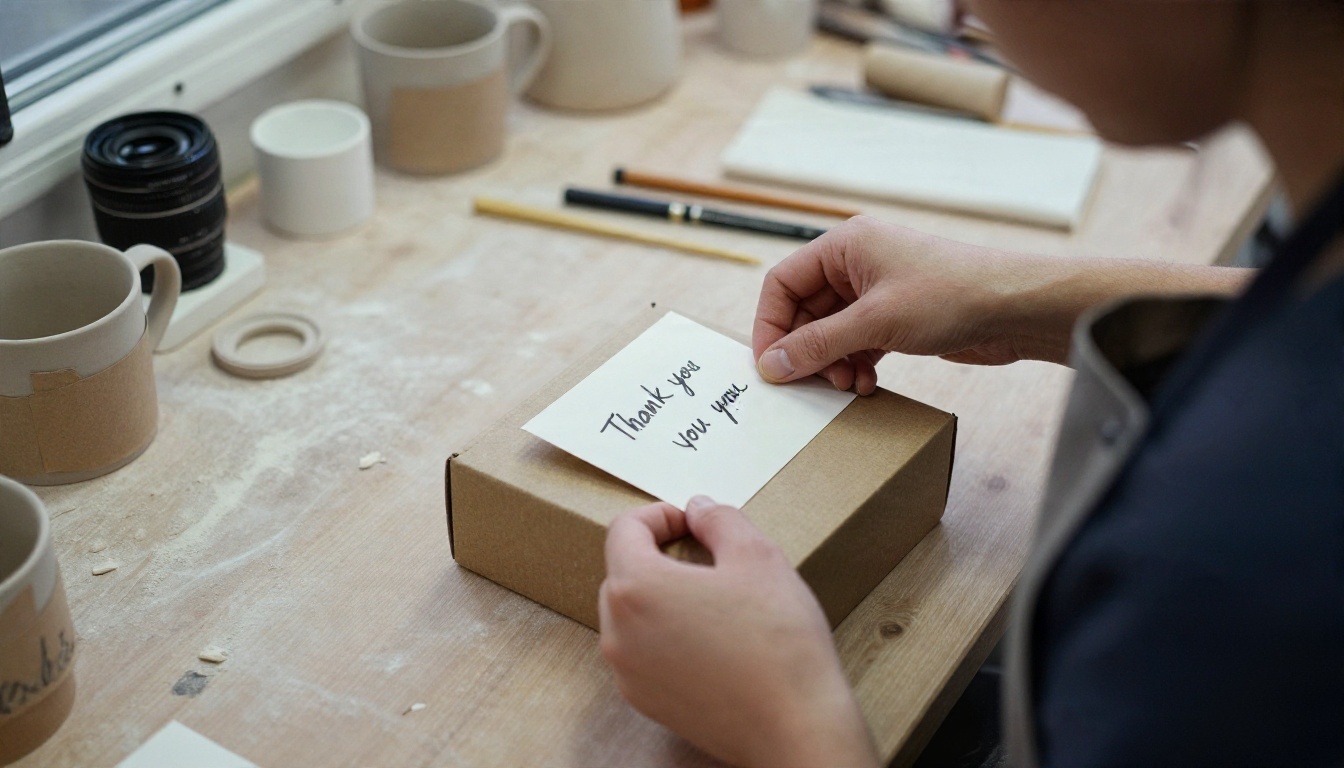
A ceramic studio, a bakery or a print seller can send a thank-you flip book after each order: a handwritten note on page one, care tips on page two, a discount postcard on page three. It feels personal, and it costs less than a printed insert in every box.
If you sell many items, combine postcards with a Digital Catalog Maker flipbook so the customer can go straight from a postcard to a product page.
Family and Friends
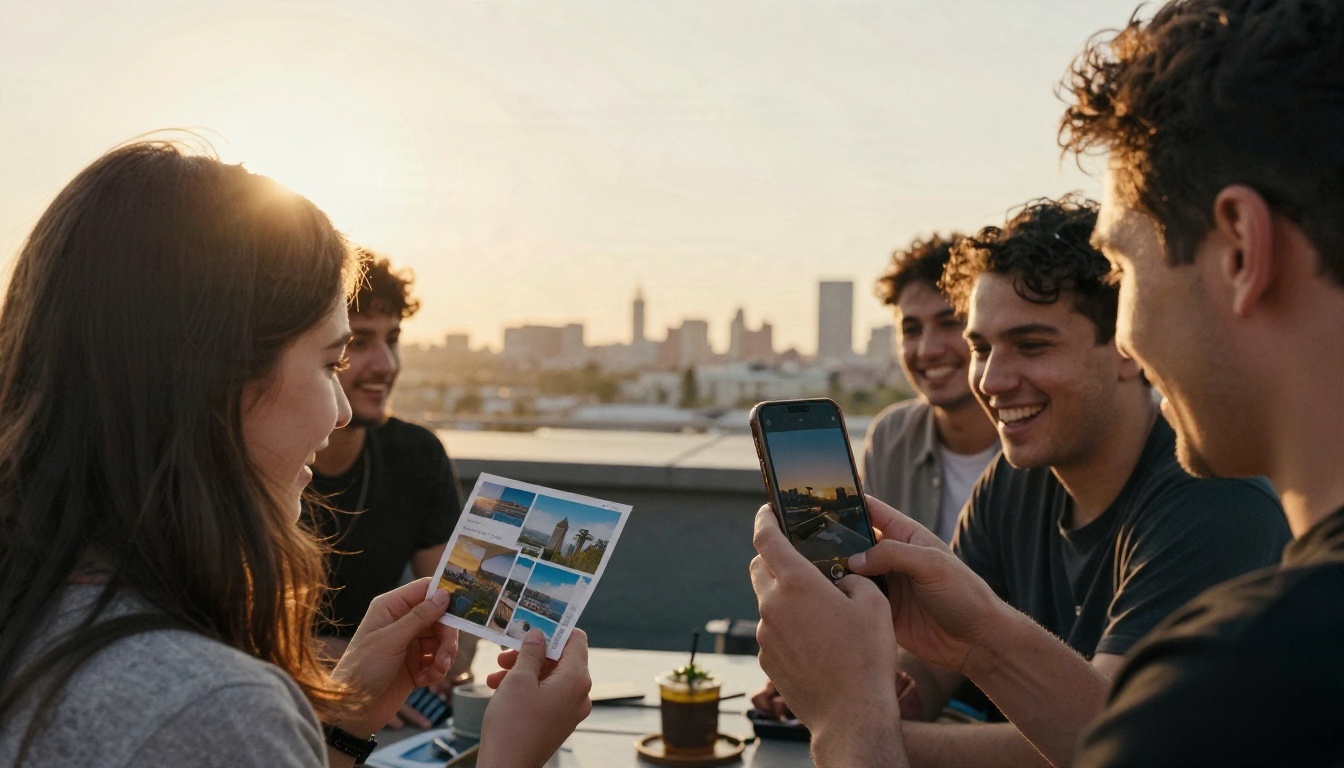
Holiday cards, trip diaries, grandparents' updates, birthday countdowns. A family can build a twelve-card flip book of the year and send it in December. It is far easier to share than a folder of photos, and far kinder to older relatives who struggle with attachments.
Quick Comparison of Ideas
| Idea | Best For | Suggested Pages | Extra Feature |
|---|
| Welcome stack | Hotels, rentals | 6 to 10 | Embedded map links |
| Wedding info set | Couples | 8 to 12 | Password protection |
| Thank-you stack | Online shops | 3 to 5 | Discount link |
| Travel diary | Individuals | 10 to 20 | Audio notes |
| Seasonal greeting | Businesses | 4 to 6 | Short video message |
| Portfolio postcards | Photographers | 8 to 12 | Contact button |
Template Layouts for Every Occasion
You do not need a design degree. Four layouts cover nearly every case, and you can build them in any editor that exports to PDF.

- Full-bleed photo front. One large image, no text, maybe a small handwritten caption. Ideal for travel.
- Split front. Half photo, half solid color with a short headline. Good for brands.
- Collage front. Three to five small photos in a grid. Great for family updates and event recaps.
- Text-led front. A bold quote or a single sentence on a flat background. Works as a divider between sections.
Front and Back Pairing
Pair every front with a back. The back carries the message, the signature and perhaps a stamp graphic. In the PDF, alternate pages: front, back, front, back. Readers instinctively understand it as flipping a physical card over.
Picking Fonts and Colors
Stick to two fonts: one serif for headlines, one clean sans-serif for body text. Pull your colors from the photo itself. A sandy beach photo wants warm creams and soft blues, not a bright red banner. Handwriting fonts are fine for signatures, but keep them away from paragraphs.
✅ Best practice: Use body text of at least 14 points on a 4 x 6 page. Anything smaller turns to dust on a phone.
How to Make One with Flipbooks AI
This is the part most people want: a working postcard flip book without a design studio. The process below takes roughly ten minutes once your postcards exist as a PDF.

Step 1: Build the PDF
Design your postcards in any tool you like, such as Canva, Figma, Affinity or even PowerPoint. Set the page size to your postcard format (for example 6 x 4 inches), place one postcard per page, and export as PDF. Keep front and back as consecutive pages.
Step 2: Create an Account and Upload
Go to Flipbooks AI and sign in. Upload your PDF. The platform converts each page into a flippable sheet automatically. You can also try the dedicated PDF to Flipbook Converter if you only need the conversion.
Step 3: Customize the Look
- Pick a background color that complements your cards. A soft neutral works with almost any photo.
- Add your logo and brand colors for a custom look.
- Choose the page effect: a gentle curl feels closest to paper.
- Embed video or audio on specific pages, for example a thirty-second voice greeting on the final card.
- Add clickable links on the back of each card, such as booking, shop or map links.
Step 4: Share It
You get three main options:
- Direct link to paste into a message or email.
- Embed code for your website. See how with the Embed Flipbook on Website tool.
- QR code printed on a physical card, which sends people to the digital stack.
Need privacy? Turn on password protection so only invited guests can open the stack. This is handy for weddings and private family albums.
Step 5: Use the Pro Features
On the Professional plan, you can see analytics (views and clicks) and collect leads through a form that appears before the flipbook opens. You can also allow offline downloads, so a guest can read the stack on a flight. Compare the options on the pricing page.
💡 Pro tip: Name your PDF pages clearly (for example "01-front", "01-back") before upload. It makes updating a single card later much faster.
Free Online Maker Comparison
"Free" can mean many things. Some makers give you a trial and then lock sharing. Others put a large logo across every page. Here is a quick way to judge any tool before you spend an evening on it.
| Question to Ask | Why It Matters | What You Want to See |
|---|
| Is there a watermark? | It ruins photos and looks unprofessional | No watermark, ever |
| How many flipbooks can I make? | Postcard sets add up quickly | Unlimited on paid plans |
| Can I embed it? | Your website should hold the stack | Embed code available |
| Is it mobile-responsive? | Most people open links on phones | Yes, with touch swipe |
| Can I protect it with a password? | Weddings and family albums are private | Built-in option |
| Can I update the file? | Typos happen | Replace PDF, keep same link |
Flipbooks AI never adds watermarks, and the Standard plan and above allow unlimited flipbooks. You can browse other flipbook tools to see which format suits a bigger project, and try it free before choosing a plan.
DIY Alternatives and Their Trade-offs
You could also post each postcard as a separate image on social media, or send a PDF attachment. Both work, but neither turns like a book. Separate images get lost in a feed, and PDFs open as a long scroll rather than a stack. If the sequence matters to you, a flipbook is the better fit.
Mistakes That Ruin a Postcard Flip Book
Most failures come from the same five habits.
- Tiny text. If you need to pinch to read it, the postcard has failed.
- Heavy files. A 120 MB PDF will stall on a train. Compress the images.
- Mixed orientations. Landscape and portrait pages in one file break the rhythm.
- No call to action. Every stack needs a last card that says what to do next: book, buy, reply.
- Forgetting the back. A stack of only fronts feels like a slideshow. The back is where the postcard feels real.
⚠️ Watch out: Check your stack on an actual phone before you send it. Desktop previews hide problems that show up instantly on a small screen.
A Simple Checklist Before Sending
- Pages are all the same size and orientation
- Text is at least 14 points
- File is compressed and loads fast
- Links on every back page work
- Password is set if the content is private
- You tested the link on both iPhone and Android
Ready to Send Your First One?
A postcard flip book is one of the easiest things you can publish. Pick a size, build four to twelve cards, export a PDF and let the platform handle the page turns. You get the charm of a mailed postcard with the speed of a link.
Your next postcard does not need a stamp. It just needs a good photo and a link.



