You have a meeting on Thursday, an investor, client or buyer who wants to see what you offer, and a blank page that refuses to fill itself. This is exactly why pre made pitchbooks exist. A good template gives you the structure, the pacing and the visual polish, so you only need to bring the story. The second half of the job is delivery: a PDF attached to an email gets buried, while a page-turning online version opens in one click. With Flipbooks AI you can turn any finished pitchbook into a shareable flipbook, no watermark attached.
This article walks through where to find templates, what strong examples look like, which free options are actually usable, and how to publish the result online. Expect tables, checklists and a short tutorial.
What a Pre Made Pitchbook Is
A pitchbook is a structured, mostly visual document that makes a case for something: a company, a property, a service, a deal. A pre made pitchbook is simply a template with the layout, typography, placeholder charts and section order already decided. You swap in your own words, numbers and images.
Pitchbook vs. Pitch Deck
People use the two terms loosely, but there is a practical difference.
| Feature | Pitch Deck | Pitchbook |
|---|
| Format | Landscape slides | Often portrait or landscape pages |
| Use | Presented live | Read alone or discussed after |
| Text density | Low, spoken context | Medium to high, self-explanatory |
| Typical length | 10 to 15 slides | 15 to 40 pages |
| Best for | Pitch meetings | Follow-ups, due diligence, sales |
A deck supports you while you talk. A pitchbook has to work when you are not in the room, which is why layout and readability matter so much.
Who Uses Them
Pitchbooks started in investment banking, but today they appear almost everywhere:
- Startup founders sending a fundraising overview before a first call
- Real estate agents presenting a property or portfolio to buyers
- Agencies pitching a campaign or retainer to a new client
- Consultants packaging a proposal with case studies and pricing
- Sales teams leaving a branded summary after a demo
💡 If your readers will open the document on a phone between meetings, choose a template with large type and generous margins. Tiny footnotes become unreadable fast.
Where to Find Pre Made Pitchbooks
There is no shortage of sources. The real question is which one matches your time, budget and design confidence.
Free Template Sources
Most design and office tools ship free galleries, and many are good enough for a first version:
- Presentation software galleries: PowerPoint, Google Slides and Keynote all include business templates with charts, team pages and timeline layouts.
- Online design editors: browser-based editors offer drag-and-drop pitch layouts you can export as PDF.
- Community template libraries: designers and founders share editable files, often with a free tier and a premium upgrade.
- Open document formats: simple Word or Docs proposals can serve as a lean pitchbook when design is not the priority.
Paid Marketplaces
Premium marketplaces sell polished templates for a one-time fee. They usually bring stronger typography, curated color systems and vertical-specific layouts (SaaS, real estate, fashion, finance). If the pitchbook is tied to a large deal or fundraising round, paying a modest amount for a cleaner base is often worth it.
When to Build from Scratch
Start from a blank page only if you have a design system already, such as brand fonts, a color palette and a photo library. Otherwise, a template saves hours and prevents the classic mistake of inconsistent spacing.
| Source | Cost | Design Quality | Editing Speed | Best For |
|---|
| Free office galleries | Free | Decent | Fast | First drafts, internal use |
| Online design editors | Free tier or subscription | Good | Fast | Founders, small teams |
| Paid marketplaces | One-time fee | Very good | Medium | High-stakes pitches |
| Custom design | Highest | Tailored | Slow | Established brands |
Pitchbook Examples by Industry
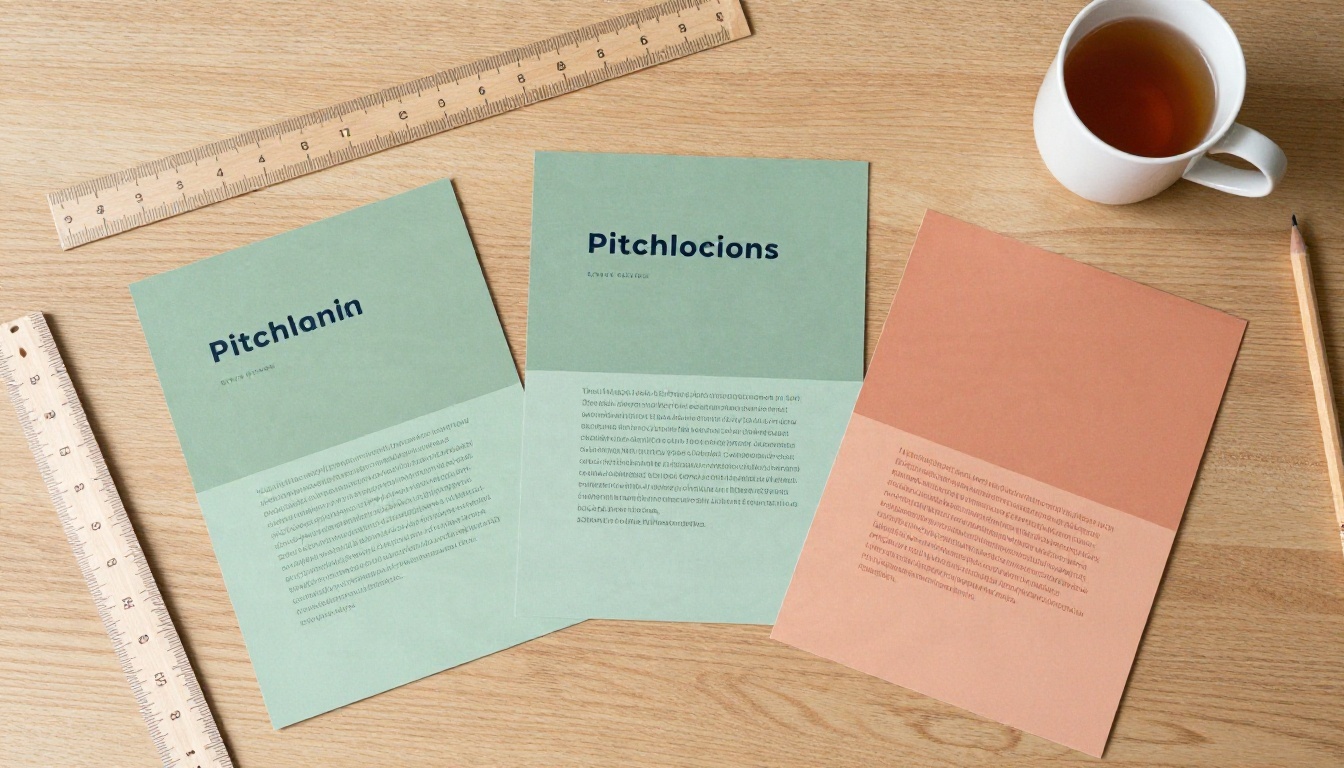
Seeing a structure in action makes a template easier to adapt. Here are three common patterns and the page order that tends to work.
Startup Fundraising
An investor-facing pitchbook usually follows a story arc:
- Problem: one page, one painful sentence
- Solution: what you built and why it is different
- Market size: a single clear chart
- Traction: revenue, users or pilots
- Business model: how money moves
- Team: faces, roles, one proof point each
- Financial outlook: three to five years, simple
- The ask: amount, use of funds, timeline
Keep each page focused on a single idea. Investors skim first and read later.
Real Estate Listings
A property pitchbook leans on photography. A strong layout opens with a hero image, then moves through floor plan, neighborhood highlights, comparable sales and pricing. Agents who want a ready structure can start from the Real Estate Brochure Creator and adapt it to a pitchbook length.
Agencies and Sales Teams
Agencies tend to open with results, not credentials. A winning order is: client outcome, approach, three short case studies, team, pricing options, next steps. The Sales Presentation flipbook tool suits this format well because every page can carry a clickable link or embedded video.
| Industry | Opening Page | Proof Page | Closing Page |
|---|
| Startup | Problem statement | Traction chart | The ask |
| Real estate | Hero photograph | Comparable sales | Viewing schedule |
| Agency | Client result | Case study | Pricing tiers |
| Consulting | Executive summary | Methodology | Timeline and fees |

Free Options Compared
"Free" can mean very different things. Some tools are free for the design stage and charge for export or sharing. Others are free forever but limit you to a watermark or a handful of projects.
What "Free" Usually Costs
Before you commit, check these four things:
- Watermarks on exported files or shared links
- Export limits, such as low-resolution PDFs only
- Page caps that force you to cut content
- Sharing restrictions, including no password protection or expiring links
⚠️ A watermark on a client-facing pitchbook undermines trust. If you are pitching for real money, avoid tools that stamp their name on your work.
Here is a practical way to combine free tools:
| Stage | Free Option | Watch Out For |
|---|
| Drafting content | Docs or slide software | Layout drift between devices |
| Designing pages | Template gallery or online editor | Premium-only elements |
| Exporting | PDF export | Compression and low-res images |
| Publishing online | PDF to Flipbook Converter | Plan limits, check pricing |
The smart move is to design wherever you feel comfortable, export a high-quality PDF, and handle publishing as a separate step. That keeps your template choice flexible.
Build a Pitchbook with Flipbooks AI
Once your PDF is ready, the online step takes minutes. Here is the full path from file to shareable link.
Upload Your PDF
- Go to Flipbooks AI and create an account.
- Click to start a new flipbook and drag in your exported PDF.
- The platform converts each page into a smooth, page-turning layout. Fonts, charts and images stay sharp.
- Preview it on desktop and mobile. The result is responsive, so it adapts to any screen.
💡 Export your PDF at the final page size before uploading. A portrait pitchbook uploaded as a landscape file will leave awkward margins.
Brand It
Customization is where a template starts to feel like yours:
- Custom branding: add your logo, set a background color that matches your palette
- Page effects: pick the page-turn style and speed
- Multimedia: embed a short intro video, a product demo or an audio note from the founder
- Clickable links: point readers to pricing, a calendar booking page or a data room
Share It
You have three main sharing paths:
| Method | Best For | Notes |
|---|
| Direct link | Email, chat, LinkedIn | Fastest option |
| Embed code | Websites, landing pages | See Embed Flipbook on Website |
| Password protection | Investors, confidential deals | Share the password separately |
For sensitive material such as financial projections, turn on password protection. Offline downloads can also be enabled, which helps when a reader will be on a plane or in a meeting room with unreliable Wi-Fi.

Analytics and Lead Capture
On the Professional plan you can see who opened your pitchbook, how long they stayed and which pages held attention. Lead generation forms can also ask for a name and email before the pitchbook opens. That turns a passive document into a pipeline tool. Compare plans on the pricing page. The Standard plan and above also includes unlimited flipbooks, handy if you keep a different version for each prospect.
For presentation-style layouts, the Presentation Flipbook Designer is another good starting point, and financial teams can look at the Annual Report Creator for data-heavy pages.
Mistakes That Sink Pitchbooks
Even a gorgeous template cannot rescue a weak document. Most failures come from the same handful of habits.
5 Common Slip-Ups
- Leaving placeholder text in. One stray "Lorem ipsum" or an old client name is enough to lose credibility. Search the file before you export.
- Cramming too much onto one page. If a page needs a magnifying glass, split it.
- Using stock photos that look like stock photos. Real team photos, real products and real screenshots feel more trustworthy.
- Skipping a clear ask. Every pitchbook should end with what you want the reader to do next.
- Sending a heavy attachment. Large PDFs bounce, get blocked or load slowly. A link opens instantly.
✅ Best practice: ask a colleague who has never seen the project to read the pitchbook for three minutes and tell you what it is selling. If they hesitate, your first three pages need work.
Quick Wins for Better Pages
- Keep one headline per page and write it as a full statement, such as "Customer retention grew 31% in a year."
- Limit yourself to two fonts and three colors.
- Use captions under charts so the point is obvious without a voiceover.
- Put your contact details on the last page and again in the shared link message.
A Simple Customization Checklist
Use this list every time you adapt a template. It takes ten minutes and prevents most embarrassing errors.
Content
- Replace every placeholder name, number and date
- Check that figures match across pages
- Add sources under any statistic
Design
- Apply brand colors and fonts consistently
- Compress images without visible quality loss
- Align margins and check the first page on a small screen
Delivery
- Export a high-quality PDF
- Convert it to a flipbook and test the link on a phone
- Add password protection when the content is confidential
- Decide whether to enable downloads or lead capture
| Audience | Recommended Setup |
|---|
| Cold prospect | Open link, lead capture form |
| Warm investor | Password protected, analytics on |
| Website visitors | Embedded flipbook on landing page |
| Partners | Offline download enabled |

For teams that produce many documents, such as portfolios, price lists or reports, the same process applies. Try the Digital Portfolio Creator for creative work or the Digital Price List Generator for catalogs and rate cards.
Ready to Share Yours?
A pre made pitchbook gets you from zero to a solid draft in an afternoon. The step that makes it work in the real world is putting it online in a format people actually enjoy opening.
Here is the short path:
- Pick a template that matches your industry and edit it with your own story.
- Export a clean PDF.
- Get started for free on Flipbooks AI and upload it.
- Add branding, protect it if needed, and send the link.
Want more options? Browse all flipbook tools and templates to find the right format, or compare pricing plans to choose the level of analytics and lead capture that fits your pitch.



