A journalist has about ninety seconds to decide whether your story deserves a reply. That is the window your press kit has to work in, and most kits waste it on buried logos, bloated PDFs and bios that read like a LinkedIn summary. The good news: a strong kit is easier to build than most people think. This article walks through real press kit examples, the press kit format that gets opened, the contents reporters actually use, and free template ideas you can copy today. We will also build one as a page-turning digital publication with Flipbooks AI, so your kit looks sharp on every screen and never ships as a 40 MB email attachment.
What a Press Kit Actually Is
A press kit (also called a media kit) is a single, organized package of facts, images and quotes that lets a reporter write about you without chasing anyone. Think of it as a ready-to-use briefing. If a writer can lift a clean headshot, a verified number and a quotable sentence in under two minutes, your kit did its job.
Press Kit vs Media Kit
The terms overlap, but the intent differs slightly:
| Term | Main Audience | Typical Goal | Usual Content |
|---|
| Press kit | Journalists, editors, bloggers | Earn an article or interview | Story angle, fact sheet, bios, photos, quotes |
| Media kit | Advertisers, sponsors, partners | Sell ad space or sponsorship | Audience data, rate card, demographics |
| Event press kit | Reporters covering a launch | Drive attendance and reporting | Schedule, speaker bios, venue details |
Many brands blend both. If you want press mentions and partnerships, build one kit with a clear press section and a short partnership section at the back.
Who Reads It
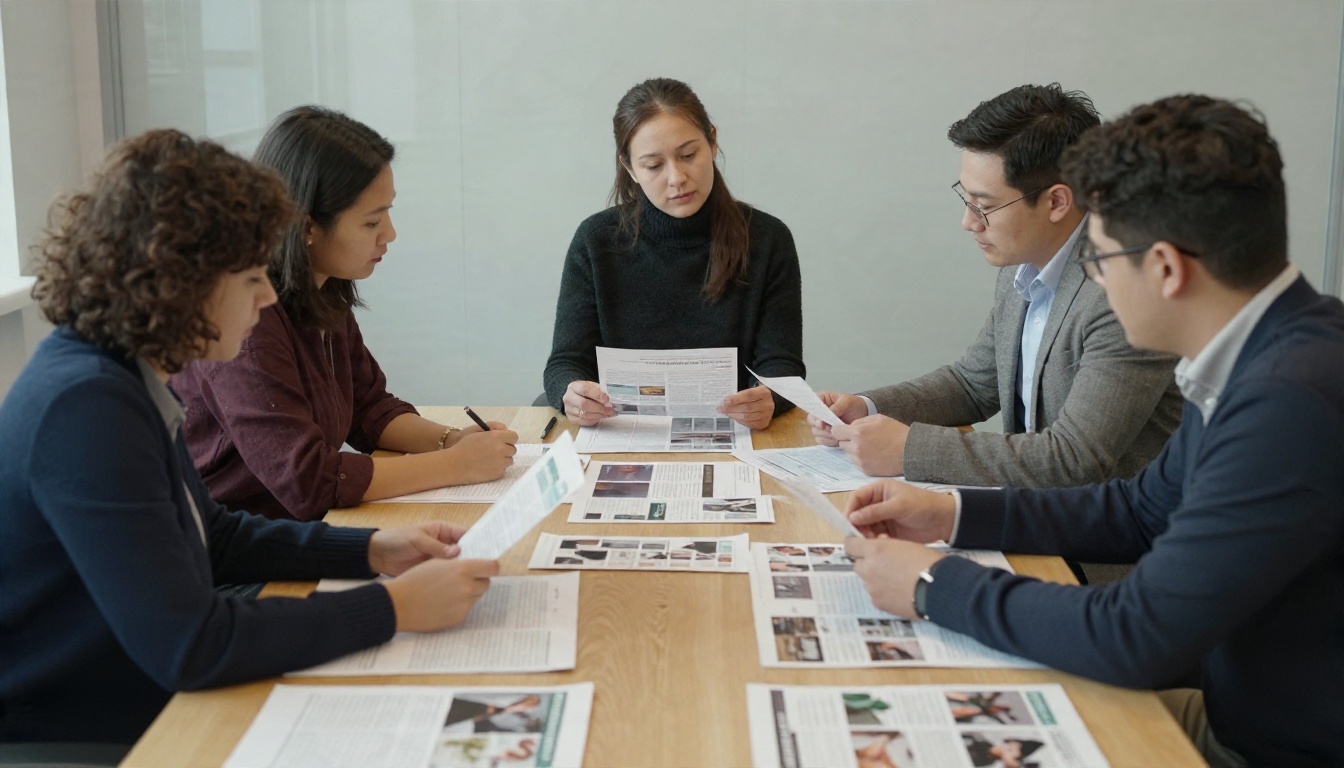
Your readers are busy, skeptical and often on deadline. Editors skim. Freelancers hunt for a fresh angle. Podcast bookers want a bio they can read aloud. Each one scans for different things, so structure matters more than polish.
💡 Pro tip: Write the kit for the laziest reader you can imagine. If the first page does not tell them who you are, what is new and why it matters now, they will move on.
Press Kit Contents Journalists Expect
Skip the filler. Every item below earns its place because a reporter will copy, paste or download it.
The Core Documents
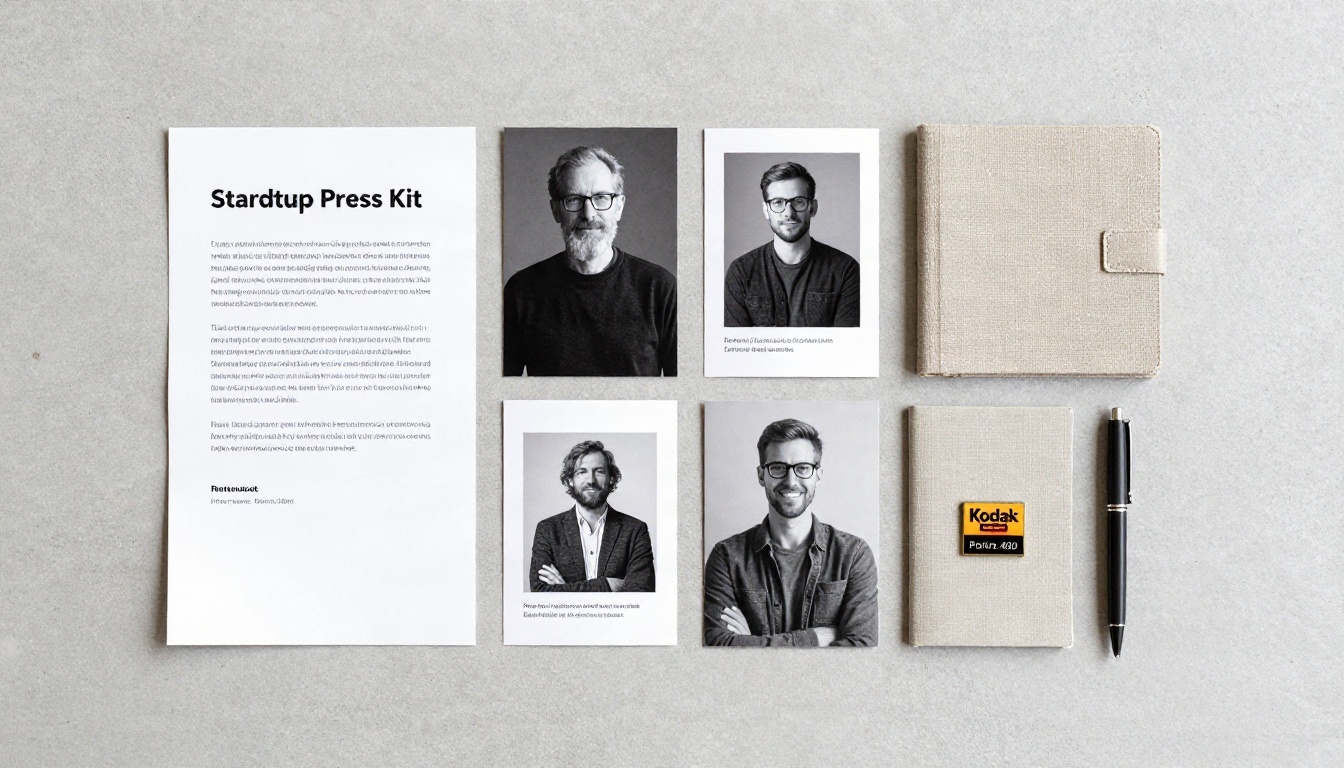
| Item | Length | Why It Matters | Priority |
|---|
| Cover page with one-line pitch | 1 page | Frames the story immediately | Must have |
| Company fact sheet | 1 page | Founding date, location, size, mission, contact | Must have |
| Press release or story angle | 1 page | Gives the reason to write now | Must have |
| Founder and team bios | 100 to 150 words each | Lets writers introduce people accurately | Must have |
| High-resolution photos | 5 to 10 images | Saves a photo request email | Must have |
| Logo pack | 3 to 4 versions | Prevents stretched or recolored logos | Must have |
| Product or service overview | 1 to 2 pages | Explains what you sell in plain words | Should have |
| Past press mentions | Half page | Builds credibility fast | Should have |
| Quotes and testimonials | 3 to 5 | Offers ready-made sound bites | Should have |
| Contact details | Footer on every page | One name, one email, one phone number | Must have |
Photos and Brand Assets
Photos decide whether your story runs with a picture, and stories with pictures get more space. Offer a mix: a founder portrait, a team shot, product images on a clean background, and two or three lifestyle photos that show your work in use. Name files plainly (for example, founder-portrait.jpg) so editors do not have to guess.
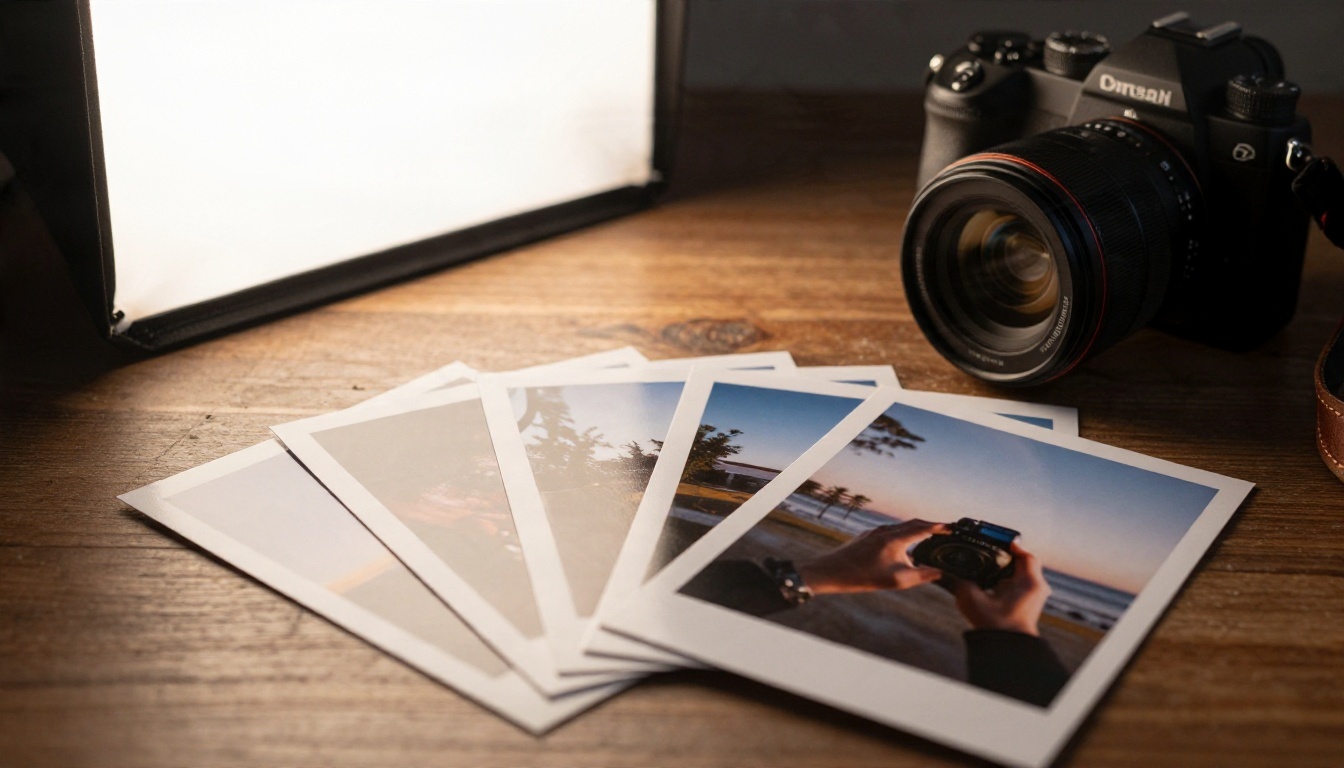
✅ Best practice: Provide images at 300 DPI for print and a web-sized version for blogs. State clearly that photos are free to use with credit, and name the photographer.
Founder Bio and Quotes
Write the bio in the third person and open with the most newsworthy fact, not the birthplace. Then add two quotes written in a natural speaking voice. A good quote has an opinion in it. "We are thrilled to announce" tells a reporter nothing. "Most small shops lose customers at checkout, so we rebuilt the whole flow around one tap" gives them a line they can print.
Format affects whether your kit gets opened at all. A heavy attachment may bounce. A plain link to a cluttered folder gets ignored. Here is how the common options stack up:
| Format | Pros | Cons | Best For |
|---|
| Emailed PDF | Familiar, easy to attach | Large files, no tracking, awkward on phones | Quick one-off pitches |
| Web press page | Always current, searchable | Needs a developer or a site builder | Established brands |
| ZIP folder | Bundles all assets | Reporters hesitate to open unknown ZIPs | Photo-heavy stories |
| Digital flipbook | Page-turn feel, mobile friendly, trackable, one link | Needs a source PDF | Almost everyone |
| Printed folder | Memorable at events | Cost, shipping, goes out of date | Trade shows and launches |
Why Flipbook Format Works
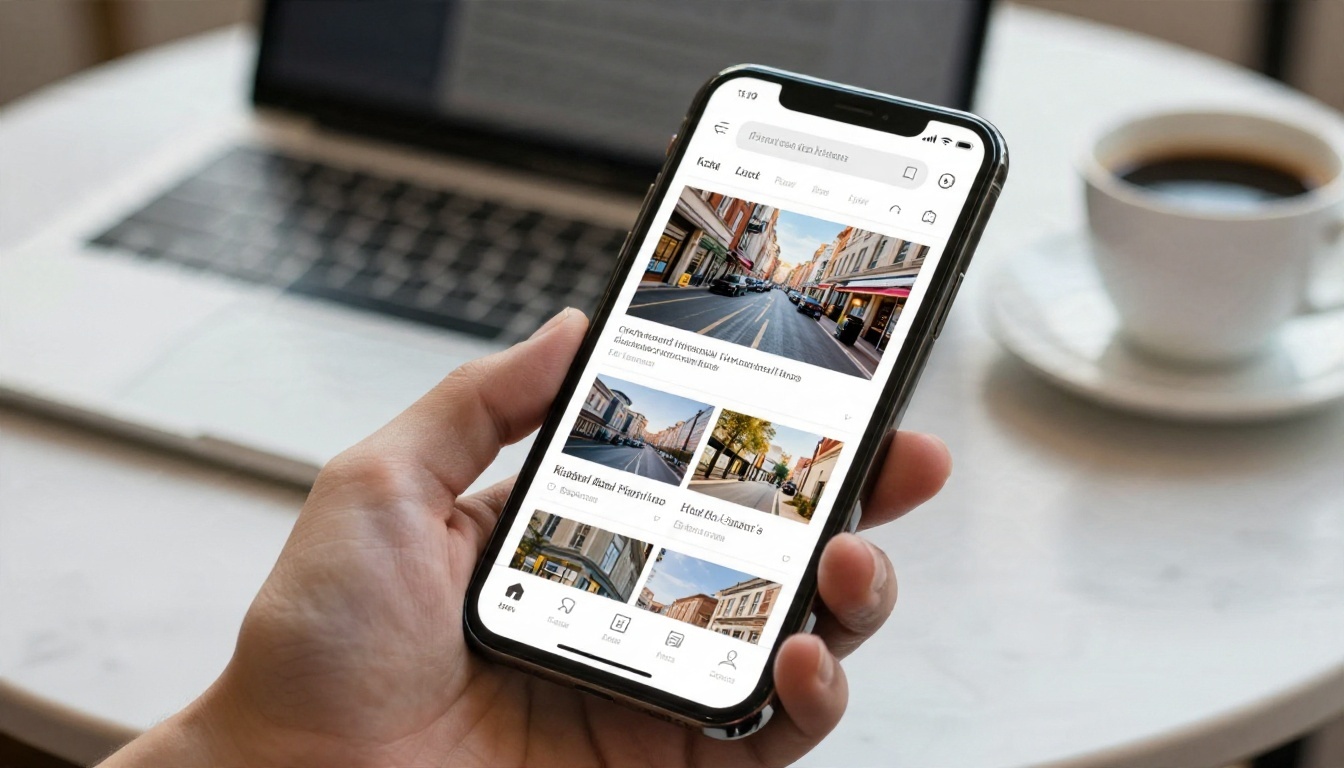
A flipbook gives you the best parts of each option. It arrives as one link, opens instantly on a phone, keeps your layout intact, and still feels like a designed publication instead of a file dump. You can update the content without resending anything, and you can see who opened it.
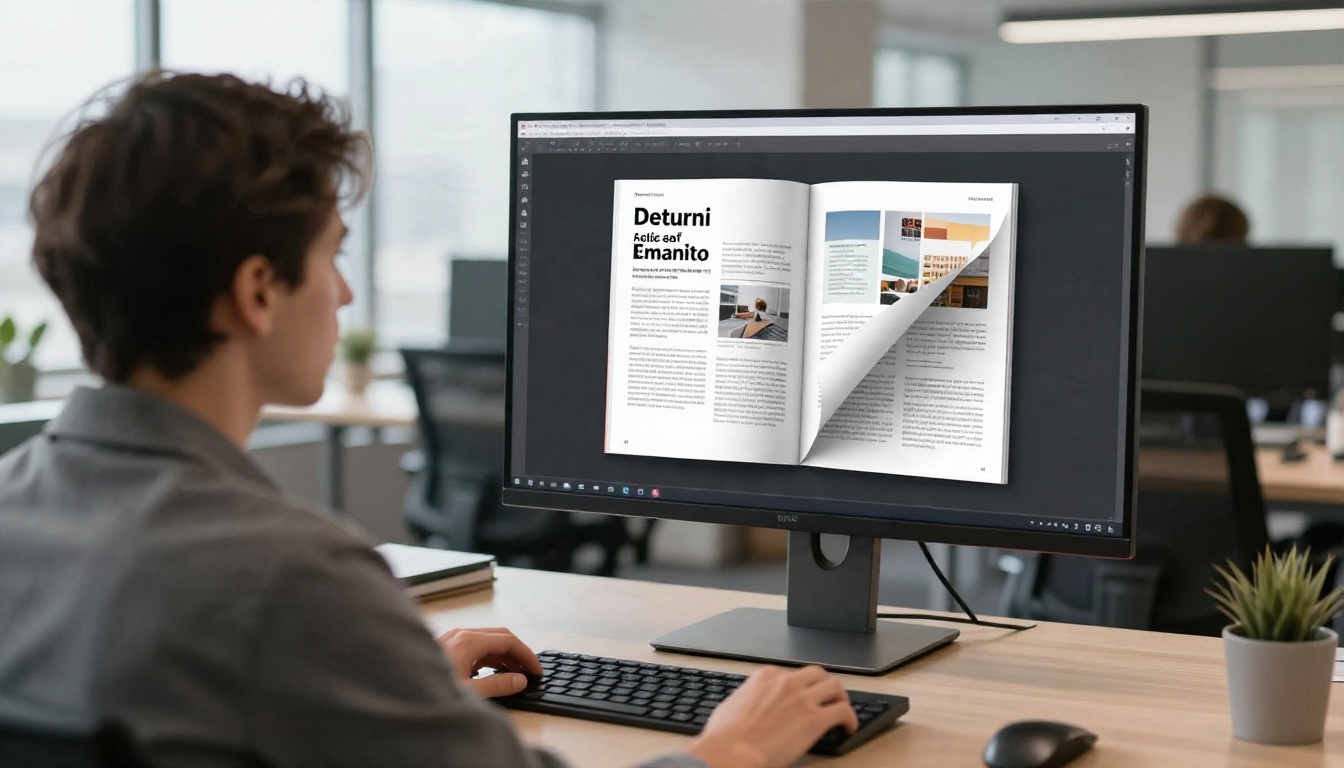
If you only need the conversion step, the PDF to Flipbook Converter turns any existing PDF into a shareable flipbook in minutes. If you want a layout built for this exact job, the Press Kit Designer is the place to start.
Page Length and Structure
Aim for 6 to 12 pages. Long enough to answer questions, short enough to read on a train. Here is a structure that works for most brands:
- Page 1: Title page with logo, tagline and the one-line pitch.
- Page 2: The story: what is new, why now, why you.
- Page 3: Fact sheet with numbers, dates and links.
- Pages 4 and 5: Founder and team bios with portraits.
- Pages 6 to 8: Product or project highlights with photos.
- Page 9: Quotes, awards and past press mentions.
- Page 10: Downloadable assets and contact details.
Press Kit Examples by Industry
Rather than showing you screenshots that go stale, here are three real-world patterns that keep working. Borrow the structure, then swap in your own details.
Startup Launch Kit
A software startup preparing for a funding announcement keeps the kit lean. The title page leads with a single metric ("12,000 teams onboarded in nine months"). Page two tells the founding story in four short paragraphs. The fact sheet lists funding, headcount, headquarters and a link to the product demo. The back of the kit offers a founder Q&A that a podcast host can read from directly.
What makes it work: a number on page one, an honest founding story, and answers to the obvious questions before anyone asks.
Local Business Kit
A neighborhood bakery opening its second location does not need investor language. It needs a hook for the city paper. The kit opens with a mouth-watering hero photo and the line "Third-generation recipes, second location." Inside: owner bio, a short history, a seasonal menu with prices, opening hours and four high-resolution food photos. A restaurant owner can use the Restaurant Menu Creator to build the menu page, then drop it into the same flipbook.
What makes it work: a local angle, a sensory photo and zero jargon.
Creator and Author Kit
An independent author releasing a novel needs the kit to serve bloggers, podcasters and bookshop owners. It includes a short and a long bio, a book synopsis, an excerpt, cover art in two sizes (the author's own words, not a template), review quotes, and a list of suggested interview questions. A Digital Portfolio Creator layout suits photographers, illustrators and designers who want to show work samples in the same package.
What makes it work: suggested questions. They save the host preparation time and steer the conversation toward your best material.
| Example | Hook | Lead Asset | Closing Page |
|---|
| Software startup | A growth metric | Founder portrait | Founder Q&A |
| Neighborhood bakery | Local heritage | Hero food photo | Opening hours and contact |
| Independent author | A fresh story premise | Excerpt page | Interview question list |
| Nonprofit | A measurable outcome | Impact photo | Donation and media contact |
Free Press Kit Template Ideas
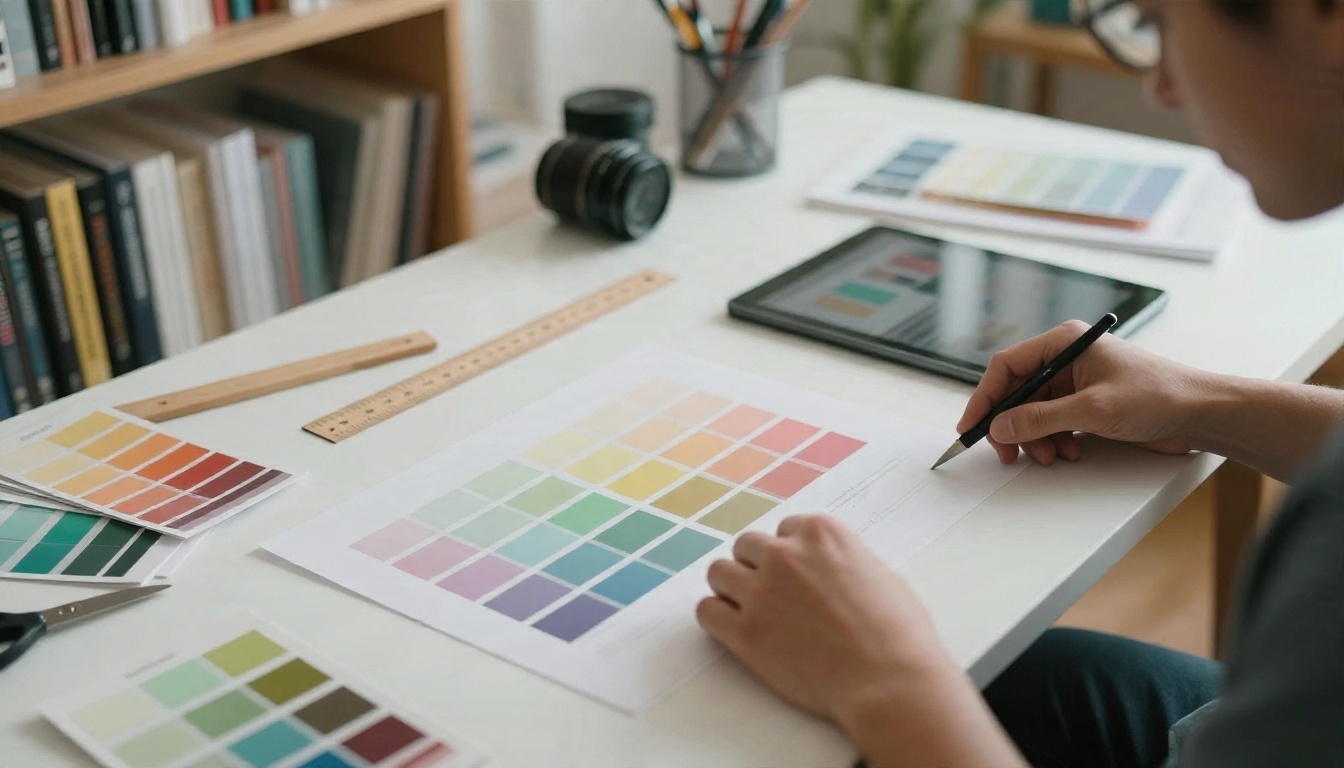
You do not need to buy a template. A clean grid, two fonts and consistent margins beat any fancy pack. Here are three starting points.
The One-Page Snapshot
Best when you are pitching cold and want the lightest touch. One page holds a headline, a three-sentence story, four fact bullets, one portrait, one product photo and your contact line. Link it to a fuller kit for anyone who replies.
The Ten-Page Standard
This is the structure from the page plan above. Use a large image on every other page, keep text columns narrow, and repeat your logo and contact line in the footer. If you publish annual numbers, a Corporate Report Maker or Annual Report Creator layout can supply a polished financial or impact page.
| Template | Pages | Best For | Build Time |
|---|
| One-Page Snapshot | 1 | Cold pitches | 30 minutes |
| Ten-Page Standard | 10 | Product launches | 2 to 3 hours |
| Event Edition | 6 to 8 | Conferences and openings | 2 hours |
| Product Showcase | 8 to 12 | Retail and e-commerce | 3 to 4 hours |
💡 Design shortcut: Pick one accent color from your logo, one serif font for headlines and one clean sans font for body text. Consistency reads as professionalism.
How to Create a Press Kit with Flipbooks AI
Follow these steps and you will have a shareable kit by the end of an afternoon. Start by visiting Flipbooks AI and creating an account.
Upload and Convert
- Build your pages in the design tool you already use (Canva, Google Slides, InDesign or Word) and export the result as a PDF.
- Sign in to Flipbooks AI and choose the upload option.
- Drop in your PDF. The platform converts each page into a flip-ready spread, usually within a minute.
- Check page order and image sharpness before moving on.
Screenshot description: the dashboard shows an upload panel at center, a thumbnail strip of your pages on the left, and a live preview on the right.
Customize the Look
- Add your custom branding: logo, brand colors and a background that matches your site.
- Pick a page-turn effect. Subtle curls feel more serious than flashy ones for press use.
- Embed a short video (a founder greeting works nicely) or audio clip such as a pronunciation of your name.
- Add clickable links so a photo page can send reporters to a downloadable high-resolution folder.
No watermarks appear on your finished kit, which matters when the audience is the press.
Share and Protect
| Sharing Method | How It Works | When To Use It |
|---|
| Direct link | One URL you paste into any email | Everyday pitches |
| Embed code | Place the kit on your site, see the embed guide | Your press page |
| Password protection | Lock the kit until a reporter has the code | Embargoed announcements |
| Offline download | Let reporters save a copy | Travel and slow connections |
⚠️ Embargo warning: If your news is time-sensitive, use password protection and share the code only after the embargo agreement is confirmed by email.
Track Who Reads It
The Professional plan adds analytics and lead generation. You can see how many people opened your kit, which pages held attention, and which outlets showed interest. Capture a name and email before the kit opens if you want a list of who is reading. Compare options on the pricing page. Unlimited flipbooks start on the Standard plan, so you can keep separate kits for each campaign.
Mistakes That Sink a Press Kit
Even a handsome layout fails if it breaks a reporter's workflow. Watch for these:
- Hiding contact details. Put a named person, an email and a phone number on every page footer.
- Writing like an advertisement. Replace superlatives with facts. "Fastest in the market" needs a source. "Cut checkout time from 90 seconds to 20" speaks for itself.
- Tiny, compressed photos. If a writer cannot use the image in print, they will use someone else's story.
- No news angle. A kit with no reason to act now reads as a brochure.
- Outdated numbers. One wrong date damages trust. Review the kit every quarter.
- Locking assets behind a form. Gate the kit if you must, but never gate the contact email.
✅ Final check: Open your kit on a phone, on a slow connection, and from an email account you have never used. If anything breaks, fix it before you send.
A Quick Pre-Send Checklist
- Does page one state the story in a single sentence?
- Are all names, titles and dates correct?
- Do the photos have credits and clear usage terms?
- Can a reporter reach a human within one click?
- Is the link tested on iOS, Android and desktop?
Ready to Build Yours?
A press kit is not a fancy extra. It is the shortest path between your story and the person who can tell it. Start with the ten-page structure, use the examples above as your outline, and publish it as a flipbook so every journalist gets one clean link instead of a pile of attachments.
Ready to put it together? Get started for free on Flipbooks AI, browse all flipbook tools and templates, or compare pricing plans to pick the one that fits your launch.



