You have a newsletter to send and two very different price tags in front of you. One quote comes from a local printer, the other from a software subscription page, and neither tells you what you will actually pay once postage, design time and list growth enter the picture. This article lays out real numbers, feature checklists and free options side by side, so you can pick a print and digital newsletter service without guessing. Along the way, you will see how Flipbooks AI turns a plain PDF into a page-turning digital edition that works next to, or instead of, paper.
What a Newsletter Service Really Is
The phrase sounds simple, but vendors use it for very different products. Before comparing prices, sort the offers into the right bucket.
Print Newsletter Services
A print service takes your finished layout, prints it on the paper stock you choose, and sometimes folds, addresses and mails it. You pay per copy, and the price moves with page count, paper weight, color and quantity.
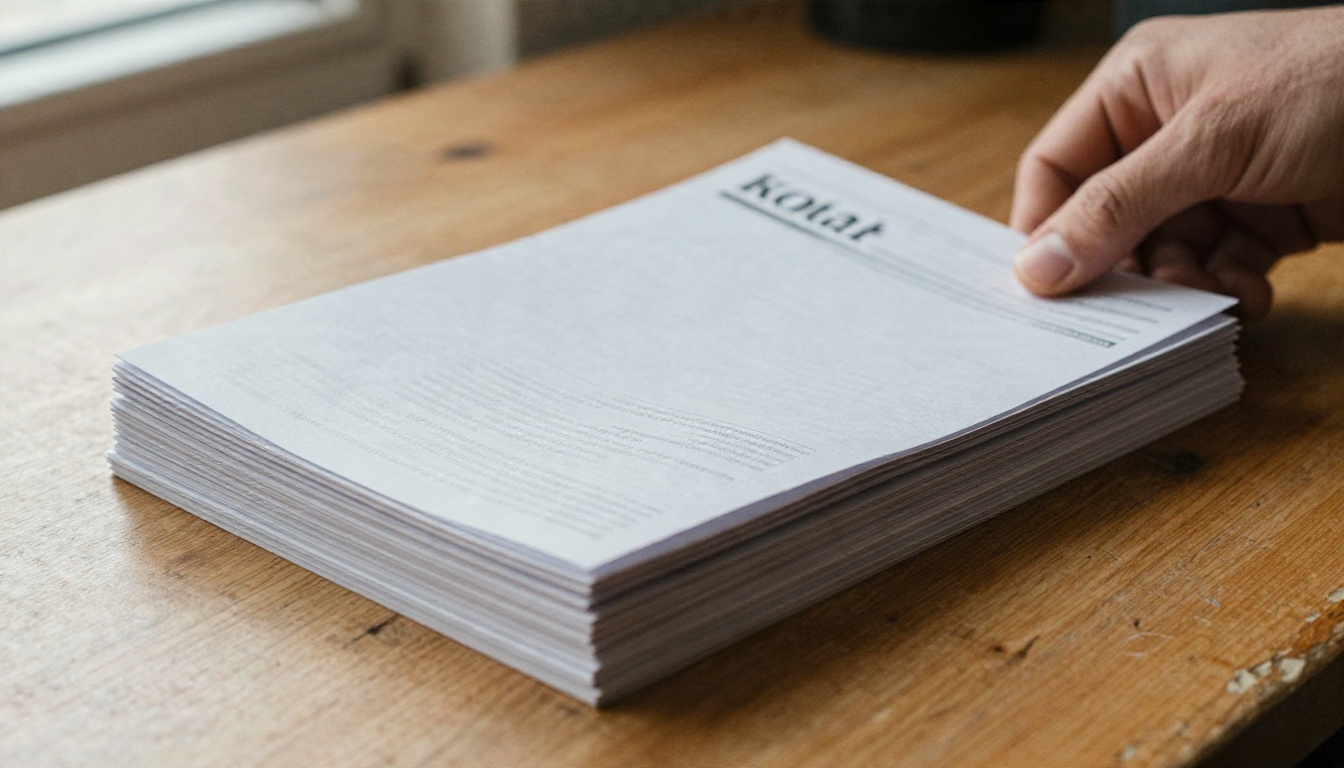
Print still earns its place for local businesses, clubs, churches, schools and property managers. A physical copy sits on a kitchen table for days, and that long shelf life is something no inbox can match.
Digital Newsletter Software
Digital software covers three main styles:
- Email platforms that send a message directly into the inbox.
- Web page builders that publish each issue as a webpage.
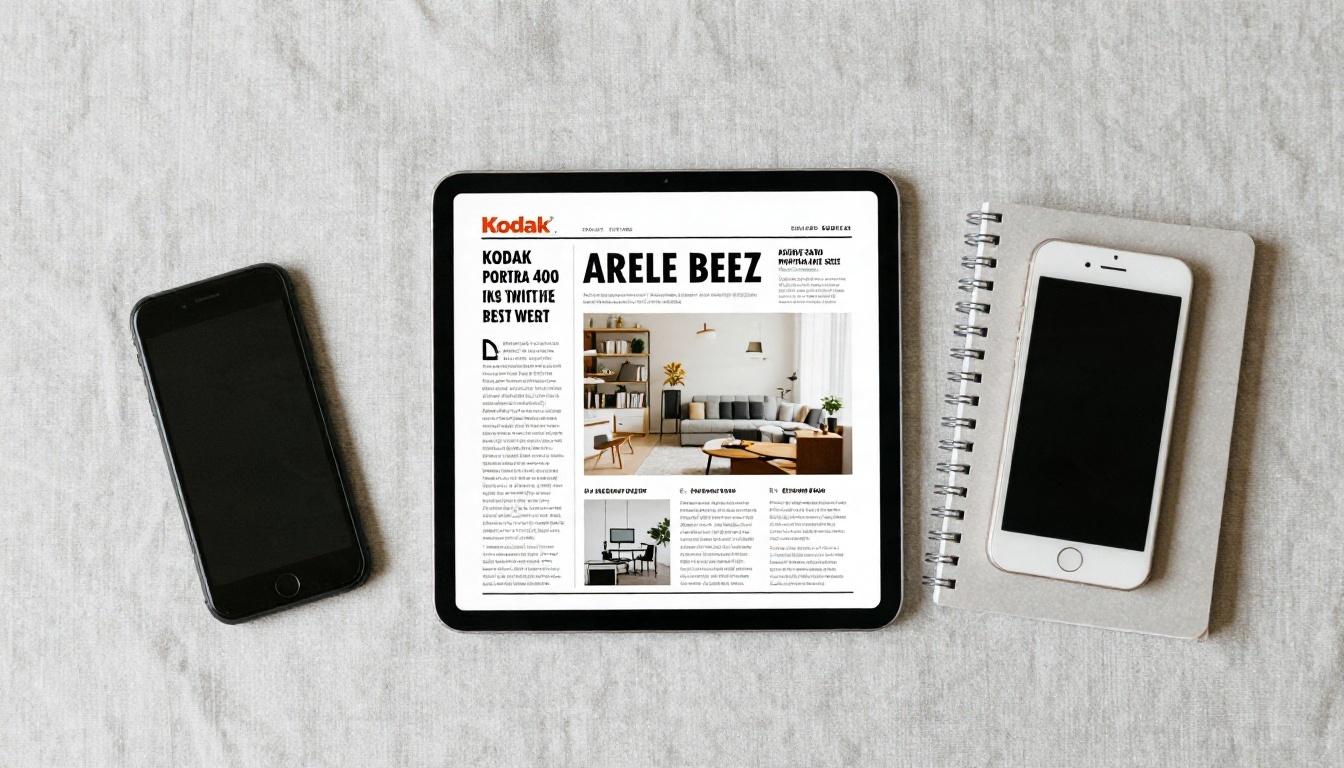
- Flipbook publishers that turn a designed PDF into an interactive, page-turning edition with a shareable link.
The third style is the bridge between print and digital. You keep the layout you already designed for paper, and readers get a version that opens on any phone. The Newsletter Flipbook Publisher is built for exactly this.
💡 Pro tip: If you already pay for print layout, you are 90 percent done with the digital edition. A PDF export is all a flipbook tool needs.
What Print Newsletters Cost
Print pricing looks cheap per copy and expensive per year. The trick is to multiply by every issue you plan to send.
Printing Costs Per Copy
The ranges below are rough estimates for a standard folded newsletter in a small run. Actual quotes vary by country, supplier and paper choice, so treat them as a planning baseline and not a promise.
| Format | Quantity | Approx. cost per copy | Approx. cost per issue |
|---|
| 2 pages, black and white | 250 | $0.15 to $0.30 | $40 to $75 |
| 4 pages, full color | 250 | $0.60 to $1.10 | $150 to $275 |
| 4 pages, full color | 1,000 | $0.30 to $0.60 | $300 to $600 |
| 8 pages, full color, stapled | 1,000 | $0.70 to $1.30 | $700 to $1,300 |
| 12 pages, glossy, saddle stitched | 2,500 | $0.65 to $1.20 | $1,625 to $3,000 |
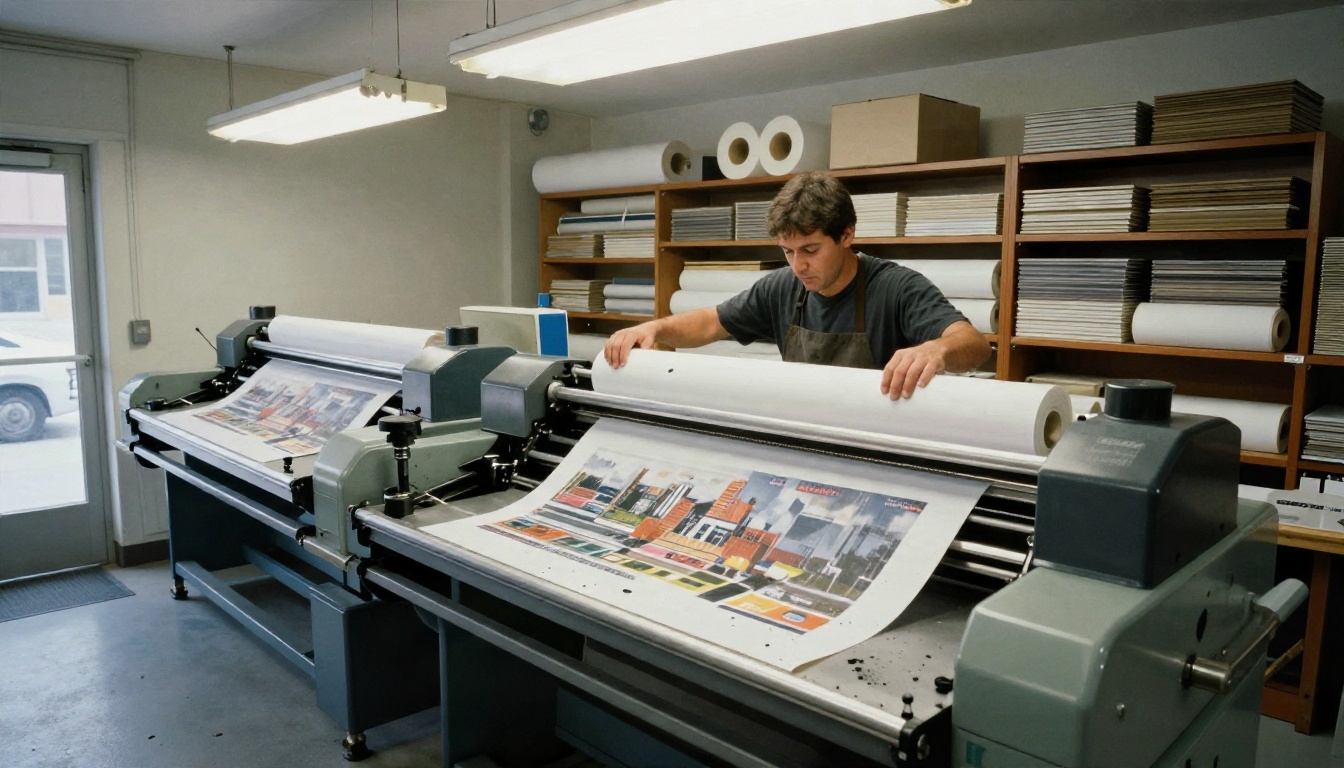
Notice how a larger run drops the unit price. That pushes many publishers to over-order, and leftover copies end up in a storage closet. A monthly 1,000-copy color newsletter at the middle of the range lands near $5,000 to $7,000 per year before a single stamp is bought.
Postage and Hidden Fees
Printing is only the first invoice. Mailing adds its own layers:
- Postage per piece, which rises with weight and sorting level.
- Address list hygiene, since returned mail wastes both paper and stamps.
- Folding, inserting and labeling if the printer does not bundle them.
- Proofs and rush fees when a deadline slips.
- Design time, the cost nobody writes on a quote.
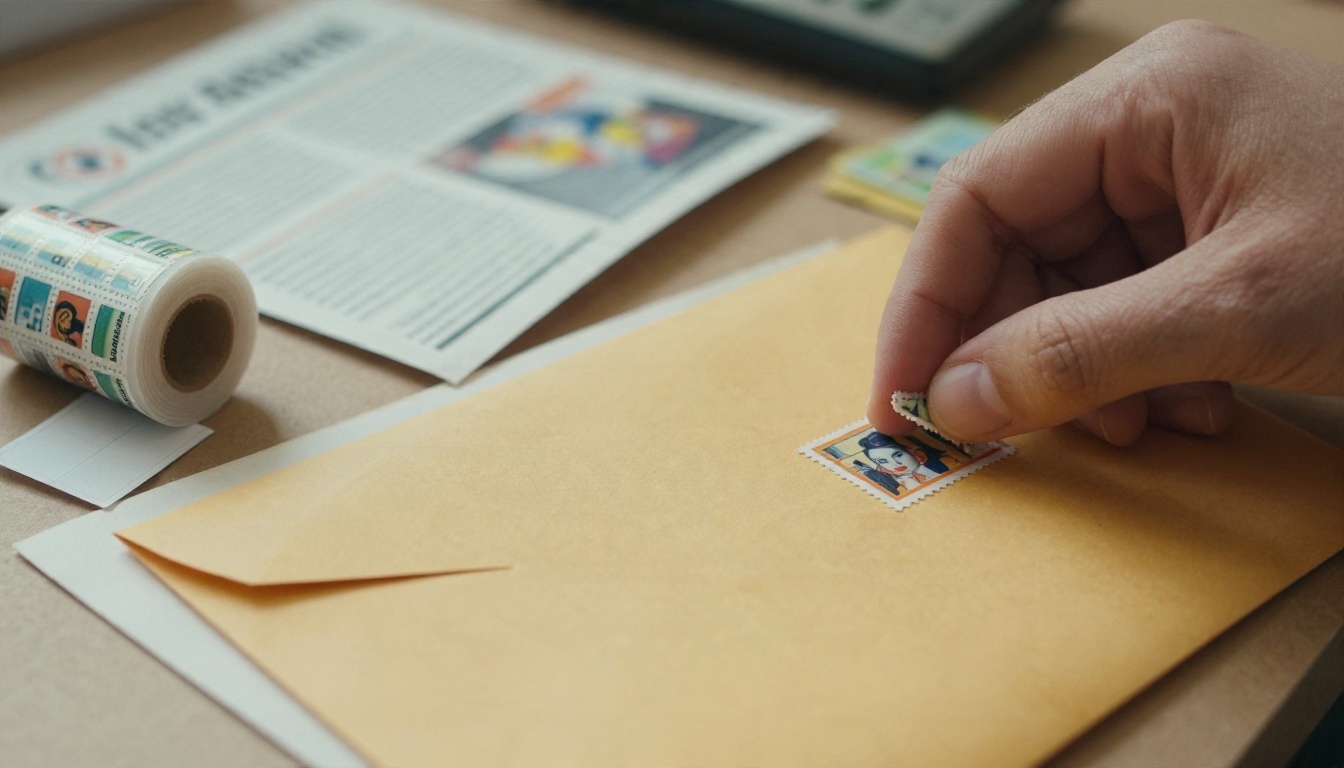
⚠️ Watch out: A printer quote that looks 20 percent cheaper often leaves out folding and addressing. Ask for the all-in delivered price before you compare.
What Digital Newsletter Software Costs
Digital pricing flips the print model. You pay a flat or tiered fee, and extra readers cost little or nothing. That makes budgeting easier, though the tiers hide their own traps.

Typical Pricing Models
Most vendors use one of four structures. Knowing which one you face tells you how the bill will grow.
| Pricing model | How it works | Best for | Watch for |
|---|
| Per subscriber | Price climbs as your list grows | Small, steady lists | Costs balloon after growth spurts |
| Per send | You pay for each issue or volume of emails | Irregular publishers | Surprise overage fees |
| Flat monthly plan | One fee, defined feature set | Teams with predictable output | Locked features on lower tiers |
| Per publication | Pay per document or flipbook | Occasional special editions | Caps on pages or views |
Flat plans are the easiest to forecast. With Flipbooks AI pricing, for instance, flipbooks are unlimited from the Standard plan up, which means a weekly newsletter does not cost more than a quarterly one.
Software Features Worth Paying For
Feature lists run long, but only a handful change the outcome for your readers. Here is how the common ones stack up.
| Feature | Why it matters | Priority |
|---|
| No watermark | Keeps your brand clean and credible | Must have |
| Mobile-responsive display | Most readers open issues on a phone | Must have |
| Custom branding and colors | Makes each issue recognizable | High |
| Password protection | Locks member-only or client-only issues | High for private content |
| Embedded video and audio | Adds interactive value paper cannot offer | Medium |
| Analytics | Shows which pages readers open and for how long | High for growth |
| Lead generation forms | Turns readers into contacts | High for sales teams |
| Offline download | Lets readers keep a copy for travel | Medium |
| Embed code | Places the issue on your own site | Medium |
✅ Best practice: Rank features by what you would miss after one month. Watermark removal and mobile display usually top the list. Everything else follows your goals.
Free Options and Their Limits
Free plans are real, and they are useful. They also exist to lead you toward a paid tier, so read the fine print before building your whole workflow on one.
What Free Plans Usually Include
Across email platforms and flipbook tools, free tiers tend to offer:
- A small subscriber or page cap.
- Basic templates with limited styling.
- Vendor branding or a watermark on the output.
- Little or no analytics.
- Community support instead of live help.
A free tier is perfect for a trial run. Publish one issue, ask five readers how it felt on their phones, and check whether the format fits your audience. You can test the flipbook route through the account page before spending anything.
When Free Stops Working
Free breaks down at predictable moments:
- Your list passes the cap and sending stops or the bill jumps.
- A watermark appears on a client-facing issue.
- You need numbers, and the plan has no analytics.
- A private issue needs a password, which is often a paid feature.
- Your brand needs control over colors, domain or layout.
💡 Pro tip: Keep your master copy as a PDF. If you ever outgrow a free tool, moving to another service takes minutes because the layout travels with you.
Print vs Digital Side by Side
Here is the direct comparison most buyers want. It assumes a monthly newsletter with a list of about 1,000 readers.
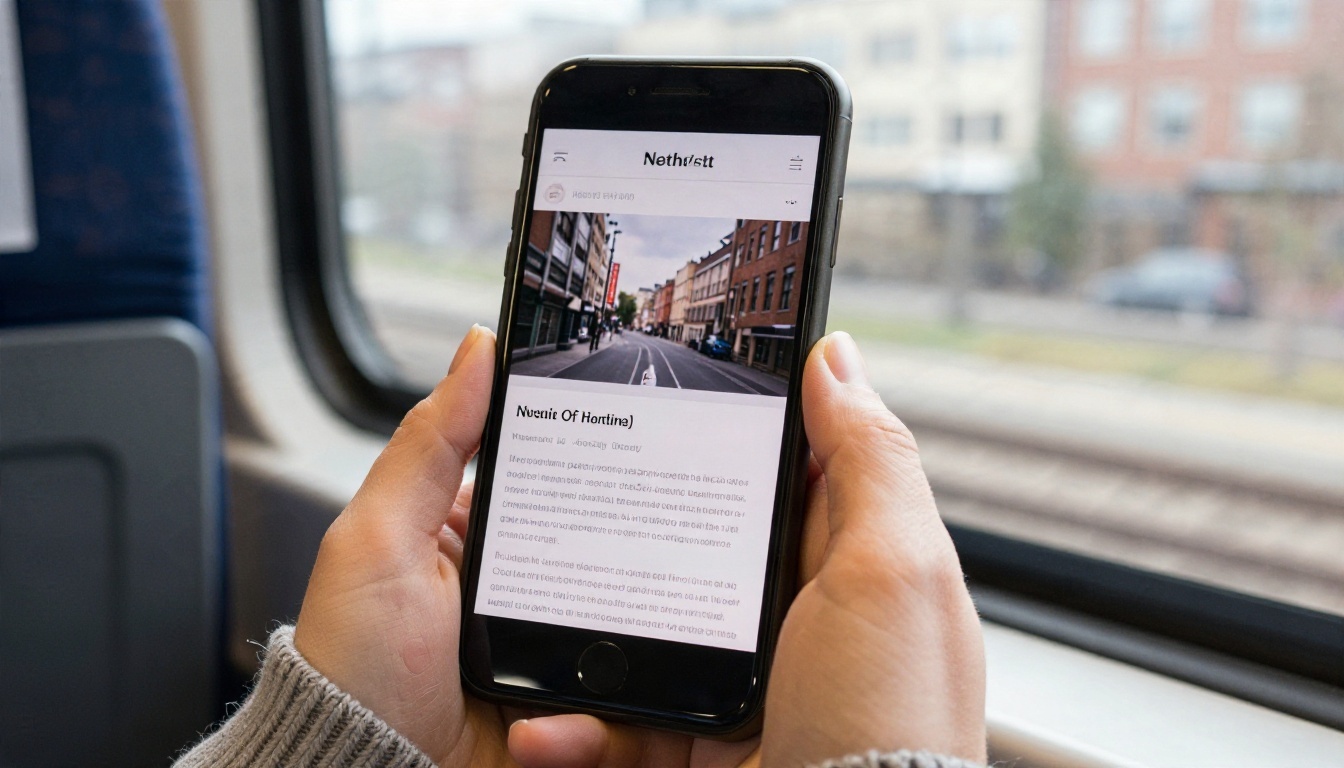
| Factor | Print newsletter | Digital flipbook newsletter |
|---|
| Cost per issue | $300 to $1,300 plus postage | Flat plan fee, same for any reader count |
| Delivery time | Days to weeks | Seconds |
| Reader tracking | Almost none | Page views, time spent, clicks |
| Multimedia | None | Video, audio, links |
| Shelf life | Long, physical presence | Permanent link, searchable |
| Updates after sending | Impossible | Replace the file anytime |
| Environmental impact | Paper and transport | Minimal |
| Reach | Local mailing list | Worldwide |
| Setup effort | Printer coordination | Upload and publish |
The Hybrid Approach That Works
Few publishers need to choose just one. A hybrid plan prints a short run for people who prefer paper, then sends the identical layout as a digital edition to everyone else. You pay for 150 copies instead of 1,000 and still reach the whole list.
Many organizations also use a QR code on the printed copy that points to the flipbook. Readers who want the video or the full gallery scan once and land on the digital issue.
How to Create a Flipbook Newsletter with Flipbooks AI
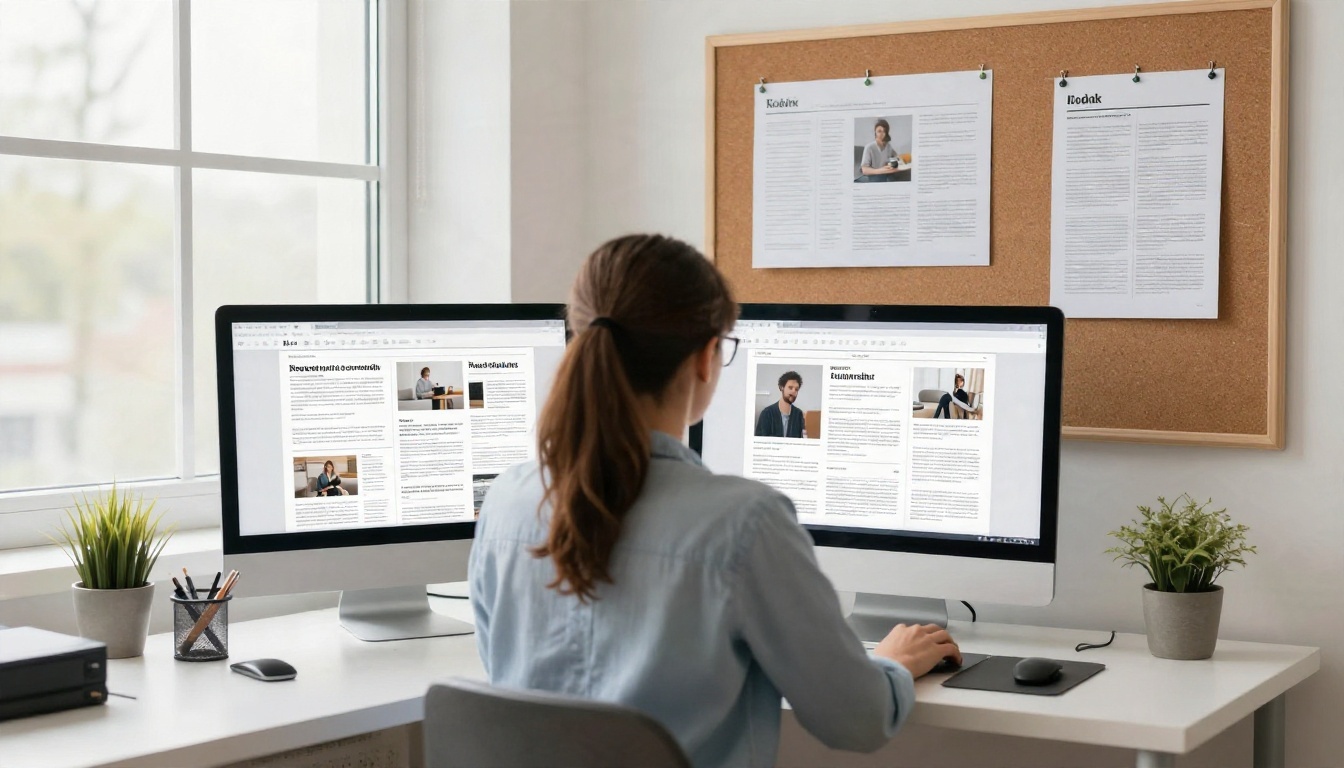
If your layout is already a PDF, you can publish in a few minutes. This tutorial uses Flipbooks AI and works the same whether you design in Canva, InDesign, Word or Google Docs.
Step 1: Create an Account and Upload
- Open the Flipbooks AI account page and sign up.
- Choose the PDF to Flipbook Converter or the Newsletter Flipbook Publisher.
- Drag your newsletter PDF into the upload area.
- Wait a few seconds while pages convert. Each page becomes a turnable sheet with a realistic page effect.
💡 Screenshot description: You will see a large preview of your first spread in the center, with a thumbnail strip along the bottom and a settings panel on the right.
Step 2: Customize the Look
- Add your logo and brand colors so the viewer matches your identity.
- Pick a background color or image behind the pages.
- Adjust the page-turn effect and sound.
- Place video, audio or link hotspots on any page, for example a welcome clip from the editor.
Because Flipbooks AI never adds a watermark, the finished issue carries only your branding.
Step 3: Share the Issue
You have three main ways to publish:
- Direct link to paste into emails, social posts or text messages.
- Embed code to place the issue on a page of your site. The Embed Flipbook on Website tool shows exactly how.
- Password protection for member-only, client-only or staff newsletters.
Step 4: Use Professional Features
On the Professional plan, readers can be tracked and contacted through built-in tools. Compare the plans to see which tier fits.
- Analytics reveal which pages hold attention and where readers stop.
- Lead generation places a form before or inside the issue.
- Offline downloads let subscribers save a copy for later.

Real Examples You Can Copy
Numbers and checklists make more sense with a few concrete cases.
A School Newsletter
A primary school sends 600 paper copies home in backpacks each month, and half end up crumpled at the bottom of the bag. Moving to a digital edition through the School Newsletter Creator lets parents open the issue on a phone, tap a link to sign a permission slip, and watch a clip from the school play. The school can keep a small print run of 100 copies for families without reliable internet.
A Real Estate Agency
An agency mails a quarterly market update to past clients. Switching to a flipbook with listings, a market chart and a short agent video means every issue can be shared in seconds. Analytics show that readers spend the longest on the neighborhood price page, so the next issue opens with it. The Real Estate Brochure Creator uses the same workflow for individual listings.
A Local Restaurant
A restaurant prints a seasonal newsletter with events and specials for regulars. The owner keeps 200 printed copies on the counter and posts the flipbook link on social media and at the bottom of receipts via QR code. Print costs drop, while the digital edition reaches tourists who never walk through the door.
✅ Best practice: Use the same cover story and layout across print and digital. A single design reduces work, and the QR code ties the two worlds together.
Pick the Right Setup Today
Run this short test to settle the decision.
| If this describes you | Choose |
|---|
| Local audience, older readers, strong mailing list | Print with a digital copy |
| Global audience, tight budget | Digital flipbook only |
| Need reader data and lead capture | Digital with Professional features |
| Members-only content | Digital with password protection |
| Occasional special edition | Free trial, then upgrade as needed |
The cheapest option is the one that fits how your readers actually read. Start with a digital edition, measure what happens, and add print only where it earns its cost.
Ready to publish your first issue? Get started for free on Flipbooks AI, browse all flipbook tools to find a template that fits, or compare pricing plans to choose the one that suits your list.



