A newsletter is the cheapest way to show up in someone's life every month, and it works whether it lands in a mailbox or an inbox. The hard part is choosing the format, the size and the tool before you waste a weekend on a layout that does not fit. This article lays out real examples, free templates, exact page sizes and the free tools worth your time. It also shows how a Flipbooks AI flipbook lets one design serve both audiences, so you stop building every issue twice.
Print vs Digital: What Differs
Print and digital newsletters share a purpose: they keep a relationship warm with useful, regular updates. They differ in cost, speed, measurement and how readers hold them.
Quick Comparison Table
| Factor | Print Newsletter | Email Newsletter | Flipbook Newsletter |
|---|
| Cost per issue | Printing and postage | Near zero | Near zero |
| Delivery time | Days to weeks | Seconds | Seconds |
| Reader tracking | Almost none | Opens and clicks | Page views, time on page |
| Layout freedom | Total, fixed size | Narrow, single column | Total, page-turn feel |
| Shelf life | Sits on a desk or fridge | Buried in an inbox | Lives at one link |
| Accessibility | Paper only | Screen readers, resizable | Mobile friendly, searchable |
When Each Format Wins
Print wins when the audience is local, older or offline. Think church bulletins, neighborhood associations and hospital waiting rooms. Email wins when you need speed, personalization and tracking. A flipbook wins when design matters and you want the look of a printed page with the reach of a link.
💡 Pro tip: You do not have to pick one. Design a print-ready PDF first, then reuse that same file as a digital edition. It saves hours every month.
Newsletter Examples Worth Copying
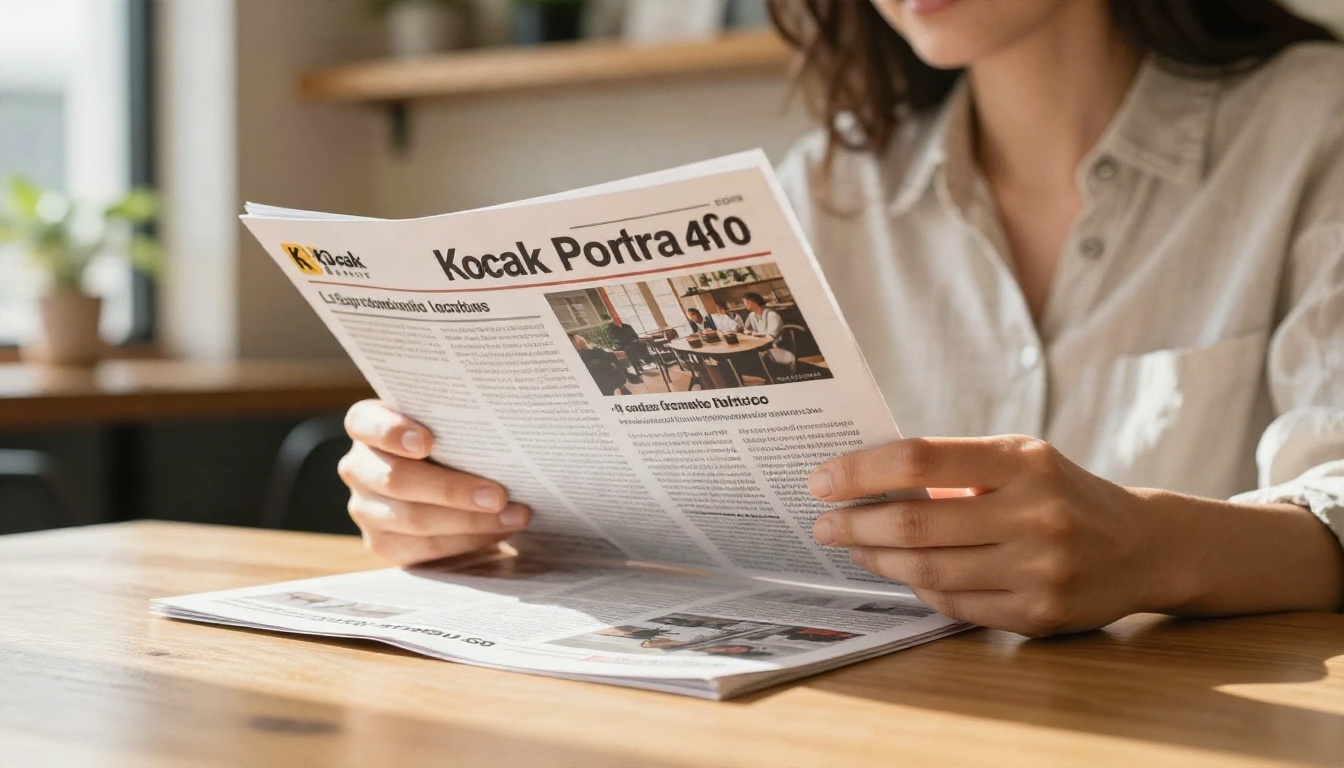
Good examples teach faster than theory. Here are patterns that work across industries.
Print Newsletter Examples
- Neighborhood association: Four pages on A4 or Letter, with a front-page message from the chair, a calendar of meetings, a "meet your neighbor" profile and a back-page contact list.
- Church or community group: Folded half-letter booklet with weekly schedule, prayer or volunteer requests and a short feature story.
- Real estate agent: Two-sided Letter sheet with three recent sales, one market stat, a home care tip and a single call to action. Agents who run real estate brochures can reuse the same photography.
- Local retailer: Tabloid fold with seasonal picks, a coupon and staff recommendations.
- School: Monthly four-pager with principal's note, upcoming dates, student work and a lunch menu. The School Newsletter Creator is built for this exact layout.
Digital Newsletter Examples
- Creator digest: One strong story, three curated links and a short sign-off. Plain, personal, fast to read.
- SaaS product update: Headline feature with a screenshot, a short changelog list and one button.
- Nonprofit impact report: Photo-led story, a single donation figure and a clear donate link.
- Restaurant or venue: Seasonal highlights, event dates and a booking link, often built around a menu flipbook.
A Hybrid Example That Works
A regional dental group prints 500 copies of a four-page newsletter for waiting rooms. The same PDF is converted to a flipbook, linked from a QR code on the back page and emailed to 4,000 patients. One design, three channels, and the flipbook shows which stories patients actually opened.
Templates You Can Start With
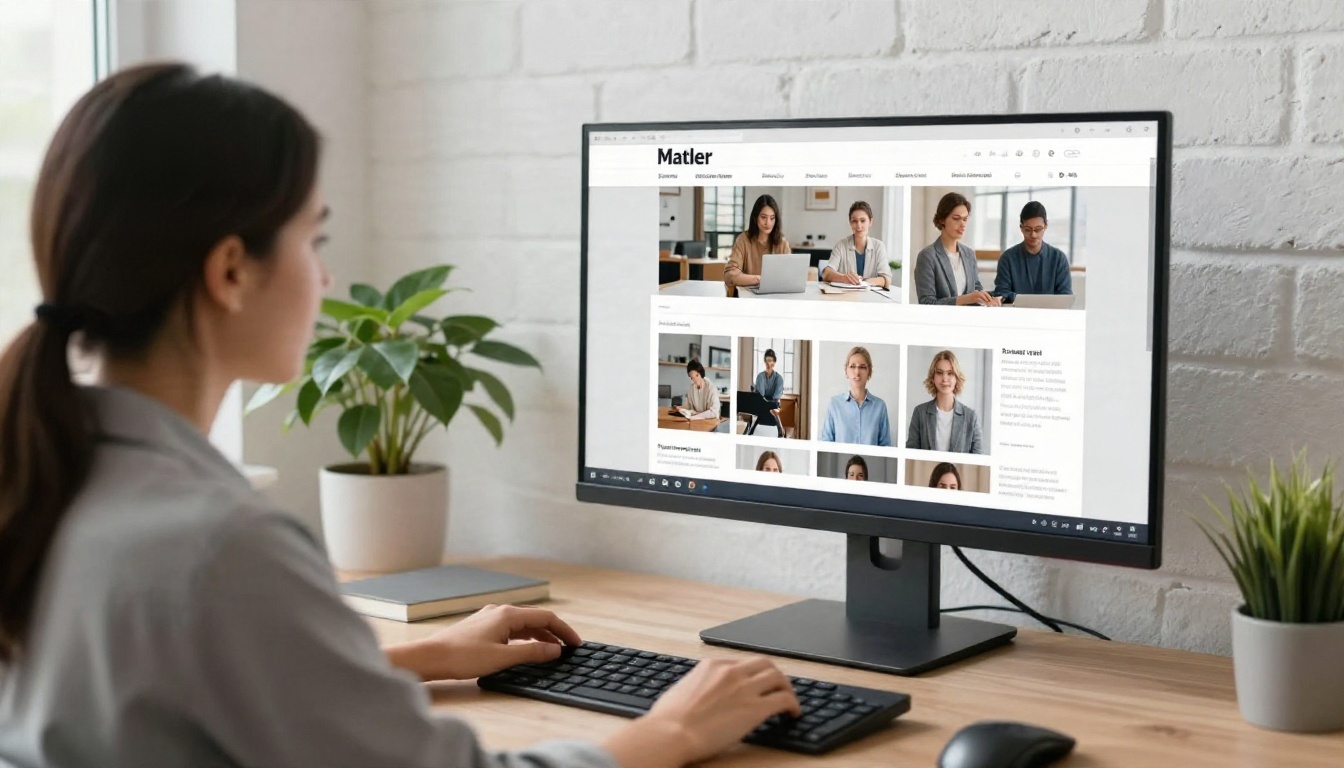
A template is a skeleton: grid, type styles, color palette and placeholder blocks. Starting from one cuts layout time from hours to minutes.
Free Template Sources
| Source | Best For | Format | Skill Level |
|---|
| Canva | Visual, photo-led issues | PDF, PNG, web | Beginner |
| Microsoft Word templates | Simple text-heavy print | DOCX, PDF | Beginner |
| Google Docs templates | Team editing, quick drafts | Docs, PDF | Beginner |
| Adobe Express | Branded social and print | PDF, PNG | Beginner |
| Affinity or InDesign layouts | Multi-page professional print | Native, PDF | Intermediate |
| Email platform builders | Inbox delivery | HTML | Beginner |
Free tiers and template libraries change often, so check each provider's current terms before you commit.
What a Good Template Includes
- A masthead with the name, issue number and date
- A grid of two or three columns for text and one wide band for images
- Two typefaces at most: one for headlines, one for body copy
- A color palette of one brand color, one accent and neutrals
- Reusable blocks: feature story, short item, pull quote, event list, call to action box
- A back panel for contact details and, if mailed, the address area
Five Template Mistakes
- Too many fonts. Three or more styles make a page look like a ransom note.
- Tiny body text. Print body copy below 9 pt is hard to read, and 10 to 11 pt is safer.
- No clear first read. If everything is loud, nothing is.
- Ignoring margins. Text too close to the trim gets cut off.
- Skipping the call to action. Every issue needs one thing you want readers to do.
⚠️ Warning: Always check image licenses inside a template. A "free" template does not always mean the stock photos are free for commercial use.
Newsletter Page Sizes Explained
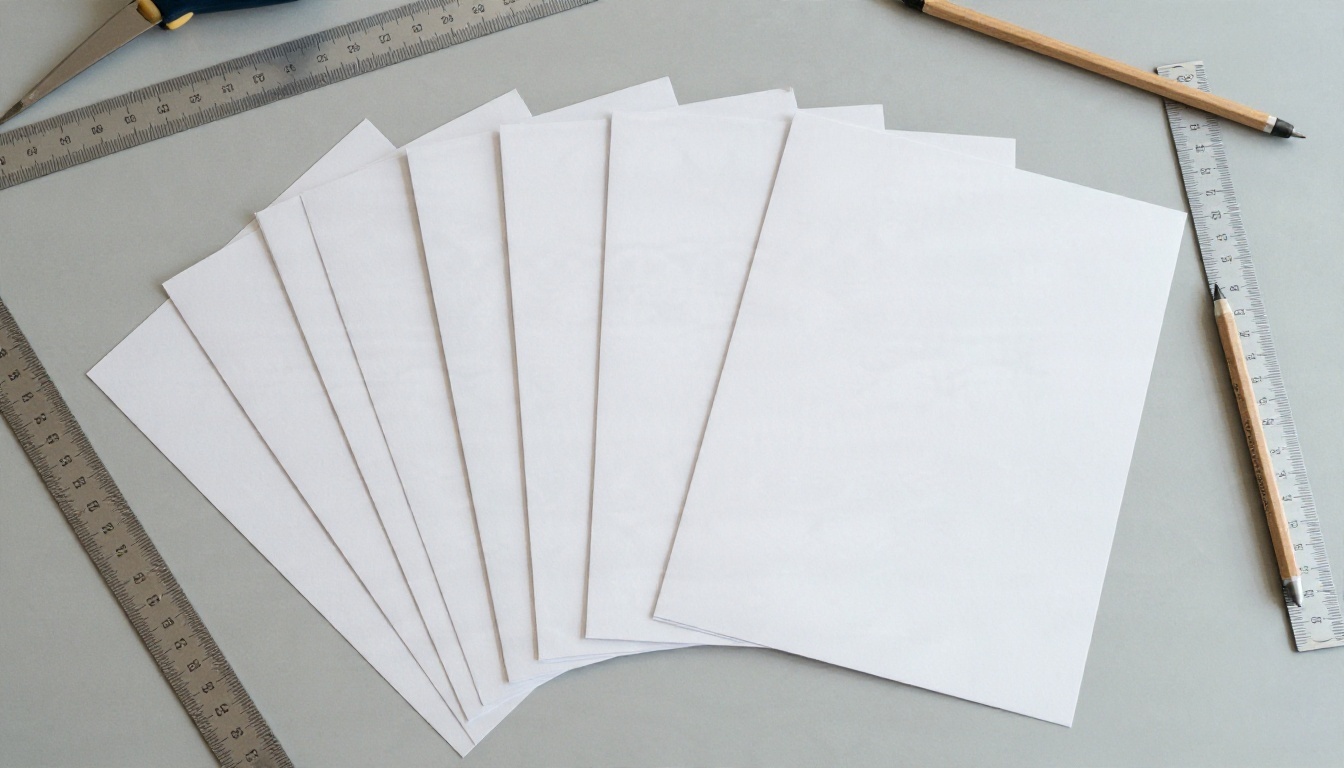
Size decides your printing cost, your fold and how much you can fit on a page. Pick it before you design, not after.
Standard Print Sizes
| Size | Dimensions (inches) | Dimensions (mm) | Typical Use |
|---|
| US Letter | 8.5 x 11 | 216 x 279 | Most US newsletters |
| A4 | 8.27 x 11.69 | 210 x 297 | Standard outside North America |
| Half Letter | 5.5 x 8.5 | 140 x 216 | Folded booklet style |
| A5 | 5.83 x 8.27 | 148 x 210 | Compact, folded A4 |
| Tabloid | 11 x 17 | 279 x 432 | Newspaper feel, folded to Letter |
| Legal | 8.5 x 14 | 216 x 356 | Long single sheets, rare |
Standard Digital Sizes
| Format | Recommended Size | Notes |
|---|
| Email body | 600 to 640 px wide | Works across most email apps |
| Email header image | 600 x 200 px | Export at 2x for sharp screens |
| Flipbook page | Same as your PDF, such as A4 or Letter | Pages keep their proportions |
| Social preview | 1200 x 630 px | For link cards |
| Single image weight | Under 200 KB | Keeps loading fast on mobile |
Margins, Bleed and Resolution
- Margins: Keep text at least 0.5 inch (12 mm) from the trim edge.
- Bleed: Extend backgrounds and photos 0.125 inch (3 mm) past the trim so no white edge appears after cutting.
- Resolution: Use 300 dpi for print images. For screens, 72 to 150 dpi is plenty.
- Color mode: Design in CMYK for print and RGB for screens.
- Page count: Use multiples of four for folded print. Digital issues can be any length.
✅ Best practice: Export one PDF with bleed for the printer and one without for digital sharing. That keeps the online version clean and the printed version safe.
You do not need a big budget to publish a polished issue. You need one tool to design, one to send and one to present the final result.
Design Tools
| Tool | Free Option | Strength | Limit to Watch |
|---|
| Canva | Yes | Huge template library | Some assets are paid |
| Google Docs | Yes | Collaboration | Basic layout control |
| Microsoft Word | Trial or web version | Familiar to most teams | Weak for complex grids |
| Adobe Express | Yes | Brand kits | Premium features locked |
| Scribus | Fully free | Professional print layout | Steeper curve |
Sending and Publishing Tools
| Need | Tool Type | Example Approach |
|---|
| Email delivery | Email service providers | Free tiers for small lists |
| Web archive | Your own blog or site | One page per issue |
| Page-turn edition | Flipbook publisher | PDF to Flipbook Converter |
| Printed copies | Local or online printer | Quote by size, paper weight and quantity |
If your main goal is a polished online edition, the dedicated Newsletter Flipbook Publisher turns any PDF into a shareable page-turn newsletter. You can also browse all flipbook tools for other formats such as magazines, event programs and price lists.
Why Flipbook Newsletters Work
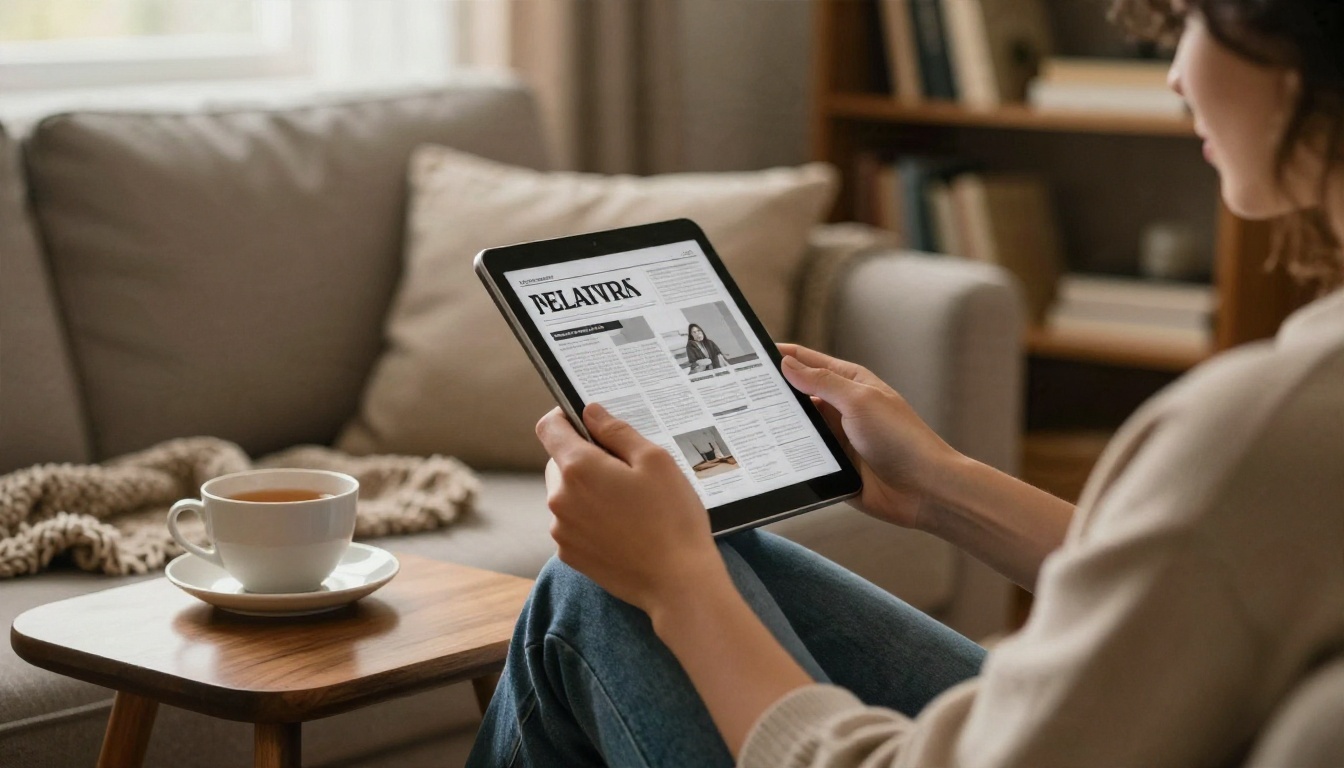
Email clients strip layouts, squash fonts and clip long messages. A flipbook keeps the design you made. Readers get a page-turn experience on phone, tablet or desktop, and you get one link that never changes.
Benefits at a Glance
- Design stays intact. Fonts, columns and photography look exactly as exported.
- Mobile responsive. Pages adapt to any screen size.
- No watermarks. Your issue looks like your brand, not ours.
- Multimedia. Add video and audio to a page, something paper cannot do.
- Trackable. Professional plan analytics show which pages hold attention.
- Flexible sharing. Link, embed or QR code, with optional password protection.
Real-World Use Cases
- A homeowners association posts a monthly flipbook and prints 100 copies for residents without internet.
- A boutique hotel sends a seasonal digital newsletter with a link to its brochure and local event calendar.
- A school embeds the latest issue on its website, with a QR code on the printed copy sent home in backpacks.
- A nonprofit shares a quarterly update through a password-protected link for donors only.
How to Create a Newsletter with Flipbooks AI
Here is the full workflow from finished PDF to published issue. It takes a few minutes once your layout is ready.
Step 1: Create Your Account
Go to Flipbooks AI and create an account. You can start from the dashboard right away.
Step 2: Upload and Convert
- Export your newsletter as a PDF from Canva, Word, Google Docs, InDesign or Scribus.
- Click to create a new flipbook and upload the PDF.
- Wait a few seconds while the file is converted into turnable pages.
- Check the page order and preview on desktop and mobile.
Step 3: Customize the Look
- Add your logo and custom branding.
- Choose background colors that match your masthead.
- Pick a page-turn effect and sound if you like.
- Add video or audio to interactive spots, such as a welcome message from the editor.
Step 4: Share It
- Direct link: Paste it into an email, a post or a text message.
- Embed code: Place the flipbook on your site with the Embed Flipbook on Website tool.
- Password protection: Limit access to members, donors or staff.
- QR code: Add one to the back page of your printed copy.
Step 5: Pro Features Worth Knowing
On the Professional plan you get analytics and lead generation so you can see which pages get read and collect reader details. Standard plans and above include unlimited flipbooks, and offline downloads let readers save an issue for later. Compare options on the pricing page.
| Feature | Why It Matters for Newsletters |
|---|
| Unlimited flipbooks | Publish every issue without hitting a cap |
| Analytics | See which stories earn the most attention |
| Lead generation | Capture subscriber details inside the issue |
| Password protection | Keep member-only issues private |
| Offline downloads | Readers can save the issue on their device |
| Custom branding | Keep a consistent look every month |
💡 Pro tip: Keep the same URL pattern each month, such as /march-issue, so readers and search engines learn where to find you.
A Simple Monthly Workflow
Consistency beats perfection. A repeatable process keeps issues on time.
- Week 1: Collect stories, photos and dates in a shared document.
- Week 2: Drop content into your template and write headlines last.
- Week 3: Proofread, export two PDFs (print and digital) and send the print file to your printer.
- Week 4: Publish the flipbook, send the email and place the QR code on mailed copies.
Pre-Send Checklist
- Names, dates and phone numbers verified
- Every image has the right license
- Links tested on mobile
- Text is at least 10 pt in print
- Bleed and margins set correctly
- A single clear call to action on the front
Make Your Next Issue Count
Print gives you permanence, email gives you speed, and a flipbook gives you both in one design. Choose a size, grab a free template, and publish the first issue this week instead of planning it for next month.
Ready to publish? Get started for free on Flipbooks AI, browse all tools and templates, or compare pricing plans to pick the right fit for your newsletter.


