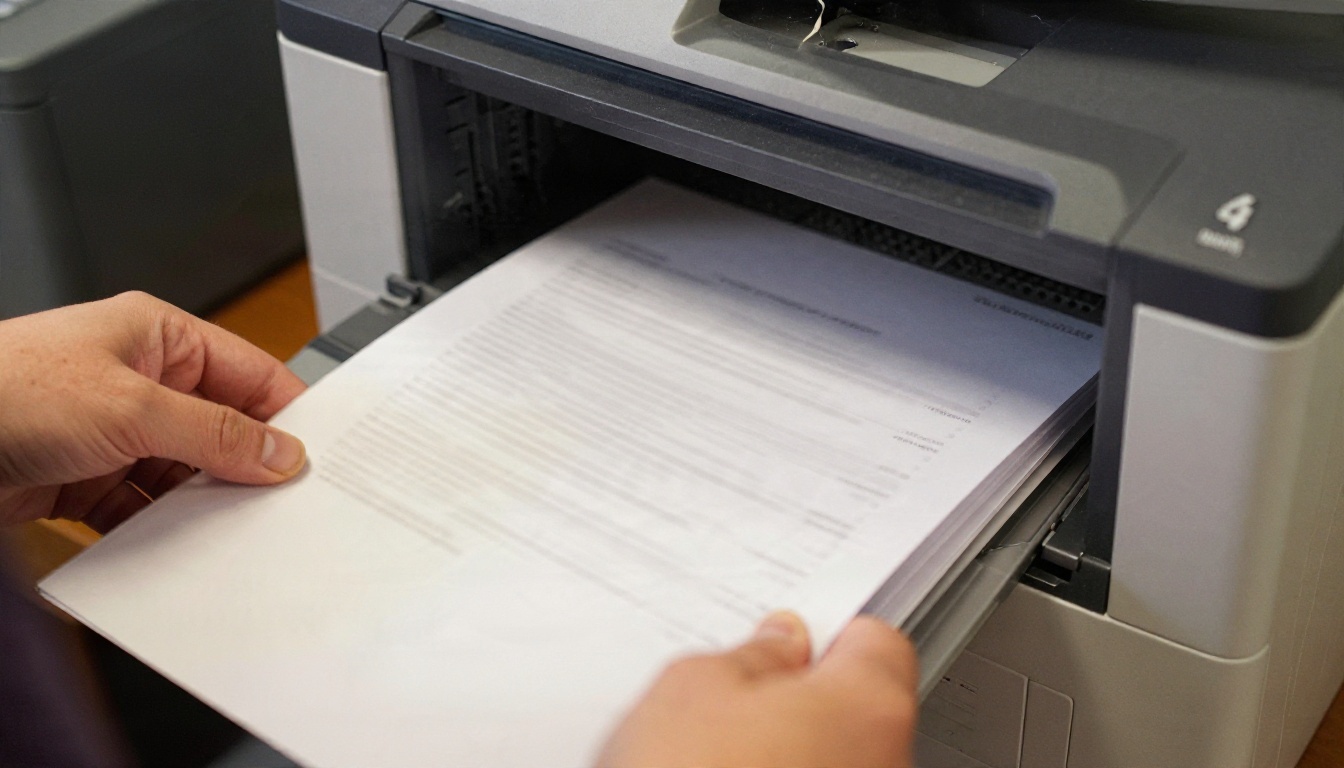
Every month, somewhere, a development director stays late feeding a 140-page packet through a jammed copier so ten volunteers can skim it in the parking lot. If that sounds familiar, you already know the problem. Print board meeting packets eat budget, time, and patience, and most of those pages never get read. This article puts real numbers on the cost, suggests page limits that boards will accept, and compares digital alternatives, including a simple PDF-to-flipbook workflow you can build with Flipbooks AI in an afternoon.
What a Printed Packet Really Costs
Most boards only see the line item for "printing and postage." The true figure is larger, because paper is the smallest part of it. Let's break it down.
Direct Printing Costs
In-house black and white printing usually lands between 3 and 8 cents per page once you count toner, paper, and machine wear. Color financial charts push that to 15 to 25 cents. A commercial print shop may charge more per page but saves the copier from breaking down the night before the meeting.
Shipping and Handling
Remote or out-of-town members need their packets mailed or couriered. A 120-page packet in a padded envelope often weighs close to a pound, and overnight delivery can cost $8 to $25 each. Add binder clips, tabs, folders, and envelopes, and the supply cost per packet climbs another dollar or two.

Staff Time Nobody Counts
Collating, stapling, labeling, and stuffing envelopes takes two to four hours per meeting for a typical packet. At a loaded staff rate of $30 per hour, that is real money, and it is time not spent on programs or fundraising.
A Sample Annual Budget
Here is an illustrative scenario: 10 board members, 120 pages per packet, 8 meetings per year, 4 members receiving mailed copies. Your numbers will differ, so treat this as a template.
| Cost Item | Calculation | Annual Estimate |
|---|
| Printing (black and white) | 120 pages x 10 packets x 8 meetings x $0.05 | $480 |
| Binder clips, tabs, folders | $1.50 x 80 packets | $120 |
| Shipping to remote members | 4 packets x 8 meetings x $12 | $384 |
| Staff assembly time | 3 hours x $30 x 8 meetings | $720 |
| Total | | $1,704 |
That is nearly $1,700 per year for a single board, before counting last-minute reprints when a treasurer's report changes at 4 p.m. on meeting day.
💡 Pro tip: Ask your finance person to track assembly hours for just two meetings. Most nonprofits discover that labor, not paper, is the largest cost.
Page Limits Boards Actually Accept
Cost is only half the story. The other half is whether anyone reads the thing. A packet with 200 pages signals that nothing is prioritized, so members skim everything and retain little.

A Sensible Page Budget
There is no legal page limit for a board packet, so the limit is a policy you set. Many boards settle on 25 to 50 pages for a regular meeting, with a longer ceiling only for budget approval or annual planning sessions. A simple page budget by section keeps the discipline visible:
| Packet Section | Suggested Pages | Notes |
|---|
| Agenda and cover memo | 1 to 2 | One page of decisions needed |
| Previous minutes | 2 to 4 | Draft only, approved at meeting |
| Financial summary | 3 to 6 | Dashboard, not ledger dumps |
| Committee reports | 1 page each | Use a standard template |
| Executive director report | 2 to 3 | Metrics plus three stories |
| Action items and motions | 1 to 2 | Written resolutions |
| Appendices | Link only | Never print by default |
What to Cut or Move
Move anything that is reference material to an appendix: full audit reports, policy manuals, lease agreements, and grant contracts. Members can open them if they need them. If a document has not changed since the last meeting, link to it rather than reprinting it.
The Consent Agenda Trick
Group routine approvals, such as prior minutes, standard reports, and renewals, into a consent agenda that passes with one vote. Members can pull any item for discussion. This alone can remove 10 to 20 pages and 20 minutes from a meeting.
✅ Best practice: Put a one-page "decisions needed" summary at the very front. If a member reads only that page, they still show up prepared for the votes that matter.
Why Paper Packets Keep Failing
Even with a tight page limit, paper has structural weaknesses that no amount of discipline fixes.
- Late changes: Once printed, a packet is frozen. A corrected budget figure means a reprint or an awkward handout at the table.
- Lost or exposed copies: Printed packets with donor names, salaries, or personnel matters get left in cars, airports, and recycling bins.
- No search: Nobody can press Ctrl+F on a binder when they want to find the reserve policy.
- Uneven delivery: Mailed packets arrive the day before, or the day after, the meeting.
- Environmental cost: Mission-driven organizations often feel the contradiction of printing thousands of pages a year.
⚠️ Warning: Printed packets containing personnel or donor information are a confidentiality risk. If a copy goes missing, you cannot revoke access. A digital link with a password can be shut off in seconds.
Digital Alternatives Compared
Moving to digital does not mean one specific tool. Boards usually choose among three approaches, and each has trade-offs.
Email PDF Attachments
The simplest option. Export the packet as a PDF and send it. It is free and familiar, but large attachments bounce, older versions float around in inboxes, and reading a 60-page PDF on a phone means constant pinching and zooming.
Dedicated Board Portals
Purpose-built portals offer voting, annotations, and archives. They are powerful, but subscriptions often run into the thousands of dollars per year, and smaller nonprofits may use only a fraction of the features.
PDF to Flipbook Packets
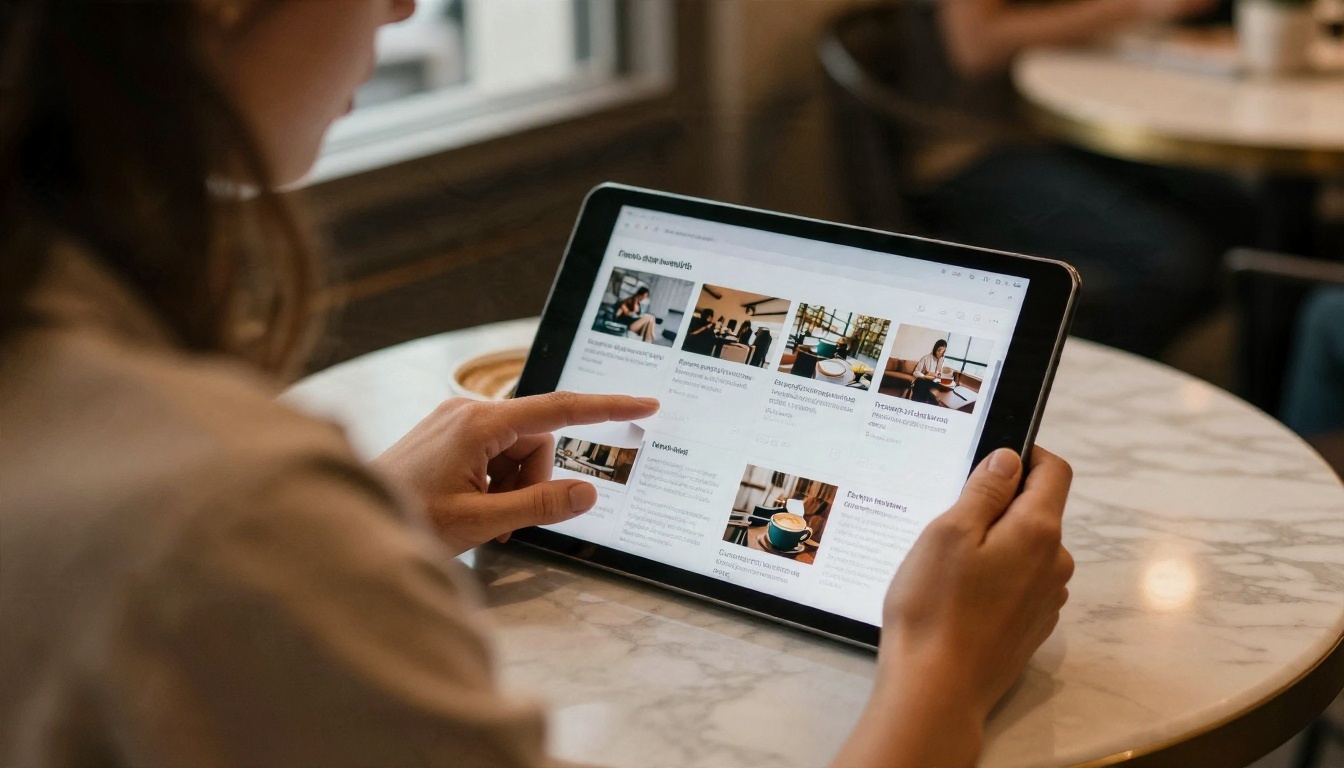
A flipbook turns the same PDF into a mobile-friendly, page-turning document that opens from a link. There is nothing to install, it reads cleanly on a phone, and you can update the file without sending a new attachment. It fits the middle ground: more polished than email, far lighter than a full portal.
| Feature | Printed Packet | Email PDF | Board Portal | Flipbook Link |
|---|
| Cost per meeting | High | Near zero | Subscription | Low |
| Mobile reading | None | Poor | Good | Excellent |
| Late edits | Reprint | Resend | Easy | Easy |
| Password protection | No | Limited | Yes | Yes |
| Read tracking | No | No | Often | Professional plan |
| Setup time | Hours | Minutes | Days | Minutes |
| Learning curve for members | None | None | Moderate | Very low |
How to Build a Digital Board Packet
Here is a practical workflow using the PDF to Flipbook Converter. It works with any packet you can export as a PDF from Word, Google Docs, or your accounting software.

Step 1: Create Your Account
Head to Flipbooks AI and sign up. Check the pricing plans to see which tier matches your board. The Standard plan and above includes unlimited flipbooks, which suits a monthly meeting rhythm.
Step 2: Upload and Convert
- Assemble your packet in a single document: agenda first, then reports in agenda order.
- Export it as one PDF, with clickable bookmarks if your software supports them.
- Upload the PDF. The conversion turns each page into a flip-style page automatically.
- Check the page order and zoom into any financial tables to confirm they are readable.
The Report Flipbook Creator is a good starting point for committee reports, and the Corporate Report Maker fits well for finance summaries. Nonprofits preparing year-end materials can also look at the Non-Profit Annual Report tool.
Step 3: Brand It
Add your logo, pick your organization's colors, and choose a page-turn effect. A branded packet signals professionalism, and no watermarks appear on your document. You can also embed a short video message from the executive director or an audio summary of the financials for members who prefer listening on their commute.
Step 4: Share Securely
You have three main options:
- Direct link: Paste it into your meeting invitation.
- Password protection: Protect sensitive packets and send the password in a separate message.
- Embed code: Place the packet on a private board page of your site using the Embed Flipbook on Website tool.
Step 5: Use Professional Plan Extras
The Professional plan adds analytics and lead generation. For board packets, analytics shows which members opened the document and which pages got attention. If nobody opened the budget pages, that is a useful signal before the meeting. You can also allow offline downloads so members can read on a flight without a connection.
💡 Pro tip: Keep one "master" flipbook link per committee and replace the underlying file each month. Members bookmark it once and never hunt through email threads again.
A Real-World Example
Consider a food bank with a 12-member board that meets monthly. Their printed packet averaged 95 pages, mailed to five members and handed out at the table to the rest. After two quarters of tracking, the executive assistant found the process consumed about four hours and roughly $210 per meeting.
They made three changes:
- Set a 40-page limit with appendices linked, not printed.
- Switched to a password-protected flipbook sent five days before each meeting.
- Kept five printed copies in the room for members who requested them.
Within three months, printing dropped by more than 80 percent, assembly time fell under an hour, and the treasurer could fix a number on Tuesday afternoon without anyone noticing. Board members reported that reading on a phone before the meeting felt easier than carrying a binder.

Handling Members Who Prefer Paper
Some directors, especially longtime ones, genuinely prefer paper. Do not force the issue. Offer print on request, and let the staff print only those copies. Even if two of ten members still want paper, you cut printing by 80 percent. Over time, as the digital version proves easier to search and carry, that number usually shrinks on its own.
Mistakes to Avoid
Switching formats is easy. Switching habits is harder. Watch out for these common errors:
- Sending the packet too late. Digital does not excuse a Friday night upload for a Monday meeting. Set a deadline, such as five days ahead.
- Uploading raw scans. Large scanned pages render slowly and cannot be searched. Export from the source file when you can.
- Skipping the summary page. A digital packet with no decision summary is just a digital pile.
- Ignoring accessibility. Use readable font sizes and sufficient contrast so every member can read comfortably on a phone.
- Forgetting an archive. Save each final packet as a dated PDF in your records for governance and audit needs.
| Mistake | Quick Fix |
|---|
| Packet too long | Enforce a page budget and consent agenda |
| Members cannot find sections | Add bookmarks and a clickable agenda |
| Confidential data exposed | Use password protection and expiring links |
| Late financial changes | Replace the file and keep the same link |
| Low participation | Check read analytics and follow up personally |
Ready to Retire the Binder?
Printed packets are not evil, but they are expensive, slow to correct, and hard to secure. A realistic page limit plus a link-based flipbook gives your board a lighter, safer, and cheaper way to prepare.
Ready to try it with your next meeting? Create your account on Flipbooks AI, upload a real packet, and send yourself the link first. Browse the full list of flipbook tools to find the right fit for reports, agendas, and annual summaries, or compare pricing plans to choose what works for your organization. If you want to see plan details before signing up, use the account and pricing path to go straight to the comparison.



