A printed catalog still does something a screen cannot: it lands on a customer's desk, gets flipped through over coffee and stays there for months. If you plan to print your own catalog, though, three decisions decide whether it looks professional or homemade: the paper size, the binding and the cost per copy. And one more decision protects your investment: keeping a digital copy. A PDF converted into a page-turning flipbook with Flipbooks AI gives you a backup that never runs out of stock, never gets crushed in the mail and can be updated in minutes.
This article walks through each choice with real numbers, comparison tables and a short tutorial, so you can decide before you spend a cent at the print shop.
Print or Digital: Start With Purpose
Before you pick a stapler or a paper stock, decide what the catalog has to do. A catalog that sits on a trade show table has different needs than one mailed to 300 wholesale buyers.
Who Still Needs Paper
Printed catalogs make the most sense when:
- Buyers handle products by touch, such as textiles, stationery, furniture finishes or jewelry.
- You attend trade shows, markets or showroom appointments where a leave-behind matters.
- Your customers are not always online, for example contractors, farmers or older retail clients.
- You mail a seasonal piece to a short, high-value list of buyers.
Where Digital Wins
A digital version beats paper on speed and cost of change. Prices go up in March? Edit the PDF, re-upload, and every link points to the new version. You also get numbers on what people actually look at, something a stack of paper will never tell you.
| Factor | Printed catalog | Digital flipbook |
|---|
| Cost per additional copy | Real, every time | Practically zero |
| Time to update a price | Days to weeks plus reprint | Minutes |
| Works without internet | Yes | Only with offline download |
| Tracks what readers view | No | Yes, with analytics |
| First impression | Tactile and memorable | Instant and shareable |
| Risk of running out | High | None |
💡 Pro tip: Treat the two formats as partners. Print a small, high-quality run for the people you want to impress, and send everyone else a link.
Choose the Right Paper Size
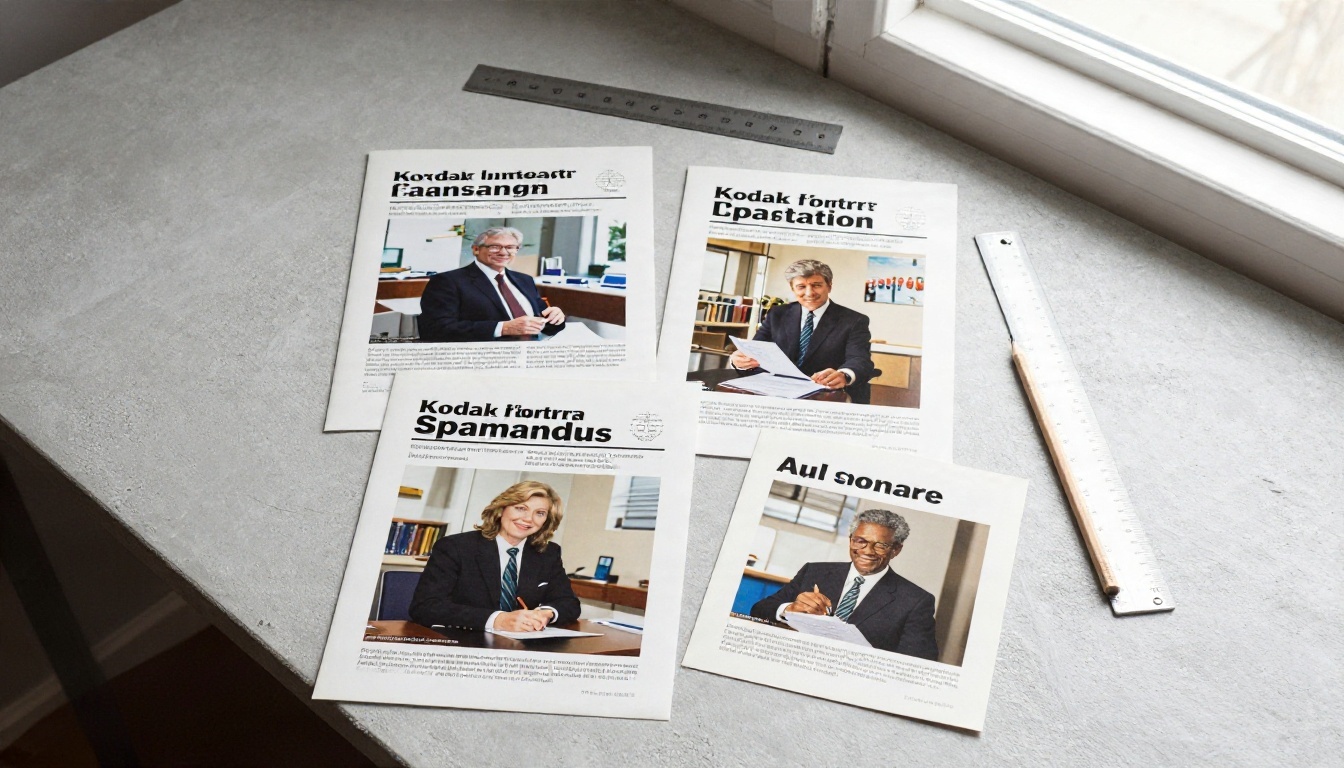
Paper size is the first thing a reader feels in their hands, and it also controls your printing bill. Larger sheets cost more to print, more to ship and more to store.
Standard Sizes Compared
| Size | Dimensions | Best for | Trade-off |
|---|
| US Letter | 8.5 x 11 in | Product catalogs with detailed tables | Heavier to mail |
| A4 | 210 x 297 mm | Same use, outside North America | Needs a wider envelope |
| Half Letter / A5 | 5.5 x 8.5 in / 148 x 210 mm | Lookbooks, price lists, gift catalogs | Less room for specs |
| Square (8 x 8 in) | 203 x 203 mm | Photo-led collections, boutiques | Non-standard, higher unit cost at some shops |
| Tabloid / A3 folded | 11 x 17 in | Large showroom pieces | Costly, awkward to ship |
For most small businesses, US Letter or A4 is the safest pick. Print shops stock it, envelopes fit it, and your existing PDF template probably already uses it. If you sell photogenic items such as ceramics, candles or clothing, a square or A5 format feels more like a magazine and less like a brochure.
Paper Weight and Finish
Weight is measured in gsm (grams per square meter) or pounds. A heavier outer sheet signals quality, while lighter inside pages keep postage down.
| Part | Typical weight | Finish options | Notes |
|---|
| Inside pages | 100 to 150 gsm (70 to 100 lb text) | Matte, silk, gloss, uncoated | Silk is the most forgiving for photos |
| Outer sheet (front and back) | 200 to 300 gsm (80 to 110 lb) | Gloss, matte lamination, soft touch | Lamination adds protection and cost |
| Spot-gloss accents | Applied on top | UV coating on logos | Only worth it above 500 copies |
⚠️ Watch out: Very thin paper lets images show through from the other side. If your catalog has dark backgrounds, ask for a sample sheet before you commit.
Pick a Binding Method
Binding is where page count and budget meet. Pick the wrong one and your pages fall out, or the spine swallows your product photos.
Saddle Stitch, Perfect Bound, Wire-O
| Binding | How it works | Page range | Lies flat? | Relative cost |
|---|
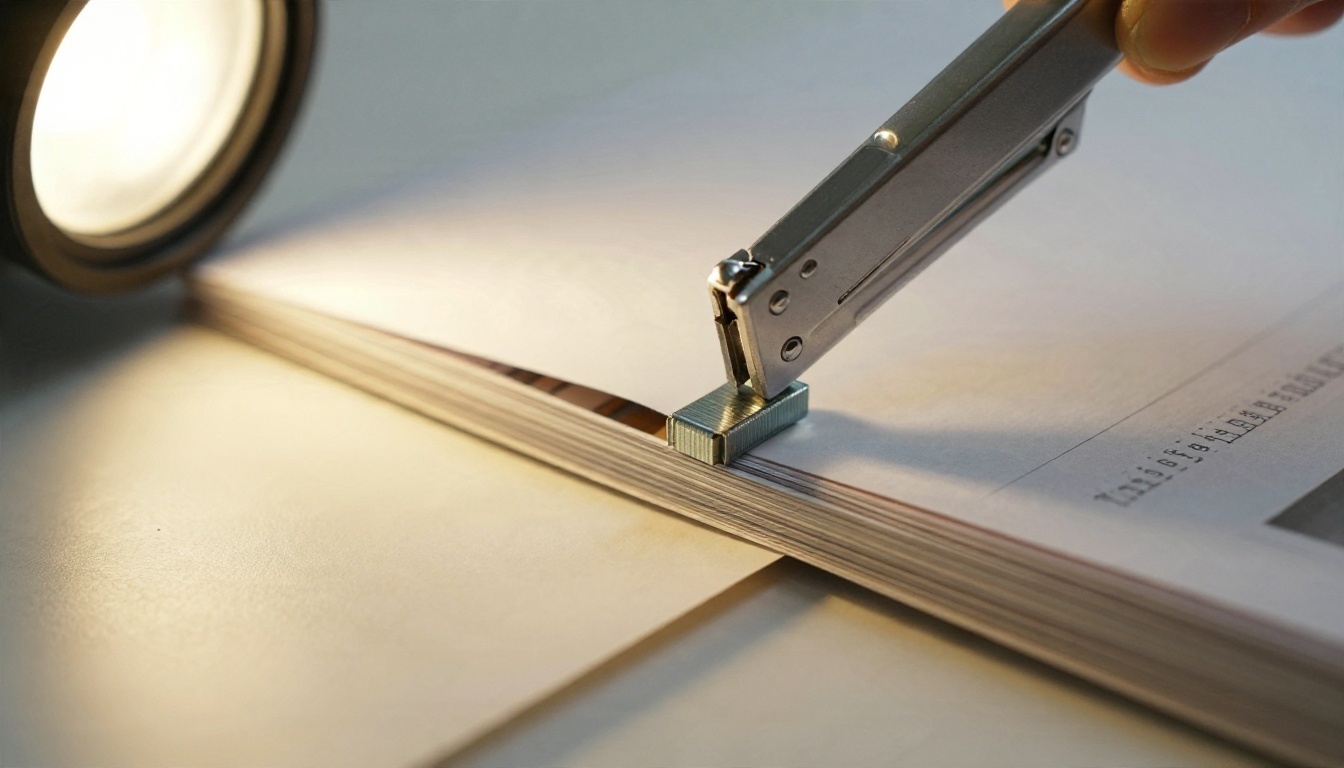
| Saddle stitch | Folded sheets stapled through the spine | 8 to 64 pages | Mostly | Lowest |
| Perfect bound | Pages glued to a squared spine | 40 to 400+ pages | No | Medium |
| Wire-O | Metal loops through punched holes | 20 to 200 pages | Yes, fully | Higher |
| Spiral coil | Plastic coil through holes | 20 to 300 pages | Yes, can fold back | Higher |
| Loose sheets in folder | Unbound inserts | Any | Yes | Low, but looks informal |
Saddle stitch is the workhorse for small catalogs. It is cheap, fast and gives a clean, magazine-like feel. Perfect binding looks like a book and works for large product ranges, but you need enough pages to build a readable spine. Wire-O is ideal when buyers need to lay the catalog flat next to an order form.
Page Count Rules
Page counts are not arbitrary. Printers work in multiples:
- Saddle stitch: pages must be a multiple of 4 (16, 20, 24, 28, 32).
- Perfect bound: also a multiple of 4, and most shops want at least 40 to 60 pages.
- Outer sheet: the front and back count as pages 1 and 4 in a saddle-stitched book, so a "24 page catalog" has 20 inside pages plus the outer four.
💡 If your content ends at page 18, do not leave two blank pages. Add an order form, a price table or a map to your studio. Printed blank pages make a catalog look unfinished.
What Printing Really Costs

Printing cost depends on four variables: quantity, page count, paper and binding. The figures below are typical market ranges and will vary by country and shop, so treat them as planning estimates and request quotes before you commit.
Home or Office Printing
For a run of 10 to 30 copies, printing in-house can make sense.
- Color laser or inkjet cost per page: roughly 5 to 15 cents including toner or ink.
- Paper: 2 to 6 cents per sheet for decent 100 gsm stock.
- Binding: a long-reach stapler costs under 40 dollars, but expect slower work and uneven results on thick stacks.
- Time: printing, folding and stapling a 24-page catalog by hand can take 10 minutes or more per copy.
Home printing is great for test runs, client-specific versions and samples. It is rarely the winner above 50 copies, once you count your own hours.
Print Shop Pricing
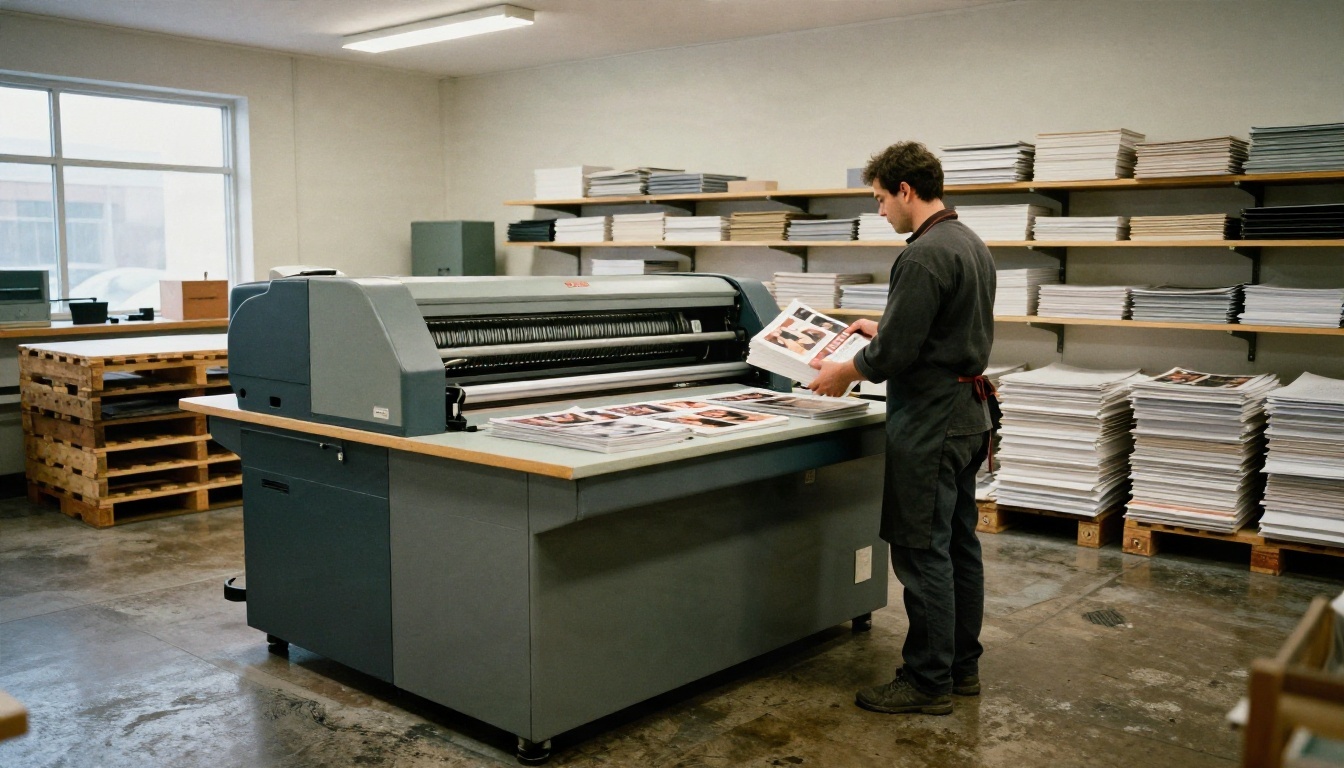
Here is an example of how unit cost typically drops as quantity rises, for a 24-page, A5 or half-letter, saddle-stitched catalog on silk paper.
| Quantity | Typical cost per copy | Typical total | When it makes sense |
|---|
| 25 | 4.00 to 7.00 | 100 to 175 | Sample run, small market |
| 100 | 2.00 to 3.50 | 200 to 350 | Local shops, trade shows |
| 500 | 1.00 to 1.80 | 500 to 900 | Seasonal mailings |
| 1,000 | 0.80 to 1.40 | 800 to 1,400 | Wholesale distribution |
Digital presses suit runs under a few hundred copies. Offset printing has higher setup costs but far lower unit prices for large runs.
Hidden Costs
The printing quote is rarely the final number. Budget for these extras:
- Proofs: a physical proof can cost 15 to 50 dollars, and it is the cheapest insurance you can buy.
- Design time: layout, photography and copywriting often cost more than printing.
- Shipping and postage: a 24-page catalog can weigh 60 to 120 grams. Mailing 500 of them adds up fast.
- Storage: boxes of catalogs take space, and they go out of date when prices change.
- Reprints: one wrong price or phone number can force a new run.
⚠️ Warning: Never print a full run without proofreading prices, SKUs and contact details out loud with a second person. Typos in numbers are the most common reason for reprints.
Prepare Files Before You Print

A great design can still print badly if the file is wrong. A few checks solve most problems.
Bleed, Margins, Resolution
- Bleed: extend backgrounds and photos 3 mm (0.125 in) beyond the trim edge, so no white slivers appear after cutting.
- Safe margin: keep text at least 5 to 8 mm inside the trim line, and more on the spine side for perfect-bound books.
- Resolution: images should be 300 dpi at final size. Anything lower looks soft on paper.
- Color mode: print files are usually CMYK, while screens use RGB. Photos can look duller in print if you design only in RGB.
- Fonts: embed or outline them, or the shop's software will swap them.
Always Order a Proof
A proof shows how colors, paper and trimming come together. Check these before approving:
- Skin tones and product colors against the real item.
- Alignment of text near the spine and trim edge.
- Page order, especially in saddle-stitch spreads.
- Barcode and QR code readability.
If you add a QR code that points to your online catalog, test it from the proof with two different phones.
Build a Digital Flipbook Backup

Once your print PDF is final, you already have what you need for a digital edition. A backup is not just insurance against a lost file. It is the version you can email, embed and update when the paper version is already in a box.
Export a second PDF for screen use: remove crop marks and bleed, keep pages in reading order and compress images for fast loading. Then follow these steps.
How to Create a Catalog Flipbook With Flipbooks AI
- Sign up. Create a free account at Flipbooks AI. No credit card is needed to try it.
- Upload your PDF. Drag your file into the PDF to Flipbook Converter. Pages are converted into a flipbook with a realistic page-turn effect, and the layout is kept exactly as designed.
- Choose the right tool. For product ranges, the Product Catalog Generator or the Digital Catalog Maker offer layouts tuned for browsing items. If you sell clothing, try the Fashion Catalog Creator.
- Customize the look. Add your logo, pick brand colors, set the background and choose page effects. You can also embed videos and audio, for example a 30-second clip of a product being made.
- Share the way you need. Copy a direct link, send it by email or use the embed code to place the catalog on your site. Add password protection for wholesale-only price lists.
- Track and refine. On the Professional plan, analytics show which pages get attention, and lead generation captures contact details before a reader opens the catalog. Compare options on the pricing page.
Every flipbook is watermark free, mobile responsive and ready for offline download, so a buyer on a trade show floor with weak signal can still open your catalog.
Print and Digital: Which Does What?
| Situation | Hand out print | Send flipbook link |
|---|
| Trade show booth | ✅ Main piece | ✅ QR code on the table |
| Wholesale buyer in another country | Optional sample | ✅ Primary |
| Seasonal price change mid-year | ❌ Expensive to reprint | ✅ Update the PDF |
| Product demo in a shop | ✅ Leave-behind | ✅ Tablet browsing |
| Backup if stock runs out | ❌ | ✅ Always available |
💡 Put a short link or QR code on the last printed page that leads to the flipbook. Readers who prefer paper can still reach the latest prices and videos.
A Real Example: Ceramic Studio Run
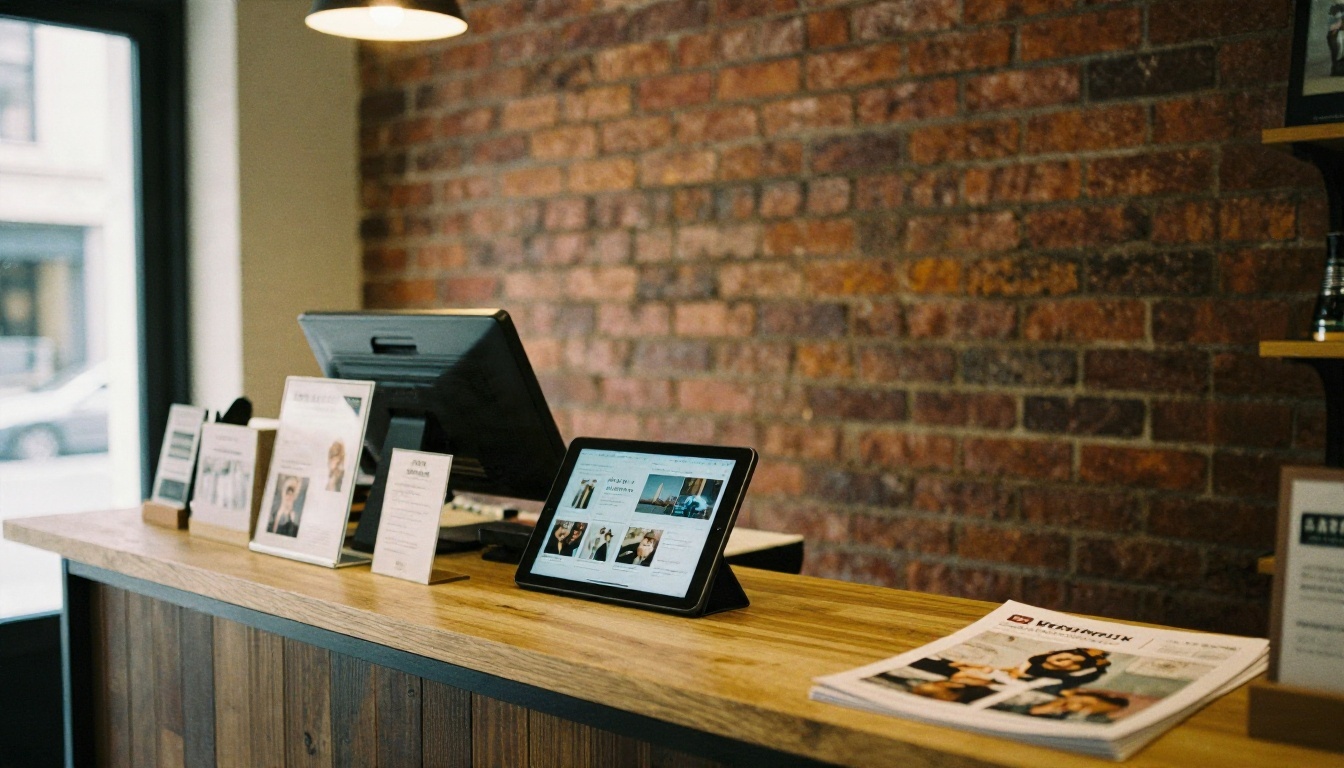
Picture a small ceramics studio selling mugs, bowls and planters to gift shops. The owner wants a catalog for the autumn market season.
The decisions:
- Size: A5, because it fits in a tote bag and shows two products per spread.
- Pages: 24 pages, saddle stitched, with 170 gsm silk inside and a 250 gsm laminated outer sheet.
- Quantity: 150 copies, split between a market stall and 40 shop owners on a mailing list.
- Cost: about 2.80 per copy at the print shop, so roughly 420 in total, plus about 60 for postage on the mailed batch.
- Digital backup: the same PDF, trimmed for screen, turned into a flipbook with a QR code on the back page.
What happened next: In October, a glaze color was discontinued. Instead of reprinting, the owner replaced the page in the PDF, re-uploaded it, and the flipbook updated for every link already shared. Printed copies carried a small "check online for current colors" note next to the QR code. The print run stayed valid, and the digital copy kept it accurate.
That is the real value of the pairing: print for impact, digital for accuracy.
Quick Checklist Before You Hit Print
- ✅ Paper size matches shipping and storage plans.
- ✅ Page count is a multiple of 4.
- ✅ Binding fits the page count.
- ✅ Bleed, margins and 300 dpi images confirmed.
- ✅ Physical proof approved.
- ✅ Digital PDF exported and uploaded as a flipbook.
- ✅ QR code tested on two phones.
Ready to Print and Publish?
Printing your own catalog does not have to be expensive or risky. Choose US Letter, A4 or A5 for practicality, match the binding to your page count, request quotes at 100 and 500 copies, and always approve a proof. Then give every printed copy a digital twin.
Ready to build yours? Create a free account on Flipbooks AI, upload your PDF and have a flipbook live in minutes. Browse all flipbook tools to find a layout for your business, or compare pricing plans when you are ready for analytics, lead capture and unlimited flipbooks.



