You have a product line, a budget, and a decision to make: spend thousands on a stack of glossy printed catalogs, or publish a digital version that anyone can open in seconds. The honest answer is that neither format wins every time. Printed catalogs still close deals at trade shows and in showrooms, while digital catalogs win on cost, speed and tracking. This article puts real numbers, examples and free options side by side so you can choose with confidence. If you decide to go digital, a tool like Flipbooks AI turns an existing PDF into a page-turning online catalog in minutes.
The Short Answer
If you want a one-line rule: print when touch and presence matter, go digital when speed, reach and updates matter. Most growing businesses end up using both, with digital as the default and print as a targeted tool.
| Question | Printed Catalog | Digital Catalog |
|---|
| Upfront cost | High (printing plus shipping) | Low to moderate |
| Cost per extra reader | Adds to the bill every time | Close to zero |
| Time to update a price | New print run | Minutes |
| Reach | Limited by mailing list | Global, shareable by link |
| Tracking | Almost none | Views, clicks, time on page |
| Best for | Showrooms, events, luxury | Online sales, wholesale, frequent changes |
💡 Pro tip: Decide by looking at where your buyers make the choice. If it happens on a phone or laptop, a digital catalog meets them there. If it happens at a counter, print earns its place.
Printed catalogs
A printed catalog is a physical publication, usually 16 to 100 pages, produced through offset or digital printing. You choose paper weight, finish, binding and print quantity. Once it leaves the press, every price, product photo and typo is locked in. The upside is a tactile, premium impression that a screen cannot copy.
Digital catalogs
A digital catalog is an online or downloadable version of the same product listing. The most popular style is the flipbook, which keeps the familiar page-turn feel but adds links, video, search and mobile support. You can start from a PDF and publish with the PDF to Flipbook Converter without redesigning anything.
The Real Cost of Printing
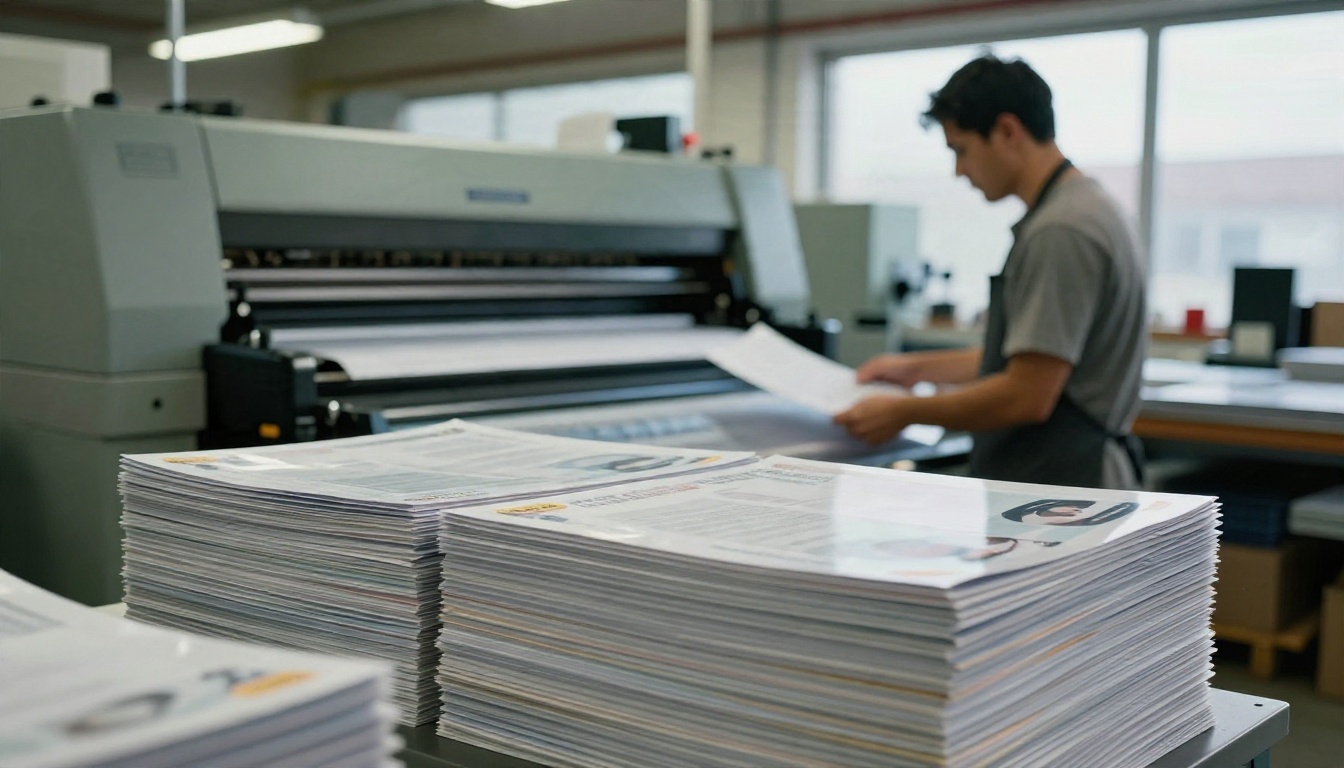
Per-copy math
Prices vary by country, paper and supplier, so treat the figures below as rough planning ranges rather than quotes. They assume a 32-page, A4 size, full color catalog with a saddle-stitched binding.
| Print run | Typical cost per copy | Estimated printing total |
|---|
| 100 copies | $4.00 to $8.00 | $400 to $800 |
| 500 copies | $1.50 to $4.00 | $750 to $2,000 |
| 1,000 copies | $1.00 to $3.00 | $1,000 to $3,000 |
| 5,000 copies | $0.60 to $2.00 | $3,000 to $10,000 |
Notice that a higher run lowers the cost per copy but raises the risk. If your prices change in month three, you are holding a pallet of outdated paper.
Hidden costs
The print invoice is rarely the final number. Budget for these as well:
- Design and layout: $500 to $3,000 for a professional file, more for custom photography.
- Shipping and postage: often $1 to $4 per copy for domestic delivery, far more abroad.
- Storage: boxes take space, and paper can yellow or warp in humid rooms.
- Reprints: one wrong SKU number means another run.
- Waste: catalogs that are never opened. Industry rule of thumb says a large share of mailed copies go straight to the recycling bin.
⚠️ Warning: A 1,000-copy run at $2 per copy looks like $2,000. Add design, shipping and storage and the real figure can pass $5,000 before a single order arrives.
What Digital Catalogs Cost

Free options
Yes, you can publish a digital catalog for nothing, with trade-offs. Here are the common free routes:
- Share a plain PDF from your design software. Fast, but heavy to download and awkward on phones.
- Use a free design tool to lay out pages, then export to PDF.
- Try a free flipbook plan. Many platforms offer one, though some stamp their logo on every page.
- Post pages as a gallery on your site or social profile. Works for tiny catalogs, poorly for big ones.
The catch with free is usually one of three things: watermarks, tight page limits, or no analytics. A watermark on your catalog tells customers you did not invest in the presentation.
✅ Best practice: Test any free plan with your real file first. Check how it looks on a phone, whether links work, and whether branding is yours or theirs. You can start free on Flipbooks AI and see the result before committing.
Paid platforms
Paid digital catalog tools typically charge a monthly fee instead of a per-copy fee. That flips the math: you pay a predictable amount whether 50 or 50,000 people read the catalog.
| Cost item | Printed (500 copies) | Digital (one year) |
|---|
| Layout and design | $500 to $3,000 | $500 to $3,000 (same file) |
| Production | $750 to $2,000 | $0 |
| Distribution | $500 to $2,000 | $0 |
| Platform fee | $0 | Monthly plan, see pricing |
| Update cost | New run | Free, instant |
| Analytics | None | Included on Professional plan |
Even after you add a subscription, digital usually comes out well ahead once you update the catalog more than once a year.
Side by Side Comparison
Cost is only one part of the decision. Here is how the two formats compare on the things buyers actually notice.
| Factor | Printed | Digital |
|---|
| First impression | Tactile, premium | Instant, interactive |
| Shelf life | Months to years | Always current |
| Multimedia | None | Video, audio, live links |
| Search by product | Flip and scan | Keyword search, clickable index |
| Environmental footprint | Paper, ink, transport | Minimal |
| Lead capture | Manual | Forms and gated access |
| Offline use | Always | Possible with downloads |
| Accessibility | Fixed type size | Zoom, mobile friendly |
Printed pages win on feel. Digital pages win on everything you can measure. That measurability matters: a digital catalog tells you which page got attention, while a printed one tells you nothing.
Real Examples by Business Type
Furniture retailer
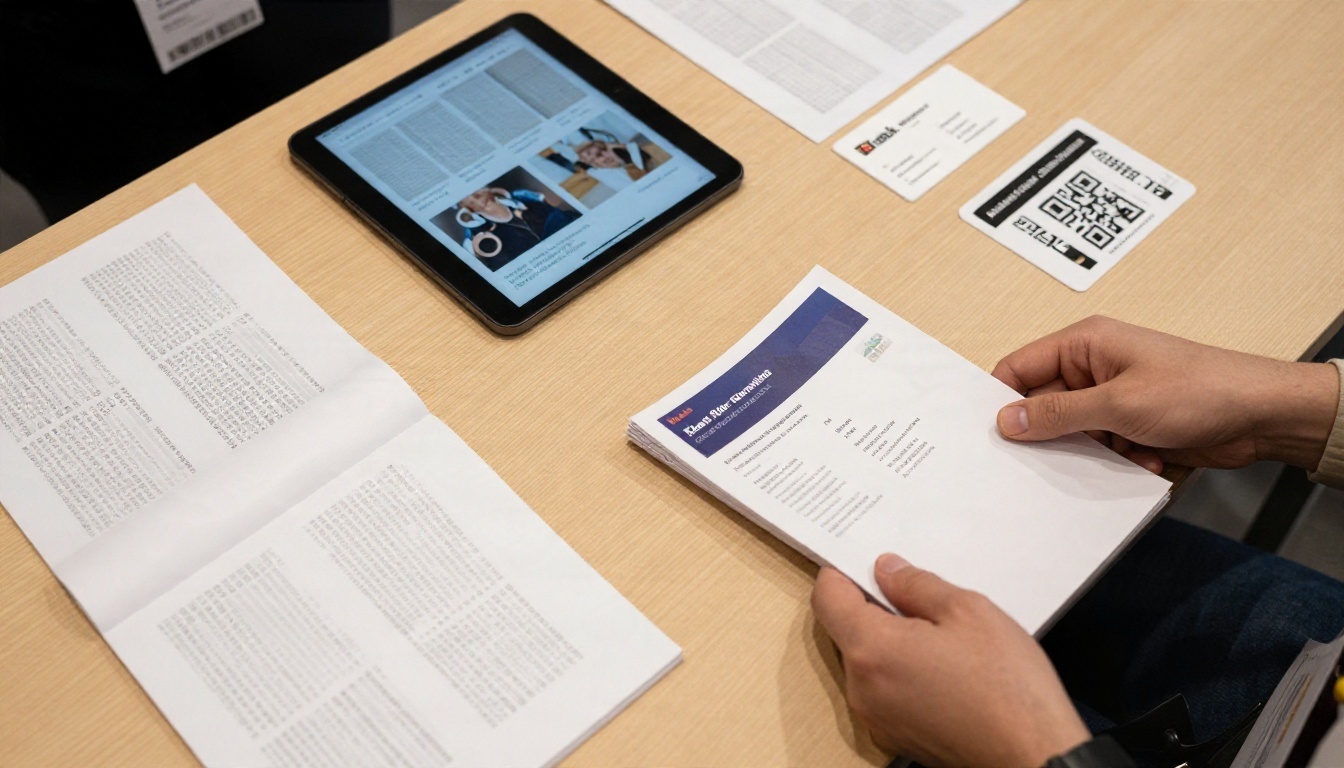
A furniture store prints 300 premium catalogs for showroom visitors, because customers touch fabric swatches and flip through room scenes while sitting on sofas. The same file goes online using the Furniture Catalog Maker, where links jump straight to product pages and prices can change the moment stock changes.
Fashion boutique
Seasonal collections date fast. A boutique that prints 2,000 lookbooks risks leftover stock when the season ends. Publishing with the Fashion Catalog Creator lets the owner swap pages weekly, add short video clips of garments in motion, and email one link to the full customer list.
Wholesale distributor
A distributor with 4,000 SKUs cannot reprint every time a supplier changes a price. A searchable digital catalog or Digital Price List keeps buyers on current numbers, with password protection so only approved accounts can open it.
Restaurant or spa
Menus change often, so digital fits naturally. The Restaurant Menu Creator and Spa and Wellness Menu tools let a venue show a QR code on the table while still keeping one beautifully printed menu for formal dinners.
💡 Pro tip: A QR code printed on a postcard, business card or packaging insert sends a customer from the physical world to your digital catalog in two seconds. It costs pennies.
Build a Digital Catalog Step by Step

Already have a print-ready file? You are halfway there. Here is how to publish it with Flipbooks AI.
Create your account and upload
- Go to Flipbooks AI and create an account.
- Click to create a new flipbook and upload your PDF. Conversion takes moments, and pages keep their original layout, fonts and images.
- Check each page in the preview. Screenshots of your own file will show if any text looks cut or any image looks soft. Fix those in the source and re-upload.
For catalog-specific layouts, try the Digital Catalog Maker or the Catalog Flipbook Creator.
Customize the look
- Add custom branding: your logo, brand colors and a custom background.
- Pick the page effect, such as a realistic curl, a soft slide or a flat scroll.
- Embed videos and audio on product pages so shoppers can see an item in use.
- Add clickable hotspots linking each product to its page in your store.
The design is mobile responsive, so it adapts to phones and tablets with no extra work. And there are no watermarks, ever, so the catalog stays 100% yours.
Share it everywhere
- Copy the direct link and paste it into emails, chats and social bios.
- Use the Embed Flipbook on Website option and paste the embed code into your product page.
- Turn on password protection for dealer-only or wholesale catalogs.
- Print the link as a QR code for flyers, packaging and trade show banners.
Use the pro features
On the Professional plan, you get analytics showing views, time spent and popular pages, plus lead generation forms that capture an email before a reader opens the catalog. You can also allow offline downloads for buyers with weak signal at a warehouse or event. Standard plan and above include unlimited flipbooks, so you can publish a separate catalog for every region or product line. Compare options on the pricing page.
Different goals call for different formats. Use this table as a quick decision tool.
| Situation | Best choice | Why |
|---|
| Prices change monthly | Digital | No reprint costs |
| Luxury brand with high-ticket items | Print plus digital | Touch builds trust, digital extends reach |
| Trade show or showroom | Print plus QR code | Physical handout, instant digital follow up |
| Global or remote buyers | Digital | No shipping |
| Tight startup budget | Digital | Low upfront cost |
| Older, offline-first customers | Print | Matches habits |
| Need to track interest | Digital | Built-in analytics |
The hybrid approach
Most strong catalog strategies mix both. Print a small, premium run for the people who will keep it on a desk. Publish the digital version for everyone else. Add a QR code on the printed copy that points to the always-current online edition, so a reader can check live prices and order without calling anyone.
3 common mistakes
- Printing too many. Order for the next 3 to 6 months, not the next 3 years.
- Sending a heavy PDF. A 60 MB attachment bounces or frustrates mobile readers. A flipbook link opens fast.
- Forgetting to measure. If you never look at which pages get views, you are guessing what to feature next.
✅ Best practice: Keep one master file. Update it once, then reprint only when you truly need paper and re-upload digitally in a minute.
If your products change often, your buyers are spread across regions, or you simply want to know which pages work, start with digital. If you sell in showrooms or at events, keep a modest printed run and link it to the online version through a QR code.
Ready to publish? Get started for free on Flipbooks AI, and turn your current PDF into a shareable catalog today. Browse all flipbook tools to find a template that matches your industry, from product catalogs to lookbooks. When you are ready to compare features, check the plans and pricing and choose what fits your catalog.



