You have a catalog, a lookbook or a brochure ready to go, and one question stands between you and publishing: do you print it or put it online? The wrong answer wastes budget, and the right answer usually turns out to be a mix. This comparison walks through what each format costs, how each one travels, and where printing still earns its place. If you want to test the digital side while you read, Flipbooks AI turns a PDF into a page-turning flipbook in minutes.
Short version: printed flip books win on touch and first impressions, digital flipbooks win on cost, reach and measurement. The details below show when each advantage actually matters.
Before comparing numbers, it helps to agree on terms. People use "flip book" for two very different things.

The Printed Flip Book
A printed flip book is a physical publication: a catalog, booklet, lookbook or magazine with bound pages you hold and turn. It can be saddle-stitched, perfect-bound, spiral-bound or hardcover. Paper weight, coating and ink all shape how it feels, and that feel is the whole point. Luxury brands, galleries and hotels still print because a heavy, well-finished book signals care before a single word is read.
The Digital Flipbook
A digital flipbook is an online publication built from a PDF, with a realistic page-turn animation, zoom, search and clickable links. It opens in any browser, works on phones, and needs no app. You send a link, embed it on a page or share it by email. Because it is software, it can also hold audio, video, forms and analytics that paper never could.
Here is the comparison at a glance:
| Feature | Printed Flip Book | Digital Flipbook |
|---|
| Upfront cost | High, paid per copy | Low, flat subscription |
| Cost of the 1,000th reader | Another printed copy plus postage | Close to zero |
| Time to publish | Days to weeks | Minutes |
| Fixing a typo after release | Reprint | Replace the PDF |
| Reader tracking | None | Page views, time, clicks |
| Multimedia | None | Video, audio, links, forms |
| Sensory impact | Strong | Moderate |
| Shelf life | Long, physical | As long as the link stays live |
Cost is where most comparisons start, and where most of them go wrong. They compare the price of one printed copy with a monthly fee and stop there. The honest way is to look at the cost per reader over a full year.
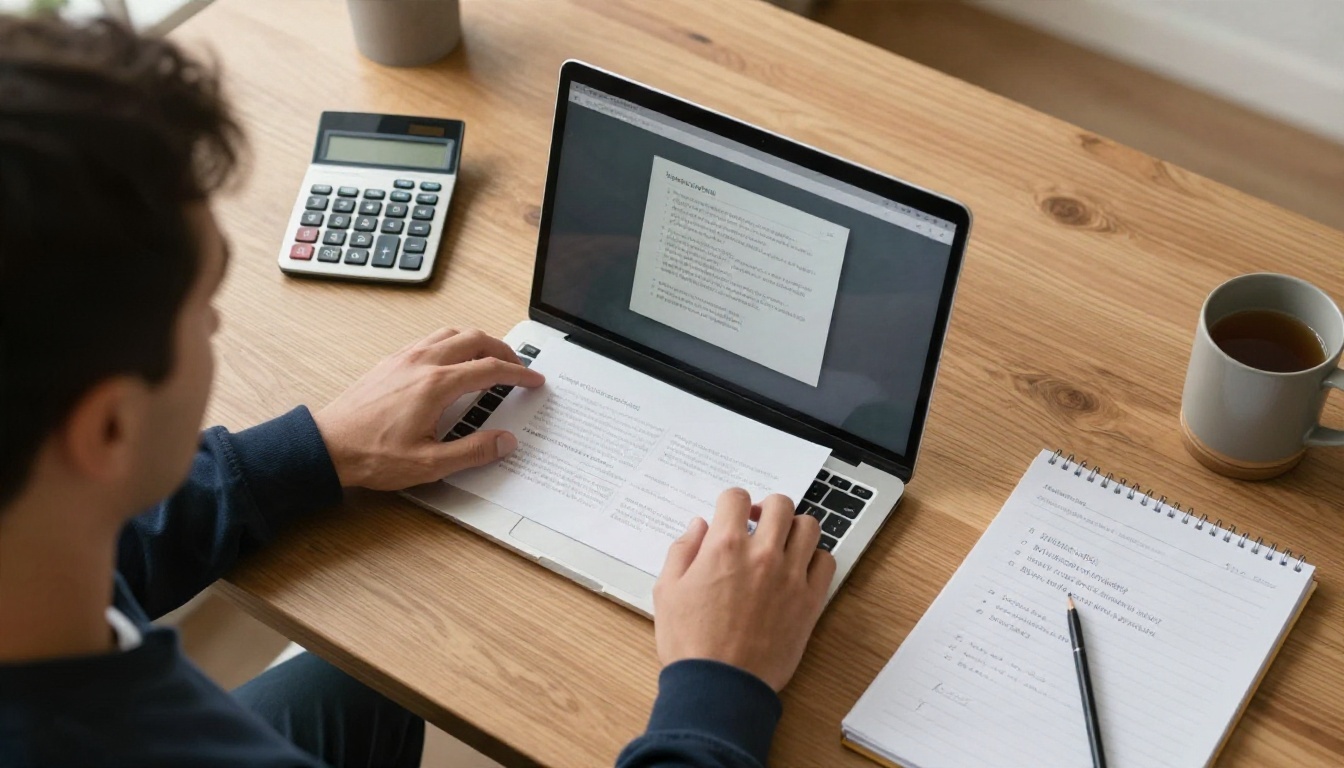
Printing Costs Add Up Fast
A printed publication carries several separate costs, and each one scales with volume:
- Design and layout, usually a one-time fee, but repeated for every new edition
- Printing, billed per copy and shaped by page count, paper stock and finish
- Binding, which climbs as you move from stapled to perfect-bound to hardcover
- Shipping and postage, often the part people forget, and the part that hurts on heavy catalogs
- Storage and waste, since unused copies go out of date the moment prices or products change
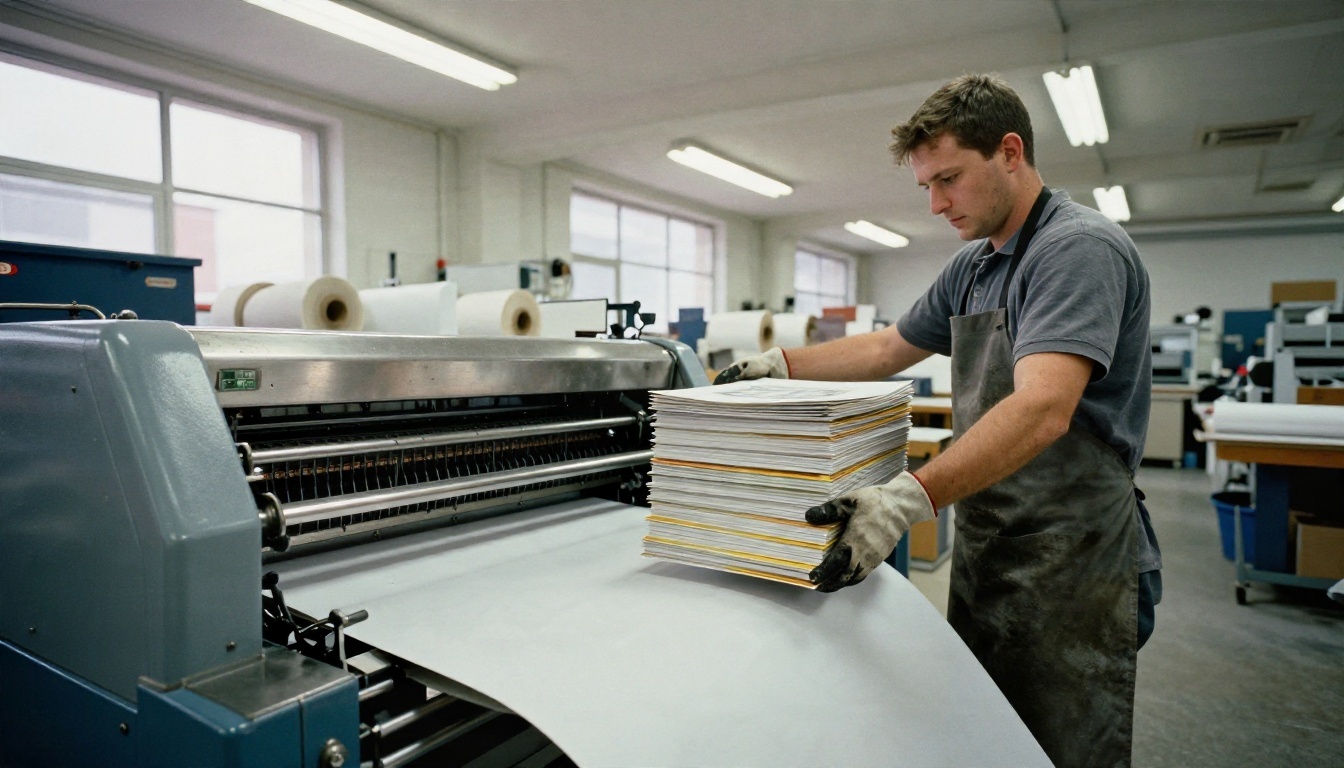
Offset printing gets cheaper per copy as quantities grow, but you commit money before you know demand. Digital print runs have a higher unit price and no minimum, which suits small batches.
Digital Costs Stay Flat
A digital flipbook has a different cost shape. You pay for the platform, not the copy. Whether ten people or ten thousand open the link, the bill barely moves. On Flipbooks AI, the Standard plan and above include unlimited flipbooks with no watermarks, so a seasonal catalog, a menu and a press kit all fit in the same budget. You can review current options on the pricing page.
A Worked Example
Take a furniture dealer publishing a 32-page catalog three times a year. These figures are illustrative estimates, and real quotes vary by region and supplier.
| Scenario | Per Edition | Per Year (3 Editions) |
|---|
| 500 offset copies at about $3.20 each | $1,600 | $4,800 |
| Shipping 500 copies at about $1.80 each | $900 | $2,700 |
| Print-only total | $2,500 | $7,500 |
| 100 digital print copies at about $5 each, no shipping to clients | $500 | $1,500 |
| Digital flipbook for everyone else | Flat plan | Flat plan |
| Hybrid total | $500 plus plan | $1,500 plus plan |
💡 Pro tip: Print for the 100 clients who will actually hold the catalog and keep it on a coffee table. Send the other 400 a link. The savings usually pay for the subscription several times over.
Online Sharing Compared
Paper travels at the speed of the postal service. A link travels at the speed of a click. That gap decides more purchases than most teams expect.

Links and Embeds
A printed flip book has one sharing method: hand it over or mail it. A digital flipbook gives you several at once:
- Direct link for email, messaging apps and social posts
- Embed code to place the flipbook inside a landing page or blog post, using the Embed Flipbook on Website tool
- QR code on packaging, posters or printed flyers that points to the live version
- Offline download for readers who need the file on a plane or a job site

Access Control
Once a printed book leaves your hands, you cannot control who sees it. A digital flipbook can sit behind a password, which matters for price lists, investor decks and internal training material. You can also pull it offline the moment it is outdated, something no print run allows.
Tracking What Readers Do
This is the biggest gap. A printed catalog tells you nothing about how it was read. A digital flipbook can show which pages held attention, where readers dropped off and which links they clicked. On the Professional plan, lead generation forms let you capture an email before a reader opens a premium document.

| Sharing Capability | Printed | Digital |
|---|
| Delivery speed | Days | Instant |
| Reach beyond your mailing list | Limited | Unlimited |
| Password protection | Not possible | Yes |
| Withdraw or update after release | Not possible | Yes |
| Know who read what | No | Yes (analytics) |
| Works on mobile | Only if carried | Yes, responsive |
⚠️ Watch out: A digital flipbook is only as good as its distribution. A link nobody opens performs worse than a printed book on a client's desk. Plan where the link will live before you publish.
Printing Options Still Matter
Digital does not retire paper. It changes when paper makes sense.
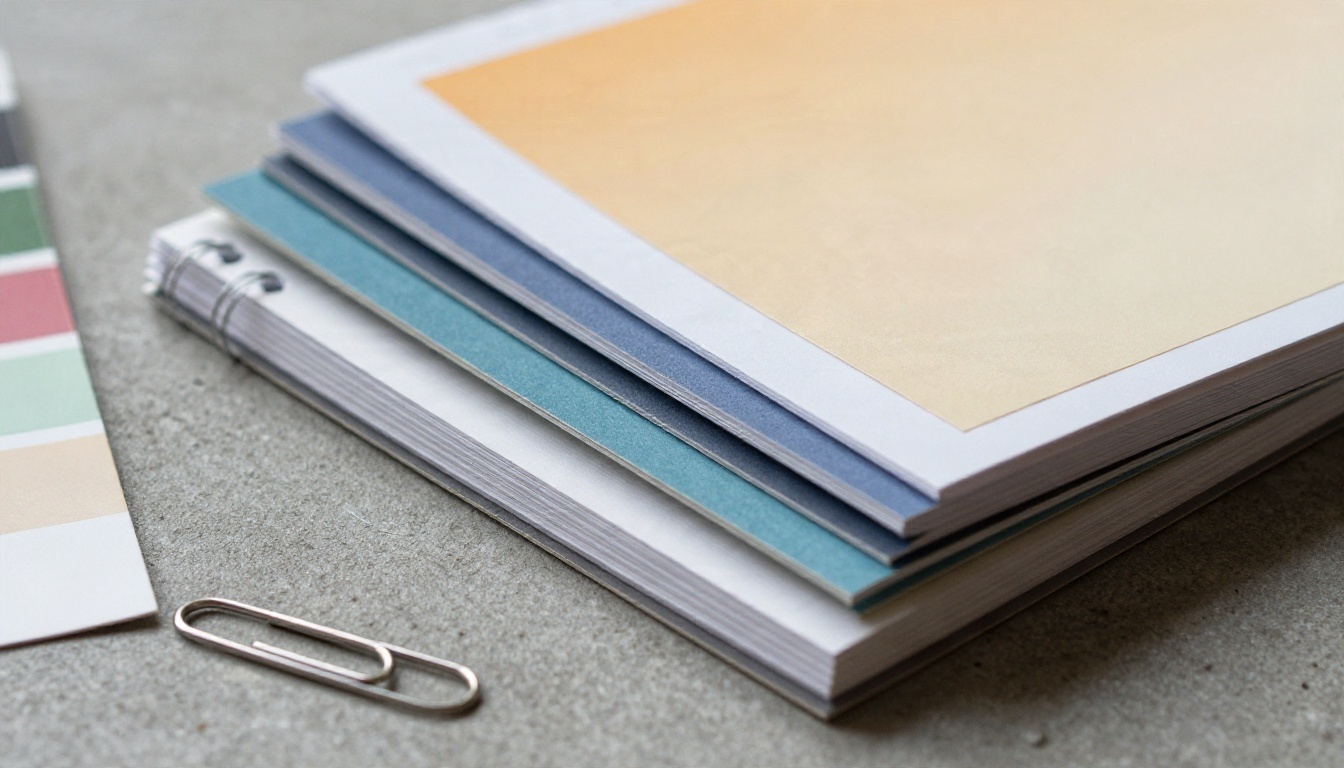
Binding and Paper Choices
If you do print, these decisions shape both price and perception:
- Saddle-stitch (stapled spine): cheapest, best for up to about 48 pages
- Perfect binding (glued spine): a bookstore look, suited to thicker catalogs and magazines
- Spiral or wire-o: lies flat, useful for manuals and recipe books
- Matte coating: soft, premium, shows fewer fingerprints
- Gloss coating: vivid color for photography and fashion
- Uncoated stock: natural, writable, and often the least expensive
Print on Demand and Short Runs
You no longer have to guess a quantity. Digital printing services produce 25 or 50 copies at a time, which removes the storage problem. Pair that with a live digital flipbook and you can reorder only when a sales rep, client or event actually needs paper.
Offline Downloads for Digital
Some readers want something they can keep without printing. Flipbooks AI supports offline downloads, so a customer can save the publication for a site visit or a flight. And since you built the flipbook from a PDF, that same file goes to your print shop unchanged. One source file serves both formats.
How to Create a Digital Flipbook with Flipbooks AI
If your design already exists as a PDF, you are close to done. Here is the whole process.
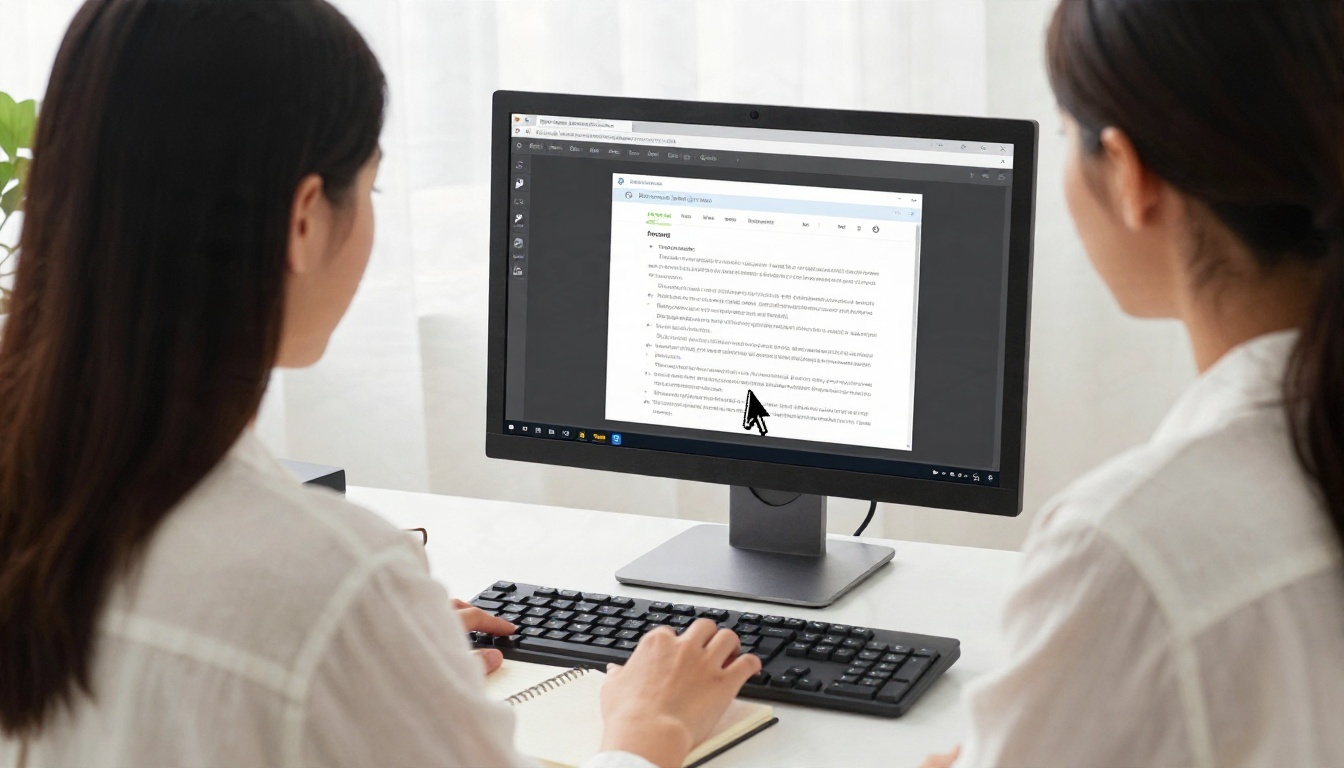
- Create your account. Start with Flipbooks AI and open your dashboard.
- Upload your PDF. Drag the file into the PDF to Flipbook Converter. Pages convert automatically and keep their original layout.
- Customize the look. Add your logo, pick brand colors, choose the page-turn effect and set the background. Screenshot tip: the preview pane updates live, so you can check every change before saving.
- Add multimedia. Drop in video or audio on the pages where a product demo or a welcome message helps.
- Choose sharing options. Copy the direct link, grab the embed code for your site, or set a password for private material.
- Turn on analytics. On the Professional plan, enable reader tracking and lead capture so you see what happens after you publish.
- Allow offline downloads if your audience works in places with weak connections.
Not sure where to begin? Pick a purpose-built tool from the full tools directory. The Digital Catalog Maker suits product ranges, and the Restaurant Menu Creator works for menus that change weekly.
✅ Best practice: Export your PDF at the final trim size with print-ready resolution. That single file gives you a sharp flipbook and a sharp print order.
The right answer depends on who reads the publication and what you want them to do next.
When Print Wins
- Luxury and hospitality: a hotel brochure in a lobby sets the tone before a guest speaks
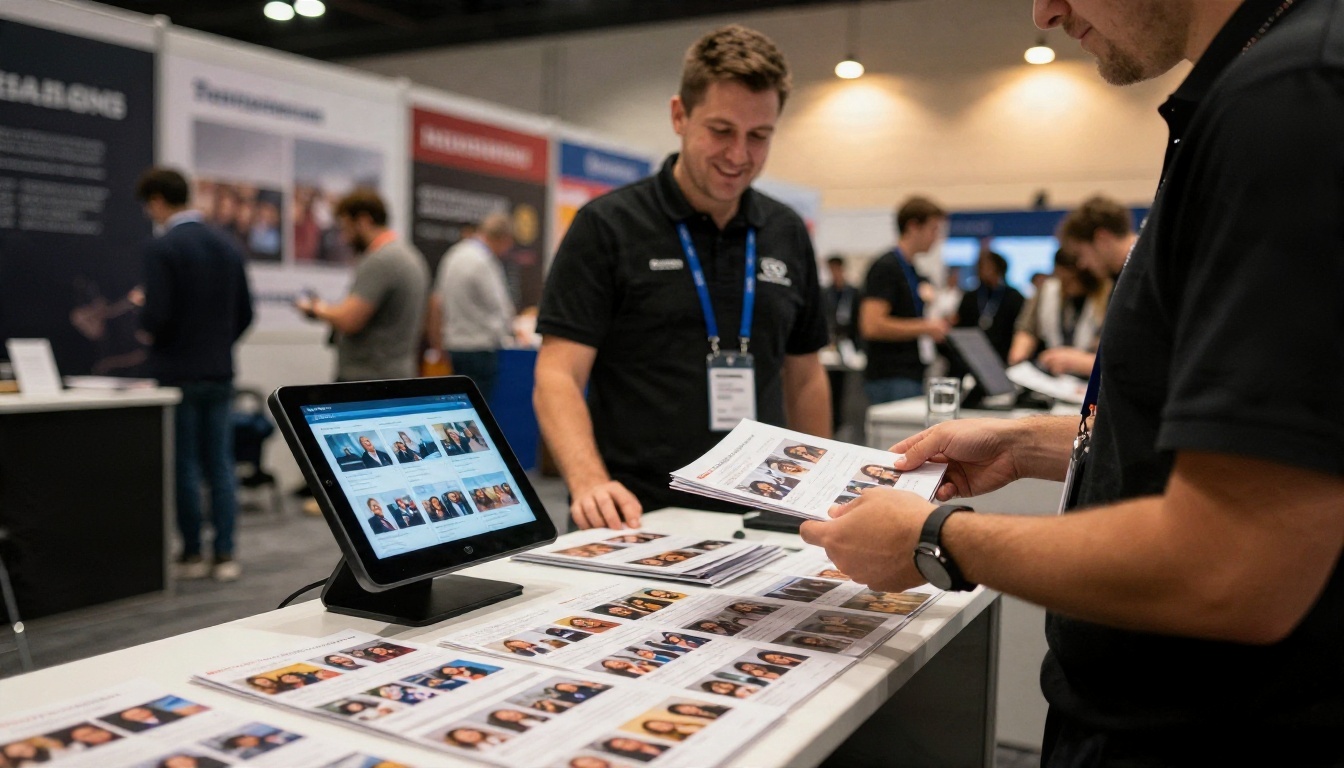
- Trade shows: a physical leave-behind gets remembered
- Gifts and keepsakes: wedding albums and yearbooks are meant to be held
- Low-connectivity audiences: some regions and job sites simply lack reliable internet
When Digital Wins
- Frequently updated content: price lists, menus and product catalogs change often. A Digital Price List Generator avoids reprinting every quarter
- Wide or global distribution: sending a link to 5,000 people costs the same as sending it to 50
- Lead generation: gated flipbooks collect contacts while delivering value
- Training and internal documents: version control matters more than texture
The Hybrid Approach
Most teams end up here, and it is often the strongest option. Print a small, polished run for high-value contacts. Put the full publication online for everyone else. Add a QR code on the printed piece that opens the live flipbook, so the paper version always points to the freshest content.
| Use Case | Best Format | Why |
|---|
| Seasonal product catalog | Hybrid | Print for top clients, link for the rest |
| Restaurant menu | Digital | Prices and dishes change often |
| Real estate brochure | Hybrid | Print for open houses, link for listings |
| Annual report | Digital | Easy to share with investors and press |
| Wedding album | Print | Emotional, permanent keepsake |
| Staff training manual | Digital | Updated without reprinting |
| Fashion lookbook | Hybrid | Print for buyers, digital for social |
Common Mistakes to Avoid
Teams comparing the two formats tend to trip over the same few things.
- Comparing unit cost only. The price of one copy ignores shipping, storage and reprints. Compare cost per reader over a year.
- Printing too many copies. Overordering is the most common waste. Start with a short run and reorder.
- Publishing a flipbook with no distribution plan. A link needs a home: an email, a landing page, a QR code.
- Forgetting mobile readers. More than half of web traffic comes from phones. Test your flipbook on a small screen before sharing.
- Using two separate files. Keep one master PDF for both print and digital, so corrections happen once.
- Skipping the numbers. Without analytics, you cannot tell whether the print run or the link brought in the sale.
💡 Pro tip: Before a large print order, publish the digital version first. Use the page analytics to find which spreads readers love, then lead the printed edition with them.
Here is the decision in three lines. If you need touch and prestige for a small, high-value audience, print. If you need reach, speed and measurable results, go digital. If you need both, do both from the same PDF.
Ready to test the digital side? Create your account on Flipbooks AI and convert your first PDF today, with no watermarks on your finished flipbook. Browse the full set of flipbook tools to find a template for your catalog, menu, brochure or report, and compare pricing plans to see which one fits your volume. When you are sure of your plan, pick a plan and sign in to publish right away.



