You approved the budget for a 120-page training manual, ordered 200 copies, and three weeks later the procedure on page 47 changed. Now you hold a stack of paper that is already wrong. That moment is why so many teams are rethinking printed training manuals: the cost, the printing options, the digital alternatives and, above all, how updates get handled. Tools like Flipbooks AI turn a finished PDF into a page-turning online manual, so a correction takes minutes instead of a reprint. This article puts real numbers next to each choice so you can decide what to print, what to publish online, and what to do with both.
💡 Quick answer: print only what people need in their hands (field work, safety binders, onboarding kits) and keep a digital flipbook as the single source of truth for everything else.
What Printed Manuals Really Cost
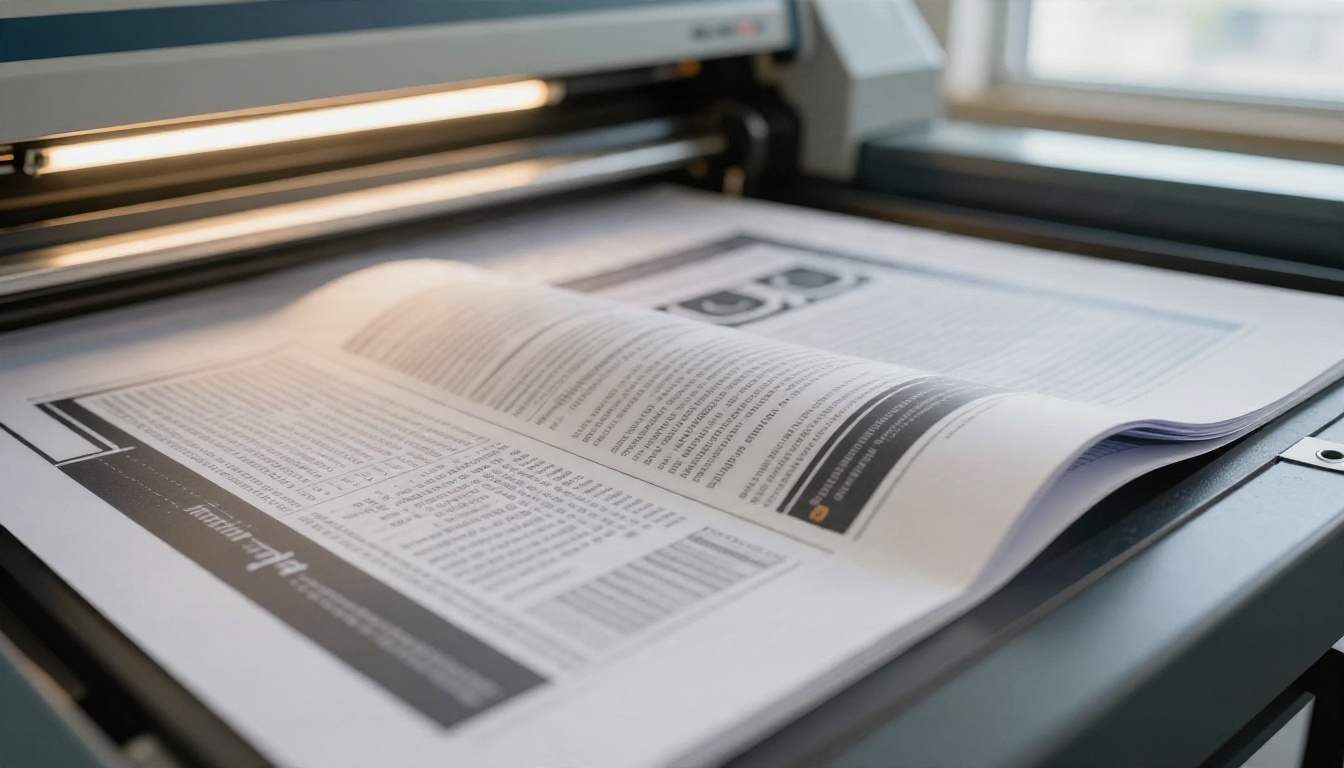
The price on a print quote is only the first line of the real bill. Page count, color, quantity, binding and shipping all move the total, and each of them interacts with the others. A 100-page black and white manual in a run of 25 costs several times more per copy than the same file in a run of 1,000.
Cost Per Copy by Format
The ranges below are typical estimates for common formats. Quotes vary by country and supplier, so treat them as a planning baseline rather than a promise.
| Manual format | Typical quantity | Approx. cost per copy |
|---|
| 60 pages, black and white, saddle-stitched | 100 | $2 to $4 |
| 100 pages, black and white, spiral bound | 50 | $6 to $12 |
| 100 pages, full color, spiral bound | 50 | $18 to $35 |
| 150 pages, full color, perfect bound (offset) | 1,000 | $4 to $8 |
| 200 pages, black and white, tabbed three-ring binder | 25 | $20 to $40 |
Two patterns stand out. First, color multiplies cost faster than page count does. Second, offset printing becomes cheap only when you commit to large runs, and a large run is exactly what a manual that changes often should avoid.
Hidden Costs People Forget
Printing is rarely the whole expense. Before you compare quotes, add these lines to your spreadsheet:
- Design and layout time: every revision means someone reopens the file and re-exports it.
- Shipping and handling: boxes of manuals to multiple sites add weight, freight and customs paperwork.
- Storage: unused copies take shelf space, and old editions linger in drawers.
- Distribution labor: someone has to hand out, collect and track every copy.
- Waste: when a procedure changes, the old stock becomes recycling.
- Lost productivity: employees who follow outdated pages make errors that cost far more than the paper.

⚠️ Watch out: the cheapest per-copy quote often belongs to the largest run. If the content will change within a year, a big run is a bet that nothing will change.
Printing Options Worth Comparing
Once you know your quantity and page count, the next decision is how the pages are produced and held together. This choice affects durability, appearance and how painful the next revision will be.
Digital vs Offset Printing
Digital printing has little setup cost, so it suits short runs from one to a few hundred copies. You can also print different versions on demand. Offset printing requires plates and setup, but the price per copy drops sharply once you pass roughly 500 to 1,000 units. For most internal training manuals that change often, digital printing is the safer fit.
Binding Choices That Last
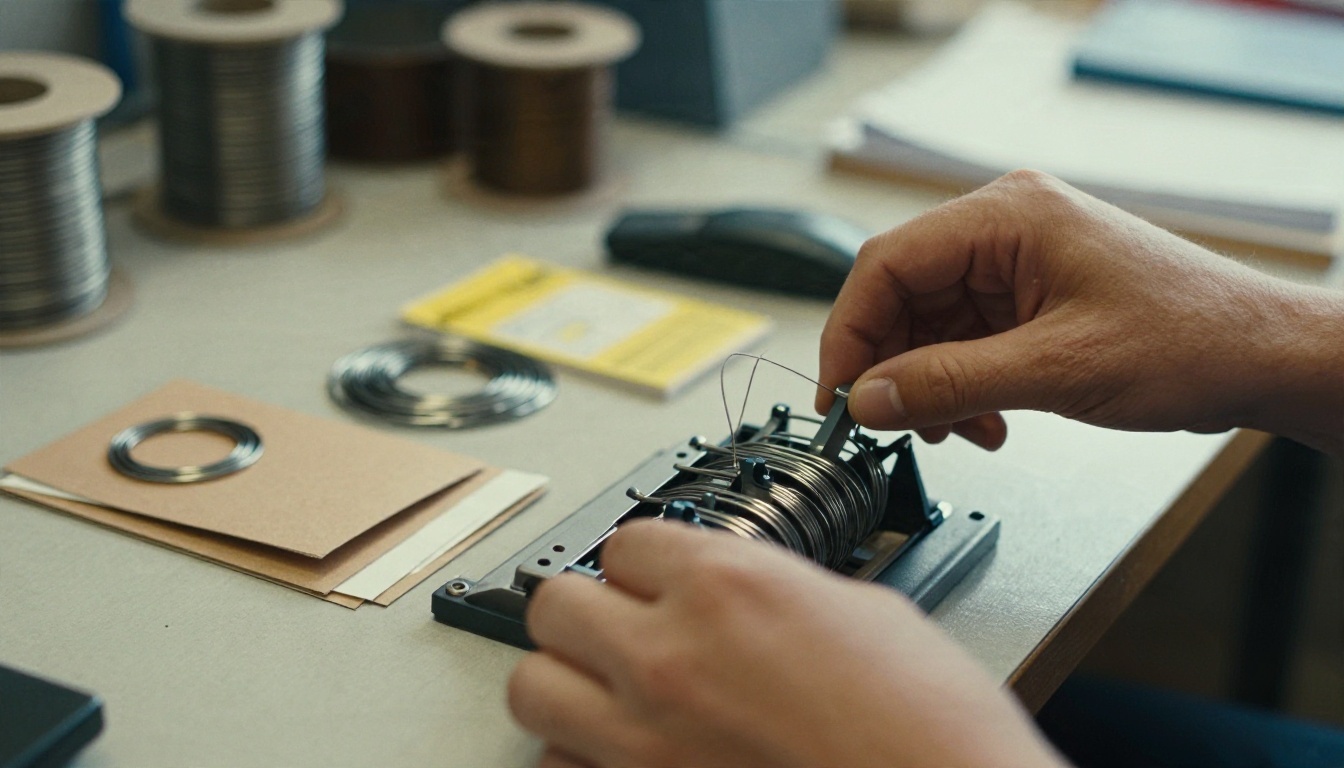
Binding decides whether a manual survives a workshop floor or falls apart after a month.
| Binding | Best for | Lies flat | Easy to update | Durability |
|---|
| Saddle stitch (staples) | Short booklets, quick references | Moderate | No | Low |
| Spiral or wire | Workshops, field manuals | Yes | Moderate | Medium to high |
| Perfect bound (glued spine) | Long, stable manuals | No | No | Medium |
| Three-ring binder | Procedures that change often | Yes | Yes, swap pages | High |
A binder is the only format that lets you replace a few pages instead of the whole book. The catch is discipline: someone must actually swap those pages in every copy, and in practice that rarely happens everywhere.
Paper, Color and Page Count
Standard 80 to 100 gsm paper is fine for most training content. Heavier stock feels premium but adds weight and cost. Use color only where it carries meaning: warning labels, wiring diagrams, safety icons. A manual that is black and white with spot color on key diagrams reads well and keeps the price far below full color. Trimming page count also helps. Tighter layout and shorter paragraphs often cut 10 to 15 percent of pages without losing content.
Where Print Still Wins
Printed manuals are not obsolete. In some environments paper is simply the better tool:
- No-connectivity zones: mines, ships, remote sites and basement plant rooms.
- Hands-on tasks: a mechanic with greasy gloves will not swipe a screen.
- Regulatory requirements: some industries need a signed, dated physical copy.
- Onboarding kits: a welcome binder feels tangible and sets a tone on day one.
- Reading comfort: many people absorb long text more calmly on paper.

The goal is not to abolish paper. It is to stop treating paper as the master copy.
Digital Versions Change the Math
A digital manual starts from the same PDF you would send to a printer. The difference is what happens next: instead of a delivery truck, you get a link.
What a Flipbook Manual Offers
A flipbook keeps the familiar page-turn feel while adding what paper cannot do:
- Search: employees type a term and jump straight to the page.
- Multimedia: embed short videos or audio next to the step they explain.
- Mobile access: the layout adapts to phones and tablets.
- Access control: protect sensitive content with a password.
- Tracking: see who opened the manual and which pages they read.
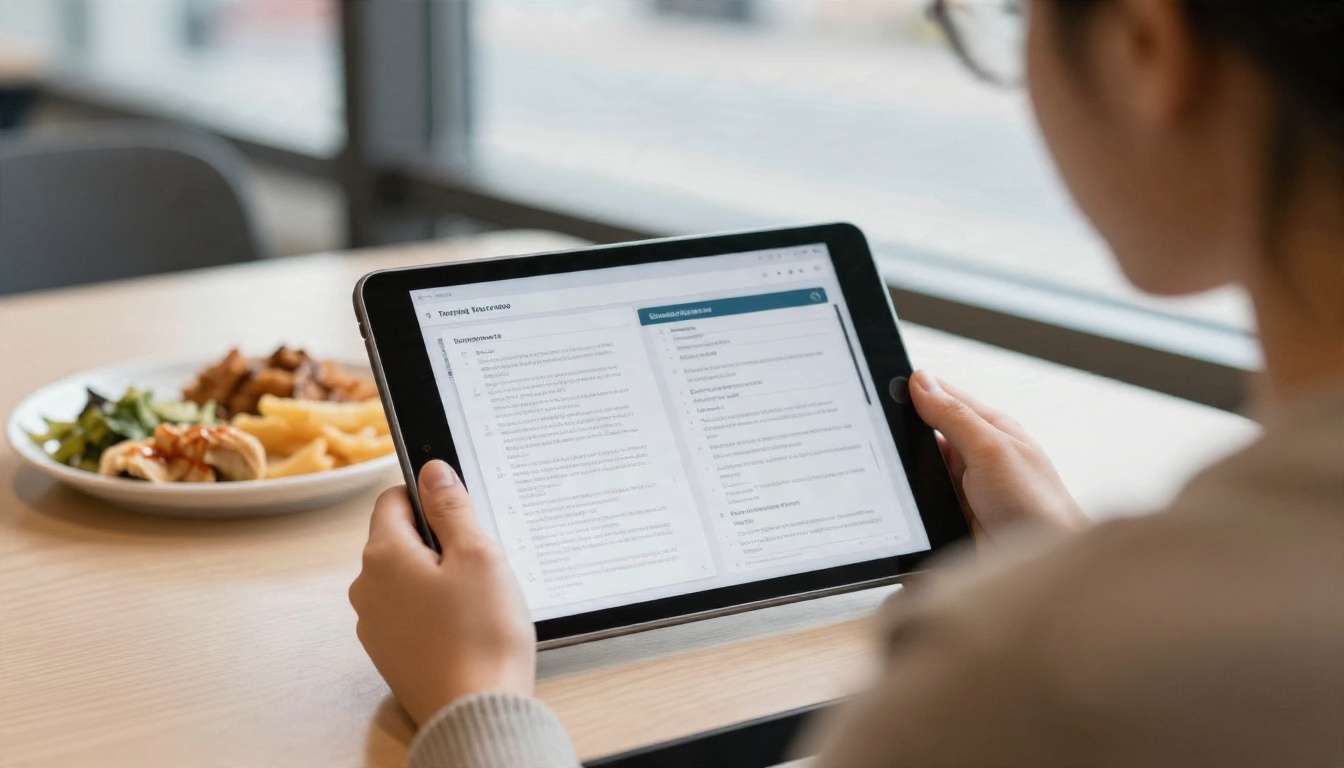
Printed vs Digital Side by Side
| Factor | Printed manual | Digital flipbook |
|---|
| Cost per extra reader | Full print cost again | Near zero |
| Time to distribute | Days to weeks | Seconds (a link) |
| Time to correct an error | Reprint or replace pages | Re-upload the file |
| Searchable | No | Yes |
| Multimedia | No | Video and audio |
| Works offline | Always | With offline download |
| Reader analytics | None | Page views and visits |
| Environmental footprint | Paper, ink, freight | Minimal |
✅ Best practice: treat the digital flipbook as the master version. Every printed copy then becomes a convenience copy, not the official record.
The Update Problem
This is where printed manuals quietly lose money. Content changes constantly: new equipment, revised safety rules, updated software screens, new legal language. Every change is a decision between living with an error and paying to fix it.
Cost of One Revision
Take a team of 200 employees, each holding a 120-page spiral manual printed at about $12 a copy. Now suppose one 20-page section changes.
| Scenario | Work involved | Estimated cost |
|---|
| Initial print run | 200 copies at about $12 | About $2,400 |
| Replace the 20 changed pages | Reprint pages, ship, insert by hand | About $600 to $900 |
| Reprint everything | New 200-copy run plus freight | About $2,400 plus shipping |
| Digital flipbook update | Edit PDF, re-upload | Staff time only |
Those figures are illustrative, but the shape is consistent: each revision on paper costs real money and delay, while a digital revision costs minutes. If your manual changes three or four times a year, the gap grows fast.
How Version Control Works
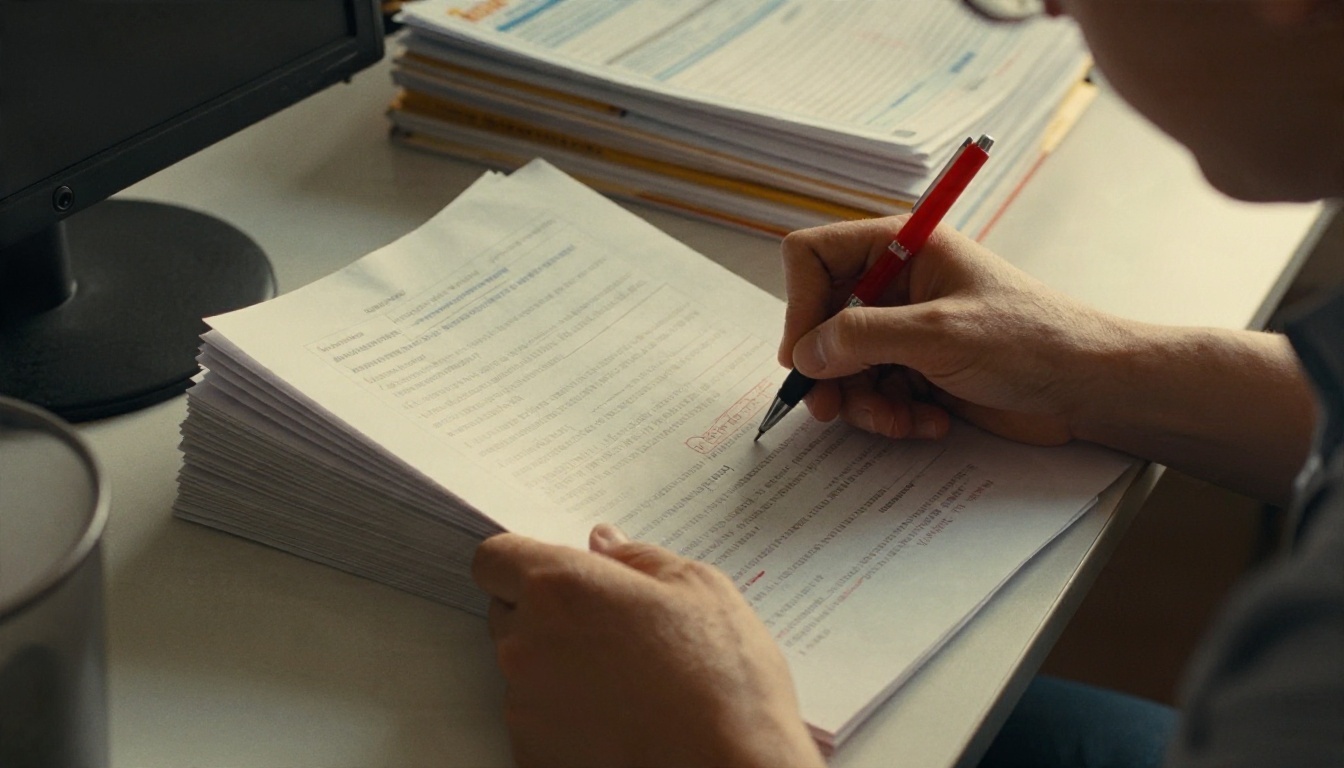
Version control is the quieter problem. With paper, you never know how many people still use edition two. With a digital manual you can:
- Name each release with a clear date or version number on the first page.
- Keep one public link that always points to the latest file.
- Add a short change log on page two so people see what changed.
- Retire old links so no one reads a superseded procedure.
- Notify the team by email or chat each time you publish.
💡 Pro tip: print the version and date on every page footer. When someone shows you a worn paper copy, you can tell at a glance whether it is current.
Create a Manual Flipbook with Flipbooks AI
If your manual already exists as a PDF, you are most of the way there. The Training Manual Flipbook tool is built for exactly this job, and the PDF to Flipbook Converter handles the conversion itself. If your material looks more like a course, the Course Material Publisher is a close alternative.
Upload Your PDF
- Go to Flipbooks AI and create an account.
- Click to start a new flipbook and drag your PDF into the upload area.
- Wait a few moments while the file converts into a page-turning preview. Text stays sharp and images keep their quality.
- Check that page order, tables and diagrams look right on the preview.

Brand It and Add Media
- Add your logo and pick brand colors so the viewer matches your company look.
- Choose a background and page effects that suit your audience. Subtle page curls feel natural and stay out of the way.
- Embed a short video or audio clip beside any step that is easier to show than to describe.
- Add links from the table of contents to the right sections so trainees can jump around.
No watermarks appear on your flipbook, so it looks like your own publication rather than a demo.
Share Securely
- Copy the direct link and send it by email or chat.
- Use the embed code to place the manual on your intranet or help site. The Embed Flipbook on Website page shows how.
- Turn on password protection for confidential procedures.
- Allow offline downloads for people who work where connectivity is weak.
Track Results
On the Professional plan you also get analytics and lead generation. You can see which sections are opened most, which pages people skip, and where readers drop off. That tells you where a manual is confusing and what to rewrite next. Compare options on the pricing page, and browse all flipbook tools if you need other formats.
| Need | Plan feature to look for |
|---|
| One or two manuals | Starter or Standard plan |
| Unlimited manuals across departments | Standard plan and above |
| Reader tracking and lead capture | Professional plan |
| Private internal documents | Password protection |
A Hybrid Plan That Works
Most organizations land on a mix. Here is a simple way to split the work:

| Content type | Best format |
|---|
| Safety sheets at the workstation | Laminated print plus QR code |
| Onboarding welcome kit | Short printed booklet |
| Full procedures and policies | Digital flipbook |
| Software walkthroughs | Digital flipbook with video |
| Content that changes monthly | Digital only |
Link Paper to the Latest Version
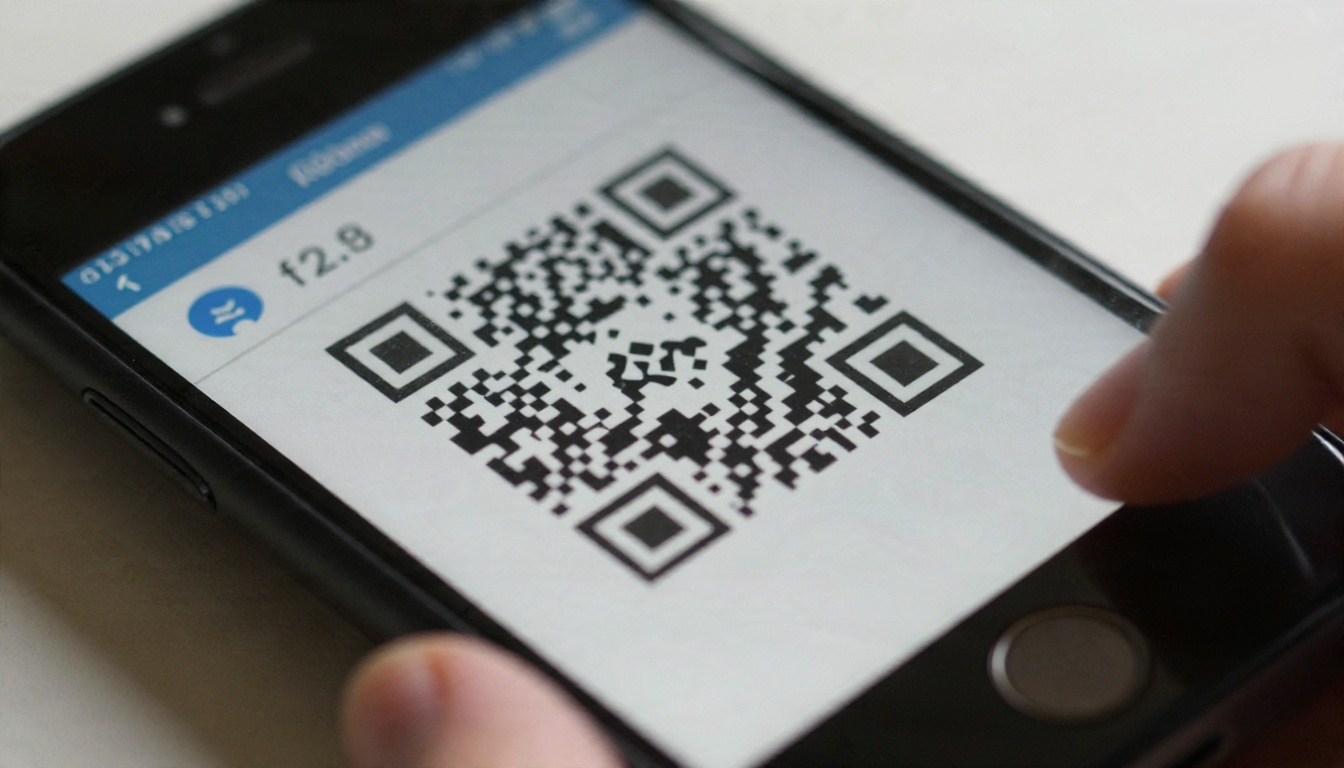
The neatest trick is a QR code on the printed page that opens the current flipbook. A trainee holds the paper, scans the code, and always lands on the latest edition. The paper becomes a gateway, not a snapshot.
Three Mistakes to Avoid
- Printing before the content is final. Hold the print order until reviewers sign off.
- Letting two masters exist. One file, one link, one owner.
- Skipping the change log. People trust a manual more when they can see it is maintained.
⚠️ Reminder: if you do print, keep a small run and order again later. A second small run costs less than discarding a large outdated one.
Ready to Publish Yours?
If your next print quote made you wince, test the digital route first. Upload the PDF you already have, check how it reads on a phone, and send the link to one team. You can get started for free on Flipbooks AI and have a working manual online the same day. Browse the tools and templates to find the right layout, compare pricing plans when you are ready to scale, or go straight to the account and pricing page to pick a plan. Keep paper where it earns its place, and let the digital version carry everything that needs to stay current.



