You have 400 photos from a summer trip, a family milestone coming up, and two tabs open: Printique and Shutterfly. Both will happily print a photo book. Only one is likely to match what you actually want. This comparison breaks down paper, binding, design tools and cost, and then looks at a third route that skips the print queue entirely: a digital flipbook built with Flipbooks AI.
The short version: Printique leans toward photographers and print purists, while Shutterfly leans toward speed, templates and constant discounts. Neither is wrong. The right pick depends on how the book will be used, who will hold it, and how long you are willing to wait.
💡 Quick note on pricing: both companies change prices, sizes and promotions often. Treat every figure in this article as a pattern to expect, and confirm the current numbers in each editor before you commit.
Printique vs Shutterfly at a Glance
Before the details, here is the overview most shoppers want first.
| Factor | Printique | Shutterfly |
|---|
| Typical buyer | Photographers, serious hobbyists, wedding and portfolio books | Families, gift buyers, anyone wanting fast results |
| Print character | Gallery-style output, strong color accuracy | Bright, consumer-friendly color |
| Binding focus | Lay-flat pages, thick archival-style stock | Wide range of formats, including softback and hardback |
| Design tools | More manual control, cleaner layouts | Many templates, auto-fill, themes for every occasion |
| Price pattern | Higher base price, fewer sales | Lower entry price, frequent promo codes |
| Best for | Books meant to last decades | Gifts, kids' albums, yearly recaps |
Who Each Service Suits
Choose Printique if you care about how an image prints: tonal range, shadow detail, skin tones. Choose Shutterfly if you care about how fast you can finish: pick a theme, drop in photos, order before the weekend.
A wedding photographer delivering an album to a client will probably favor Printique's finish. A parent making a first-year baby book on a Sunday night will probably favor Shutterfly's templates.
Photo Book Quality Compared
Quality is where the two services separate most clearly. Three details decide whether a book feels premium: the paper, the binding, and the outer material.
Paper and Print Finish
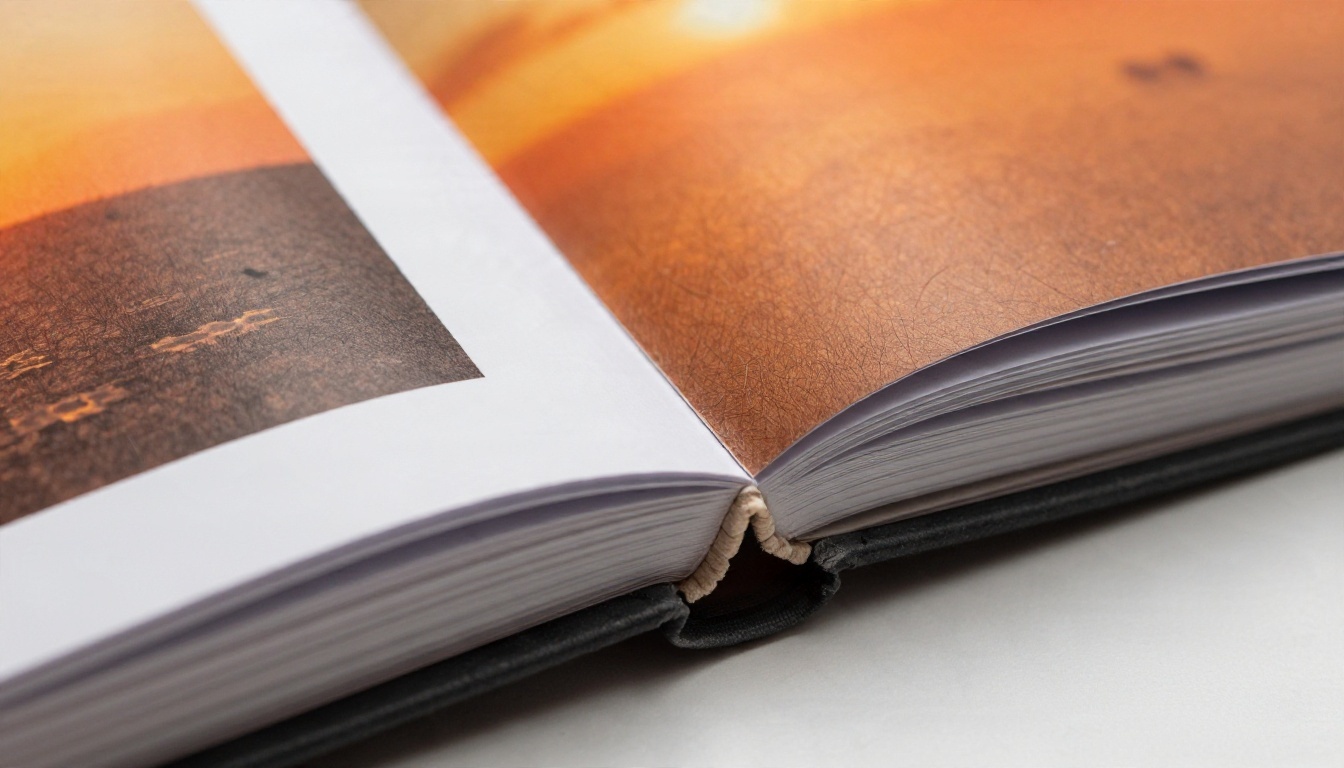
Paper choice changes the mood of a photo more than most people expect. Glossy stock pushes saturation and contrast, which flatters sunsets, food and bright holiday shots. Matte and lustre stocks reduce reflections and feel more refined under indoor lighting, which suits portraits and black and white work.
- Printique is known for photographer-oriented paper options and careful color handling. Prints tend to look closer to what you see on a calibrated monitor.
- Shutterfly offers a range of paper weights and finishes aimed at everyday buyers. Colors usually come out punchy and bright, which many people like on family snapshots.
⚠️ Watch your screen: a bright, uncalibrated laptop display makes photos look better than they will print. Lower your screen brightness before judging any proof.
Binding and Lay-Flat Pages
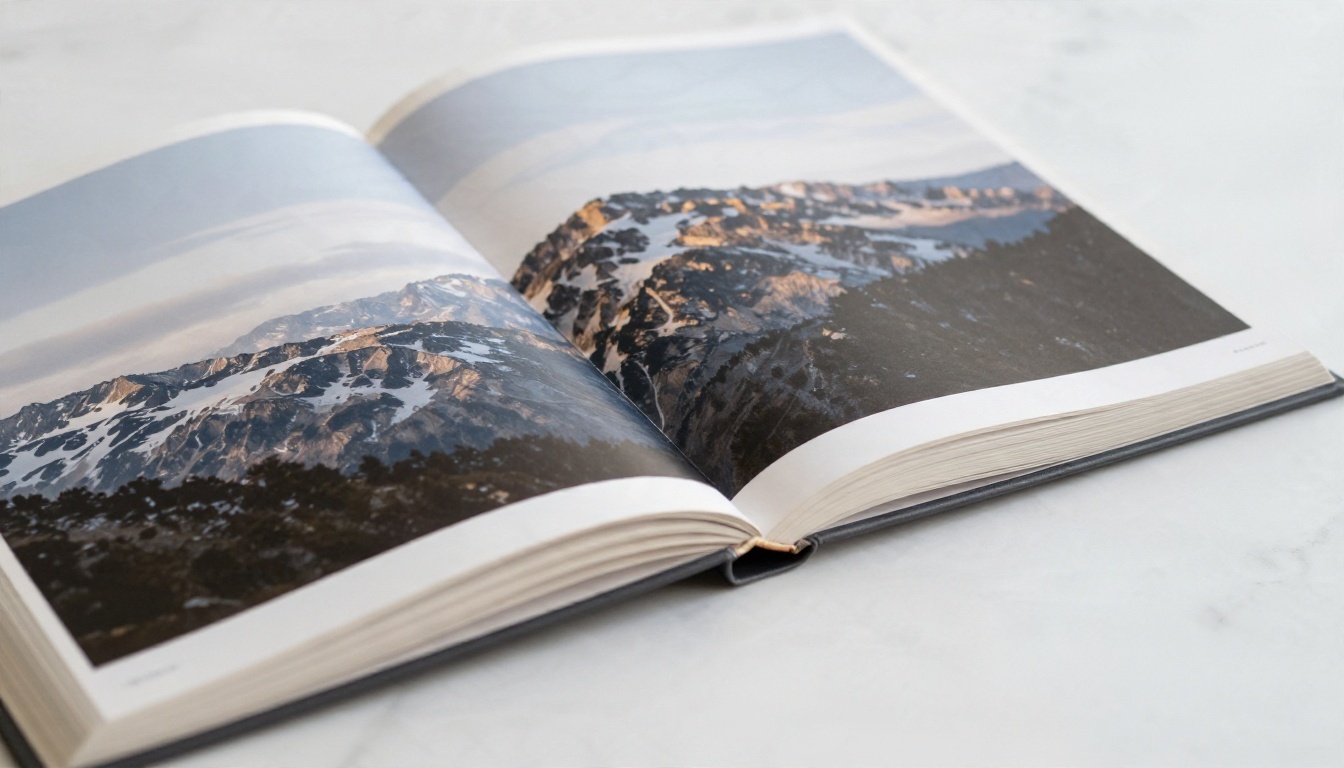
Lay-flat binding lets a spread open fully, so a panorama runs across both pages without losing a chunk in the gutter. This is a big deal for landscape photography, wedding spreads and travel books where a single image fills two pages.
| Binding feature | Why it matters | Who benefits most |
|---|
| Lay-flat pages | Spreads show without a visible center fold | Photographers, travelers |
| Standard binding | Cheaper, slightly more flexible page turning | Gift books, kids' albums |
| Thicker page stock | Feels sturdier, resists creasing | Heirloom and archive books |
| Page count limits | Sets how long your story can be | Event and yearbook projects |
Printique puts lay-flat construction near the center of its identity. Shutterfly offers lay-flat options on certain products as well, but standard binding is the more common choice in its catalog. Check the product page for the exact format you are ordering.
Cover Materials
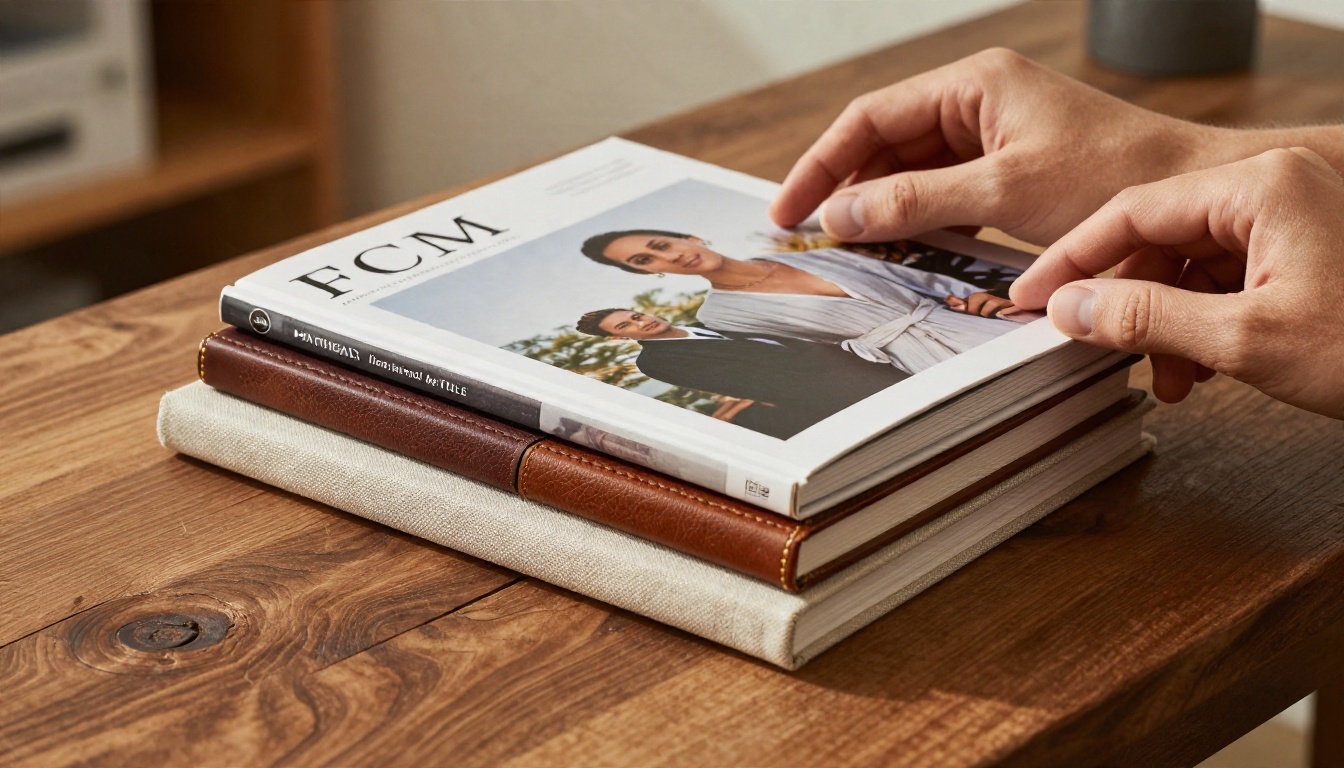
The outer material is the first thing a recipient touches. Linen feels classic, leather or leatherette feels formal, and a full photo wrap feels personal and modern.
- Photo wrap: your best image across the entire front panel. Great for gifts.
- Linen or fabric: understated, often paired with a small foil stamp or inset photo.
- Leatherette: the traditional choice for wedding and anniversary books.
- Softback: lightweight and affordable, ideal for sending several copies to relatives.
Both services give you a decent spread of options. Printique tends to push the premium end. Shutterfly tends to give you more variety at lower price points.
Print quality means little if the layout fights you. This is the stage where you will spend most of your time.
The Editor Experience
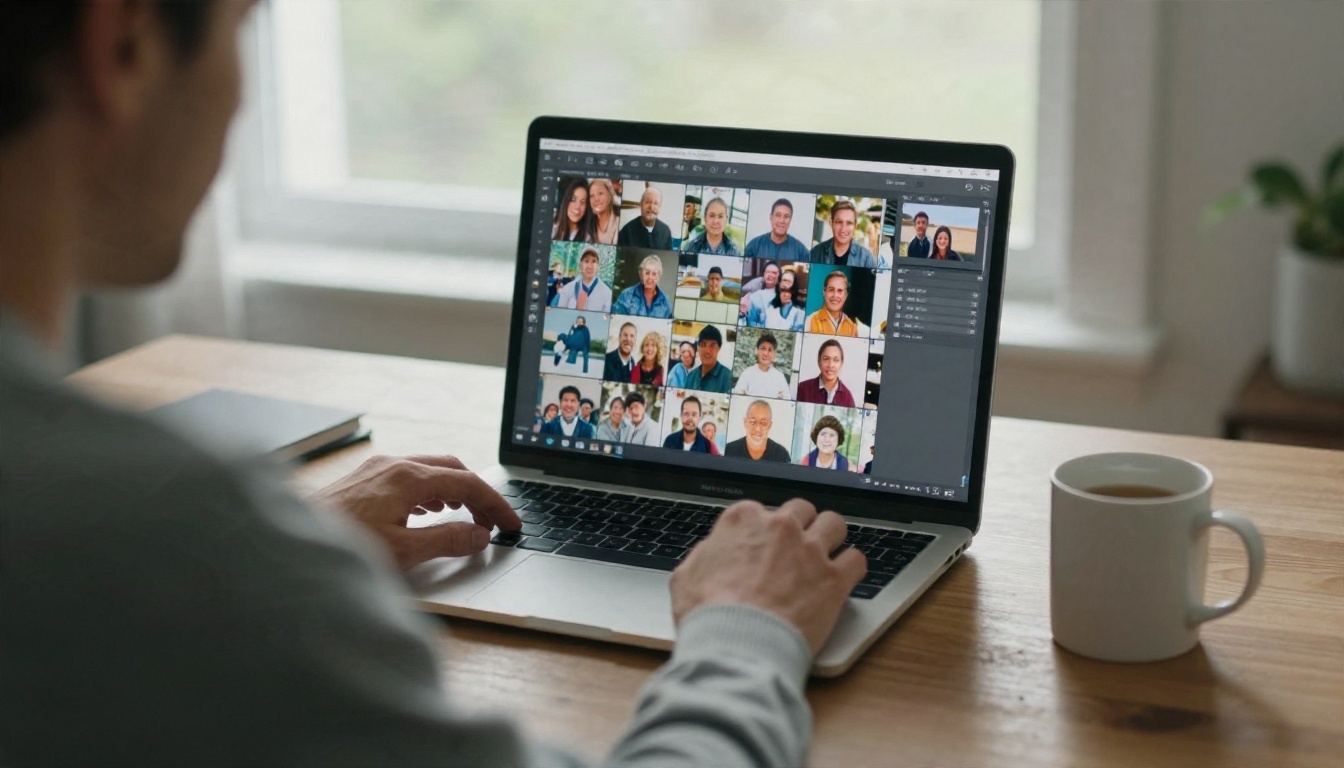
Shutterfly's editor is built around speed. You pick a style, upload a batch, and the software fills pages automatically. You can then swap layouts, add captions, adjust backgrounds and drop in stickers or themed elements. It works well when you have a lot of photos and a deadline.
Printique's editor is more restrained. Layouts are cleaner, there is less decorative clutter, and the tools put the photograph first. People who dislike busy borders and clip-art backgrounds usually appreciate that.
Automatic Layouts vs Manual Control
| Design approach | Strength | Weakness |
|---|
| Auto-fill layouts | Finishes a 40-page book in under an hour | Can repeat similar page patterns |
| Manual placement | Total control over rhythm and pacing | Takes noticeably longer |
| Theme templates | Great for birthdays, holidays, baby books | Can feel dated in a few years |
| Minimal layouts | Timeless, lets photos breathe | Less playful for kids' books |
✅ Best practice: pick one layout style per chapter. Mixing five different themes inside one book makes it feel scattered, no matter which service prints it.
Pricing Without the Surprises
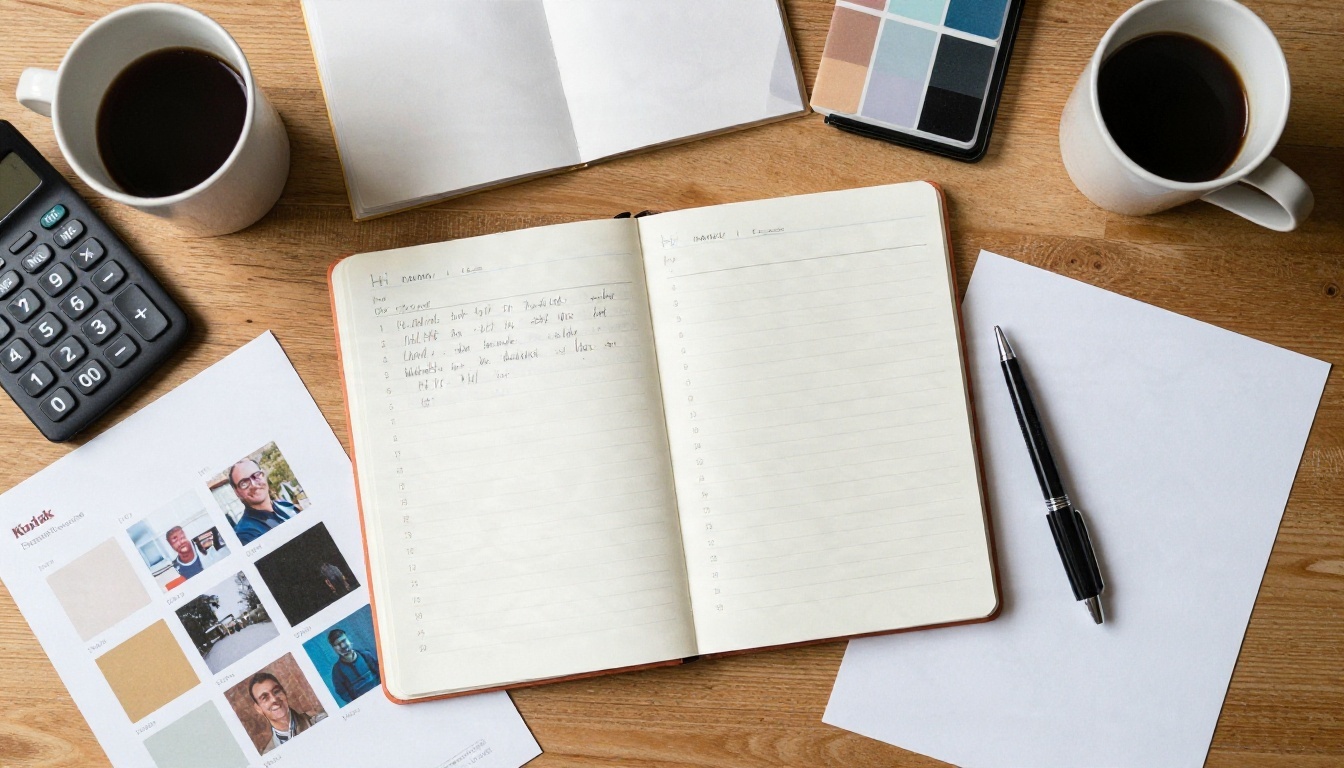
Sticker price is only part of the story. The final bill depends on size, page count, paper, binding and whatever promotion is active that week.
What Drives the Final Cost
| Cost driver | Effect on price | Smart move |
|---|
| Book size | Larger formats cost noticeably more | Choose 8x8 or 8x11 for most projects |
| Page count | Extra pages are charged individually | Trim weaker photos before adding pages |
| Paper upgrade | Premium stock adds a per-page cost | Upgrade only for the best chapters |
| Cover material | Leatherette and linen cost more than a photo wrap | Match material to the occasion |
| Quantity | Extra copies can be cheaper per unit | Order relatives' copies at the same time |
Shipping and Promotions
Shutterfly is famous for rolling discount codes, so the real cost is often well under the listed price if you wait for a sale. Printique runs fewer promotions, so its listed price is closer to what you pay. Shipping fees and delivery windows can add up in both cases, especially when you order several copies to different addresses.
💡 Pro tip: add the book to your cart, leave the editor, and check back in a few days. Promotional codes often appear, and you lose nothing by waiting if there is no hard deadline.
Where Printed Books Fall Short
A printed book is a beautiful object. It is also slow, fixed, and expensive to duplicate. Here are the friction points both services share.
Delivery Wait and Reprint Costs

Production plus shipping can stretch to a week or more, and a typo you spot after ordering means paying again. A wrong date, a misspelled name or a photo placed on the wrong page is a very common reason people reorder.
- No edits after printing. A mistake lives in your book forever.
- Each copy costs money. Ten relatives means ten orders.
- International shipping gets expensive and slow.
- Storage and damage: books bend, fade and get lost in moves.
Sharing With Distant Family
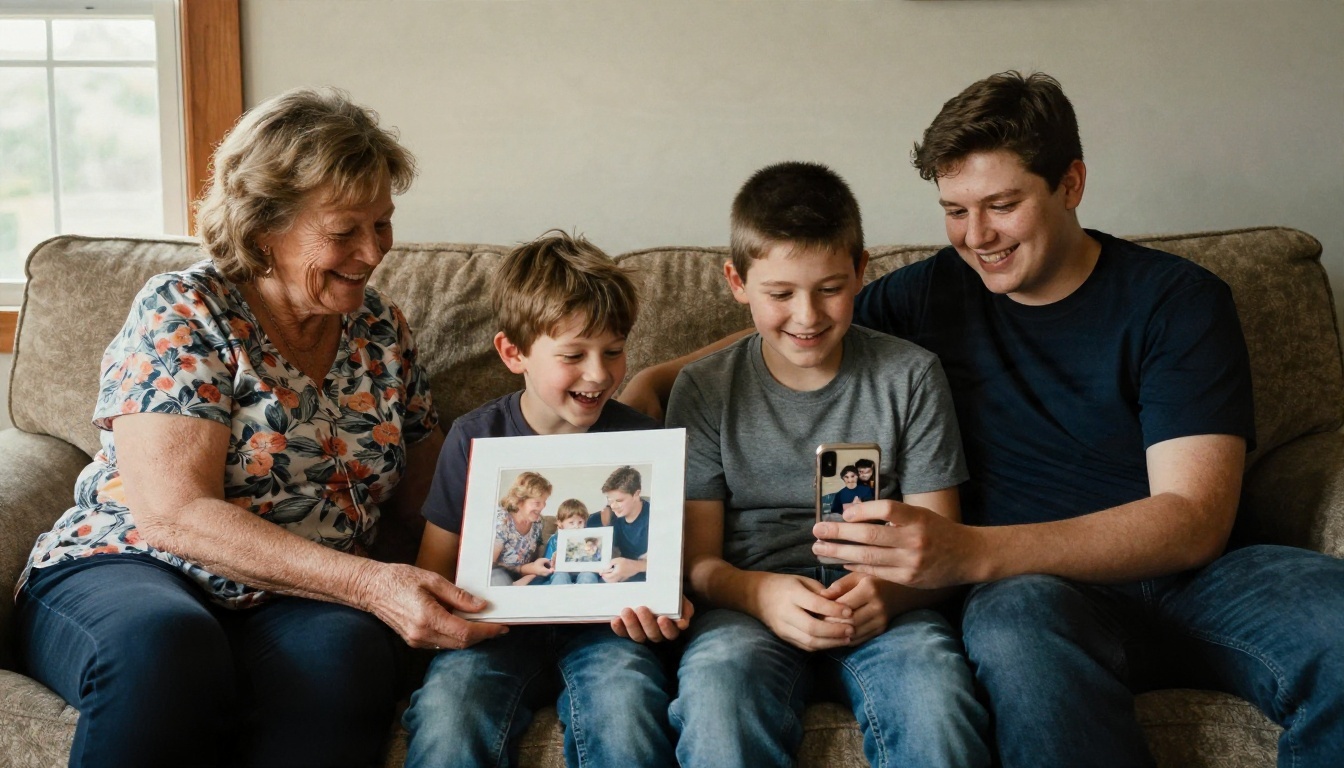
Picture a grandmother who loves the printed book and a teenage cousin who will only look at it on a phone. A single physical copy cannot serve both. That is where a digital edition earns its place next to the printed one.
The Digital Flipbook Alternative
A flipbook is a digital publication with realistic page-turning animation, built from a PDF. You design the layout once, upload it, and get a link anyone can open on a phone, tablet or desktop. No shipping, no reprint fees, no waiting.
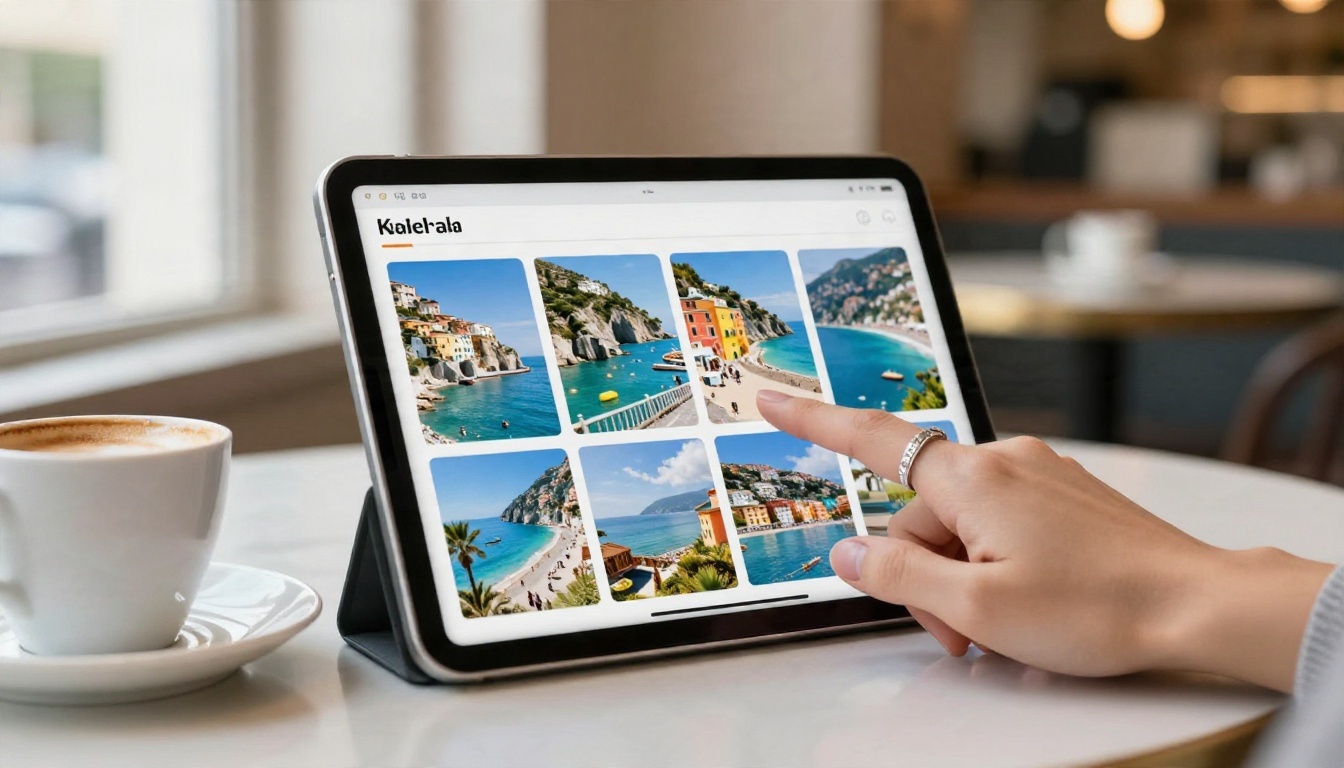
Flipbooks AI converts a PDF into an interactive flipbook with no watermarks, mobile-responsive display, custom branding and password protection. You can also add video and audio, which a printed page can never do.
Print Book vs Flipbook Side by Side
| Feature | Printed photo book | Digital flipbook |
|---|
| Time to share | Days to weeks | Minutes |
| Cost per extra viewer | Full price per copy | Free, just send a link |
| Editing after publishing | Impossible | Replace the PDF anytime |
| Video and audio | No | Yes |
| Global access | Shipping required | Anyone with a link |
| Tactile keepsake value | Excellent | None |
| Password protection | Not applicable | Yes |
| Viewing analytics | No | Yes (Professional plan) |
The two formats are not rivals so much as partners. Print for the shelf, flipbook for everyone else.
Real-World Examples
- A wedding photographer sends clients a password-protected online proof album days after the shoot, long before the printed album is ready. The Wedding Album Flipbook tool is built for this.
- A travel blogger publishes a trip photo story and embeds it on a website using the Embed Flipbook on Website option.
- A freelance photographer shares a client-ready gallery using the Photography Portfolio tool.
- A family shares a holiday album with twelve relatives in four countries by sending one link.
How to Create a Photo Flipbook
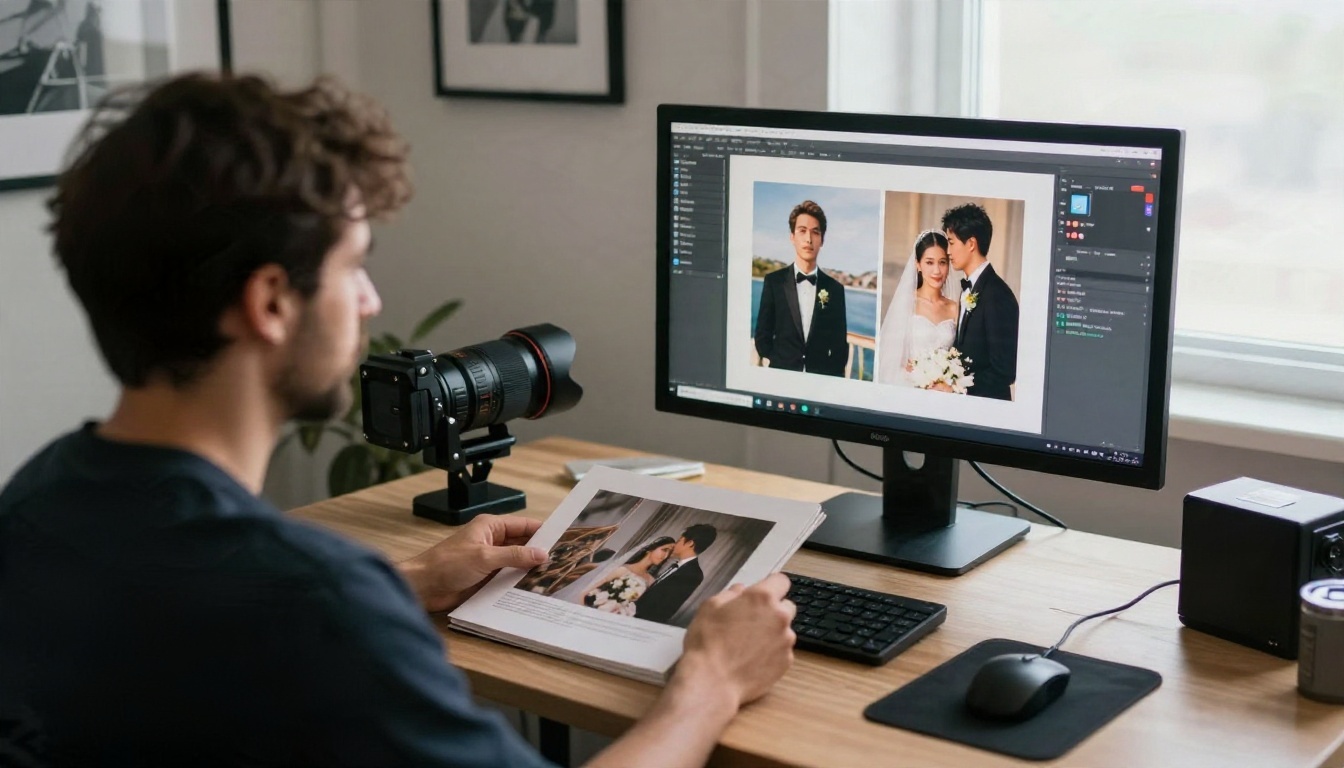
If you already designed a layout in either printing service, or in any design tool, you can reuse it. Here is the full process.
Step by Step
- Finish your layout. Design the pages in your editor of choice and export them as a single PDF. Most photo book services, design apps and even word processors can export a PDF.
- Open Flipbooks AI. Create an account and start a new flipbook.
- Upload the PDF. The PDF to Flipbook Converter turns each page into a turnable spread automatically.
- Customize the look. Add your branding, pick background colors, and choose page-turn effects that suit the mood of the album.
- Add multimedia. Drop in a video clip from the trip, or background audio for a softer feel.
- Preview on a phone. Over half of viewers will probably open it on mobile, so check the layout on a small screen.
- Publish and share. Copy the direct link, or grab the embed code for a website.
💡 Pro tip: export your PDF at a high resolution but keep the file size reasonable. A 100 MB PDF loads slower on mobile data, so compress images slightly for the digital version.
Sharing and Protection
| Sharing option | Best use |
|---|
| Direct link | Quick sends over text or email |
| Embed code | Photography sites, blogs, portfolios |
| Password protection | Private family albums and client proofs |
| Offline download | Viewing without a connection, for example on a flight |
Professional plan users also get analytics and lead generation, which is useful when a photographer wants to see whether a client actually opened the album. Check the pricing plans to see what each tier includes, or browse all flipbook tools for specific use cases.
Which Option Should You Pick?
Here is a direct recommendation instead of a vague "it depends."
Quick Decision Checklist
| If you want... | Pick |
|---|
| Gallery-level print quality and lay-flat spreads | Printique |
| Fast templates and low-cost gift books | Shutterfly |
| Instant sharing with many people | Digital flipbook |
| A book you can fix after publishing | Digital flipbook |
| A shelf-worthy heirloom | Printique, with a flipbook copy for sharing |
| Several copies for relatives on a budget | Shutterfly softback, or a flipbook |
The Hybrid Approach
The smartest workflow is simple: design the book once, print one premium copy for your home, and publish the same PDF as a flipbook for everyone else. You pay for a single print run and still reach every relative, client or friend in minutes. If a mistake slips through, fix the PDF and republish. Nobody needs to wait for a reprint.
Ready to Try a Flipbook?
Print the book that deserves a place on your shelf, and let a flipbook carry the rest of the story to everyone else.
Whichever printer you choose, your photos deserve more than a hard drive. Turn them into something people can actually open, flip and enjoy today.



