You have about three minutes of a stranger's attention, and your pitchbook has to earn every second of it. A professional pitchbook creator takes the pain out of that moment: you pick a template, drop in your numbers and story, and publish something that looks like it came from a design agency. With Flipbooks AI, you can turn a finished PDF into a page-turning, shareable pitchbook without installing a thing.
This article walks through what a pitchbook really is, how a free online tool compares with desktop software, which slide structure works, which templates suit which audience, and the design habits that make investors lean forward instead of reaching for their phones.

What a Pitchbook Actually Is
A pitchbook is a structured, visual document that presents a company, a deal, or a service to a specific audience with the goal of winning a decision. Investment banks use them to pitch mergers. Founders use them to raise seed rounds. Agencies use them to land retainers. The format changes, but the job never does: make the reader say yes to the next meeting.
Pitchbook vs. Pitch Deck
People use the two terms interchangeably, and in startup circles that is mostly fine. Still, there is a useful distinction.
| Feature | Pitch Deck | Pitchbook |
|---|
| Typical length | 10 to 20 slides | 20 to 60 pages |
| Delivery | Presented live | Read alone or presented |
| Detail level | Headlines and visuals | Data, tables, and context |
| Common users | Founders, product teams | Bankers, advisors, agencies |
| Best format | Slides | Document or flipbook |
A deck supports a speaker. A pitchbook has to work when you are not in the room, which is why format and design matter so much.
Who Needs One
- Startup founders raising pre-seed or Series A funding
- M&A advisors presenting a target company to buyers
- Real estate teams pitching a development to investors (try the Real Estate Brochure Creator for property-focused layouts)
- Agencies and consultants proposing scope, pricing, and timelines
- Sales teams sending a polished follow-up after a first call

Why Build It Online
Desktop presentation software is powerful, but it was built for slides on a screen. Sending a 40 MB file by email, hoping the fonts survive, and wondering whether anyone opened it is a poor way to handle a high-stakes pitch.
Free Online Tool vs. Desktop Software
| Factor | Free Online Creator | Desktop Software |
|---|
| Setup time | Minutes, runs in the browser | Install, license, update |
| Collaboration | Share a link | Email attachments |
| File size | Light, loads fast | Heavy files, version chaos |
| Mobile viewing | Responsive by default | Often broken on phones |
| Tracking | Built-in analytics available | Usually none |
| Cost | Free to start | Subscription or one-time fee |
💡 Pro tip: Design in whatever tool you like, then publish through a flipbook platform. You keep your creative workflow and gain a better delivery format.
Why the Flipbook Format Works
A flipbook preserves the feel of a printed pitchbook: pages turn, spreads sit side by side, and the reader moves at their own pace. It also adds what paper never could, including embedded video, audio, clickable links, and tracking. For a reader on a phone, a responsive flipbook beats a pinched-and-zoomed PDF every time.
The Structure That Works
Investors skim. Clients skim. Your structure should let a skimmer get the full story from headings and visuals alone, while a careful reader finds the proof underneath.
The Page-by-Page Outline
| Section | Purpose | Suggested Pages |
|---|
| Opening page | Name, tagline, one strong image | 1 |
| The problem | Pain your audience already feels | 1 to 2 |
| The solution | What you offer, in plain words | 2 to 3 |
| Market size | Realistic numbers with sources | 2 |
| Business model | How money flows | 2 |
| Traction | Revenue, users, pilots, logos | 2 to 4 |
| Team | Faces, roles, relevant wins | 1 to 2 |
| Financials | Projections and assumptions | 3 to 5 |
| The ask | Amount, terms, use of funds | 1 |
| Contact | Next step and details | 1 |
Start with the problem, not with yourself. Nobody cares about your company until they care about the problem it solves.
How Long Should It Be
Aim for the shortest version that still answers every question a smart skeptic would ask. For a first-meeting send, 15 to 25 pages is plenty. Keep a longer appendix version for due diligence, and share it only on request, behind a password.
⚠️ Warning: Do not paste your whole business plan into the pitchbook. A pitchbook sells the meeting, not the entire deal.
Template Choices That Save Hours
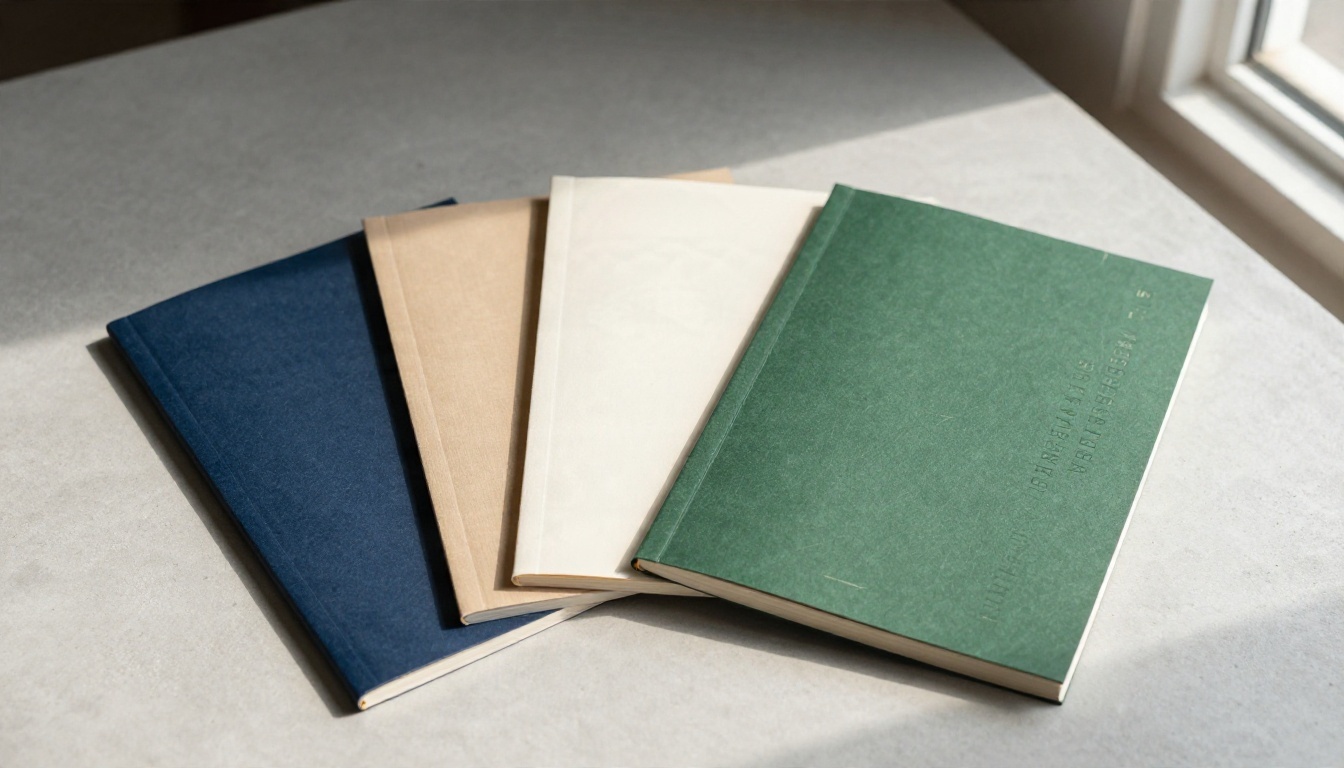
A good template solves the hardest design problems before you start: grid, margins, type scale, and color rhythm. You only supply the content.
Template Styles Compared
| Template Style | Best For | Strength | Watch Out For |
|---|
| Minimal white | SaaS, fintech, consulting | Clean, data friendly | Can feel generic |
| Dark navy and gold | Banking, private equity | Authority, trust | Heavy on print |
| Photo-led | Real estate, hospitality, lifestyle | Emotion, atmosphere | Needs great photos |
| Bold color blocks | Creative agencies, startups | Memorable, energetic | Risky for conservative buyers |
| Editorial layout | Media, brand studios | Story-driven pacing | Takes more writing |
Match the template to your audience, not to your taste. A family-office investor and a TikTok-native creative director expect very different pages.
If you want a starting point beyond pitchbooks, browse the full flipbook tools directory. The Sales Presentation and Presentation Flipbook Designer tools are closest to what most pitchbooks need.
Design Tips That Win Rooms
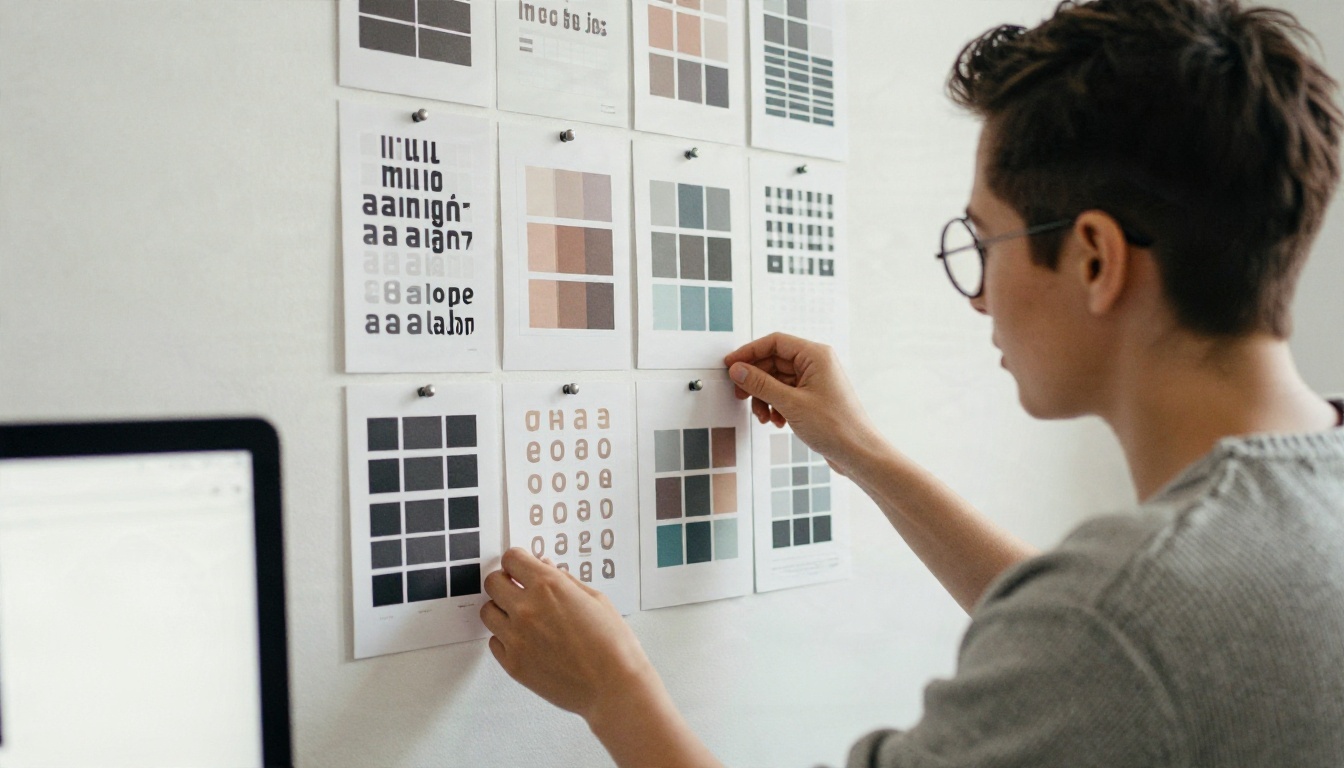
Design is not decoration. It is how you tell the reader what matters first, second, and third.
Typography and Color
- Use two typefaces at most. One for headings, one for body text.
- Keep body text at 11 to 12 points in a printed layout, and never below 10.
- Pick one main color and one accent. Use the accent only for the number or phrase you want remembered.
- Leave white space. Crowded pages signal a crowded argument.
- Check contrast. Light grey text on a white page looks elegant on your monitor and unreadable on a phone.
Charts That Tell One Story
Every chart should answer a single question, and its title should state the answer. Compare "Revenue by Quarter" with "Revenue Tripled in 12 Months". The second one does the reader's thinking for them.

- Use bar charts for comparisons and line charts for trends.
- Skip 3D effects and decorative gradients.
- Label data directly instead of forcing readers to check a legend.
- Cite sources in a small footnote. Credibility compounds.
5 Common Mistakes
- Too many fonts and colors. It reads as amateur.
- Walls of text. If a paragraph runs past four lines, split it or cut it.
- Stock photos of handshakes. Use real product shots, real team photos, real customers.
- Unrealistic projections. A hockey-stick chart with no assumptions loses trust fast.
- No clear ask. End with the exact amount, timeline, or next step.
✅ Best practice: Print your pitchbook once, even if you plan to send it digitally. Problems with spacing, alignment, and hierarchy become obvious on paper.
How to Create a Pitchbook with Flipbooks AI
If you already have a pitchbook as a PDF, you are minutes away from a shareable, trackable version. The PDF to Flipbook Converter handles the heavy lifting, and there are no watermarks, ever.

Step 1: Create Your Account
Head to Flipbooks AI and create an account. You can start on the free tier and test the whole flow with your own document before deciding on a plan.
Step 2: Upload and Convert
- Export your pitchbook from your design tool as a PDF. Use high-quality export settings and embed fonts.
- Click the upload button on your dashboard and select the file.
- Wait a few moments while the platform converts each page into a flipbook spread.
- Preview the result. Check that charts are sharp and page order is correct.
💡 Pro tip: Export at the final page size. A pitchbook designed in landscape should stay landscape so nothing gets cropped or letterboxed.
Step 3: Customize the Look
- Branding: Add your logo and set colors to match your identity.
- Page effects: Choose a page-turn style that feels natural and not distracting.
- Multimedia: Embed a 60-second product demo or a founder message. The platform supports videos and audio.
- Mobile view: The layout is mobile-responsive, so check it on a phone before sharing.
Step 4: Share It Safely
| Sharing Option | Best Use |
|---|
| Direct link | Quick email to one investor or client |
| Embed code | Place the pitchbook on your website or data room page |
| Password protection | Share financials and terms with approved readers only |
| Offline download | Send a copy for readers who travel or have weak connections |
Need the embed route? The Embed Flipbook on Website tool shows how to place it on any page.
Step 5: Track and Follow Up
On the Professional plan, you get analytics and lead generation. You can see which pages held attention, where readers stopped, and who opened the document. That tells you when to follow up and what to talk about. Compare options on the pricing page to see which plan fits your volume.
| Plan Need | What to Look For |
|---|
| One-off pitch | Free tier is enough to test and share |
| Regular client work | Standard plan with unlimited flipbooks |
| Fundraising or sales pipeline | Professional plan with analytics and lead capture |
Real-World Examples
Seeing how others apply the format makes the choices easier.

- A seed-stage SaaS founder sends a 20-page flipbook to 30 angels. Analytics show that most readers stop at the financial page, so she moves the traction slide forward and gets more replies.
- A boutique M&A advisor shares a password-protected pitchbook with three vetted buyers. Each reader gets a unique link, so he knows who opened it and when.
- A real estate developer embeds a photo-led pitchbook on a landing page and adds a walkthrough video on page four. Investors watch it on their phones between meetings.
- A design agency replaces its PDF proposals with flipbooks. Clients read them on tablets, and the agency sees which pricing page gets reopened.
Each case follows the same pattern: a clear structure, a template matched to the audience, and a delivery format that works on any screen.
Ready to Build Yours
A pitchbook is not a formality. It is the first impression that does the selling while you are asleep, traveling, or in another meeting. A sharp structure, a template that suits your audience, disciplined design, and a flipbook that opens instantly on any device give you a real edge.

Here is what to do next:
- Create your free account on Flipbooks AI.
- Upload your pitchbook PDF and customize the branding.
- Browse all tools and templates for related formats like reports and portfolios.
- Compare pricing plans when you are ready for analytics and lead capture.
Your next meeting starts with the page your reader sees first. Make it count.



