A buyer decides in about eight seconds whether a listing deserves a second look. That window is where a good property brochure earns its keep. Whether it lands in a mailbox, sits on a kitchen counter at an open house, or arrives as a PDF in someone's inbox, the brochure is often the one piece of marketing a buyer keeps and re-reads. This article walks through real layouts, template structures, front page ideas, PDF samples and print specs, and shows how a tool like Flipbooks AI turns a static file into a page-turning digital brochure you can share with one link.
If you are an agent, a developer, or a property manager, you will find concrete formats to copy, tables to compare options quickly, and a few warnings about mistakes that waste print budgets.
What Makes a Property Brochure Work
Before looking at samples, it helps to know what separates a brochure that gets kept from one that gets recycled. The best ones share a few traits, no matter the price point of the home.
Match the Format to the Listing
A studio apartment does not need a 24-page booklet, and a lakefront estate should not be squeezed onto a single flyer. Pick the format based on how much a buyer needs to see before booking a visit.
- Single page flyer: best for open houses and quick handouts.
- Trifold: the classic for mid-range homes, with six panels of story.
- Booklet of 8 to 24 pages: built for luxury homes, new developments and investment portfolios.
- Digital flipbook: works for every tier because it costs nothing per copy.
Photos Carry the Sale
Roughly 70 percent of the space in a strong brochure belongs to photography. Text supports the images, not the other way around. Use natural light, straight verticals, and one hero image that shows the best view of the home. Skip heavy filters. Buyers can tell when a photo is lying to them, and the disappointment shows up at the showing.
💡 Pro tip: Choose a hero image with open space in one corner. That empty area gives you a clean spot for the headline without covering the architecture.
Property Brochure Examples That Sell
Here are four proven approaches, each tied to a different type of listing. Think of them as starting points rather than strict rules.
The Luxury Listing Brochure
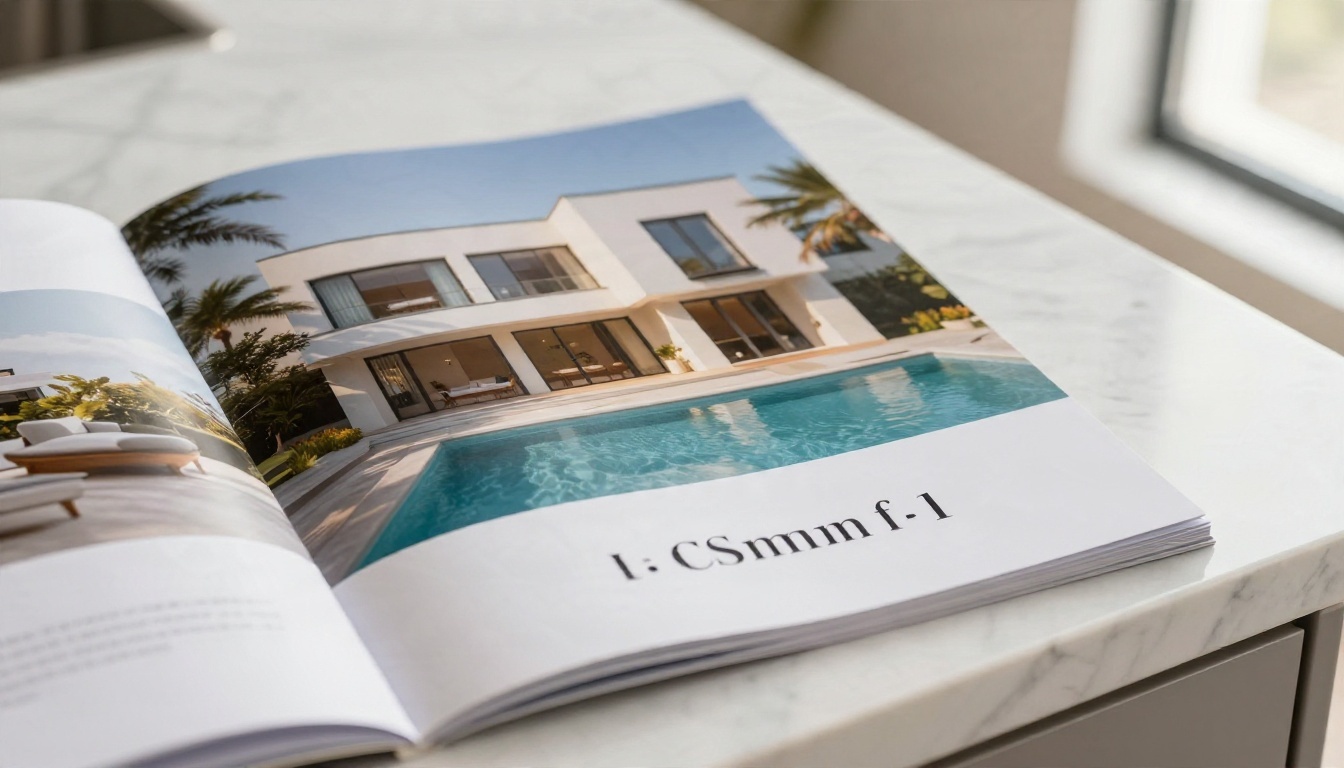
Luxury buyers respond to restraint. A good example uses a full-bleed exterior photo on the front, a generous white margin, and a short serif headline such as the street name or the neighborhood. Inside, every spread gives one room room to breathe. The last page carries a floor plan, a site plan and a single contact line.
What to copy: large photos, minimal copy, soft neutral palette, uncoated or soft-touch paper.
The Starter Home and Condo Brochure
First-time buyers want facts fast. The strongest samples put price, bedrooms, bathrooms and square footage in a clean strip near the top. They then show a neighborhood map with walking distances to transit, schools and groceries. Warm colors and friendly sans-serif type keep the tone approachable.
What to copy: a bold facts strip, a mortgage-friendly price callout, and a nearby amenities map.
The New Development Brochure
Because the building does not exist yet, renders and lifestyle photography do the heavy lifting. A good development brochure mixes architectural renderings with photos of the real surrounding streets, so buyers trust what they see. Include unit type comparisons, a delivery timeline and a payment plan table.
What to copy: unit comparison tables, a construction timeline, and a short developer track record page.
The Rental Portfolio Brochure
Property managers can bundle several units into one document. Each unit gets a half page with a hero photo, rent, lease terms and move-in dates. A short FAQ at the end handles pet policy, parking and utilities, which cuts down on repeated emails.
What to copy: a repeatable half-page unit block and a closing FAQ.
Template Layouts Worth Copying
A template is just a layout skeleton: where the photo goes, where the headline sits, how many columns the text uses. Pick one skeleton and stay consistent across all your listings so your brand becomes recognizable.
| Template Type | Pages or Panels | Best For | Typical Content |
|---|
| Single page flyer | 1 (double sided) | Open houses | Hero photo, price, three features, contact |
| Trifold | 6 panels | Mid-range homes | Story, photo grid, floor plan, agent bio |
| Square booklet | 8 to 12 pages | Premium homes | Full-bleed photos, neighborhood page, specs |
| Large format catalog | 16 to 32 pages | Developments | Renders, unit tables, timeline, payment plan |
| Digital flipbook | Any length | Every listing | All of the above plus video and links |
The One Page Flyer Layout
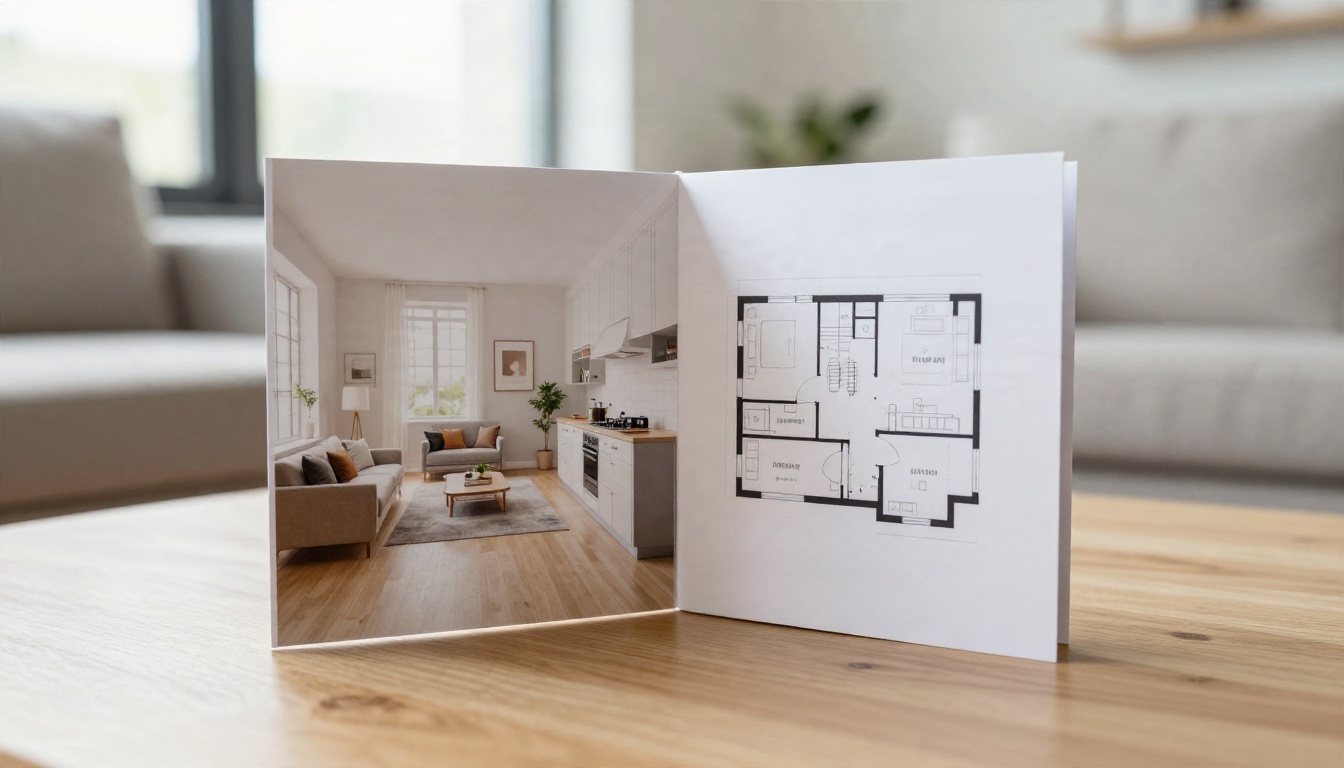
Divide the page into thirds. The top third is the hero photo, the middle third holds the headline and three bullet features, and the bottom third has two smaller photos plus agent details and a QR code. It is simple and it prints well on a home office printer if you need a last-minute batch.
The Trifold Layout
The outer front panel needs a hook: a photo and a short line. The inside spread shows the best interior images. The back panel holds contact details and a map. A common mistake is putting the agent photo on the front. Buyers want to see the house first, so keep the agent for the back.
The Booklet Layout
A booklet follows a story arc. Open with the exterior, move to the entry and main living areas, then bedrooms, outdoor space, the neighborhood, and finally specs and floor plans. This order mirrors how a buyer would walk through the property, which makes the document feel like a tour.
Front Page Ideas That Stop the Scroll
The front page is the part of the brochure people judge in the first second. It has one job: make someone open it.
Headline Choices That Work
Short beats clever. A headline of three to six words tends to outperform a long sentence. Try these patterns:
- The address as a headline: "14 Willow Lane"
- A feeling: "Morning light, all day"
- A fact: "Four bedrooms by the sea"
- A neighborhood hook: "Walk to everything"
Photo Choices for the Front
Golden hour exteriors work well for homes with curb appeal. For condos, a living room with a window view often outperforms the building facade. For land or development plots, an aerial shot with a clear boundary makes the scale easy to read.
⚠️ Warning: Avoid putting more than 15 words on the front page. Dense text signals a sales pitch, and buyers tend to skip it.
Color and Type Pairings
| Property Style | Color Palette | Type Pairing |
|---|
| Modern minimal | White, charcoal, one accent | Clean sans-serif only |
| Classic estate | Cream, navy, brass | Serif headline, sans body |
| Coastal | Sand, soft blue, white | Light sans with wide spacing |
| Urban loft | Black, concrete gray, warm wood | Bold condensed headline |
| Family home | Warm white, sage, terracotta | Rounded sans-serif |
Printing is only half the story. Most buyers first meet your brochure on a phone, so the digital version has to work just as well as the paper one.
What a Good PDF Sample Looks Like
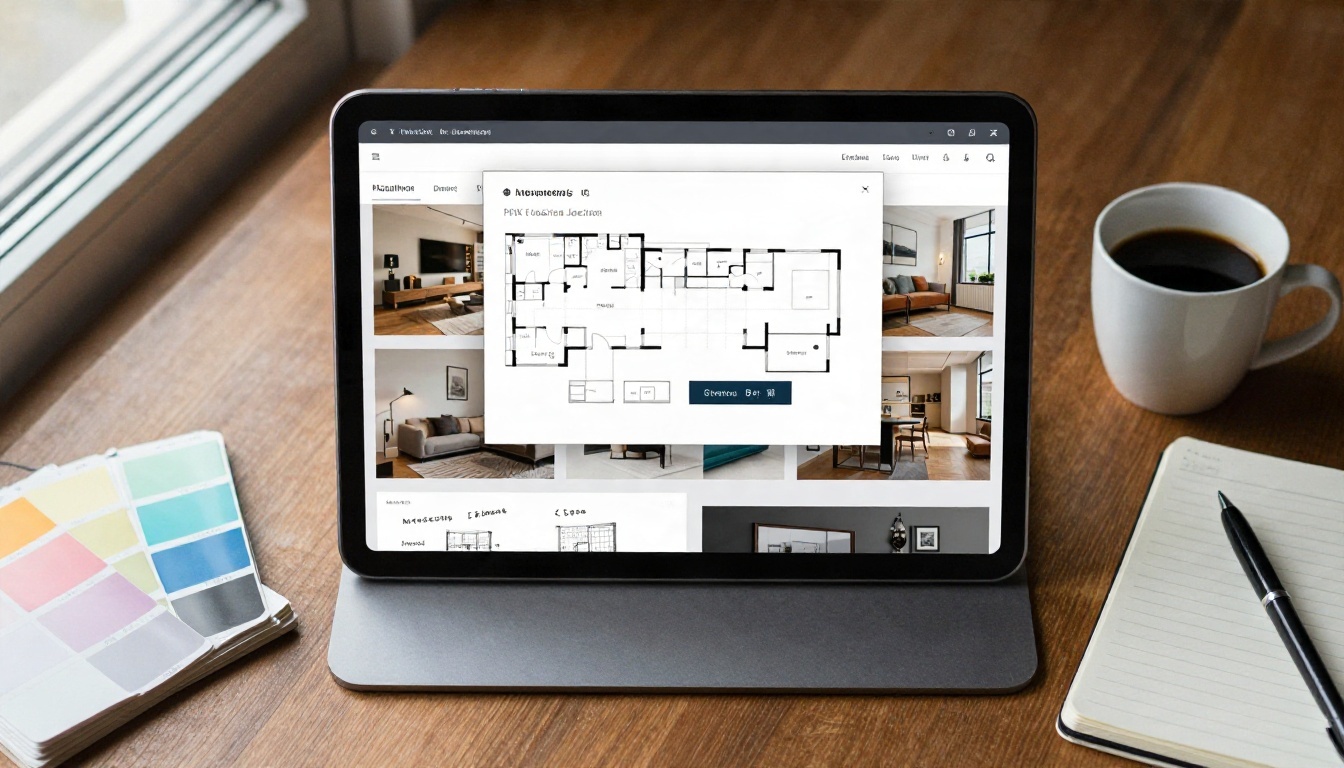
A strong property PDF is under 10 MB, opens fast on mobile and uses a landscape or square page so text is readable without pinching. Export at 150 dpi for screens, keep fonts embedded, and name the file clearly, for example "14-willow-lane-brochure.pdf".
PDF vs Flipbook
A PDF is a flat file. A flipbook is the same content in a reading experience with page-turn motion, a shareable link and tracking. Here is how they compare:
| Feature | Standard PDF | Flipbook on Flipbooks AI |
|---|
| Page-turn animation | No | Yes |
| Works well on phones | Often awkward | Mobile-responsive |
| Embed on a listing page | Download link only | Inline embed |
| Video and audio | No | Yes |
| Password protection | Limited | Yes |
| View analytics | No | Yes, on the Professional plan |
| Watermarks | Depends on tool | None, ever |
Where Digital Brochures Win
An agent can send one link to ten prospects and see who opened it, which pages they lingered on, and who came back twice. A developer can embed the same brochure on the project website and update it once without reprinting anything. A property manager can password-protect rental packets for approved applicants only.
How to Build a Brochure Flipbook
If you already have a PDF from a design tool, you are minutes away from a shareable flipbook. The Real Estate Brochure Creator is built for exactly this workflow, and the PDF to Flipbook Converter handles the conversion.
Step by Step
- Create an account. Head to Flipbooks AI and sign up. The dashboard opens straight to your library.
- Upload your PDF. Drag the file into the upload area. Pages are converted in seconds and keep their original fonts and image quality.
- Customize the look. Add your logo, pick background colors that match your brand, and choose a page-turn effect. Everything stays watermark free.
- Add media. Embed a walkthrough video, a drone clip or an audio note from the agent directly on the relevant page. Link the floor plan page to a downloadable file.
- Set privacy. Use password protection for pre-market listings or rental packets.
- Share it. Copy the direct link for emails and messages, or use the embed flipbook on website option to place it on your listing page.
- Track results. On the Professional plan, review analytics and lead capture to see who is reading and who left contact details. Check the pricing plans to compare tiers.
Features Worth Turning On
- Offline downloads so buyers can read on a flight or in a basement showing with poor signal.
- Custom branding so every listing carries your colors and logo.
- Unlimited flipbooks on the Standard plan and above, ideal for agents with a full inventory.
- Mobile-responsive design so the layout adapts to any screen without extra work.
✅ Best practice: Build one master template in your design tool, then export a fresh PDF per listing. Upload each to Flipbooks AI and your whole portfolio keeps a consistent look.
Related Tools Worth Bookmarking
Different properties call for different layouts. The Hotel Brochure Designer suits hospitality listings, the Online Brochure Designer helps when you are starting from scratch, and the Brochure Flipbook Maker is a good fit for any other print-ready file. You can also browse every flipbook tool in the directory.
Printing Tips That Save Money
Even in a digital-first market, a printed brochure at the showing still leaves a strong impression. A few specs decide whether it looks sharp or disappointing.
Resolution, Bleed and Color
- Resolution: 300 dpi for all photos at the printed size.
- Bleed: add 3 mm (0.125 in) on every side so trimming does not leave white edges.
- Safe zone: keep text at least 5 mm inside the trim line.
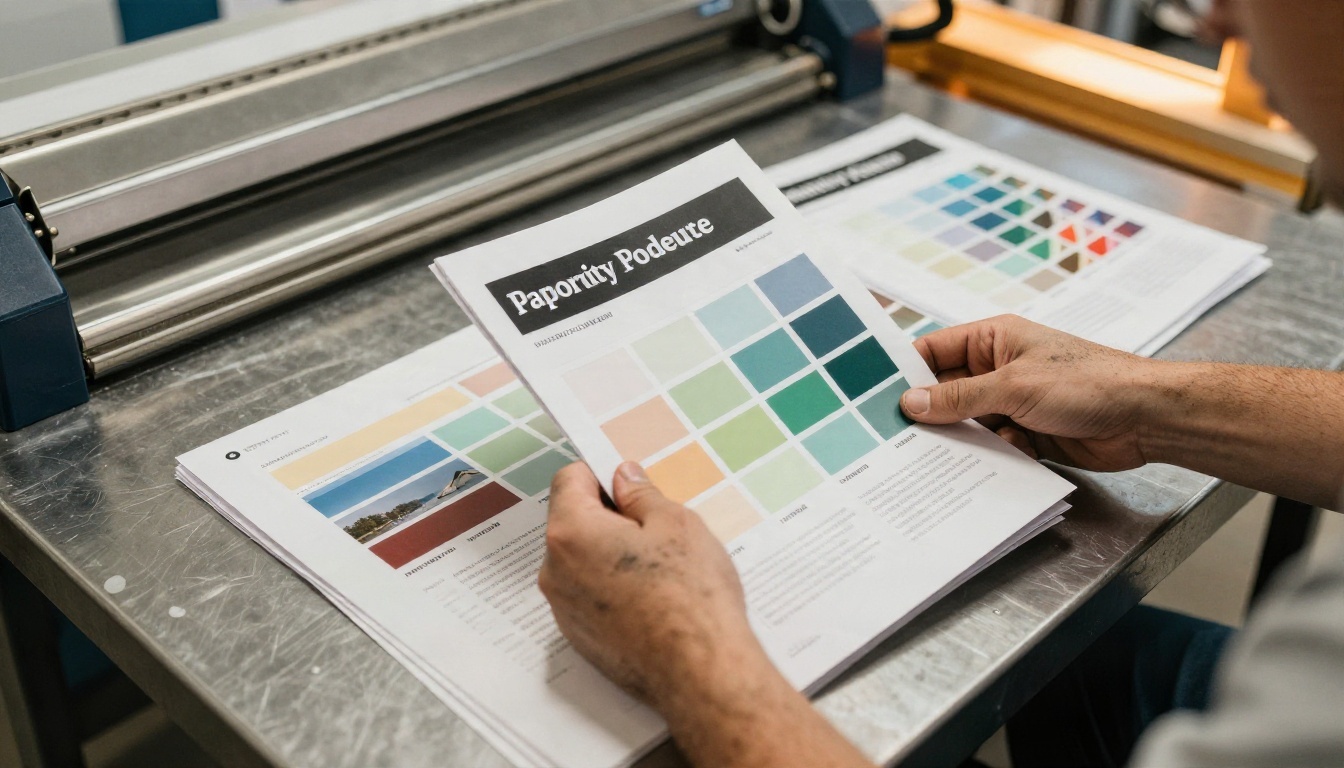
- Color mode: export in CMYK, not RGB. Bright screen blues and greens shift when converted at the last minute.
- Black text: use rich black only for large areas. Small body text should be a single black ink to avoid blurry edges.
Paper Stock Choices
| Paper Type | Weight (gsm) | Feel | Best For |
|---|
| Gloss coated | 150 to 200 | Shiny, vivid color | Photo-heavy flyers |
| Silk or satin | 170 to 250 | Soft sheen, premium | Trifolds and mid-range homes |
| Uncoated cream | 120 to 170 | Natural, textured | Boutique and heritage listings |
| Soft-touch laminate | 300 | Velvety, high-end | Luxury booklet fronts |
| Recycled matte | 130 to 170 | Earthy, eco-minded | Sustainable developments |
Quantity and Cost Control
Short runs of 50 to 100 copies often cost far more per piece than 500. For most agents, a smart approach is to print a small batch for each open house and rely on a flipbook link for everything else. QR codes on yard signs and flyers send visitors to the digital version, which you can update at any time without a second print run.
⚠️ Warning: Always request a physical proof before approving a big print order. Screens lie about color, and a proof costs far less than reprinting 500 brochures.
Three Common Mistakes
- Low resolution photos. Web images at 72 dpi look blurry on paper.
- No bleed. A hairline white edge makes the whole piece look amateur.
- Outdated details. Prices and availability change. Keep dates on printed pieces, and let the digital version carry live information.
Start Your Next Listing Brochure
Good property brochures are simple: strong photography, a clear layout, honest details and a format that fits the buyer's habits. Use the examples and template tables above to choose a structure, tighten the front page, and export a clean PDF with correct bleed and color. Print a small batch for showings and share the rest as a flipbook.
Ready to turn your PDF into something buyers will actually flip through? Create your free account on Flipbooks AI, browse the full list of tools and templates, or compare pricing plans to pick the tier with analytics and lead capture.



