A catalog sitting in an email attachment gets opened once, if at all. A catalog published online gets found, shared, bookmarked and read on a phone at 11 p.m., right when a buyer finally makes up their mind. If you want to publish a catalog online, you have more choices than ever: free options that work in ten minutes, and tools like Flipbooks AI that turn a plain PDF into a page-turning flipbook with no watermark. This article walks through the free routes, how to embed a catalog on your website, which sharing links work best, how to protect private price lists, and how to make sure everything reads well on a small screen.
💡 Quick answer: Export your catalog as a PDF, upload it to a flipbook tool, copy the share link or embed code, and test it on your own phone before you send it to anyone.
Why Publish a Catalog Online
Printed catalogs still have charm, but they are slow, expensive and impossible to correct once the boxes arrive. Online catalogs fix all three problems at once.
The Real Cost of Print
A 24-page catalog with decent paper can cost several dollars per copy once you add design revisions, printing, packing and postage. Now imagine you spot a wrong price on page 9. With print, you reprint or live with it. With a digital catalog, you swap the file and every link updates.
What Buyers Expect Now
Most shoppers browse on a phone before they ever talk to a salesperson. They expect a link they can tap, pinch and share with a partner or a colleague. A PDF that needs a download and a zoom-and-scroll fight on a 6-inch screen loses that shopper quickly.

Here is what changes when you move online:
- Updates are instant. Fix a price, add a new product line or retire a discontinued item without reprinting.
- Reach is wider. One link works in email, WhatsApp, Instagram bios, QR codes and your website.
- Data replaces guesswork. You can see how many people opened your catalog and which pages they spent time on (a Professional plan feature on Flipbooks AI).
- Costs drop. No printing, no shipping, no storage for leftover stock.
Free Options Worth Trying
You do not need a budget to get a catalog online today. Some free methods are perfectly fine for a first version, as long as you know their limits.
Free Methods Compared
| Method | Setup time | Page-turn feel | Mobile experience | Main limit |
|---|
| Shared PDF link (cloud storage) | 5 minutes | None | Basic, needs zoom | Looks like a document, not a catalog |
| PDF uploaded to your own website | 10 minutes | None | Depends on phone viewer | Slow on large files |
| Free tier of a flipbook platform | 10 to 15 minutes | Yes | Usually good | Branding or page limits on some tools |
| Social media carousel | 30 minutes | Swipe only | Excellent | Hard to update, no real catalog structure |
| Free trial of a paid flipbook tool | 10 minutes | Yes | Excellent | Trial ends, so check what stays live |
The shared PDF link is the fastest route and fine for a one-off quote request. The flipbook route is where a catalog starts to feel like a catalog: pages turn, images load sharply and the reader knows where they are in the document.
Where Free Falls Short
Free options usually trade something away. Watch for these before you commit your whole product line to one:
- Watermarks or platform logos printed on your pages.
- Page or file size caps that force you to compress photos until they look flat.
- No password protection, which matters if you publish wholesale prices.
- No analytics, so you never learn which products people actually look at.
- Links that expire when a trial ends.
⚠️ Before you share a free link with customers, open it in a private browser window. If it asks for a login, shows an ad, or looks different from your original, fix that first.
If you want to see how a no-watermark setup feels, you can try Flipbooks AI free and compare it with whatever you use now.

How to Create a Catalog Flipbook with Flipbooks AI
If your catalog already exists as a PDF, the shortest path to a polished online version is a flipbook. Here is the full process using the PDF to Flipbook Converter and the wider Digital Catalog Maker.
Step 1: Create Your Account and Upload
- Go to Flipbooks AI and create an account.
- Choose to create a new flipbook and select your PDF file.
- Wait while the PDF converts. Each page becomes a flipbook page, and text stays sharp because the conversion works from your original file.
- Preview the result and check that every page is in the right order.
💡 Export your PDF at the final trim size with images between 150 and 200 DPI. Heavier files load slowly on mobile, lighter ones look soft.

Step 2: Customize the Look
This is where a catalog stops looking like a generic document:
- Custom branding: add your logo and choose colors that match your brand.
- Page effects: pick the page-turn style and background that suit your products.
- Multimedia: embed video and audio, such as a 20-second product demo on the page where that product appears.
- Cover and back pages: keep them clean so the first impression is your best product shot.
Specialized tools can help depending on your industry. Fashion sellers can start from the Fashion Catalog Creator, furniture makers from the Furniture Catalog Maker, and general retailers from the Product Catalog Generator.
Step 3: Choose How to Share
Once the flipbook looks right, you have several ways to send it out:
- Direct link for email, chat apps and social bios.
- Embed code to place the catalog inside any web page.
- Password protection for wholesale or members-only catalogs.
- Offline download for buyers who need the catalog at a trade show with bad Wi-Fi.
Step 4: Use the Professional Plan Extras
On the Professional plan, you also get analytics and lead generation. Analytics shows which catalogs get opened and read. Lead generation lets you ask for an email address before someone views the catalog, which is useful for B2B suppliers. The Standard plan and above include unlimited flipbooks, so a business with seasonal catalogs, regional price lists and product sheets does not need to count its files. Compare pricing plans to see which tier matches your workload.
| Feature | Why it matters for catalogs |
|---|
| No watermarks | Your brand stays the only brand on the page |
| Unlimited flipbooks (Standard and above) | One catalog per season, region or customer group |
| Password protection | Keep wholesale prices away from retail buyers |
| Analytics and lead generation (Professional) | See reading behavior and collect contacts |
| Offline downloads | Share at events without a connection |
| Video and audio embeds | Show a product in use, not only in a photo |
| Mobile-responsive design | Same link works on phone, tablet and desktop |
Embedding on Your Website
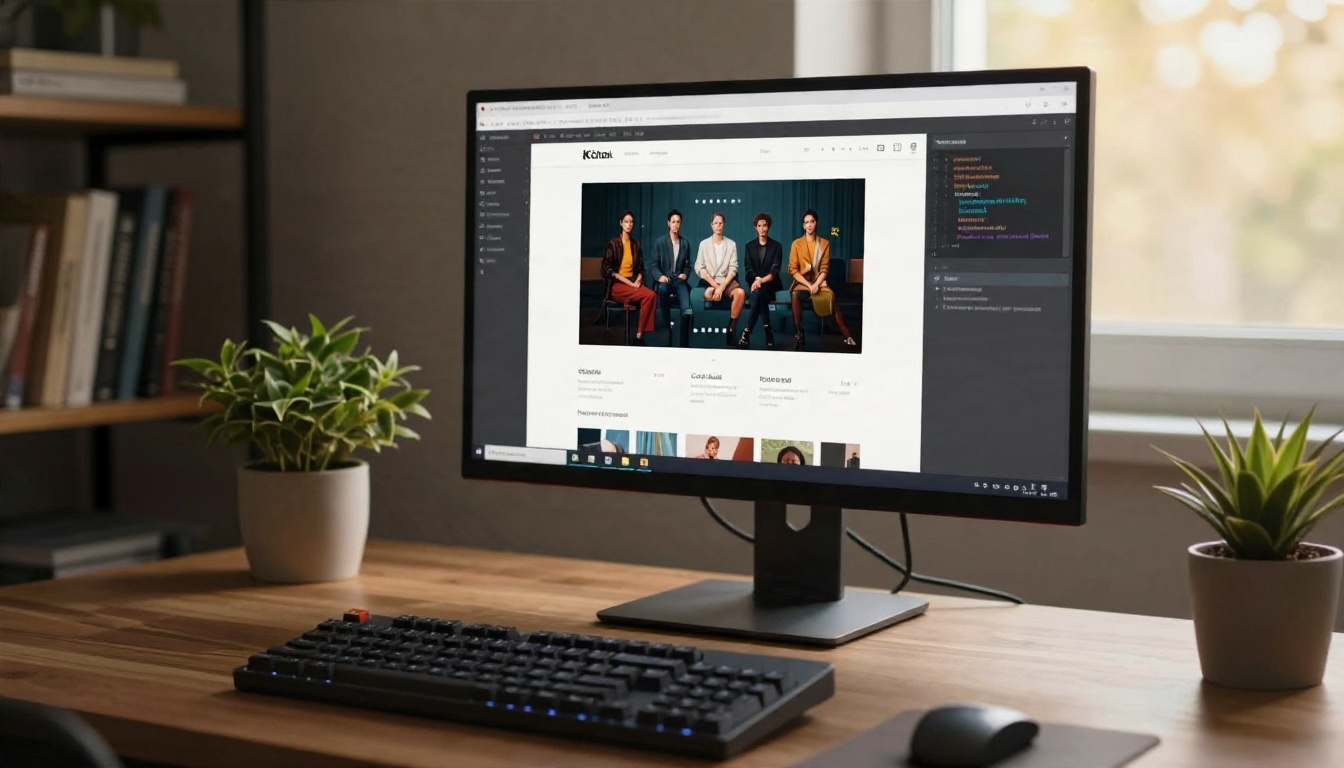
A share link is great for messages. An embedded catalog is better for your own site, because visitors read it without leaving your pages. The Embed Flipbook on Website tool and embed code make this a copy and paste job.
Copy and Paste the Embed Code
Most website builders accept an embed block or a custom HTML block. A typical embed looks like this:
<iframe src="YOUR-FLIPBOOK-LINK" width="100%" height="600" allowfullscreen></iframe>
Use the exact code from your flipbook's share options rather than typing it by hand. Then:
- Open the page where the catalog should appear (for example, a "Catalog" or "Download" page).
- Add a custom HTML or embed block.
- Paste the code and save.
- Reload the live page and flip through every page once.
Here is how embedding works on common platforms:
| Platform type | Where to paste the code | Common gotcha |
|---|
| Website builders with drag and drop | Embed or custom HTML block | Block may default to a fixed small height |
| WordPress | Custom HTML block in the editor | Visual editor may strip the code, so switch to code view |
| Online store themes | Page template or a content page | Some themes limit scripts, so use a plain page |
| Landing page tools | HTML or embed element | Set width to 100% so it stays responsive |
Size It for Real Screens
Set the width to 100% and give the catalog a generous height, around 600 pixels on desktop. On a phone, a taller block feels more natural because the page fills the screen. Avoid placing the embed inside a narrow sidebar. The reader needs room to see product photos.
✅ Best practice: Put the catalog high on the page, with a one-line intro and a plain link below it. Some visitors prefer opening the flipbook in its own tab.
Sharing Links That Get Opened
A great catalog nobody opens is worthless. Where and how you share the link decides how many people actually see it.
Links, QR Codes and Where to Put Them
- Email signature: add "View our latest catalog" with a link. It works every day without extra effort.
- QR codes: print one on packaging, business cards, shop windows and invoices. A customer in your store scans it and sees the full range, including items you do not stock on the shelf.
- Social profiles: place the link in your Instagram or TikTok bio, and pin a post about the new catalog.
- Chat apps: send the link directly to a customer after they ask about a product line.
- Quote follow-ups: attach the catalog link in the same message as your quote.

A hardware store owner, for example, can put a QR code on the end of each aisle. A shopper scans it to see the full tool range, specifications and accessories, then asks staff about the item they want. The catalog becomes a silent salesperson.
Password Protection for Private Content
Not every catalog should be public. Wholesale price lists, dealer catalogs and early previews of next season's range often need a gate.

With password protection, you share the link openly but only people with the password can open the catalog. A few habits keep this secure:
- Use a different password for each customer group, such as retail partners and distributors.
- Change the password when a partnership ends.
- Send the password in a separate message from the link.
- Keep public and private catalogs as separate flipbooks, so you never mix prices.
⚠️ Do not put the password on the cover page or in the file name. That defeats the point.
| Sharing method | Best for | Public or private |
|---|
| Direct link | Email, chat, social bios | Public |
| Embedded on website | Online shoppers browsing your store | Public |
| QR code | Print, packaging, store signage | Public |
| Password protected link | Wholesale and dealer price lists | Private |
| Offline download | Trade shows and field sales | Either |
Mobile Viewing Done Right
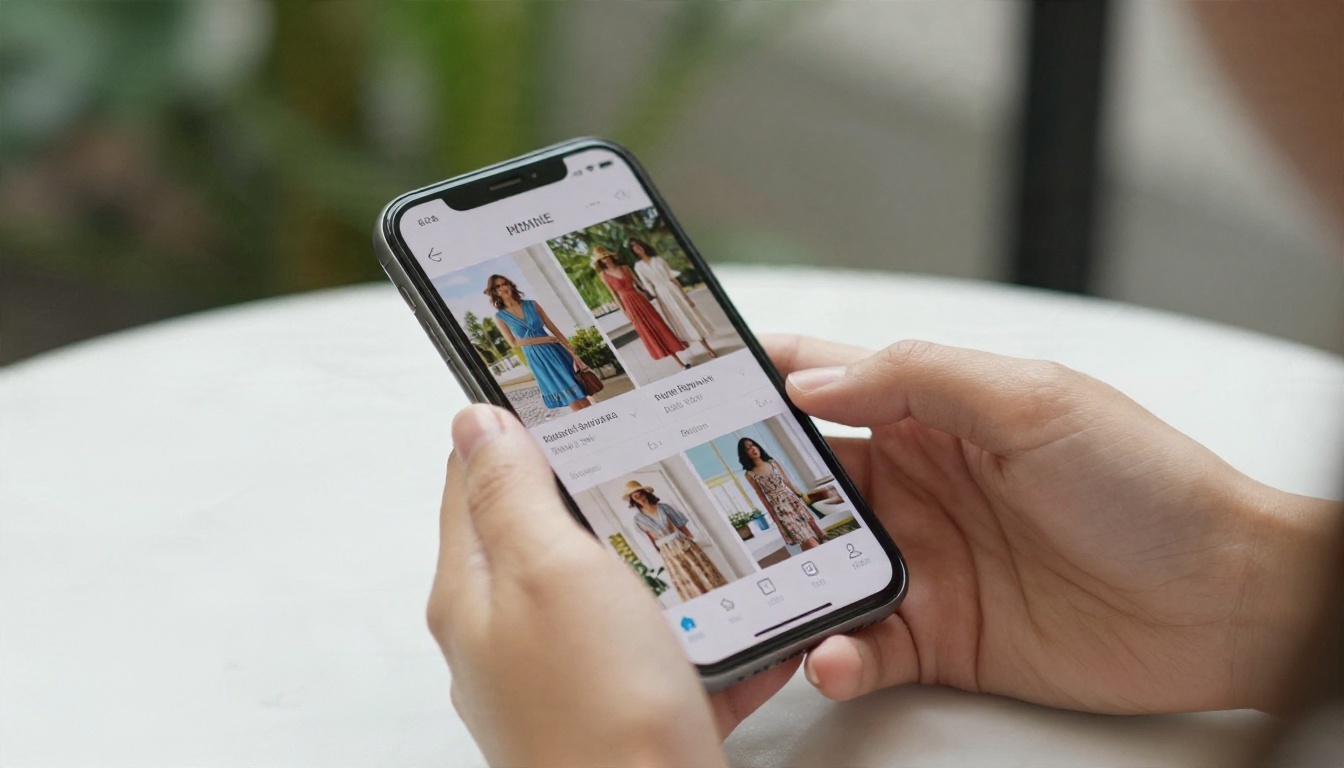
More than half of catalog views usually happen on a phone, so mobile is the main experience, not an afterthought. A flipbook that is mobile-responsive adjusts the layout so pages are readable without sideways scrolling.
Test on Real Phones
Do not trust the desktop preview alone. Before you launch:
- Open the link on an iPhone and an Android phone.
- Flip through at least ten pages and zoom into small text.
- Tap any links, videos or buttons.
- Try on both Wi-Fi and mobile data to check loading speed.
- Rotate the phone to see how landscape mode looks.
Fix Common Mobile Problems
| Problem | Likely cause | Fix |
|---|
| Text too small to read | Tiny fonts in the original design | Use 10 pt or larger body text in the PDF |
| Slow page loading | Oversized images | Compress photos to 150 to 200 DPI before export |
| Embedded catalog looks cramped | Fixed width in the embed code | Set the width to 100% |
| Video will not play | File too large or unsupported | Use a short, compressed clip |
| Pages cut off | Wrong page size in the PDF | Export at one consistent size |
A small design tweak helps a lot: when you build a catalog, put one product per half page and use big photos. Dense grids of twelve products per page look elegant on a tabletop, but frustrating on a phone.
Real-World Catalog Examples
Seeing how other businesses use online catalogs makes the options clearer.
- A boutique homeware shop publishes a seasonal catalog, embeds it on its site and puts a QR code on shopping bags. Customers who skipped an item in the shop view it later at home.
- A small candle brand photographs every scent line, exports a 16-page PDF and shares it with gift shops through a password protected link. Wholesale prices stay private while the retail version is public.
- A furniture maker sends the link to a customer after a showroom visit, using the Furniture Catalog Maker layout so fabrics and finishes sit next to dimensions.
- A fashion label shares a lookbook link in an Instagram bio, built from the Interactive Lookbook Designer.
- A service business with a price list uses the Digital Price List Generator and updates it the day costs change.

Once a catalog is live, review the numbers. If page 3 gets attention and page 12 does not, move your best sellers forward in the next version. On the Professional plan, analytics and lead generation show you exactly that.
Publish Your Catalog Today
You do not need a developer, a printing budget or a week of free time. Export your PDF, choose a tool that keeps your branding and has no watermark, and send the link to ten real customers this week. Ask them one question: could they find what they wanted on their phone?
Ready to publish? Get started for free on Flipbooks AI, browse all flipbook tools and templates to find the right layout for your business, or compare pricing plans to see which one fits your catalog count. If your first goal is a quick conversion, the Catalog Flipbook Creator takes you from PDF to shareable link in minutes.



