You have the recipes. Maybe they sit in a shoebox, a notes app, or a folder of half-finished documents. Now you want a real cookbook, and the search for publish cookbook software throws up dozens of tools that all promise the same thing. They do not deliver the same thing. Some design pages, some print and ship books, some turn a PDF into a page-turning online edition, and a few do all three badly. This article sorts them out, puts real numbers on the cost, and shows where free plans stop being free. If you already have a finished PDF, you can turn it into an online cookbook in minutes with Flipbooks AI.
What Cookbook Software Really Means
The phrase is vague on purpose. Vendors stretch it to describe anything that touches a recipe. Before you compare prices, decide which job you need done.
Three Categories, Three Outcomes
Almost every product falls into one of three buckets:
- Layout tools: you place text, photos and ingredient lists on pages. Output is usually a PDF.
- Print on demand services: you upload a finished file and they print single copies or small runs, then ship them.
- Digital publishers: you upload a PDF and get an online edition with page-turning effects, a shareable link and an embed code.
Many people buy a layout tool and assume the book is "published". It is not. A PDF sitting on your laptop reaches nobody. Publishing means putting the finished book where readers can open it.
Who Needs What
| Your situation | What you need | Typical output |
|---|
| Family recipe collection for relatives | Layout tool plus a private online link | Password protected flipbook |
| Food blogger selling a recipe ebook | Layout tool plus a digital publisher | Branded online edition, downloadable PDF |
| Restaurant with a signature dish book | Layout tool plus print on demand | Printed copies and a web version |
| Charity or school fundraiser | Layout tool plus both print and digital | Small print run, shareable link |
| Chef building a portfolio | Digital publisher | Embedded flipbook on a personal site |
💡 Pro tip: Write down who will read the book and where before you pick a tool. A cookbook for 30 relatives needs a different setup than one sold to 3,000 strangers.
Online Options Compared
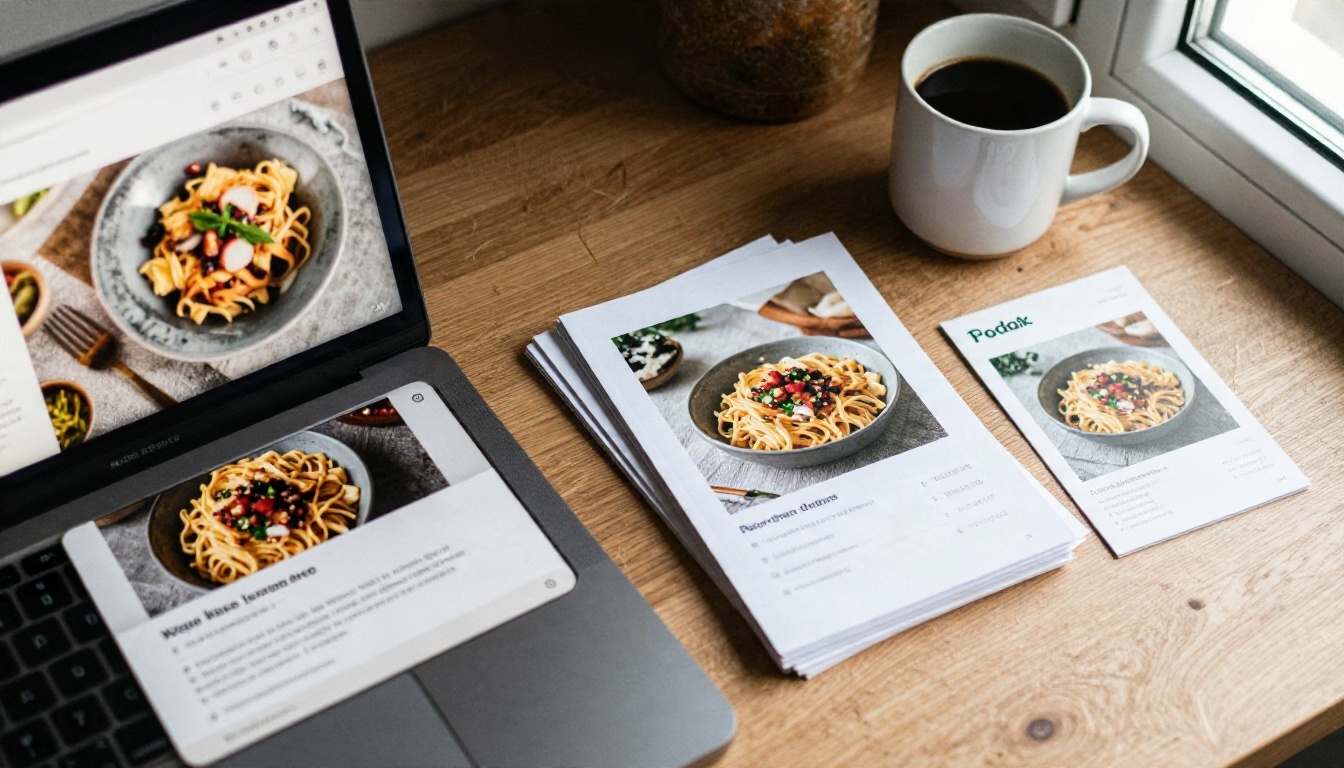
The market is crowded, so it helps to compare by function rather than by brand name.
Layout and Design Tools
General design platforms and dedicated recipe book builders let you drag in photos, set type and export a print ready PDF. Their strengths are templates and speed. Their weakness is that sharing is an afterthought. The export is a flat file, and the best you get is a link to a PDF viewer that looks like a document, not a book.
Dedicated recipe organizers go a step further. They store ingredients, scale servings and sometimes generate a book from your saved recipes. They are great for collecting and sorting. They rarely give you fine control over page design.
Print on Demand Platforms
These services print a copy only when someone orders it, which means no stock in your garage. You upload an interior PDF and a cover file, pick a trim size and paper, and the platform handles printing and shipping. The trade off is margin. Per copy printing costs are higher than a bulk run, so your profit per book is thin unless you price carefully.
Color is the big cost driver for cookbooks. A black and white novel is cheap to print. A 120 page full color cookbook with glossy photos costs far more per copy, and that gap decides your retail price.
Flipbook Publishers
A flipbook publisher converts your PDF into an interactive online book. Readers flip pages, zoom into photos, and open it on a phone without downloading anything. For cookbooks this matters because people read recipes on a tablet propped against the flour jar. The PDF to Flipbook Converter handles the conversion, and the Recipe Book Flipbook tool is built around exactly this use.
| Option type | Best for | Reader experience | Sharing |
|---|
| Layout tool | Designing pages | Flat PDF | Email attachment or file link |
| Print on demand | Physical copies | Paper book | Retail listing or direct order |
| Flipbook publisher | Online distribution | Page-turning, zoomable | Link, embed code, password protection |
| Recipe organizer | Collecting and sorting | App screen | Limited exports |
What It Actually Costs
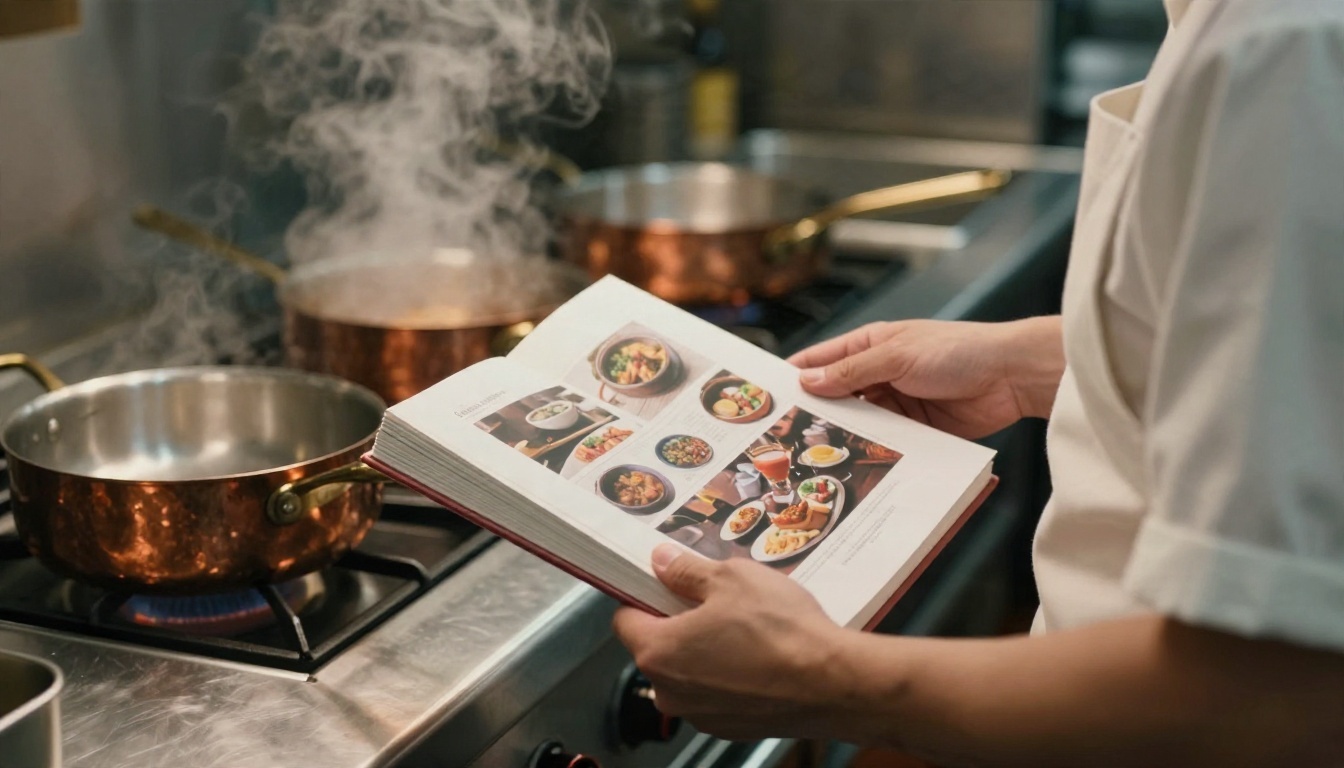
Pricing pages show monthly fees. They rarely show the full bill. Here is how the costs usually stack up.
Typical Price Ranges
The figures below are rough ranges seen across the category. Plans change often, so check each vendor before you commit.
| Cost item | Typical range | Notes |
|---|
| Layout tool subscription | Free to about 30 per month | Premium templates and stock photos often cost extra |
| Stock or commissioned photography | Free to several hundred | Original photos beat stock in cookbooks every time |
| Print on demand, full color, per copy | About 8 to 25 | Rises with page count, paper and hardcover |
| Proofreading or editing | Varies widely | Worth paying for recipe quantities and times |
| Flipbook publisher | Free tier to about 50 per month | Watermark and page limits on lower tiers |
| ISBN, if selling in retail | Varies by country | Optional for direct sales |
For current plan details on Flipbooks AI, see the pricing page.
Hidden Costs
The monthly fee is the smallest surprise. These are the ones that catch people:
- Photography. Food photos make or break a cookbook, and a good set of 40 images takes real time or real money.
- Test cooking. Every recipe should be cooked at least once from the written instructions. Groceries add up.
- Proof copies. Order a printed proof before a full run. One bad color shift can ruin 200 books.
- Subscription creep. A layout tool, a photo library and a publisher each bill monthly. Cancel what you no longer use.
- Shipping. Print copies are heavy. A hardcover cookbook can cost nearly as much to mail as to print.
⚠️ Warning: A cheap per copy price on a print on demand site often assumes standard color. Photo heavy interiors can push the real cost up by half. Always request the price for your exact page count and paper.
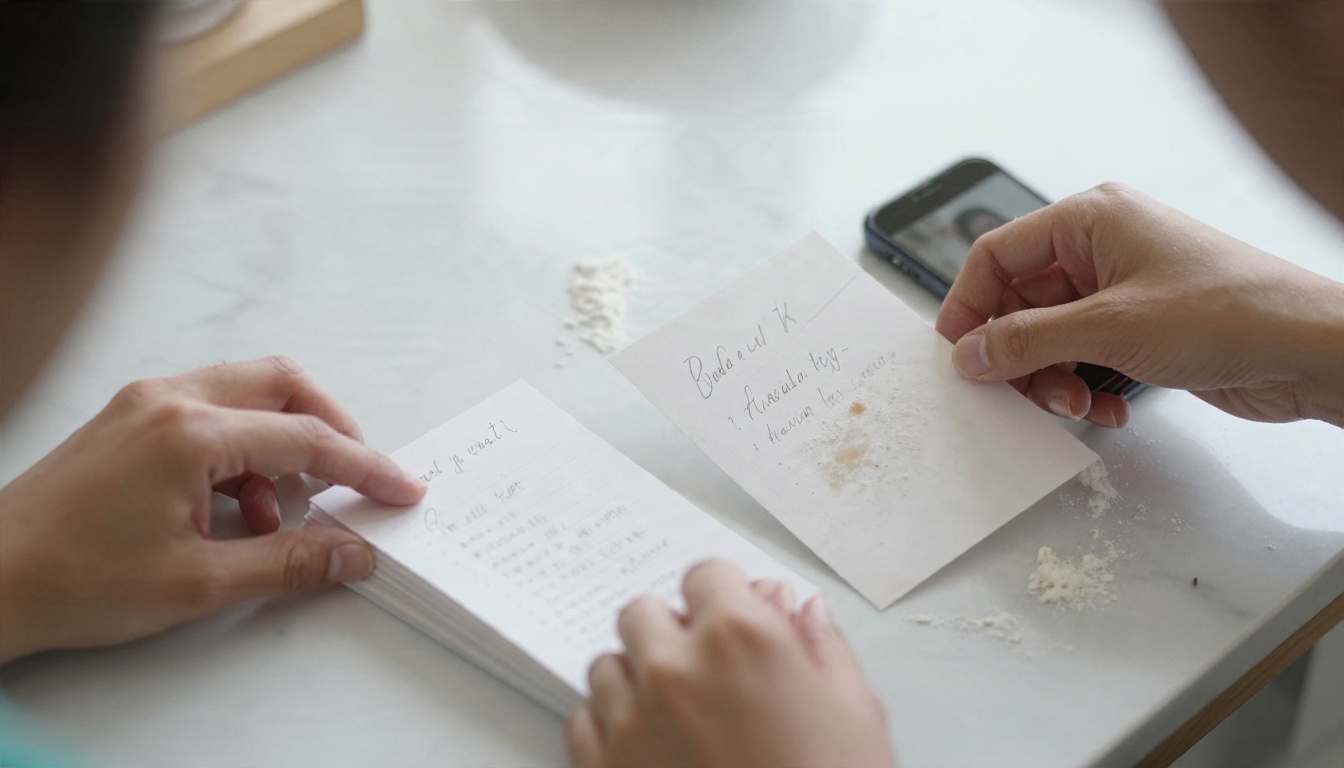
Free plans are a fair way to test a workflow. They are a poor way to publish something you are proud of, and the limits are worth knowing before you invest hours.
Watermarks and Page Caps
Most free tiers share the same restrictions:
- Watermarks on exported files or online editions, usually a vendor logo on every page.
- Page caps, often 20 to 50 pages, which a photo rich cookbook blows through quickly.
- Limited storage, so your files or flipbooks disappear after a trial period.
- No custom branding, which means your cookbook carries someone else's name.
- Public by default, with no password protection for private family books.
- No analytics, so you never learn how many people opened the book.
A watermark on a family cookbook is an annoyance. On a book you sell, it looks unprofessional and can cost you sales.
When Free Is Enough
Free tools work well in specific cases:
- Drafting a layout before you commit to a paid plan.
- Testing how your photos look in a flipbook.
- Producing a quick one off recipe booklet for a class or potluck.
They stop working when you need branding, privacy, more than a few dozen pages, or a link you can safely share with customers.
| Feature | Typical free plan | Paid plan |
|---|
| Watermark | Present | Removed |
| Page limit | Low | High or unlimited |
| Password protection | Rarely | Usually included |
| Custom branding | No | Yes |
| Embed on your own site | Limited | Yes |
| Reader statistics | No | Professional tiers |
Flipbooks AI keeps its output clean: no watermarks, ever. Unlimited flipbooks come with the Standard plan and above, and the Professional plan adds analytics and lead generation. You can start from the account page and compare tiers before you pay for anything.
How to Publish a Cookbook Flipbook
If your recipes are already laid out as a PDF, this is the fastest route from file to readers. The same steps work for a family book or a commercial release.
Upload Your PDF
- Open Flipbooks AI and sign in or create an account.
- Choose to create a new flipbook and upload your cookbook PDF.
- Wait a moment while the file converts. Each page becomes a flippable spread, and photos stay sharp when readers zoom.
- Preview the result on both desktop and phone. Check that ingredient lists and step numbers stay readable on a small screen.
💡 Pro tip: Export your PDF at 150 dpi for screens. Higher resolution makes files heavy and slows loading without any visible gain.
Customize the Look
Once the pages are in, adjust how the book presents itself:
- Branding: add your logo and choose a cover background that suits the food. Warm neutrals work well for baking, deep greens for vegetarian books.
- Colors: match the toolbar and background to your cookbook palette.
- Page effects: pick a realistic page curl and turning sound if you want the feel of paper.
- Multimedia: embed a short video of a technique or an audio note from the author directly on a recipe page.
Share and Protect
Sharing is where an online edition beats a PDF attachment:
- Direct link: paste it into an email, newsletter or social post.
- Embed code: place the book on your blog using the Embed Flipbook on Website tool.
- Password protection: keep a family cookbook private, or gate a paid recipe collection.
- Offline downloads: let readers save a copy for a kitchen with poor Wi-Fi.
Use the Professional Features
If the book is a business asset, the Professional plan is worth a look. It adds analytics so you can see which recipes get the most reading time, plus lead generation so readers can leave an email address before opening a bonus chapter. See the pricing options to compare tiers.
Real Examples That Work
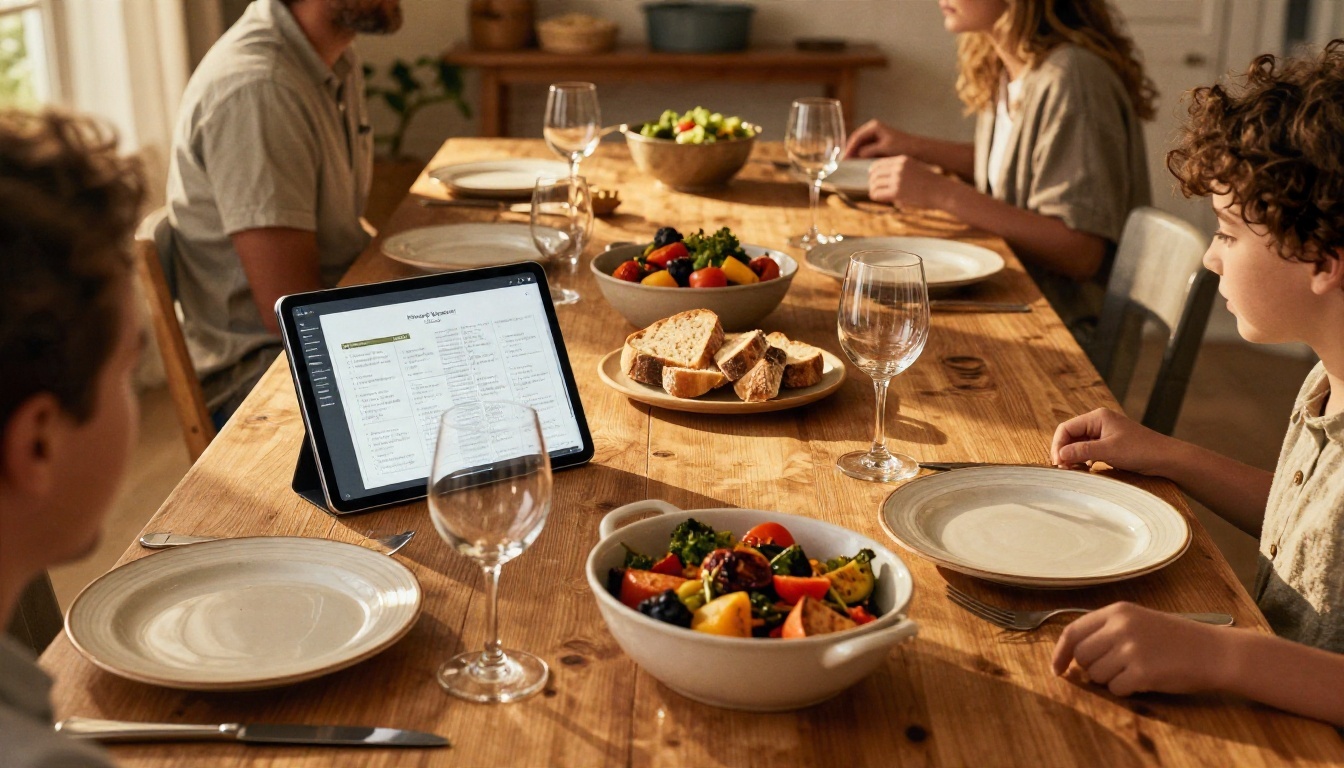
Theory is useful. Real setups are better. Here are four that work.
The family heirloom. A daughter scans her grandmother's handwritten cards, lays them out beside typed versions, and exports a 60 page PDF. She uploads it as a password protected flipbook and sends the link to twelve cousins. Everyone can cook from it on a phone, and nobody needs to wait for a printed copy.
The food blogger. A blogger with a loyal audience bundles 40 weeknight dinners into a digital cookbook. She embeds the flipbook on a landing page, collects emails through lead capture, and sells the downloadable PDF as an upgrade. No inventory, no shipping.
The restaurant. A neighborhood bistro prints 300 copies of a signature dish book for gift sales and puts a digital version online for guests who want to try recipes at home. The same PDF feeds both. If you run a food business, the Restaurant Menu Creator works in a similar way for menus.
The fundraiser. A school parents group collects recipes from 80 families, prints a small run for the bake sale, and shares a link for everyone who missed it. Costs stay low because the digital edition has no print fee.
Mistakes to Avoid
- Publishing before test cooking every recipe.
- Using a free plan, then discovering a watermark on every page after the design is finished.
- Skipping a printed proof.
- Forgetting to check how pages look on a phone.
- Mixing measurement systems without a conversion table.
Pick Your Path and Publish
Here is the short version. Use a layout tool to design, a print on demand service if you want paper copies, and a flipbook publisher for the online edition. Skip the free tier if you need privacy, branding or more than a few dozen pages. Budget for photography and test cooking first, because that is where cookbooks succeed or fail.
Ready to put your recipes in front of readers? Get started for free on Flipbooks AI, browse all flipbook tools to find the right template, or compare pricing plans to choose what fits your book.



