Anyone with a laptop, a few good photographs and a point of view can publish your own magazine today. The hard part is no longer access to a printing press. It is knowing how to lay out pages that people actually finish, which free tools are good enough, how to put the issue online, and what the whole thing will cost. This article answers all four, with numbers, tables and a working step-by-step process. We will also show how a PDF becomes a page-turning edition on Flipbooks AI, so your readers get a real magazine feel on any screen.
💡 Quick answer: a digital-only magazine can launch for $0 to $50 using free software and a flipbook host. A short printed run of 100 copies usually lands between $300 and $900, depending on pages and paper.
Plan Before You Open Any App
Most first issues fail before the first page is designed. The editor opens a layout program, starts dropping photos in, and three weeks later has twelve pages and no direction. A one-page plan avoids that.
Define Your Reader and Rhythm
Write one sentence that names your reader and what they get from each issue. "Home cooks in Lisbon who want weeknight recipes with local ingredients" is a plan. "A food magazine" is not.
Then decide the rhythm:
- Frequency: monthly, quarterly, or a single annual issue
- Length: 16, 24, 32 or 48 pages (print needs multiples of four)
- Format: digital flipbook, print, or both
- Voice: playful, journalistic, academic, or personal
A quarterly 32-page magazine is a realistic start for a solo publisher. It gives you three months to produce roughly 25 pages of real content plus ads, a masthead and a contents page.
Build a Page Flow
A page flow is a thumbnail map of the whole issue. Draw small boxes in a grid and label each one: front page, contents, editor's letter, features, short items, interview, back page. Magazines are paced like music. A dense text page should be followed by a photo-led spread, and a loud opener should be followed by a quieter one.
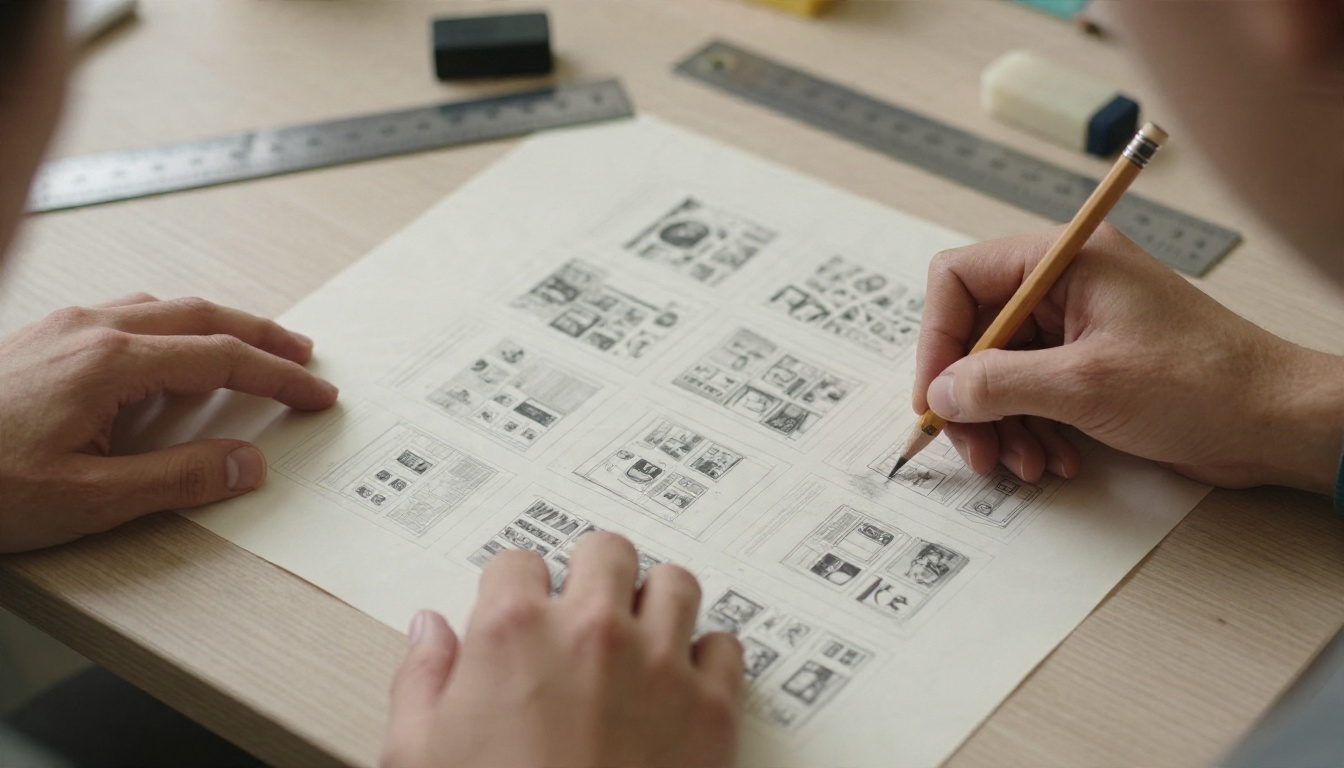
✅ Best practice: keep the first four pages light. Readers decide within a few seconds whether an issue is worth their time, so put your strongest image and your clearest headline early.
Magazine Layout That Reads Well
Good layout is mostly restraint. You are not decorating pages, you are guiding an eye from a headline to a photo to a paragraph and onward to the next spread.
Grid, Margins, and Columns
Start with a grid. A 12-column grid with a 15 mm gutter is flexible enough for almost every editorial layout, and a 3-column text grid works well for long reading pages. Keep outer margins at 12 to 18 mm for print, and give the inside margin a little extra so text does not vanish into the spine.
| Layout element | Recommended value | Why it matters |
|---|
| Page size | A4 (210 x 297 mm) or 8.5 x 11 in | Standard, cheap to print, fits screens well |
| Outer margins | 12 to 18 mm | Prevents text being trimmed |
| Gutter between columns | 5 to 6 mm | Keeps text blocks distinct |
| Bleed (print) | 3 mm on all sides | Avoids white edges after trimming |
| Resolution | 300 dpi for print, 150 dpi for screen | Sharp images without huge files |
| Body text size | 9 to 10 pt print, 11 to 12 pt for screen-first | Comfortable reading |
Type Choices That Hold Up
Use two typefaces at most: one serif for body text and one display face for headlines. Set body text at a generous line height, about 140 percent of the font size. Use italics for emphasis and captions, and keep all caps for short labels only.
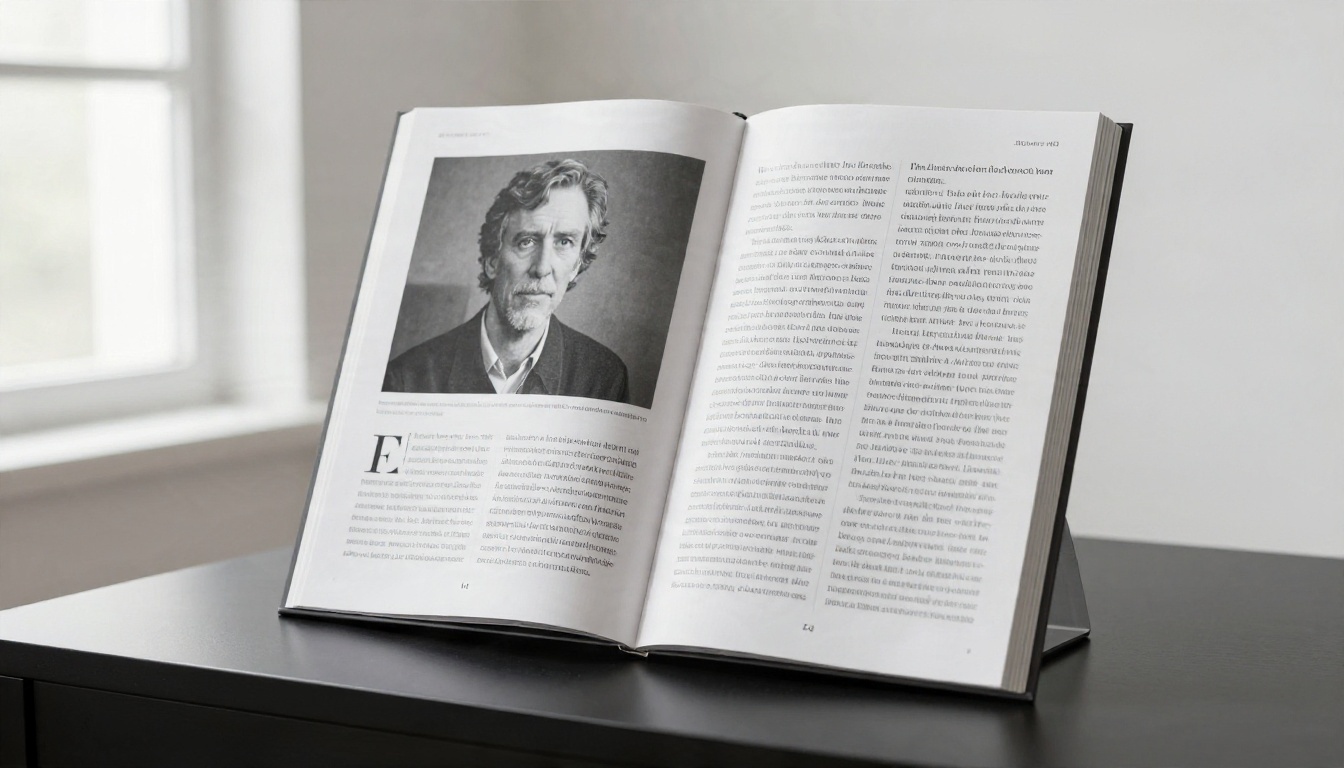
A reliable hierarchy looks like this:
- Headline: 36 to 60 pt display face
- Standfirst (intro line): 14 to 16 pt, lighter weight
- Body: 9 to 10 pt serif
- Pull quote: 18 to 24 pt, set between columns
- Caption: 7 to 8 pt italic
Image Rules for Editorial Pages
Photography carries a magazine. One large, confident image per spread beats six small ones. Crop with purpose, leave breathing room around faces, and keep a consistent colour treatment across the issue so it feels edited rather than assembled.
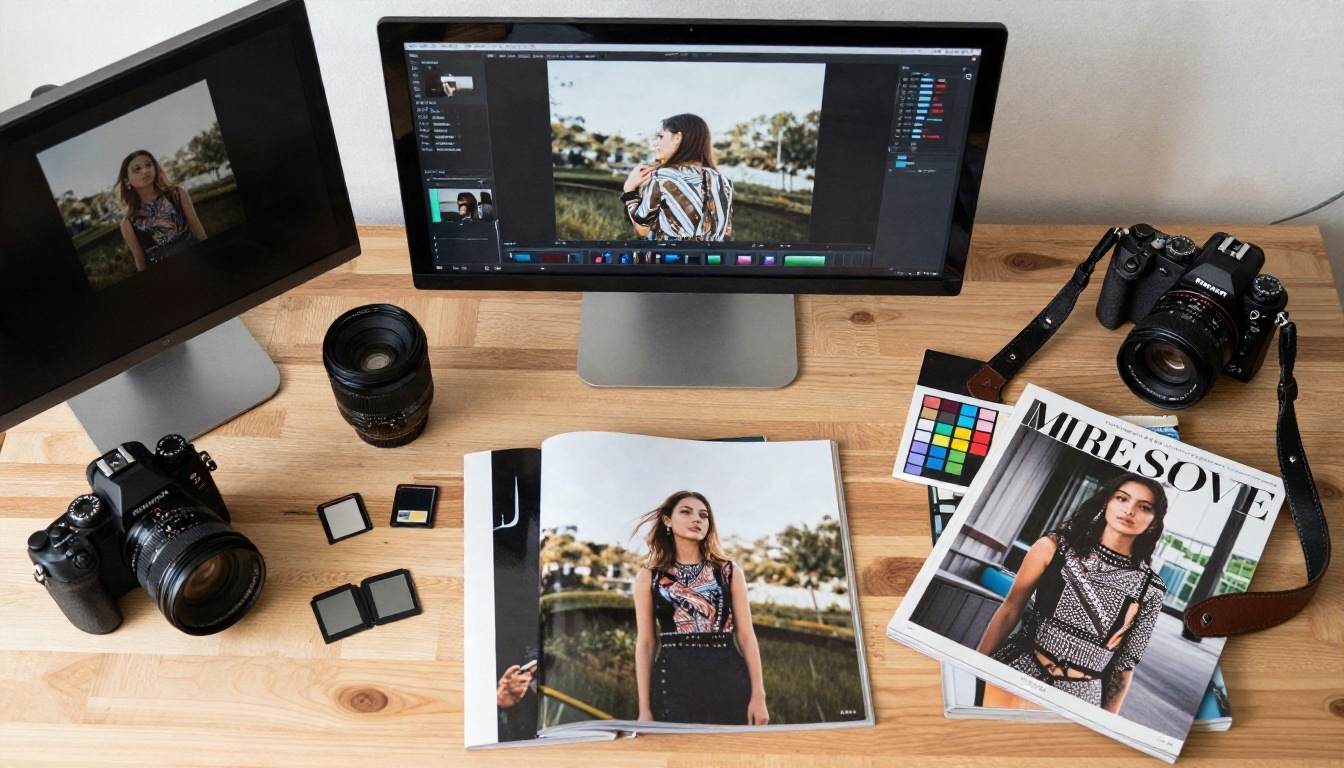
⚠️ Warning: never pull images from a web search. Use your own photos, commissioned work, or properly licensed free libraries. A single copyright claim can end a small publication.
You do not need a paid design suite to make a professional issue. The free options today are genuinely capable, and the right pick depends on how much control you want.
Layout Software Compared
| Tool | Best for | Print-ready PDF | Learning curve | Cost |
|---|
| Canva (free tier) | Quick, template-led issues | Yes, with limits | Low | Free, paid upgrade optional |
| Scribus | Full print control, bleed, CMYK | Yes | High | Free, open source |
| Google Docs or Slides | Simple newsletters and zines | Basic PDF | Very low | Free |
| Affinity Publisher | One-time purchase, pro layout | Yes | Medium | Paid, not free |
| Adobe InDesign | Industry standard | Yes | High | Subscription |
| Penpot | Collaborative page design | Yes | Medium | Free, open source |
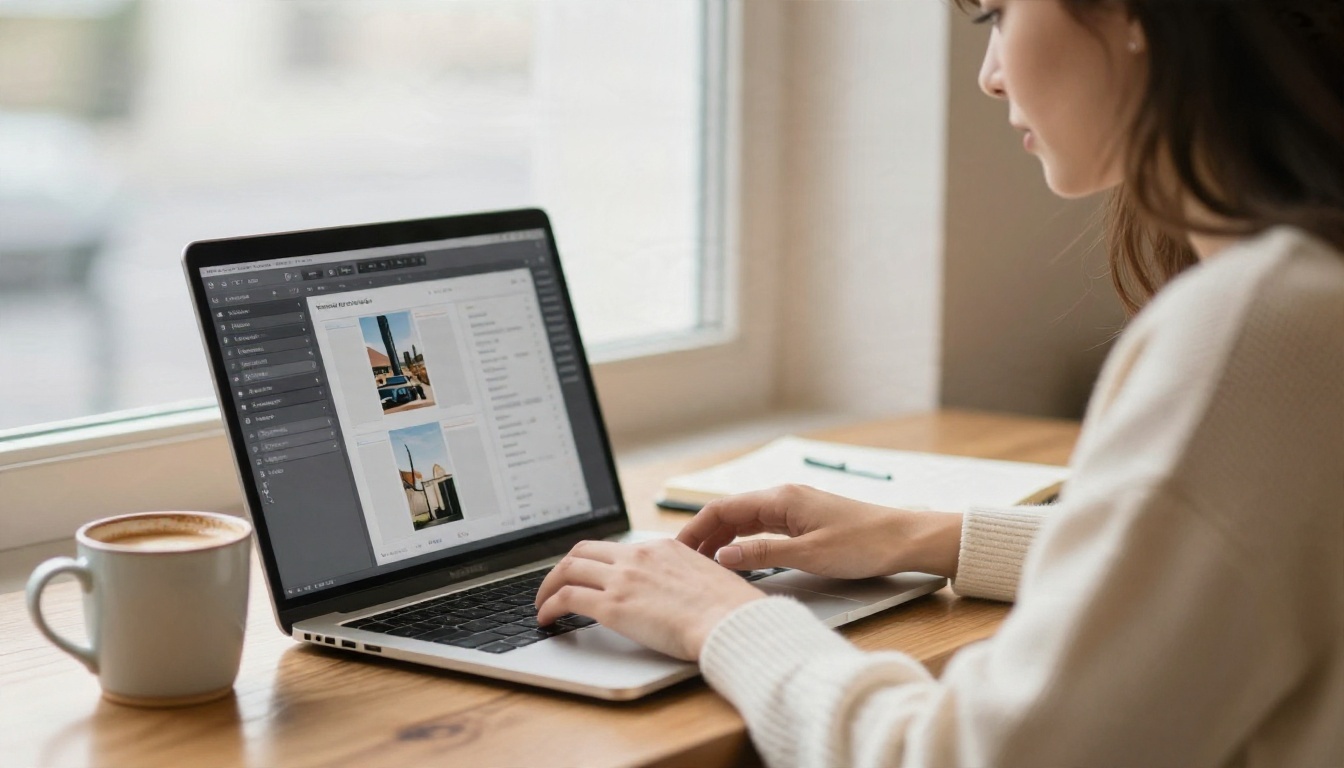
For a first issue, Canva is the fastest route to a good-looking result, while Scribus is the better choice if you plan to print and want proper bleed and colour handling. If you only need a clean digital issue, even Slides exported as PDF works.
Free Assets and Fonts
Free tools only help if the raw material is also free and legal:
- Fonts: Google Fonts offers hundreds of open licence families. Pair a serif like Playfair Display or Lora with a clean sans for captions.
- Photos: Unsplash, Pexels and Wikimedia Commons offer licensed images, but always check the individual licence.
- Icons and shapes: use open sets rather than screenshots.
- Colour: pick three colours and one neutral. Stick to them.
💡 Pro tip: export a PDF early and often. Looking at your issue as a real file, on a phone and a laptop, reveals spacing problems that you never notice in the editor.
Online Sharing as a Flipbook
A PDF is fine for archiving, but it is a poor reading experience. Readers must download it, pinch and zoom, and scroll vertically through pages that were designed as spreads. A flipbook keeps the magazine feel: pages turn, spreads sit side by side, and the issue opens in the browser with no download.
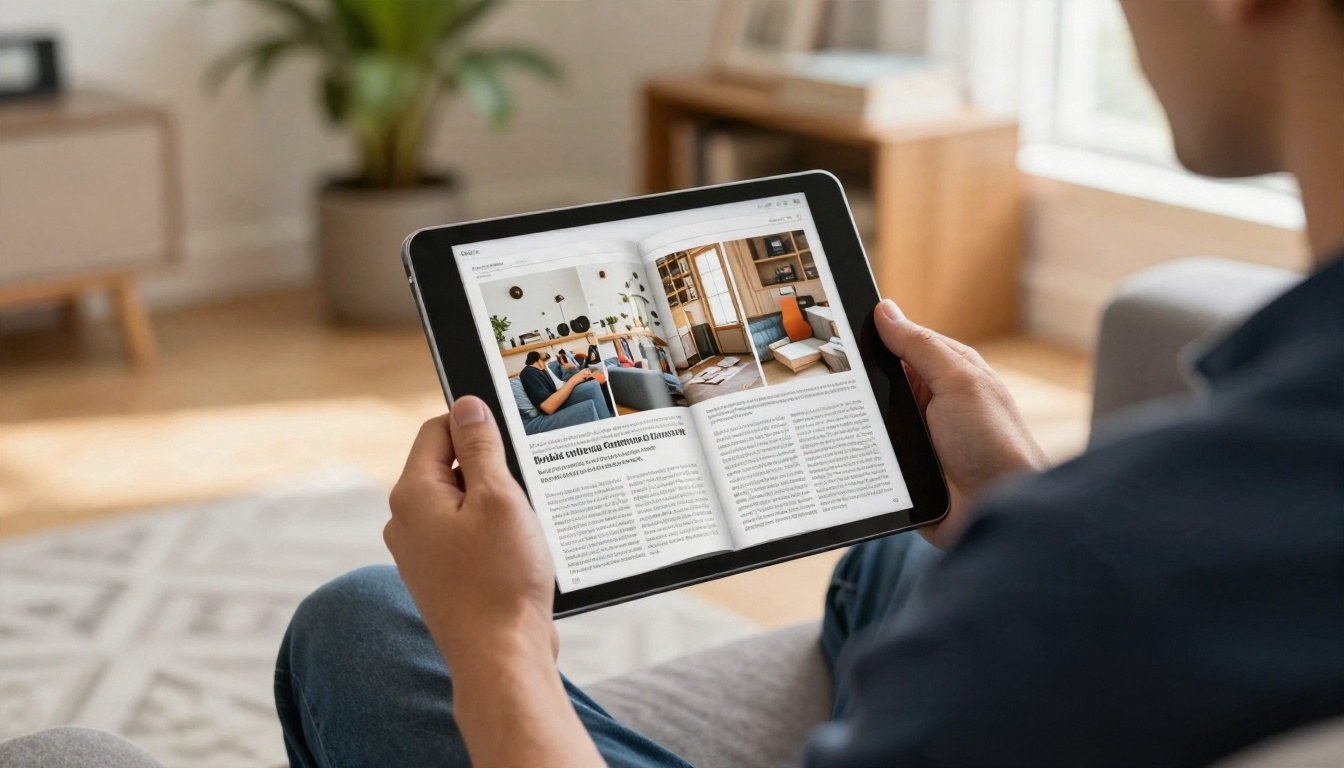
The dedicated Magazine Flipbook Creator and the E-Magazine Publishing Tool on Flipbooks AI are built for exactly this. If you publish a newsletter-style issue, the Newsletter Flipbook Publisher fits too.
Build Your Magazine Flipbook Step by Step
Here is the full process, from finished PDF to shareable link.
- Open the platform. Go to Flipbooks AI and create an account. No design experience is needed.
- Upload your PDF. Drag your exported magazine into the uploader. The PDF to Flipbook Converter turns each page into a turnable page automatically, usually in under a minute for a 32-page issue.
- Check the page order. Confirm that spreads pair correctly. If your PDF was exported as single pages, make sure the front page sits alone on the right.
- Customise the look. Add your logo, set background colours to match your brand, choose a page-turn effect, and select whether the issue shows as spreads or single pages.
- Add multimedia. Embed a video interview, an audio note from the editor, or clickable links on contents entries and advertisers' logos.
- Set access. Choose public or private. Use password protection for subscriber-only issues.
- Publish and share. Copy the direct link, or use the embed code to place the issue on your site with the Embed Flipbook on Website option.
- Track results. On the Professional plan, analytics and lead capture show which pages get read and who opened the issue. See pricing plans for details.
Flipbooks AI never adds watermarks, the output is mobile-responsive, and offline downloads are available for readers who want to keep an issue.
✅ Best practice: publish every issue at a permanent link, such as /issue-03. Readers and search engines both like stable addresses.
Sharing and Access Options
| Sharing method | Best use | Reader effort | Control level |
|---|
| Direct link | Social posts, email, messaging | One click | Medium |
| Embed on your site | Archive page, landing page | None | High |
| Password protection | Paid subscribers, club members | Enter password | Very high |
| Offline download | Travel, low connectivity | One tap | Medium |
| QR code on print copies | Linking print to digital extras | Scan | Medium |
If you sell advertising, an embedded issue on your own domain is worth the extra setup. It keeps traffic on your site and lets you report real numbers to sponsors.
What It Really Costs
Costs are the question most guides skip. Here is a plain breakdown, using realistic 2026 ranges. Prices vary by country, printer and paper, so treat these as planning figures, not quotes.
Digital Only Budget
A digital magazine has almost no per-copy cost. Your real expense is time, plus the occasional paid asset.
| Item | Low budget | Typical |
|---|
| Layout software | $0 (Canva free, Scribus) | $0 to $15 per month |
| Fonts and stock images | $0 | $0 to $40 per issue |
| Flipbook hosting | Free or entry plan | Paid plan from pricing |
| Domain and email | $0 to $12 per year | $12 to $30 per year |
| Freelance writers or photographers | $0 (your own work) | $50 to $500 per issue |
A solo publisher working with free tools can ship a digital issue for close to nothing. Upgrading to a paid flipbook plan makes sense when you want unlimited issues, analytics and password protection.
Print Run Budget
Print is where the money goes, and the biggest drivers are page count, paper weight and quantity. Digital presses make short runs affordable, while offset printing gets cheaper per copy above roughly 500 units.
| Run size | 24 pages, A4 | 48 pages, A4 | Approx. cost per copy |
|---|
| 50 copies | $220 to $380 | $400 to $650 | $4.50 to $13 |
| 100 copies | $300 to $550 | $550 to $900 | $3 to $9 |
| 500 copies | $700 to $1,200 | $1,200 to $2,000 | $1.40 to $4 |
| 1,000 copies | $950 to $1,600 | $1,600 to $2,800 | $0.95 to $2.80 |
Add shipping, which can easily match the print bill for small runs, and budget a proof copy before approving the full run.
⚠️ Warning: do not print a large run of your first issue. Test the market with a digital edition, then print the issue readers asked for.
A sensible hybrid: release the digital flipbook for free, and print a small, premium run for supporters or stockists. Place a QR code on the print edition that links to extra video content in the flipbook.
Getting Readers and Revenue
An issue only matters if people read it. Distribution is half the job, and it is also where independent publishers earn back their costs.
Distribution That Works
- Email list first. Collect addresses from day one, even before issue one exists. Send the flipbook link, not an attachment.
- Social teasers. Post three spreads as images with a link to the full issue.
- Local partners. Cafés, studios and shops often display a printed copy for free if the content fits their audience.
- Cross-promotion. Swap ad space with another small publication.
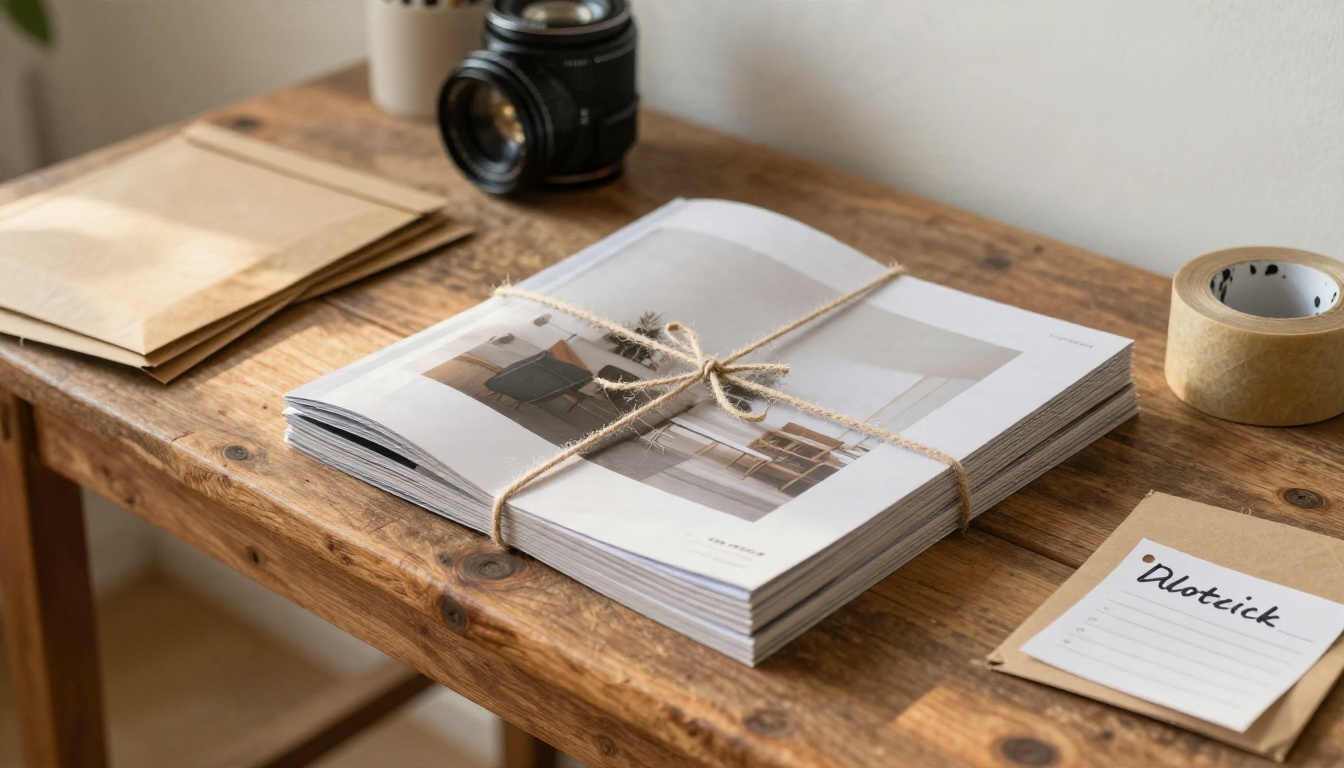
- Print copies for the loyal. A tied bundle with a handwritten address label feels personal and gets shared.
Revenue usually comes from a mix of sources:
| Revenue source | Effort | Typical result for a small title |
|---|
| Sponsored pages | Medium | $50 to $500 per page |
| Paid subscriptions | High | Steady but slow to build |
| Print sales | Medium | Covers print costs at 100+ buyers |
| Affiliate links | Low | Small, grows with readership |
| Lead capture for sponsors | Medium | High value, needs analytics |
Lead capture and reading data from the Professional plan help here. A sponsor who sees that 62 percent of readers reached page 14 will pay more than one who sees a vague audience claim.
Mistakes to Avoid
- Too many fonts. Two is enough.
- Tiny margins. Text close to the edge looks amateur and may be trimmed in print.
- Low-resolution photos. Anything under 150 dpi at final size will look soft.
- No contents page. In a flipbook, a clickable contents page is the main navigation tool.
- Skipping a proofreader. One typo in a headline spreads faster than any article.
- Publishing irregularly. A consistent date builds trust more than a perfect issue.
Ready to Publish?
You now have the layout rules, a list of free tools, a clear sharing workflow and realistic budget numbers. The next step is small: finish one page flow, design eight pages, export a PDF and put it online. Momentum beats perfection.
For the sharing side, create your free account on Flipbooks AI, upload your first issue and send yourself the link. Browse the full set of flipbook tools if you also want a Digital Portfolio Creator for your photography or a Press Kit Designer for sponsors. When you are ready for analytics, password protection and unlimited issues, compare the pricing plans and pick the one that fits your schedule.
Your first issue does not need to be big. It needs to exist.



