Microsoft Publisher has been the default tool for church bulletins, school newsletters and small shop flyers for decades, and with Microsoft's announced end of support in October 2026, a lot of people are suddenly hunting for a Publisher alternative open source and free enough to keep the budget at zero. The good news: you have more choices than ever. The slightly messy news: "newsletter" can mean a printed page, a PDF, an email, or an interactive publication, and each job needs a different tool. This article sorts the options by what you are actually trying to produce, and shows how to turn any finished layout into a page-turning publication with Flipbooks AI.
What Publisher Actually Did For You
Before picking a replacement, it helps to list what you used Publisher for. Most people relied on it for four things:
- Fixed page layouts with text boxes, images and columns you could drag anywhere.
- Ready-made templates for newsletters, flyers, brochures and calendars.
- Print-friendly output with bleed, margins and PDF export.
- A low learning curve that felt closer to Word than to a professional design suite.
Nothing in the open source world copies all four perfectly, but combinations of two or three free tools come very close.

Three Different Jobs, Three Different Tools
Search intent behind this keyword splits into three groups:
- Print newsletters: you need page layout, templates and a clean PDF for a copy shop.
- Email newsletters: you need a subscriber list, a sending service and a responsive template.
- Digital newsletters: you want something readable on a phone that still feels like a designed publication.
Keep this split in mind. Picking an email tool to design a printed bulletin, or a layout program to manage a mailing list, is the most common reason people give up on free software.
Why Open Source Is Worth Considering
Open source software is not just free of charge. It is also free of subscription pressure, forced upgrades and surprise paywalls on features you already used. Your files stay in open formats, so a template you build today still opens in five years. The trade-off is that you sometimes spend an afternoon on setup instead of a minute.
If you want true page layout on your own computer, these are the realistic candidates.
Scribus: The Closest Match
Scribus is the open source desktop publishing program most often named as the Publisher replacement. It offers text frames, image frames, master pages, CMYK color, and professional PDF export. It is more powerful than Publisher, and that power comes with a steeper learning curve. Plan on one evening to feel comfortable with frames and styles.
LibreOffice Writer and Draw
LibreOffice is the gentler path. Writer handles multi-column newsletters with images, and Draw gives you free positioning for flyers. Both open old Word and Publisher-adjacent documents reasonably well and export to PDF in two clicks. For a one-page school or club newsletter, this is often all you need.
Inkscape and GIMP for Graphics
Neither is a layout tool, but both feed one. Use Inkscape for logos and vector shapes, and GIMP for photo retouching, then place the results in Scribus or LibreOffice.
| Tool | Best For | Skill Level | Print-Ready PDF | Template Library |
|---|
| Scribus | Multi-page newsletters, magazines | Intermediate | Yes, with CMYK support | Small, community made |
| LibreOffice Writer | Simple text-heavy newsletters | Beginner | Yes | Large, many free downloads |
| LibreOffice Draw | Flyers and single pages | Beginner | Yes | Moderate |
| Inkscape | Logos, icons, illustrations | Intermediate | Yes | Community assets |
| GIMP | Photo editing | Intermediate | Not for layouts | None |
💡 Pro tip: Build your layout once in Scribus or Writer, save it as a template file, and reuse it every month. Only the text and photos change.
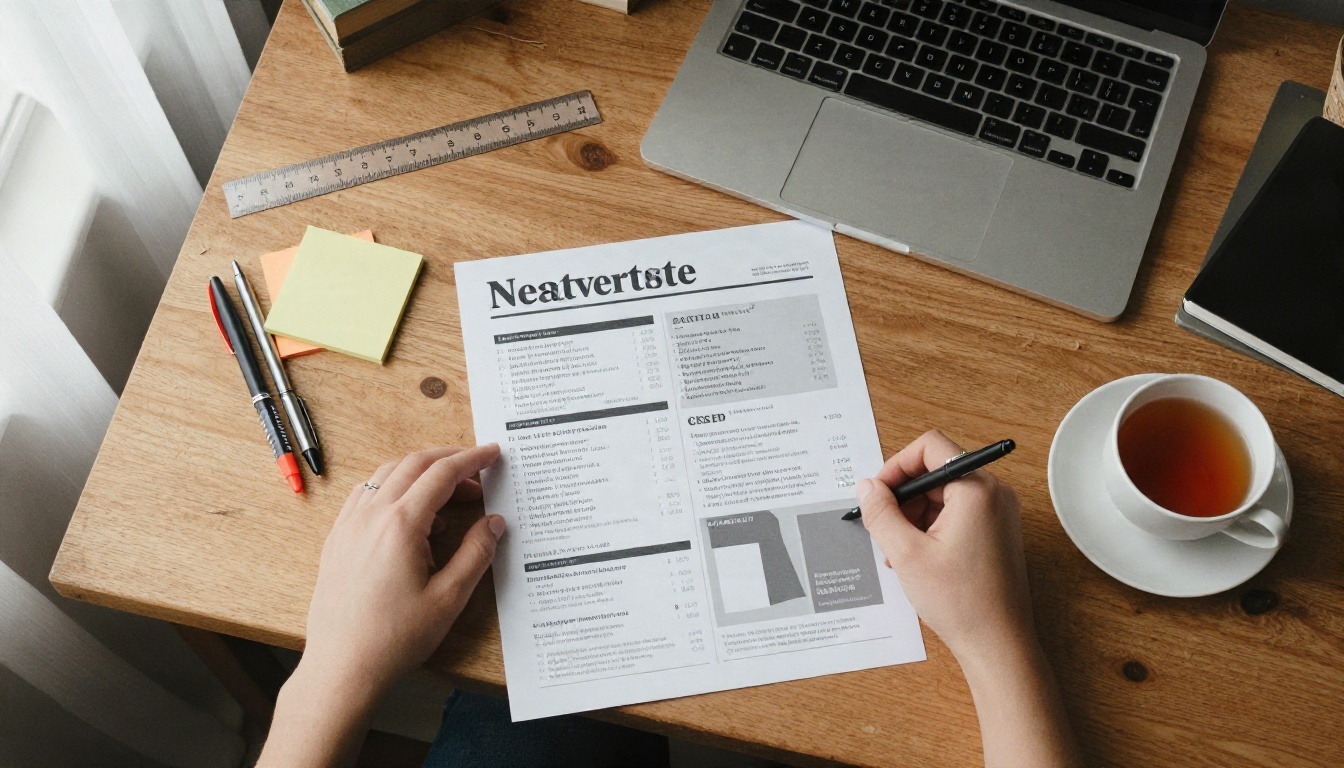
Free Newsletter Software For Email
If your newsletter goes to an inbox, layout software is the wrong place to start. You need a platform that stores subscribers, sends reliably and handles unsubscribe requests legally.
Self-Hosted Open Source Options
Two names come up again and again:
- Listmonk: a fast, self-hosted newsletter and mailing list manager. You run it on your own server and connect an email delivery service.
- Ghost: an open source publishing platform with built-in newsletters and memberships. It can be self-hosted, or you can pay for their hosted version.
Self-hosting gives you control and no per-subscriber fees, but you also become the system administrator. That means updates, backups and keeping messages out of spam folders are your job.
Free Online Email Platforms
If you prefer zero server work, several online services run free tiers. Mailchimp, MailerLite, Brevo and Buttondown are the usual names. Free tiers change often and tend to cap subscribers or monthly sends, so check each pricing page before committing.

Open Source Versus Free Online
| Factor | Self-Hosted Open Source | Free Online Platform |
|---|
| Upfront cost | Server fee only | Zero |
| Setup time | Hours | Minutes |
| Subscriber limits | None from the software | Usually capped on the free tier |
| Data ownership | Full control | Stored by the provider |
| Maintenance | You handle updates | Handled for you |
| Branding on emails | None | Often added on free plans |
⚠️ Warning: Sending bulk email from your own server without proper SPF, DKIM and DMARC records is a fast way to land in spam. If that sentence sounds unfamiliar, start with a hosted platform.
Newsletter Templates Worth Using
Templates save hours, but only if you pick ones you can actually edit.
Where To Find Free Templates
- LibreOffice template gallery and community extension sites for Writer and Draw files.
- Scribus wiki and user forums for .sla template files.
- Email platform galleries, which are built for responsive HTML and usually free to use.
- Canva's free tier, which is not open source but offers a huge online template library and PDF export.
How To Judge A Template Fast
Open it and check three things. Are the fonts free to use and installed on your machine? Can you change colors from one place? Does the layout survive a longer headline without breaking? If the answer to any of these is no, move on.
| Template Source | Cost | Editable Format | Best Output |
|---|
| LibreOffice gallery | Free | .odt, .odg | Print PDF |
| Scribus community | Free | .sla | Print PDF |
| Email platform library | Free with account | Drag-and-drop HTML | Email |
| Canva free templates | Free tier | Online editor | PDF or image |

Online Options Without Installing Anything
Maybe you do not want to install Scribus, learn frames, or run a server. Browser-based tools fill that gap.
Browser Editors For Quick Layouts
Canva, Google Docs and Google Slides can all produce a decent newsletter. Docs is surprisingly good for text-driven bulletins, while Slides gives you free positioning similar to Publisher's text boxes. Share a link, let three volunteers edit the same file, and export a PDF when you are done.
The Hidden Cost Of "Free"
Free browser tools usually limit export quality, brand kits or storage. They also tie your design to one company's editor. If you care about owning the source file, export to PDF every time and keep a copy offline.
✅ Best practice: Whatever tool you choose, always save a PDF master copy. A PDF is the universal handoff between layout software, printers, email platforms and flipbook tools.
Here is a quick chooser based on real situations.
Real-World Scenarios
- A church volunteer who prints 150 copies of a monthly bulletin: LibreOffice Writer with a saved template, exported as PDF.
- A local bakery that emails weekly specials: a free online email platform with a drag-and-drop template.
- A freelance designer producing a quarterly magazine: Scribus with master pages and CMYK export.
- A technical blogger who wants full control: Ghost or Listmonk on a small server.
- A school office that needs newsletters parents can read on phones: PDF from Docs or Writer, then a flipbook.
Decision Table
| Your Situation | Recommended Path | Monthly Cost |
|---|
| Printing a simple bulletin | LibreOffice Writer + PDF | Free |
| Designing a multi-page magazine | Scribus + PDF | Free |
| Emailing under a small list size | Free email platform | Free |
| Owning your subscriber data | Listmonk or Ghost self-hosted | Server cost only |
| Making newsletters feel interactive | PDF + flipbook converter | Free to low cost |
Why PDF Newsletters Fall Flat
Here is the gap nobody mentions. Whether you designed in Scribus, Writer or Canva, the output is usually a flat PDF. Readers on phones pinch, zoom and scroll sideways. Links are hard to spot. There is no sense of turning a page, and you have no idea who opened it.
What A Flipbook Adds
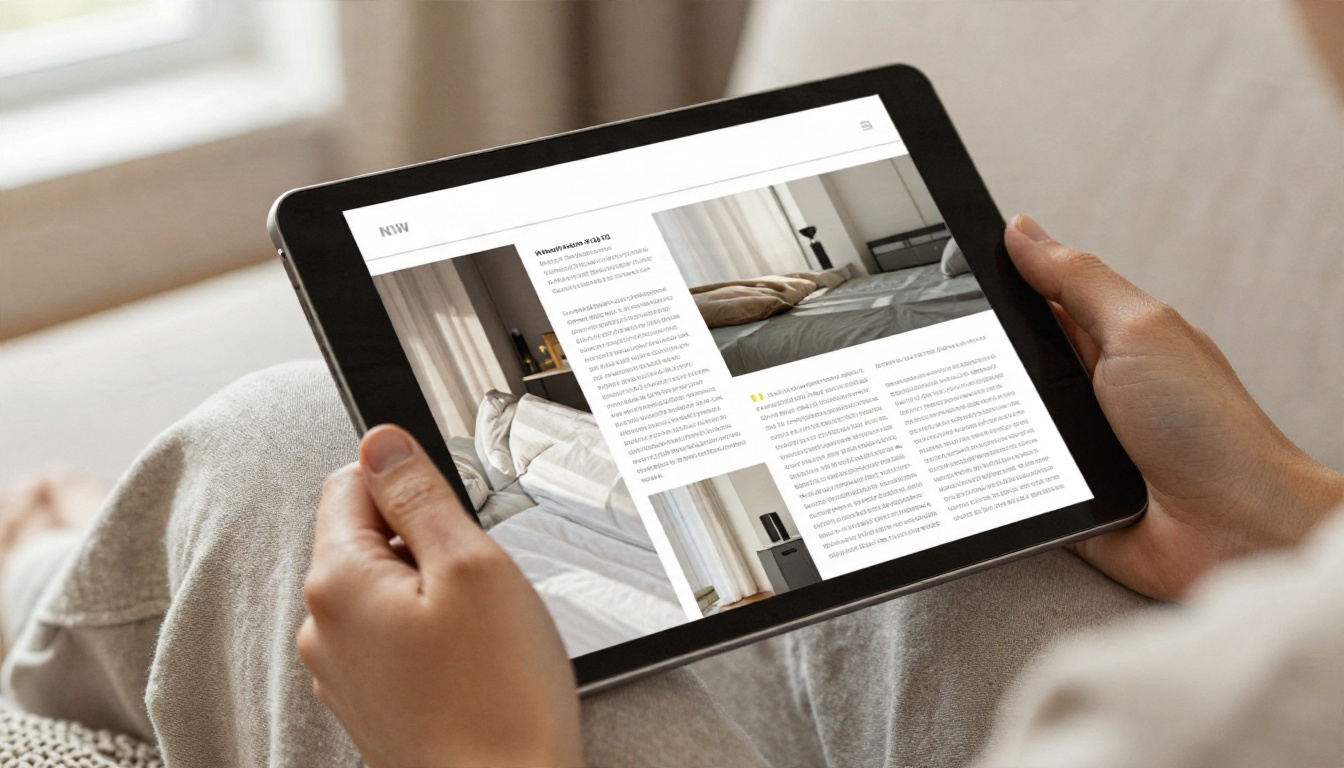
A flipbook takes the same PDF and presents it as a realistic, page-turning publication that adapts to any screen. You can embed it on your website, send a single link, protect it with a password, and see how readers interact. It turns a document that gets ignored into a publication that gets opened.
Where Flipbooks Make Sense
How to Create a Newsletter Flipbook with Flipbooks AI
This is the step that finishes the open source workflow. Design for free, then publish beautifully. Here is the process from start to finish.
Step By Step Tutorial
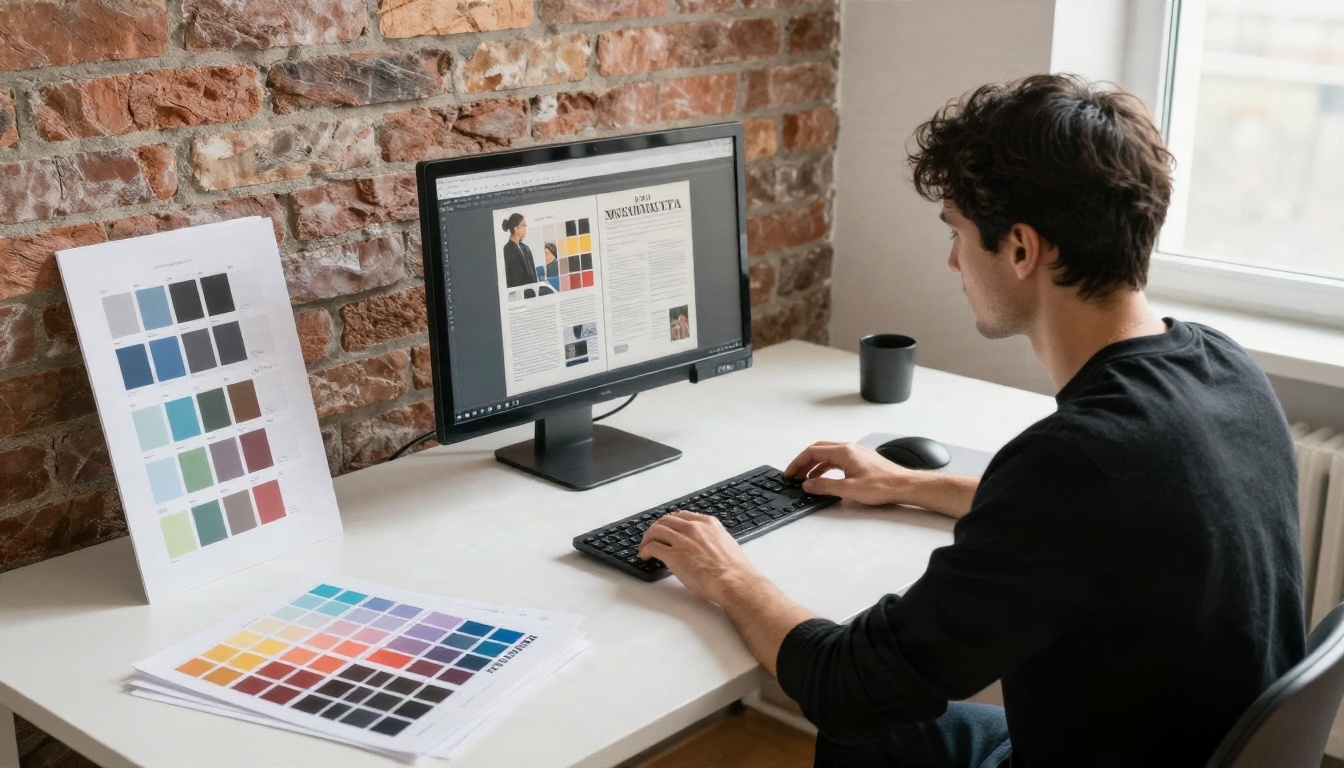
- Export your PDF. From Scribus, LibreOffice or Canva, export the newsletter as a PDF. Use medium to high quality so photos stay sharp without creating a huge file.
- Open the platform. Go to Flipbooks AI and create an account. The pricing page lists what each plan includes.
- Upload the PDF. Drag your file into the upload area. The platform converts each page into a flipbook page automatically, and you will see a preview within moments.
- Customize the look. Add your logo, pick brand colors, choose a background, and set page-turn effects. Keep it consistent with your printed version so readers recognize it.
- Add multimedia. Embed videos and audio where they help, such as a welcome message from your editor or a short product demo. Add clickable links on buttons and headlines.
- Set sharing options. Copy a direct link, grab an embed code for your website (see how to embed a flipbook on your website), or lock it behind a password for private audiences such as members or staff.
- Publish and send. Paste the link in your email platform's template, so subscribers get the interactive version in one click.
💡 Pro tip: Put one clear link to the flipbook near the top of your email, with a short line describing what is inside. A good preview image beats a long paragraph.
Features Worth Knowing
| Feature | What It Does | Plan |
|---|
| No watermarks | Your newsletter stays clean and branded | All plans |
| Unlimited flipbooks | Publish every issue without caps | Standard and above |
| Password protection | Restrict private editions | Available on paid plans |
| Embed video and audio | Add rich media to pages | Available on paid plans |
| Mobile-responsive design | Reads well on phones and tablets | All plans |
| Offline downloads | Readers save a copy | Available on paid plans |
| Analytics and lead generation | See readers, capture contact details | Professional plan |
Browse the full tools directory for more templates and use cases, including press kits, event programs and lookbooks.

Mistakes That Waste Your Time
Most failed switches from Publisher share the same few problems.
Three Common Mistakes
- Expecting an exact copy. Scribus and Writer behave differently from Publisher. Rebuild your template instead of fighting a conversion of the old file.
- Skipping fonts. If a template uses a font you do not have, the layout shifts. Choose open fonts such as Open Sans, Lato or Source Serif, and embed them in the PDF.
- Ignoring mobile readers. A beautiful A4 PDF is awkward on a phone. A flipbook or responsive email fixes that.
Mini Checklist Before You Send
- Spell check done, and links tested on a phone.
- PDF file size under a few megabytes for easy sharing.
- Unsubscribe link present in every email version.
- Images have descriptive alt text where the platform allows it.
- A backup of the editable source file stored outside the editor.

A Free Stack That Works Today
If you want a single recommendation, here is a combination that costs nothing and replaces nearly everything Publisher did:
- Design: LibreOffice Writer for simple issues, Scribus for complex ones.
- Graphics: Inkscape for logos, GIMP for photos.
- Distribution: a free online email platform, or Listmonk if you are comfortable with servers.
- Presentation: a flipbook from your exported PDF.
Swap pieces as your needs grow. The only fixed rule is to keep the PDF as the common format between them.
Your Next Newsletter Starts Here
You do not need a Publisher license to produce a good-looking newsletter. Pick a free layout tool, build a template once, export a PDF, and publish it in the format your readers prefer. Ready to see your first issue turn pages? Get started for free on Flipbooks AI, browse the tools and templates for your niche, or compare pricing plans to see which one fits your audience size and analytics needs. When you are ready to go further, upgrade your account and start measuring who reads every page.



