Most people who search for a publisher for newsletters want the same three things: a layout that looks professional, a price close to zero, and a way to get the finished issue in front of readers without a headache. The market is crowded, and the answer depends on whether you send email, share PDFs, print copies, or do all three. This article sorts the options by what they actually do well, shows where to find free templates, and walks through how to publish a newsletter as a page-turning flipbook with Flipbooks AI.
What a Newsletter Publisher Does
The phrase "newsletter publisher" is used for at least three different kinds of software, and mixing them up is the fastest way to pick the wrong tool.
Design Tools vs Sending Tools
A design tool helps you build the layout: columns, headlines, photos, pull quotes. Word processors, Canva-style editors and desktop publishing apps fall into this group. A sending tool handles the list: collecting subscribers, scheduling, tracking opens and managing unsubscribes. Email platforms live here.
A third group, flipbook publishers, takes a finished layout and turns it into an interactive, page-turning publication that readers open with a link. That is useful when your newsletter is long, image-heavy, or meant to be kept and revisited rather than skimmed in an inbox.
| Tool type | Main job | Best for | Weak spot |
|---|
| Design editor | Layout and visuals | Polished issues with custom branding | No subscriber management |
| Email platform | Sending and list growth | Short, frequent updates | Limited layout control |
| Flipbook publisher | Interactive reading experience | Long, visual or archived issues | Not a mass email sender |
| Word processor | Quick drafts | One-off internal memos | Plain results without effort |
💡 Pro tip: Most successful newsletters use two tools: one to design the issue and one to deliver it. Trying to find a single app that does both perfectly usually ends in compromise.
Print, PDF and Flipbook Formats
Before you pick software, pick a format. A print newsletter needs high-resolution exports and bleed margins. A PDF newsletter is easy to attach but awkward on phones, because readers pinch and zoom. A flipbook keeps the page layout you designed while adapting to any screen, so a two-column article does not turn into a tiny, unreadable block on mobile.
Free Templates Worth Trying
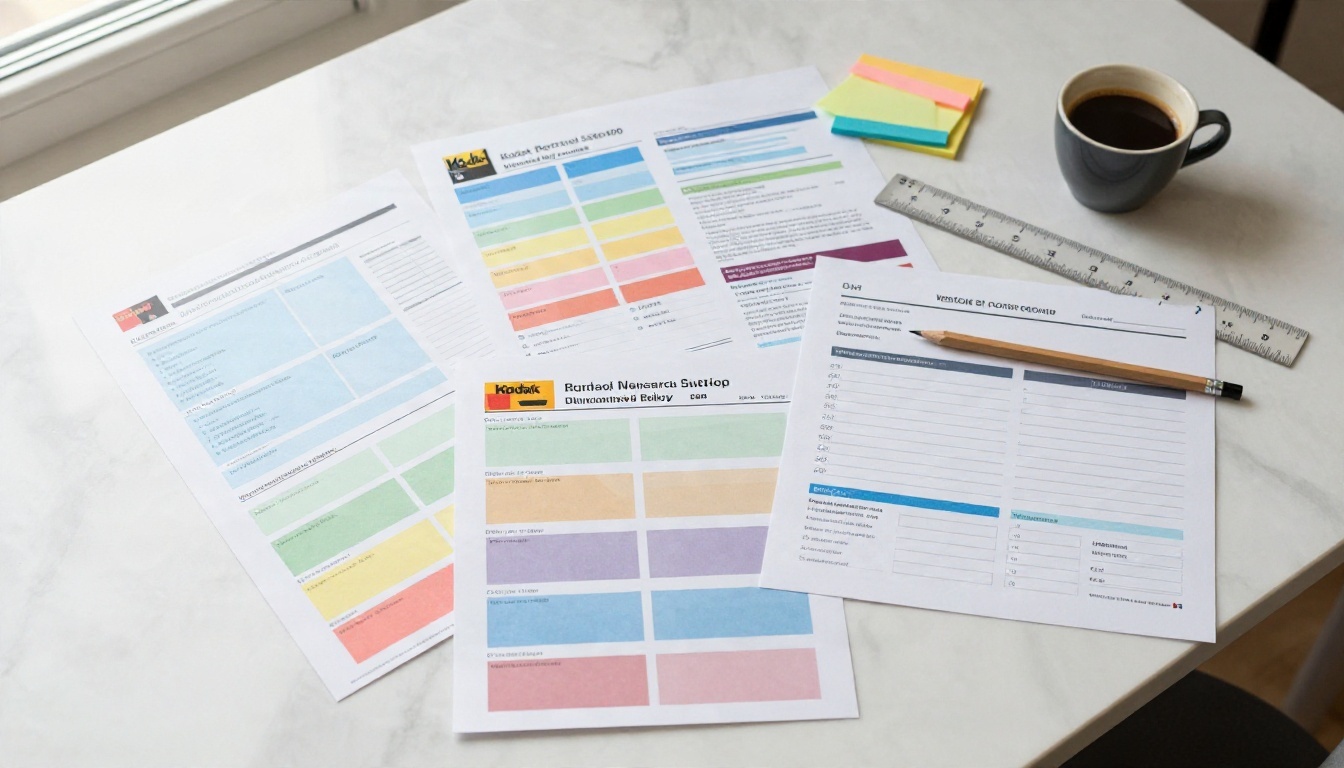
A good template saves hours of nudging text boxes around. A bad one wastes them. Here is where free templates tend to be reliable, and what to check before you commit.
Where to Find Them
- Word processors: Microsoft Word and Google Docs both ship with newsletter templates. They are plain but editable by anyone on your team, which matters more than people expect.
- Design editors: Browser-based editors offer large free libraries sorted by industry, such as school, church, real estate or restaurant. Some premium assets sit behind a paywall, so filter for free items.
- Email platforms: Their built-in templates are responsive and tested across inboxes, though they limit how far you can stray from the block structure.
- Template marketplaces: Independent designers share free sample packs. Check the license before using anything commercially.
- Your own PDF: If you already have a designed issue, you do not need a template at all. Upload it to a flipbook tool and publish.
What to Check Before You Download
- Page size: US Letter, A4 and A5 are not interchangeable. Choose the one that matches how you will distribute the issue.
- Editable fonts: If the template uses a font you do not have, your headlines will shift and break the layout.
- Image placeholders: Look for frames that resize photos without stretching them.
- License terms: "Free for personal use" and "free for commercial use" are very different promises.
- Export options: You need a clean, high-quality PDF export, or the rest of the workflow suffers.
⚠️ Warning: Free templates that require you to keep a visible credit line or logo in the footer can look unprofessional in client-facing newsletters. Read the fine print first.
Online Publisher Options Compared
Here is how the main categories stack up when you need to publish a newsletter online. Free tiers and limits change often, so confirm the current plan details on each provider's site before you commit.

Email Platforms
Email-first services such as Mailchimp, Substack, Beehiiv and similar tools are built around subscriber lists. They shine when you publish weekly, want automated welcome sequences, or need deliverability tools. Their free tiers usually cap subscribers or sends, which becomes a cost question once your list grows.
The trade-off is design. Email clients render layouts inconsistently, so these platforms keep things simple: single columns, limited fonts, modest imagery. That is great for a quick update and frustrating for a magazine-style issue.
Design Editors
Drag-and-drop editors give you the most visual freedom. You can build a four-page newsletter with sidebars, infographics and branded colors, then export a PDF. The limitation is distribution: a PDF attachment is not a great reading experience, and file sizes can clog inboxes.
Flipbook Publishers
Flipbook tools pick up where design editors stop. You upload the PDF, and the tool produces a hosted, interactive version with page-turn effects, search, zoom and a shareable link. Our Newsletter Flipbook Publisher is built for exactly this scenario.
| Option | Free plan available | Layout control | Interactive reading | Subscriber management |
|---|
| Email platform | Usually | Low | No | Yes |
| Design editor | Usually | High | No | No |
| Word processor | Yes | Medium | No | No |
| Flipbook publisher | Varies by tool | High (uses your PDF) | Yes | Link sharing only |
✅ Best practice: Pair a design editor with a flipbook publisher, then link the flipbook from your email platform. Readers get a short email and a rich reading experience one click away.
Alternatives to Email-Only Newsletters
Not every newsletter belongs in an inbox. Some audiences ignore email, and some content is too long or too visual to survive it.
PDF Newsletters With a Better Reader
A bare PDF has several problems: slow download on mobile, no analytics, and no control once the file is forwarded. Converting the PDF into a flipbook solves most of them at once. The PDF to Flipbook Converter takes the file you already have and gives you a link that loads quickly on any device.
Web Archives and Embedded Issues
Past issues are a quiet asset. Searchers land on them, new subscribers read them, and sponsors check them before they buy. Instead of posting a list of download links, you can embed each issue directly into a page on your site using the Embed Flipbook on Website tool. The archive then looks like a magazine rack rather than a folder of files.
| Alternative | Setup effort | Reader experience | Good fit for |
|---|
| Emailed PDF attachment | Very low | Poor on mobile | Internal memos |
| Hosted PDF link | Low | Basic | Simple downloads |
| Embedded flipbook | Low | Rich, interactive | Public archives, clients |
| Printed copy | High | Tactile | Events, waiting rooms, local mail |
How to Publish a Newsletter with Flipbooks AI
If you already have a designed issue, or you are willing to build one from a free template, the path to a shareable flipbook is short. Here is the workflow from first click to published link.
Step 1: Upload and Convert
- Go to Flipbooks AI and create an account.
- Click to start a new flipbook and drag your newsletter PDF into the upload area.
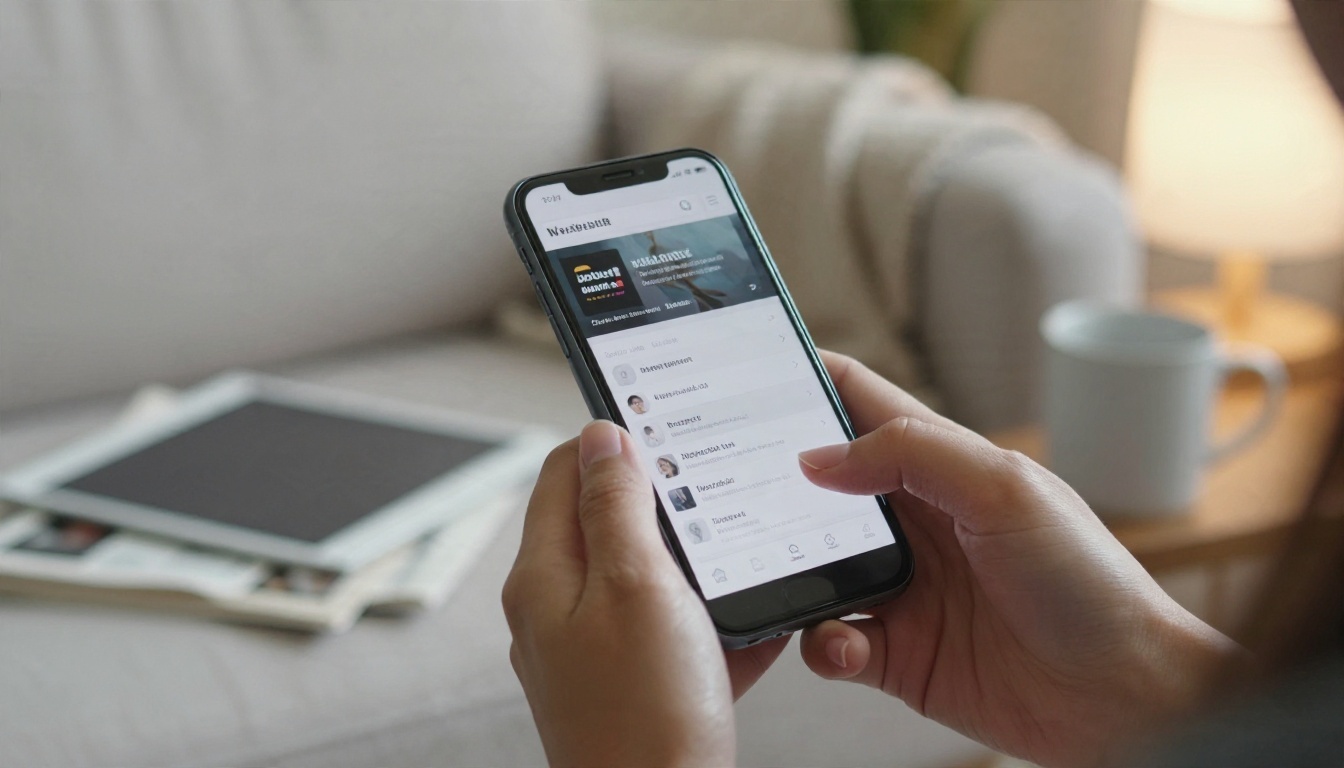
- Wait a few moments while the file is converted. Each PDF page becomes a flipbook page, and text stays sharp at any zoom level.
- Review the preview. Check that columns, images and links survived the conversion.
💡 Pro tip: Export your PDF at 150 to 200 DPI for screens. Higher values only inflate file size and slow the loading of each page.
Step 2: Customize the Look
Open the customization panel to match the flipbook to your brand:
- Branding: Add your logo and choose a background color that matches your newsletter header.
- Page effects: Pick a realistic page-turn animation, or a flatter slide for a cleaner look.
- Multimedia: Add video or audio to a page, for example a short message from the editor or a podcast excerpt.
- Mobile view: Preview the issue on a phone-sized screen, since most readers will open it there.
There are no watermarks on your published flipbooks, so the result looks like your publication rather than an advertisement for the software.
Step 3: Share and Protect
When the design is set, choose how readers will reach it:
- Direct link: Paste it into an email, social post or messaging app.
- Embed code: Place the issue on your website or blog with a single snippet.
- Password protection: Lock premium or internal issues so only subscribers or team members can open them.
- Offline download: Let readers save a copy for a flight or a commute.
Pro Features Worth Knowing
On the Professional plan, you can add analytics to see how many people opened each issue and which pages they spent time on, and use lead generation forms to capture an email address before a reader gets past the first page. Standard plans and above allow unlimited flipbooks, which suits monthly or weekly publishing. Check the pricing plans to match features to your volume.
| Feature | Why it matters for newsletters |
|---|
| No watermarks | Keeps the issue looking like your own publication |
| Unlimited flipbooks (Standard and above) | Publish every issue without hitting a cap |
| Password protection | Gate premium or member-only editions |
| Analytics (Professional) | See which stories readers actually reach |
| Lead generation (Professional) | Turn readers into subscribers |
| Embedded video and audio | Add personality beyond text |
Real-World Newsletter Examples
Abstract advice only goes so far. Here are three situations where the design, flipbook and sharing steps come together.

Schools and Community Groups
A school office builds its monthly update in a free word processor template, exports it to PDF and publishes it as a flipbook. Parents open the link on their phones, flip through the lunch menu, event calendar and class photos, and no one has to print 400 copies. The School Newsletter Creator is set up for this workflow, and the issue can be password protected so only families can read it.
Small Businesses and Agencies
A local agency sends a quarterly newsletter to clients with case studies, team news and seasonal offers. They design it in an editor, convert it to a flipbook and send a three-line email with the link. Analytics show which case study pages get the most attention, which tells them what to feature in the next issue. If your newsletter reads more like a magazine, the Magazine Flipbook Creator is a closer match.
Nonprofits and Associations
A nonprofit publishes an impact update twice a year. They embed the latest issue on their donate page and keep older ones in an archive section. Donors who click through see photos, numbers and stories in a format that feels crafted, which is exactly the point.
Common Mistakes to Avoid
Even with great tools, a few habits quietly sink newsletters.
- Choosing the tool before the format. Decide between email, PDF, flipbook or print first. The software follows.
- Using too many fonts. Two fonts, one for headlines and one for body text, is plenty.
- Ignoring mobile. If you have never opened your own issue on a phone, do it now.
- Skipping the archive. Every issue you publish is a page that can be found later. Keep them reachable.
- Sending huge attachments. Share a link instead. It loads faster and does not hit mailbox size limits.
- Forgetting a call to action. End each issue with one clear next step: reply, register, buy or share.
⚠️ Warning: Free tools can quietly change their limits. Keep a copy of every template and export of your issues in your own storage, so switching providers never means starting from scratch.
Pick Your Setup Today
Here is a simple decision shortcut:
- You send short updates often: use an email platform and keep the design light.
- You publish a polished, image-rich issue: design in an editor, then publish it as a flipbook.
- You need both reach and polish: email a short teaser and link to the flipbook.
- You want a public archive: embed every issue on your site.
Ready to publish your first issue? Create your account on Flipbooks AI and upload a PDF in a few minutes. Browse all the available flipbook tools and templates to find one that fits your newsletter, and when you are ready to compare plans, see the pricing page for what each tier includes.



