A guest sits down, pulls out a phone and scans a code. Two things can happen next. Either a slow, cluttered ordering app asks them to create an account, or a crisp, page-turning menu opens in a second and makes the pasta look irresistible. That single moment shapes the whole meal, and it is why the QR code ordering app vs a flipbook menu question matters more than it seems. This article compares both on the three things owners ask about most: free options, real pricing and setup time. If you already have a PDF menu, you can turn it into a flipbook in minutes with Flipbooks AI, so keep that in mind as you read.
💡 Quick answer: A QR ordering app takes orders and payments. A flipbook menu presents your food beautifully and costs far less to run. Many restaurants use both: a flipbook for browsing, an ordering tool only where it earns its fee.
What Each Option Actually Does
These two tools get lumped together because both start with a QR code on the table. After the scan, they are very different products.
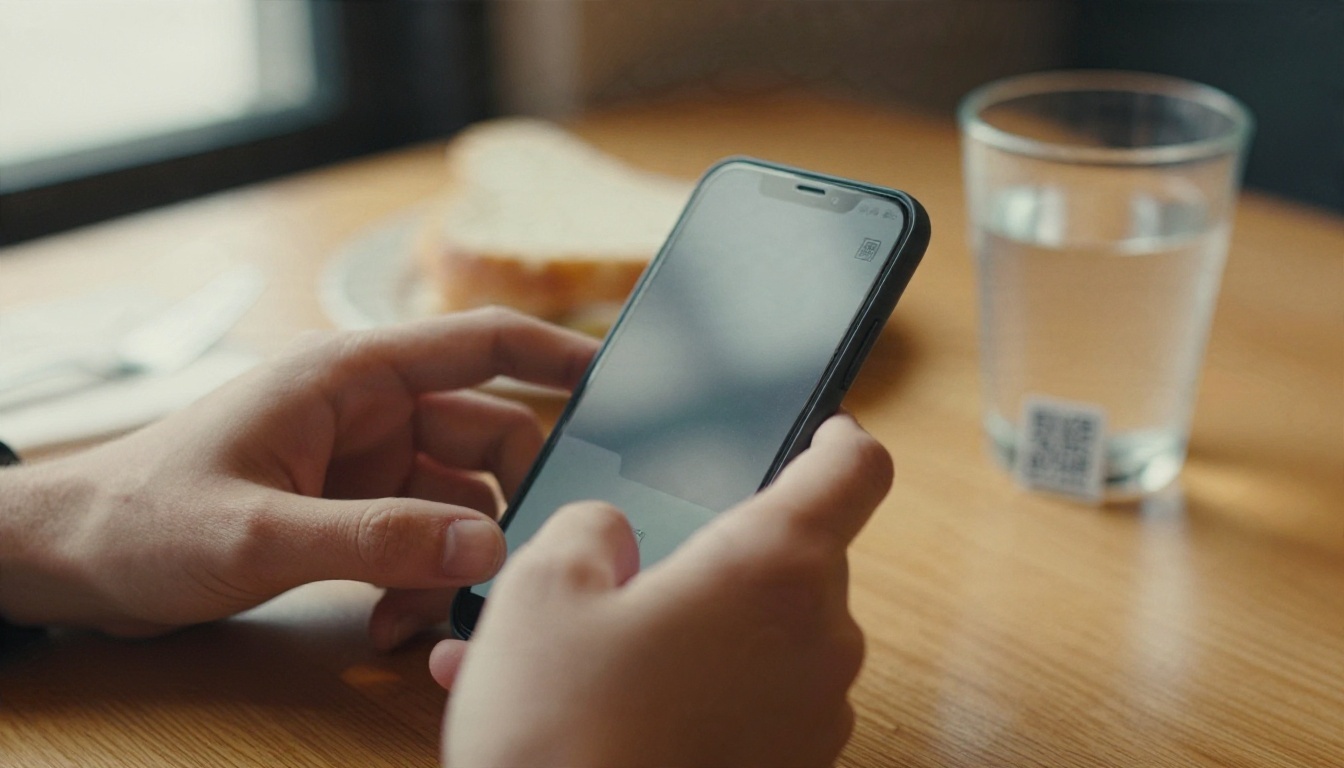
QR Code Ordering Apps
A QR code ordering app is software that lets guests browse items, add them to a cart, send the order to the kitchen and often pay from their phone. Think of it as a mini point of sale that lives on the guest's device.
What you typically get:
- Digital cart and checkout with card, Apple Pay or Google Pay
- Kitchen display or printer integration so orders reach the line
- Table numbers attached to each QR code
- Modifiers and upsells such as "add extra cheese"
- Sales reports tied to orders and items
The trade-off is complexity. Every dish needs a price, a category, modifiers and sometimes a photo, all entered into a dashboard. Guests also have to tolerate a form-style interface, which is not always pleasant on a small screen.
Flipbook Menus
A flipbook menu turns your designed menu, usually a PDF, into an interactive book with real page-turning, zoom and fast loading on any phone. It does one job: present your menu so well that guests order more. It does not process payments or send tickets to the kitchen.
What you typically get:
- Your own design and branding, exactly as you laid it out
- Mobile-responsive pages that feel like a printed menu
- A shareable link, QR code or embed for your website
- Easy updates by replacing the PDF
- Optional extras such as password protection, analytics and embedded video
If you want a head start, the Restaurant Menu Creator and the Menu Flipbook Designer are built for exactly this.
| Feature | QR Code Ordering App | Flipbook Menu |
|---|
| Shows your menu | Yes, in app format | Yes, in your original design |
| Takes orders | Yes | No (staff take orders) |
| Takes payments | Yes | No |
| Needs kitchen integration | Usually | Never |
| Guest account required | Sometimes | Never |
| Visual quality | Template based | Fully your design |
| Typical setup effort | Hours to days | Minutes |
Free Options Compared
"Free" is the word that brings most owners to this comparison, so it deserves a careful look.
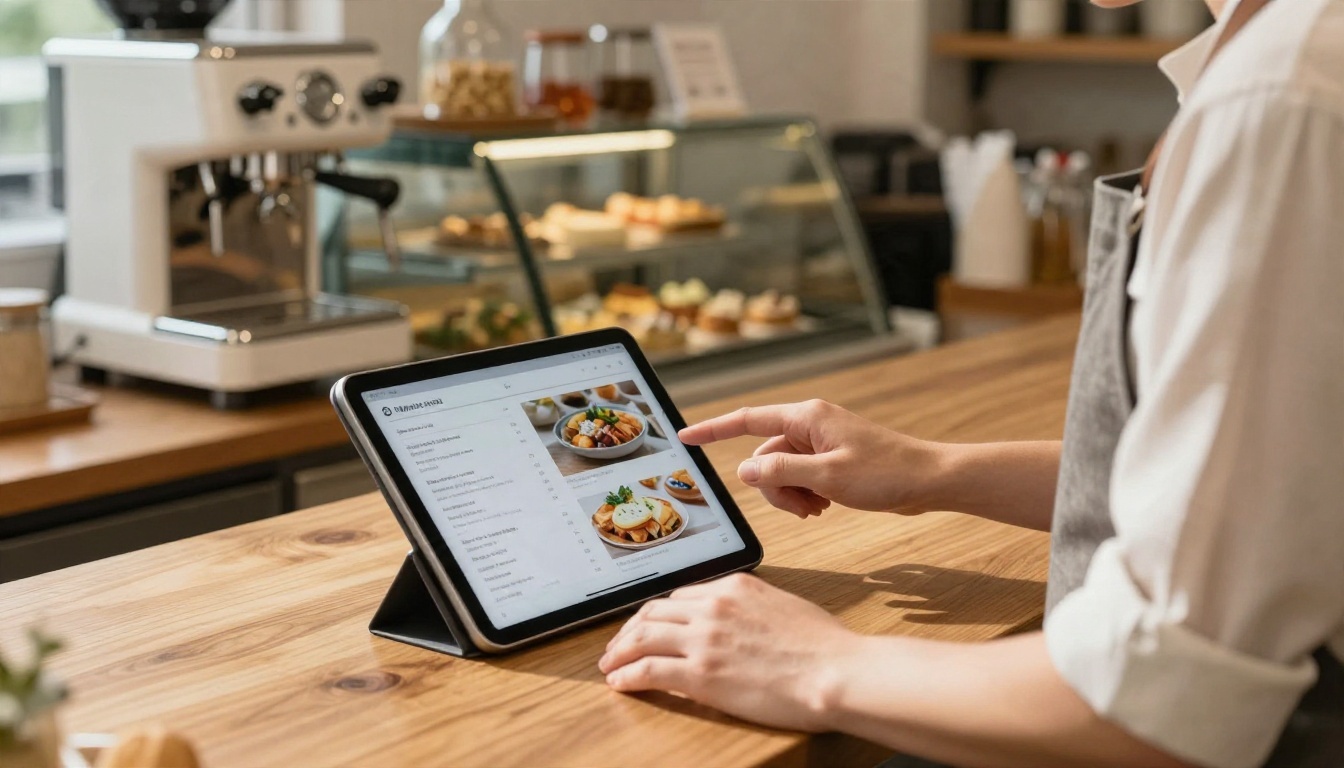
What Free QR Ordering Gets You
Many QR menu and ordering platforms advertise a free tier. In practice, these tiers tend to be limited in one or more ways:
- Item or table limits, such as a cap on dishes or QR codes
- Platform branding shown to your guests
- No online payments until you upgrade
- Commission on orders, where "free" means the vendor takes a percentage instead
- Basic support only
That does not make them bad. A tiny cafe with a short menu can run a free tier happily. The risk is outgrowing it right in the middle of a busy season, when switching is most painful.
⚠️ Read the fine print. If a free plan takes a cut of every order, it can end up costing more than a flat monthly fee once you pass a modest sales volume.
What Free Flipbook Menus Offer
Flipbook tools vary too, and plenty of free converters stamp a watermark across every page, which looks poor on a menu. Flipbooks AI takes a different line: no watermarks, ever. You can check what each plan includes on the pricing page before you commit, and you can create an account to try it with your own menu.
When comparing any free flipbook option, ask three questions:
- Is there a watermark on the pages?
- Can I replace the PDF without changing the QR code?
- Does the link stay live, or does it expire?
| Free Tier Question | QR Ordering Apps | Flipbook Menus |
|---|
| Usually limited by | Items, tables, orders | Number or size of flipbooks |
| Branding shown to guests | Often yes | Depends on tool (none on Flipbooks AI) |
| Hidden cost risk | Order commissions | Low |
| Good for | Very small menus testing ordering | Any menu that needs to look good |
The Real Cost of Each

QR Ordering Fees Add Up
Pricing for QR ordering apps varies widely by vendor and country, so treat the figures below as typical ranges and confirm current rates before you sign anything.
- Monthly subscription: often from a free tier up to roughly $100 or more per location for fuller plans
- Payment processing: commonly around 2.9% plus a fixed fee per card transaction, which is a standard card rate rather than an app fee
- Commission: some platforms add a per-order percentage on top
- Hardware: printers, a tablet for the kitchen, printed table stands
- Staff time: training and menu updates in the dashboard
Here is a simple way to see the effect. Imagine a restaurant processing $20,000 a month in app orders. At a 2.9% card rate alone, processing is about $580 before any subscription or commission. You would pay card fees on a normal terminal too, so the fair comparison is the extra fee the app adds on top.
Flipbook Menu Pricing Stays Flat
A flipbook menu has no per-order fees because it never touches an order. You pay for the plan, and that is it. On Flipbooks AI, the Standard plan and above include unlimited flipbooks, which suits restaurants that run a lunch menu, a dinner menu, a drinks list and seasonal specials. The Professional plan adds analytics and lead generation.
| Cost Item | QR Code Ordering App | Flipbook Menu |
|---|
| Monthly plan | Free to premium tiers | Flat plan price |
| Per-order commission | Sometimes | None |
| Payment processing | Included in flow | Not applicable |
| Extra hardware | Often | None |
| Menu update cost | Staff time in dashboard | Upload a new PDF |
| Cost grows with sales | Yes | No |
💡 Pro tip: Compare cost per month at your busiest month, not at your quietest. Percentage fees feel invisible in January and painful in August.
Setup Time Side by Side
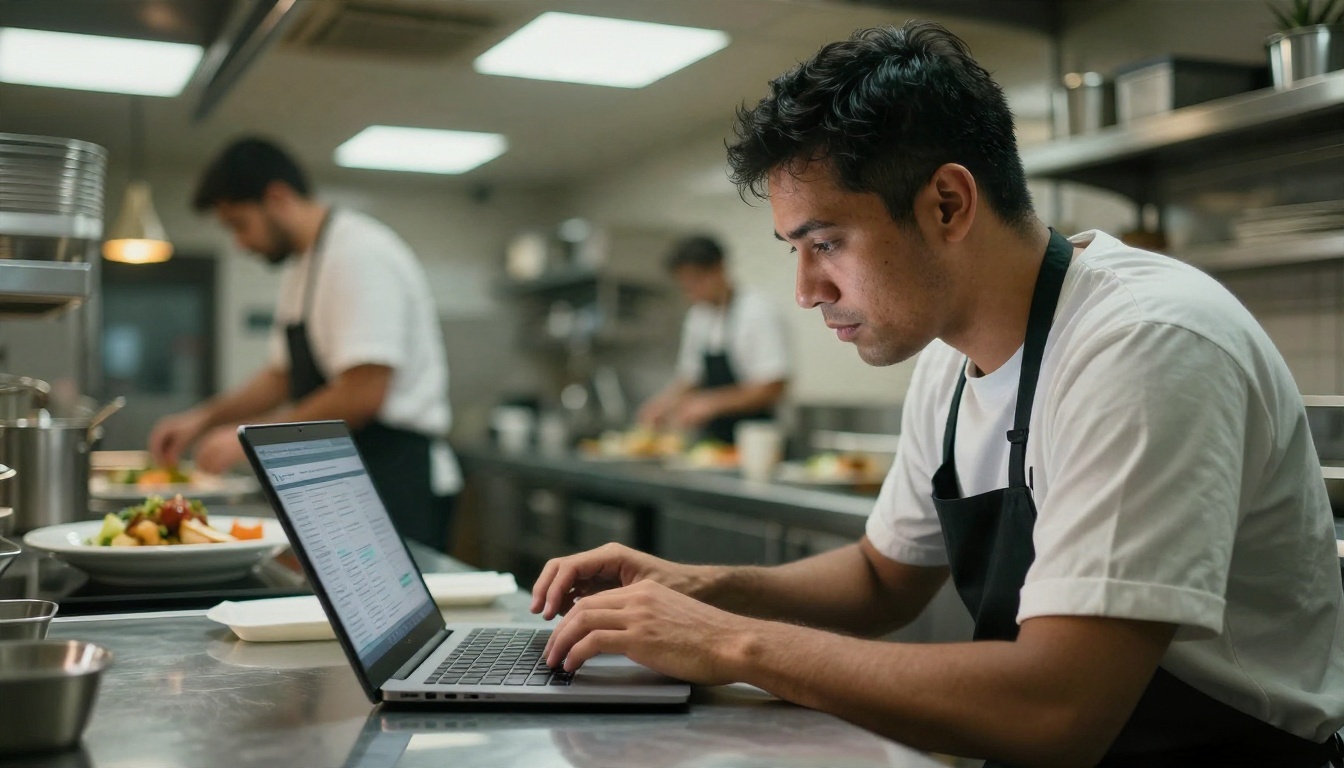
Setting Up a QR Ordering App
A realistic rollout looks like this:
- Create an account and enter business details
- Build the menu item by item, with prices, photos and modifiers
- Connect a payment provider and complete identity checks
- Link kitchen printers or a display
- Generate table QR codes and print the stands
- Test orders end to end, then train every server
For a small menu this can be done in an afternoon. For a large menu with many modifiers, plan on several days, and expect to fix a few mistakes after the first real dinner rush.
How to Build a Flipbook Menu
This is where the flipbook route is hard to beat. If your menu already exists as a PDF, the process takes minutes. Here is the step by step tutorial using Flipbooks AI.
- Start your account. Head to Flipbooks AI and create an account. Pick a plan on the pricing page when you are ready to publish.
- Upload your PDF. Drag your menu file into the upload area. The platform converts each page into a flip-ready page automatically. You can also use the PDF to Flipbook Converter directly.
- Customize the look. Set your brand colors, add your logo, choose a background that suits your venue and pick a page-turn effect. Keep it subtle, since a menu should be quick to browse.
- Add multimedia. Embed a short video of your open kitchen or an audio welcome. Photos and clips make signature dishes more tempting.
- Protect it if needed. Use password protection for private menus such as event or tasting menus.
- Share it. Copy the direct link, generate a QR code for the table stands, or use the embed code to place the menu on your website.
- Use the Professional extras. With the Professional plan you get analytics to see which pages guests open most and lead generation to collect emails for your newsletter. Guests can also use offline downloads when the dining room has weak signal.
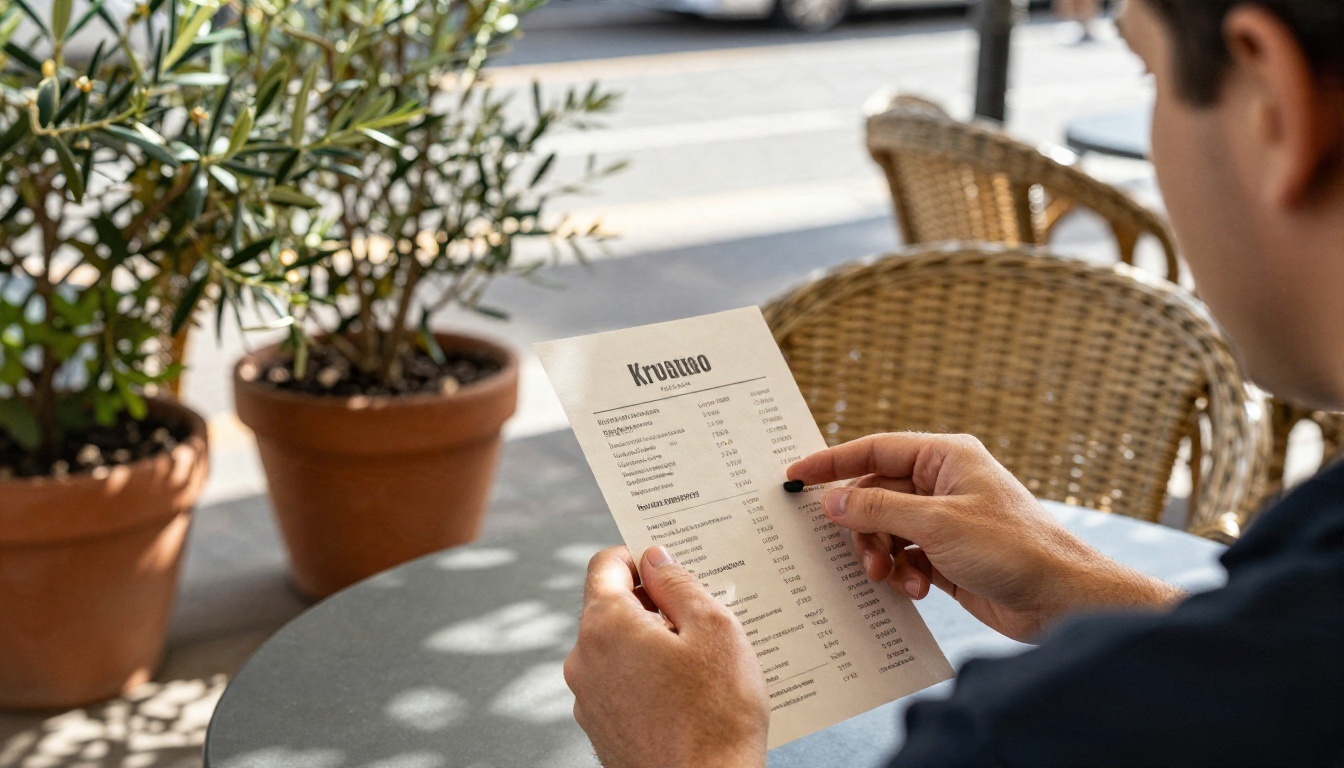
✅ Best practice: Keep the same flipbook link and replace the underlying PDF when prices change. Your printed QR codes keep working and nobody has to reprint table stands.
| Setup Step | QR Ordering App | Flipbook Menu |
|---|
| Data entry | Every item by hand | Upload existing PDF |
| Payment setup | Required for ordering | None |
| Hardware | Printers or tablets | None |
| Staff training | Required | Minimal |
| Time to go live | Hours to days | Minutes |
| Update workflow | Edit in dashboard | Replace PDF |
Which Fits Which Restaurant
Cafes and Bakeries
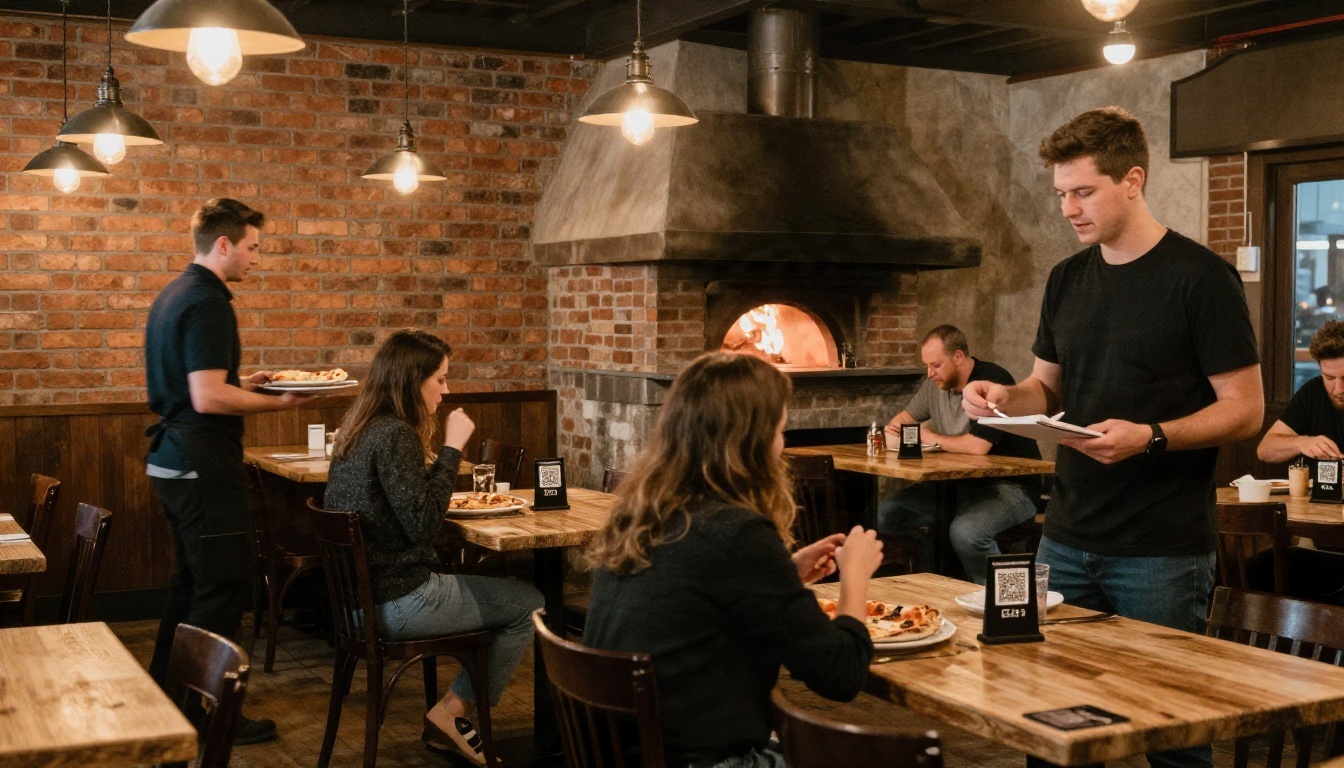
Counter service and short menus are where QR ordering can shine, since guests order and pay without queueing. If your menu is small and visual, though, a flipbook menu behind the counter QR code is often enough, and you keep the human greeting that regulars like.
Full Service Restaurants
At a sit-down restaurant, the server is part of the experience. A flipbook menu lets guests browse calmly, ask questions and order with a person. A mandatory ordering app can feel cold, especially for anniversary dinners and business lunches. Servers can still enter orders on their own system.
Food Trucks and Pop-Ups
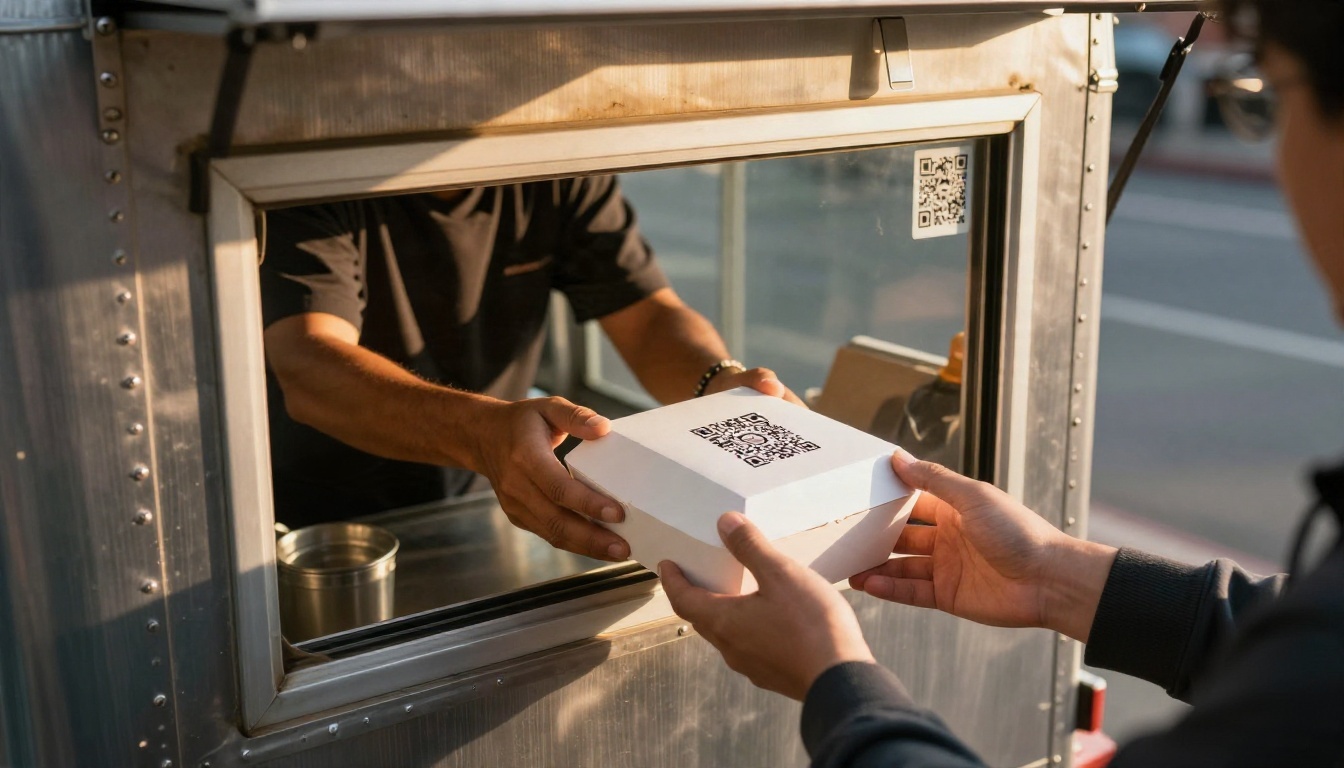
Space and cash flow are tight. A QR sticker on the window linking to a flipbook menu costs almost nothing and updates when the daily special changes. Add ordering only if line length becomes a real problem.
Hotels and Spas
Hotels often manage many menus: breakfast, room service, bar, poolside and spa. Unlimited flipbooks on a Standard plan or above makes that easy to manage. For wellness venues, the Spa & Wellness Menu tool fits the same workflow, and the Hotel Brochure tool can package the whole property in one place.
| Venue Type | Best Starting Point | Add Later If Needed |
|---|
| Cafe or bakery | Flipbook menu | Counter ordering app |
| Full service restaurant | Flipbook menu | Server tablet orders |
| Food truck | Flipbook menu on a sticker | Pre-order link |
| Hotel or spa | Multiple flipbooks | Room service ordering |
| High volume fast casual | QR ordering app | Flipbook for brand story |
| Bar or pub | Flipbook drinks list | Table tab ordering |
Mistakes That Cost Customers
Forcing an App Download
If guests must install something to see prices, many will simply ask for a paper menu. Always pick a tool that opens in the phone's browser. A flipbook link does that by default.
Forgetting the Offline Backup
Dining rooms with thick walls and poor signal are common. Keep a few printed menus on hand, or use a flipbook with offline downloads so a guest can open it again without connection. Also test the QR code at the farthest table, not just at the host stand.
Letting Menus Go Stale
Nothing annoys a guest more than ordering a dish that is sold out or priced differently from the screen. Whichever tool you choose, assign one person to update it. With a flipbook, that means replacing a single PDF. With an app, it means editing item records one by one.
⚠️ Print size matters. A QR code smaller than about 2 cm square can fail to scan in dim lighting. Test every printed code in the dining room at night before you reprint fifty of them.
The Hybrid Setup That Works
You do not have to choose one forever. The most practical setups I see combine them:
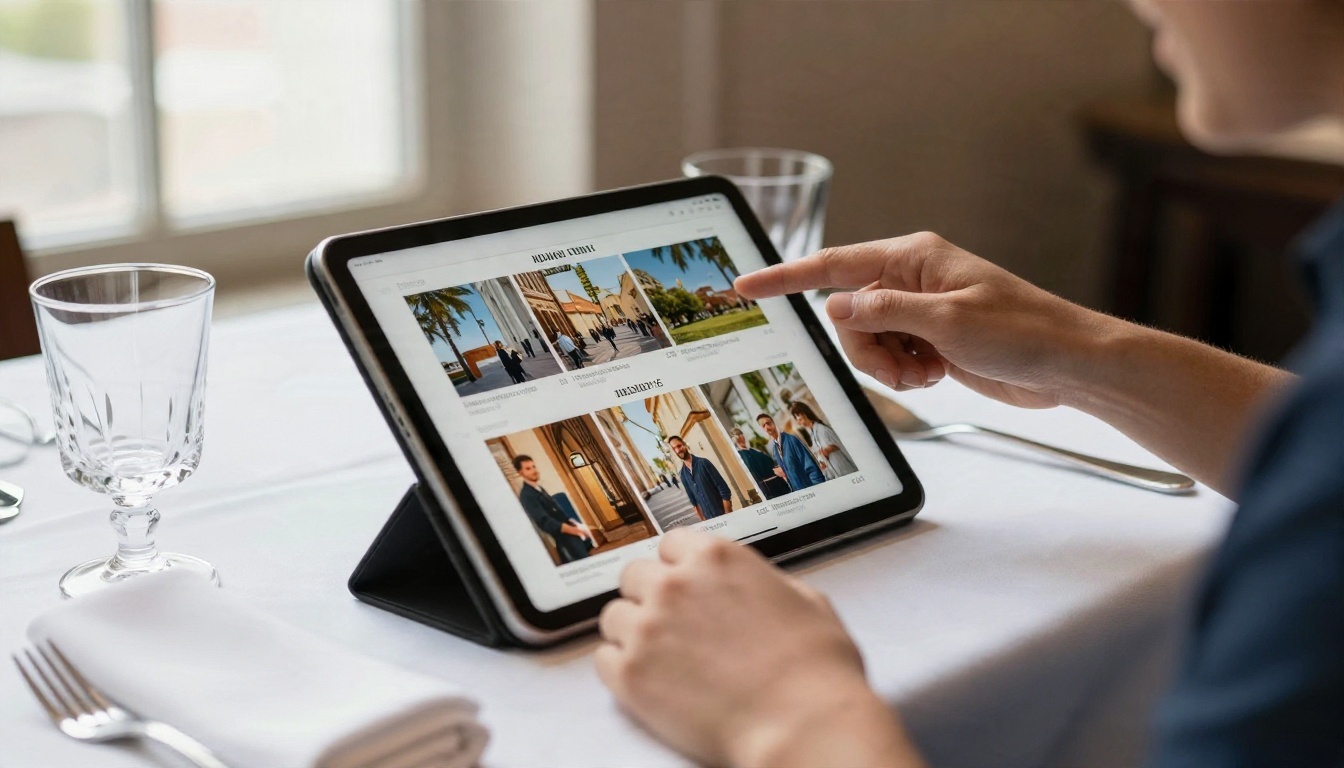
- Flipbook for browsing. Table QR codes open a beautiful menu with photos, allergens and wine pairings.
- Staff take the order. Servers keep the personal touch and upsell naturally.
- Ordering link only for takeaway. Add a payment-enabled link on the last page or on your website for pickup and delivery.
- Analytics guide the menu. Professional plan data shows which pages get opened, so you can move your best margin dishes to the pages guests read first.
Here is a quick scenario. A 40-seat bistro replaces its laminated menus with a flipbook, places QR codes on every table and links the same flipbook from its website and social profiles. Servers still take orders, so no app fees apply. When the owner later adds a takeaway service, she places an ordering link on the final page and pays fees only on those orders. Dine-in guests never see the checkout form.
Browse all flipbook tools to find templates for price lists, drink menus and event programs, or try the Digital Price List Generator for specials boards.
| Scenario | Recommended Setup |
|---|
| Dine-in with servers | Flipbook menu, staff order entry |
| Dine-in, short staffed | Flipbook plus QR ordering for drinks only |
| Takeaway and delivery | Ordering link from website or last page |
| Events and tastings | Password protected flipbook |
| Seasonal specials | Separate flipbook, swap the link on the stand |
Pick Your Setup Today
Here is the plain verdict. If your main goal is taking orders and payments from the table, a QR code ordering app is the right category, and you should budget for monthly fees, processing and some setup pain. If your main goal is a menu that looks great, loads fast and costs the same in a slow month and a busy one, a flipbook menu wins on price and setup time by a wide margin.
For most independent restaurants, the best first move is also the cheapest: put your menu into a flipbook, point your table QR codes at it and see how guests respond. Add ordering later only if the numbers justify it.
Ready to try it? Get started for free on Flipbooks AI, compare pricing plans when you want analytics and lead generation, and browse the full tools directory for menu templates. If you want to jump straight in, the Restaurant Menu Creator is the fastest route from PDF to table.
See pricing and plans



