A guest sits down, pulls out a phone, points it at a small square on the table, and your menu appears in two seconds. No sticky laminated pages, no reprint bill when the burger price changes. That is the promise of a QR menu app for restaurants, and it mostly delivers. The catch is that the market is crowded with "free" plans that stop being free the moment you need a second menu, and with subscriptions that charge you monthly for what is really a link and a nice layout. This article sorts the options by what they cost, how long they take to set up, and where a tool like Flipbooks AI fits as a cheaper, simpler alternative.
💡 Quick answer: If you only need guests to read a menu, you do not need an ordering platform. A QR code pointing to a fast, mobile-friendly menu does 90% of the job, and several options do it for free.
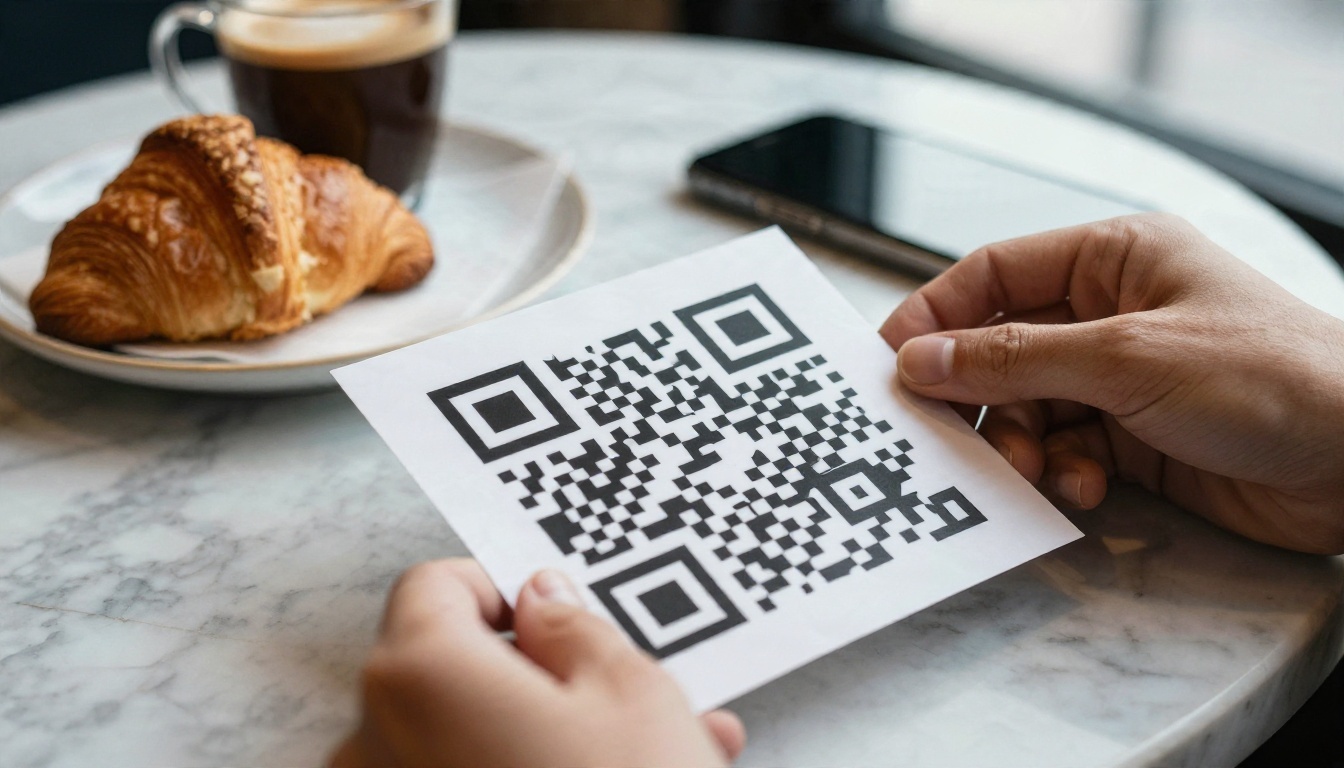
Strip away the marketing and a QR menu app does three things: it hosts your menu online, it generates a QR code that points to it, and it lets you edit the menu without reprinting anything. Everything else, such as ordering, payments, and loyalty tools, is an add-on.
How scanning works
Modern iPhone and Android cameras read QR codes natively. The guest opens the camera, points it at the code, and taps the banner that appears. No app download is needed, which is the single biggest reason this format took off. The code simply holds a web address, and the page behind it is your menu.
Static versus dynamic QR codes
This difference decides whether you get stuck later.
- Static codes hold the web address directly. They never expire, but you cannot change where they point.
- Dynamic codes point to a short redirect link that the app controls. You can change the destination, track scans, and swap menus for lunch, dinner, and holidays.
Many apps print a dynamic code and then charge you to keep it alive. If you stop paying, the code on all your tables stops working. That is a real risk, and it is worth asking before you print anything.
⚠️ Warning: Never print 40 table stands with a code you do not own. Check that you can export the code, or that the link will outlive your subscription.
Free is possible, but it comes in three flavors. Knowing which one you are being offered saves a lot of frustration.
What free plans usually include
Most free tiers give you one menu, a handful of dishes or pages, a basic QR code, and the vendor's branding on the page. That works for a food truck or a small café. It rarely works for a restaurant with separate lunch, dinner, wine, and dessert menus.
Where free plans stop
The common limits are the number of menus, the number of scans per month, removal of the vendor's logo, and custom domains. Some apps also hide analytics or the ability to download your QR code in high resolution behind the paywall, which matters when you want it printed crisp on a table stand.
| Free option type | Typical limits | Best for | Watch out for |
|---|
| Free tier of a QR menu app | 1 menu, vendor branding, scan caps | Food trucks, pop-ups | Code stops working if plan lapses |
| Free QR generator plus PDF | No limits on the code itself | Cafés with a simple menu | Static PDF can load slowly on mobile |
| Google Drive or Dropbox link | Free, no branding | Testing the idea | Looks unprofessional, no analytics |
| Free flipbook menu | Page-turn layout, mobile friendly | Restaurants with design-heavy menus | Check watermark policy first |
✅ Best practice: Before signing up for any free plan, test the scanned page on a mid-range phone using mobile data, not Wi-Fi. If it takes more than three seconds to load, your guests will notice.
Pricing: What Restaurants Really Pay
Prices change often, so treat the figures below as typical market ranges rather than quotes. Always confirm on the vendor's own pricing page before you commit.
Typical monthly price ranges
| Tier | Typical monthly cost | What you usually get |
|---|
| Free | $0 | One menu, branding, limited scans |
| Starter | $10 to $30 | Multiple menus, no vendor logo, basic QR download |
| Growth | $30 to $80 | Analytics, multiple locations, custom domain |
| Ordering platform | $60 to $300 plus fees | Table ordering, payments, kitchen printer integration |
For a single restaurant that just needs a clean digital menu, the Starter tier is where most owners land. Ordering platforms make sense only if you want guests to order and pay from the table.

Hidden costs to watch
- Transaction fees on ordering platforms, often a percentage of every order on top of the monthly price.
- Per-location pricing, which multiplies your bill if you run two or three venues.
- Print costs for table stands, stickers, or acrylic holders, usually $1 to $5 per table.
- Translation add-ons, which some apps sell separately even though tourists are often your biggest scanners.
- Setup or onboarding fees charged for uploading a menu you already have.
A restaurant with 25 tables pays roughly $25 to $125 once for printed stands. That is a one-time cost, but it is the reason you want a QR code that will not break.
Setup in One Afternoon
You can have a working QR menu before the evening service. Here is the sequence that avoids the usual snags.
Prepare your menu file
Start with the menu you already have. A clean PDF export from your design software or word processor is the best raw material. Check these before uploading:
- Prices are current and match what the till charges.
- Allergen markers are present and readable at phone size.
- Text is at least 10 pt in the original, so it stays legible when pinch-zoomed.
- File size is under 10 MB, so it loads quickly on mobile data.
Print and place the codes
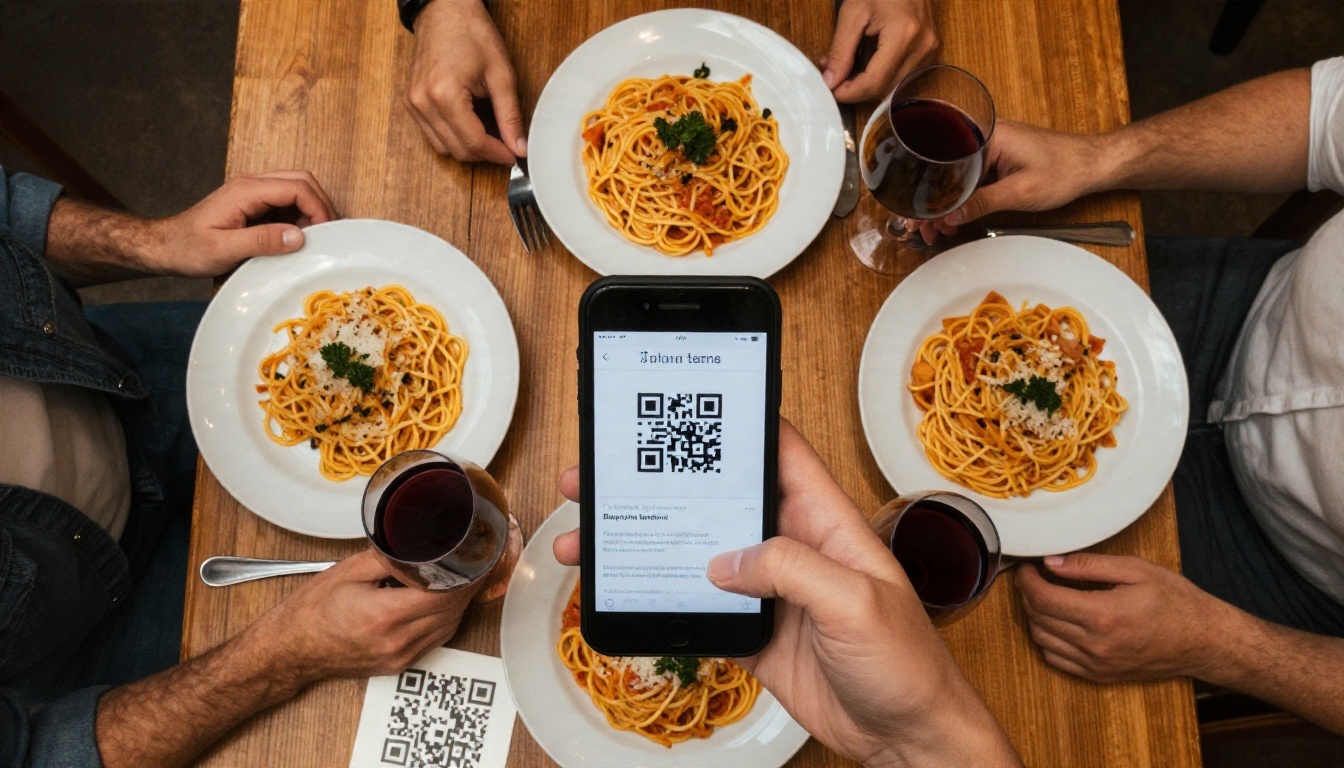
Size matters more than people expect. A QR code should be at least 2 by 2 cm (about 0.8 inches) on a table, and bigger if it sits on a wall or window. Leave a blank border around the code, use dark ink on a light background, and avoid glossy finishes that reflect overhead lights.
Place codes where guests already look: the center of the table, the corner near the window seat, or the bar top. For outdoor seating, use a weatherproof holder, because rain on a paper code means a staff member explaining the menu all night.
💡 Pro tip: Test every table. Walk the room with your own phone and scan each code in the real lighting. Candlelit corners are where scans fail most.
If your menu is already a PDF, you can skip the heavy platforms entirely. A flipbook turns that PDF into a page-turning menu that opens in the browser, and you attach a QR code to the link. Here is the whole process using the Restaurant Menu Creator.
Upload and convert your PDF
- Go to Flipbooks AI and create an account.
- Choose the PDF to Flipbook Converter or the Menu Flipbook Designer.
- Drag your menu PDF into the upload area. Conversion takes a short moment, and every page becomes a flippable spread.
- Preview it on your phone. You should see a clean page-turn effect and text that stays sharp.
Brand it and add media
Open the customization panel and set your restaurant's look:
- Colors and background matched to your logo and dining room.
- Page effects such as soft shadows and page-turn sounds, if you want them.
- Embedded video or audio, like a 10-second clip of the chef plating the signature dish.
- Custom branding, with no watermarks added to your pages.
✅ Best practice: Put the most profitable dishes on the first two pages. Guests spend most of their reading time there.
Share, protect, and track
Once the flipbook looks right, you have several ways to publish it:
- Direct link, which you convert into a QR code and print on your table stands.
- Embed code, so the same menu appears on your own website through the Embed Flipbook on Website tool.
- Password protection, useful for private event menus, tasting menus for a group booking, or a staff-only training copy.
- Offline download, so regulars can save the menu as a PDF.
On the Professional plan you also get analytics and lead generation, which show how many people opened the menu and let you collect emails before showing the full wine list. See the pricing plans to compare what each tier includes.
When you update prices, you re-upload the PDF to the same flipbook. The link and the QR code stay the same, so nothing on your tables needs to change.
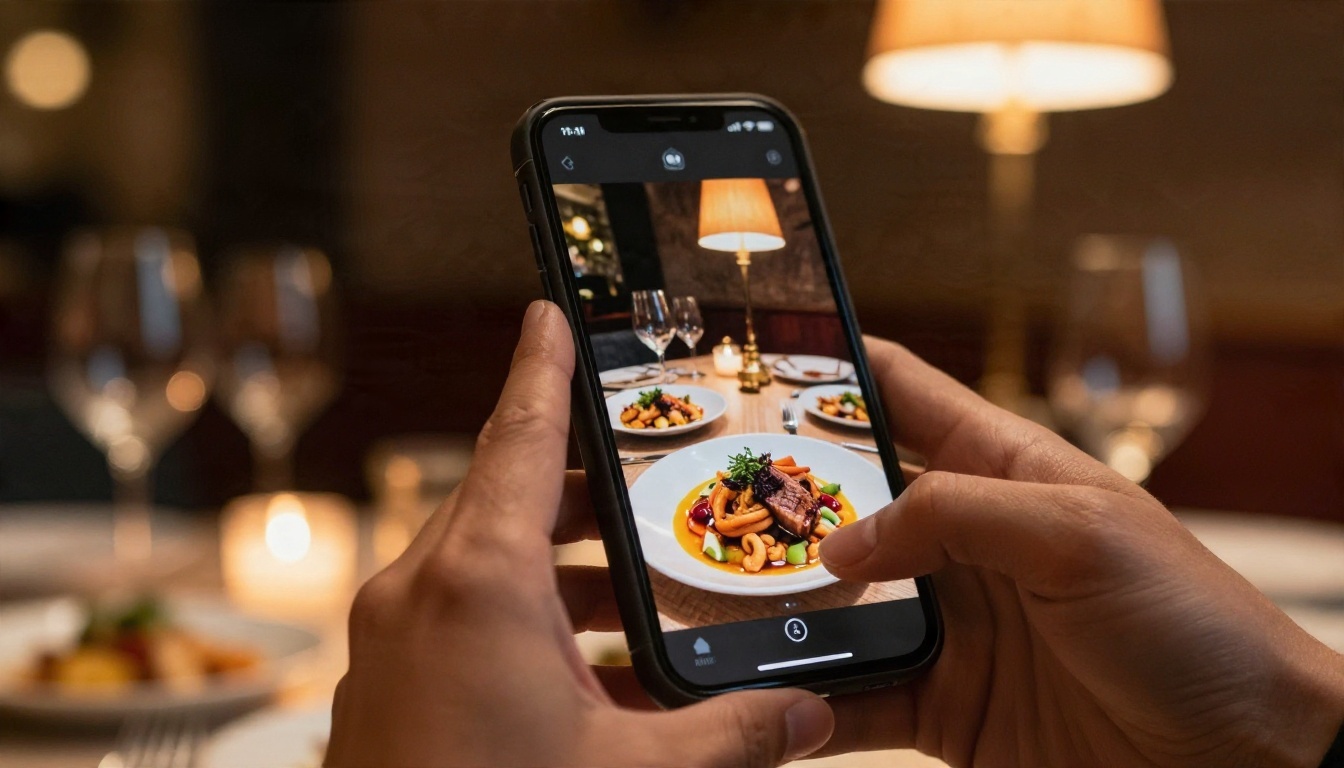
Not every restaurant needs a dedicated QR menu platform. Three alternatives are worth weighing before you pay monthly.
Flipbook menus
A flipbook keeps the look of your designed menu, which matters for fine dining, cocktail bars, and anywhere that atmosphere is part of what you sell. It works with the PDF you already have, so there is nothing to retype. It does not take orders, so you still use your regular service flow.
Table ordering platforms
These are the most capable but also the most expensive and the slowest to set up. They suit high-volume venues such as beer gardens, stadium food courts, and busy casual restaurants where reducing wait time for the first drink order pays for itself.
A plain PDF link
The cheapest possible setup is a PDF on your website and a free QR generator. It works, but PDFs are awkward on small screens, can load slowly, and give you no analytics. Think of it as the starting line, not the finish.
| Approach | Setup time | Monthly cost | Ordering | Looks like your brand | Analytics |
|---|
| Full QR menu app | 1 to 3 hours | $10 to $80 | Sometimes | Template-based | Yes |
| Ordering platform | 1 to 3 days | $60 to $300 plus fees | Yes | Template-based | Yes |
| Flipbook menu | 20 to 30 minutes | Low, see pricing | No | Your own design | Professional plan |
| Plain PDF link | 10 minutes | $0 | No | Your own design | No |
Which Option Fits Which Restaurant
Real scenarios make the choice easier.
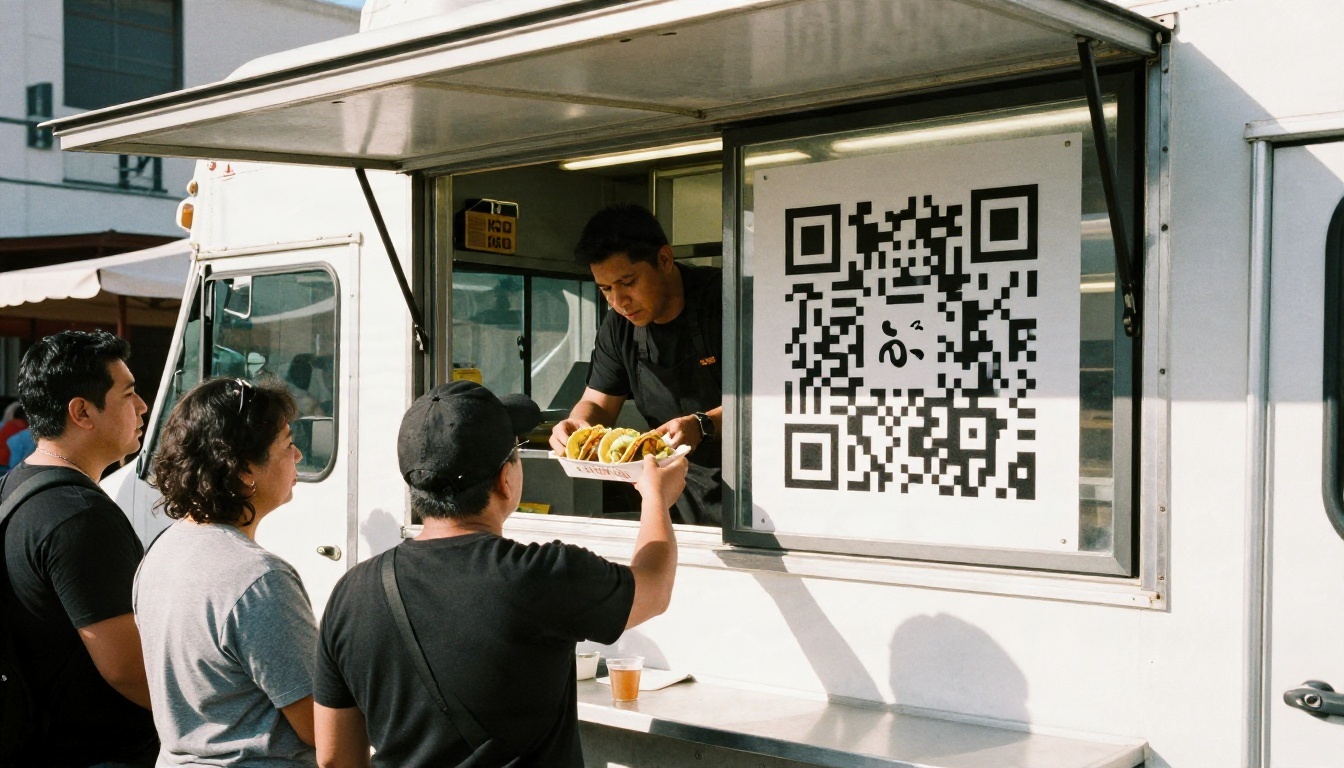
- A food truck at a weekend market needs one menu and a big code on the serving window. A free tier or a simple flipbook link is enough. A queue that reads the menu before reaching the front moves faster.
- A neighborhood bistro with a seasonal menu benefits from a flipbook that keeps the printed design. When the chef changes three dishes, you re-upload the PDF and the table codes keep working.
- A rooftop bar with a long cocktail list can use a password-protected flipbook for private events and a public one for regular nights.
- A multi-location pizzeria might prefer a full QR menu app with per-location pricing, if the owners want shared dashboards.
- A hotel restaurant can embed the menu on the hotel website and use the same link in room QR cards.
Mistakes That Cost You Guests
These are the problems that show up again and again once QR menus go live.
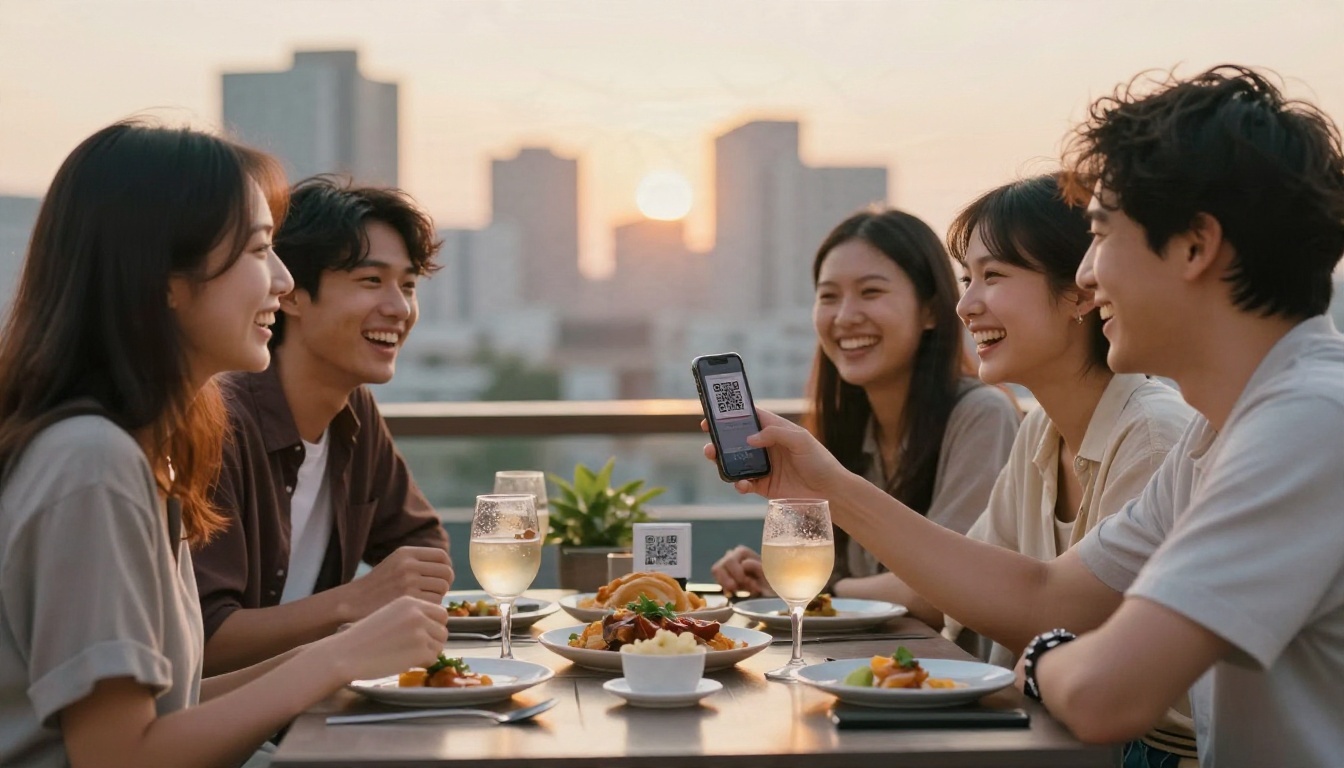
- Tiny codes. If a guest has to lean over the table and squint, they will wave down a server instead.
- No paper backup. Keep a few printed menus for older guests and anyone with a dead phone. It costs little and avoids awkward moments.
- Slow pages. Menus loaded with huge photos can take ten seconds on weak signal. Compress your images.
- Unreadable text. If the PDF text is small, guests pinch and scroll endlessly. Make fonts larger.
- Outdated prices. A QR menu that shows last season's prices causes arguments at the till. Assign one person to own updates.
- Wrong destination. Scan every code after each change. A broken link is worse than a printed menu.
⚠️ Warning: Check your local rules on allergen information. In many places the menu must list allergens, and a digital version has to meet the same standard as a printed one.
Start small: pick the option that matches how you serve guests today, not how you imagine you might serve them next year. If your menu is already designed and you want it online quickly without a monthly ordering bill, create your first flipbook menu on Flipbooks AI and connect it to a QR code this afternoon.
Print one test stand, scan it from the farthest table, and watch the first guests use it. If the page loads fast and the dishes are easy to read, you have already beaten most of the QR menus out there.



