A PDF is a fine way to store a document and a terrible way to enjoy one. It scrolls, it sits flat, and nobody feels anything when they open it. A real 3D flipbook fixes that: the pages bend under your finger, the corner lifts, the shadow moves, and a catalog suddenly feels like something you could hold. With Flipbooks AI you can convert a PDF into that experience in a few minutes, without installing software and without paying to find out whether you like it.
This article walks through what "real 3D" actually means, how free online makers differ, how to build one step by step, which examples are worth copying, and how flipbooks behave on phones. It also explains what good phone support looks like, because the moment your flipbook is live is the moment you may need a human to answer a question.
What Makes a Flipbook Truly 3D
Plenty of tools call themselves "3D" because a page slides sideways with a fade. That is a slideshow with a nicer name. A genuine 3D flipbook simulates the paper itself.

Page Curl Physics, Not Just Animation
When you drag a corner of a real book, the page bends along an arc, the back of the page becomes visible, and a shadow falls on the sheet underneath. A good 3D flipbook reproduces all three effects. Many also add a soft page-flip sound and a slight thickness to the stack of pages so the left and right sides feel different at the start and the end of the publication.
Three things separate the real thing from an imitation:
- Follows your finger or cursor. The curl is tied to the drag, not triggered by a click and played back as a canned clip.
- Shows the back of the page. The reverse side appears as the page lifts, which is what sells the illusion.
- Responds to speed. A slow drag peels the page gently, and a quick flick turns it with momentum.
2D Slideshow vs Real 3D
| Feature | Basic PDF viewer | Slide style "flipbook" | Real 3D flipbook |
|---|
| Page movement | Vertical scroll | Sideways slide or fade | Curl with drag control |
| Shadows and depth | None | None or fixed | Dynamic, follows the page |
| Sound | None | Rare | Optional page-turn audio |
| Spreads (two pages side by side) | Sometimes | Rarely | Yes, like a printed book |
| Feels like paper | No | No | Yes |
| Best for | Archiving | Quick previews | Catalogs, menus, magazines, portfolios |
💡 Pro tip: If a demo flipbook lets you grab the corner and hold the page halfway, it is doing real 3D. If you can only click an arrow, it is not.
Free Online Makers Compared
Searching for a free 3D flipbook maker returns dozens of tools, and most of them hide the catch somewhere. The word "free" can mean a trial, a capped plan, or a free plan that stamps someone else's logo on your work.

What Free Should Include
Before you upload anything, check that the maker gives you the basics:
- A true PDF converter. You should be able to upload a finished PDF and get a flipbook, instead of rebuilding every page in a clunky editor.
- A shareable link. A flipbook that cannot be opened by someone else is a screensaver.
- Mobile-responsive playback. More than half of your readers will open it on a phone.
- Reasonable file limits. A 40 page catalog with product photos can be large, so ask about size limits first.
Watermarks and Page Limits
The most common trap is the forced watermark. It tells your customer that your catalog was made with a free tool, which defeats the purpose of a polished publication. Page caps and expiring links are close behind.
| Question to ask | Why it matters | What a good answer looks like |
|---|
| Is there a watermark? | Brand perception | No watermarks, ever |
| How many flipbooks can I make? | Growth over time | Unlimited on paid plans |
| Can I protect private content? | Price lists, internal reports | Password protection available |
| Can I download for offline use? | Trade shows, poor connections | Offline downloads supported |
| Do links expire? | Printed QR codes and email campaigns | Links stay live while your account is active |
Flipbooks AI is built around the first answer in that table: no watermarks. Unlimited flipbooks arrive with the Standard plan and above, and you can compare every tier on the pricing page.
How to Create a 3D Flipbook with Flipbooks AI
Here is the full workflow, from a PDF on your desktop to a link in your customer's inbox. The whole process usually takes less time than making coffee.
Step 1: Upload and Convert Your PDF
- Open the PDF to Flipbook Converter or create an account to access your dashboard.
- Click the upload button and select your PDF. Export at the final page size, because the flipbook preserves your layout exactly.
- Wait for the conversion. Each page is processed into a crisp, zoomable image, and the page-turn effect is applied automatically.
- Preview the result and flip through it once from cover page to back page, checking that text is sharp and images are not cropped.
⚠️ Warning: Always flatten transparent effects and embed your fonts before exporting. A missing font in the source PDF will show up as a substituted font in the flipbook.
Step 2: Customize the Look
Your flipbook should look like your brand, not like a template.
- Branding: Add your logo and choose a background color or image that matches your site.
- Page effects: Adjust the curl, the page shadow and the sound, or turn the sound off for office environments.
- Multimedia: Embed videos and audio directly on the pages. A product demo placed next to the product photo outperforms a link to another site.
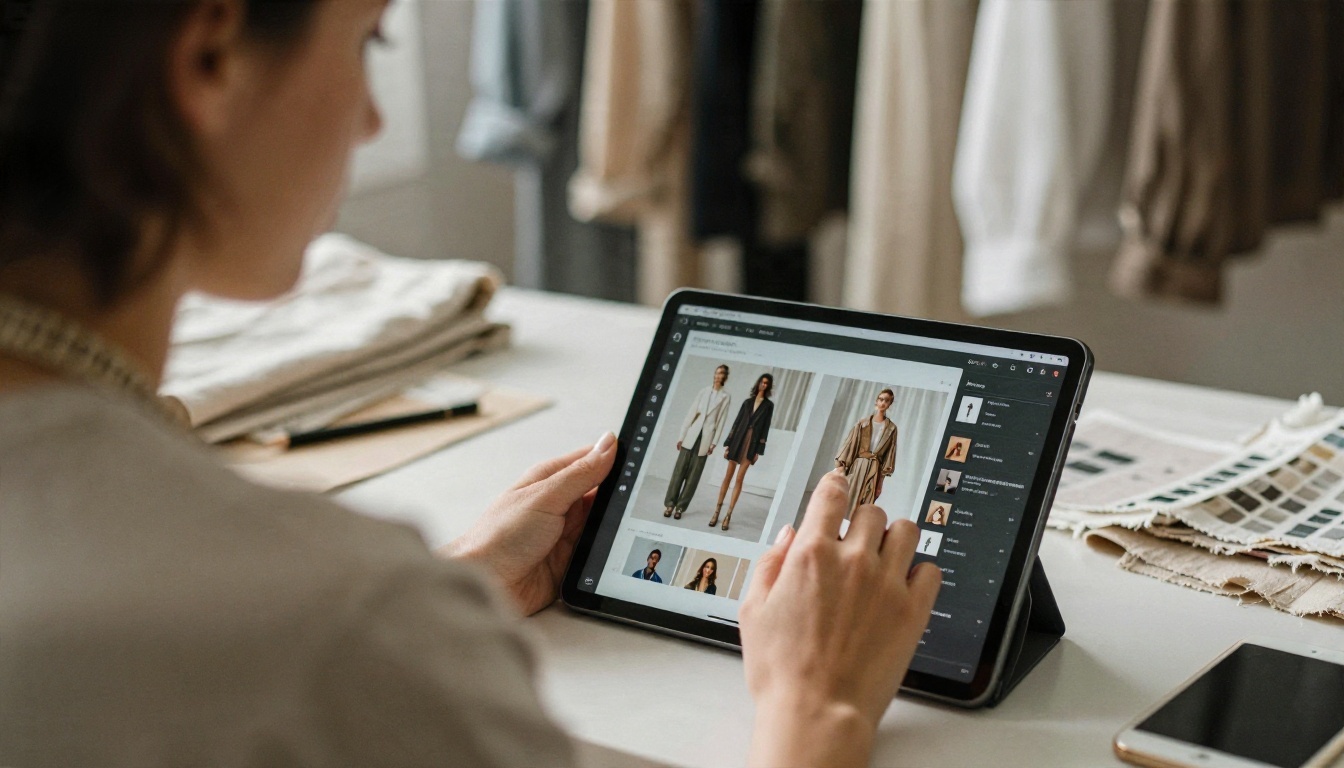
- Navigation aids: Add a table of contents, clickable links and a thumbnail strip so readers can jump to any page.
Step 3: Share and Protect
Once you are happy with the look, choose how people will reach it:
- Direct link: Paste it into an email, a chat message or a social bio.
- Embed code: Place the flipbook inside your own page with the Embed Flipbook on Website tool.
- QR code: Print it on packaging, table cards or posters.
- Password protection: Lock private material such as wholesale price lists or investor updates.
- Offline download: Give readers a copy for flights, trade shows and weak connections.
Step 4: Track Who Reads It
On the Professional plan you get analytics and lead generation. You can see which pages hold attention, how long readers stay, and capture an email address before someone opens a high-value document. If you are not sure which tier fits, see the plans and match the features to the way you plan to share.
| Plan feature | Standard | Professional |
|---|
| Unlimited flipbooks | Yes | Yes |
| No watermarks | Yes | Yes |
| Password protection | Yes | Yes |
| Embedded video and audio | Yes | Yes |
| Analytics | No | Yes |
| Lead generation forms | No | Yes |
Real 3D Flipbook Examples That Work
Seeing a few concrete cases makes it easier to picture your own. These are common uses where the page-turn effect pays for itself.

Restaurant and Spa Menus
A restaurant can put a QR code on each table that opens a 3D menu. Diners flip from starters to desserts the way they would in a printed menu, and you update prices by uploading a new PDF instead of reprinting. The Restaurant Menu Creator and the Spa & Wellness Menu tool are built for exactly this.
Real Estate Brochures
Real estate agents benefit from sending one link that contains the floor plans, photo spreads and neighborhood details. Buyers open it on a phone during a viewing and flip back to the kitchen photos without hunting through an email attachment. Try the Real Estate Brochure tool for a ready layout.

Fashion Lookbooks and Catalogs
Fashion thrives on texture and rhythm. A Lookbook Flipbook Builder lets you pace full-bleed photos with full-page curls, so each turn feels like opening a magazine. A Product Catalog works the same way for wholesale buyers who want to browse quickly.
Which Format Fits Which Job
You can browse every template in the tools directory.

Making It Work on Phones
A flipbook that looks wonderful on a 27 inch monitor and falls apart on a phone is a failed flipbook. Most readers will meet yours on a small screen, standing in a shop or sitting on a train.
Design for the Thumb
Phones usually show a single page at a time, so spreads that rely on two facing pages can feel cramped. A few habits help:
- Keep body text large. Anything under 10 points in the source PDF becomes hard to read on a small screen, although pinch zoom rescues it.
- Avoid tiny buttons. Links and call-to-action buttons should be at least as big as a fingertip.
- Place the important item first. The first two pages decide whether someone keeps swiping.
- Test in portrait and landscape. Rotate your phone and check that nothing important is cut off.
✅ Best practice: Open your flipbook on an older phone with a weak connection before you announce it. If it loads fast there, it will load fast anywhere.
Check Speed and Weight
Large images slow the first load. Compress photos before exporting your PDF, keep the file under the size your audience can tolerate on mobile data, and let the platform handle the rest. The responsive viewer in Flipbooks AI adjusts the layout to the screen, so you do not need to build a separate mobile version.
Phone Support: What to Expect
The phrase "phone support" means two things in this context, and both are worth checking before you commit to a tool. One is whether you can get help from a person. The other is whether your flipbook works properly on a phone.

Getting Help From a Human
Even the simplest tool throws up an odd question: a PDF that will not convert, an embed that looks wrong on one page, a billing detail. Here is how to judge a support offer before you need it:
| Support channel | Good for | Questions to ask the provider |
|---|
| Help articles | Common how-to questions | Are they current and searchable? |
| Email or chat | Conversion errors, billing | What is the typical reply time? |
| Phone or call back | Urgent launch day issues | Is it included in my plan, and in which hours? |
| Onboarding session | Teams with many flipbooks | Is it free or charged? |
Support options can differ by plan, so check what your tier includes on the pricing page or ask before you buy. A tool that answers that question clearly is usually a tool that treats customers well.
Flipbooks That Work on Phones
The second meaning is practical: will your readers be able to open and enjoy the flipbook on their devices? The checklist below takes two minutes.
- Open the link on an iPhone and an Android phone.
- Flip through at least ten pages and watch for lag.
- Tap every link and button.
- Try the password screen, if you set one.
- Scan your QR code from arm's length, the way a customer will.
Mistakes That Make Flipbooks Fail
Even a good tool cannot rescue a document that was never designed to be read on screen. These are the most frequent problems.

Uploading a Print Layout Unchanged
A PDF prepared for print often has crop marks, bleed margins and tiny type. Export a screen version instead, with slightly larger fonts and no printer marks.
Skipping the Preview
Flip through the whole thing once. A single missing image on page 14 looks worse in a 3D flipbook than in a PDF, because the polish of the effect raises expectations.
Ignoring the Numbers
If you publish on the Professional plan, review analytics weekly. A page where readers consistently stop is a page that needs rewriting, and a page they skip is a page you may remove.
Forgetting the Next Step
Every flipbook needs one clear action: call, book, buy, download. Put it on the first page and again on the last, with a link that readers can tap.
| Mistake | Result | Fix |
|---|
| Print layout with crop marks | Messy edges on screen | Export a screen version |
| Huge uncompressed images | Slow first load | Compress before export |
| No call to action | Readers leave without acting | Add a button on page one and the last page |
| No mobile test | Broken experience for most readers | Test on two real phones |
Start Your First 3D Flipbook Today
A real 3D flipbook makes a document feel like an object: it curls, it casts a shadow, and people enjoy turning the pages. The setup is short, the effect is convincing, and the results are easy to share by link, embed or QR code.
Ready to create your first flipbook? Get started for free on Flipbooks AI, upload a PDF and see the page curl for yourself. Browse the tools and templates to find the closest match for your catalog, menu, report or portfolio. When you want analytics, lead capture and unlimited publications, compare the plans and pick the one that fits.



