A buyer scrolling through listings on a phone gives a home a few seconds before swiping on. A strong brochure is what makes them stop, look at the kitchen, read the price, and book a viewing. The good news: you no longer need a graphic designer or a print budget to produce one. A modern real estate listing brochure generator turns your photos and property details into a clean, shareable document in under an hour, and platforms like Flipbooks AI turn that document into a page-turning online brochure you can send with a single link.
This article compares the free options available today, shows which templates suit which property types, walks through the full build process step by step, and explains the best ways to share a brochure online so it reaches buyers on every device.
What a Listing Brochure Needs
Before comparing tools, it helps to know what the finished piece must contain. Most weak brochures fail on content, not design.
The Must-Have Sections
Every listing brochure, whether it is a single page or twelve, should include:
- A hero photo of the exterior or the best room, shot in daylight
- Price and address displayed clearly on the first page
- Headline specs: bedrooms, bathrooms, square footage, lot size, parking
- A short story about the home, three to five sentences, written for a person and not a search engine
- Room-by-room photos with brief captions
- Floor plan and, if relevant, a neighborhood map
- Agent contact block with phone, email, and a clear next step
- Disclaimers required by your local board or brokerage
💡 Pro tip: Put the price, bed and bath count, and your phone number on page one. Buyers who skim should get the full picture without turning a single page.
Print vs Online Format
Print is still useful at open houses, but online is where most buyers first meet your listing. The two formats do different jobs.
| Feature | Printed brochure | Online flipbook brochure |
|---|
| Cost per copy | Paper, ink, and printing fees | Zero after creation |
| Update a price | Reprint everything | Replace the file, same link |
| Reach | Visitors on site only | Anyone with the link, worldwide |
| Video and audio | Not possible | Embed walkthroughs and voiceovers |
| Tracking | None | Views, time spent, lead capture |
| Works on mobile | No | Yes, responsive |
The smartest approach is to design once, print a handful for open houses, and share the online version everywhere else.
Free Options Compared
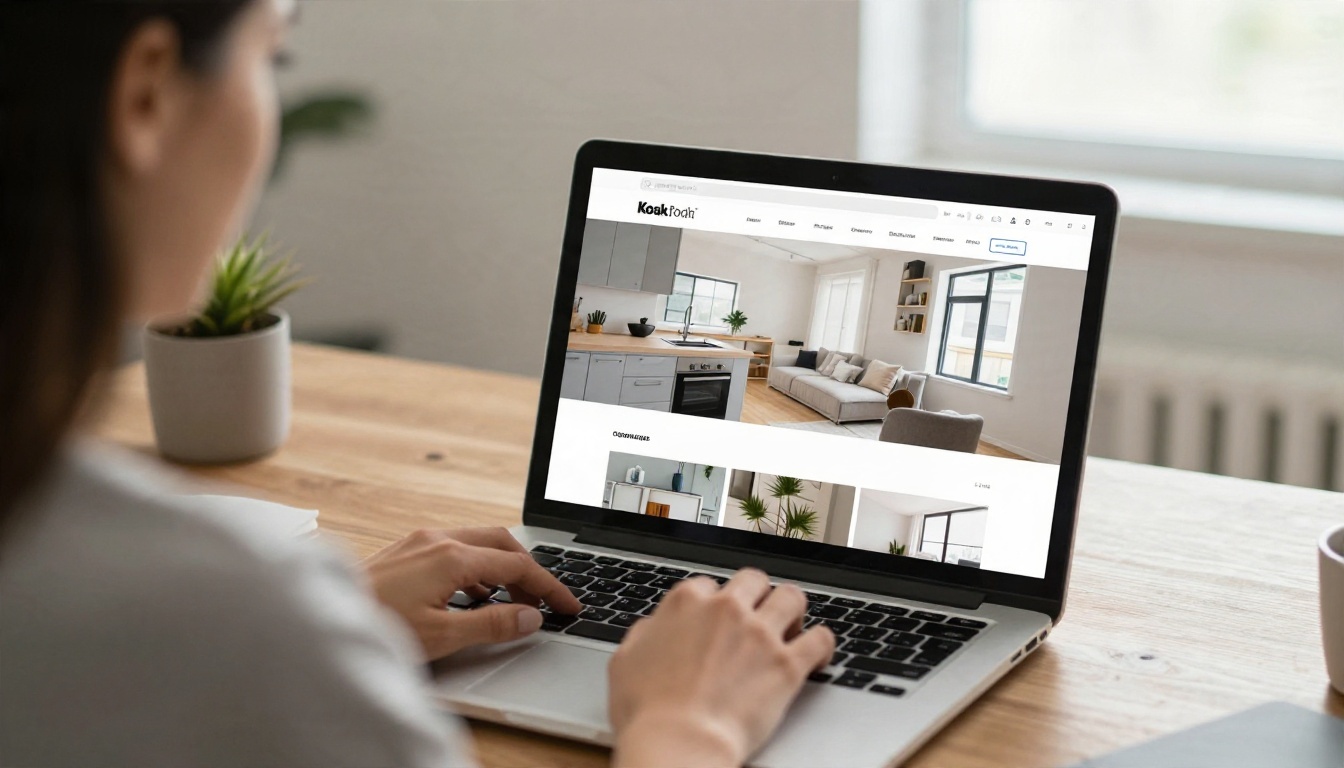
"Free" can mean very different things depending on the tool. Some are genuinely free to use, and others are free only until you try to export.
What Free Really Means
Watch for these common catches before you invest an evening in a design:
- Watermarks stamped across your exported brochure
- Locked templates where the good layouts need a paid plan
- Export limits such as low-resolution PDFs or a cap on downloads
- Branding of the tool itself placed in the footer of your brochure
- No online sharing, so you end up emailing heavy attachments
⚠️ A brochure with someone else's watermark on it signals a rushed job to sellers and buyers alike. Test the export before you commit to a tool.
Free Tool Types at a Glance
| Tool type | Best for | Typical limitation | Online sharing |
|---|
| Word processor templates | Quick one-page sheets | Plain layouts, fiddly photo placement | Attachment only |
| Free design editors | Stylish single pages and social posts | Premium templates and elements behind a paywall | Basic link in many cases |
| MLS or brokerage tools | Agents already inside a franchise | Locked to the brokerage's look | Often internal only |
| PDF to flipbook platforms | Multi-page brochures with a real reading experience | Advanced options depend on plan | Link, embed, QR code |
For multi-page listings, the last category wins because it solves the part everyone struggles with: getting the brochure in front of buyers in a format they actually enjoy. With Flipbooks AI, exports carry no watermarks, ever, and the pricing page lists exactly which plan includes what, so there are no surprises mid-project.
A Simple Hybrid Workflow
You do not have to pick one tool. Many agents design the layout in a free editor, export a PDF, and then convert that PDF to an interactive flipbook. The design tool handles the visuals, and the flipbook platform handles delivery, branding, and tracking. The PDF to Flipbook Converter is built for exactly this step.
Templates That Sell Homes
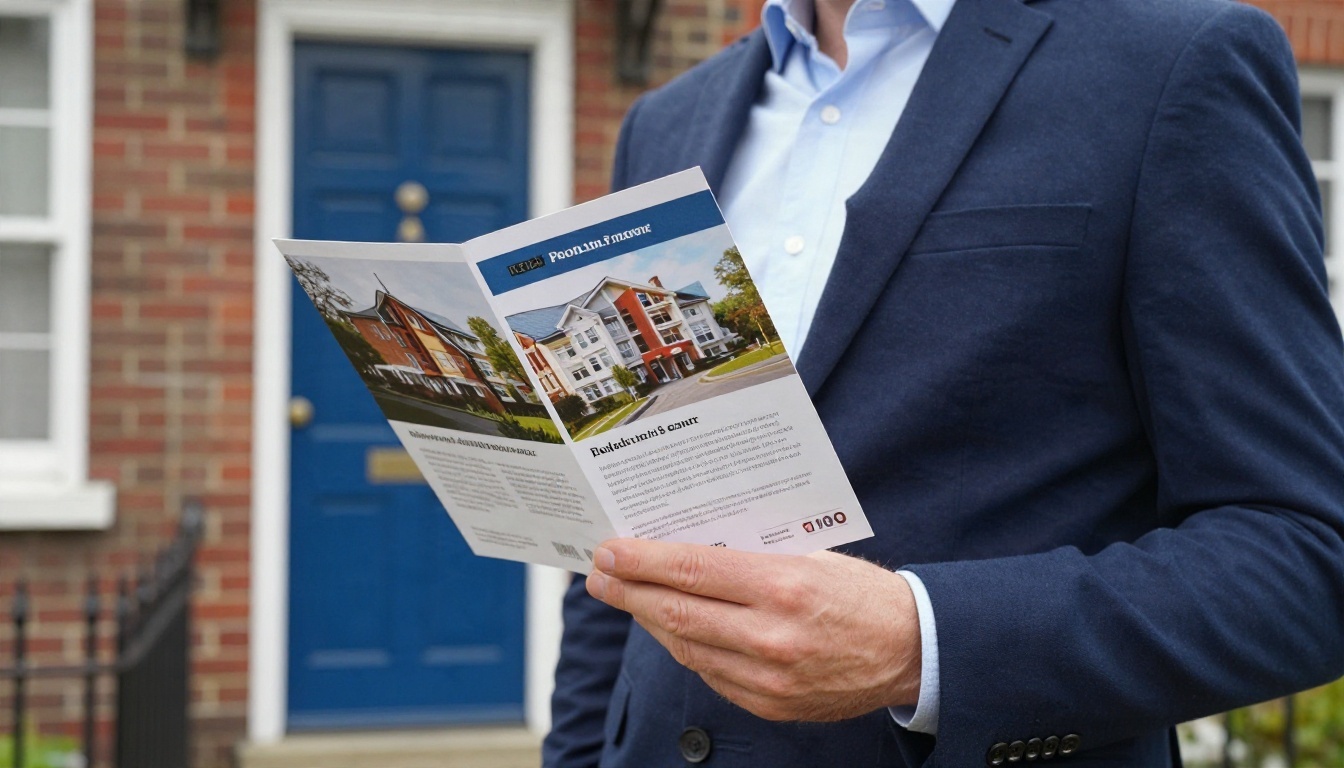
A template is a shortcut, but only if it matches the property. A layout built for a penthouse will make a starter condo look awkward, and the reverse is just as true.
Starter Home Layout
First-time buyers care about practicality. Choose a bright, simple layout with:
- Large kitchen and living room photos
- A clear monthly cost estimate or price breakdown
- School, transit, and grocery proximity listed as icons or a short list
- A friendly, plain-language description
Luxury Listing Layout
High-end buyers expect restraint. Pick a template with generous white space, full-bleed photography, and minimal text per page. Let the images carry the story, and keep the specs on a single elegant summary page near the back.
Rental and Investment Layout
Landlords and investors want numbers. A good template here features a rent roll or income table, occupancy history, and neighborhood demand notes. Charts matter more than lifestyle shots.
| Property type | Page count | Photo style | Must include |
|---|
| Starter home | 4 to 6 | Bright, real-life rooms | Price, monthly cost, nearby amenities |
| Family home | 6 to 8 | Rooms plus backyard and street | Schools, floor plan, upgrades list |
| Luxury estate | 8 to 12 | Twilight exterior, detail shots | Lifestyle story, drone views, agent profile |
| Condo or apartment | 4 to 6 | Views, amenities, common areas | HOA details, building features, floor plan |
| Investment property | 4 to 8 | Exterior and unit overview | Income table, expenses, occupancy data |
The Real Estate Brochure Creator at Flipbooks AI is a good starting point if you want a layout concept designed around listings, and the Online Brochure Designer suits agents who prefer to build from a blank page.
How to Create One with Flipbooks AI
Here is the full process, from raw photos to a shareable brochure. Plan on 30 to 60 minutes for your first one and far less once you have a reusable layout.
Step 1: Prepare Your Content
Gather everything before you open any tool:
- 10 to 20 high-resolution photos, shot in good daylight
- Floor plan image or PDF
- Property details: price, size, rooms, year built, features
- Agent photo, logo, and contact details
- Short description and a list of selling points
Step 2: Design and Export a PDF
Build the layout in your favorite editor or word processor. Keep margins consistent, use no more than two fonts, and export as a high-quality PDF. Landscape orientation reads best on desktop screens, while portrait works nicely on phones.
Step 3: Upload and Convert
- Create a free account on Flipbooks AI
- Click to create a new flipbook and upload your PDF
- Wait a moment while the file converts into a page-turning flipbook
- Preview it on desktop and on your phone
💡 If you only have photos and no PDF, the Brochure Flipbook Maker can help you assemble pages into a flipbook directly.
Step 4: Add Your Branding and Media
This is where a plain PDF becomes a brand asset. Inside the editor you can:
- Apply your brokerage colors and logo
- Choose a background that matches the property mood
- Adjust page-turn effects and sound
- Embed a video walkthrough or a drone clip on the relevant page
- Add audio narration for an agent introduction
- Add clickable links to your booking calendar or a virtual tour
Step 5: Share and Track
Choose how to distribute the brochure, and turn on password protection if the listing is off-market or the document contains sensitive information. Professional plan users can also switch on analytics, lead capture, and offline downloads, so you see who opened the brochure and leave them a path to contact you. Compare the options on the pricing page before deciding.
Online Sharing Options That Work
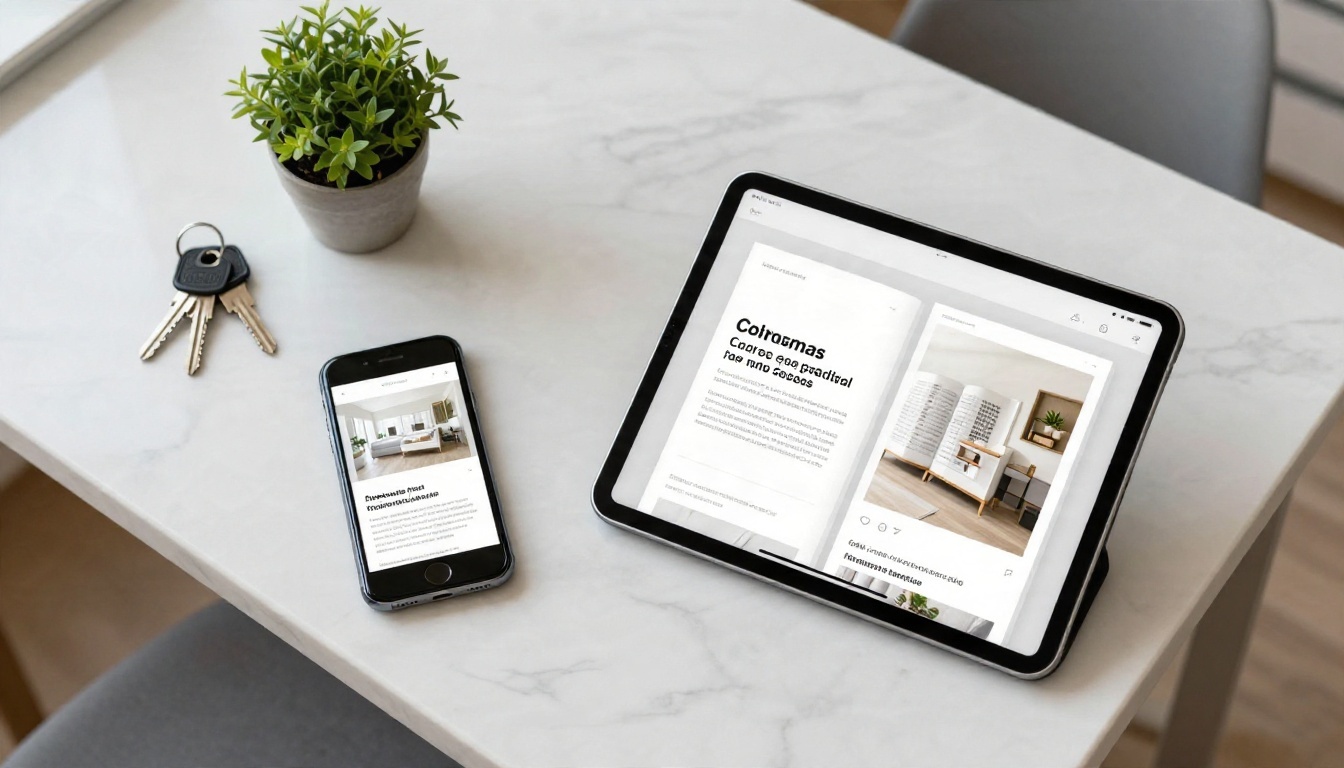
A brochure nobody opens is wasted effort. Different channels suit different buyers, so use more than one.
Direct Links and QR Codes
A single link is the simplest option. Paste it into emails, text messages, WhatsApp, and DMs. Because the flipbook is mobile-responsive, buyers do not have to pinch and zoom.
For physical spaces, add a QR code to:
- The yard sign outside the property
- Window displays at your office
- Business cards and open-house sign-in sheets
- Print ads in local magazines
Anyone walking past can scan and see the full brochure in seconds.
Embed on Your Listing Page
Embedding keeps visitors on your website instead of sending them away to download a file. Use the Embed Flipbook on Website tool to get the code, then paste it into your listing page, blog post, or landing page. When you update the brochure, the embedded version updates too.
Private Sharing with a Password
Not every listing is public. Pre-market previews, estate sales, and investor packages call for password protection. Share the link in one message and the password in another, and only invited buyers can see the contents.
| Sharing method | Best for | Effort | Tracking possible |
|---|
| Direct link | Email, chat, social bios | Very low | Yes, with analytics |
| QR code | Signs, flyers, cards | Low | Yes, with analytics |
| Website embed | Agency or personal site | Medium | Yes, with analytics |
| Password link | Off-market and private listings | Low | Yes, with analytics |
| Offline download | Buyers with weak signal, investors | Low | Limited |
Tracking What Buyers Do

Printed flyers vanish into a pile on a kitchen counter. A digital brochure leaves a trail you can use.
Read the Signals
On the Professional plan, analytics show which pages were opened, how long people stayed, and how often the link was reopened. That tells you more than a "thanks, looks nice" reply ever will.
- Many opens, short time on page: the photos are strong, but the price or specs may be hiding
- Long time on the floor plan: buyers are visualizing furniture, so offer a viewing
- Repeat opens from one contact: a warm lead, so call them today
- Drop-off after page three: the layout is too text-heavy at that point
Capture Leads Without Friction
Lead capture forms let you ask for a name and email before a buyer opens the full brochure. Use them sparingly. A form on a luxury estate brochure feels exclusive, while a form on a starter home brochure can feel like a barrier. Test both, and see which one produces more real conversations.
✅ Best practice: End every brochure with one clear action, such as "Book a private viewing," linked to your calendar.
Five Common Mistakes
Even a good generator cannot rescue weak habits. Avoid these:
- Too many photos of the same room. Choose the best three angles and stop.
- Tiny text. If a buyer needs to zoom to read the price, it is too small.
- No floor plan. Buyers want to understand the flow of a home, and a plan answers dozens of questions at once.
- Stale information. An online brochure with last month's price damages trust. Update the file as soon as anything changes.
- Ignoring mobile. Most first views happen on a phone, so preview every page on a small screen before you send it.
⚠️ Always check your local advertising rules. Many boards require specific wording, brokerage names, or license numbers on every marketing piece.
Ready to Build Yours
A good listing brochure is a mix of honest content, sensible design, and smart delivery. Free generators and templates get the first part done. An online flipbook takes care of the rest, with a link that works everywhere, a layout that feels like a real publication, and analytics that show who is interested.
Here is a simple plan for your next listing:
- Draft your content and photos today
- Design a PDF using a template that fits the property type
- Create your free account and convert the PDF into a flipbook
- Share it by link, QR code, and website embed
- Check the results after a week and adjust
You can also browse all flipbook tools to find layouts for other needs, such as a Digital Catalog Maker for a full portfolio of properties. When you are ready for analytics and lead capture, compare the plans and pick the one that fits the way you sell.



