Most agents don't have an advertising problem. They have a tool problem. You shoot gorgeous photos, write a solid description, and then lose half the effect because the brochure is a flat PDF that nobody opens on a phone. A good realtor advertising app fixes that gap, and several free options do it well. In this article you'll see what to look for, which free routes are worth your time, and how to build listing brochures that buyers actually flip through. If you want a shortcut, Flipbooks AI turns a plain PDF into a page-turning online brochure in minutes.
What a Realtor Advertising App Does
A realtor advertising app is any tool that helps you design, publish, and distribute property marketing. That can be a design editor, a social scheduler, a flipbook publisher, or a mix of all three. The best setups handle the whole chain: create the asset, share it everywhere, and see who looked at it.
Three Jobs It Must Handle
Whatever you pick, it should do these three things without friction:
- Design: Build flyers, brochures, and social posts from templates, using your brand colors and your listing photos.
- Distribute: Give you a link, an embed code, or a file that works on Instagram, email, your website, and the MLS description.
- Measure: Show you whether anyone opened the thing. Without that, you're guessing.
Most free apps manage the first job. Fewer manage the second properly. Very few handle the third without a paid plan, which is why it pays to know where each tool stops.
Free vs Paid at a Glance
| Feature | Typical free tier | Typical paid tier |
|---|
| Templates | Limited selection | Full library |
| Branding | Basic logo and colors | Custom fonts, domains, kits |
| Watermarks | Sometimes added | Removed |
| Analytics | Rarely included | Views, time on page, leads |
| Sharing | Download or public link | Password links, embeds |
| Team access | Single user | Multiple agents |
💡 Pro tip: Free is fine for your first three listings. Once you're marketing five or more properties a month, the time you save with analytics and reusable brand kits pays for the upgrade many times over.
Free Options Worth Trying
You don't need a big budget to look polished. You need the right free tool for each job, and a clear sense of its limits.
Design Editors for Flyers
Drag-and-drop editors such as Canva and Adobe Express offer free tiers with thousands of real estate flyer and social post templates. They're excellent for single-page "Just Listed" and "Open House" graphics. The catch: the output is a static image or PDF, so there's no page-turning, no embedded video, and no way to see who read it.
Social Schedulers for Posting
Free planners built into Meta Business Suite let you schedule Facebook and Instagram posts ahead of time. Pair one with a design editor and you can batch a week of listing content in one sitting. It's not glamorous, but consistent posting beats occasional brilliance every time.
Flipbook Publishing for Brochures
This is the piece most agents skip. A flipbook turns your brochure into an interactive publication with real page-turning, zoom, and embedded media. Using the Real Estate Brochure Creator, you upload a PDF and get a shareable link that works on any device. You can also start with the PDF to Flipbook Converter if your brochure already exists.
| Tool type | Best for | Main limit on free plans |
|---|
| Design editor | Flyers, social graphics | Static output, no tracking |
| Social scheduler | Consistent posting | No brochure creation |
| Flipbook publisher | Interactive brochures | Pro analytics need an upgrade |
| Email platform | Sending to past clients | Caps on contacts or sends |
Listing Brochure Templates That Work
A template is only useful if the structure matches how buyers actually decide. People scan first, then read. Your layout should reward both.
The Single-Property Flyer
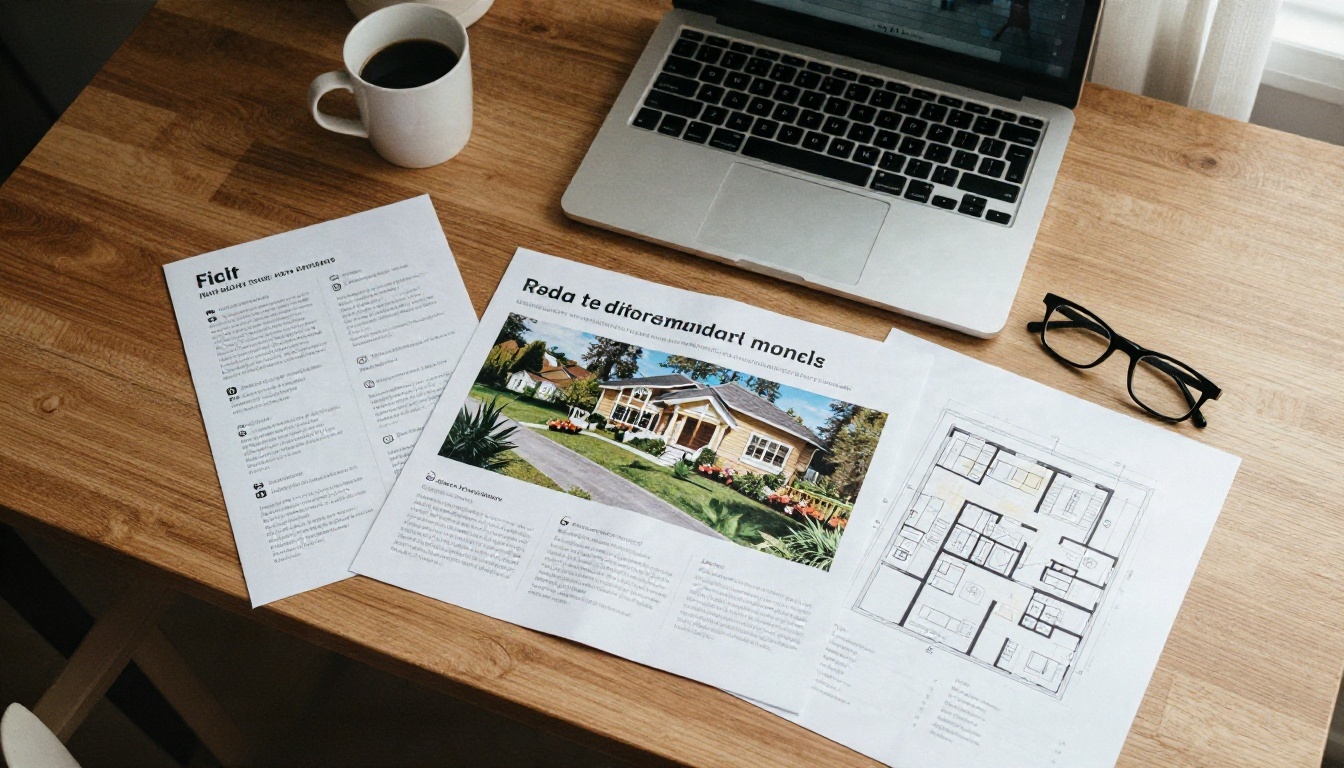
One page, one home. Lead with the best exterior or living room photo, put the price and address directly beneath, and keep the description to three or four lines. Add a short bullet list of features: bedrooms, bathrooms, lot size, one standout upgrade. Finish with a QR code to the full listing and your contact details.
This format is perfect for open houses and sign riders. It's quick to produce, cheap to print, and easy to repost as a social graphic.
The Tri-Fold Brochure
The tri-fold gives you six panels to tell a fuller story. A reliable layout looks like this:
- Front panel: Hero photo, address, price.
- Inside left: Room-by-room highlights with three or four photos.
- Inside center: Floor plan and key measurements.
- Inside right: Neighborhood, schools, commute times.
- Back panel: Agent bio, headshot, contact info, QR code.
- Flap: A short "Why this home" statement.
Print a small run for showings and keep the digital version for everything else.
The Digital Flipbook Brochure
This is the tri-fold's more flexible cousin. There's no page limit, so you can include 12 to 20 pages: full photo galleries, a floor plan spread, a neighborhood map, and a video walkthrough. Buyers swipe through on their phone, and you can update the file the moment the price changes, instead of reprinting.
| Template type | Pages | Best use | Update speed |
|---|
| Single-property flyer | 1 | Open houses, sign riders | Reprint needed |
| Tri-fold brochure | 6 panels | In-person showings | Reprint needed |
| Digital flipbook | 8 to 20 | Email, social, website | Instant |
| Neighborhood report | 4 to 8 | Buyer consultations | Instant |
✅ Best practice: Always create the digital version first. You can export a print copy from it in seconds, but you can't turn a print file into an interactive one without rebuilding.
Brochure Ideas That Get Calls
Templates give you the skeleton. These ideas give it a pulse.
Tell a Day-in-the-Life Story
Instead of listing "open-concept kitchen," show a morning: coffee on the island, light across the floor, kids at the breakfast bar. Buyers buy a life, not square footage. Two or three lifestyle-style captions per brochure are enough.
Add a Video Walkthrough
Embed a 60 to 90 second tour right inside the brochure. With a flipbook, the video plays on the page, so the buyer never leaves the experience. This single addition often does more than any extra photo.
Include a Neighborhood Spread
Add a page with a simple map and a list of nearby spots: the café two blocks away, the park, the school, the train station. It positions you as the local expert and answers questions before they're asked.
Build a Seller Presentation
Brochures aren't only for buyers. Create a short flipbook that shows your marketing plan, recent sales, and a sample listing brochure. Handing a prospective seller a polished interactive preview is a stronger pitch than a folder of loose pages. The Sales Presentation tool is built for exactly this.
Use a Clear Call to Action
Every page should make the next step obvious. Put a "Book a showing" button or phone number on the final page, and repeat it in the footer of earlier ones. Vague endings produce vague results.

How to Create a Listing Brochure with Flipbooks AI
Here's the full process, start to finish. It takes about ten minutes once your photos are ready.
Step 1: Sign Up and Prepare Your PDF
Head to Flipbooks AI and create an account. Next, build your brochure in whichever design editor you already use, whether that's Canva, Adobe Express, or Word, and export it as a PDF. Use high-resolution photos so zoom looks crisp on retina screens.
Step 2: Upload and Convert
- Click the upload button in your dashboard.
- Drag in your PDF.
- Wait a few seconds while it converts into a page-turning flipbook.
- Preview it on desktop and mobile.
The result is mobile-responsive by default, so buyers don't pinch and scroll through a tiny PDF.
Step 3: Customize the Look
Open the editor to apply your brand. You can adjust:
- Branding: Add your logo, brokerage name, and brand colors.
- Page effects: Choose the page-turn style and background.
- Multimedia: Embed a video walkthrough or add audio narration to key pages.
- Links: Turn phone numbers, emails, and "Schedule a showing" buttons into clickable actions.
There are no watermarks, ever, so the brochure looks like yours and yours alone.
Step 4: Share Everywhere
Once it's ready, you have several options:
| Sharing option | Where to use it |
|---|
| Direct link | Text messages, email, Instagram bio |
| Embed code | Your agent website or listing page (how to embed) |
| Password protection | Pre-market or off-market properties |
| Offline download | Clients with spotty signal at a showing |
⚠️ Watch out: Don't post a pre-market listing with a public link. Use password protection until you're ready to go live, so you control who sees the details and when.
Step 5: Track Who Reads It
On the Professional plan, you get analytics and lead generation. You can see how many people opened your brochure, which pages held their attention, and capture an email address before they view it. Compare options on the pricing page to see which plan matches your volume.
A Simple Weekly Ad Workflow
Tools only help if they fit a routine. Here's a lightweight rhythm that works for a solo agent managing two or three active listings.
The Monday to Friday Plan
| Day | Task | Tool |
|---|
| Monday | Create or update the listing brochure | Design editor, then flipbook publisher |
| Tuesday | Post a "Just Listed" graphic and the brochure link | Social scheduler |
| Wednesday | Email the brochure to your buyer list | Email platform |
| Thursday | Share a short video clip or neighborhood spread | Social platforms |
| Friday | Review brochure analytics, follow up on warm leads | Flipbook analytics |
A Real-World Example
Picture an agent listing a three-bedroom home. On Monday, she exports a 14-page PDF from her design editor and uploads it to a flipbook. She adds a video walkthrough on page three and a floor plan on page nine. By Tuesday, the link is in her Instagram bio, her email signature, and a text to every buyer on her list.
By Friday she sees that most readers dropped off at the floor plan page. So she moves it earlier, updates the flipbook in seconds, and the same link now shows the improved version. That kind of fast feedback loop is hard to get from a printed flyer.
Where Print Still Wins
Don't throw away paper completely. A physical flyer in a box by the front door still gets picked up at open houses, and a mailed postcard with a QR code can reach neighbors who may know a buyer. Use print to send people online, and use the digital brochure to keep them there.
Mistakes to Avoid
A few errors show up again and again, even among experienced agents.
Overloading the Page
Crowded layouts feel cheap. Give photos room to breathe, limit each page to one message, and trust white space.
Using Weak Photos
No template saves a dark, tilted photo. Shoot in daylight, straighten your verticals, and put your best two images first. If your budget allows only one upgrade, hire a professional photographer.
Forgetting Mobile
Most buyers see your marketing on a phone first. Check every brochure on a small screen before you send it. Text should be readable without zooming, and buttons should be easy to tap.
Skipping the Follow-Up
A brochure is a conversation starter, not the finish line. If analytics show someone spent three minutes reading it, send a personal message within the hour.
💡 Pro tip: Keep a master brochure template with your branding and agent bio already in place. For each new listing, swap photos and details. That alone cuts production time by more than half.
Ready to Market Your Next Listing?
You don't need a large budget or a design degree to look sharp. Start with a free design editor, add a social scheduler, and give your brochures an interactive upgrade so buyers actually engage with them.
Here are your next steps:
Your next listing deserves better than a flat PDF. Give buyers something they'll swipe through, share, and remember.



