You spent weeks on that catalog, report or brochure. You exported it as a PDF, attached it to an email, and then it vanished into a downloads folder. Sound familiar? The PDF format is great for preserving layout, but it was never built for the way people read today: on phones, in a browser tab, between meetings. A flipbook fixes that. With Flipbooks AI, you can turn the same file into a page turning publication that opens instantly, looks sharp on any screen and tells you who actually read it.
This article lays out the real reasons to make the switch, backed by examples, comparison tables and a short tutorial you can follow today.
Why a Plain PDF Falls Short
PDFs solved a 1990s problem: how to send a document that looks identical everywhere. That problem is long gone. Today the questions are different. Will anyone open it? Will they get past page two? Can they forward it without friction? A static file struggles with all three.
The Download Problem
Every PDF is a small commitment. The reader has to tap a link, wait for a download, find the file, open a separate viewer and then pinch and zoom their way through pages designed for a printer. On mobile that is a lot of effort for something they may only skim.
Many readers simply give up before the first page renders. Those who stay often read it once and never return, because the file now lives somewhere they will never look again.
Where Readers Drop Off
Long PDFs have another weakness: they are a wall of pages with no sense of rhythm. There is no page curl, no sound, no embedded video, no clickable shortcut. Attention fades fast when nothing responds to the reader's touch.
💡 Quick test: open your latest PDF on your phone. If you have to zoom to read a paragraph, so does every customer who receives it.
Here is how the two formats compare on the points that matter most:
| Factor | Standard PDF | Flipbook |
|---|
| Opens in browser | Often needs a download | Yes, instantly |
| Mobile reading | Pinch and zoom | Responsive layout |
| Page turn experience | None | Realistic page effects |
| Video and audio | Rarely supported | Embedded directly |
| Tracking | Almost none | Views, reading time, clicks |
| Website embedding | Awkward link only | Clean embed code |
| Branding | Plain viewer | Your colors and logo |
Reason One: Readers Stay Longer
The first benefit shows up the moment someone opens your publication. A flipbook behaves like a real magazine, and that familiarity keeps people turning pages.
Page Turns Feel Natural
People have flipped paper pages for centuries. A flipbook borrows that muscle memory. Swipe, tap or drag a corner and the page curls with a soft shadow. It sounds minor, but it turns passive scrolling into a small, satisfying action repeated dozens of times per session.
That rhythm matters for long documents such as annual reports, training manuals and product catalogs, where a flat PDF can feel like homework.
Rich Media Keeps Attention
A PDF page is frozen. A flipbook page can carry a product video, a founder's voice note or a looping background track. You can also add clickable hotspots that jump straight to a checkout page, a booking form or a contact link.
- Video: show a product in use instead of describing it in three paragraphs.
- Audio: add narration to a presentation or a soundtrack to a lookbook.
- Links: turn every price, photo or heading into a path to action.
- Table of contents: let readers jump to the chapter they care about.
✅ Best practice: use media sparingly. One strong video on page three beats ten autoplaying clips that slow the load.
Reason Two: Sharing Becomes One Link
Sharing a 40 MB PDF by email is a gamble. It may bounce, land in spam or get saved to a phone and forgotten. A flipbook replaces all of that with a single URL.
Links, QR Codes and Email
Once your publication is live, you get a short link that works everywhere: in an email signature, a WhatsApp message, a LinkedIn post or a social bio. Printed materials can carry a QR code that opens the same flipbook in seconds, which is handy for packaging, posters and business cards.
Because the content lives online, you can fix a typo or update a price and every existing link shows the new version. No more "please disregard the previous attachment" emails.
Private Sharing With Passwords

Not everything should be public. Investor decks, internal handbooks and client proposals deserve a gate. Flipbooks AI lets you add password protection, so only the people you choose can open the file. Need to hand over a copy for travel or poor connectivity? Offline downloads are available too.
| Sharing method | Best for | Control level |
|---|
| Public link | Marketing catalogs, menus | Low |
| QR code | Print, packaging, events | Low |
| Embedded on site | Product pages, blogs | Medium |
| Password protected link | Proposals, internal documents | High |
| Offline download | Field teams, trade shows | Medium |
Reason Three: Embedding on Any Website
Sending people away from your site to read a document is a leak in your funnel. Embedding keeps visitors where you want them: on your page, with your navigation, your offers and your call to action just a scroll away.
Embed Code in Minutes
Every flipbook comes with an embed snippet. Paste it into WordPress, Shopify, Wix, Webflow or plain HTML and the publication appears inline. The Embed Flipbook on Website tool walks through the process for common platforms. No developer ticket required.
Typical places to embed a flipbook:
- A product page, showing the full catalog under the main listing.
- A blog post, as a downloadable-free companion to the article.
- A press page, with your latest press kit.
- A landing page, replacing a "download the PDF" button with the real content.
- A careers page, hosting the employee handbook or benefits overview.
Mobile Layouts That Adapt
Embedded PDFs often render as tiny, unreadable thumbnails on a phone. A flipbook uses a mobile-responsive design: on a narrow screen it switches to single-page view with large, tappable controls. Your embedded content looks deliberate on every device, which protects your brand and your bounce rate.
⚠️ Watch out: if your source PDF uses 6 pt body text, no viewer can save it. Increase type size before converting so mobile readers are comfortable.
Reason Four: Analytics You Can Act On
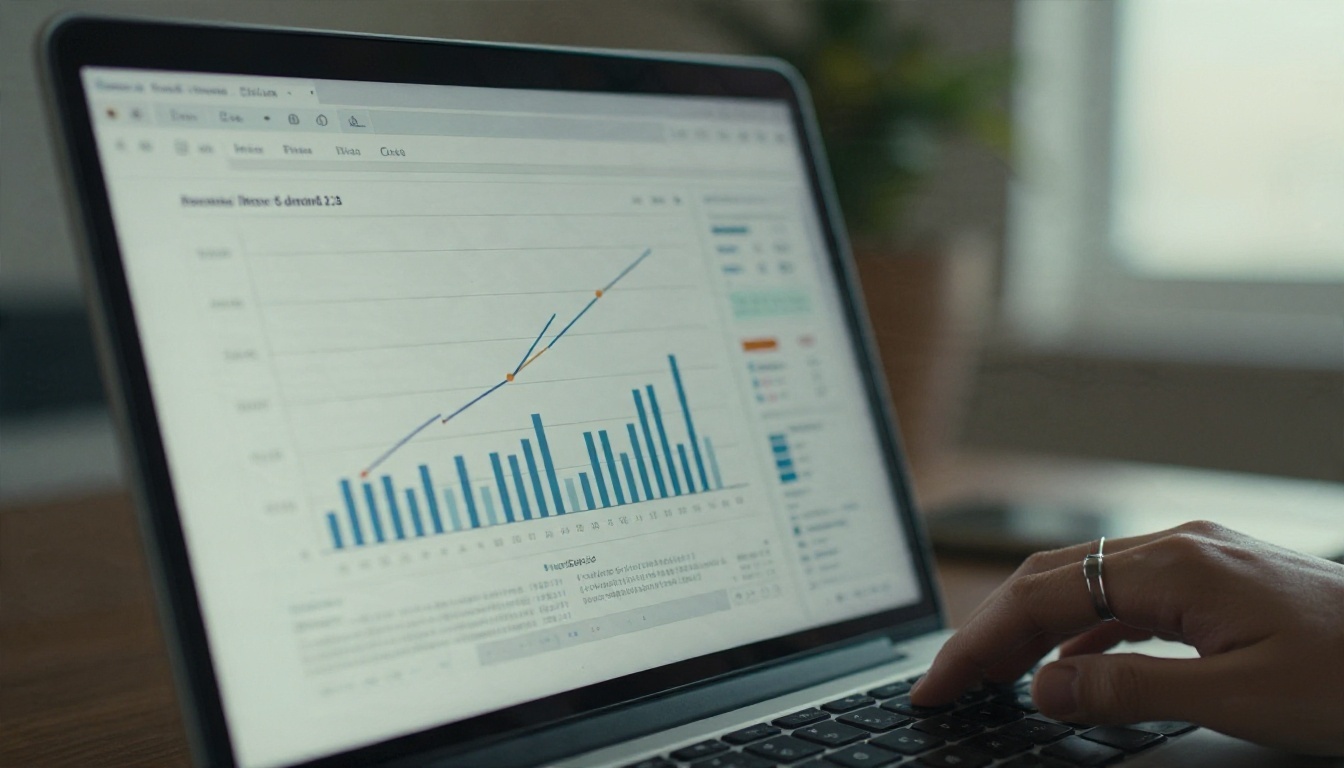
With a PDF attachment, you know one thing: you sent it. With a flipbook, you can see what happened next. Analytics are part of the Professional plan, and they change how you improve your content.
What You Can Measure
- Views and unique visitors: how many people opened the publication.
- Reading time: whether they skimmed or stayed.
- Page-level activity: which pages hold attention and which lose it.
- Link clicks: which buttons and hotspots drive action.
- Traffic source: whether readers came from email, social or your site.
If page 7 of your catalog is where everyone leaves, move your best products earlier or shorten that section. That feedback loop is impossible with a file attachment.
Lead Capture
The Professional plan also supports lead generation. You can place a form in front of premium content so readers share an email address before they continue. A whitepaper, a wholesale price list or a design lookbook becomes a lead magnet that works around the clock.
Real Examples From Different Industries
Theory is useful, but results come from application. Here is how different businesses put flipbooks to work.
Restaurants and Hospitality
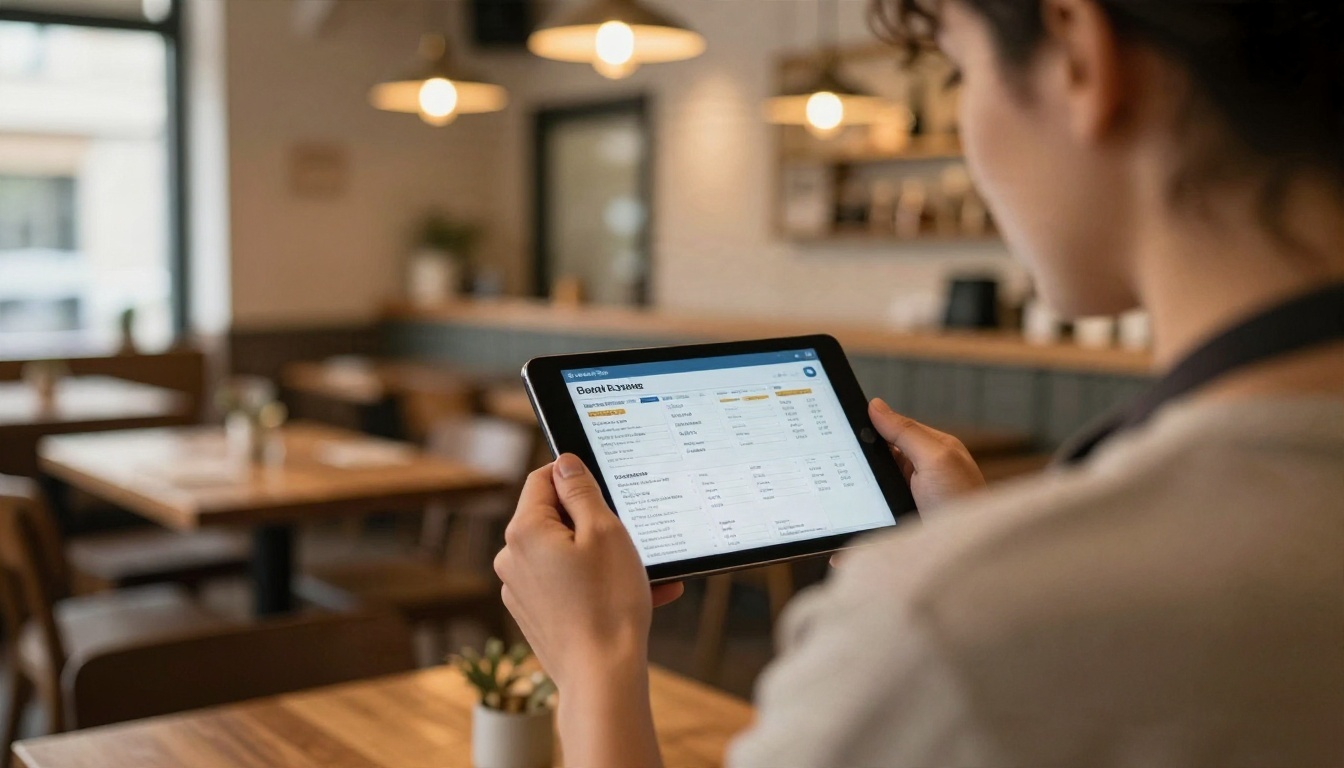
A restaurant can replace a clumsy menu PDF with a flipbook linked from a table QR code. Prices change on Friday? Update once and every table sees it immediately. The Restaurant Menu Creator is built for exactly this, and hotels can do the same with the Hotel Brochure designer to show rooms, spa services and dining in one swipeable file.
Real Estate Agents

Agents send listings to dozens of buyers each week. A flipbook with photo spreads, floor plans and a virtual tour video feels more premium than a PDF that opens as a blur on a phone. The Real Estate Brochure tool gives agents a polished format they can share with a single link and track to see which buyers actually opened it.
Small Studios and Freelancers

Photographers, designers and makers live by their portfolios. A Digital Portfolio Creator turns a heavy PDF into a fast, elegant showcase that loads in seconds and sits neatly on a personal website. Clients flip through the work like a printed book, without needing to download anything.
Here is a quick view of which tool suits which document:
How to Convert a PDF Step by Step
The process is quicker than most people expect. If you can upload a file, you can publish a flipbook. Here is the full flow with Flipbooks AI.
Upload and Convert
- Go to the PDF to Flipbook Converter or create an account to open your dashboard.
- Click the upload area and select your PDF, or drag it in.
- Wait a few seconds while pages are converted into a flipbook preview. Large files may take a little longer.
- Flip through the preview to check that images, fonts and page order look right.
💡 Tip: export your PDF at a moderate resolution. Sharp images matter, but a 200 MB file slows loading for readers on weak connections.
Brand It
Open the customization panel and make the flipbook feel like yours:
- Logo and colors: match your brand palette for the background and toolbar.
- Page effects: choose how pages curl, slide or fade.
- Multimedia: drop in videos, audio and clickable links on any page.
- Layout: pick single-page or double-page views and set the cover behavior.
There are no watermarks, ever, so your publication looks like it came from your own studio.
Share and Embed
- Press publish and copy the direct link.
- Switch on password protection if the content is private.
- Copy the embed code and paste it into your website editor.
- Download a QR code for print materials, or enable offline downloads for teams on the move.
- On the Professional plan, switch on analytics and lead capture to start collecting data from day one.
Not sure which plan fits? Compare the pricing options. The Standard plan and above include unlimited flipbooks, so you can convert your whole library, not just one file.
Ready to Publish Yours?
If your documents matter, they deserve better than a forgotten download. A flipbook gives readers a smoother experience, gives you a simple way to share and embed, and gives your team real numbers to work with. Whether you run a restaurant, sell homes, publish a magazine or send proposals, the same PDF you already have can work much harder.
Here is where to go next:
Pick your best-performing PDF, convert it today, and watch how differently people read it.



