Your best recipes probably live in five places at once: a stained notebook, a screenshot folder, three text threads and a bookmark you can never find. A good recipe book app fixes that mess. It gives every dish one home, one format and one link you can send to anyone. This article compares the free options, the online makers and the templates worth using, and it shows how to publish your own cookbook as a page-turning flipbook with Flipbooks AI.
What a Recipe Book App Does
At its simplest, a recipe book app stores recipes in an organized, searchable place. The better ones also let you scale servings, build shopping lists and add photos. But storing recipes and publishing them are two different jobs, and most people need both sooner or later.
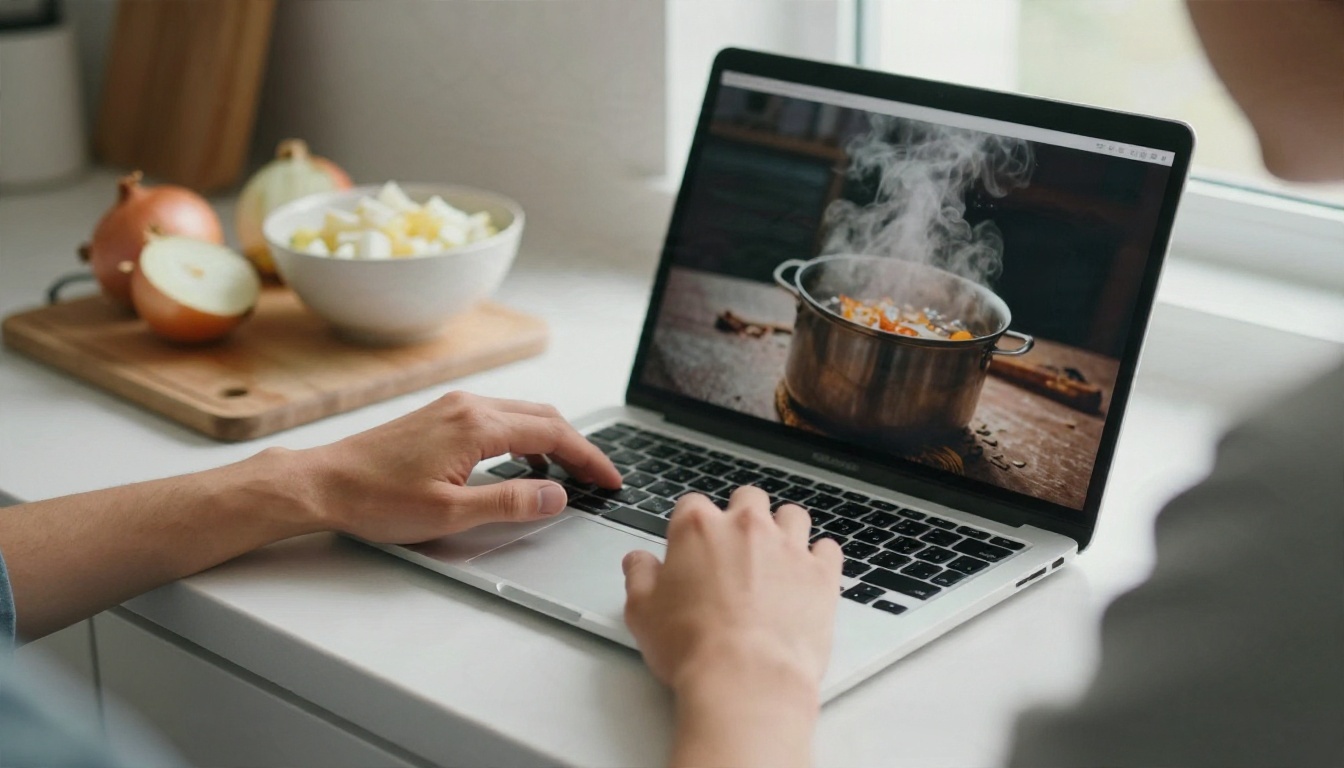
Three Types of Apps
Most tools fall into one of three groups, and picking the wrong group is the number one reason people abandon their digital cookbook after a week.
- Recipe organizers: Save links and notes from websites. Good for collecting, weak for sharing.
- Meal planners: Focus on weekly menus and grocery lists. Great for routine, poor for presentation.
- Cookbook makers: Let you design pages, add photos and export a finished book. Best when you want something to give away or sell.
Who Actually Needs One
You do not need a cookbook maker to save a pancake recipe. You do need one if you are:
- Gathering a grandmother's recipes before they fade from memory
- Putting together a gift for a wedding, a birthday or a holiday
- Running a food blog and offering a free downloadable book
- Selling a small collection of meal prep plans
- Documenting a restaurant's signature dishes for staff training
💡 Pro tip: Decide the final use before choosing the app. A private kitchen tool and a public cookbook need very different features.
Free Recipe Book Apps Compared
Free is the first word most people type into the search bar, and fair enough. Plenty of solid options cost nothing. The trick is knowing what "free" really includes before you invest hours typing in recipes.
What Free Usually Means
Free tiers typically allow a limited number of saved recipes, show ads, or lock exports behind a paywall. Here is how the common approaches compare.
| Approach | Typical Cost | Best For | Main Limitation |
|---|
| Notes app or spreadsheet | Free | Quick personal storage | No layout, no photos worth sharing |
| Free recipe organizer app | Free with ads or caps | Saving web recipes | Hard to export a finished book |
| Word processor or slide deck | Free or low cost | Simple printed pages | Manual formatting, clunky sharing |
| Free design template site | Free tier | Pretty single pages | Watermarks or export limits |
| Flipbook maker | Free plan available, see pricing | Shareable digital cookbooks | Needs a PDF to start |
Hidden Limits to Watch
Before committing, check these five things:
- Export options: Can you get your recipes out as a PDF or file you own?
- Watermarks: Some free plans stamp their logo on every page.
- Recipe caps: A cap of 25 or 50 recipes sounds fine until you hit it.
- Photo storage: Food looks better with pictures, and images eat space.
- Sharing rules: Some apps only let viewers read inside the app itself.
⚠️ Warning: If an app does not let you export your data, your recipes are effectively rented. Always keep a PDF backup.
Online Recipe Book Maker Options
An online recipe book maker goes a step beyond storage. You design pages, drop in photos and publish a book that looks like it belongs on a shelf. The two most common routes are template builders and the PDF to flipbook route.
Template Based Makers
These tools hand you a pre-built layout. You swap in your text and photos, and the design is done. They are fast, which is the main appeal, but you often end up with a book that looks like everyone else's. Exporting to print is usually easy. Sharing a polished online version is where many of them fall short.
PDF Plus Flipbook Route
The second route splits the work in two. You design the pages in any tool you already like, whether that is a word processor, a design app or a layout program. Then you convert the PDF into an interactive flipbook with a PDF to Flipbook Converter. Readers get real page-turning, zoom, mobile support and a single link.
The advantage is freedom. You are not locked into one app's layouts, and the finished flipbook has no watermarks. You can also swap the PDF later and keep the same link, which is handy when you add a new chapter of holiday dishes.
| Feature | Template Builder | PDF + Flipbook Route |
|---|
| Design freedom | Limited to presets | Unlimited, any PDF works |
| Page-turning reading | Rare | Standard |
| Mobile friendly | Varies | Yes, responsive |
| Password protection | Rare | Available |
| Embed on a website | Sometimes | Yes, with an embed code |
| Reading analytics | Rare | Available on the Professional plan |
Templates for Your Own Recipes
A template saves you from staring at a blank page. Whether you build in a word processor or a design app, the layout decisions below matter more than fancy fonts.
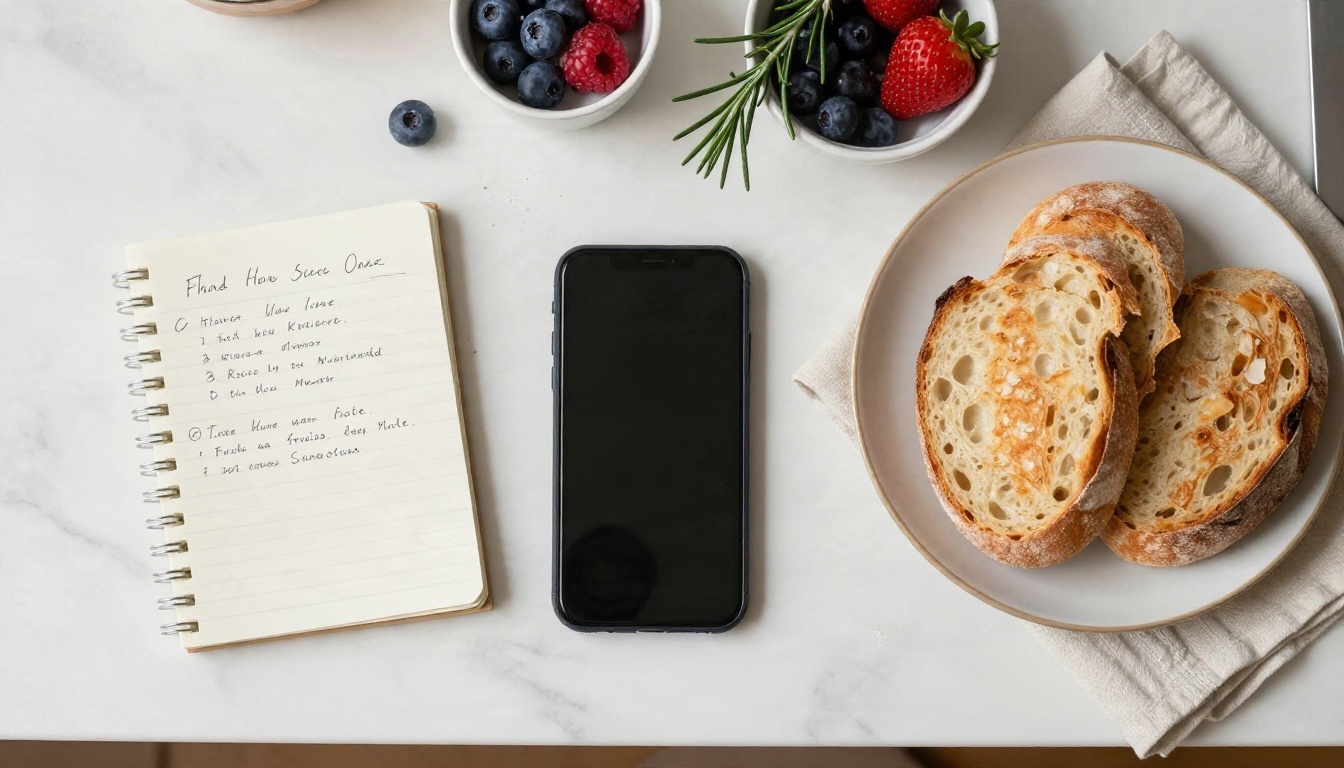
The Recipe Card Layout
A reliable recipe page has the same parts every single time. That consistency is what makes a cookbook feel professional.
- Title and one-line description: Tell the cook what to expect.
- Quick facts bar: Prep time, cook time, servings and difficulty.
- Ingredients list: Left column, grouped by component (sauce, dough, topping).
- Method: Numbered steps, one action per step.
- Photo: One strong image of the finished dish.
- Notes box: Substitutions, storage and a personal story.
✅ Best practice: Use the same font sizes and margins on every page. Readers will not notice good consistency, but they will notice its absence.
Page Order That Works
Order shapes how people use the book. A sensible structure looks like this:
- A short welcome page explaining why these recipes matter
- A contents page with clickable links
- Chapters by meal type: breakfast, mains, sides, desserts
- A conversion chart for cups, grams and oven temperatures
- A closing page with credits and a family photo
Chapter structure beats alphabetical order for personal books. Nobody flips to the letter "R" for a Sunday roast, but plenty of people flip to "Sunday Dinners".
| Book Type | Suggested Length | Photos Per Recipe | Tone |
|---|
| Family heirloom | 40 to 80 pages | 1 plus scanned handwriting | Warm, story driven |
| Wedding or gift book | 20 to 40 pages | 1 | Short and sweet |
| Food blog freebie | 15 to 30 pages | 1 to 2 | Friendly and practical |
| Meal prep plan | 30 to 60 pages | 1 | Clear, structured |
| Restaurant training book | 25 to 50 pages | 1 plus plating shot | Precise |
How to Build Your Recipe Flipbook
Here is the full workflow, from loose recipes to a link you can send. The dedicated Recipe Book Flipbook tool is built for exactly this job, and the same steps work if you are building an e-book more broadly.
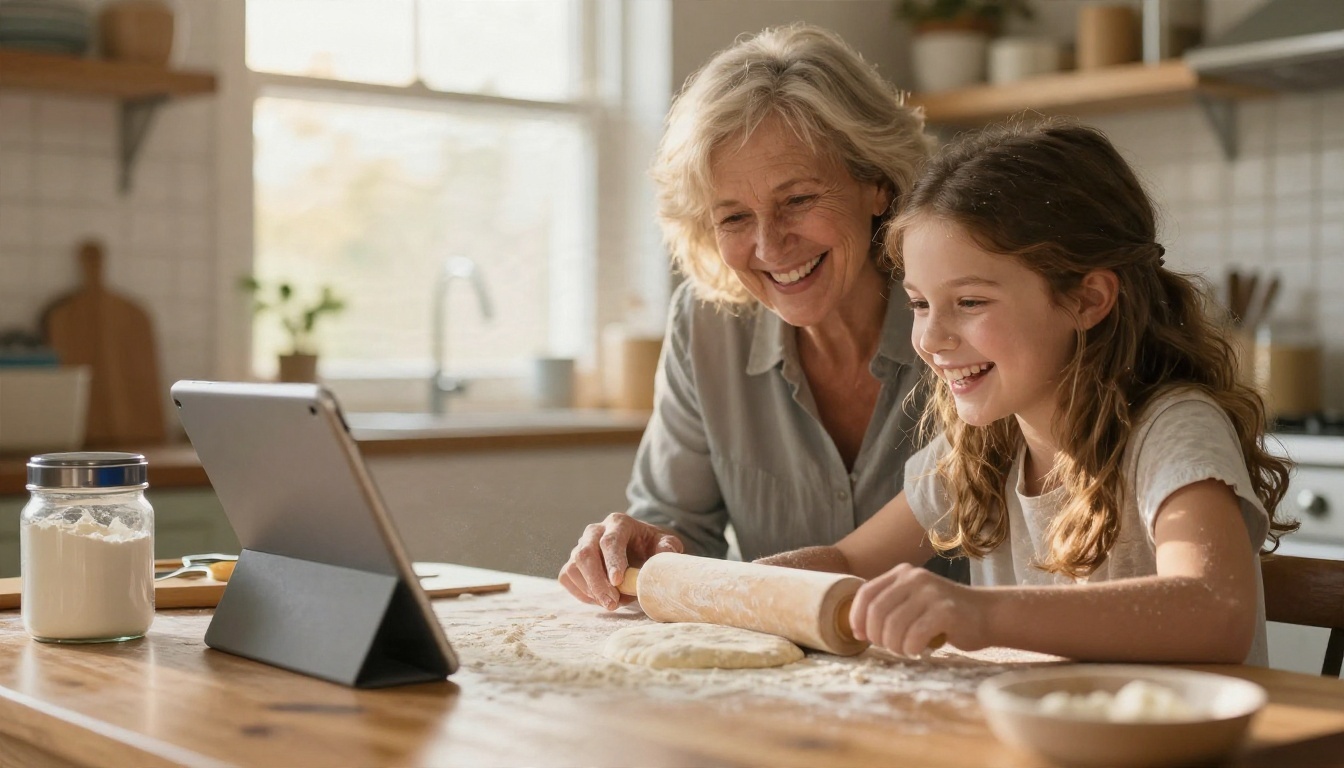
Upload and Convert
- Write or gather your recipes in any editor and export the finished book as a PDF.
- Open Flipbooks AI and create an account.
- Upload the PDF. The platform converts each page into a flipbook spread with realistic page-turning.
- Preview the result on both desktop and phone. Check that ingredient lists are still readable at small sizes.
💡 Pro tip: Export your PDF at a normal resolution rather than the largest one possible. Photos stay sharp and the book loads faster on mobile data.
Customize the Look
Once the flipbook exists, make it feel like your book:
- Branding: Add your logo or a family name to the viewer.
- Colors: Pick a background that matches your cover art, such as warm cream or sage green.
- Page effects: Choose the page-curl style and sound that suit the mood.
- Multimedia: Embed a short video of a technique, or audio of a relative telling the story behind a dish.
Video on a recipe page is surprisingly powerful. A fifteen second clip of dough being folded explains more than a paragraph of text.
Share and Protect
Sharing is where a flipbook beats a loose PDF. You have several options:
- Direct link: Paste it in a message or a social bio.
- Embed code: Drop the book onto a blog or website. See the guide to embedding a flipbook.
- Password protection: Keep a family collection private.
- Offline download: Let guests save a copy for the kitchen, where Wi-Fi is often poor.
Pro Features Worth Knowing
If you publish for an audience, the Professional plan adds analytics and lead generation. You can see which recipes people open most, and collect an email address before someone reads your free cookbook. Review the pricing plans to see which tier fits. Standard plans and above also allow unlimited flipbooks, so you can publish one book per season without worrying about a cap.
| Plan Need | What to Look For |
|---|
| One private family book | Password protection, no watermark |
| Several seasonal books | Unlimited flipbooks |
| Blog audience building | Lead generation and analytics |
| Kitchen use without Wi-Fi | Offline downloads |
Real Examples From Home Kitchens
Theory is useful, but nothing beats seeing how real people use a digital cookbook.
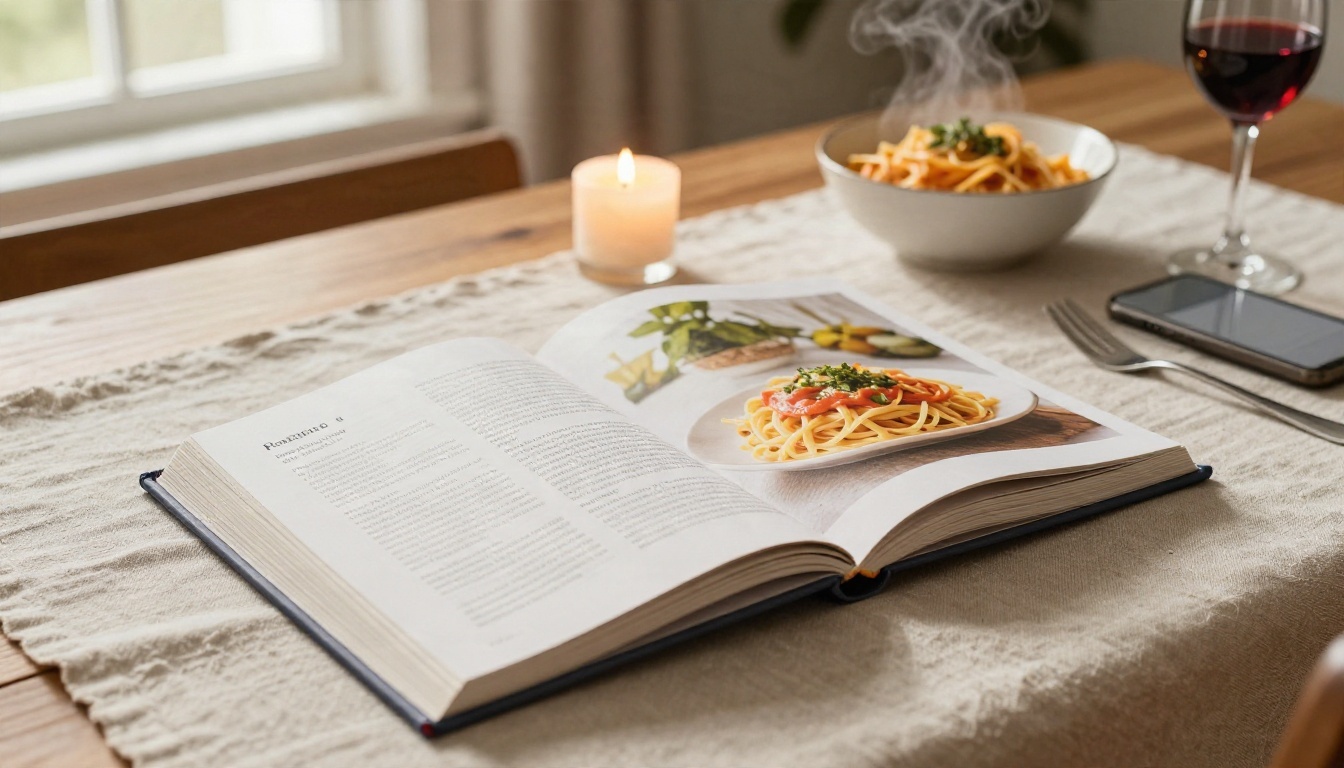
Family Heirloom Book
A daughter scans forty of her mother's handwritten recipe cards, places each scan beside a typed version and adds a short memory under every dish. She converts the PDF to a flipbook, protects it with a password and sends the link to eleven relatives. Two cousins also order a printed copy from the same PDF. The digital version stays alive, and updates are easy when someone remembers a missing recipe.
Food Blogger Freebie
A baking blogger designs a fifteen page "Weeknight Dinners" book and offers it in exchange for an email signup. The flipbook sits on a landing page through an embed code. Because the Professional plan includes lead generation and analytics, the blogger sees how many readers reach the last page and which chapter gets the most attention.
Small Business Menu Book
A caterer uses the same process for a seasonal tasting booklet. Clients flip through dishes on their phones before a meeting. For more menu focused projects, the Restaurant Menu Creator and Menu Flipbook Designer are worth a look.
| Scenario | Who Reads It | Best Sharing Method |
|---|
| Family heirloom | Relatives | Password protected link |
| Food blog freebie | Subscribers | Embed on landing page |
| Wedding gift | Couple and guests | Direct link and QR code |
| Caterer tasting book | Clients | Link in the proposal email |
Common Mistakes to Avoid
Most failed cookbook projects die from the same five problems.
- Starting with design instead of content. Finish typing and testing recipes first. Pretty pages with wrong measurements are worse than plain pages with right ones.
- Mixing units. Pick grams or cups and stick with them, or include both on every page.
- Skipping test cooks. Cook each recipe once from the written text, exactly as a stranger would.
- Using dark, grainy photos. Natural window light beats a kitchen ceiling bulb every time.
- Forgetting a backup. Keep the original editable file and the PDF in two separate places.
⚠️ Watch out: Copying recipe text from other websites can cause copyright trouble. Ingredient lists are generally fine, but the written method and stories belong to their authors. Stick to your own words.
A final habit worth building: update the book once a year. Add the new dishes, retire the failures and re-upload the PDF.
Ready to Publish Your Recipes?
The best recipe book app is the one that matches your goal. Use a simple organizer if you only need to save things. Use a flipbook when you want to share them beautifully.
Your recipes have been waiting long enough in a notebook. Give them a proper home, and the next time someone asks for the lasagna recipe, you will send a link instead of a blurry photo.



