Every Friday, someone in your organization pulls the same all-nighter: copy the last bulletin, change the dates, fix the typos, hunt for a working printer, and fold two hundred sheets by hand. By Monday morning, most of those copies are crumpled in a coat pocket or a recycling bin. There is a better rhythm. With Flipbooks AI you can turn the same weekly announcements into a page-turning, mobile-friendly publication that people open on their phones, and you can start for free.
This article shows you what dynamic weekly announcements look like in practice, who is already using them, what they cost compared with paper, and how to build your first edition in under an hour.
Why Paper Bulletins Fall Short
Paper bulletins feel familiar and safe. They are also slow, expensive and impossible to correct once printed. If the potluck moves from Thursday to Friday, or the school trip is cancelled because of weather, every printed copy is already wrong.
The Hidden Cost of Printing
Most groups only count the paper and toner. The real bill is bigger:
- Printing and paper: a 4 page bulletin for 200 households adds up to thousands of sheets every year.
- Volunteer hours: folding, stapling and stuffing mailboxes eats a few hours every single week.
- Postage: mailing copies to members who cannot attend is often the most expensive line item.
- Corrections: a reprint after one wrong phone number costs the full price again.
Information Dies on the Page
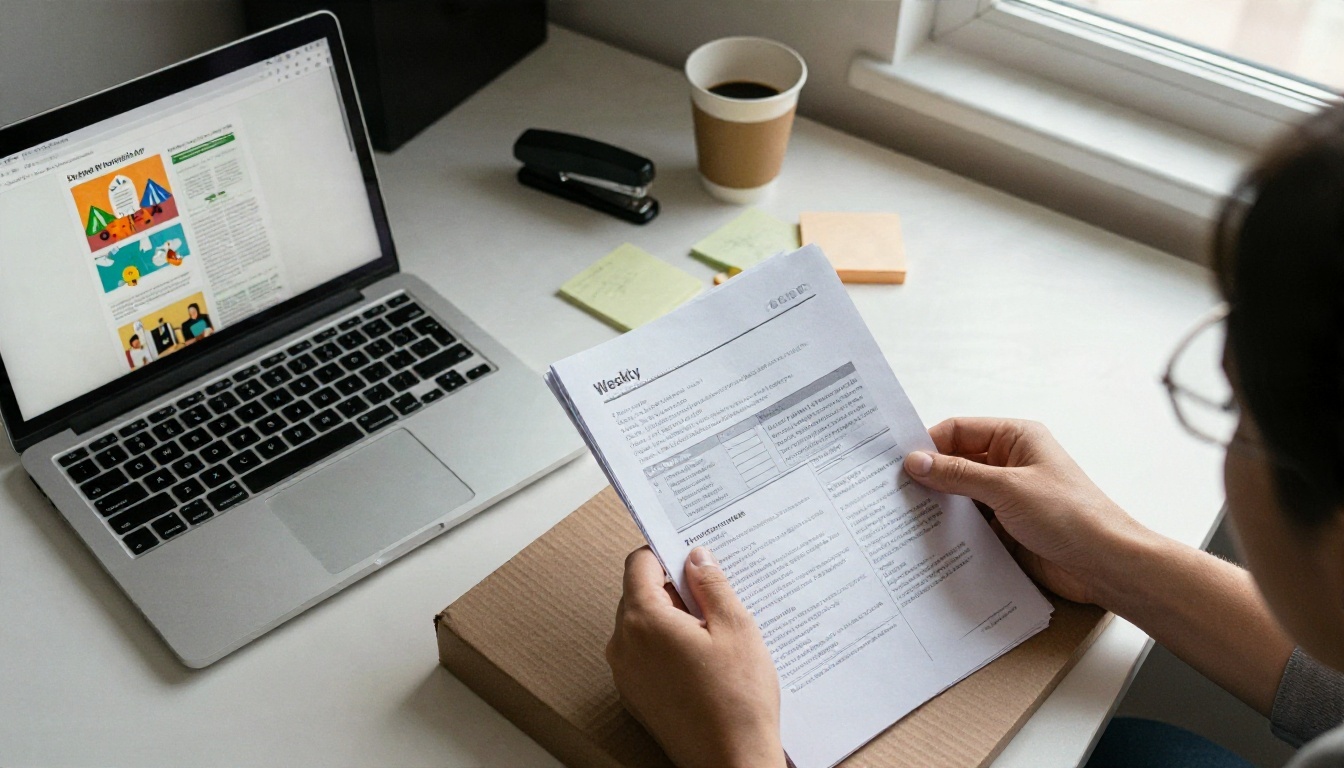
A printed bulletin is a snapshot. It cannot link to a sign-up form, play a short welcome message or show the new photo gallery from last weekend. Readers also cannot search it, so the one detail they need (the room number, the start time) is buried somewhere on page three.
| Feature | Paper Bulletin | Dynamic Weekly Flipbook |
|---|
| Cost per edition | Printing, paper, folding, postage | Close to zero after the first setup |
| Fix a mistake | Reprint everything | Replace the file in minutes |
| Reach | Only people who pick it up | Anyone with a link or QR code |
| Links and forms | Not possible | Clickable sign-ups, maps, donations |
| Video and audio | Not possible | Embedded greetings and event clips |
| Archive | A drawer of faded copies | Searchable back issues online |
| Environmental impact | Paper waste every week | No paper at all |
💡 Pro tip: You do not have to abandon print on day one. Keep a small stack for people who prefer paper and add a QR code to the table that opens the online edition.
What Dynamic Announcements Actually Are
"Dynamic" does not mean complicated. It simply means your bulletin can change, link out and live online instead of being frozen on a page.
The Flipbook Format in Plain Terms
A flipbook is a digital publication that looks and feels like a real booklet. Readers flip pages with a swipe or a click, zoom in on small print and tap links. You create it from a normal PDF, so you can keep using the design tool you already know, whether that is a word processor, Canva or a template from your denomination or district.
What makes it dynamic:
- Always current: swap in this week's file and the same link shows the new edition.
- Interactive: buttons for RSVP forms, volunteer sign-ups and donation pages.
- Multimedia: short videos from a pastor, principal or program director.
- Measurable: you can see how many people opened it and which pages they read.
Who Benefits Most
Any group that publishes the same kind of update every week is a fit:
- Faith communities with a Sunday bulletin and midweek notices.
- Schools and parent associations sending weekly family updates.
- Nonprofits coordinating volunteers, events and donor news.
- Neighborhood associations and housing communities.
- Sports clubs and youth groups with changing schedules.

Real Examples You Can Copy
Seeing a structure helps more than a list of features. Here are three setups that work well, and the tools that fit each one.
Example 1: A Church Sunday Bulletin
A mid-sized congregation used to print 180 copies each week. Now the office assistant exports a PDF on Thursday, uploads it, and shares one permanent link and a QR code printed on a small sign in the foyer. The flipbook includes:
- Page 1: welcome, order of service and a short video greeting.
- Page 2: this week's prayer needs and community news.
- Page 3: upcoming events with a clickable sign-up link for each.
- Page 4: giving options and contact details.
The same link works for members who are sick at home or traveling. Older members who prefer paper still get a small printed stack, and the total print run dropped by more than half.
Example 2: A Nonprofit Volunteer Update
A food bank sends a weekly volunteer bulletin with shift openings, a thank-you page featuring photos from the last distribution day, and a donation button. Because the link never changes, the team pins it in their group chat and email signature. At the end of the year, they reuse the same material in their Non-Profit Annual Report, which saves hours of copy and paste.
Example 3: A School Weekly Update
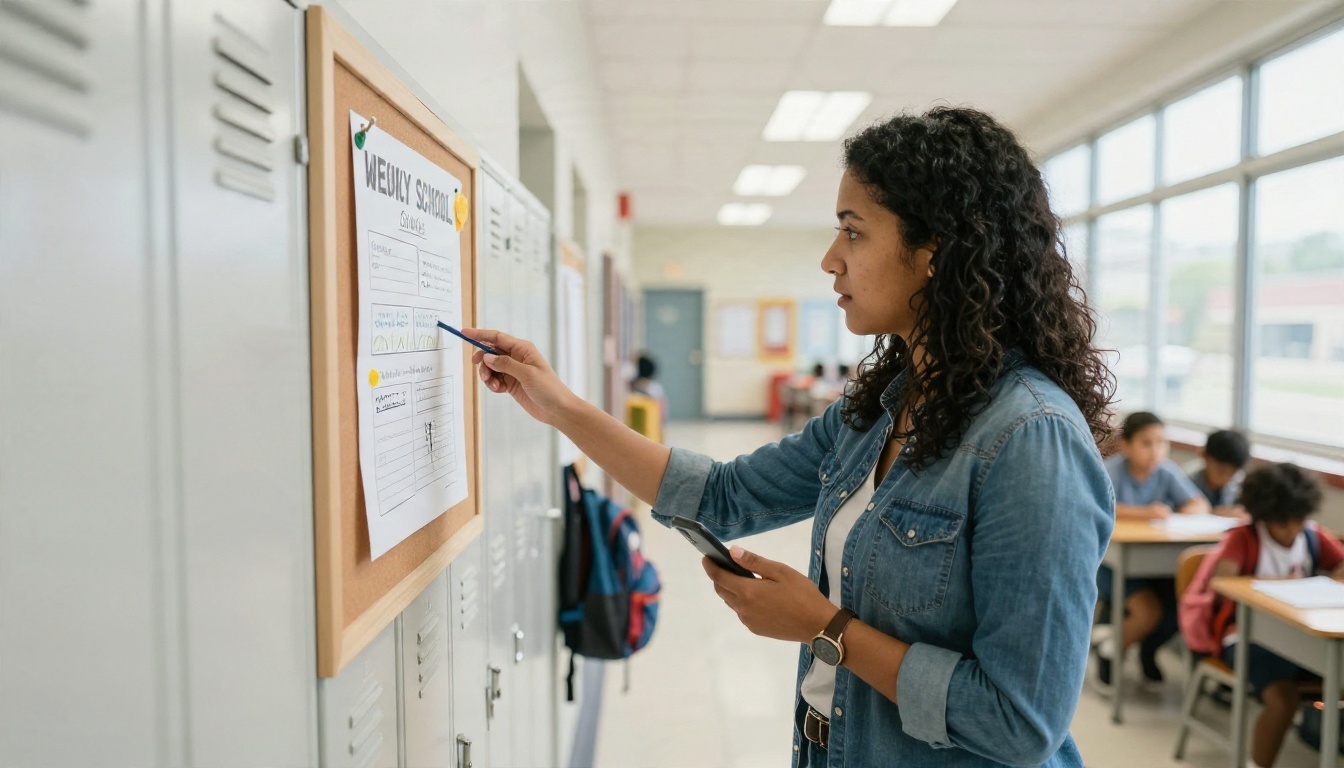
A primary school replaced its Friday paper folder with a short flipbook built with the School Newsletter Creator. Teachers add a class page, the office adds the calendar, and parents get one link by text message. Lost permission slips are no longer an issue because the form is a clickable link inside the flipbook.
How to Create a Weekly Bulletin with Flipbooks AI
This is the full workflow, from blank page to a link you can share. You can follow along on Flipbooks AI with a free account.
Step 1: Build Your PDF Once
Design a reusable template with the sections you publish every week: welcome, this week, upcoming, contacts. Keep fonts large, because most readers will open it on a phone. Export it as a PDF at normal screen quality.
✅ Best practice: Save one master template and duplicate it every week. Consistent layout means readers know exactly where to look.
Step 2: Upload and Convert
- Sign in to your Flipbooks AI account.
- Click to create a new flipbook and drag in your PDF.
- Wait a few seconds while the PDF to Flipbook Converter turns each page into a flippable spread.
- Preview the result on desktop and on your phone.
Screenshot description: you will see a clean editor with your pages as thumbnails on the left and a live preview of the open booklet in the center.
Step 3: Customize the Look
Make it feel like your organization, not a generic file:
- Branding: add your logo and choose colors that match your site or church banner.
- Page effects: pick a page-turn animation and a background that suits your style.
- Multimedia: embed a welcome video or a short audio message right on the page.
- Links: turn event titles and buttons into clickable links to forms and maps.
No watermarks are added, so the bulletin looks professional and fully yours.
Step 4: Share It Every Way People Read
| Sharing Method | Best For | How It Works |
|---|
| Direct link | Text messages, group chats | One short URL to paste anywhere |
| QR code | Foyers, bulletin boards, flyers | Print once, works every week |
| Embed code | Your website homepage | Follow the Embed Flipbook on Website steps |
| Email | Weekly mailing list | Link with a cover-style preview in the message |
| Password protection | Staff or members-only news | Readers need a code to open it |
| Offline download | Members with weak internet | Save a copy to read without a connection |
Step 5: Use Analytics and Lead Capture
If you want to know whether people actually read your announcements, the Professional plan adds analytics and lead generation. You can see views, pages that get the most attention and which links get clicked. A nonprofit can also ask for an email address before the bulletin opens, which quietly grows the mailing list. See the pricing plans for details.
Free Versus Paid: What You Really Need
Most small groups can begin without spending anything. Upgrade only when a real need appears.
| Need | Feature | Where It Fits |
|---|
| Try the workflow | Upload a PDF, share a link | Free to start |
| No logo from a third party | No watermarks, ever | All plans |
| Publish every week without limits | Unlimited flipbooks | Standard plan and above |
| Keep member news private | Password protection | Paid plans, see pricing |
| Know what people read | Analytics and leads | Professional plan |
| Reach people on any device | Mobile-responsive reading | All plans |
⚠️ Watch out: Plan limits change over time. Check the current pricing page before you commit to a budget.
A Weekly Workflow That Sticks
Software only helps if your team actually uses it. These habits keep the process light.
The 30 Minute Routine

- Monday: collect announcements in one shared document or form.
- Wednesday: one person edits, trims and checks dates.
- Thursday: export the PDF and upload it.
- Friday: share the link by text, email and social media.
- Sunday or event day: display the QR code at the entrance.
Because the link stays the same, you never have to retrain your readers.
Keep Content Short and Scannable
People read bulletins on a phone in a hallway or waiting room. Use:
- Short blocks: three lines per announcement, not a paragraph.
- Clear dates: put the day and time first, in bold.
- One action per item: a single link or button, not four.
- Real photos: faces from your own community beat stock images every time.
Mistakes to Avoid
- Changing the link every week. Use one permanent address so bookmarks keep working.
- Dropping print overnight. Offer a small paper stack for the first few months.
- Tiny text. If you need to zoom to read it, so will everyone else.
- Forgetting accessibility. Use high contrast colors and clear headings.
- No owner. Assign one person responsible for each edition, with a backup.
💡 Pro tip: Add a "last updated" line to the first page. It tells readers the information is current and builds trust.
Frequently Asked Questions
Is It Really Free?
You can begin without paying, and many small groups publish simple bulletins that way. Paid plans add unlimited publishing, privacy controls and analytics for organizations that outgrow the basics.
Will Older Members Be Left Behind?
Not if you plan for it. Keep a small printed run, show the QR code in a large format and ask a volunteer to help people open the link on their first Sunday. Within a few weeks, most readers prefer being able to zoom in on bigger text.
Can I Reuse Old Editions?
Yes. Every past edition can live as its own flipbook, which gives you a searchable archive. Many groups later pull highlights into a yearly report or a digital catalog of programs and services.
Ready to Retire the Paper Stack?
You do not need new design skills, a developer or a big budget. You need the PDF you already make, a few minutes to upload it and a link to share.
- Start a free edition today on Flipbooks AI and publish your first bulletin this week.
- Browse all flipbook tools to find a template that fits your church, school or nonprofit.
- Compare pricing plans when you are ready for analytics, privacy and unlimited editions.
Your readers are already on their phones. Meet them there, and give your volunteers their Friday nights back.



